8 Core Processors
Looking to supercharge your computer's performance? Look no further than 8 core processors. These power-packed components are designed to handle the most demanding tasks, whether you're a hardcore gamer, a professional content creator, or simply someone who wants lightning-fast computing. With their impressive multitasking capabilities and lightning-fast speeds, 8 core processors are the go-to choice for those who crave seamless performance and unparalleled efficiency. Get ready to take your computing experience to new heights with these powerhouse processors.
Sort
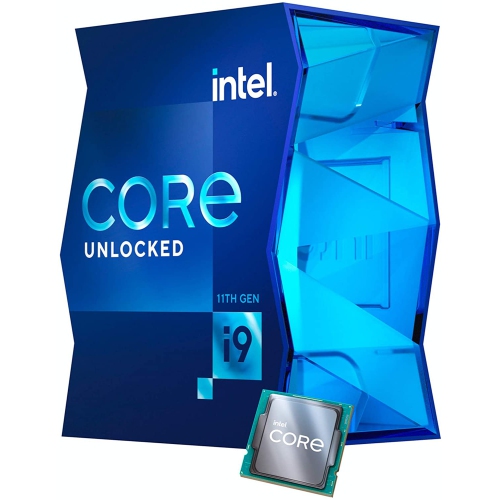
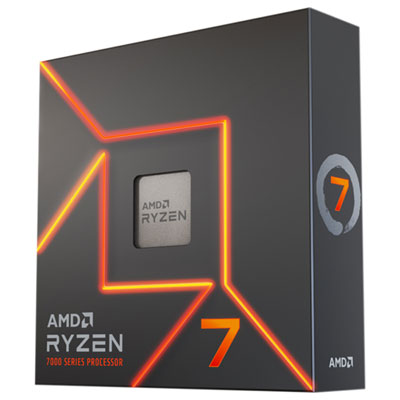
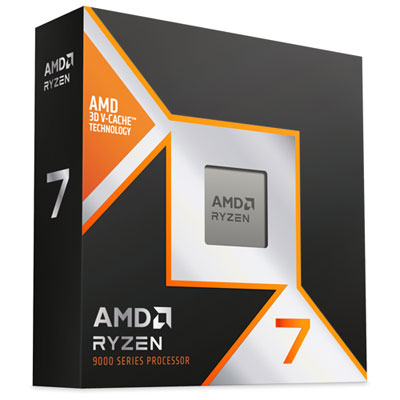

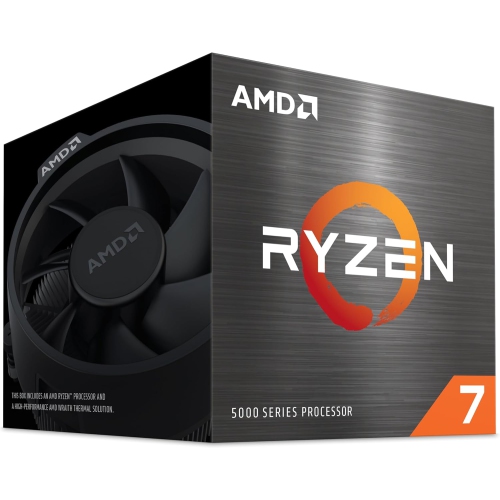
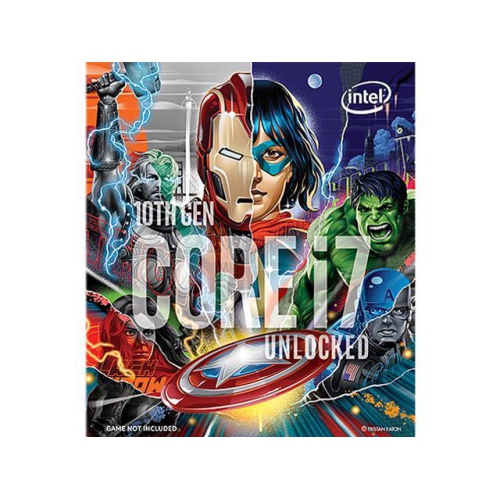
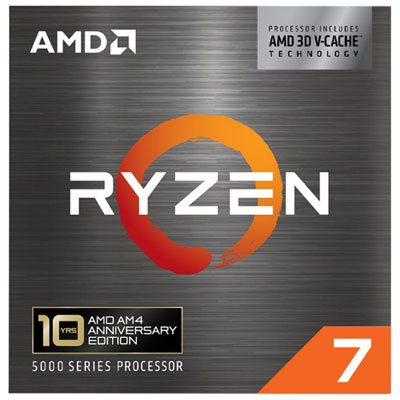
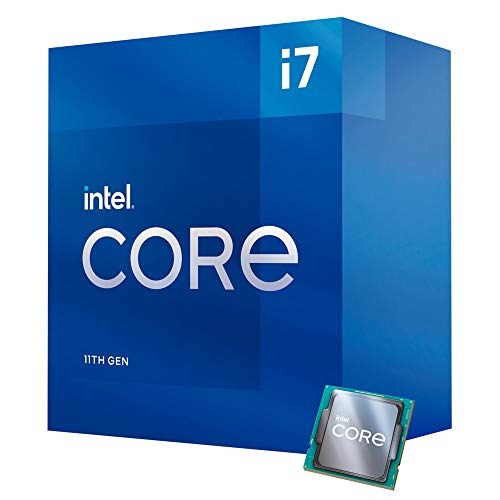

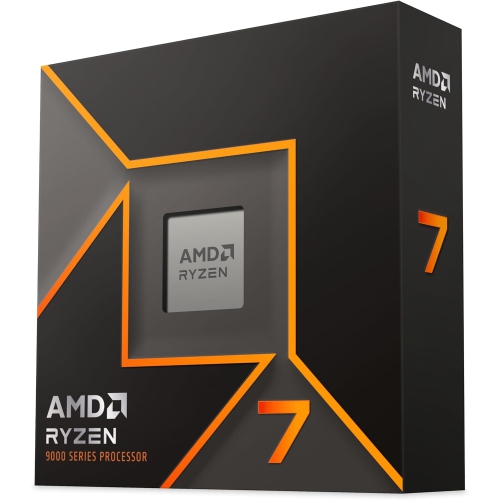
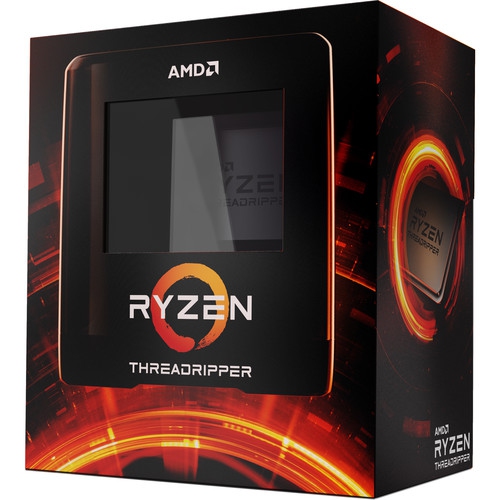
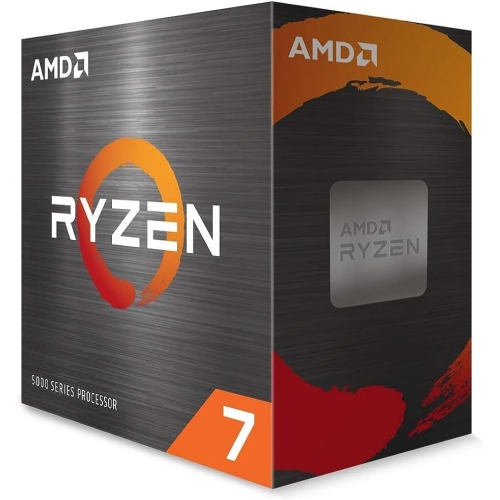
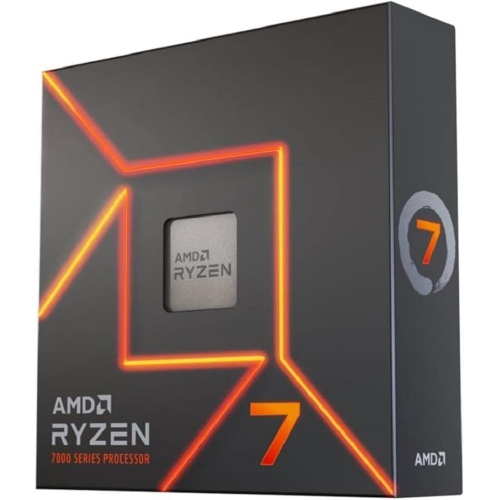
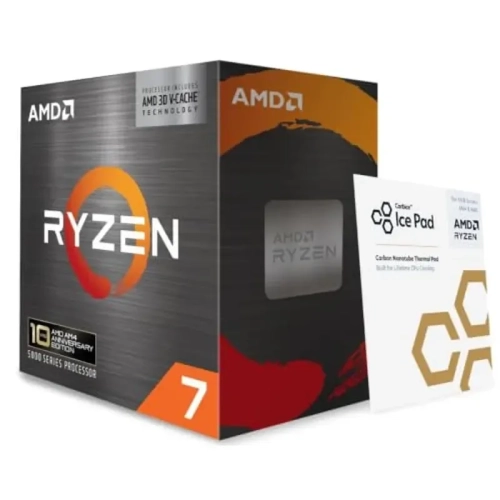
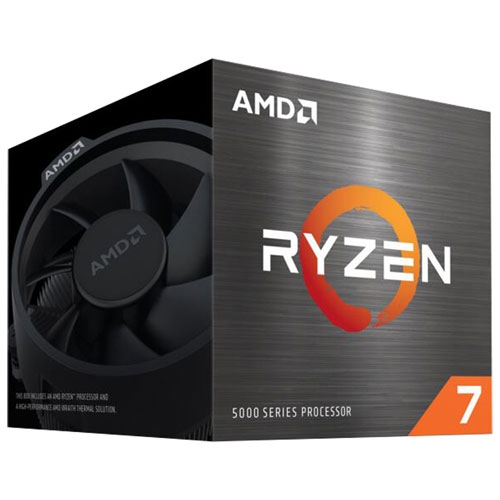
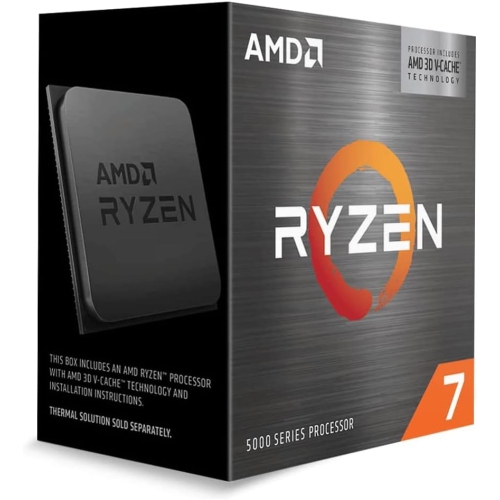
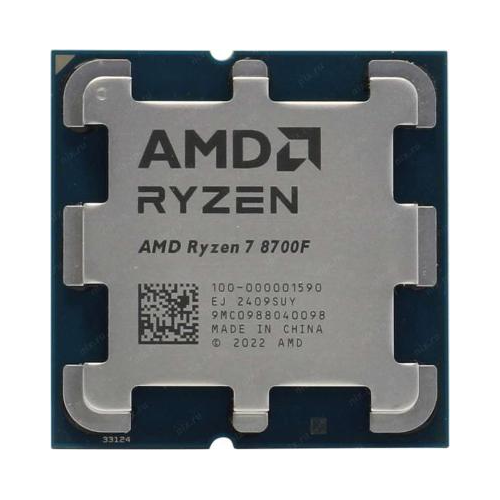
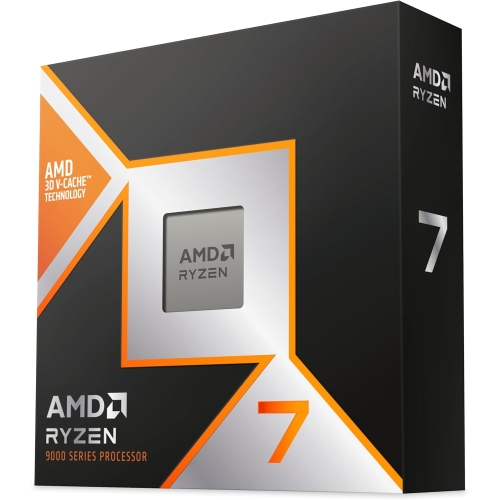
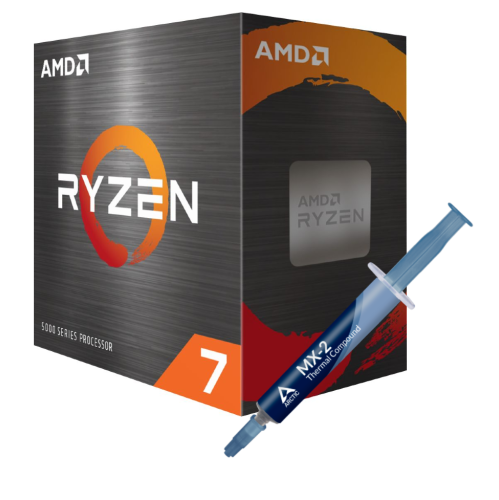
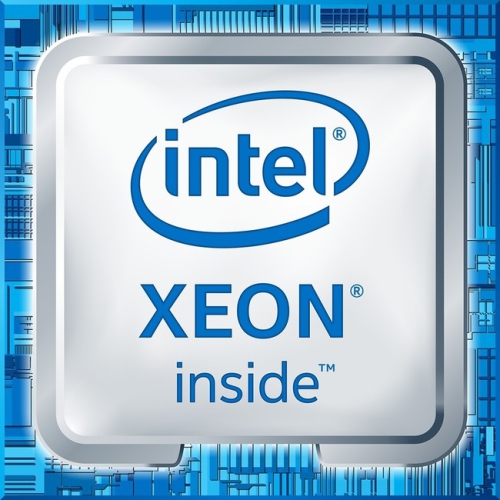
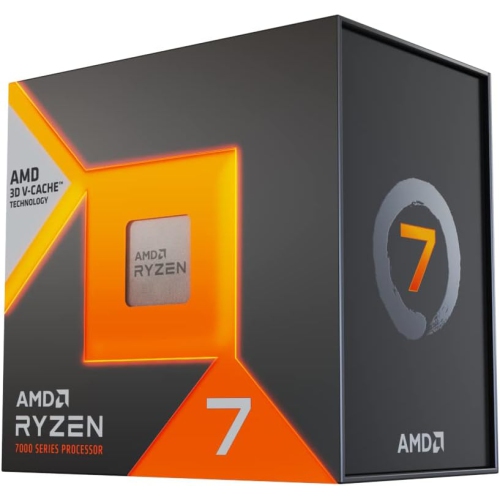
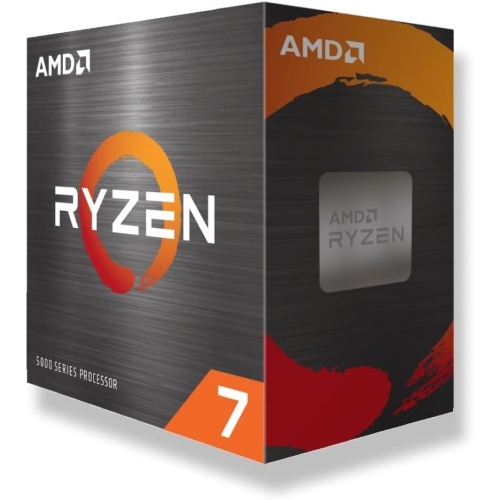
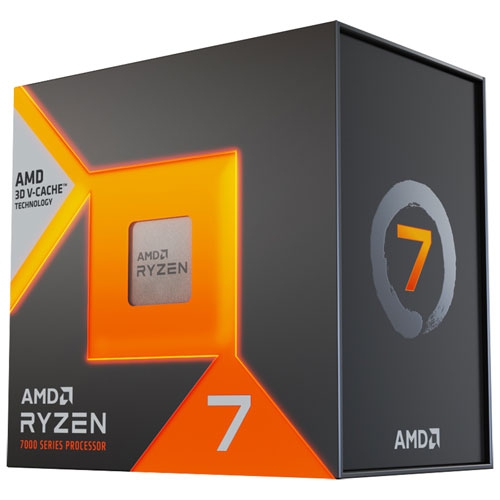
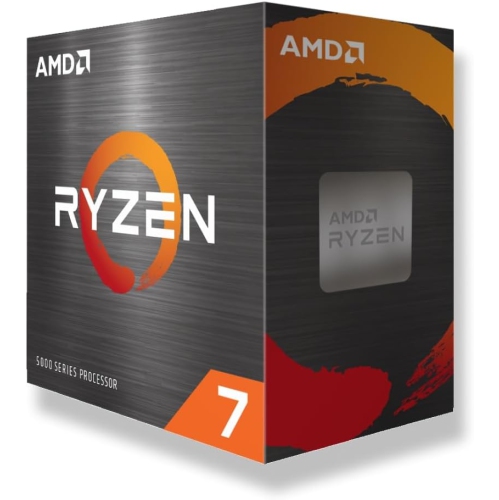
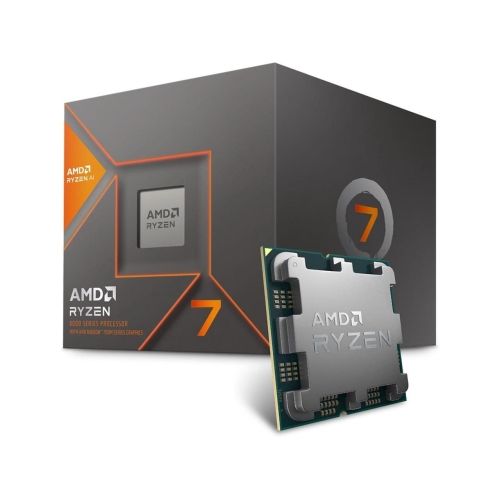
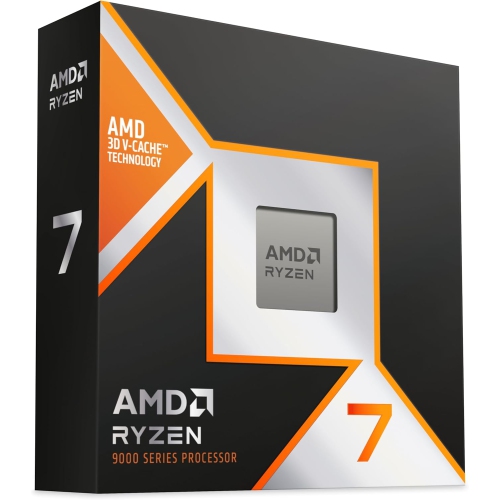
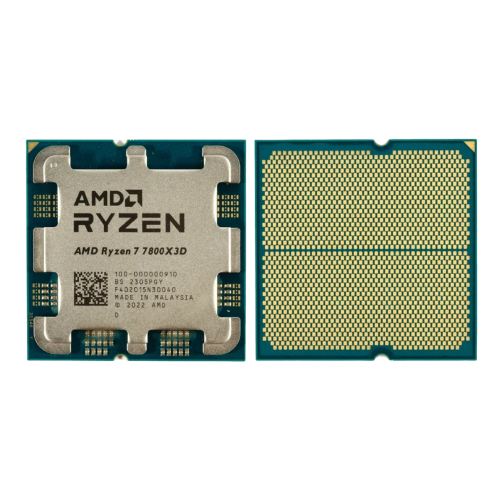






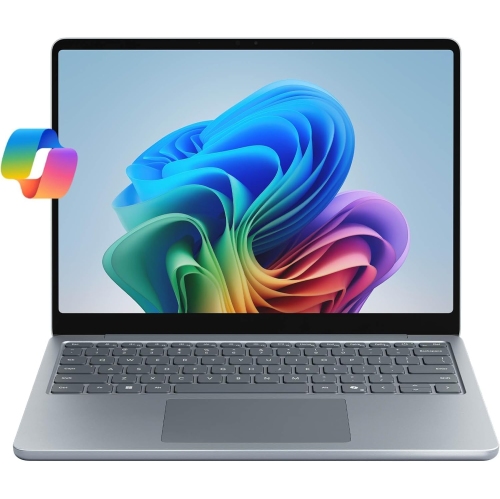

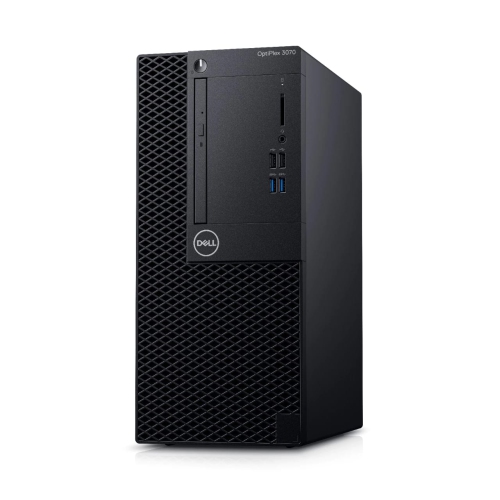
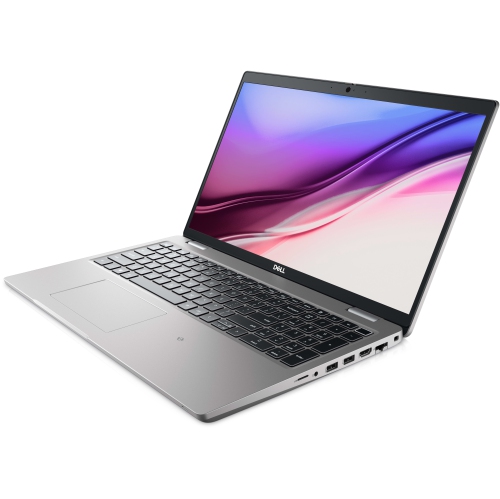
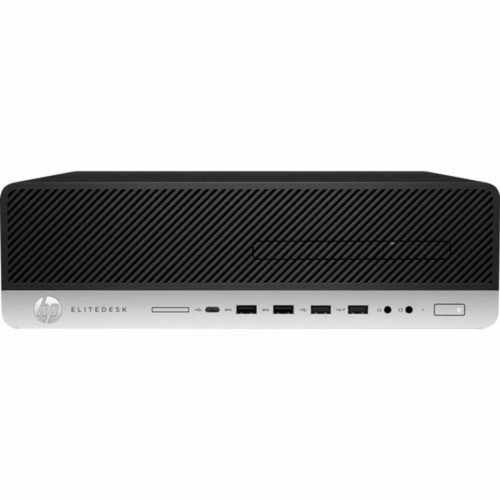
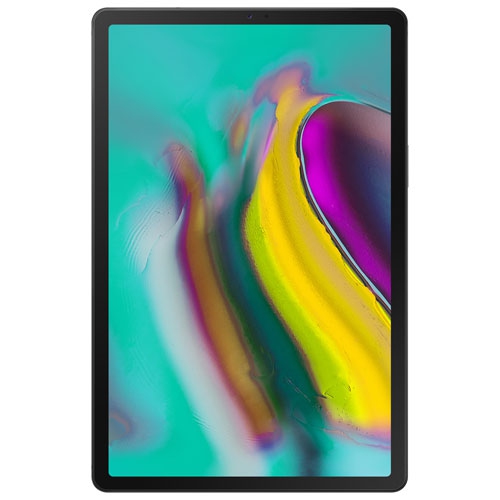
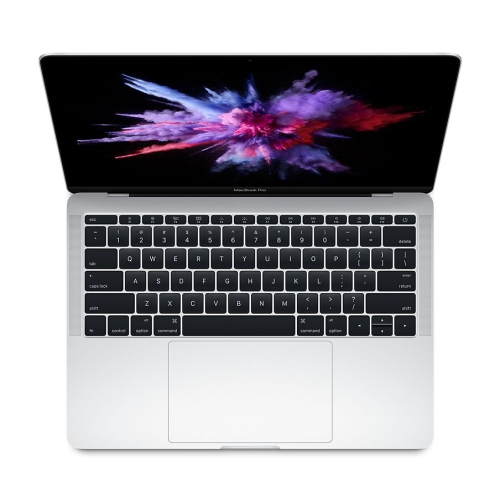
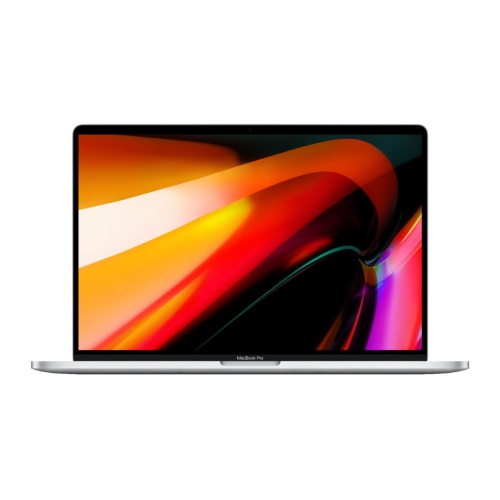

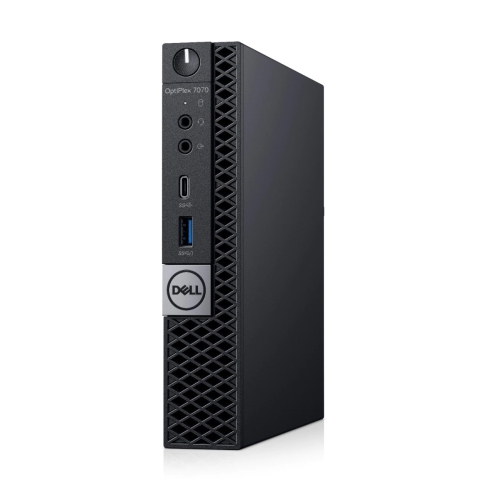

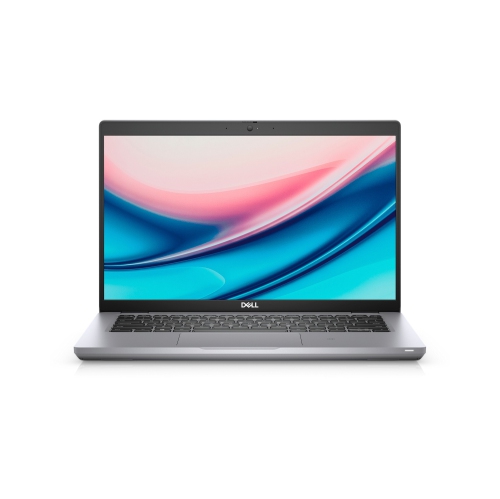

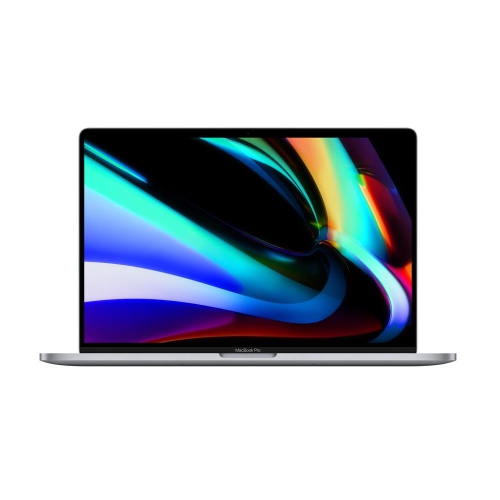
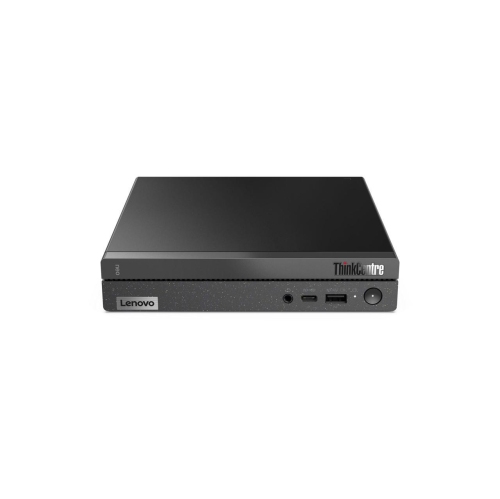
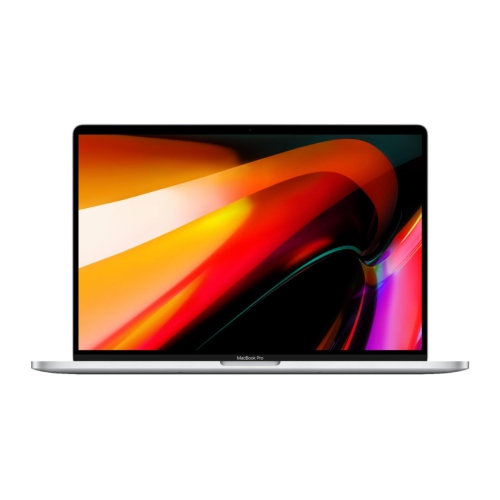
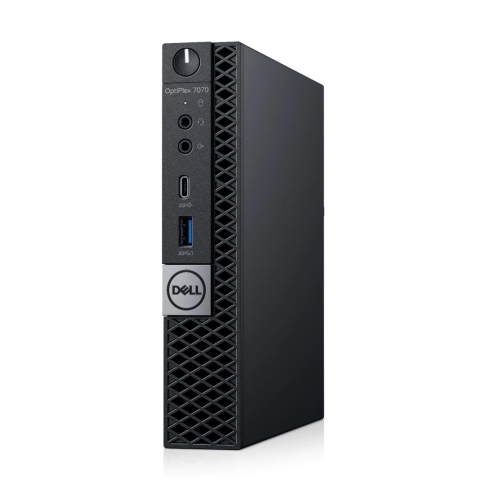
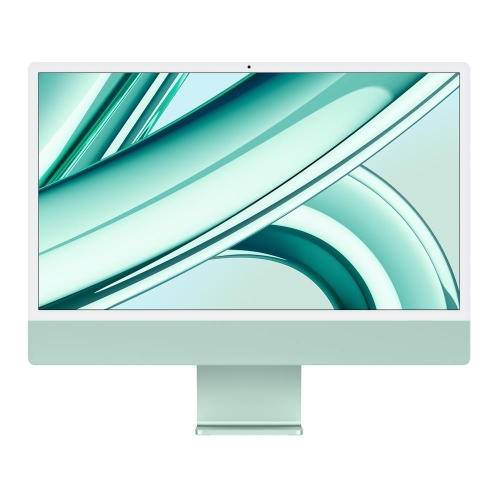
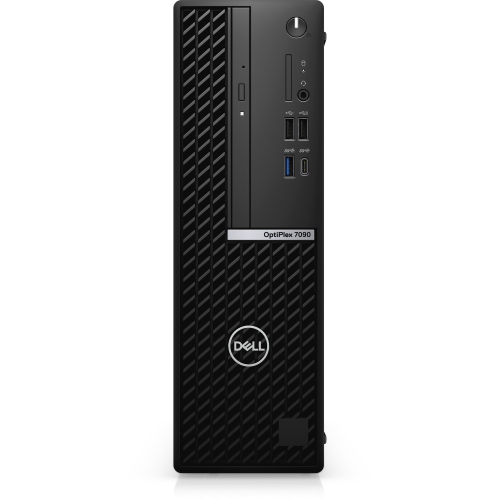
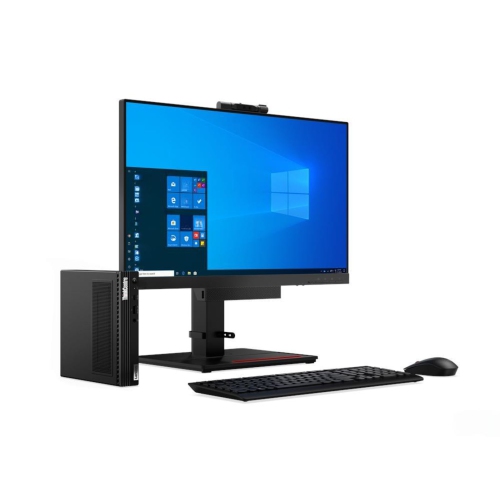

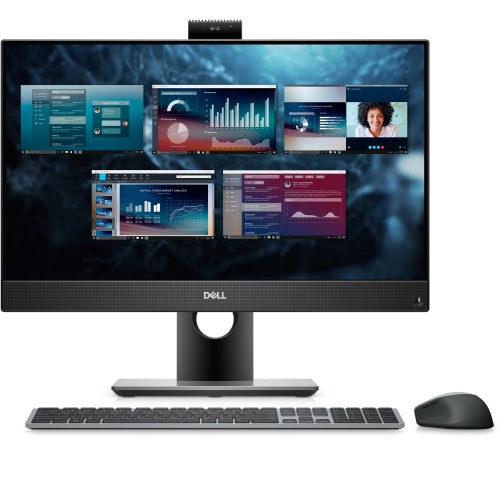
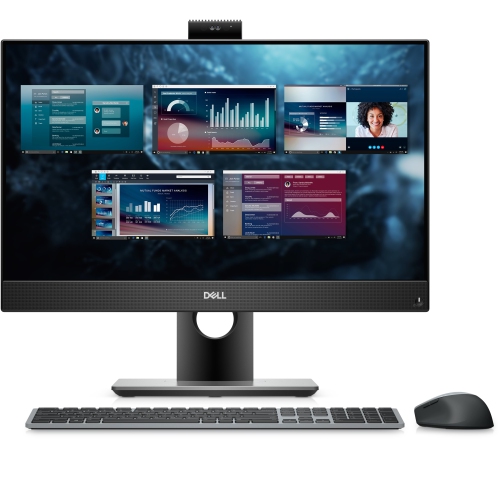
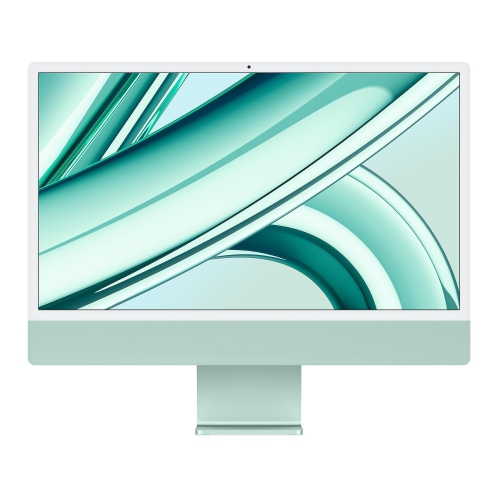
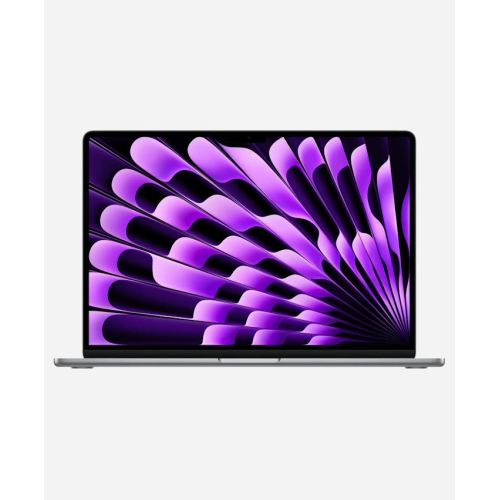
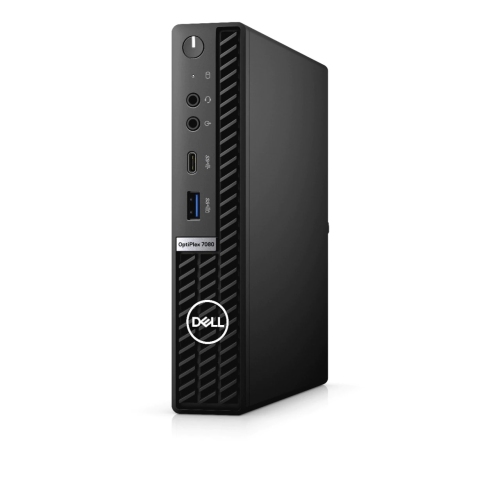

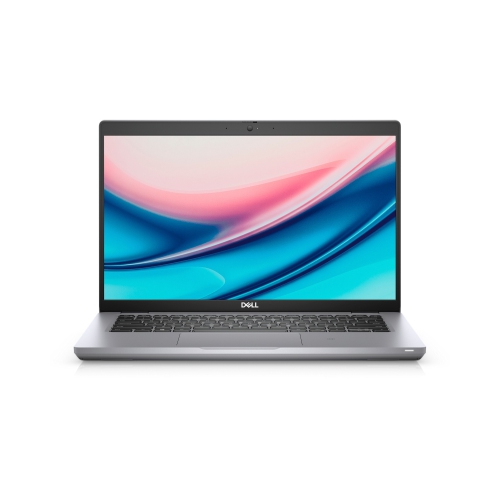

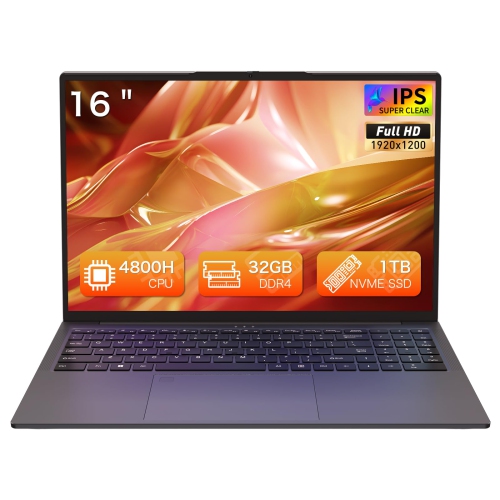


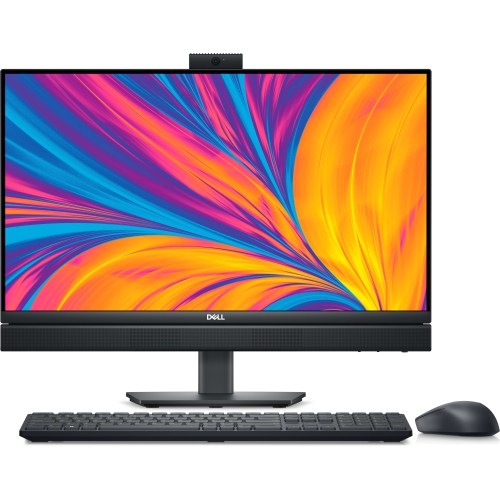
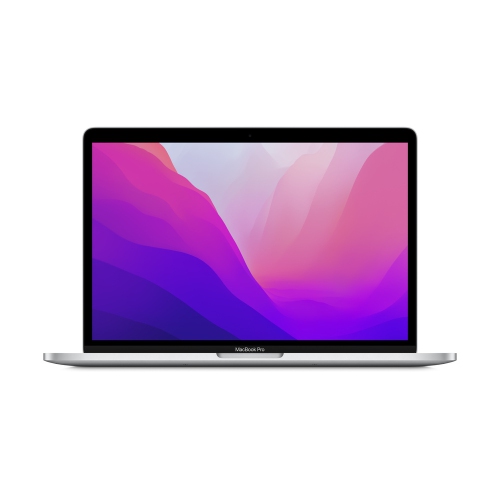



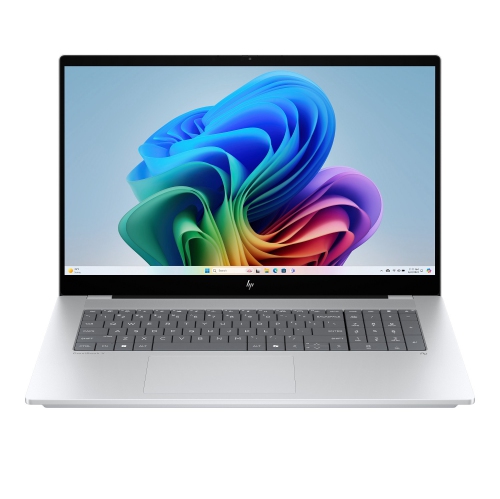
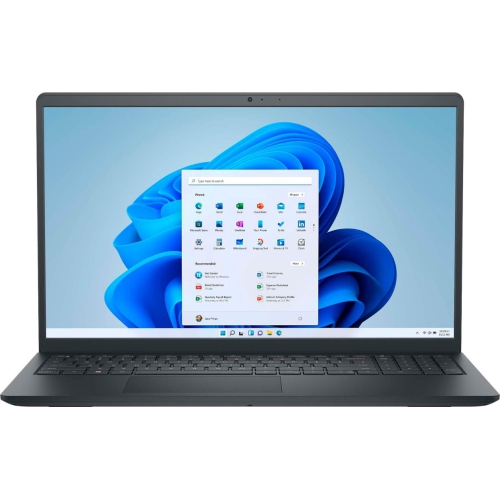

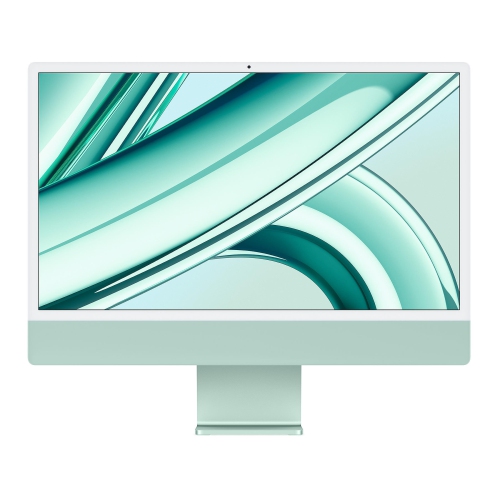






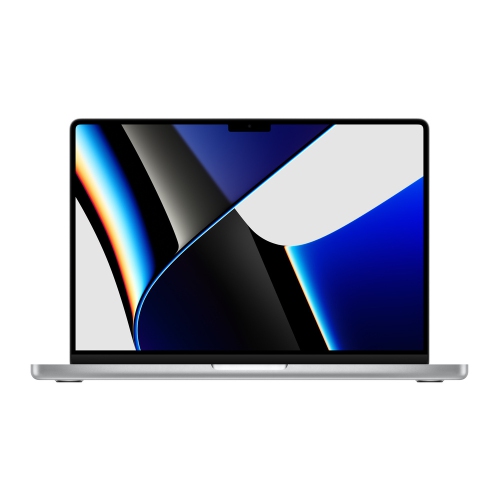
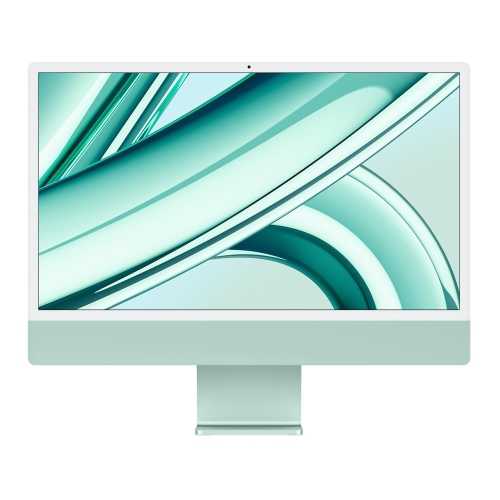
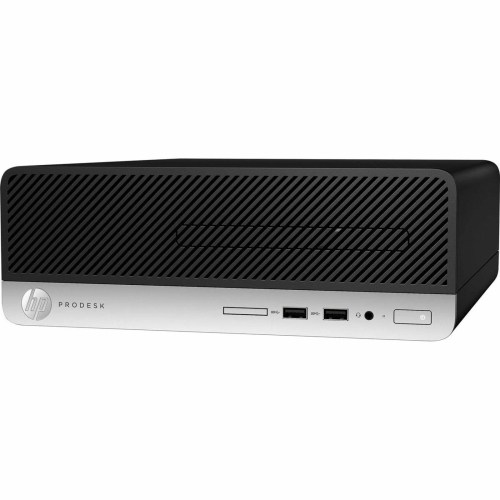

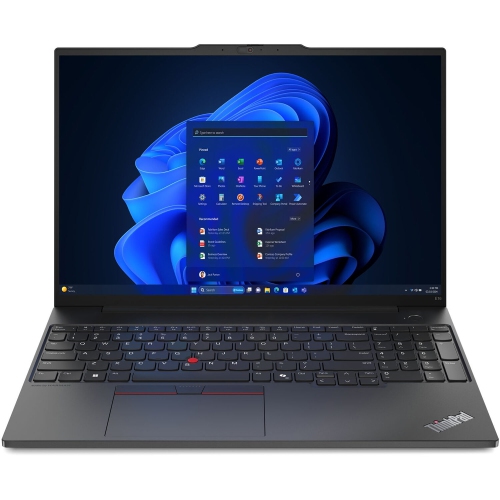

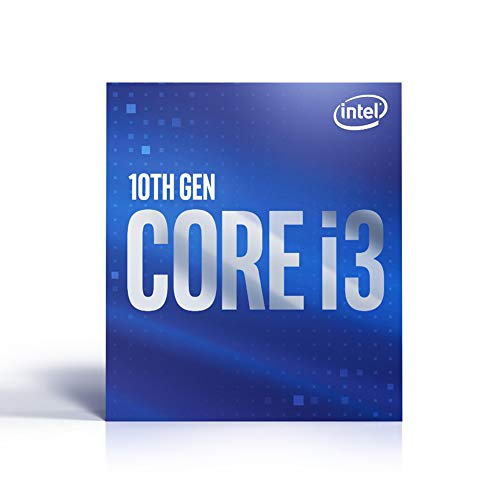
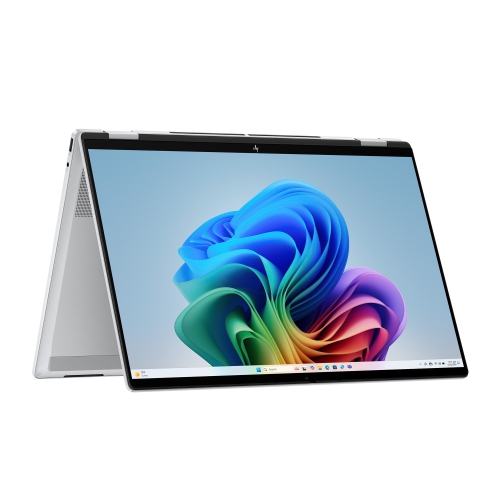
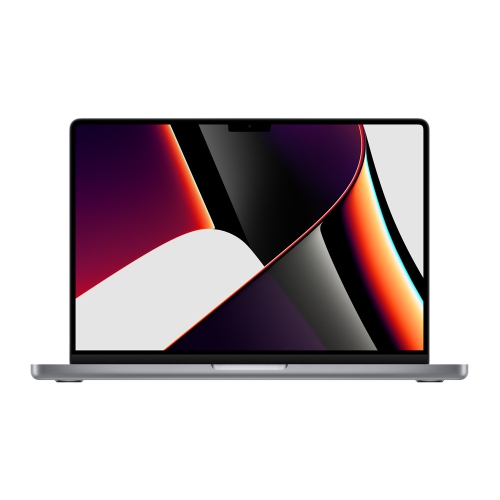
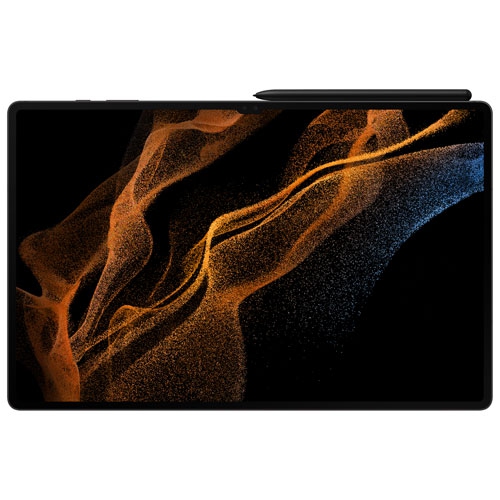
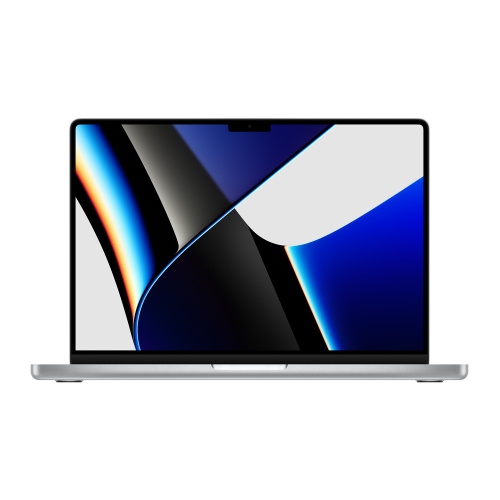
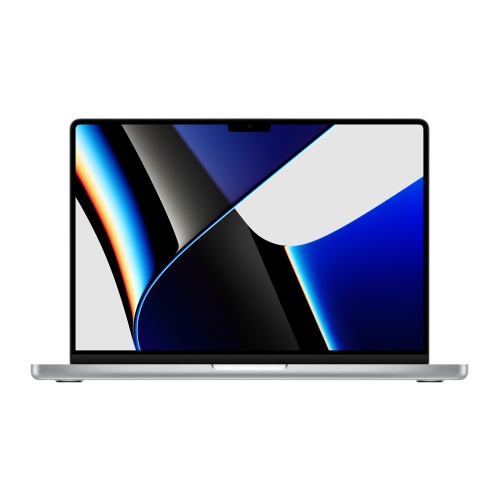
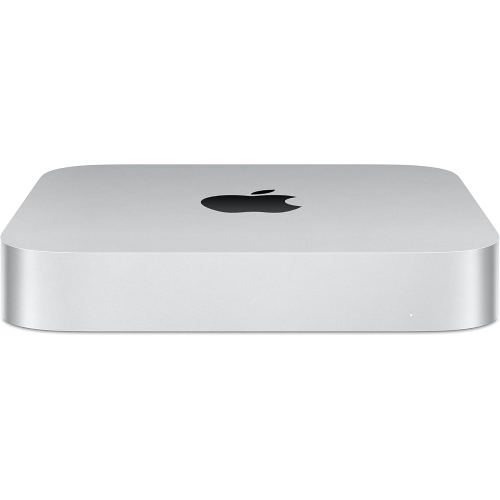


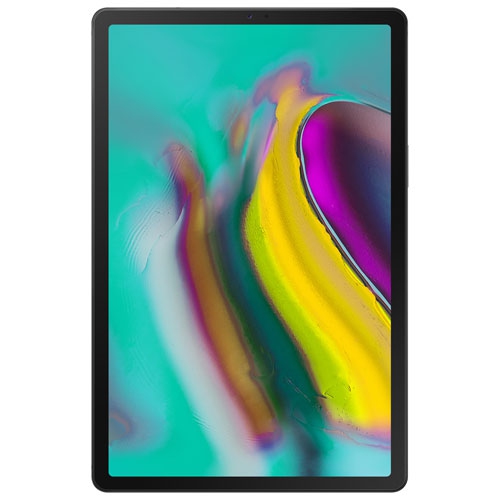
When extra cores help your computer handle more
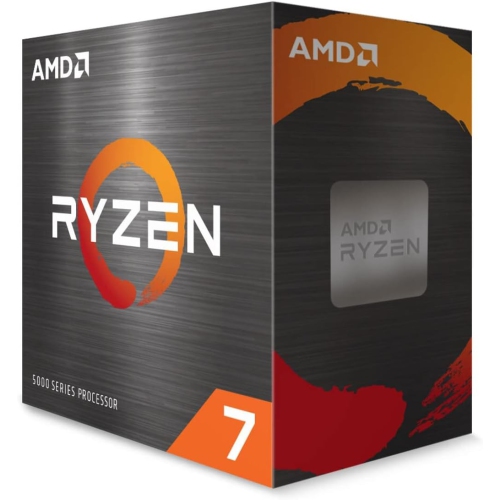
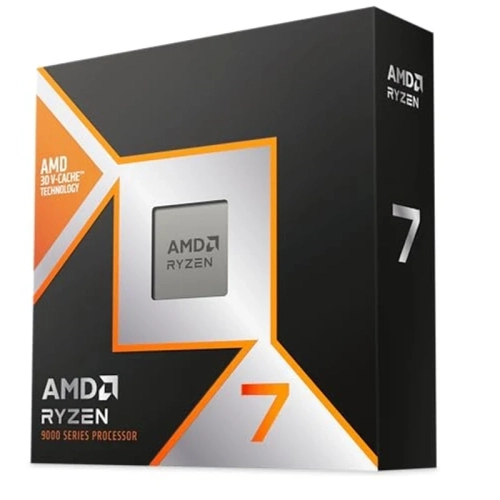
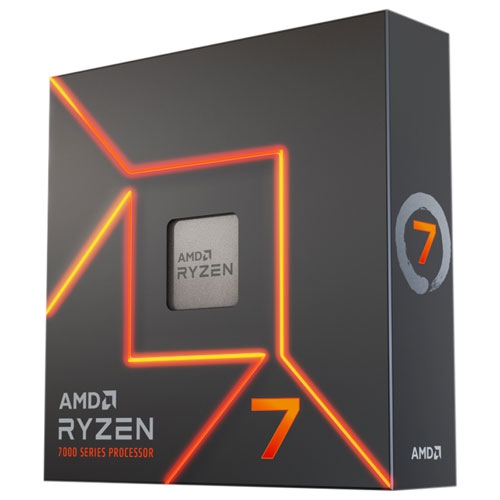
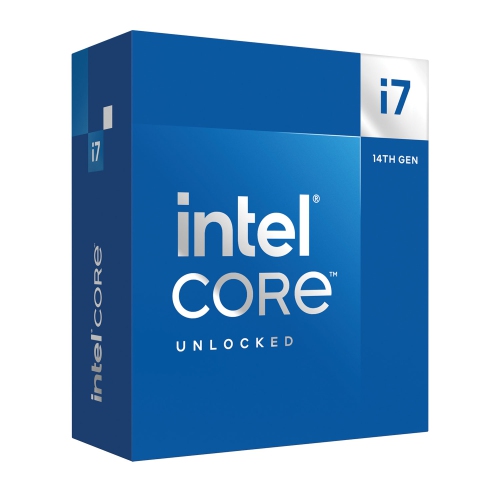
An 8-core processor is a central processing unit, or CPU, with eight physical processing cores in one processor package. Each core can execute instructions, allowing compatible software to distribute work across several cores rather than relying on just one. That makes 8-core processors a useful option for gaming, content creation, programming, and multitasking that involves more than a few browser tabs. A computer running a video call, a large spreadsheet, a presentation, and background file transfers has several jobs competing for processing time. Eight cores give the system more capacity to handle those jobs together, although responsiveness also depends on memory, storage, and the software involved. For creators, the benefit can be more noticeable during workloads such as video encoding, 3D rendering, and compiling code, where applications may divide a substantial job into smaller pieces that run in parallel. Gamers may appreciate the extra processing headroom when playing while using voice chat, recording gameplay, or running other applications. However, eight cores do not automatically guarantee higher frame rates: the graphics card, game engine, resolution, and performance of each individual core still matter. Core count also differs from thread count. Some processors can handle two hardware threads per core, while others use different arrangements, so eight cores should not be assumed to mean sixteen threads. Certain designs combine cores with different performance characteristics, making the architecture important as well as the total number. Clock speed, cache, and power limits help explain how a processor behaves, but no single specification captures its performance in every application. A higher clock speed is not necessarily faster when comparing different architectures or generations. For someone editing footage while preparing graphics and keeping reference material open, an 8-core CPU can provide useful flexibility. For someone whose main task uses only one or two cores, strong per-core performance may matter more than the unused processing capacity.
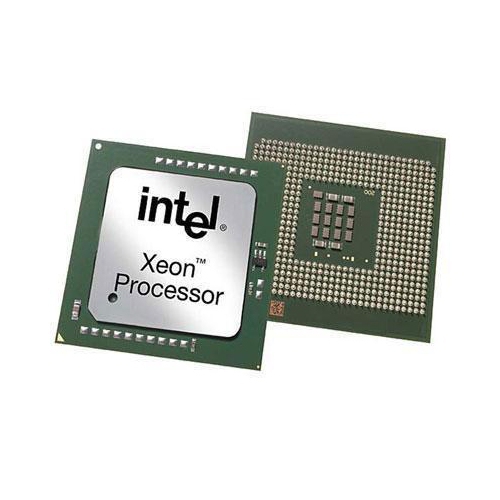
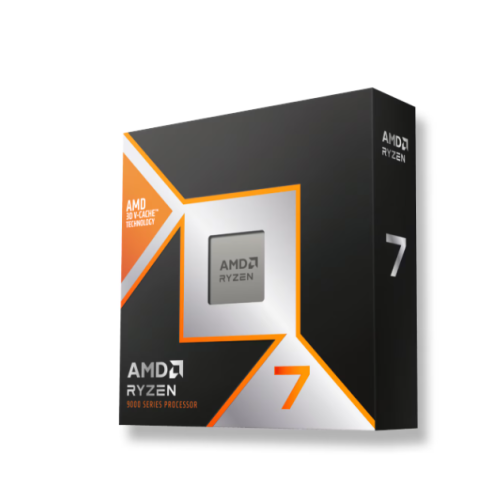
Physical and platform compatibility are central considerations for desktop 8-core processors. A processor must match the motherboard’s socket, and a matching socket alone does not always establish support. The motherboard chipset and firmware version also need to support that particular processor generation. Some upgrades require a firmware update before the new CPU is installed, and the update procedure varies by motherboard. Memory compatibility deserves the same attention: different platforms support different memory generations, and memory modules from one generation cannot simply be fitted into slots designed for another. An upgrade can therefore involve more than replacing the processor, especially when moving between platforms. Cooling hardware has its own fit requirements, including the correct mounting system, enough clearance around nearby components, and sufficient room inside the case. A tall air cooler may interfere with the side panel or memory modules, while a liquid cooler needs appropriate radiator mounting space. The processor’s power requirements should be considered alongside the motherboard’s power delivery and the cooler’s capacity, particularly for extended rendering or other sustained workloads. Desktop CPUs are compact electronic components built around semiconductor circuitry, a protective package, and electrical contacts; many also have a metal heat spreader that transfers heat to the cooler. Depending on the socket design, delicate pins may be on the processor or the motherboard. Careful handling helps protect these contacts from bending, contamination, and static discharge. The processor should seat without force, and the cooling assembly should use the mounting pressure and thermal interface material specified for that hardware. Removing a cooler may require cleaning away old thermal compound and applying fresh material before reinstallation, following the component manufacturers’ directions. These details matter because reliable contact between the processor and cooler supports consistent operation under load. Desktop processor upgrades are also different from laptop upgrades. Most laptop CPUs are soldered to the system board rather than designed for replacement, so a laptop with eight cores is generally selected as a complete computer. For a desktop build or upgrade, confirming the motherboard, memory, cooling, and case requirements helps establish whether an 8-core processor fits the intended system.
An 8-core processor performs best as part of a balanced computer rather than as an isolated specification. A gaming system still needs graphics hardware suited to the intended games and display resolution, while a video-editing workstation benefits from enough memory for its projects and storage that can keep up with large media files. Some CPUs include integrated graphics, but others require a separate graphics card to provide display output. Even when integrated graphics are present, their suitability depends on the workload; everyday desktop use and demanding 3D applications place very different demands on graphics hardware. The way a computer will be used also affects which processor characteristics deserve attention. A student working on programming assignments may value faster compilation and responsive multitasking, while a photographer may care more about how a particular editing application handles previews, exports, and large image collections. Someone recording gameplay needs to consider whether the recording software uses CPU-based encoding or dedicated graphics hardware, since that changes the load on the processor. For simpler tasks such as email, document editing, browsing, and video playback, 4 Core Processors provide a useful comparison when eight cores would offer more capacity than the workload needs. Long-term reliability also depends on the surrounding system. Clear airflow paths, a properly mounted cooler, and sensible operating settings help a CPU maintain its intended performance during sustained use. Dust buildup in filters and heatsinks can restrict airflow, so routine cleaning according to the computer or component manufacturer’s guidance remains worthwhile. Fan noise is another practical consideration for a desktop used beside a microphone or in a shared workspace, where cooling capacity and fan settings influence everyday comfort. An 8-core processor can make a thoughtful gift for an experienced PC builder, but the recipient’s exact platform and cooling setup need to be known first. Whether supporting a first custom desktop or extending an existing workstation, the most useful choice is one whose capabilities and requirements match the applications, components, and daily routines of its user.
Top selling and popular products
-
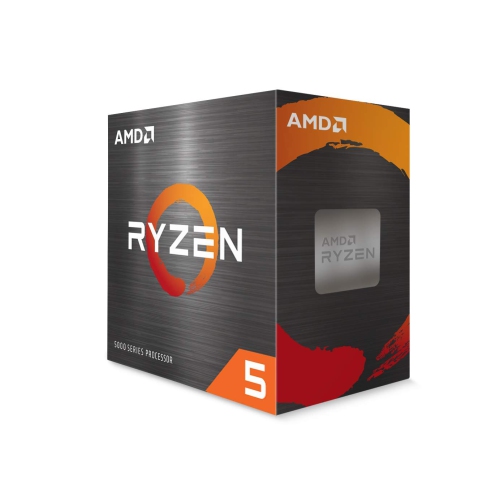 Your price for this item is $479.99
-
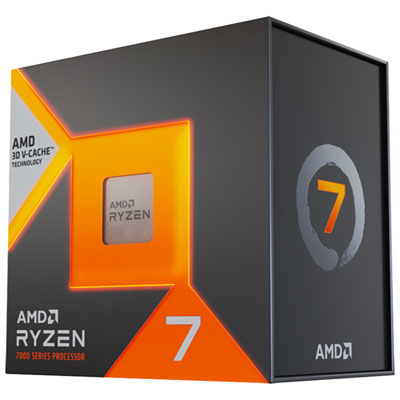 Your price for this item is $559.99
-
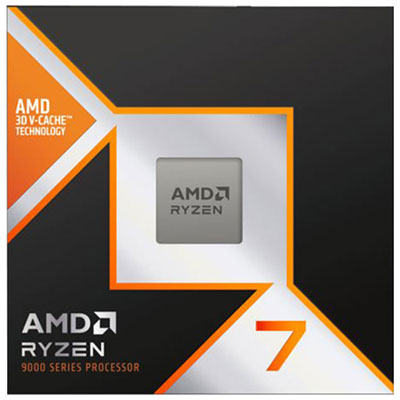 Your price for this item is $549.98
-
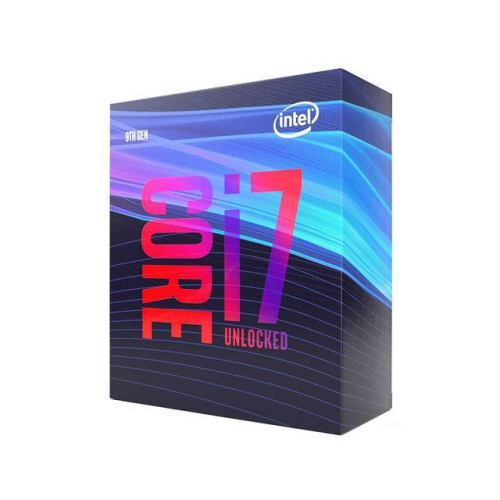 Your price for this item is $509.68
-
 Your price for this item is $690
-
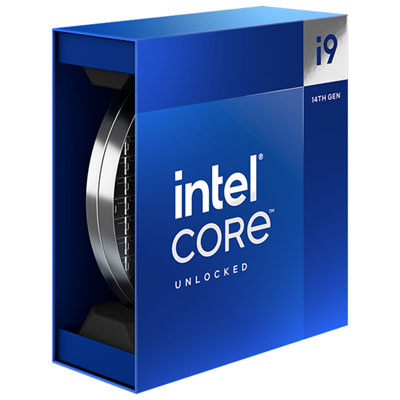 Your price for this item is $799.99
-
 Your price for this item is $605.68
-
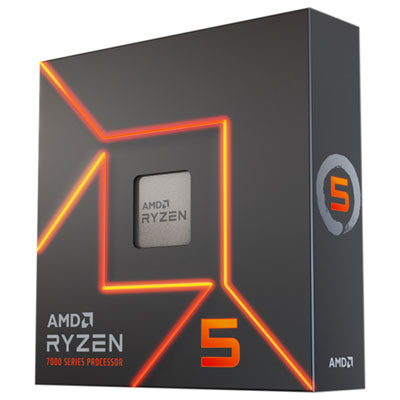 Your price for this item is $234.98
Discover more categories related to 8 Core Processors
Top Collections:
Best Black Friday Deals This Year, Best Black Friday Deals On Electronics, Kindle Devices, Pokemon Centers, Best Black Friday Deals On Apple Products, Best Cameras for Sports Photography, Dyson Airwrap, Pokémon 30th Celebration Cards, Apple iPhone 17 Pro, Canon G7X Cameras
Some products may be subject to Environmental Handling Fees
(EHF) depending on your province.
Learn more about EHFs.