4 Core Processors
Upgrade your computing power with 4 core processors. Designed to deliver exceptional performance and speed, these processors are perfect for multitasking, gaming, and demanding applications. Whether you're a professional in need of seamless video editing or a gamer looking for smooth gameplay, 4 core processors can handle it all. With advanced technology and efficient processing capabilities, these processors ensure that your device runs smoothly and efficiently.
Sort


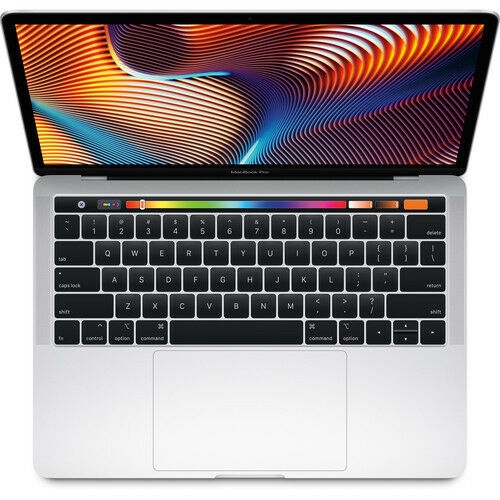
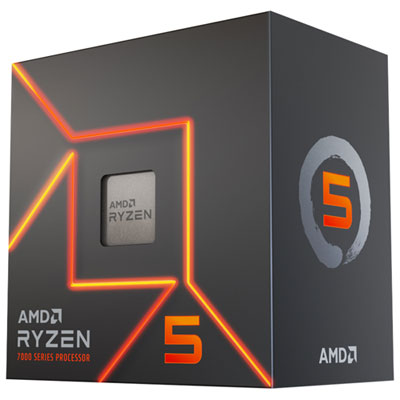
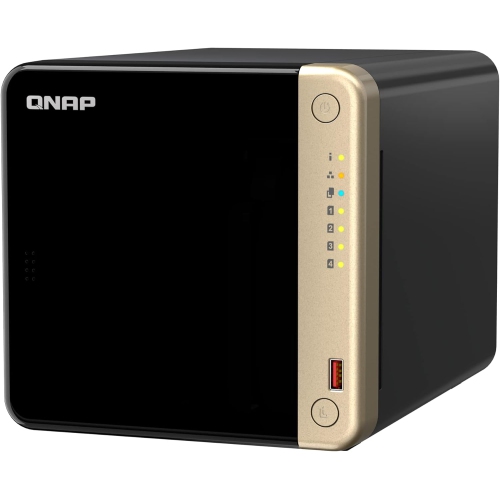
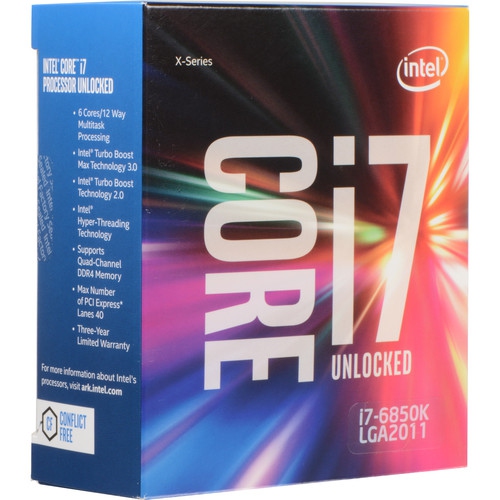
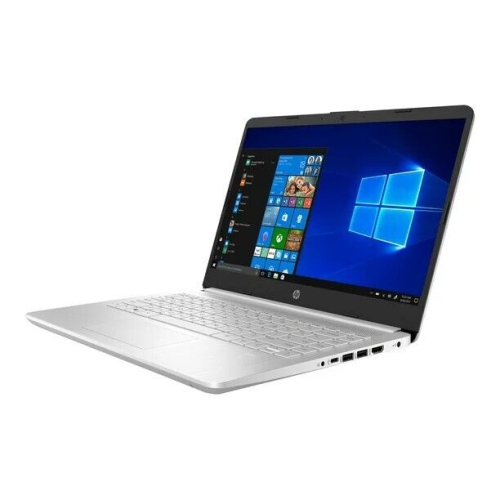


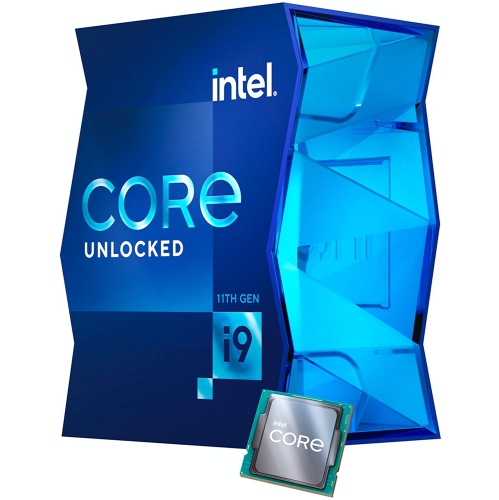



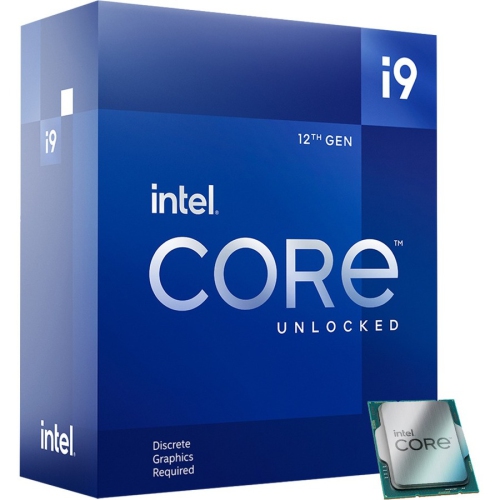
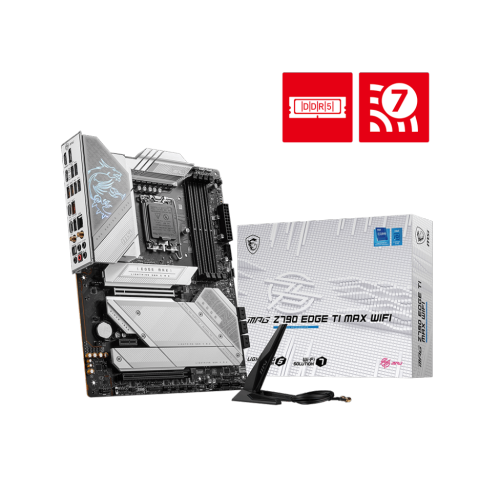





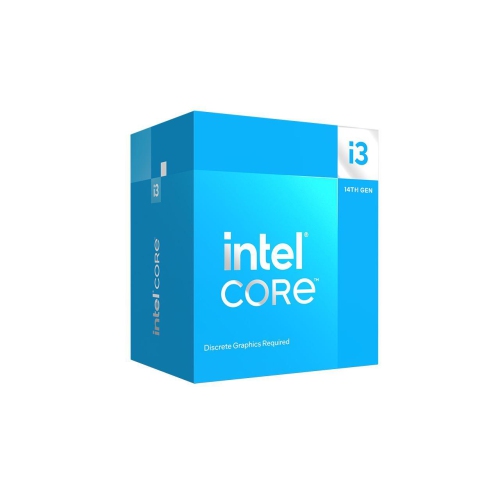
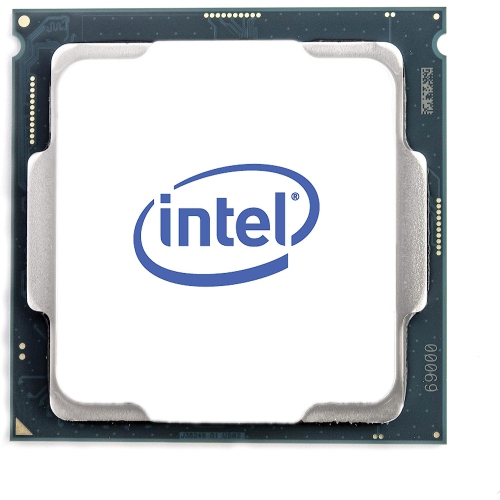
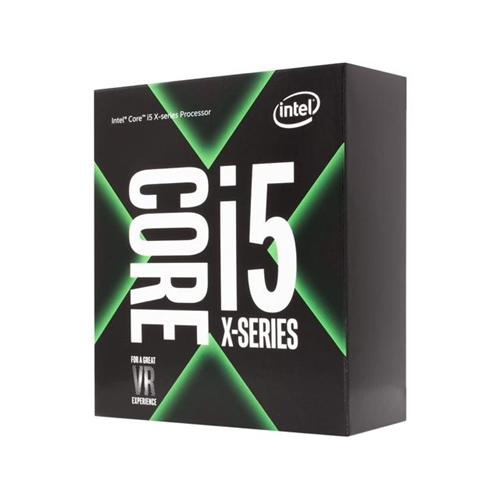






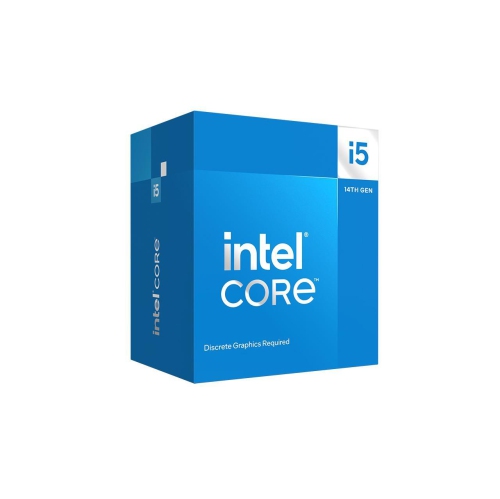
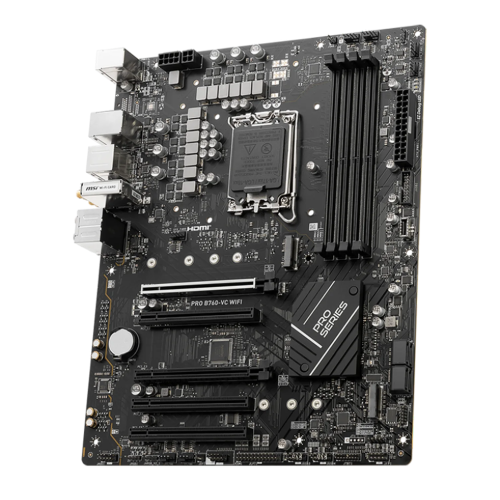
How four cores share your everyday computing workload
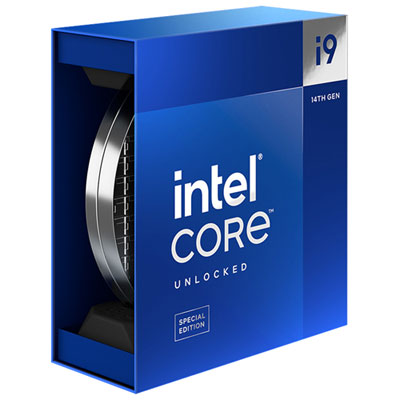
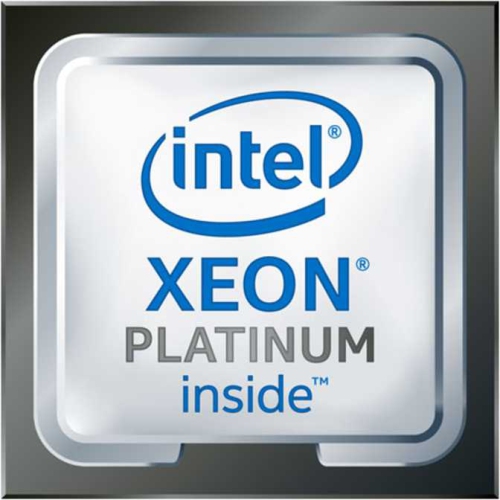
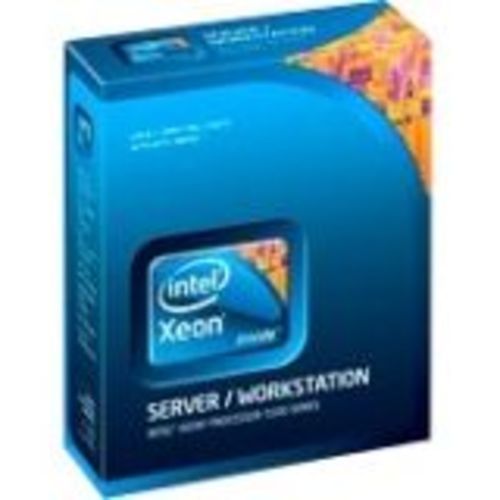
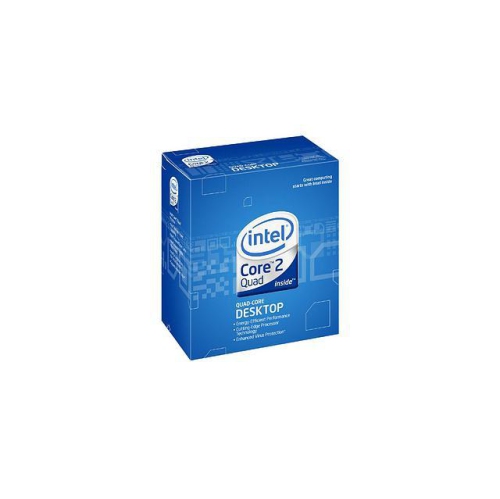
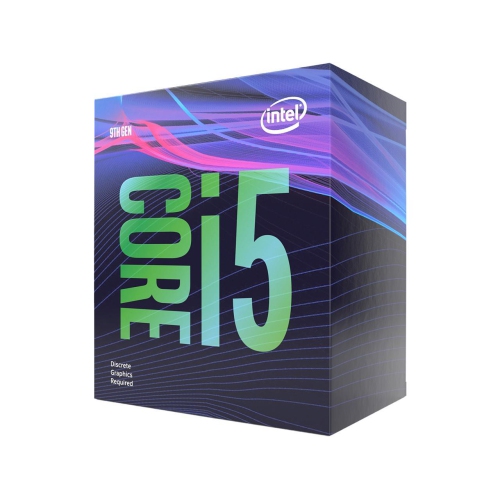
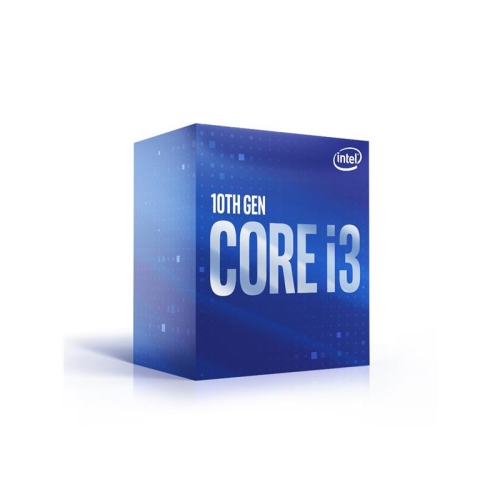
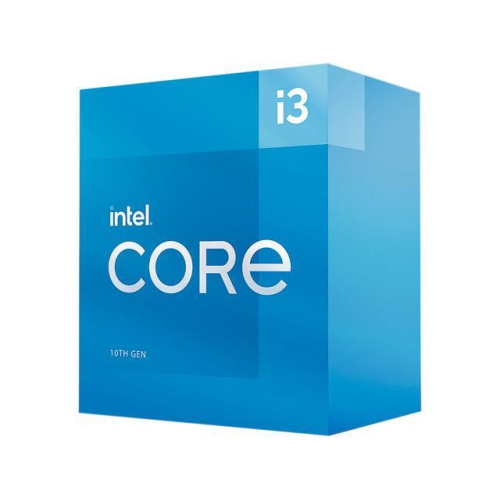
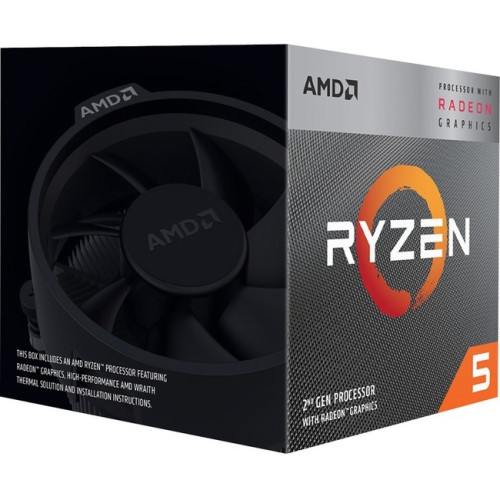
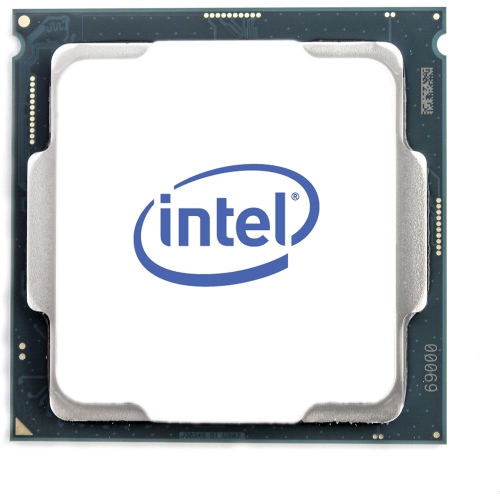
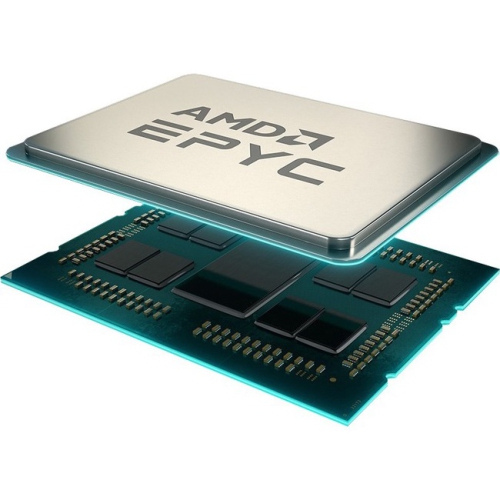
A 4-core processor, also called a quad-core processor, is a central processing unit (CPU) with four physical processing cores on a single chip. Each core can execute program instructions, allowing the processor to work on several tasks at once or share a workload across cores when the software supports parallel processing. The cores operate as part of a connected design, with access to memory and other system resources; some cache may be dedicated to individual cores, while other cache is shared. This arrangement makes 4-core processors suitable for many everyday computing tasks, including writing documents, browsing websites, streaming video, and managing spreadsheets. In a home office, that might mean keeping an email application open alongside a video meeting and a presentation without relying on one core to handle every instruction. For students, it can mean moving between research tabs, course materials, and notes on the same computer. Some quad-core CPUs also support simultaneous multithreading, enabling four physical cores to handle eight processing threads. That does not make them equivalent to an eight-core CPU, but it can help compatible applications make better use of the hardware. Core count alone does not determine how responsive a computer will feel. Processor architecture, clock speed, cache capacity, memory, and storage all contribute, and a newer quad-core design can outperform an older processor with more cores in certain tasks. Clock speeds measured in gigahertz are most useful when comparing closely related designs, rather than treating a higher number as a universal measure of performance. For everyday use, a well-matched combination of CPU, sufficient RAM, and solid-state storage often matters more than any single specification. Quad-core processors are a practical category for shoppers building a straightforward desktop, maintaining a compatible system, or choosing computing hardware for a shared household workspace.
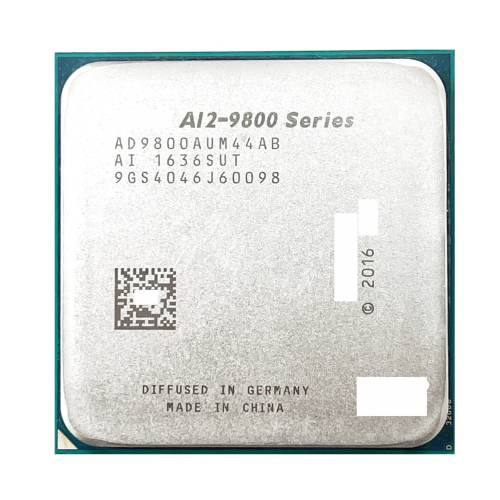
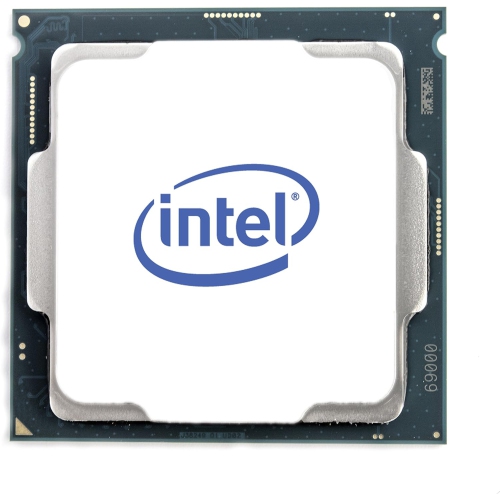
Compatibility is central to choosing a desktop quad-core processor because CPUs are not interchangeable across all motherboards. The processor socket must match, but socket compatibility is only the starting point: the motherboard chipset and firmware must also support the exact CPU. Some otherwise compatible boards require a firmware update before a different processor can operate. Memory support is another part of the fit, since the processor and motherboard together determine which memory generation and configurations the system can use. Physical construction also affects installation. A desktop CPU commonly combines a silicon chip, a supporting substrate, electrical contacts, and a metal heat spreader that transfers heat to a cooler. Depending on the socket design, delicate pins may be on the processor or inside the motherboard socket, making careful handling important. The processor should sit in its keyed orientation without force, and its contact surfaces should remain clean and untouched. A compatible cooler, correctly applied thermal interface material, and adequate case airflow help the CPU maintain reliable operation under load. Cooler mounting hardware, clearance around memory modules, and case dimensions all affect whether the assembled parts fit properly. Processor power specifications are useful for matching cooling and system power requirements, although actual consumption varies with workload and operating settings. A compact computer used for documents has different cooling demands from a desktop running lengthy media exports. Routine care generally involves keeping vents and heatsinks clear of dust, maintaining working fans, and following the hardware manufacturer's maintenance instructions rather than cleaning the CPU itself. Processors have no moving parts, but they still depend on suitable operating conditions and careful installation for long service life. Laptop processors are often soldered to the motherboard and are not intended for straightforward replacement, so a removable desktop CPU should not be assumed to work as a laptop upgrade. For an existing computer, confirming the system's supported processor list helps establish whether a quad-core replacement is a realistic option.
The intended workload gives 4-core processors their context, particularly when graphics and more demanding applications enter the picture. Some quad-core CPUs include integrated graphics, which can support a display and handle everyday visual tasks without a separate graphics card. Others require a dedicated graphics card even for basic display output, so the presence of a monitor connection on a motherboard does not by itself guarantee a working video connection. Integrated graphics capabilities also vary, including support for display resolutions, multiple monitors, and hardware-assisted video playback. A family computer used for streaming, homework, and photo organization may benefit from a capable integrated graphics solution, while a gaming system needs closer attention to the relationship between CPU performance and graphics performance. Four cores can suit many lighter or older games, but demanding titles may need more processing capacity for consistent frame delivery, especially with background applications running. The number of supported threads, the strength of each core, and the game's own requirements all matter. Photo editing, music projects, and occasional video editing can also be reasonable uses, provided expectations match the software, file sizes, and complexity of the work. Cropping holiday photos is a different workload from applying layers of effects to high-resolution footage, and recording a few audio tracks is different from running a large session of virtual instruments. For frequent rendering, substantial video exports, or several virtual machines, 12 Core Processors offer another category to consider, particularly where applications can distribute work across more cores. More cores do not automatically make every task faster, however, and software requirements remain a useful reference point. For a hobbyist assembling a first desktop or a household maintaining a familiar machine, a quad-core CPU can provide a manageable foundation when paired with compatible components. As a gift for someone who builds computers, a processor is best matched to their planned motherboard and workload rather than chosen by core count alone. The most suitable choice is the one that fits both the system and the work it needs to do.
Compatibility is central to choosing a desktop quad-core processor because CPUs are not interchangeable across all motherboards. The processor socket must match, but socket compatibility is only the starting point: the motherboard chipset and firmware must also support the exact CPU. Some otherwise compatible boards require a firmware update before a different processor can operate. Memory support is another part of the fit, since the processor and motherboard together determine which memory generation and configurations the system can use. Physical construction also affects installation. A desktop CPU commonly combines a silicon chip, a supporting substrate, electrical contacts, and a metal heat spreader that transfers heat to a cooler. Depending on the socket design, delicate pins may be on the processor or inside the motherboard socket, making careful handling important. The processor should sit in its keyed orientation without force, and its contact surfaces should remain clean and untouched. A compatible cooler, correctly applied thermal interface material, and adequate case airflow help the CPU maintain reliable operation under load. Cooler mounting hardware, clearance around memory modules, and case dimensions all affect whether the assembled parts fit properly. Processor power specifications are useful for matching cooling and system power requirements, although actual consumption varies with workload and operating settings. A compact computer used for documents has different cooling demands from a desktop running lengthy media exports. Routine care generally involves keeping vents and heatsinks clear of dust, maintaining working fans, and following the hardware manufacturer's maintenance instructions rather than cleaning the CPU itself. Processors have no moving parts, but they still depend on suitable operating conditions and careful installation for long service life. Laptop processors are often soldered to the motherboard and are not intended for straightforward replacement, so a removable desktop CPU should not be assumed to work as a laptop upgrade. For an existing computer, confirming the system's supported processor list helps establish whether a quad-core replacement is a realistic option.
The intended workload gives 4-core processors their context, particularly when graphics and more demanding applications enter the picture. Some quad-core CPUs include integrated graphics, which can support a display and handle everyday visual tasks without a separate graphics card. Others require a dedicated graphics card even for basic display output, so the presence of a monitor connection on a motherboard does not by itself guarantee a working video connection. Integrated graphics capabilities also vary, including support for display resolutions, multiple monitors, and hardware-assisted video playback. A family computer used for streaming, homework, and photo organization may benefit from a capable integrated graphics solution, while a gaming system needs closer attention to the relationship between CPU performance and graphics performance. Four cores can suit many lighter or older games, but demanding titles may need more processing capacity for consistent frame delivery, especially with background applications running. The number of supported threads, the strength of each core, and the game's own requirements all matter. Photo editing, music projects, and occasional video editing can also be reasonable uses, provided expectations match the software, file sizes, and complexity of the work. Cropping holiday photos is a different workload from applying layers of effects to high-resolution footage, and recording a few audio tracks is different from running a large session of virtual instruments. For frequent rendering, substantial video exports, or several virtual machines, 12 Core Processors offer another category to consider, particularly where applications can distribute work across more cores. More cores do not automatically make every task faster, however, and software requirements remain a useful reference point. For a hobbyist assembling a first desktop or a household maintaining a familiar machine, a quad-core CPU can provide a manageable foundation when paired with compatible components. As a gift for someone who builds computers, a processor is best matched to their planned motherboard and workload rather than chosen by core count alone. The most suitable choice is the one that fits both the system and the work it needs to do.
Top selling and popular products
-
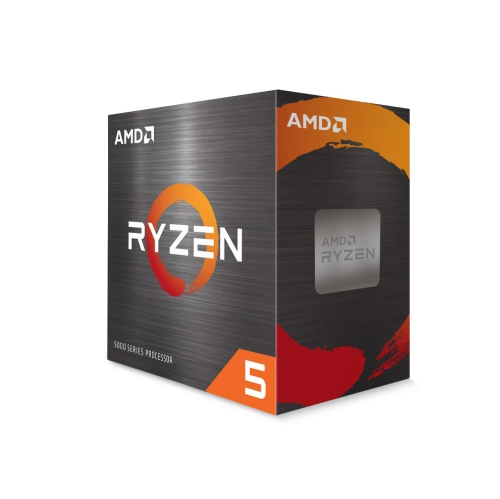 Your price for this item is $479.99
 -
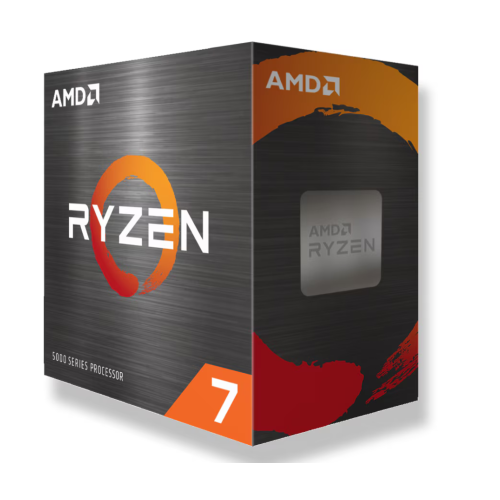 Your price for this item is $339.95
 -
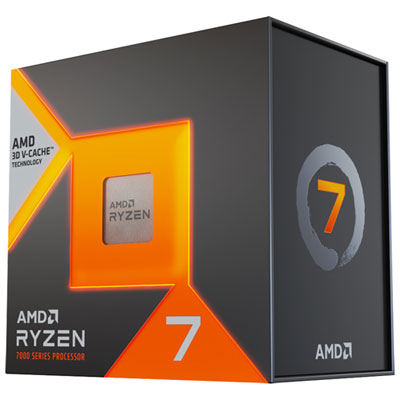 Your price for this item is $519.98
 -
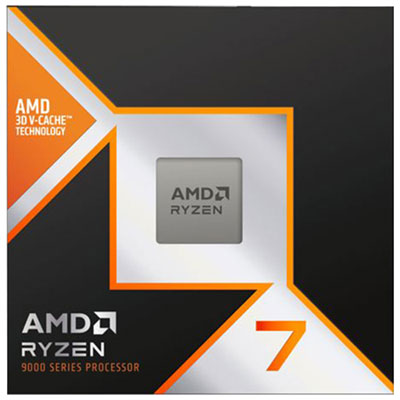 Your price for this item is $619.98
 -
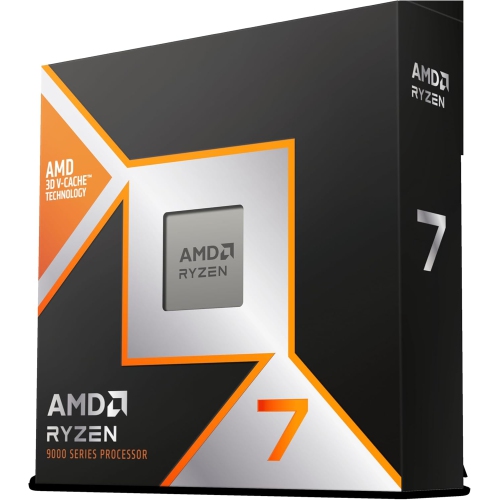 Your price for this item is $649
 -
 Your price for this item is $690
 -
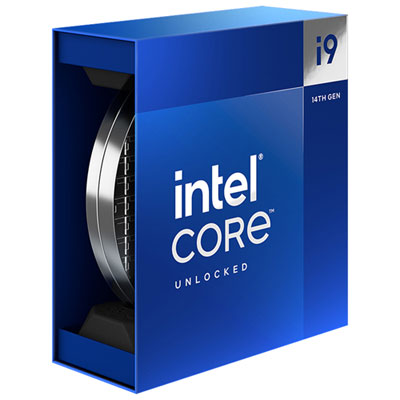 Your price for this item is $709.98
 -
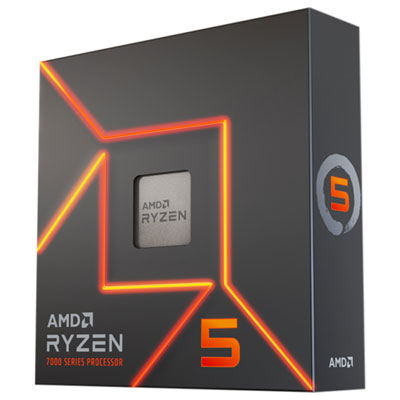 Your price for this item is $439.99
Discover more categories related to 4 Core Processors

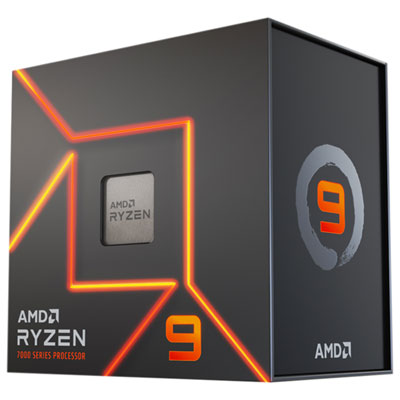
Top Collections:
Pokemon Centers, Kindle Devices, Best Budget Office Chairs, Apple iPhones 16, Best Laptops for Writers, iPhone 15 Apple, Canon G7X Cameras, Refurbished Apple Laptops, Alarm Clock, Motorola Razr Phones
Some products may be subject to Environmental Handling Fees
(EHF) depending on your province.
Learn more about EHFs.