10TB Hard Drives
Upgrade your storage capacity with a 10TB Hard Drive, the perfect solution for managing large files, backing up important data, and expanding your digital library. Whether you're a creative professional handling high-resolution media or a home user looking to store photos, videos, and documents, a 10TB Hard Drive offers ample space to keep everything organized and accessible. Explore a wide range of options designed to meet your performance and storage needs while ensuring reliable data management for work or play.
Sort
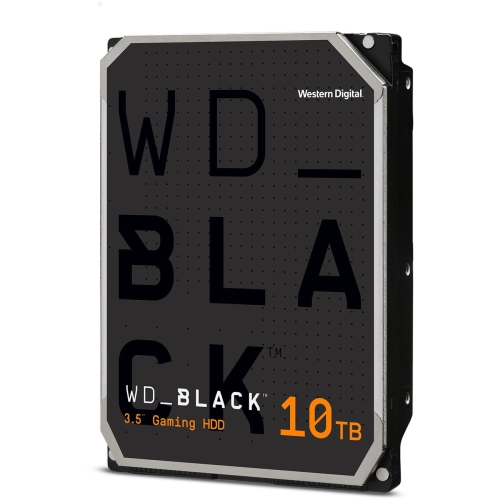
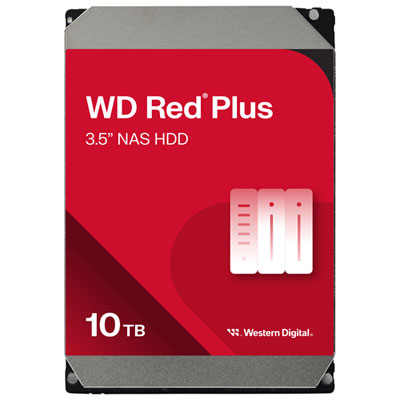

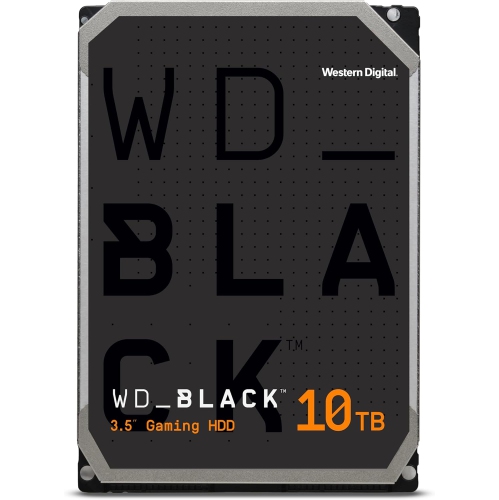
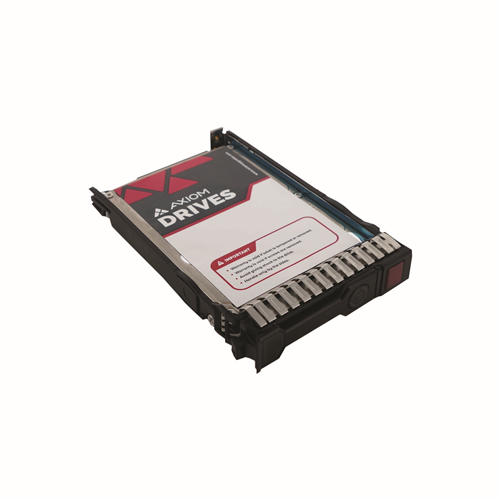
Room for growing archives and everyday backups
10TB hard drives provide high-capacity storage for large photo libraries, video projects, computer backups, and other files that can quickly fill a smaller drive. They come in internal formats for compatible desktop computers, storage enclosures, and network-attached storage systems, as well as external formats that connect to a computer through USB. The capacity is the same starting point, but the intended use can be quite different: an internal drive might hold a photographer’s growing image archive, while an external drive might keep a separate copy of family videos and household documents. A network-attached storage, or NAS, drive can support shared access to files across compatible devices when installed in a suitable NAS enclosure. For video editors, designers, and people digitizing years of recordings, this much space can bring scattered folders into a more organized collection. A 10TB rating represents approximately 10 trillion bytes of storage. Some operating systems display that capacity as roughly 9.1 tebibytes, sometimes using a different label, and formatting and system data can reduce the space available for files. The number of photos, recordings, or videos a drive can hold depends on file size, resolution, compression, and the number of versions retained. A collection of compressed music files has very different space requirements from camera footage or uncompressed audio sessions. Hard disk drives use spinning magnetic platters rather than flash memory, making them well suited to storing substantial collections where capacity matters more than the fastest possible response time. A large hard drive can sit alongside a faster system drive, keeping completed projects and reference files separate from applications and active work. Capacity planning also includes room for growth, since backups, duplicate exports, and revised projects can take up more space than the original files alone. For a smaller collection or a different storage allocation, 8TB Hard Drives provide another capacity to consider.
The distinction between internal and external 10TB hard drives affects installation, everyday access, and how neatly the storage fits into a workspace. Many internal models use a 3.5-inch form factor, so physical drive-bay space, mounting points, and compatible data and power connections matter as much as capacity. A desktop tower may have room for an additional drive, while a compact computer or laptop generally needs an external connection or a separate storage enclosure. An enclosure must support the drive’s interface, physical size, and capacity; having a connector that fits does not by itself establish compatibility. External desktop hard drives combine the drive and enclosure in one unit and typically need a separate power adapter as well as a data cable. That makes them practical for a desk, home office, or media station, but less convenient for use away from a power outlet. Enclosure materials may include plastic or metal, with the overall construction, ventilation, and base design contributing to how the drive sits and operates on a surface. A stable position with space around ventilation openings helps keep cables secure and supports normal operation. Connection details also influence the experience of transferring a large folder. USB connector shape and USB transfer speed are separate specifications, and the computer port, cable, enclosure, and drive all contribute to actual performance. A faster connection does not make a mechanical drive perform like flash storage, although a slow connection can limit an otherwise capable setup. File-system compatibility is another practical consideration when a drive moves between computers with different operating systems. Some formats support straightforward file sharing, while others provide features better suited to a particular system or backup application. Formatting a drive erases its existing contents, so that process belongs before important files are transferred or after they have been safely copied elsewhere. For televisions, game consoles, routers, and media players, support for a 10TB capacity, the required file system, and external power arrangements depends on the connected device.
Intended workload helps distinguish 10TB hard drives that otherwise appear similar on a specification sheet. General desktop storage, multi-drive NAS use, and continuous video recording place different demands on a drive. NAS-oriented designs may include firmware and vibration-management features suited to supported multi-drive systems, while recording-focused designs are intended for sustained video-writing workloads. These roles are not interchangeable simply because the capacity matches. Recording technology also matters: conventional magnetic recording and shingled magnetic recording handle repeated writes differently, and suitability depends on the workload and the requirements of the storage system. Rotational speed, cache, sustained transfer performance, workload ratings, and warranty terms add context, but no single specification captures every aspect of everyday use. A drive used for occasional archive transfers has different priorities from one serving files throughout the day. Mechanical operation can produce audible spinning, clicking, and vibration, which may be noticeable beside a quiet desk or recording area. Care centres on keeping the drive stable, protecting it from impacts, and avoiding movement while it is operating. For external storage, using the supplied power equipment and safely ejecting the drive before disconnecting it can help prevent interrupted transfers. Dust removal around enclosure vents should follow the manufacturer’s care directions without opening the drive mechanism. Reliability also depends on how the files are protected beyond the drive itself. An archive stored on one hard drive remains a single copy, even when it is neatly organized into folders. Separate backups provide protection against drive failure, accidental deletion, and other losses, while an additional copy stored elsewhere can cover problems affecting the original location. A mirrored NAS can maintain access after certain drive failures, but mirroring is not a substitute for independent backups. Encryption and access controls can help protect personal records or client files when supported by the chosen setup. For households, creative workspaces, and small businesses, a well-matched 10TB hard drive offers substantial room for keeping digital collections accessible, organized, and supported by a sensible backup routine.
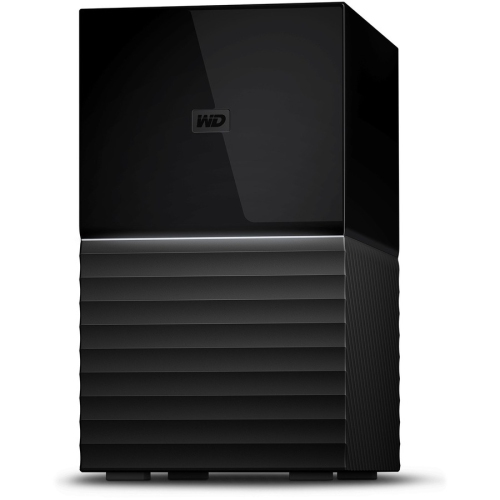
The distinction between internal and external 10TB hard drives affects installation, everyday access, and how neatly the storage fits into a workspace. Many internal models use a 3.5-inch form factor, so physical drive-bay space, mounting points, and compatible data and power connections matter as much as capacity. A desktop tower may have room for an additional drive, while a compact computer or laptop generally needs an external connection or a separate storage enclosure. An enclosure must support the drive’s interface, physical size, and capacity; having a connector that fits does not by itself establish compatibility. External desktop hard drives combine the drive and enclosure in one unit and typically need a separate power adapter as well as a data cable. That makes them practical for a desk, home office, or media station, but less convenient for use away from a power outlet. Enclosure materials may include plastic or metal, with the overall construction, ventilation, and base design contributing to how the drive sits and operates on a surface. A stable position with space around ventilation openings helps keep cables secure and supports normal operation. Connection details also influence the experience of transferring a large folder. USB connector shape and USB transfer speed are separate specifications, and the computer port, cable, enclosure, and drive all contribute to actual performance. A faster connection does not make a mechanical drive perform like flash storage, although a slow connection can limit an otherwise capable setup. File-system compatibility is another practical consideration when a drive moves between computers with different operating systems. Some formats support straightforward file sharing, while others provide features better suited to a particular system or backup application. Formatting a drive erases its existing contents, so that process belongs before important files are transferred or after they have been safely copied elsewhere. For televisions, game consoles, routers, and media players, support for a 10TB capacity, the required file system, and external power arrangements depends on the connected device.
Intended workload helps distinguish 10TB hard drives that otherwise appear similar on a specification sheet. General desktop storage, multi-drive NAS use, and continuous video recording place different demands on a drive. NAS-oriented designs may include firmware and vibration-management features suited to supported multi-drive systems, while recording-focused designs are intended for sustained video-writing workloads. These roles are not interchangeable simply because the capacity matches. Recording technology also matters: conventional magnetic recording and shingled magnetic recording handle repeated writes differently, and suitability depends on the workload and the requirements of the storage system. Rotational speed, cache, sustained transfer performance, workload ratings, and warranty terms add context, but no single specification captures every aspect of everyday use. A drive used for occasional archive transfers has different priorities from one serving files throughout the day. Mechanical operation can produce audible spinning, clicking, and vibration, which may be noticeable beside a quiet desk or recording area. Care centres on keeping the drive stable, protecting it from impacts, and avoiding movement while it is operating. For external storage, using the supplied power equipment and safely ejecting the drive before disconnecting it can help prevent interrupted transfers. Dust removal around enclosure vents should follow the manufacturer’s care directions without opening the drive mechanism. Reliability also depends on how the files are protected beyond the drive itself. An archive stored on one hard drive remains a single copy, even when it is neatly organized into folders. Separate backups provide protection against drive failure, accidental deletion, and other losses, while an additional copy stored elsewhere can cover problems affecting the original location. A mirrored NAS can maintain access after certain drive failures, but mirroring is not a substitute for independent backups. Encryption and access controls can help protect personal records or client files when supported by the chosen setup. For households, creative workspaces, and small businesses, a well-matched 10TB hard drive offers substantial room for keeping digital collections accessible, organized, and supported by a sensible backup routine.
Top selling and popular products
-
 Your price for this item is $257.68
-
 Your price for this item is $629.99
-
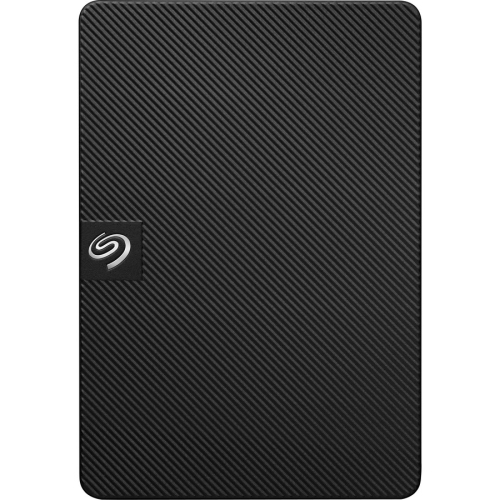 Your price for this item is $218.68
-
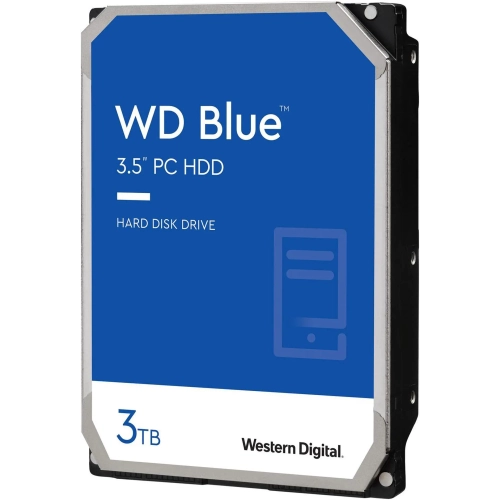 Your price for this item is $259.99
-
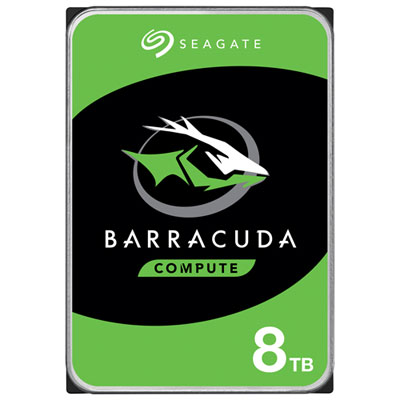 Your price for this item is $389.99
-
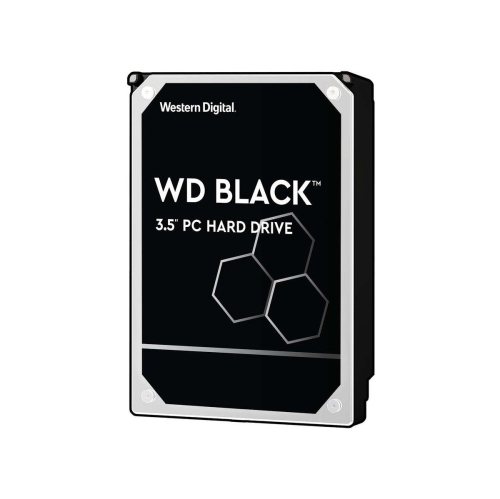 Your price for this item is $489.99
-
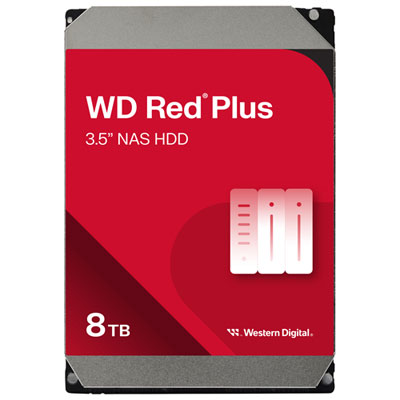 Your price for this item is $504.99
-
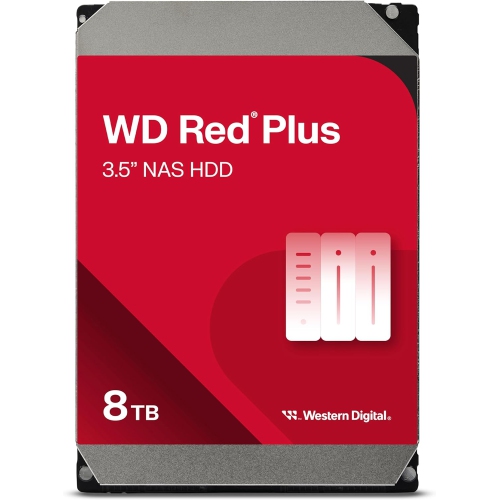 Your price for this item is $579.99
Discover more categories related to 10TB Hard Drives

Top Collections:
Pokemon Centers, Pokémon 30th Celebration Cards, Best Budget Office Chairs, Kindle Devices, Best Cameras for Sports Photography, Canon G7X Cameras, Best Black Friday Deals On Electronics, Best Laptops for Writers, iPhone 15 Apple, Jackery Power Stations
Some products may be subject to Environmental Handling Fees
(EHF) depending on your province.
Learn more about EHFs.