16TB NAS Drives
Looking to expand your storage capacity? Look no further than our collection of 16-TB NAS drives. These powerful devices are designed to provide you with ample space to store and access your important files, media libraries, and backups. With their high-capacity storage capabilities, these hard drives are perfect for individuals and businesses alike who require large amounts of data storage. Whether you're a creative professional in need of a reliable backup solution or a small business looking to centralize your data storage, our selection of 16-TB NAS drives has got you covered. Explore our range today and find the perfect solution for your storage needs.
Sort

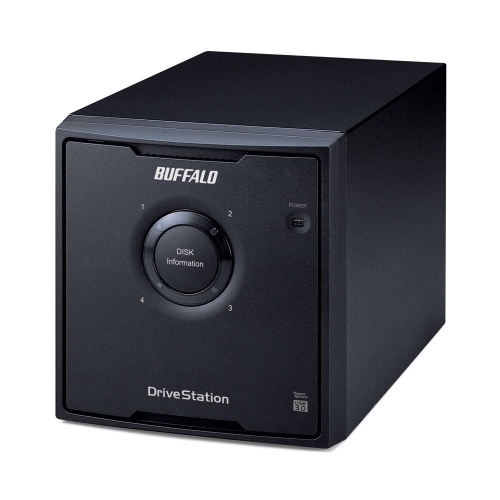
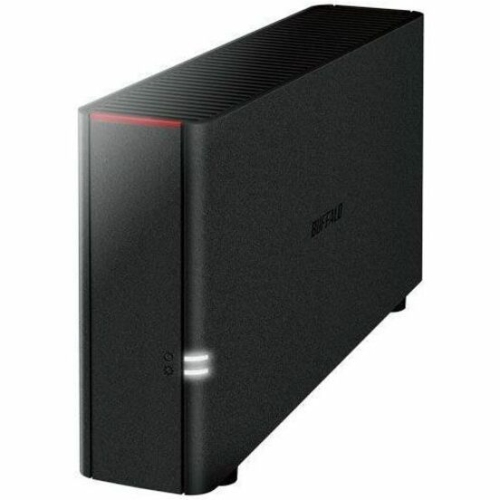
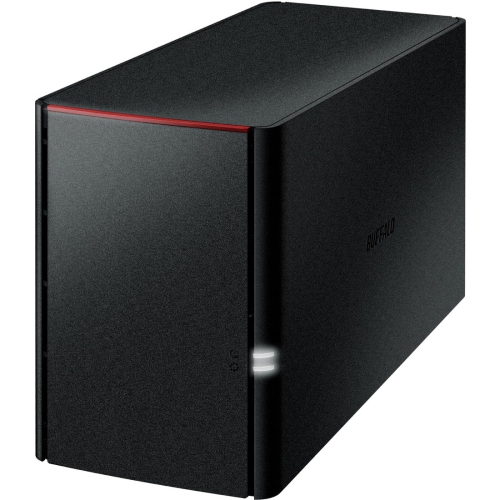
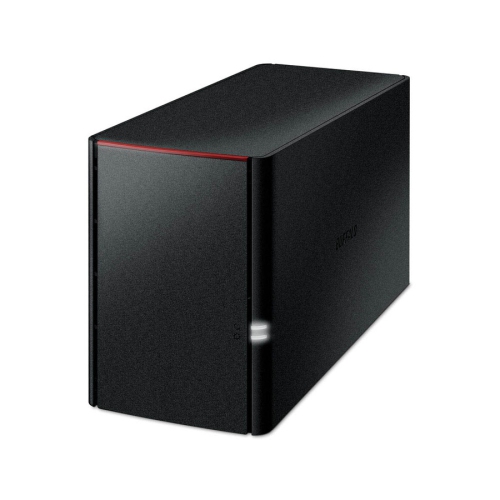
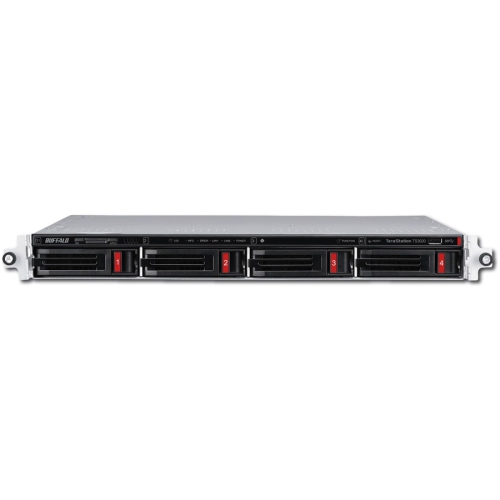
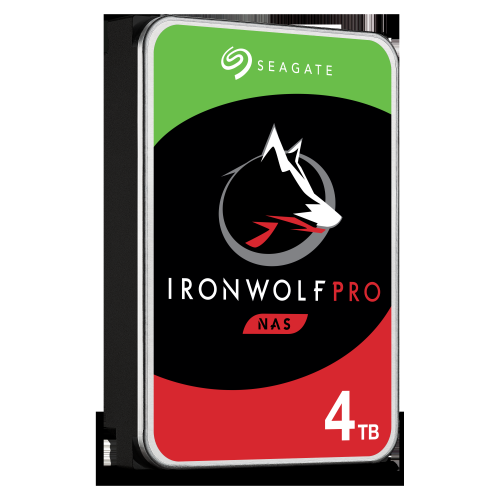
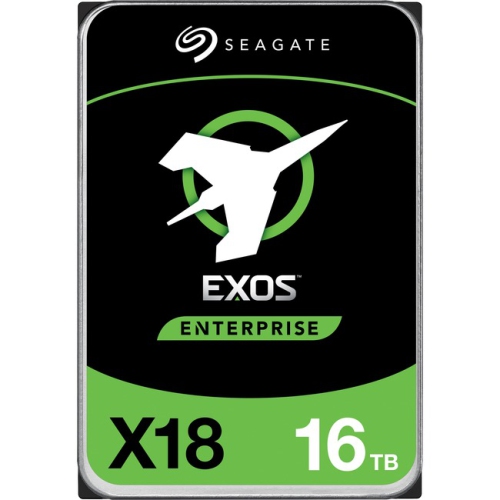
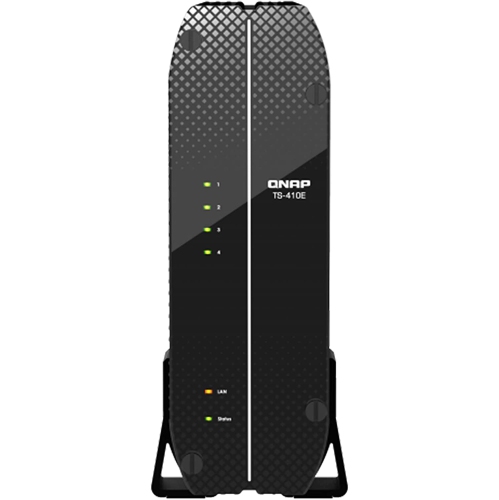
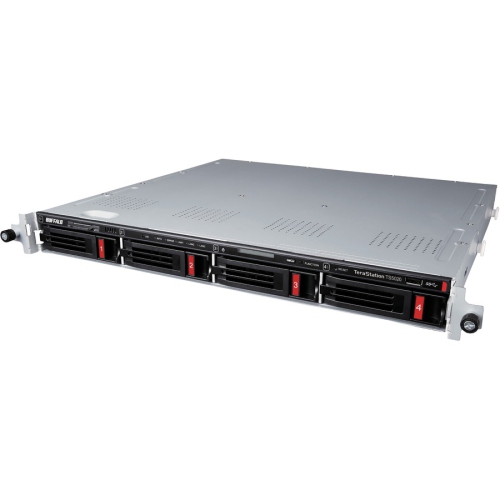
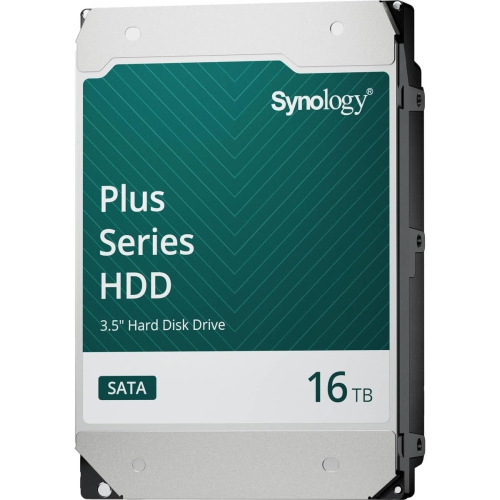
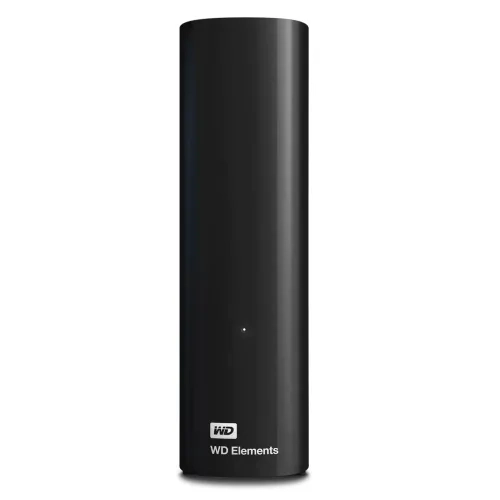
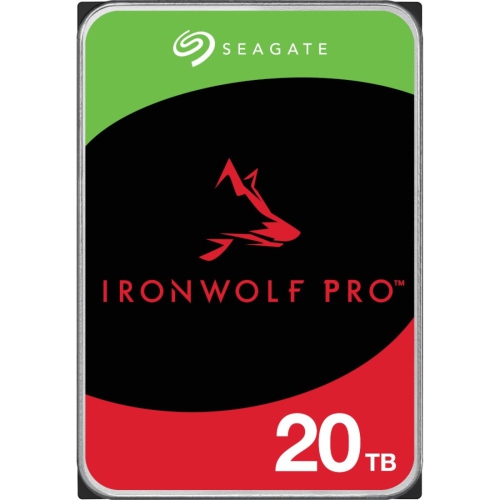

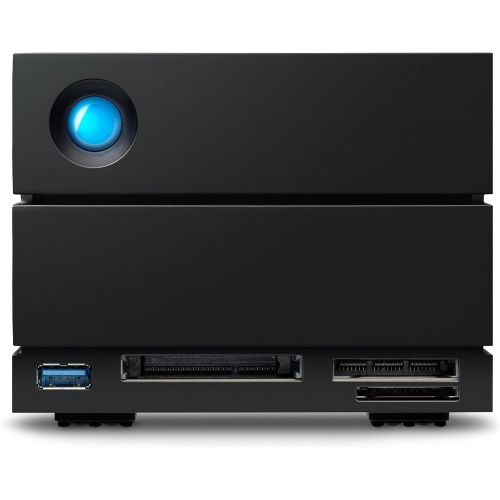
Room for growing files and round-the-clock shared access
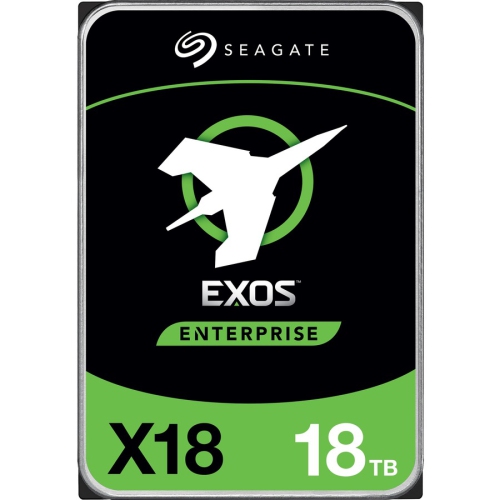
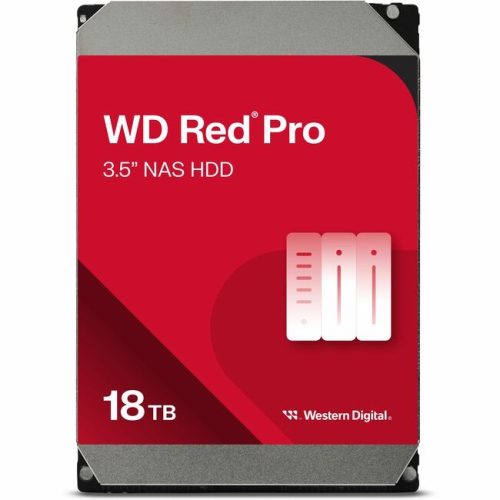
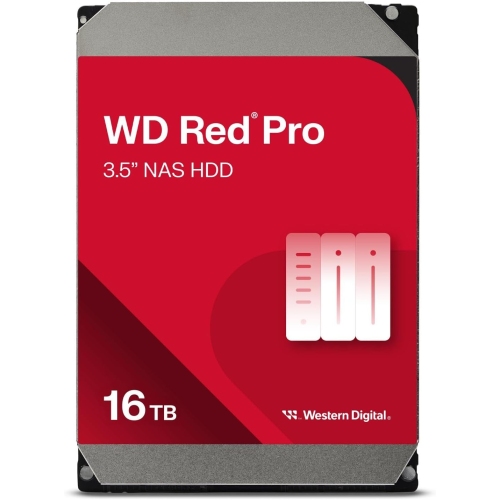
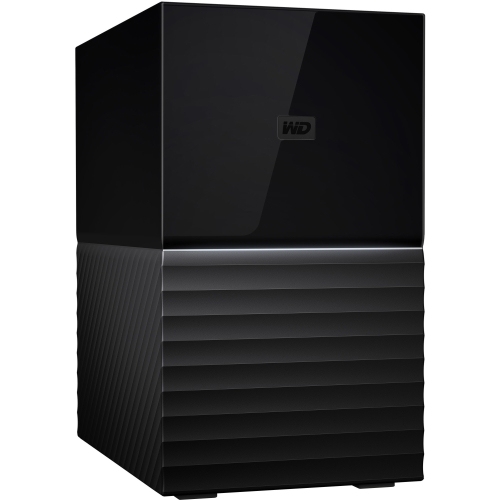
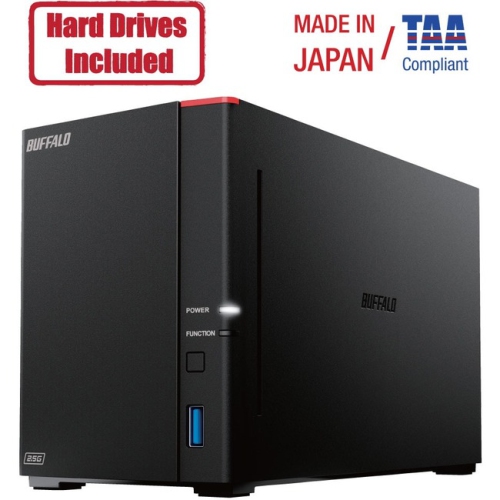
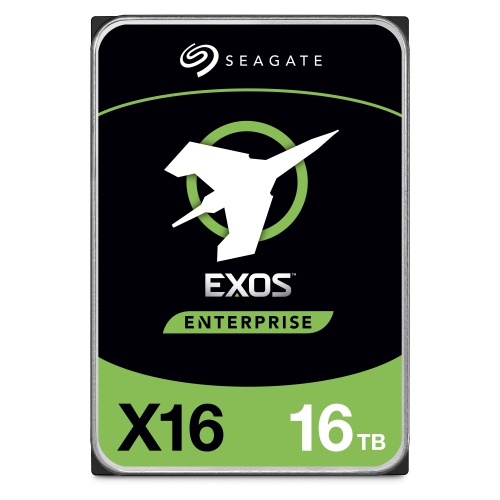
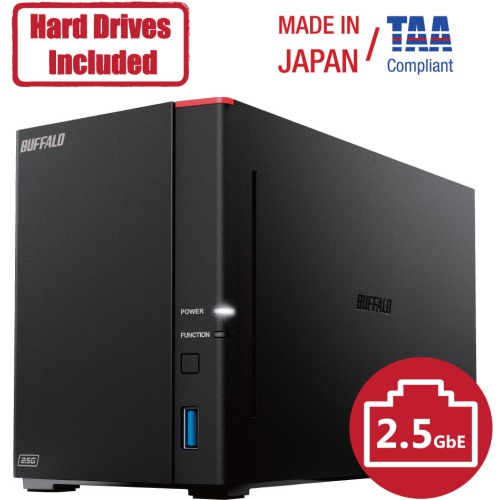
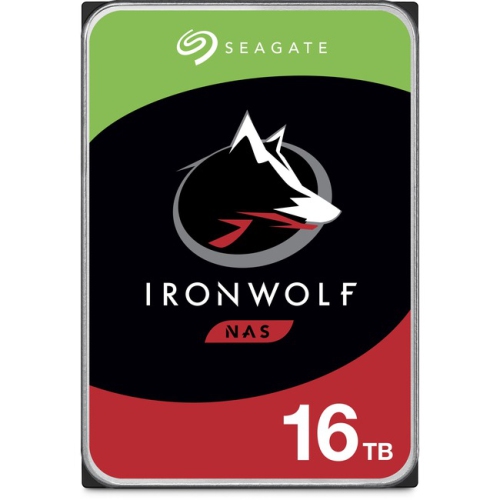
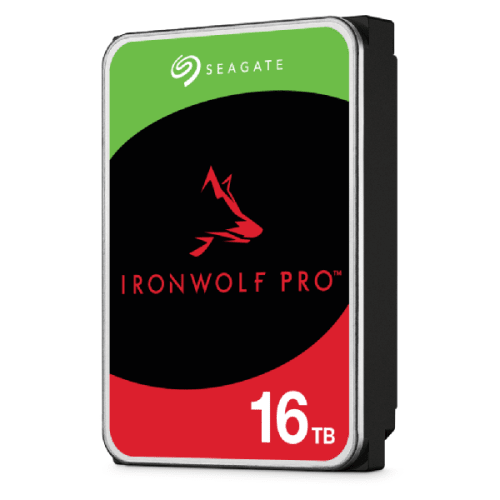
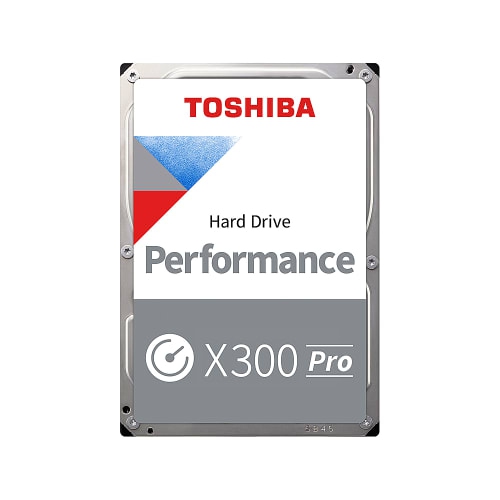
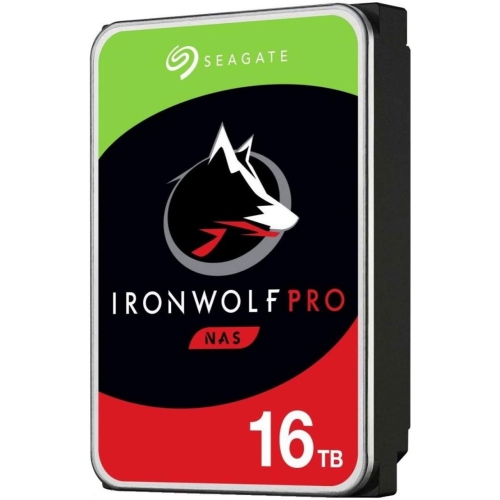
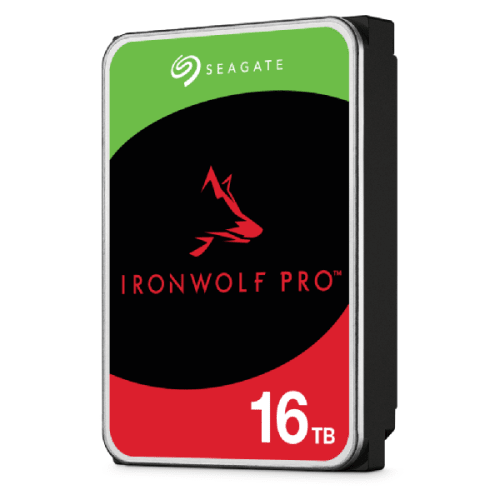
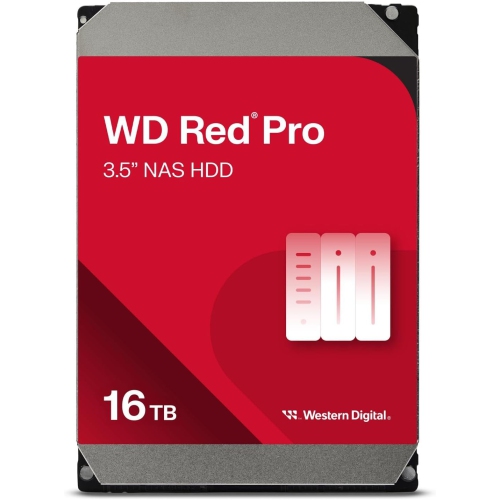
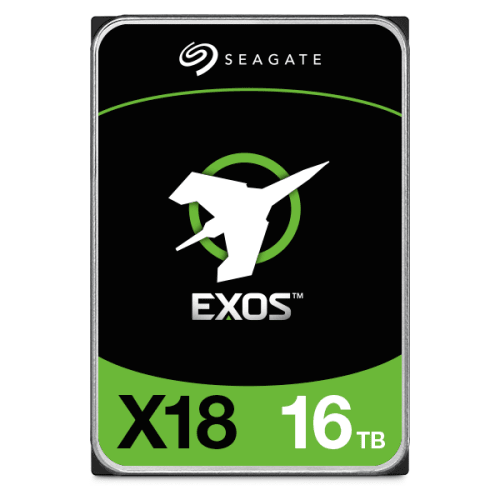
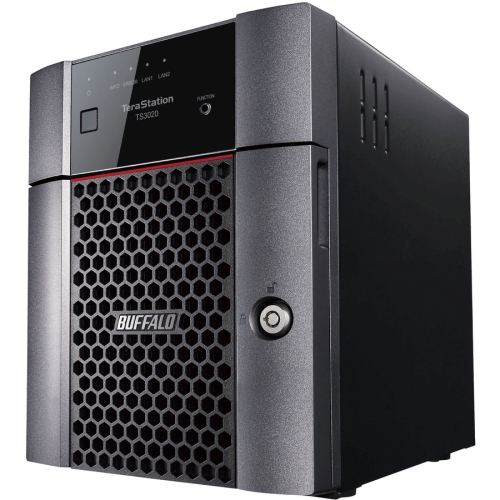
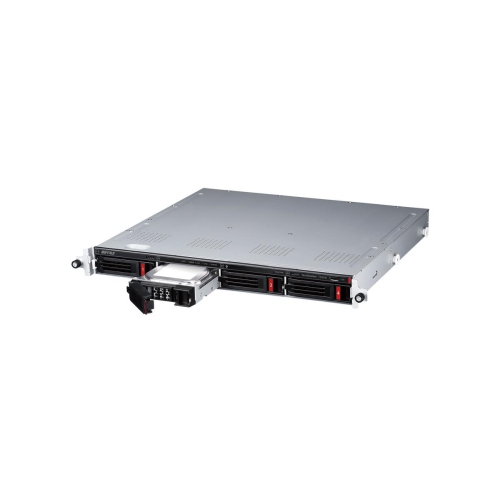
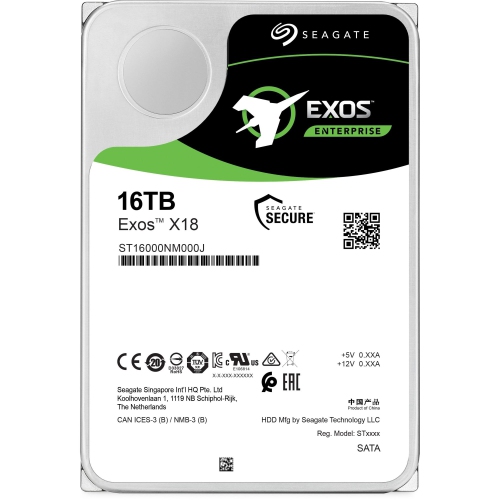
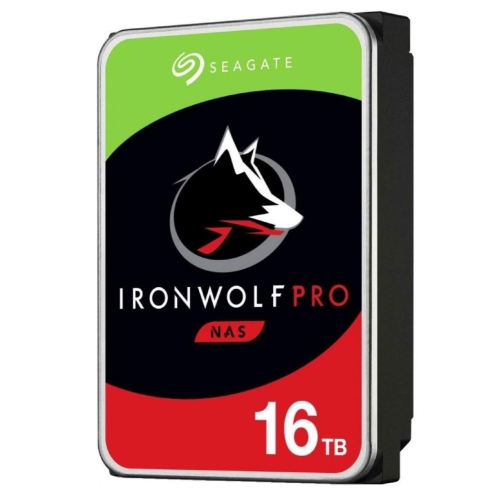
16TB NAS drives are high-capacity hard disk drives designed for network attached storage systems, where files are stored centrally and accessed by multiple devices. They provide room for growing photo libraries, video projects, business documents, media collections, and backups without requiring a separate external drive for every computer. Unlike a portable hard drive that connects directly to a laptop, a NAS drive typically sits inside a dedicated enclosure that manages network access, user permissions, and storage protection. Its role is to keep shared data accessible through repeated reads and writes, often throughout the day and night. For a household, that might mean storing years of family photos alongside computer backups and a personal media library. For a photographer or small creative team, it could mean keeping original image files, project assets, and completed work in one organized location. Most 16TB NAS hard drives use a 3.5-inch form factor and a SATA connection, but physical fit, interface support, and the enclosure’s maximum supported drive capacity still matter. A drive’s advertised 16TB capacity uses decimal units, meaning 16 trillion bytes; software that reports capacity in binary units may display approximately 14.55TiB before formatting and system overhead. The amount available for files also depends on the storage layout and any space reserved for snapshots or other NAS features. In a two-drive mirrored array using two 16TB drives, the nominal usable capacity is approximately 16TB rather than 32TB because the same data is stored on both drives. That distinction makes these drives especially relevant to people planning both capacity and redundancy. High capacity can also help make practical use of a NAS with only a few bays, although future expansion depends on the enclosure and its supported storage configurations. The result is a storage component intended for a shared, ongoing workload rather than occasional file transfers alone.
The features that distinguish 16TB NAS drives are closely tied to how hard disks behave inside a multi-bay enclosure. Several drives spinning beside one another can introduce vibration, while simultaneous backups and file requests place different demands on storage than a single desktop task. NAS-rated models are generally designed for continuous operation and may include rotational vibration sensors, vibration management features, and firmware tailored to RAID systems. CMR, short for conventional magnetic recording, is a useful specification for NAS workloads because it supports predictable behaviour during sustained writes and demanding array maintenance. Recording technology should be confirmed in the drive specifications rather than inferred from capacity alone. A spindle speed of 7200 RPM is common in this capacity class, while cache size varies by model; neither figure, on its own, determines how quickly files move across a network. The NAS processor, memory, RAID configuration, file sizes, and network connection all affect the experience. A large video transfer over a 1Gbps connection, for example, may be limited by the network before a hard drive reaches its maximum sequential transfer speed. Many small files or several people accessing storage at once create a different workload again. Annual workload ratings describe the amount of data a drive is rated to transfer over a year under the manufacturer’s specified conditions, not the amount of storage it provides. Supported bay counts, warranty terms, and published reliability ratings also vary, so a specification associated with one NAS drive should not be assumed to apply to every 16TB model. Reliability figures describe statistical expectations across many drives, not a guaranteed lifespan for an individual unit. For a small office handling daily shared files and scheduled backups, compatibility and the appropriate workload rating may matter more than a larger cache. For a home media collection, capacity, access noise, and consistent streaming performance may carry greater weight. Drive speed also does not determine whether a NAS can transcode video; that capability depends largely on the enclosure’s hardware and software.
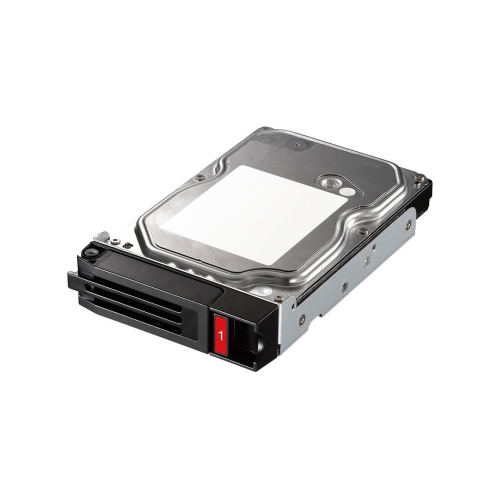
Fit, handling, and ongoing care help turn that capacity into dependable everyday storage. A NAS hard drive is a precision mechanical assembly with spinning platters and moving read/write heads inside a rigid metal housing, so it needs secure mounting and protection from knocks rather than the treatment given to a rugged portable device. Drive trays, mounting screws, and supported connectors should match the enclosure, and installation should follow its instructions for powering down or using supported hot-swap bays. Manufacturer compatibility lists can identify approved drive models, capacity limits, and firmware requirements that are not obvious from a matching SATA connector. Inside a populated NAS, unobstructed airflow and clean ventilation openings help maintain suitable operating conditions. Audible seeking and vibration are normal considerations with mechanical storage, particularly when several drives are busy, so enclosure placement matters in a bedroom, shared living space, or quiet studio. Built-in health monitoring, supported drive tests, and NAS alerts can help flag developing issues, but no monitoring feature can guarantee advance notice of every failure. RAID redundancy can keep some systems running after a drive fails; it does not replace a separate backup or prevent every loss caused by accidental deletion, theft, malicious software, or enclosure failure. Important files benefit from another copy kept separately, with periodic checks that saved data can actually be restored. Rebuilding a large array after a replacement can take substantial time, depending on the NAS, storage layout, drive condition, and activity during the rebuild. Keeping enough free space for expected growth also gives backups, snapshots, and active projects room to expand. Where storage needs are smaller, 8TB Hard Drives provide a lower-capacity comparison, though NAS suitability must still be checked for each drive. For larger libraries and shared storage systems, 16TB NAS drives offer substantial capacity per bay, with the most suitable choice shaped by enclosure support, access patterns, protection needs, and the amount of data likely to accumulate over time.
The features that distinguish 16TB NAS drives are closely tied to how hard disks behave inside a multi-bay enclosure. Several drives spinning beside one another can introduce vibration, while simultaneous backups and file requests place different demands on storage than a single desktop task. NAS-rated models are generally designed for continuous operation and may include rotational vibration sensors, vibration management features, and firmware tailored to RAID systems. CMR, short for conventional magnetic recording, is a useful specification for NAS workloads because it supports predictable behaviour during sustained writes and demanding array maintenance. Recording technology should be confirmed in the drive specifications rather than inferred from capacity alone. A spindle speed of 7200 RPM is common in this capacity class, while cache size varies by model; neither figure, on its own, determines how quickly files move across a network. The NAS processor, memory, RAID configuration, file sizes, and network connection all affect the experience. A large video transfer over a 1Gbps connection, for example, may be limited by the network before a hard drive reaches its maximum sequential transfer speed. Many small files or several people accessing storage at once create a different workload again. Annual workload ratings describe the amount of data a drive is rated to transfer over a year under the manufacturer’s specified conditions, not the amount of storage it provides. Supported bay counts, warranty terms, and published reliability ratings also vary, so a specification associated with one NAS drive should not be assumed to apply to every 16TB model. Reliability figures describe statistical expectations across many drives, not a guaranteed lifespan for an individual unit. For a small office handling daily shared files and scheduled backups, compatibility and the appropriate workload rating may matter more than a larger cache. For a home media collection, capacity, access noise, and consistent streaming performance may carry greater weight. Drive speed also does not determine whether a NAS can transcode video; that capability depends largely on the enclosure’s hardware and software.
Fit, handling, and ongoing care help turn that capacity into dependable everyday storage. A NAS hard drive is a precision mechanical assembly with spinning platters and moving read/write heads inside a rigid metal housing, so it needs secure mounting and protection from knocks rather than the treatment given to a rugged portable device. Drive trays, mounting screws, and supported connectors should match the enclosure, and installation should follow its instructions for powering down or using supported hot-swap bays. Manufacturer compatibility lists can identify approved drive models, capacity limits, and firmware requirements that are not obvious from a matching SATA connector. Inside a populated NAS, unobstructed airflow and clean ventilation openings help maintain suitable operating conditions. Audible seeking and vibration are normal considerations with mechanical storage, particularly when several drives are busy, so enclosure placement matters in a bedroom, shared living space, or quiet studio. Built-in health monitoring, supported drive tests, and NAS alerts can help flag developing issues, but no monitoring feature can guarantee advance notice of every failure. RAID redundancy can keep some systems running after a drive fails; it does not replace a separate backup or prevent every loss caused by accidental deletion, theft, malicious software, or enclosure failure. Important files benefit from another copy kept separately, with periodic checks that saved data can actually be restored. Rebuilding a large array after a replacement can take substantial time, depending on the NAS, storage layout, drive condition, and activity during the rebuild. Keeping enough free space for expected growth also gives backups, snapshots, and active projects room to expand. Where storage needs are smaller, 8TB Hard Drives provide a lower-capacity comparison, though NAS suitability must still be checked for each drive. For larger libraries and shared storage systems, 16TB NAS drives offer substantial capacity per bay, with the most suitable choice shaped by enclosure support, access patterns, protection needs, and the amount of data likely to accumulate over time.
Top selling and popular products
-
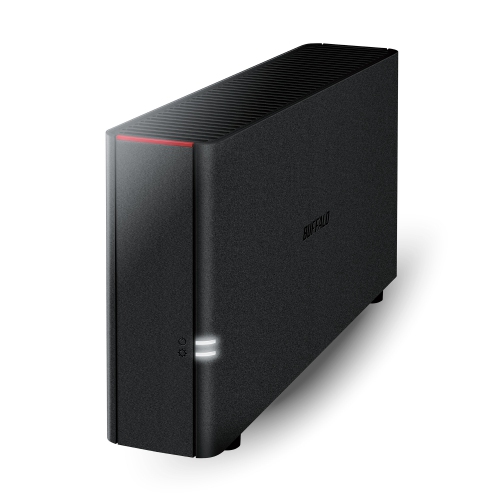 Your price for this item is $226.99
 -
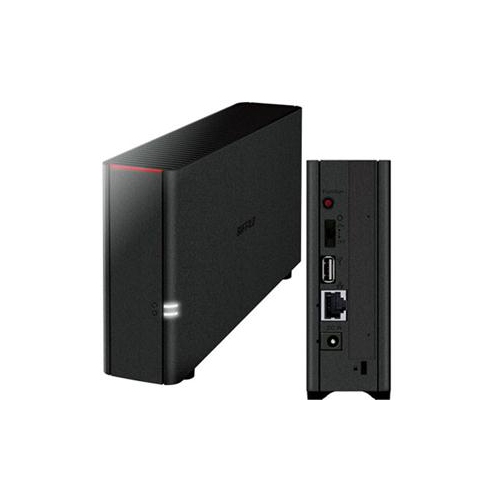 Your price for this item is $324.37
 -
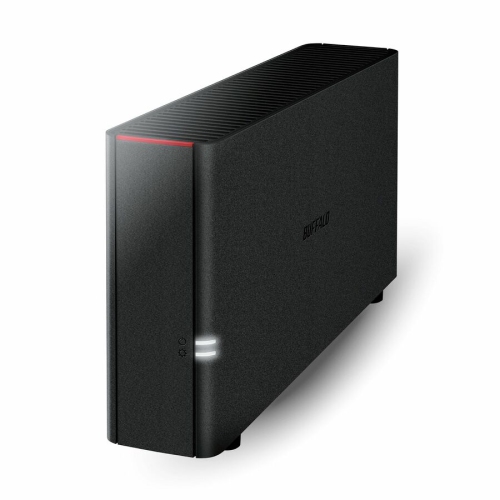 Your price for this item is $352.99
 -
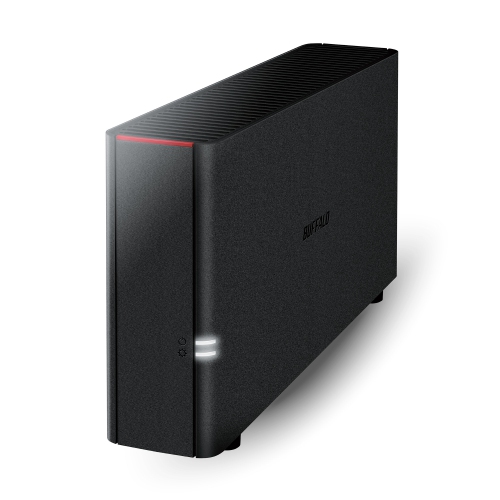 Your price for this item is $423.99
 -
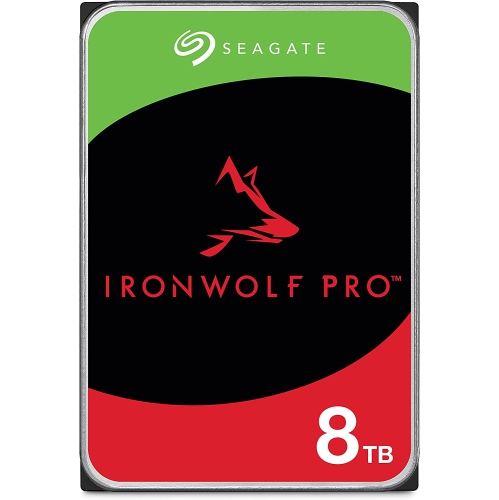 Your price for this item is $599
 -
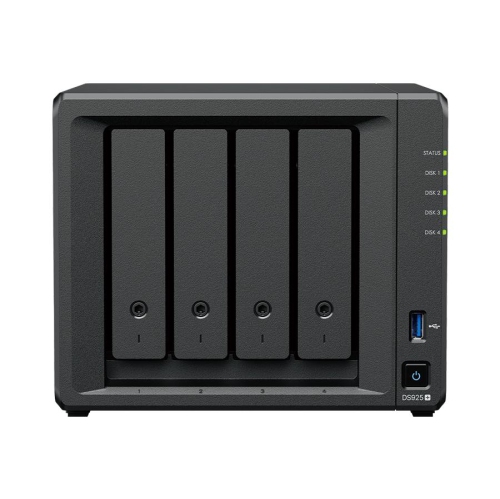 Your price for this item is $1299.99
 -
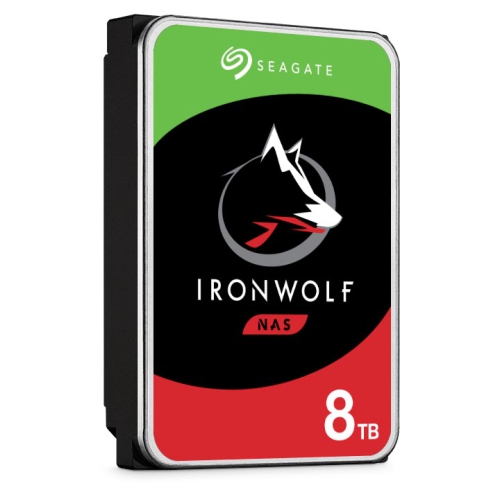 Your price for this item is $469.99
 -
 Your price for this item is $315.99
Discover more categories related to 16TB NAS Drives
Top Collections:
Pokemon Centers, Budget 4K TVs, Best Budget Office Chairs, Kindle Devices, Canon G7X Cameras, Apple iPhones 16, iPhone 15 Apple, Laptops for Business Work, Xiaomi Phones, Flip Phones
Some products may be subject to Environmental Handling Fees
(EHF) depending on your province.
Learn more about EHFs.