29 Inch Monitors
Upgrade your viewing experience with this selection of 29-inch monitors, designed to bring clarity and precision to your work or entertainment setup. Whether you're a multitasking professional seeking increased productivity or a gaming enthusiast looking for immersive visuals, these monitors offer crisp image quality and ample screen real estate to enhance your daily activities. Explore this range of 29-inch monitors and find the perfect match for your needs, elevating your viewing experience to new heights.
Sort
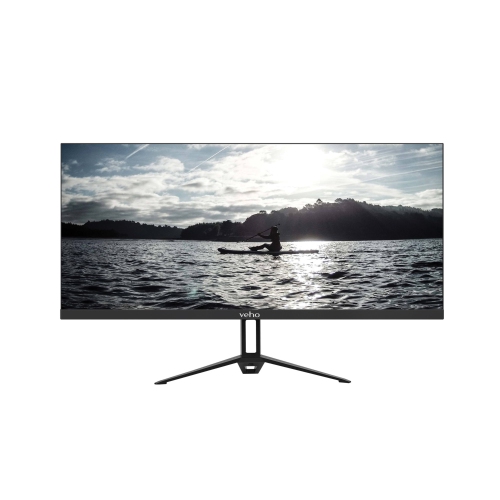
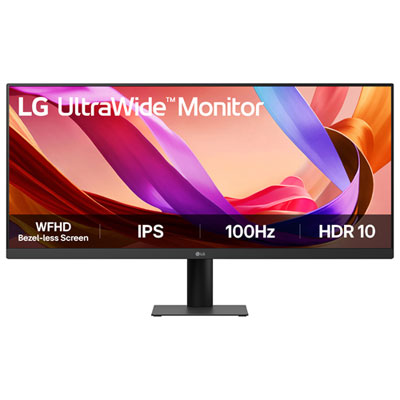
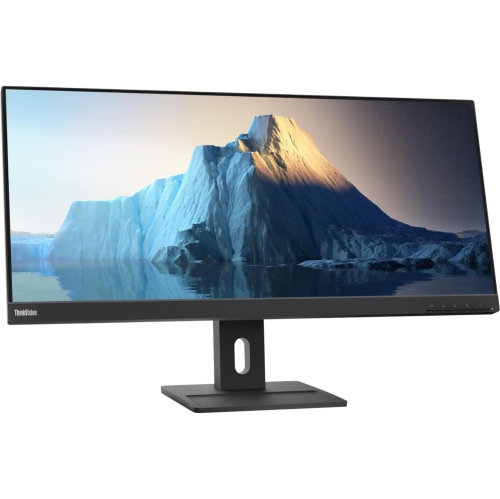
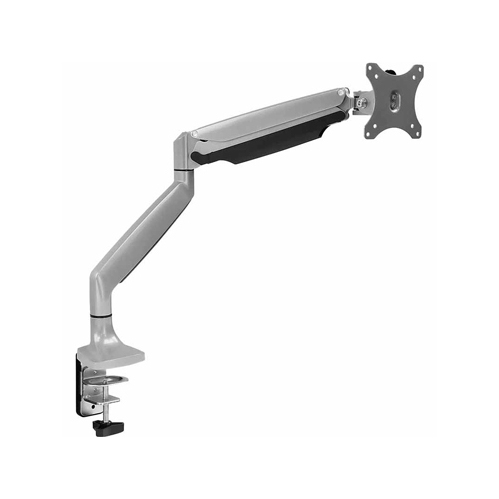
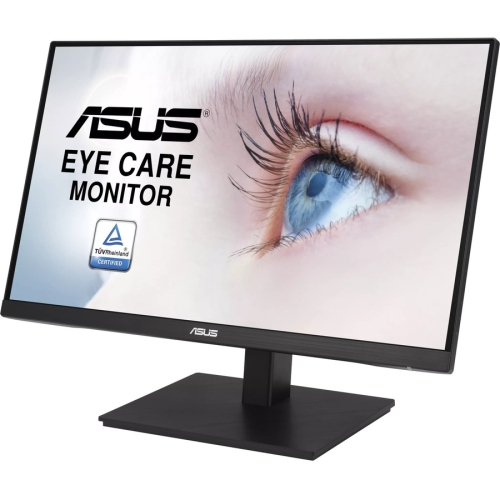
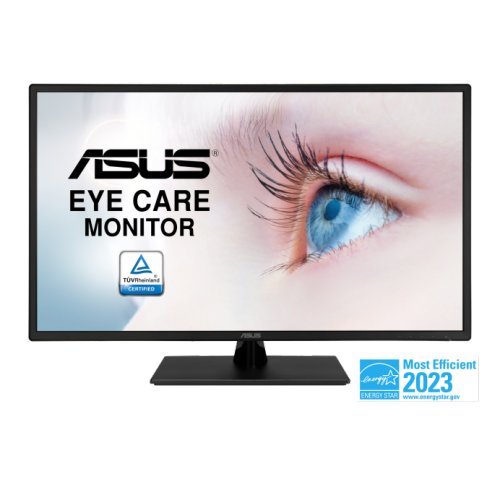
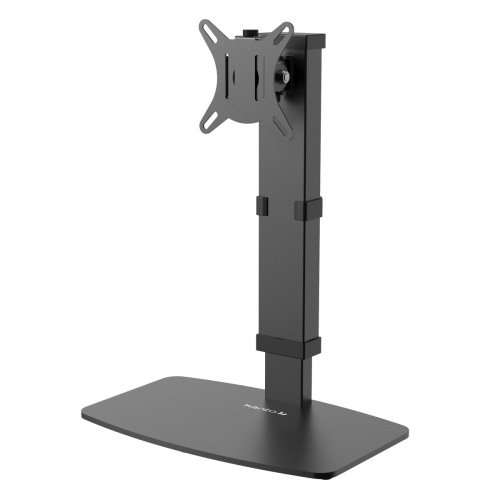


A spacious ultrawide workspace without the oversized footprint
29-inch monitors offer a practical middle ground between a traditional desktop display and a much larger ultrawide screen. Most models in this size use a 21:9 aspect ratio, giving you a wider canvas than a standard 16:9 monitor without taking up the same amount of desk space as a larger display. With a typical 2560 x 1080 WFHD resolution, a 29-inch ultrawide monitor can place two documents, browser windows, or applications side by side, making it easier to compare information, follow a video call while taking notes, or keep reference material visible while working. This extra horizontal space is especially useful for home offices, schoolwork, coding, spreadsheets, online research, and creative projects that involve timelines or multiple editing panels. It can also make everyday computing feel more comfortable: instead of constantly switching between full-screen windows, you can arrange your workspace so that everything you need is visible at a glance. A 29-inch screen with this resolution generally provides pixel density comparable to a standard 24-inch 1080p monitor, which is sharp enough for general productivity, streaming, web browsing, and casual gaming. Before choosing a monitor, consider the size of your desk, your viewing distance, and how you plan to arrange your windows. An ultrawide screen looks its best when you have enough room to sit directly in front of it, with space for a keyboard, mouse, speakers, and any other accessories you use each day. It can also be a convenient choice for a compact workstation where a dual-monitor setup would feel crowded or require extra cables and stand space.
Panel type, refresh rate, resolution, and connectivity all affect how a 29-inch monitor feels in daily use. IPS panels are a popular choice because they typically offer wide 178-degree viewing angles and consistent colour across the screen, which is useful when several people are looking at a presentation or when you are moving between different areas of a wide display. Many IPS monitors also provide colour coverage around 99% of the sRGB range, making text, photographs, web pages, and video content appear natural and balanced for general use. Refresh rates commonly begin at 75Hz, while newer options may offer 100Hz for smoother scrolling, cursor movement, and animation. A higher refresh rate can make a noticeable difference when moving through long web pages or navigating a busy desktop, even if gaming is not your main reason for shopping. For casual gaming, features such as AMD FreeSync support can help reduce visible tearing when the monitor and compatible computer are rendering frames at different speeds. If you enjoy films, games, or visually rich content, HDR10 support may add more contrast and a broader range of brightness when paired with compatible content, though the overall result also depends on the monitor’s brightness and contrast performance. Built-in speakers can keep a simple workstation tidy and are handy for video calls, tutorials, and occasional streaming, while a monitor with an audio output can make it easier to connect headphones or external speakers. Check the available ports carefully, including HDMI, DisplayPort, USB, and any headphone connections, and confirm that they match your computer or gaming device. A height-adjustable stand, tilt control, VESA compatibility, and a thin bezel can also influence comfort and setup flexibility. If you are comparing nearby screen sizes, you can browse 30 Inch LED Monitors for another option with a similarly wide viewing experience.
These monitors can suit a wide range of people, from students setting up a study corner to professionals creating a comfortable home office for the cooler months. Someone who spends the day reviewing documents may appreciate having a full-page file open beside email and a calendar, while a programmer can keep code, documentation, and testing tools visible without repeatedly changing windows. For video editors, podcasters, and music hobbyists, the wide layout can provide more room for timelines, tracks, and control panels. Gamers who favour racing, strategy, simulation, and adventure titles may enjoy the broader field of view offered by a 21:9 display, especially when the computer can take advantage of the monitor’s refresh rate and adaptive sync features. It can also be a thoughtful gift for a student moving into a new study space, a family member working remotely, or someone upgrading from a small laptop screen. When choosing for another person, pay attention to the devices they already own, the type of work or entertainment they enjoy, and the available desk space rather than focusing only on screen size. A monitor with simple plug-and-play connectivity may be ideal for a general home office, while a gamer or content creator may value a faster refresh rate, adaptive sync, accurate colour, and multiple inputs. During the cooler months, when more time is often spent working, studying, gaming, and watching content indoors, a well-matched 29-inch monitor can help turn a modest desk into a more organized and inviting workstation. Consider your computer’s graphics capabilities as well: a system that comfortably supports 2560 x 1080 can make better use of the display, while older hardware may benefit from checking supported resolutions and refresh rates before purchase. By balancing the monitor’s aspect ratio, panel characteristics, speed, ports, stand design, and intended use, you can find a screen that feels spacious without being overwhelming and remains useful across work, learning, entertainment, and everyday tasks.
Panel type, refresh rate, resolution, and connectivity all affect how a 29-inch monitor feels in daily use. IPS panels are a popular choice because they typically offer wide 178-degree viewing angles and consistent colour across the screen, which is useful when several people are looking at a presentation or when you are moving between different areas of a wide display. Many IPS monitors also provide colour coverage around 99% of the sRGB range, making text, photographs, web pages, and video content appear natural and balanced for general use. Refresh rates commonly begin at 75Hz, while newer options may offer 100Hz for smoother scrolling, cursor movement, and animation. A higher refresh rate can make a noticeable difference when moving through long web pages or navigating a busy desktop, even if gaming is not your main reason for shopping. For casual gaming, features such as AMD FreeSync support can help reduce visible tearing when the monitor and compatible computer are rendering frames at different speeds. If you enjoy films, games, or visually rich content, HDR10 support may add more contrast and a broader range of brightness when paired with compatible content, though the overall result also depends on the monitor’s brightness and contrast performance. Built-in speakers can keep a simple workstation tidy and are handy for video calls, tutorials, and occasional streaming, while a monitor with an audio output can make it easier to connect headphones or external speakers. Check the available ports carefully, including HDMI, DisplayPort, USB, and any headphone connections, and confirm that they match your computer or gaming device. A height-adjustable stand, tilt control, VESA compatibility, and a thin bezel can also influence comfort and setup flexibility. If you are comparing nearby screen sizes, you can browse 30 Inch LED Monitors for another option with a similarly wide viewing experience.
These monitors can suit a wide range of people, from students setting up a study corner to professionals creating a comfortable home office for the cooler months. Someone who spends the day reviewing documents may appreciate having a full-page file open beside email and a calendar, while a programmer can keep code, documentation, and testing tools visible without repeatedly changing windows. For video editors, podcasters, and music hobbyists, the wide layout can provide more room for timelines, tracks, and control panels. Gamers who favour racing, strategy, simulation, and adventure titles may enjoy the broader field of view offered by a 21:9 display, especially when the computer can take advantage of the monitor’s refresh rate and adaptive sync features. It can also be a thoughtful gift for a student moving into a new study space, a family member working remotely, or someone upgrading from a small laptop screen. When choosing for another person, pay attention to the devices they already own, the type of work or entertainment they enjoy, and the available desk space rather than focusing only on screen size. A monitor with simple plug-and-play connectivity may be ideal for a general home office, while a gamer or content creator may value a faster refresh rate, adaptive sync, accurate colour, and multiple inputs. During the cooler months, when more time is often spent working, studying, gaming, and watching content indoors, a well-matched 29-inch monitor can help turn a modest desk into a more organized and inviting workstation. Consider your computer’s graphics capabilities as well: a system that comfortably supports 2560 x 1080 can make better use of the display, while older hardware may benefit from checking supported resolutions and refresh rates before purchase. By balancing the monitor’s aspect ratio, panel characteristics, speed, ports, stand design, and intended use, you can find a screen that feels spacious without being overwhelming and remains useful across work, learning, entertainment, and everyday tasks.
Top selling and popular products
-
 Your price for this item is $34.95
 -
 Your price for this item is $129.99
 -
 Your price for this item is $69.99
 -
 Your price for this item is $69.99
 -
 Your price for this item is $99.99
 -
 Your price for this item is $124
 -
 Your price for this item is $256.68
 -
 Your price for this item is $300
Discover more categories related to 29 Inch Monitors

Top Collections:
Pokemon Centers, Kindle Devices, Best Budget Office Chairs, Apple iPhones 16, Best Laptops for Writers, iPhone 15 Apple, Canon G7X Cameras, Refurbished Apple Laptops, Alarm Clock, Motorola Razr Phones
Some products may be subject to Environmental Handling Fees
(EHF) depending on your province.
Learn more about EHFs.