2K Webcams
Upgrade your video conferencing experience with our selection of 2k webcams. Whether you're working from home, connecting with loved ones, or streaming content, these high-resolution cameras deliver crystal-clear image quality and sharp details. With advanced features and easy-to-use interfaces, our 2k webcams are designed to enhance your online communication and provide a professional touch to your virtual meetings. Explore our range of options and find the perfect webcam to meet your needs.
Sort
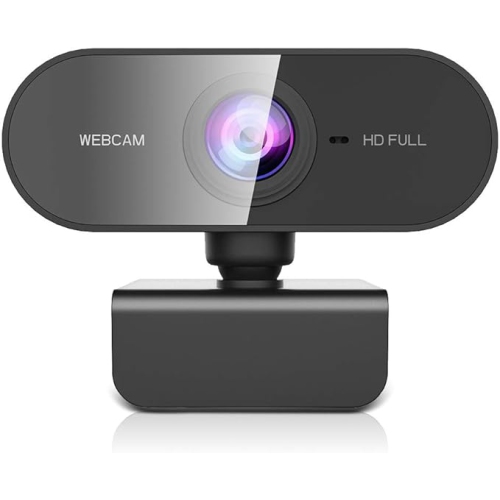
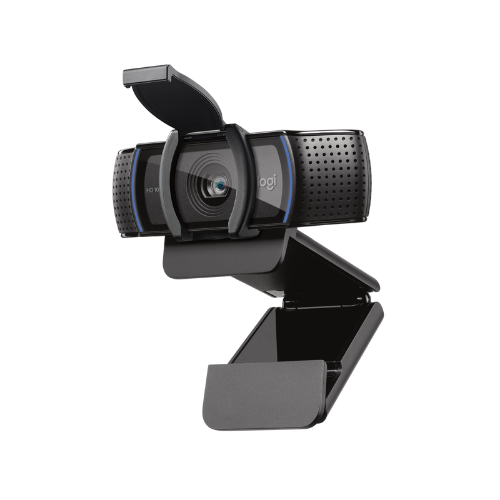
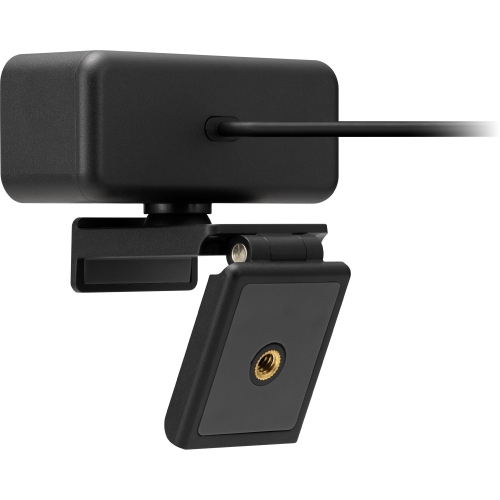
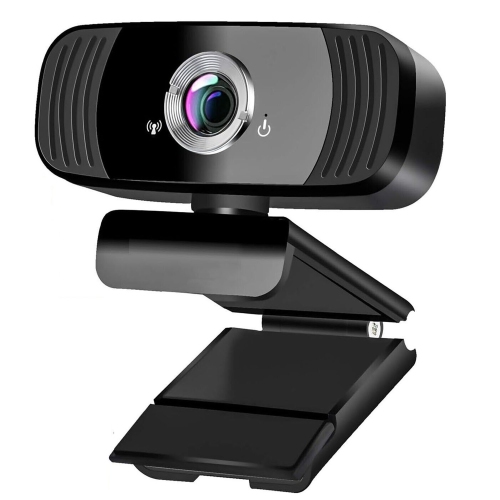
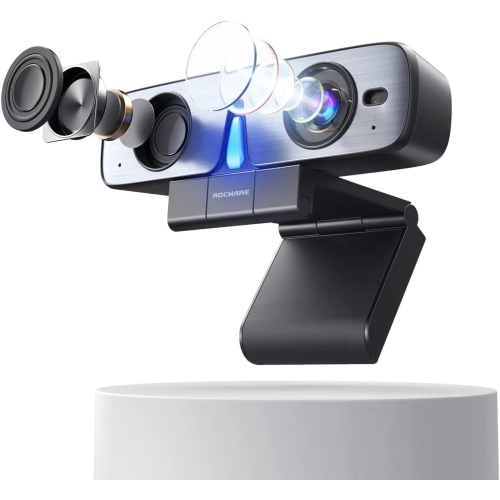
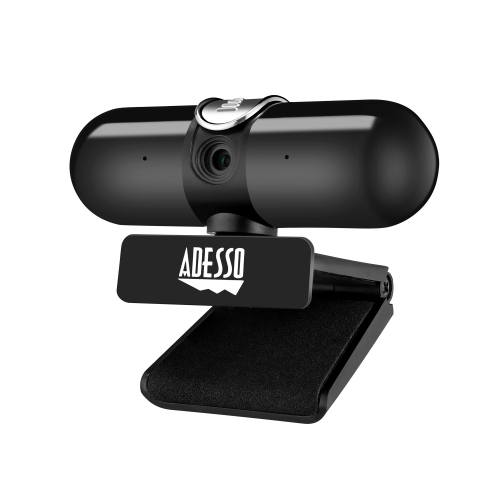
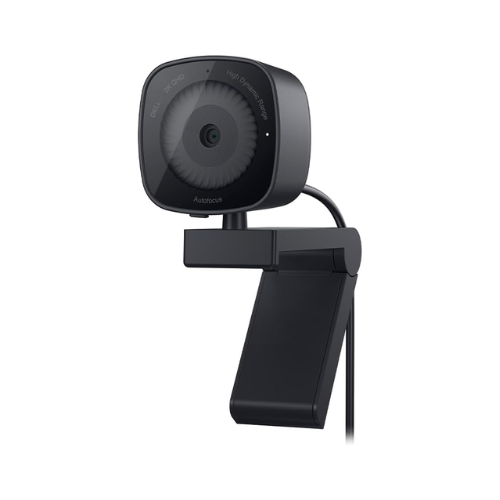
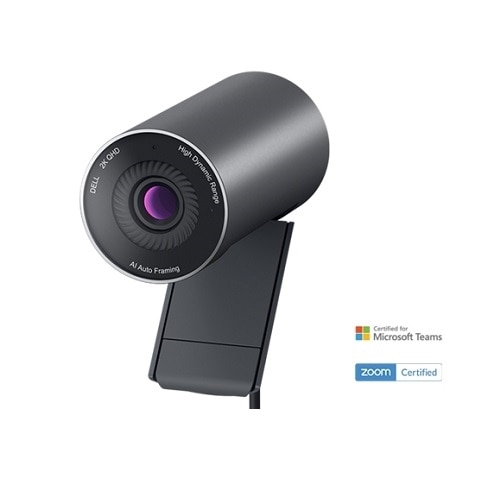
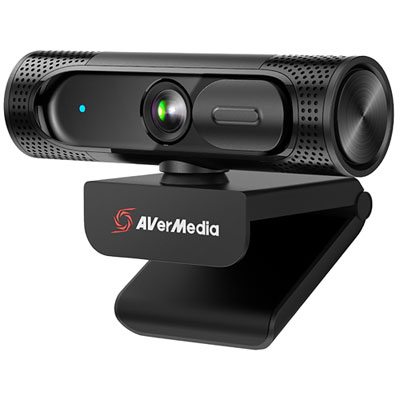
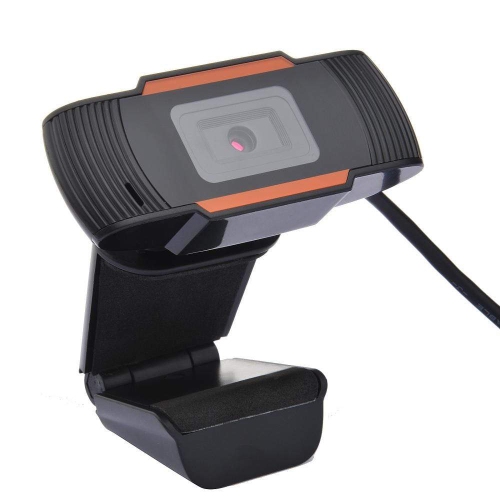
Sharper video without the demands of 4K resolution
2K webcams, also known as QHD or 1440p webcams, offer a useful step up from standard 1080p cameras without the larger file sizes, higher bandwidth demands, and more powerful computer requirements often associated with 4K video. With approximately 2560 by 1440 pixels, a 2K webcam can produce a noticeably sharper image for video calls, online classes, streaming, telehealth appointments, interviews, and everyday communication. Fine details such as facial features, hair, clothing textures, and printed notes tend to look more defined, while text on a whiteboard or presentation can remain easier to read. The additional resolution also provides more flexibility when framing a shot. A camera can crop in digitally or allow a closer software zoom while retaining more detail than a comparable 1080p model. This is helpful when a desk is positioned farther from the screen, when more than one person needs to fit in the frame, or when a user wants a close-up view without moving the camera. For many home offices and study areas, 2K strikes a practical balance between image quality and computer performance. It delivers a clearer, more polished appearance than basic HD while generally being simpler to use than higher-resolution equipment. Buyers comparing options may also wish to explore a 4k Webcam when maximum detail is the priority, but 2K is well suited to people who want an upgrade that fits comfortably into regular video calls and content creation.
The best 2K webcam for a particular setup depends on more than resolution alone. Autofocus can keep a face or object clear when someone leans toward the camera, holds up a document, or moves around during a presentation, while fixed-focus models may be appropriate for a stationary desk arrangement. Look for automatic exposure and white balance when the camera will be used in rooms with changing daylight, overhead lighting, or a bright window behind the user. Low-light performance is especially important during the cooler months, when daylight hours can be shorter and a home office may rely on lamps or ceiling fixtures. A webcam with a larger image sensor, light-correction features, or software controls may produce a more natural image in these conditions, although a small desk lamp placed just behind the monitor can make an equally noticeable difference. Field-of-view options are another useful consideration. A narrower view can keep attention on one person and reduce distractions in the background, while a wider view can include a second participant, a presenter standing at a desk, or a larger workspace. Digital zoom is convenient for occasional adjustments, but it works best when the original image is sharp enough to support cropping. Frame rate matters as well: 30 frames per second is suitable for most meetings and classes, while higher frame rates can make hand movements, demonstrations, and live presentations appear smoother when the computer and software support them. Integrated microphones can simplify a setup and reduce the number of accessories on a desk. Dual-microphone designs and noise-reduction processing may help make speech clearer around keyboard taps, fans, or household activity, though people who record podcasts, music, or professional video may still prefer a dedicated microphone.
Physical design and everyday convenience can be just as important as image specifications. A secure monitor clip should hold the webcam steady on a laptop, desktop monitor, or external display, and a standard tripod mount can provide more flexibility for users who work with multiple screens or record from different parts of a room. A compact shape is helpful for smaller desks, while a model that tilts or rotates can make it easier to adjust the composition without shifting the entire monitor. A built-in privacy shutter or removable lens cover offers a simple way to block the camera when it is not in use, providing reassurance in a shared home, student residence, or workplace. Plug-and-play USB connectivity is convenient for people who want to connect the camera and begin a call without a complicated installation process. Before choosing, check the available USB port, operating system support, video conferencing compatibility, and whether optional software is needed for features such as background effects, auto-framing, zoom, colour adjustments, or firmware updates. A 2K webcam can be a practical gift for a student preparing for online lectures, a family member keeping in touch from a different city, a remote employee building a more comfortable office, or a creator beginning to stream and record. It can also refresh an older laptop setup when the built-in camera produces a dim, grainy, or overly narrow image. Positioning the webcam at or slightly above eye level, keeping the lens free of fingerprints, and placing the main light in front of the user rather than behind them will help any 2K camera perform at its best. From catching up with relatives as the weather warms to joining work meetings and virtual gatherings during the cooler months, these webcams are designed to make faces, voices, and shared moments feel clearer and more connected.
The best 2K webcam for a particular setup depends on more than resolution alone. Autofocus can keep a face or object clear when someone leans toward the camera, holds up a document, or moves around during a presentation, while fixed-focus models may be appropriate for a stationary desk arrangement. Look for automatic exposure and white balance when the camera will be used in rooms with changing daylight, overhead lighting, or a bright window behind the user. Low-light performance is especially important during the cooler months, when daylight hours can be shorter and a home office may rely on lamps or ceiling fixtures. A webcam with a larger image sensor, light-correction features, or software controls may produce a more natural image in these conditions, although a small desk lamp placed just behind the monitor can make an equally noticeable difference. Field-of-view options are another useful consideration. A narrower view can keep attention on one person and reduce distractions in the background, while a wider view can include a second participant, a presenter standing at a desk, or a larger workspace. Digital zoom is convenient for occasional adjustments, but it works best when the original image is sharp enough to support cropping. Frame rate matters as well: 30 frames per second is suitable for most meetings and classes, while higher frame rates can make hand movements, demonstrations, and live presentations appear smoother when the computer and software support them. Integrated microphones can simplify a setup and reduce the number of accessories on a desk. Dual-microphone designs and noise-reduction processing may help make speech clearer around keyboard taps, fans, or household activity, though people who record podcasts, music, or professional video may still prefer a dedicated microphone.
Physical design and everyday convenience can be just as important as image specifications. A secure monitor clip should hold the webcam steady on a laptop, desktop monitor, or external display, and a standard tripod mount can provide more flexibility for users who work with multiple screens or record from different parts of a room. A compact shape is helpful for smaller desks, while a model that tilts or rotates can make it easier to adjust the composition without shifting the entire monitor. A built-in privacy shutter or removable lens cover offers a simple way to block the camera when it is not in use, providing reassurance in a shared home, student residence, or workplace. Plug-and-play USB connectivity is convenient for people who want to connect the camera and begin a call without a complicated installation process. Before choosing, check the available USB port, operating system support, video conferencing compatibility, and whether optional software is needed for features such as background effects, auto-framing, zoom, colour adjustments, or firmware updates. A 2K webcam can be a practical gift for a student preparing for online lectures, a family member keeping in touch from a different city, a remote employee building a more comfortable office, or a creator beginning to stream and record. It can also refresh an older laptop setup when the built-in camera produces a dim, grainy, or overly narrow image. Positioning the webcam at or slightly above eye level, keeping the lens free of fingerprints, and placing the main light in front of the user rather than behind them will help any 2K camera perform at its best. From catching up with relatives as the weather warms to joining work meetings and virtual gatherings during the cooler months, these webcams are designed to make faces, voices, and shared moments feel clearer and more connected.
Top selling and popular products
-
 Your price for this item is $99.99
 -
 Your price for this item is $123.44
 -
 Your price for this item is $27.99
 -
 Your price for this item is $59.76
 -
 Your price for this item is $149.99
 -
 Your price for this item is $199.98
 -
 Your price for this item is $49.99
 -
 Your price for this item is $59.99
Discover more categories related to 2K Webcams

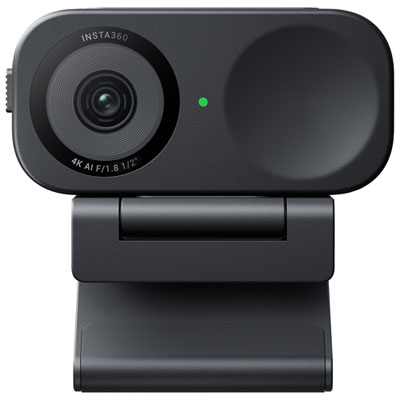
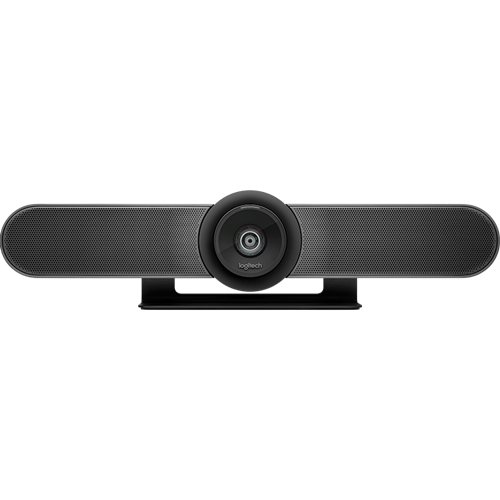
Top Collections:
Best Laptops for Video Editing, Pokemon Centers, Samsung Z Fold, Kindle Devices, Best Cell Phones Under $300, Best Laptop Computers for Students, iPhone 15 Apple, Best Cell Phones Under $500, Alarm Clock, Canon G7X Cameras
Some products may be subject to Environmental Handling Fees
(EHF) depending on your province.
Learn more about EHFs.