Mini Webcams
Capture every moment with our collection of mini webcams. Whether you're working from home, video chatting with loved ones, or streaming your favorite content, these compact and versatile devices are designed to deliver exceptional image quality and seamless connectivity. With a range of features including high-definition resolution, built-in microphones, and easy plug-and-play setup, our mini webcams are perfect for capturing crystal-clear video and audio from the comfort of your own space. Explore our selection today and find the perfect mini webcam to enhance your digital experiences.
Sort
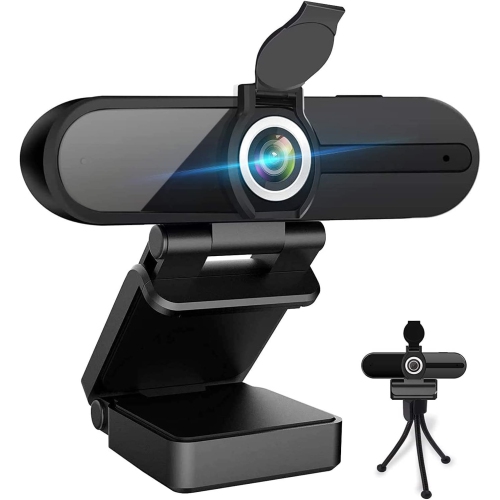
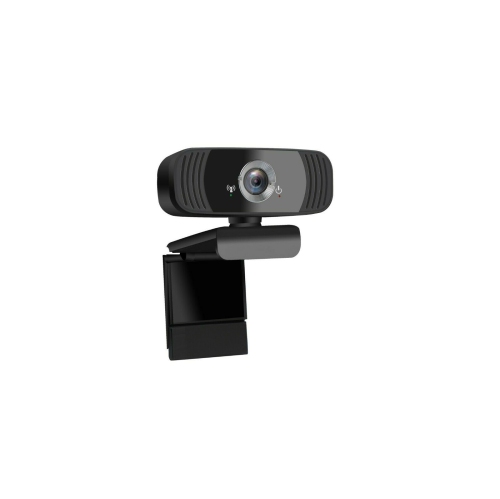
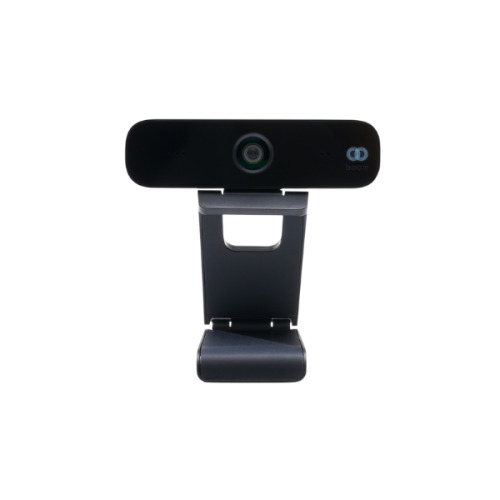
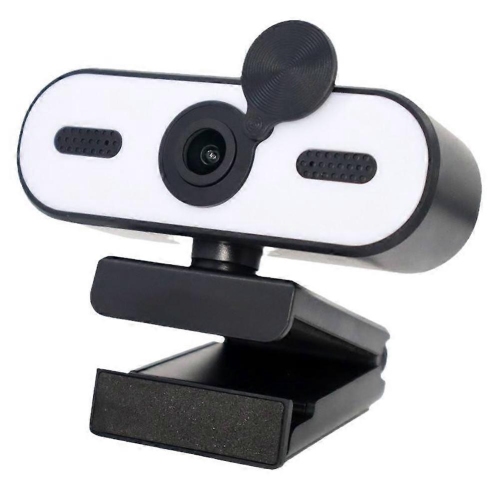
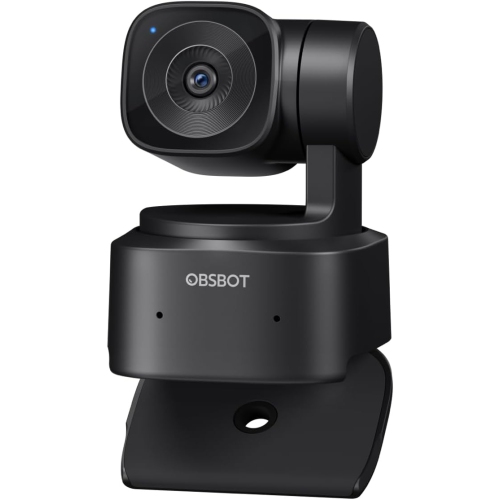
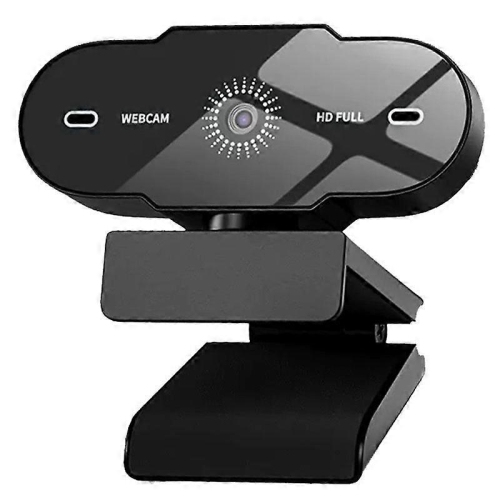


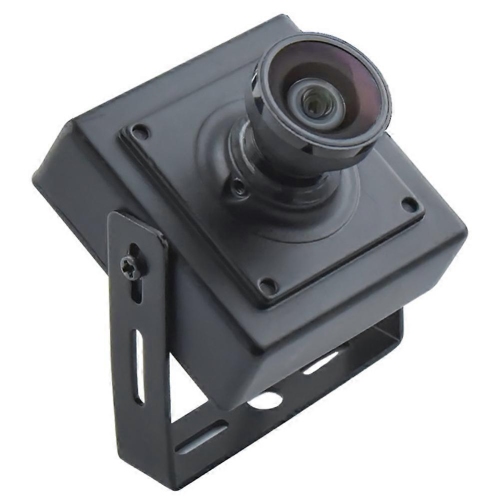
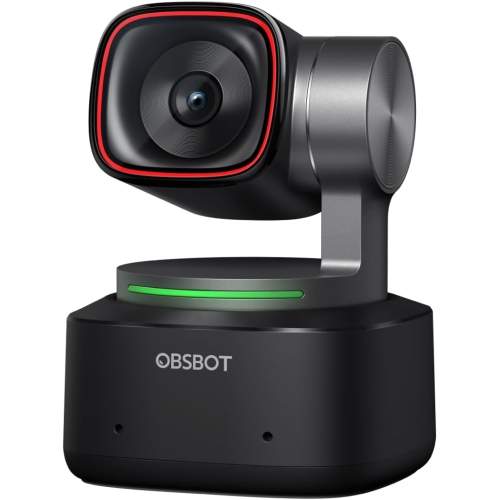
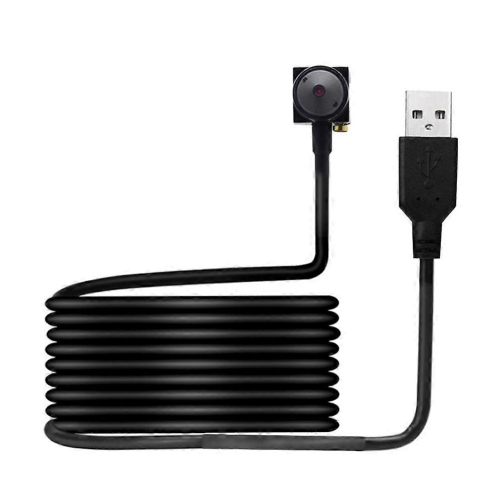
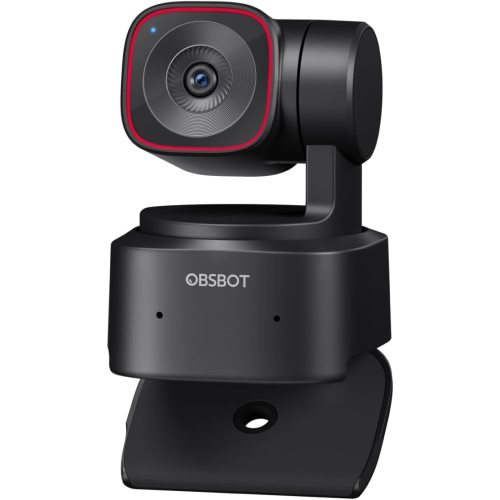
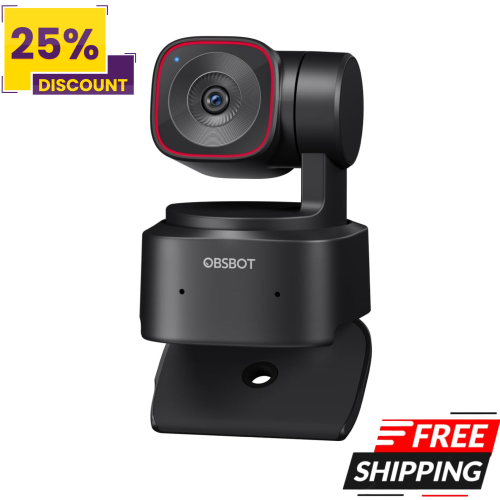

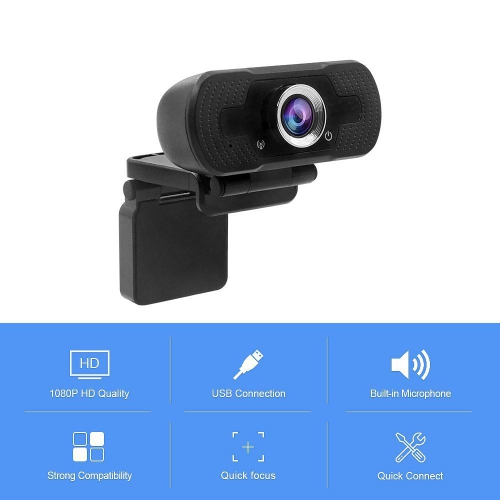
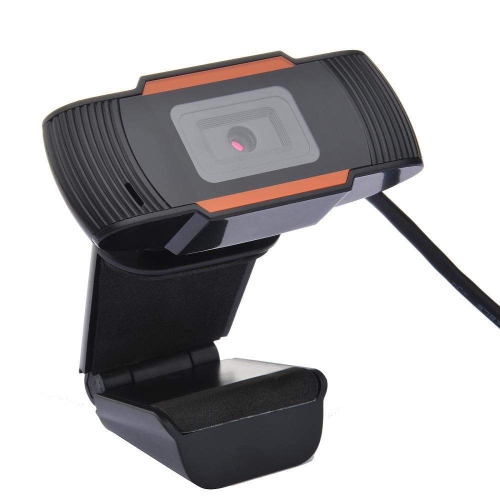
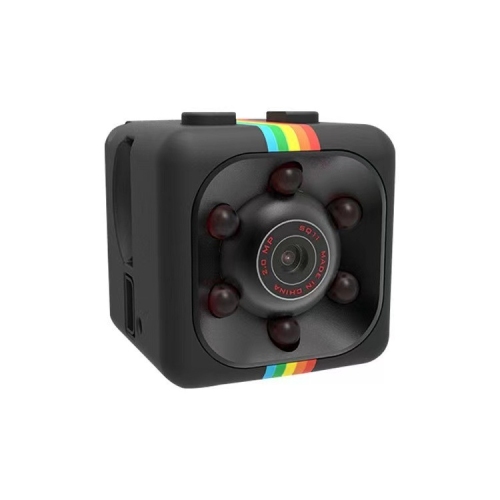
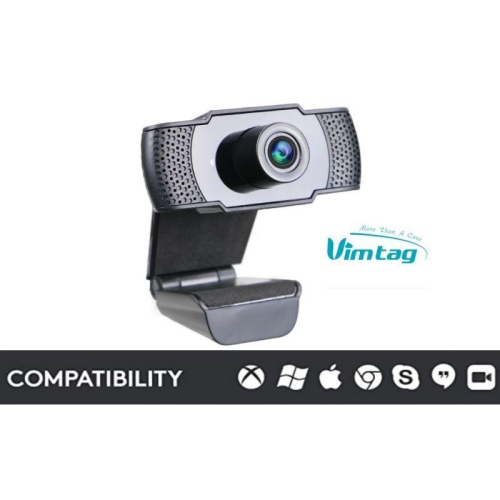
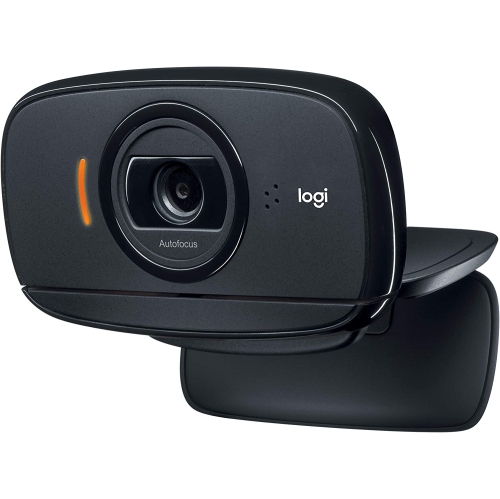
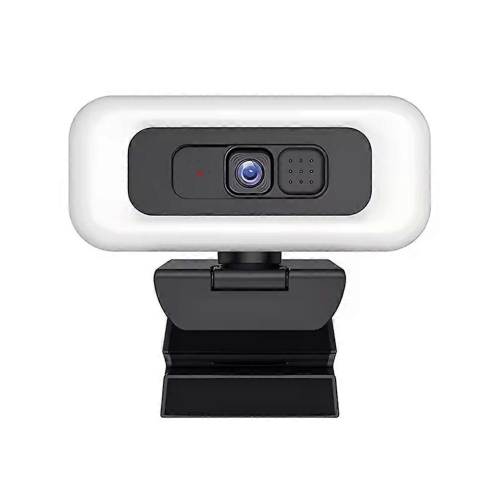
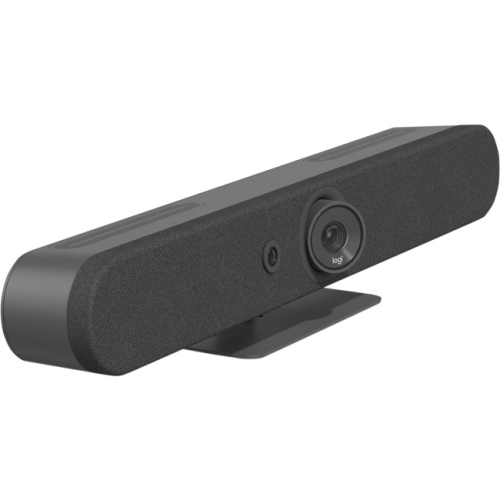
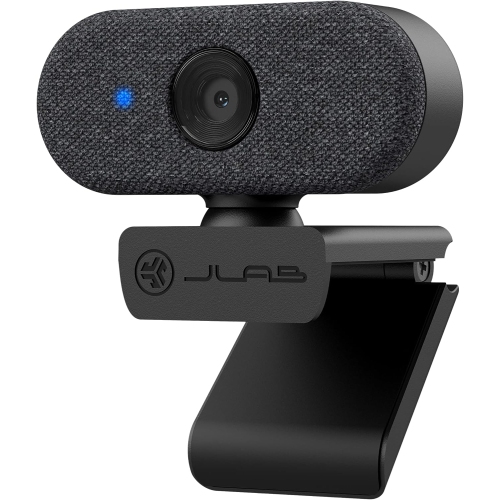
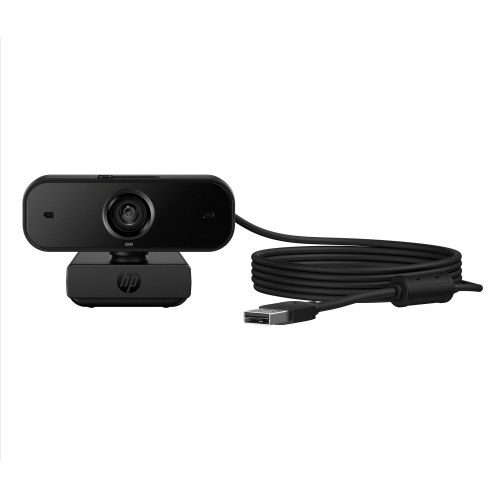
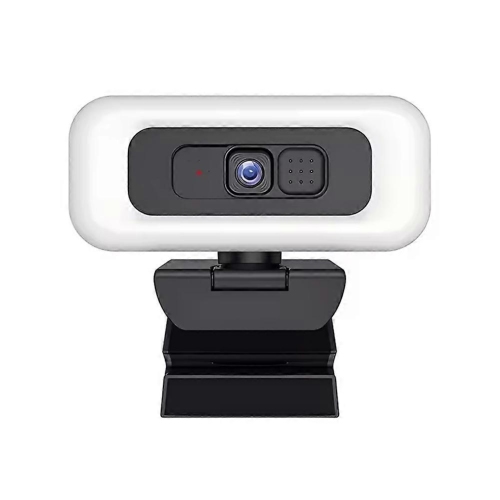
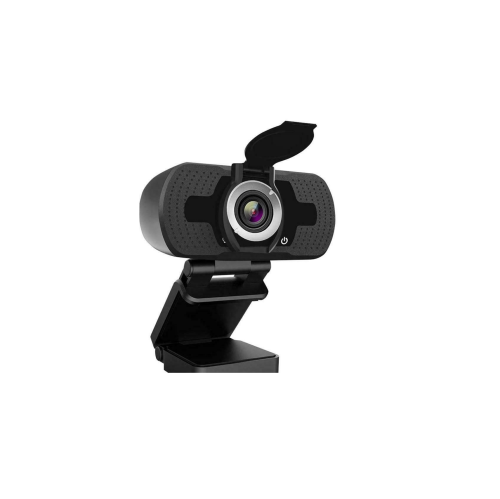
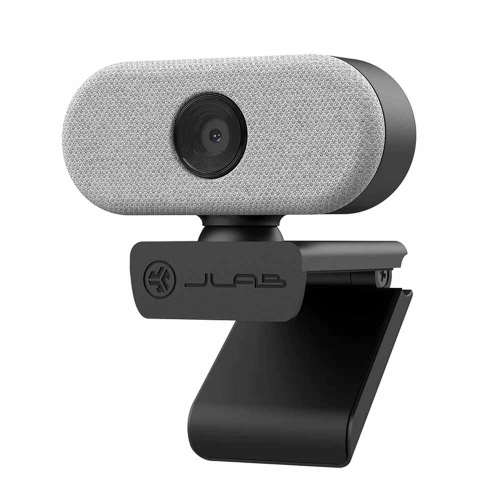
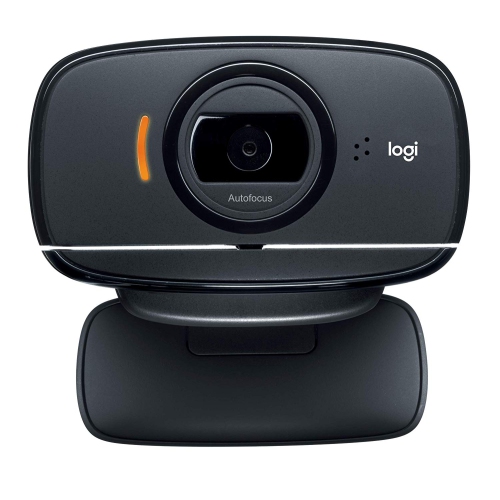
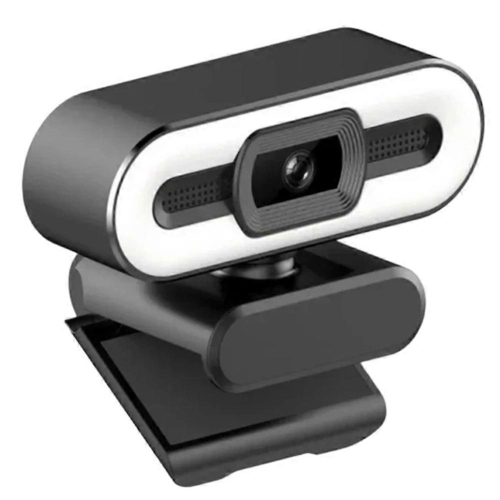
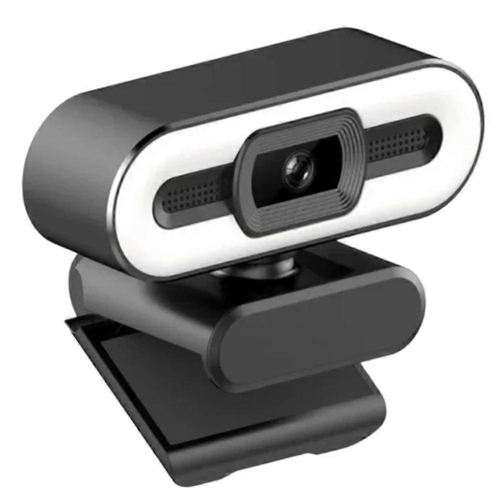
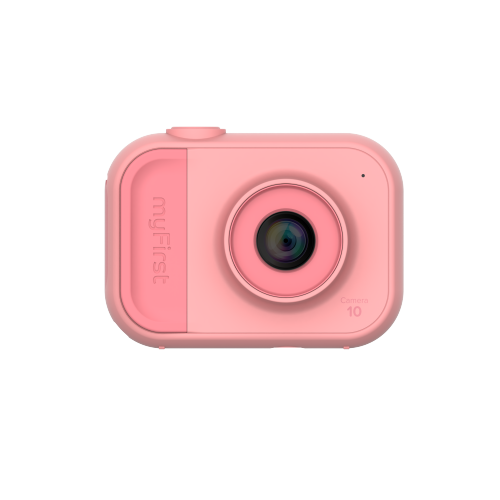
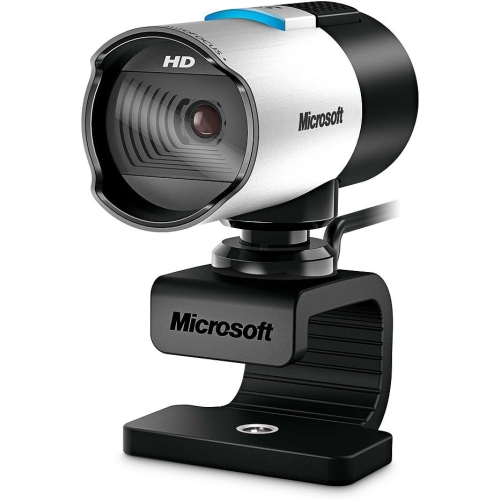
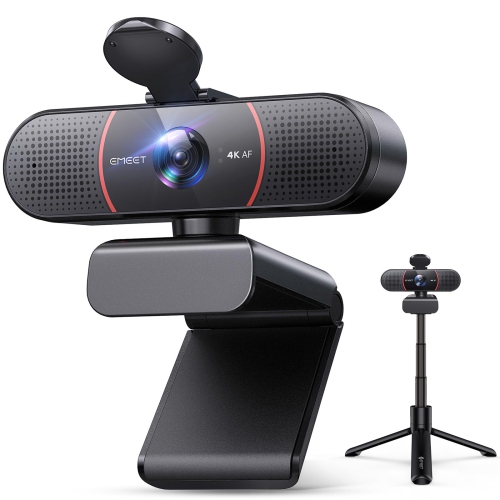
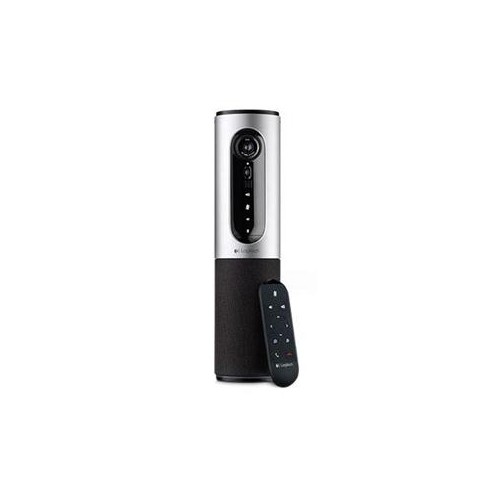
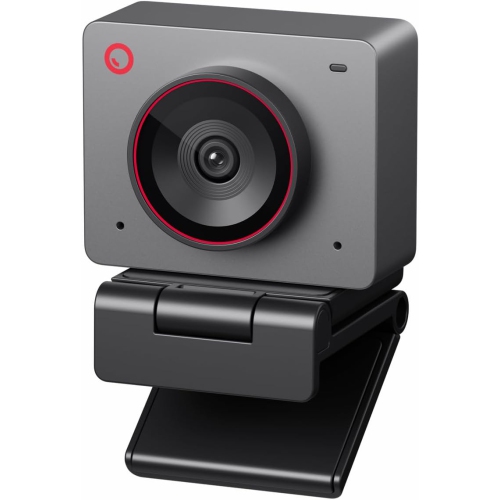
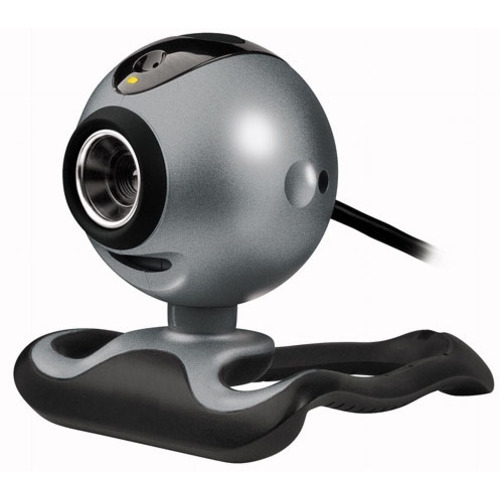
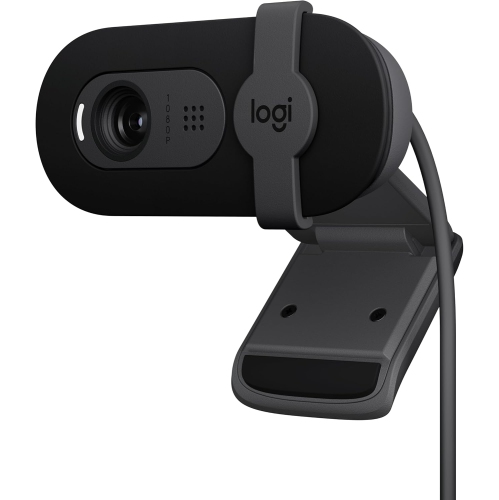
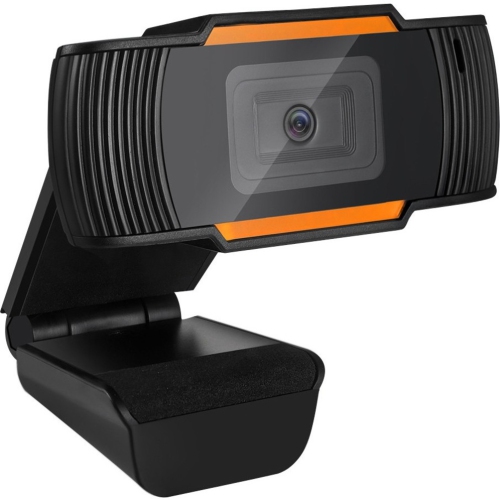
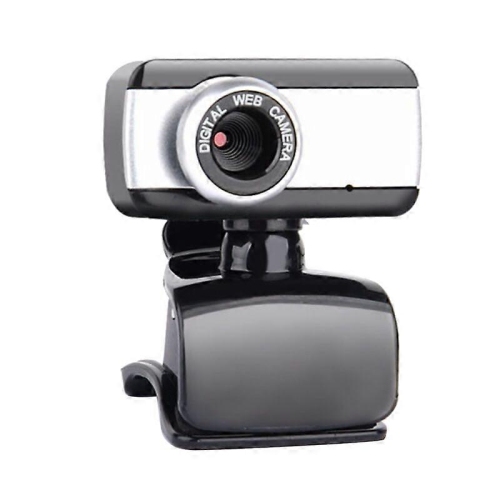

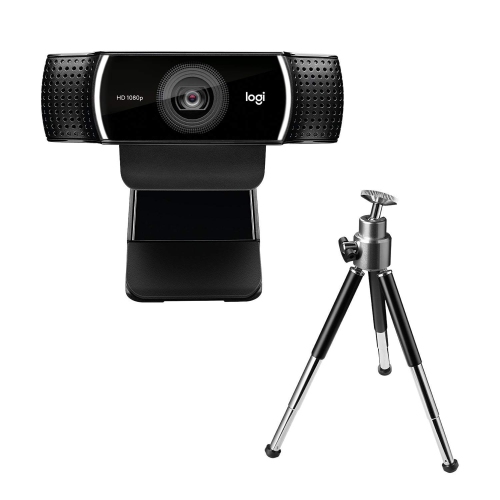
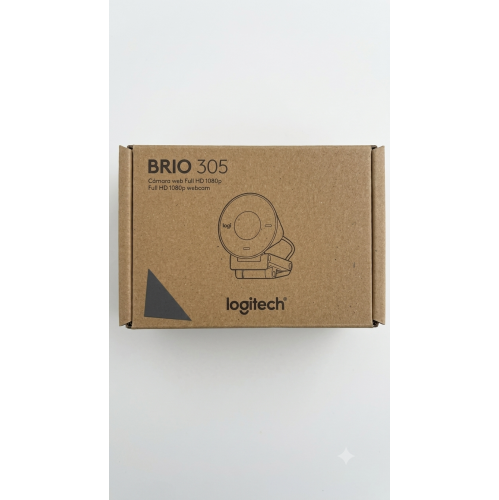
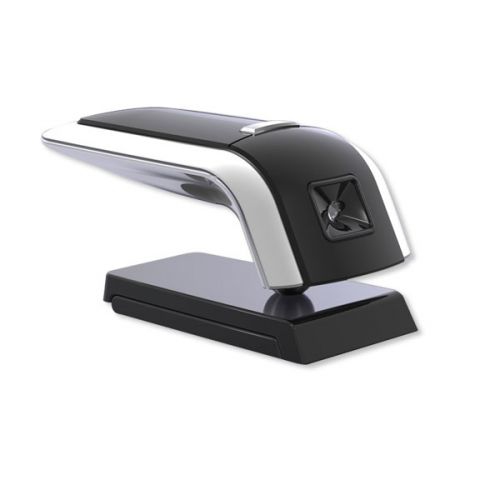
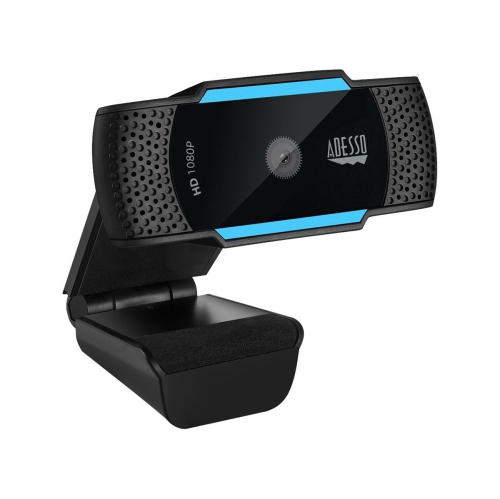
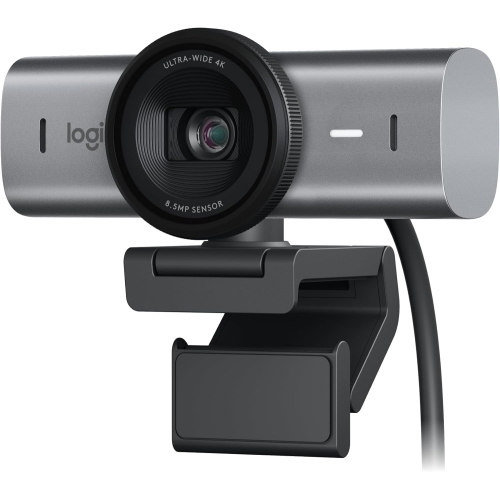
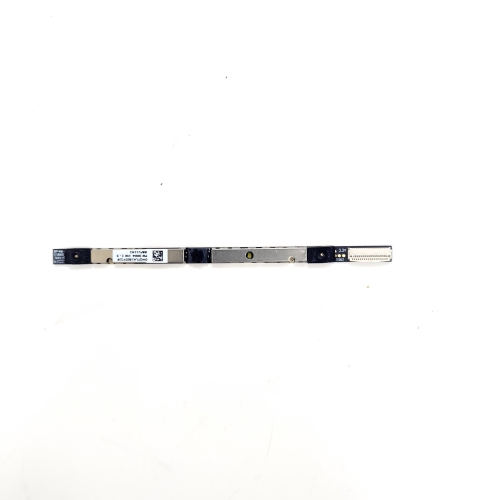
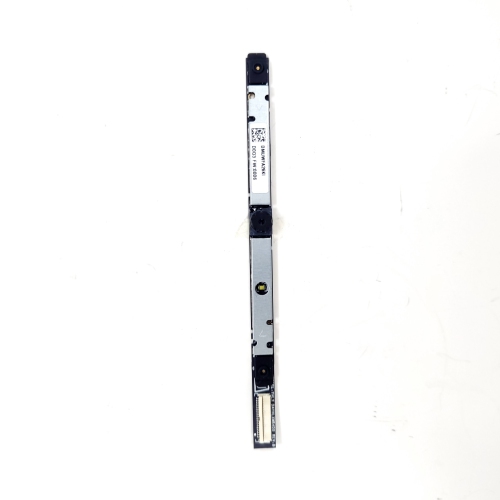
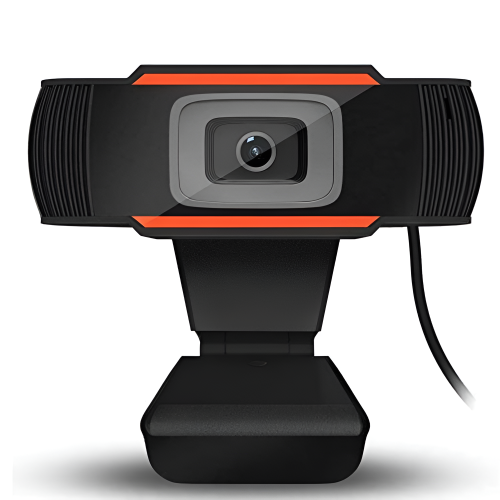
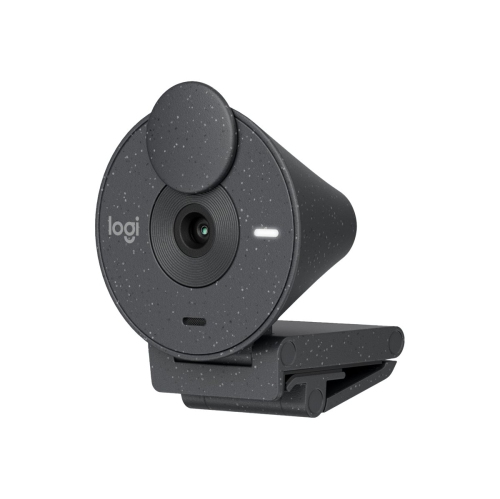
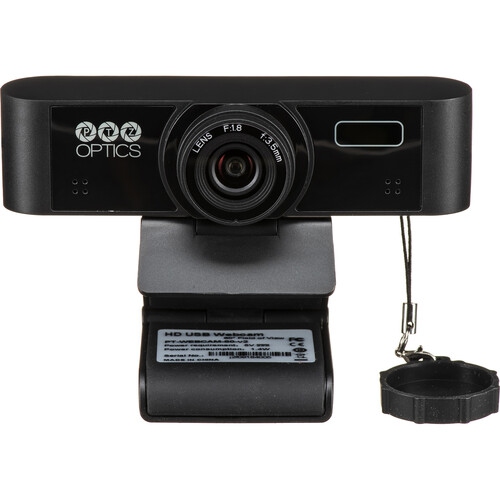
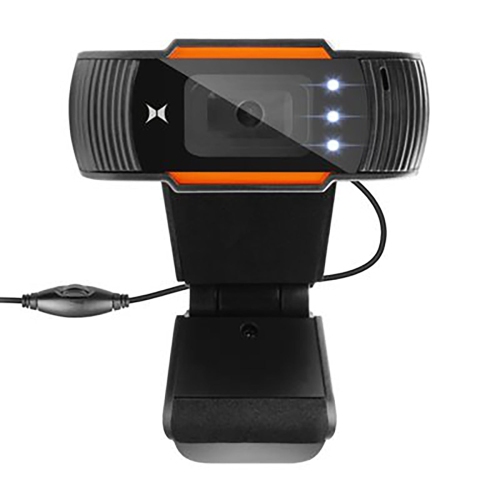
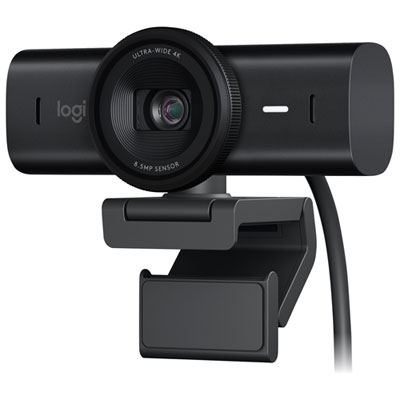
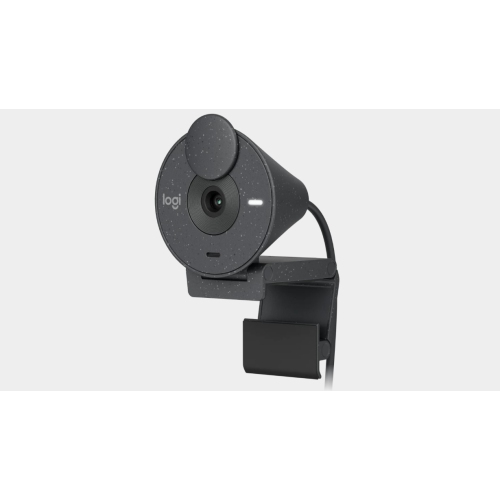
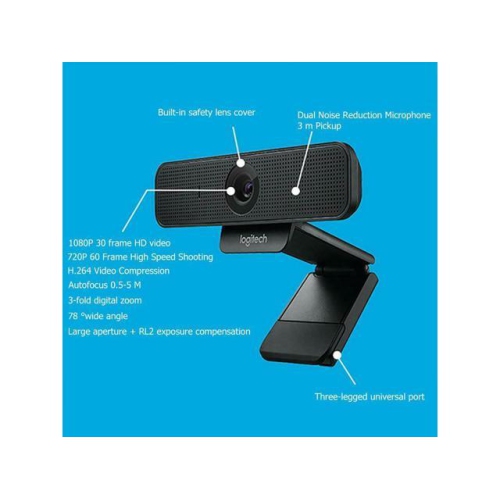
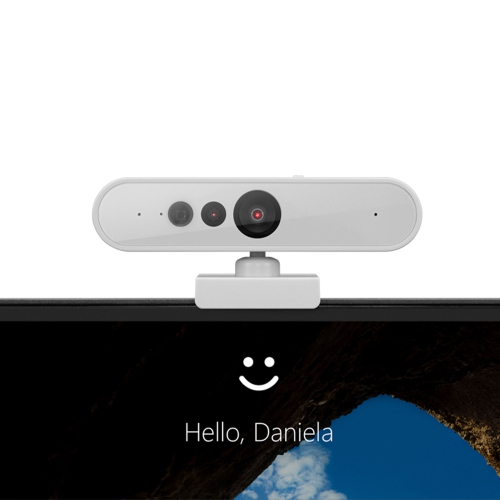
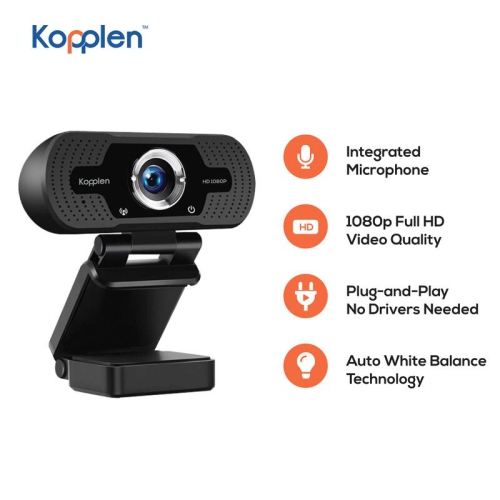
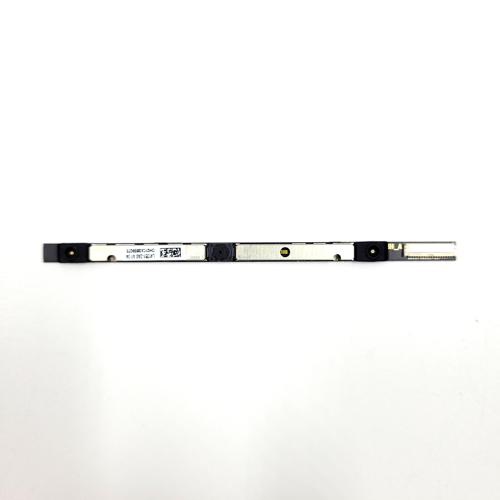
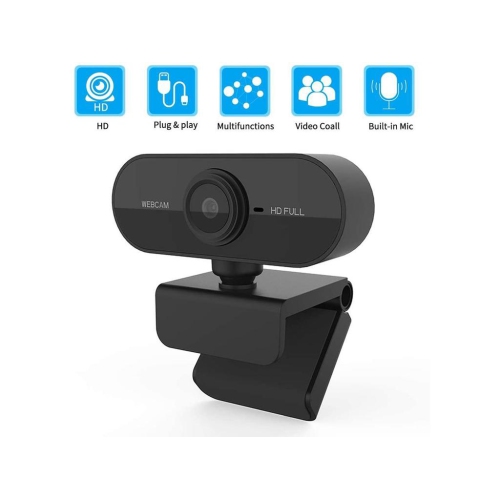
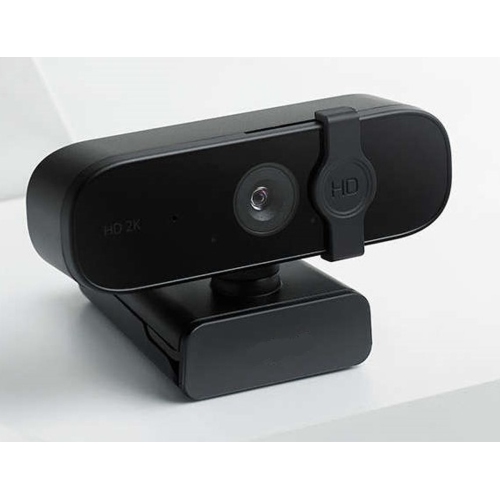
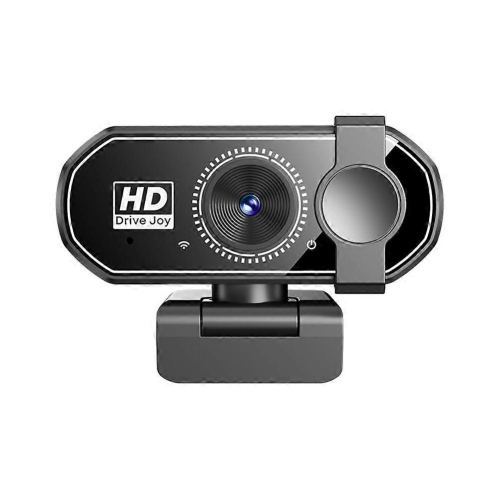
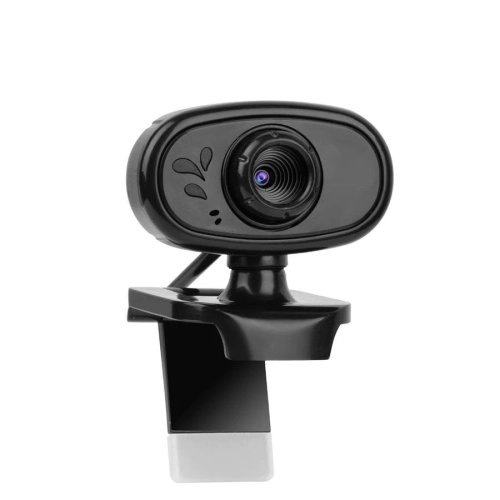
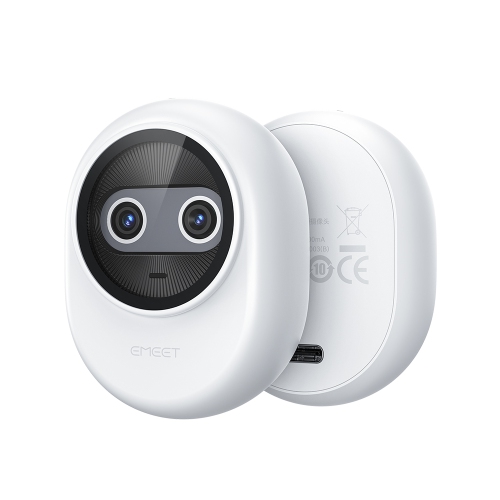
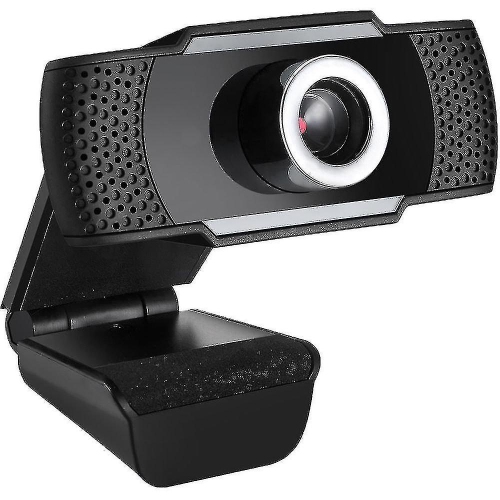
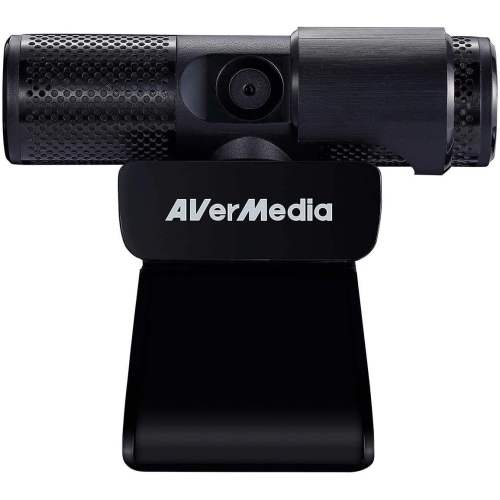
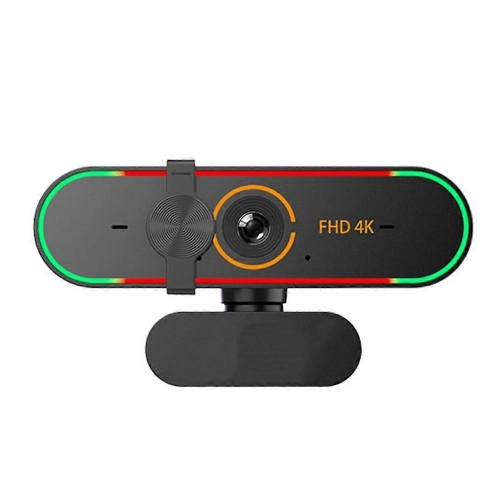
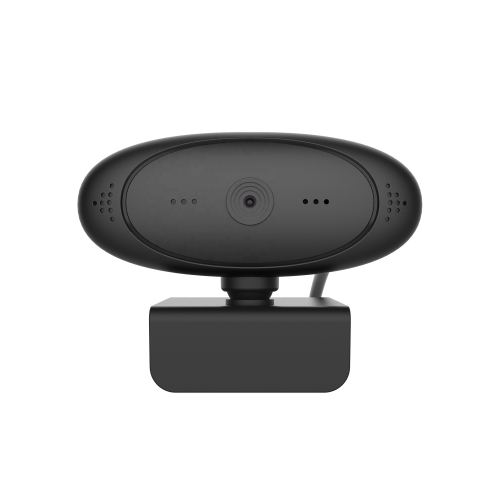
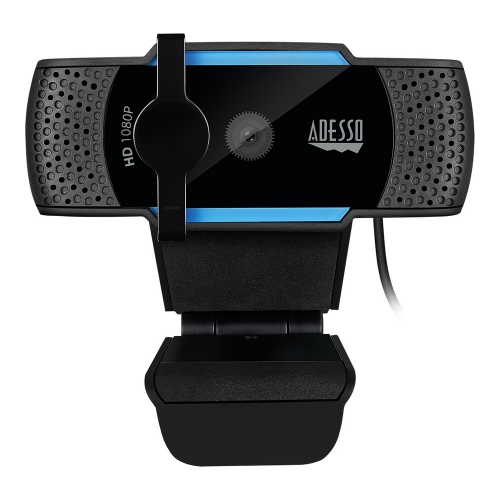

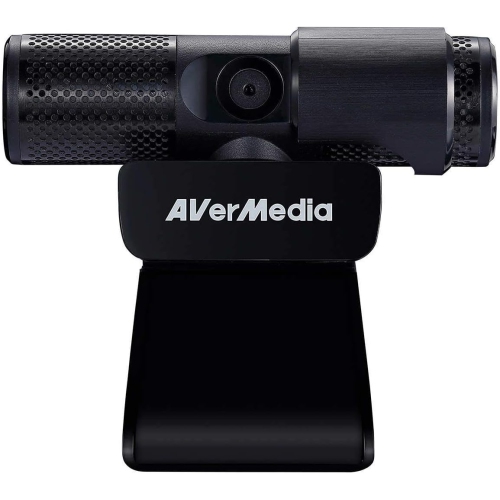
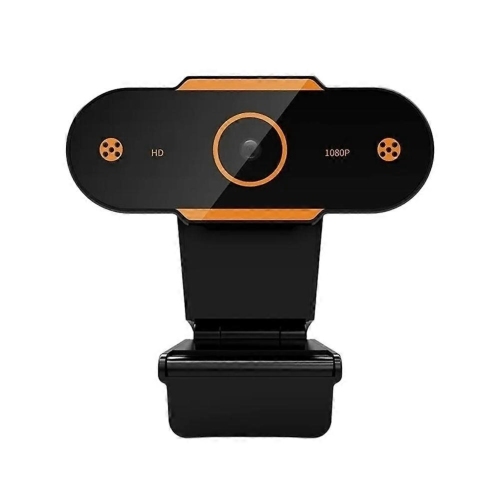
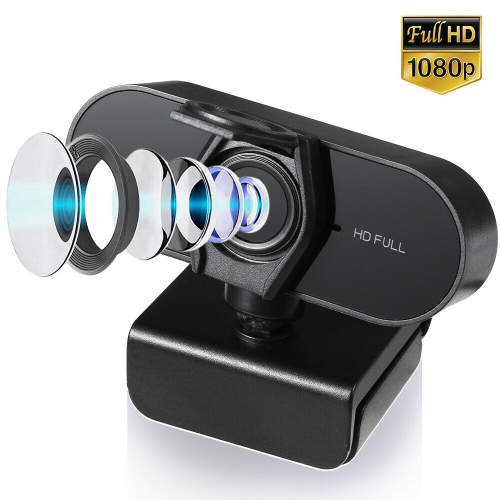
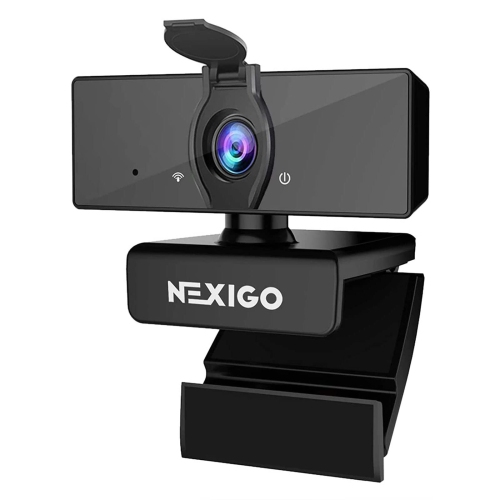
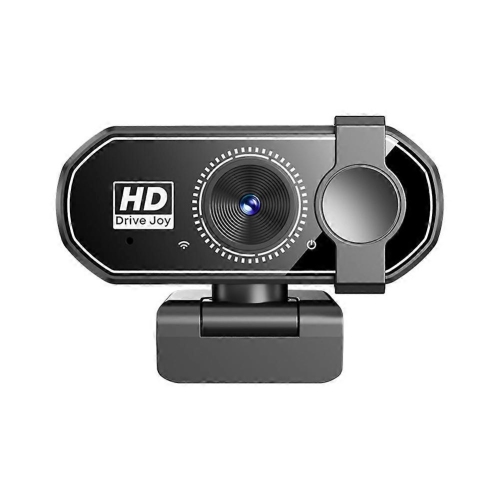
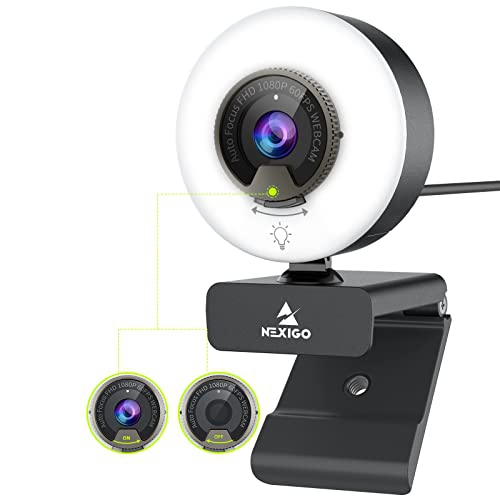
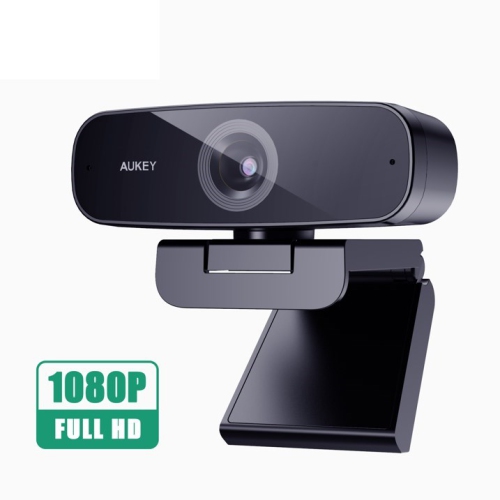

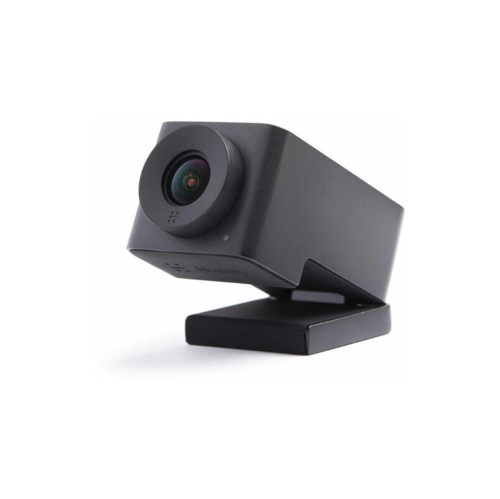

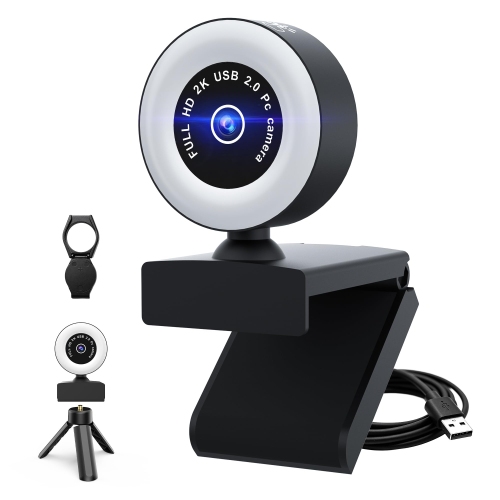
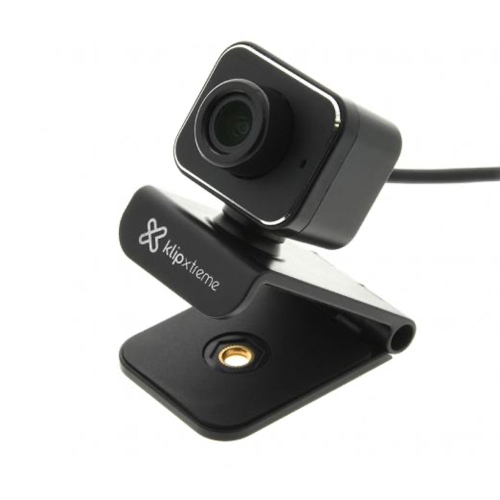
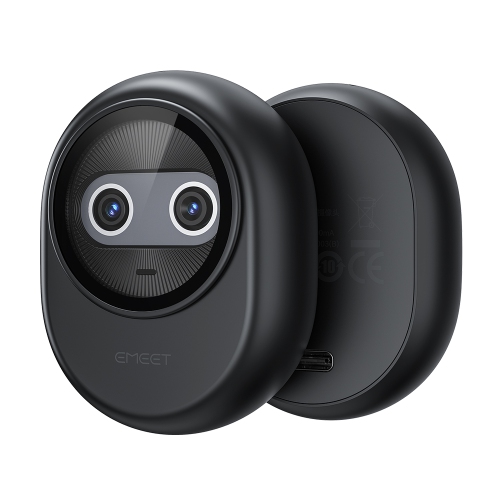
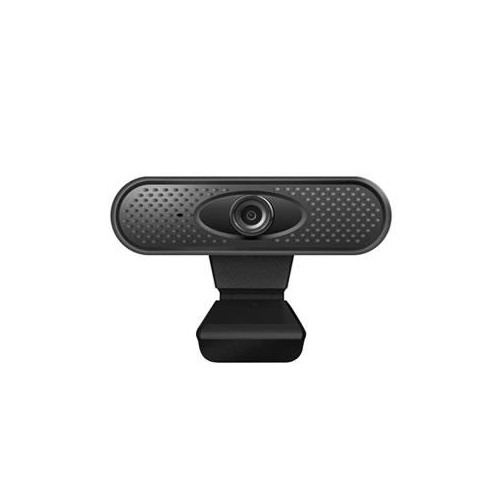
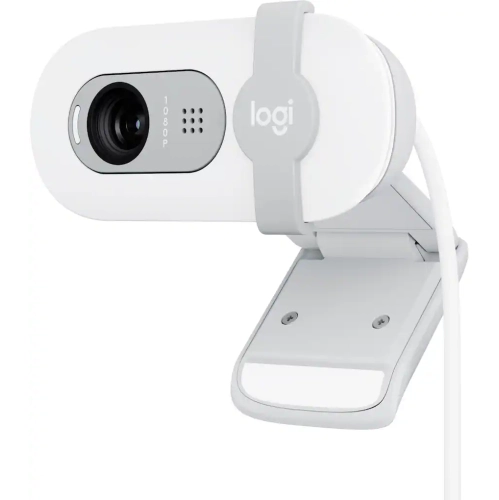
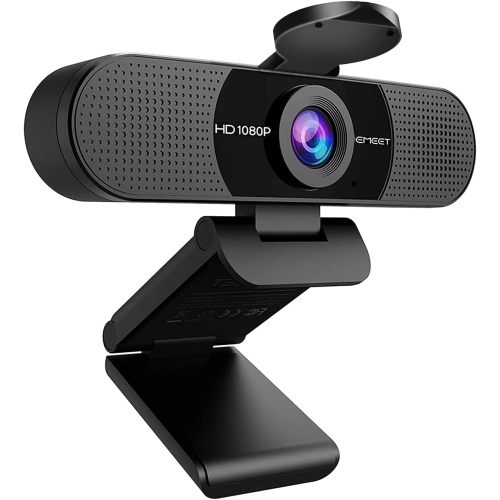
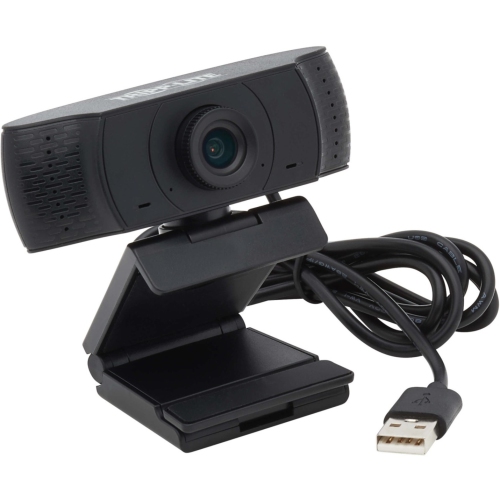
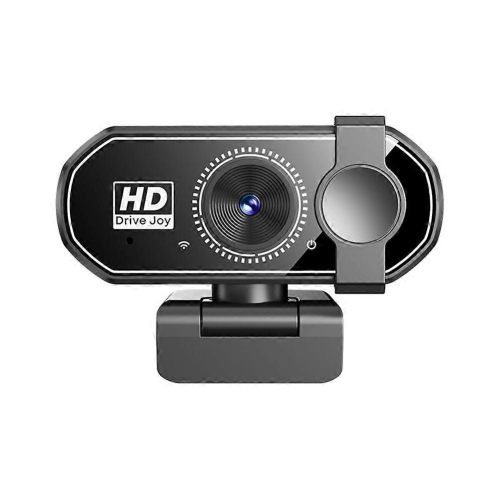
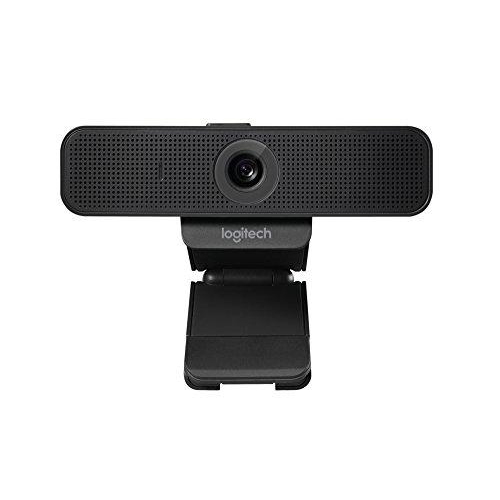
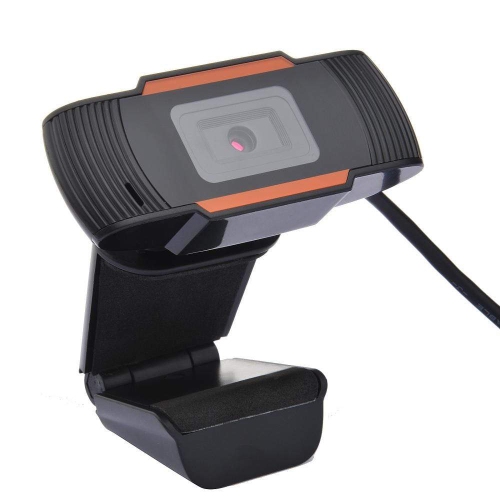
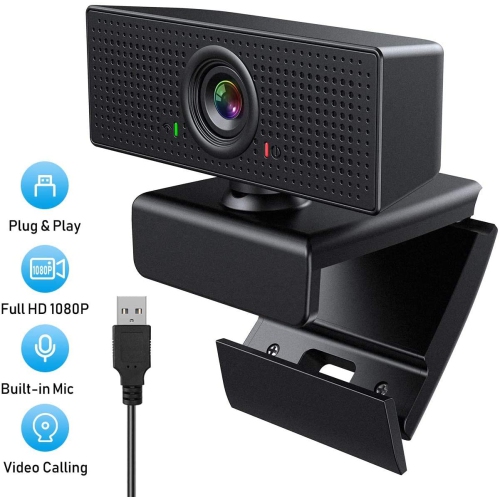
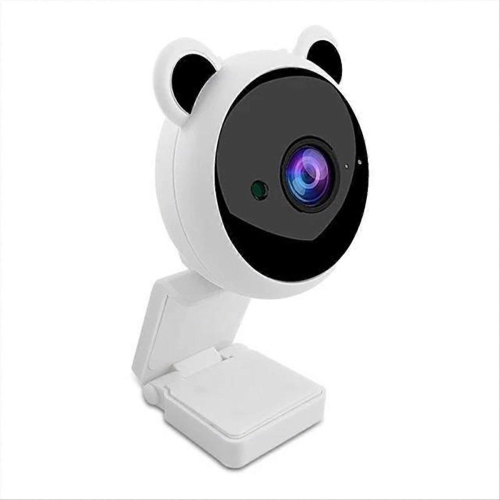
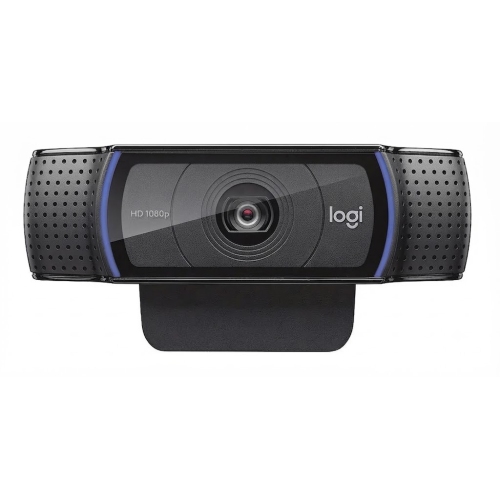
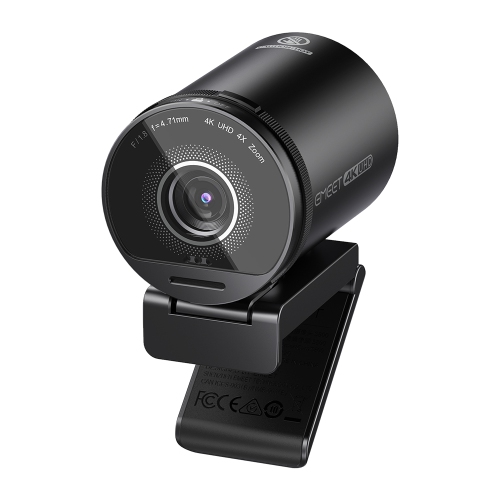
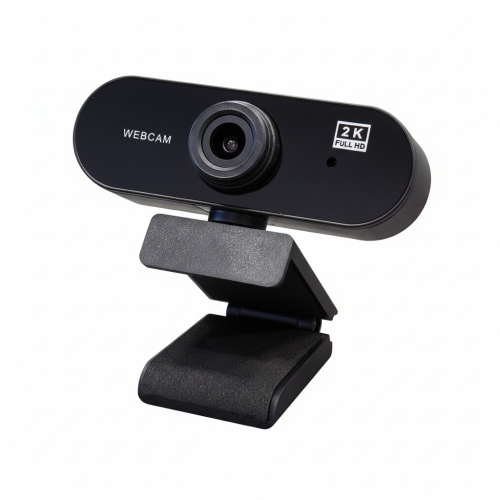
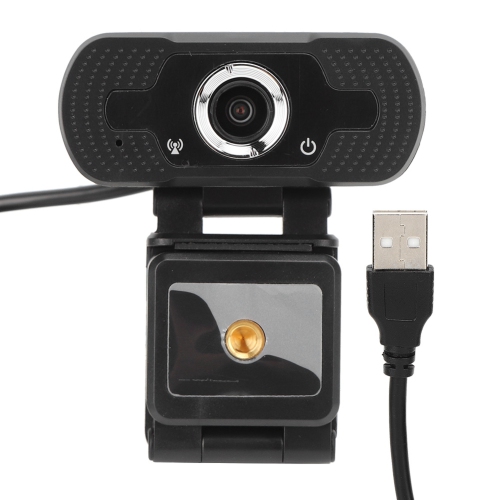
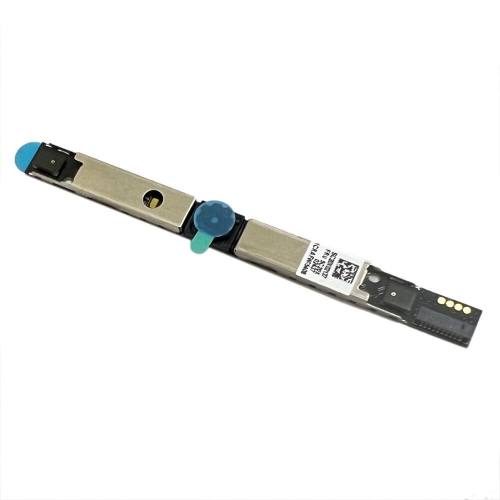
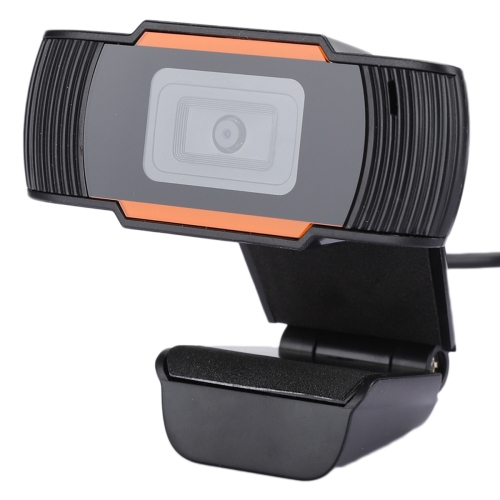
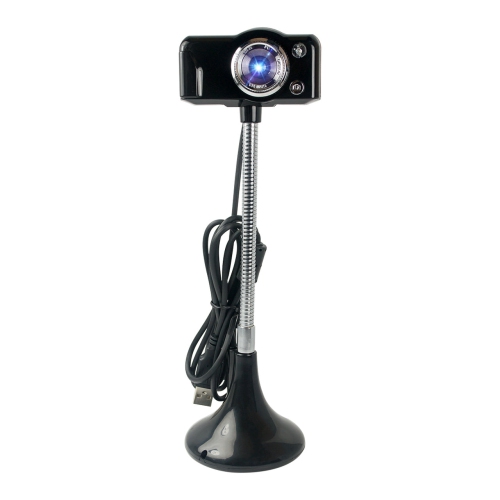
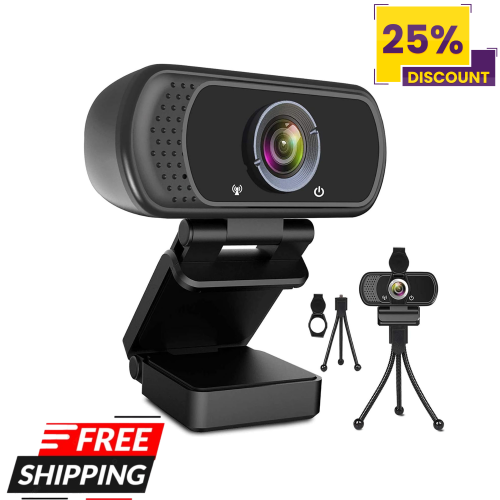
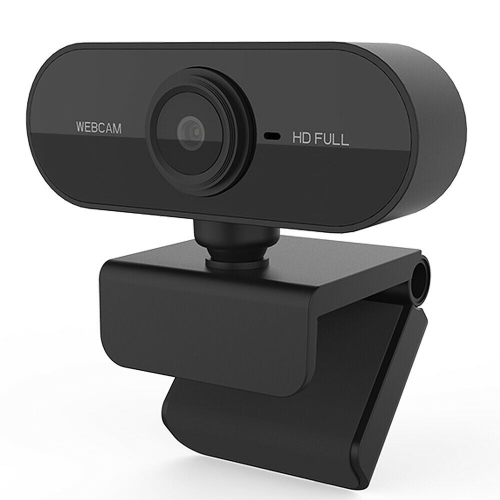
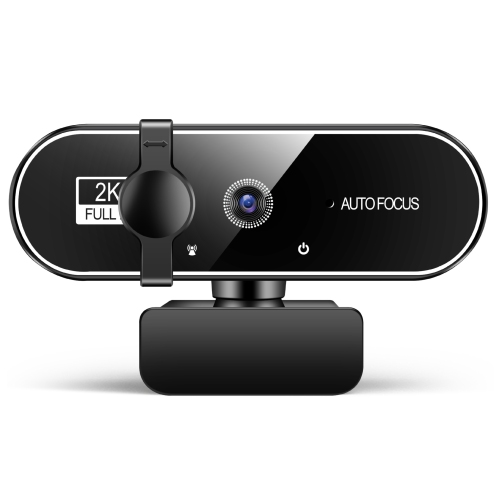
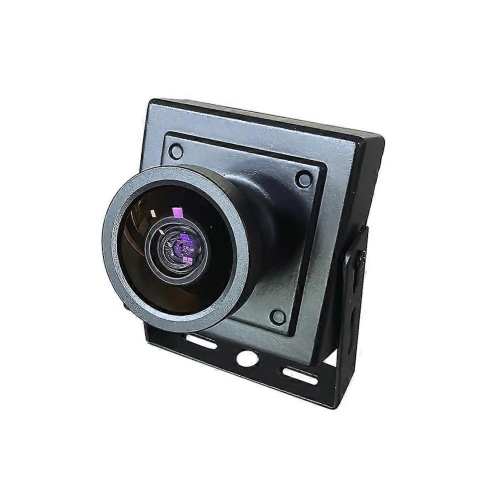
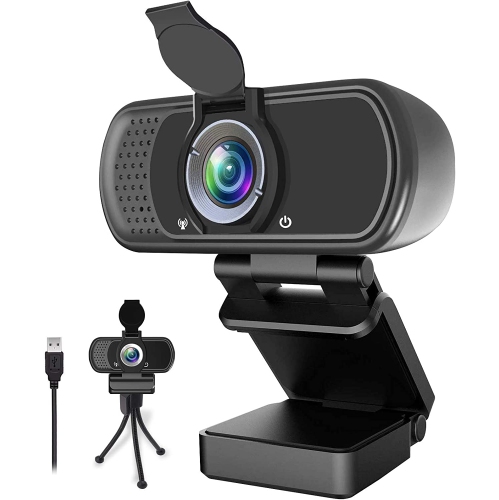
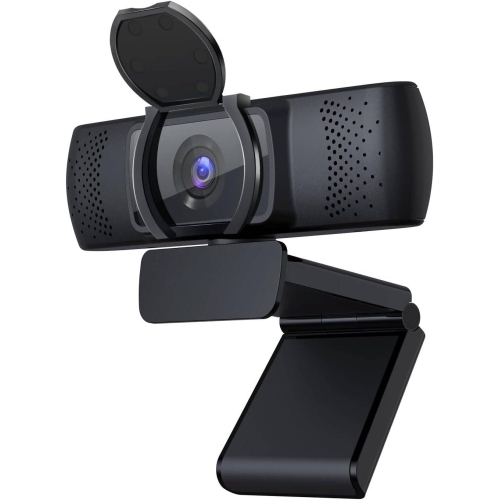
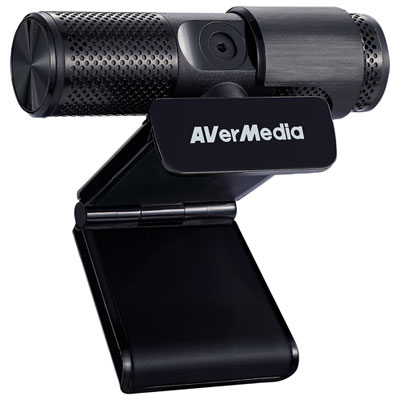
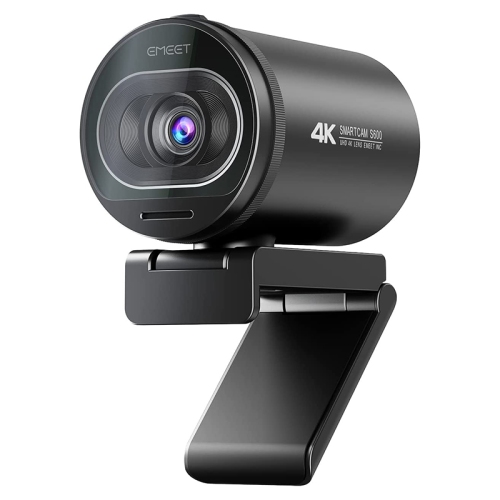
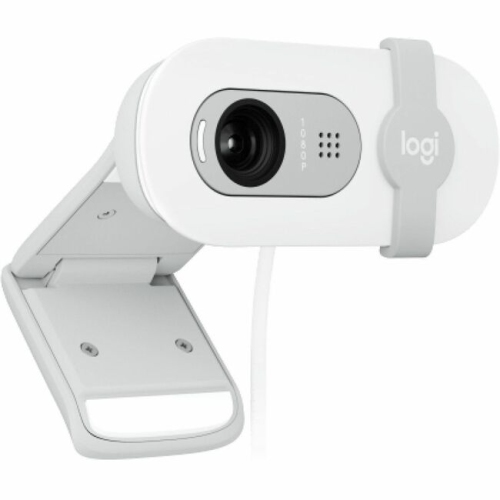
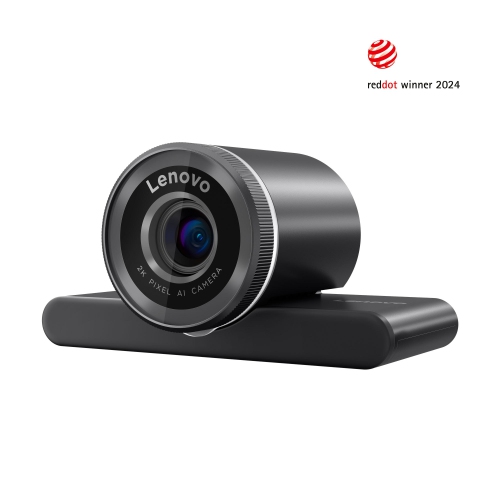
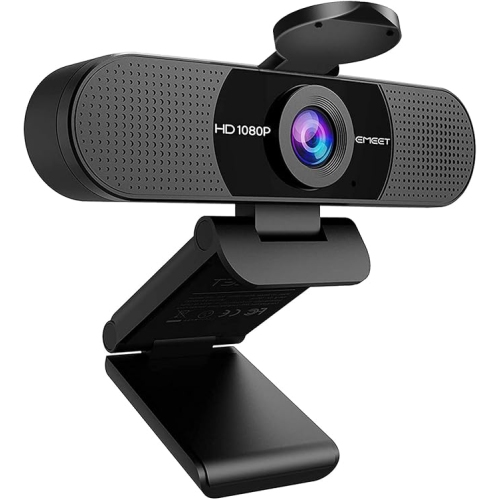
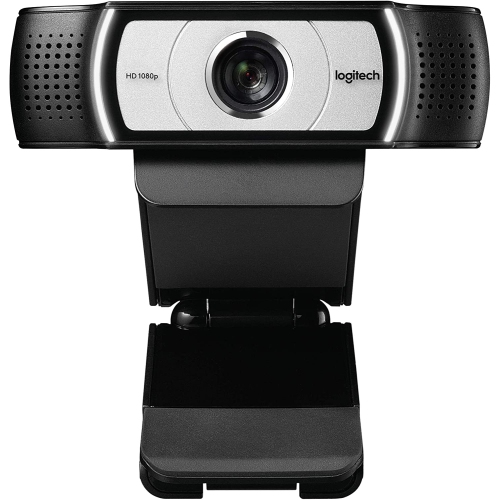
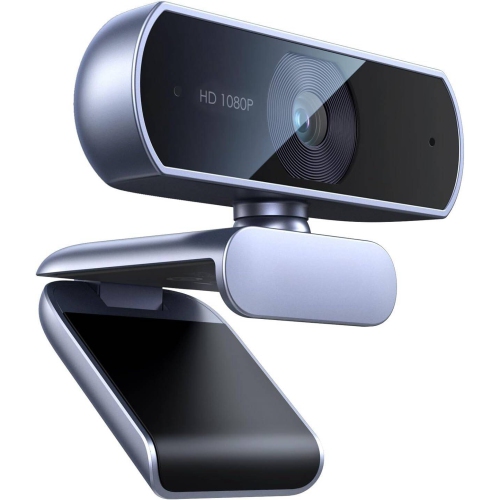
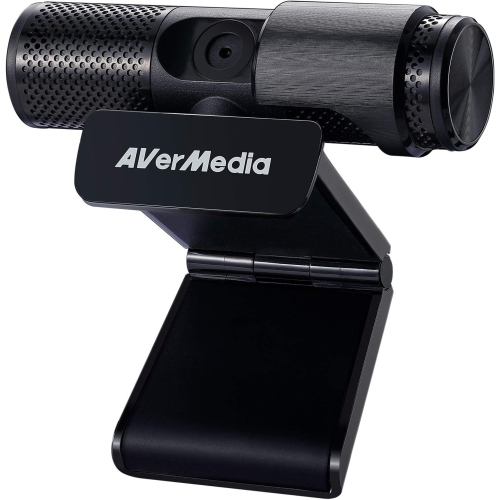
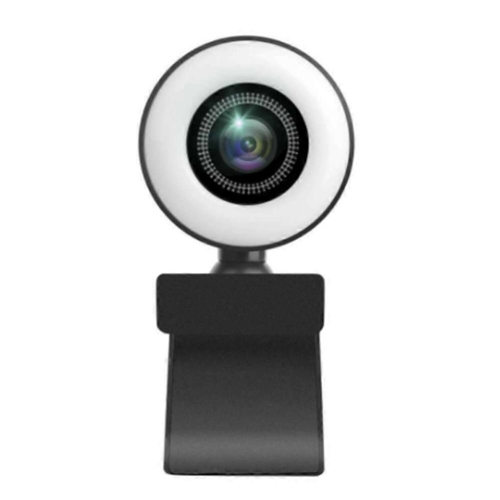
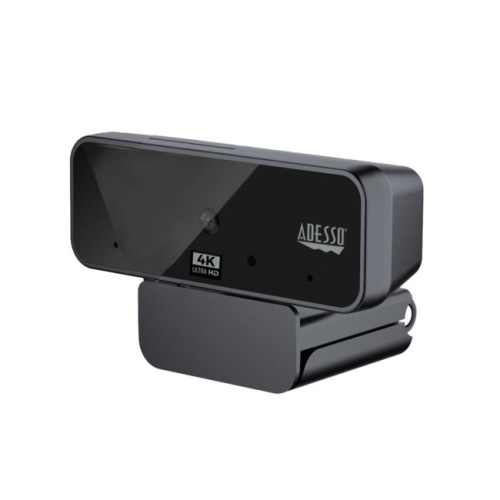
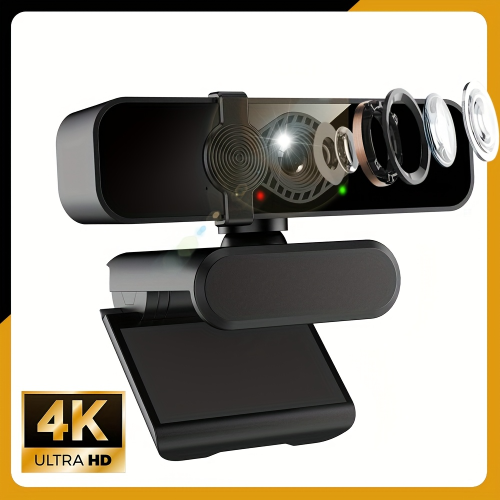
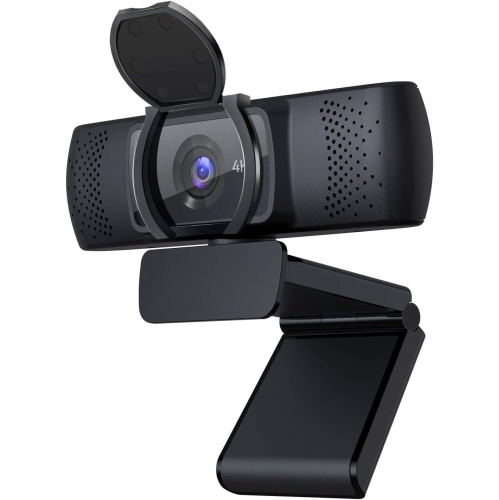
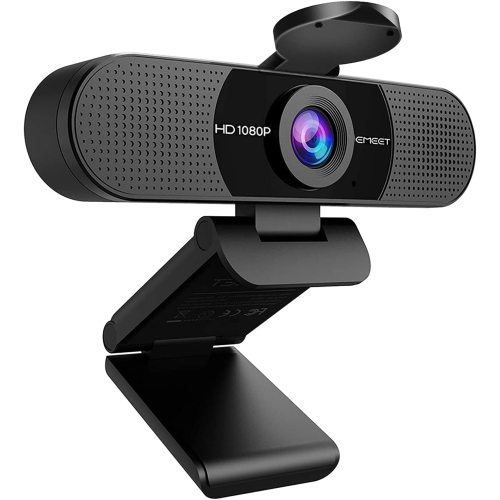
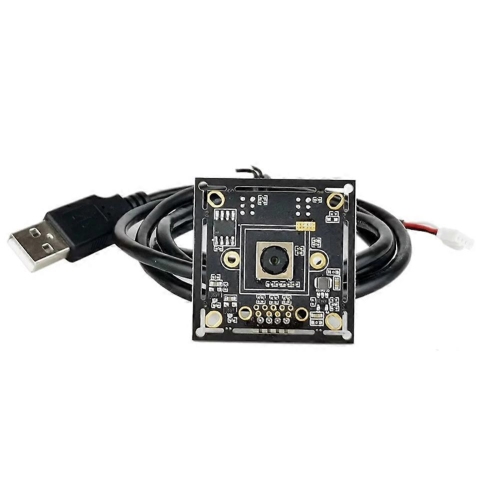
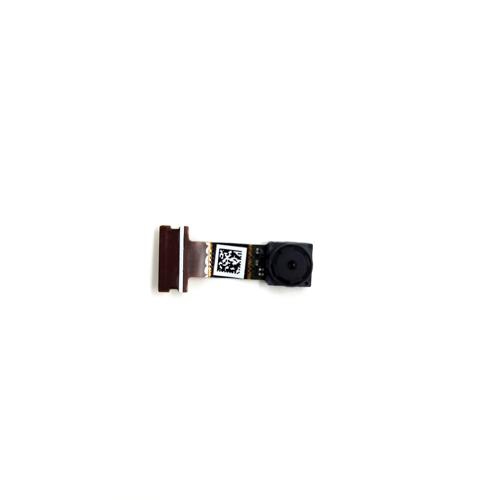
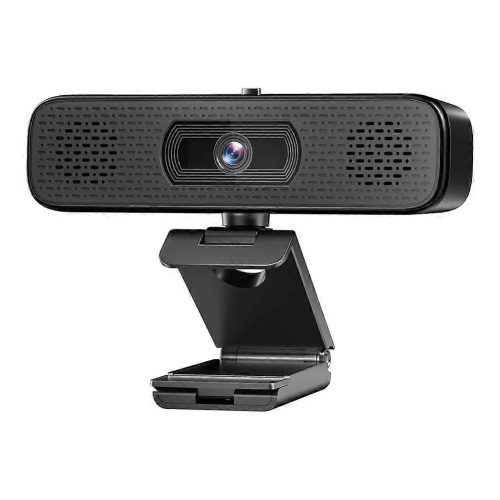
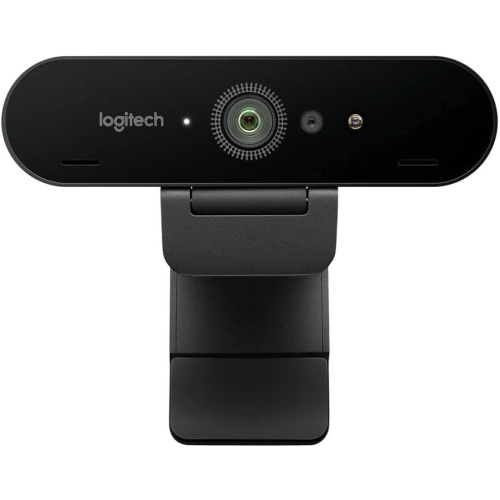
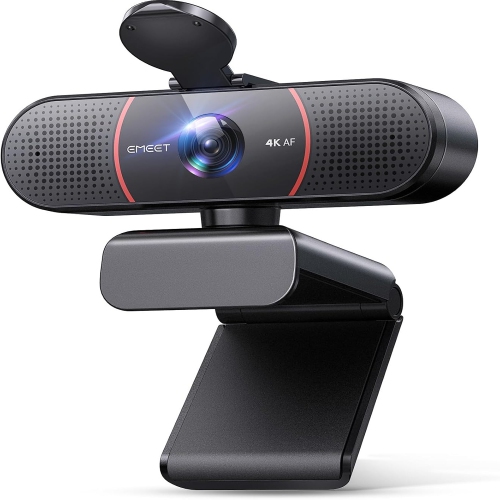
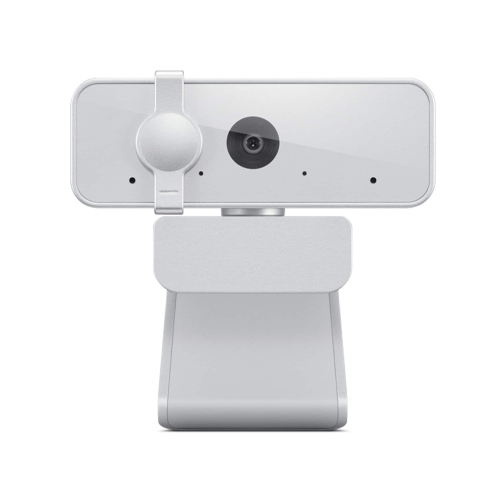
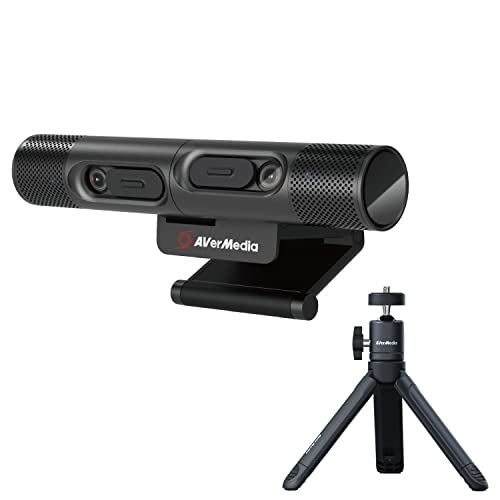
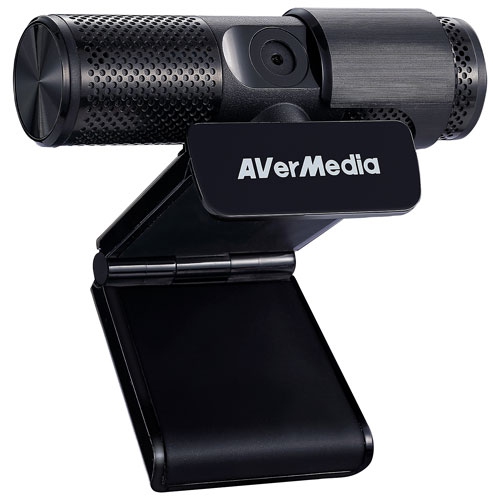
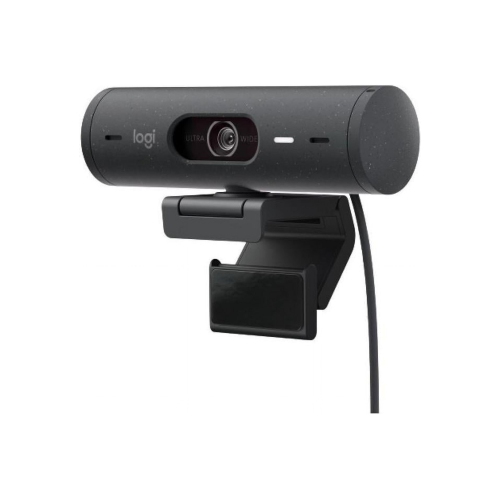
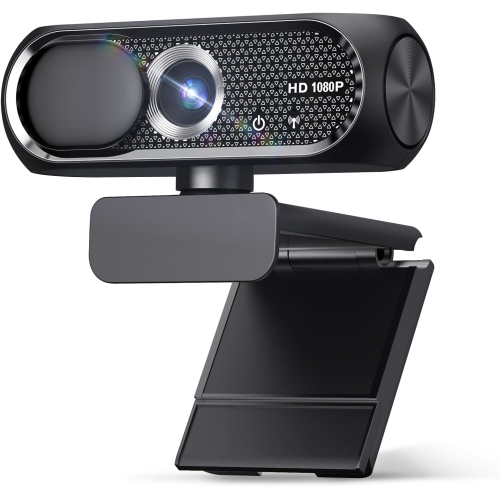
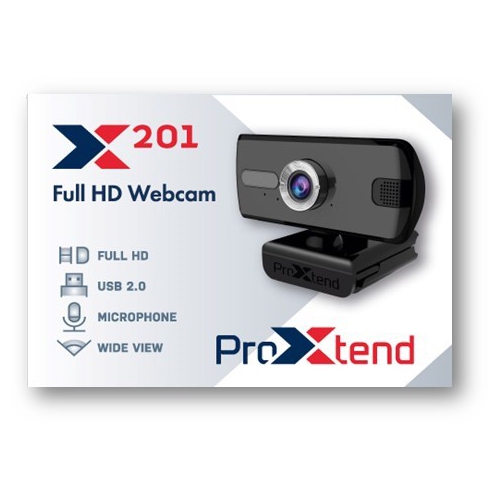
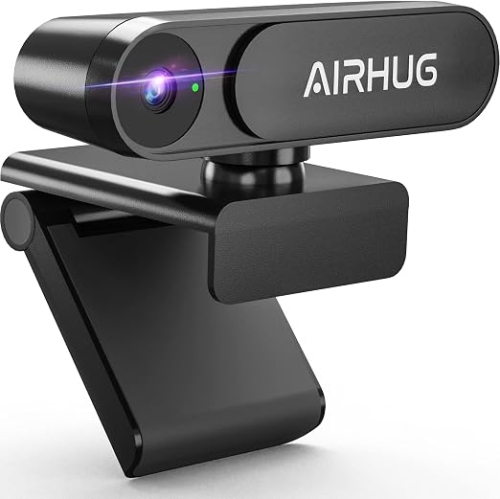
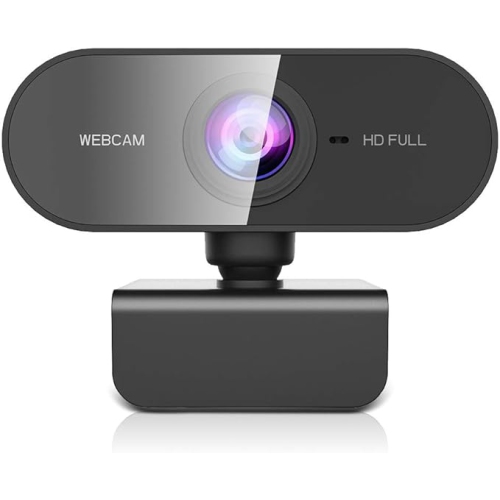
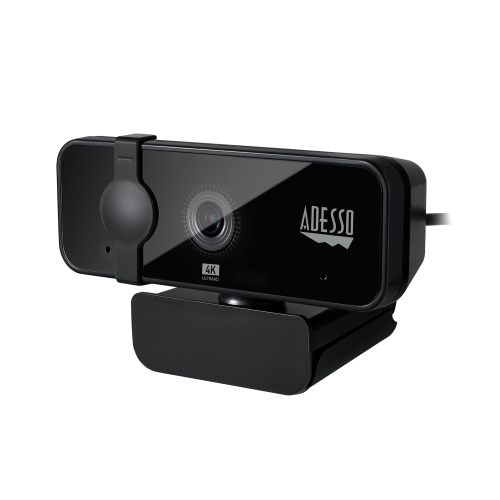
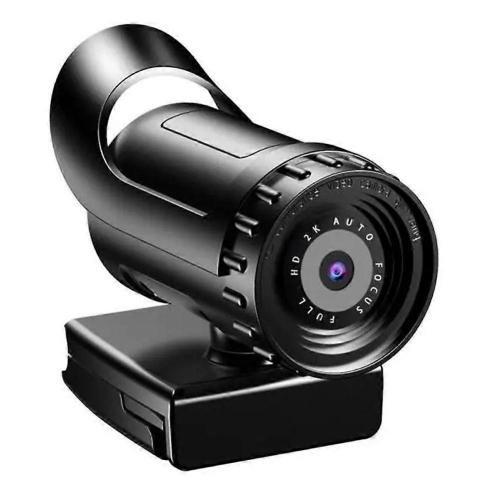
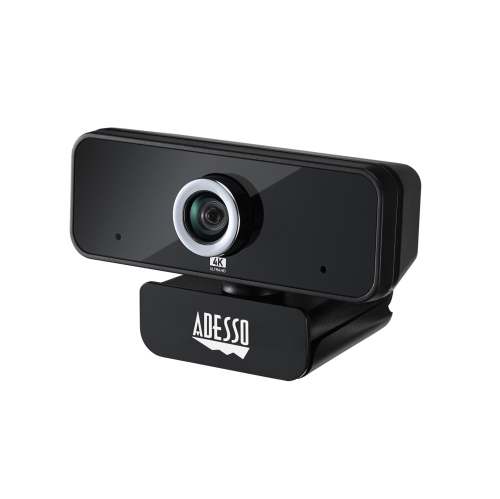
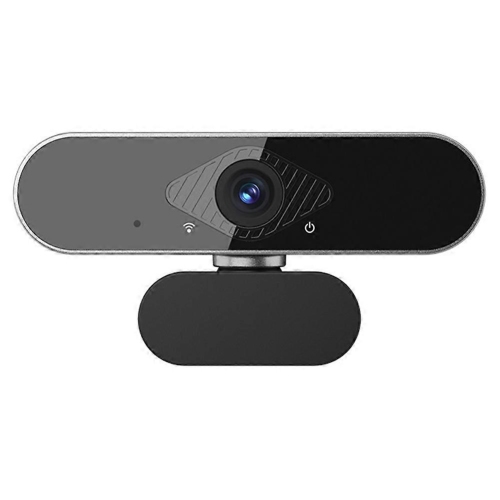
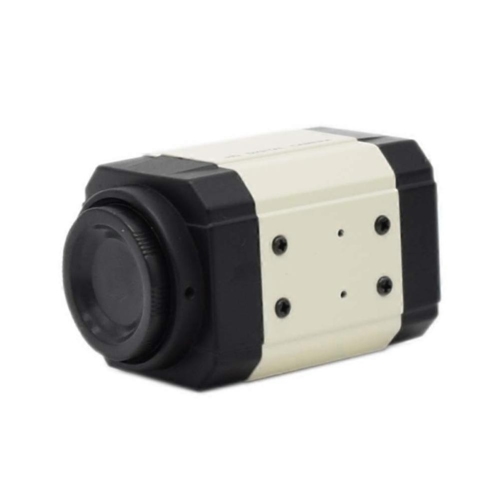
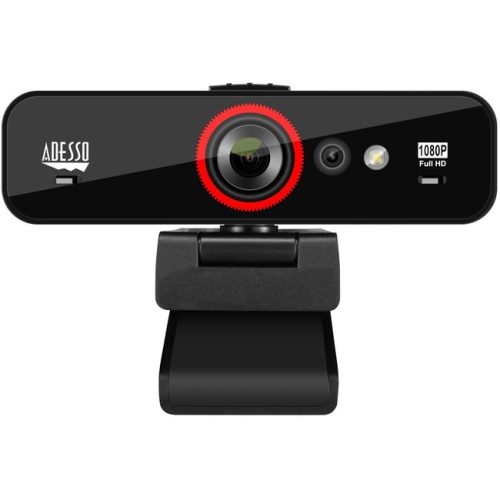
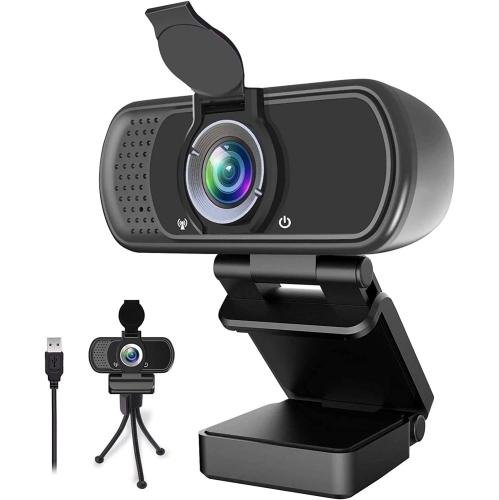
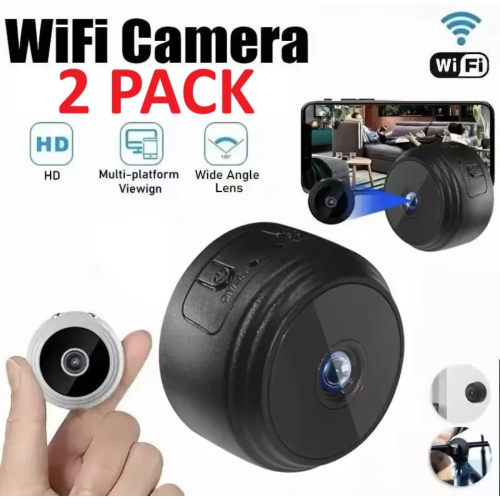
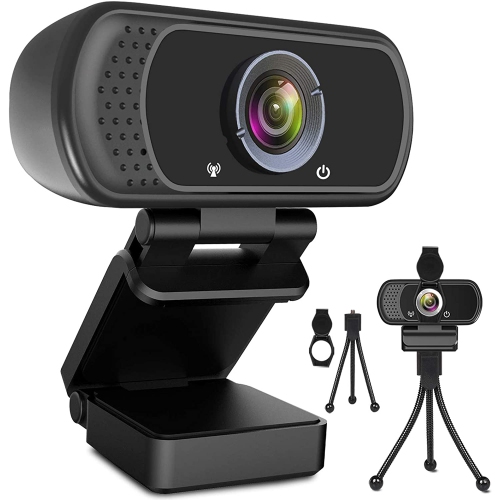
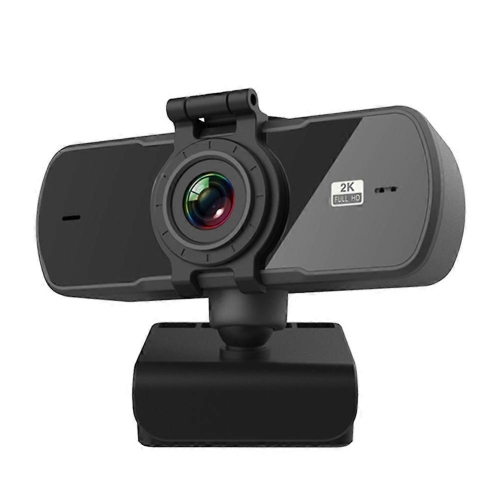
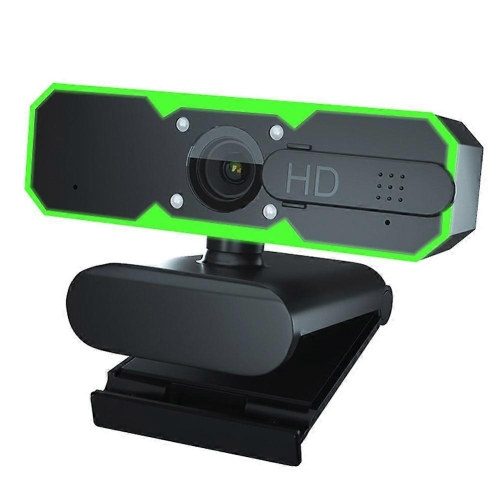
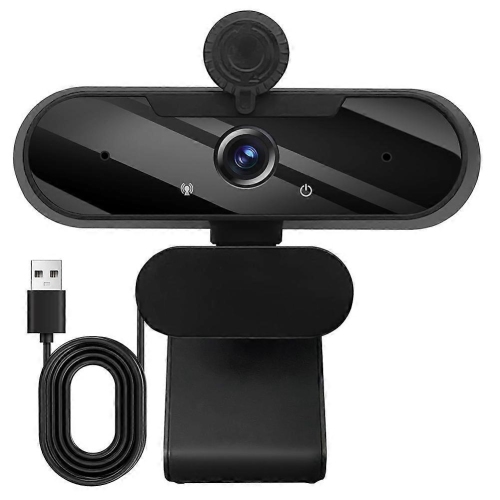
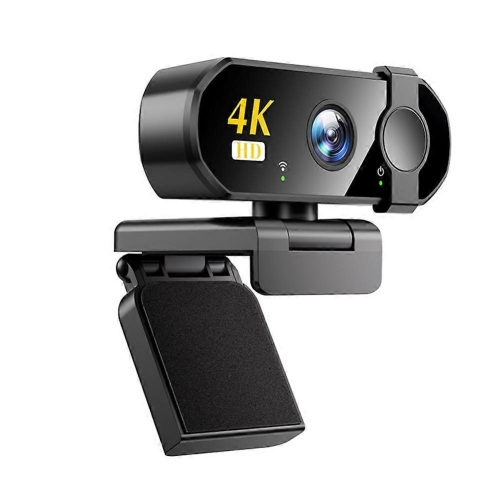
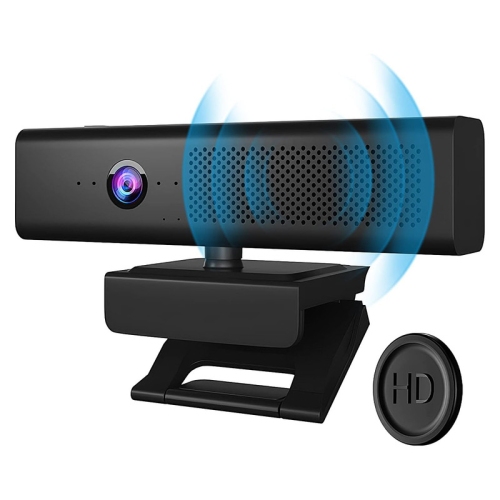
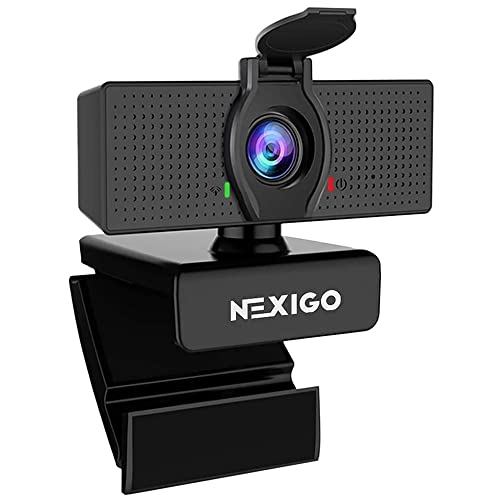
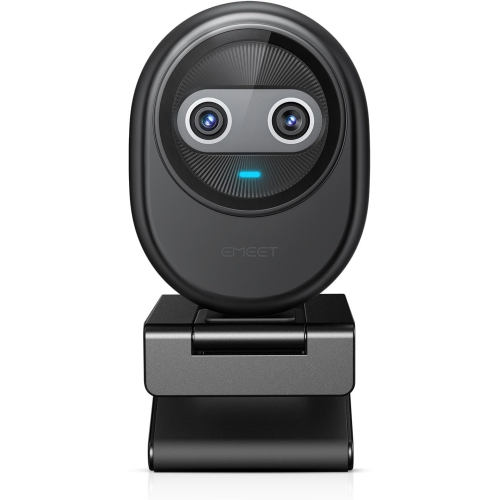
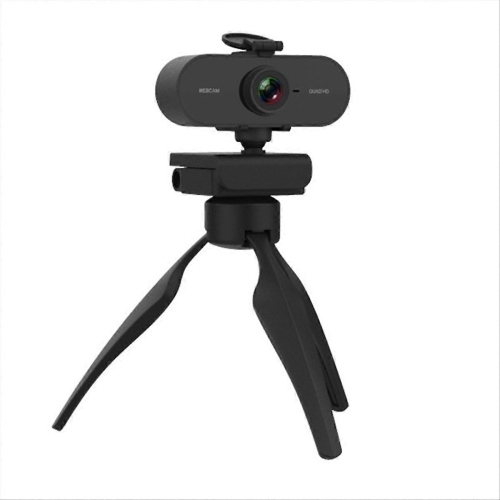
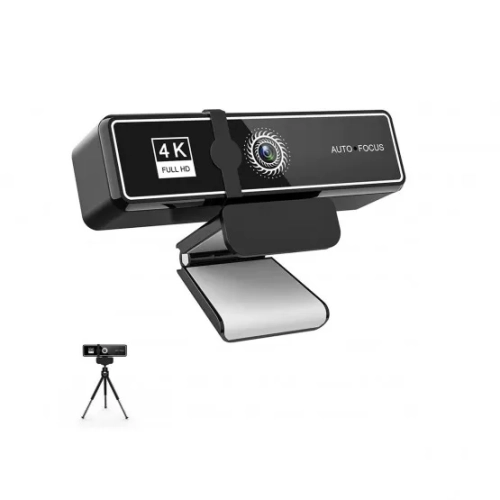
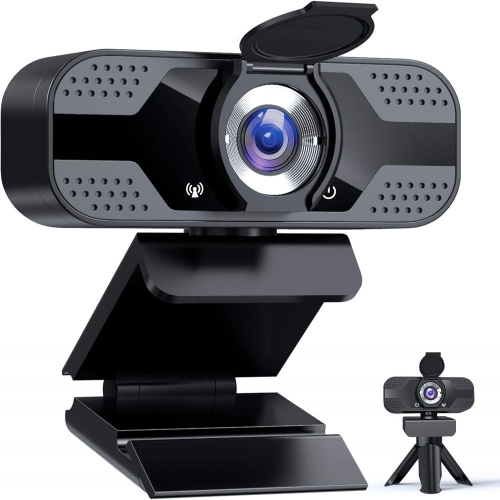
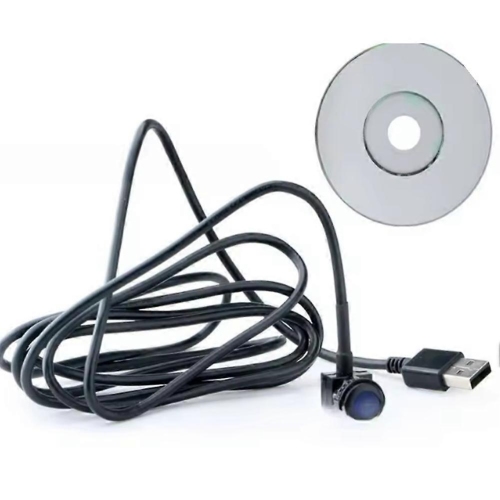
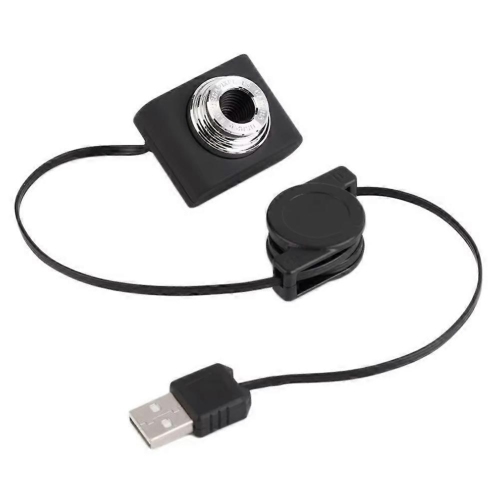
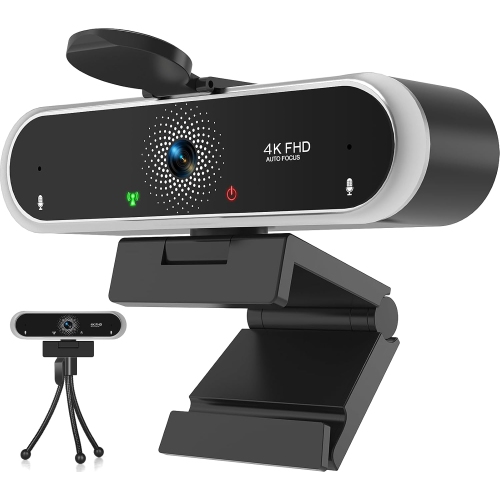
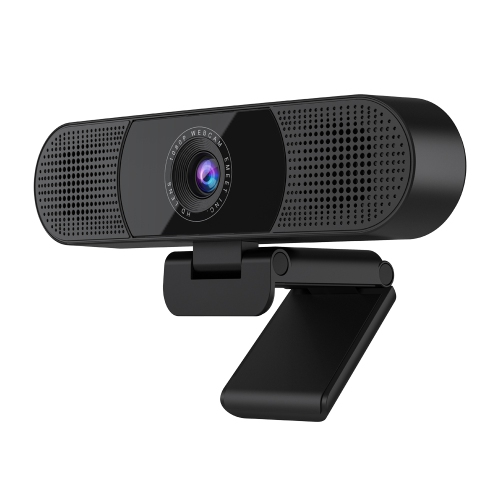
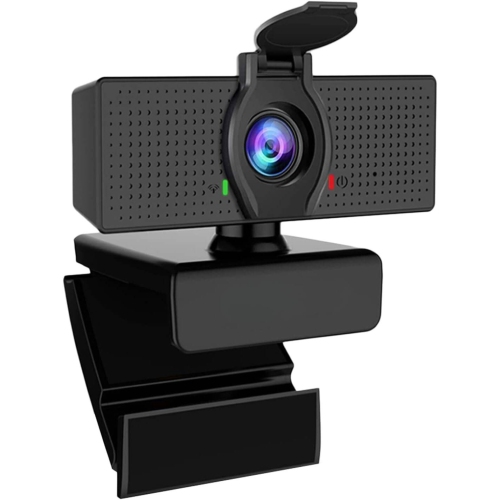
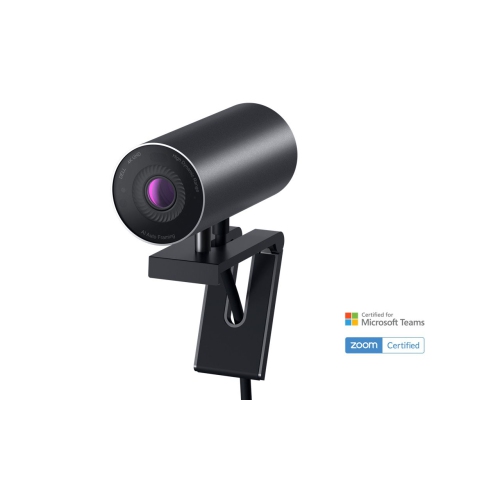
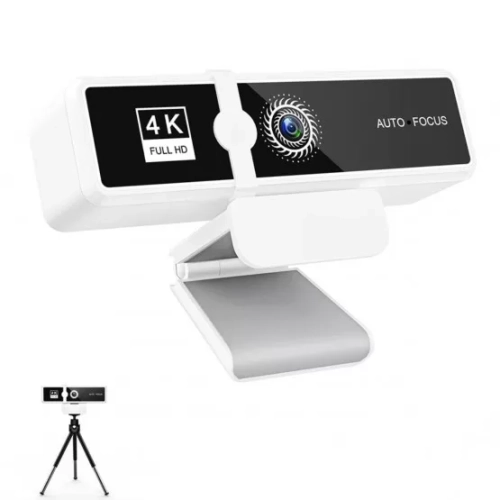
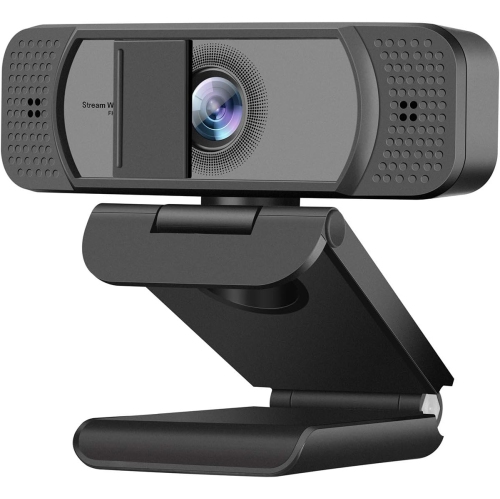
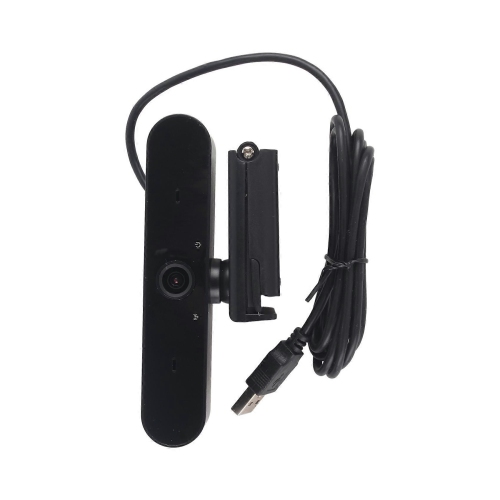
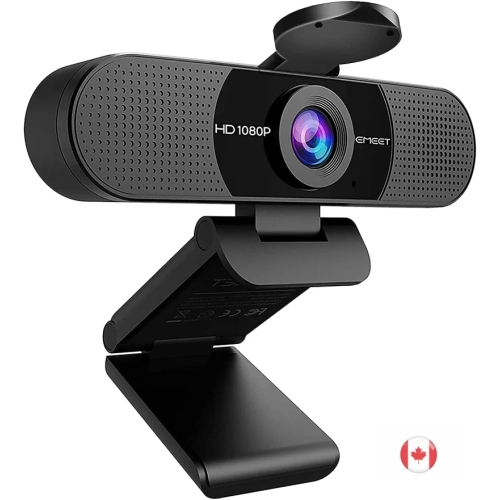
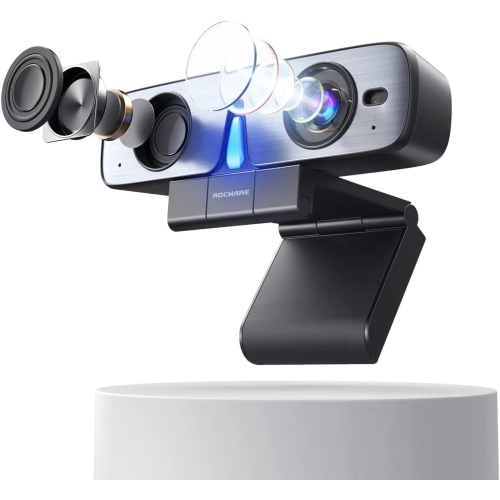
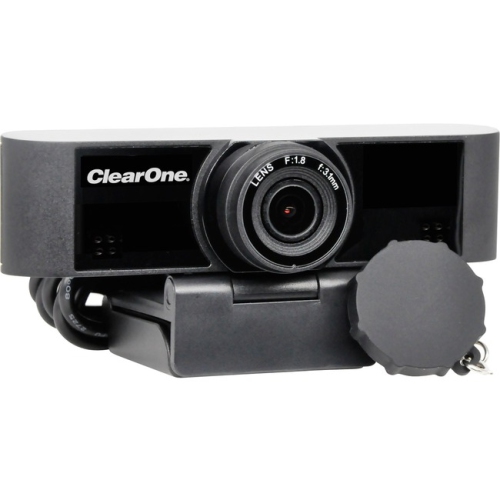
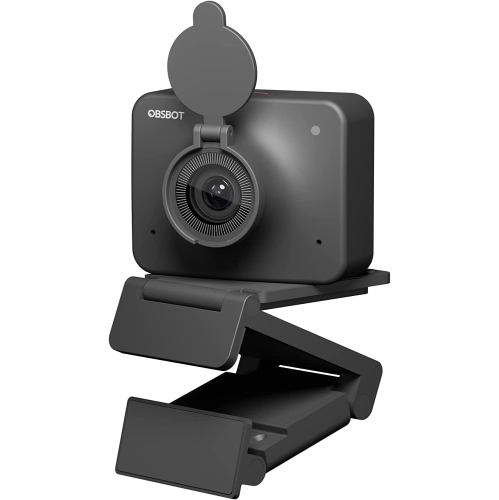
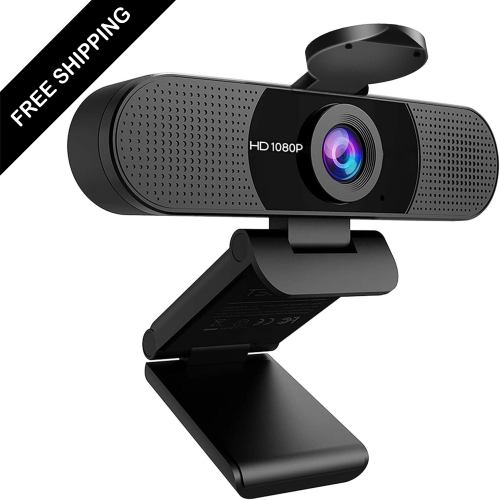
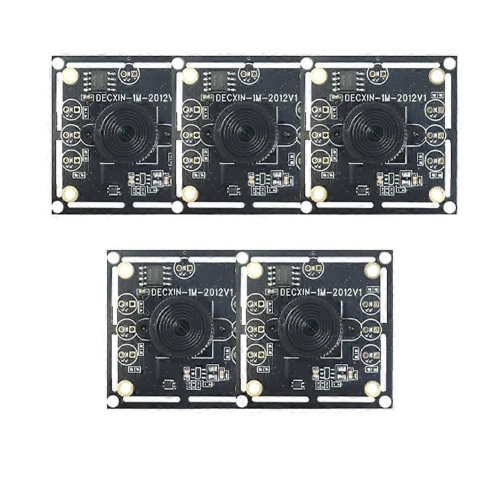
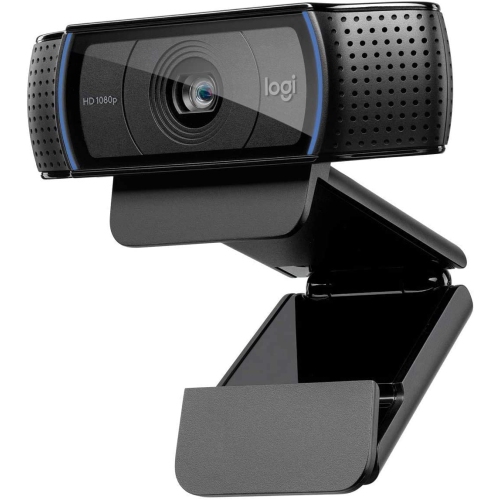
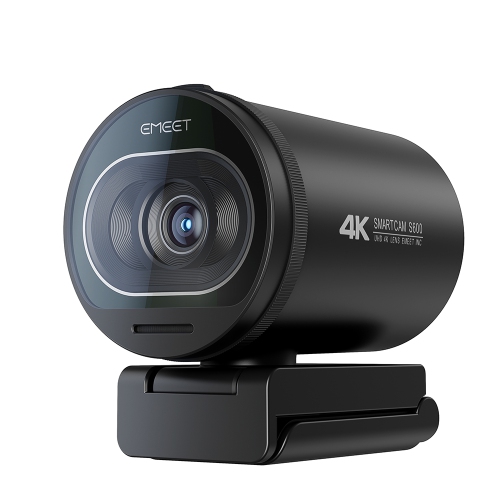
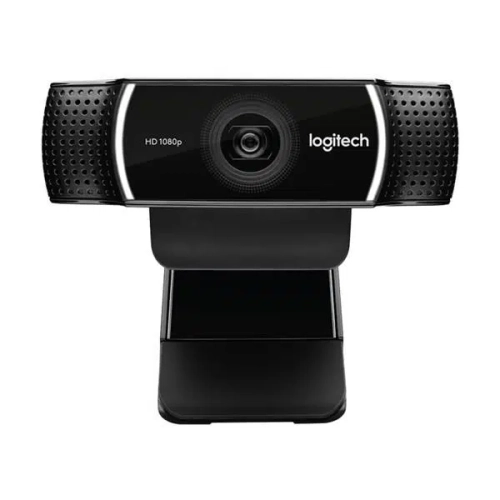
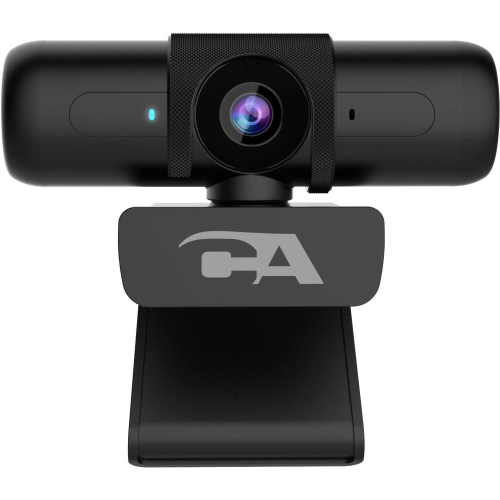
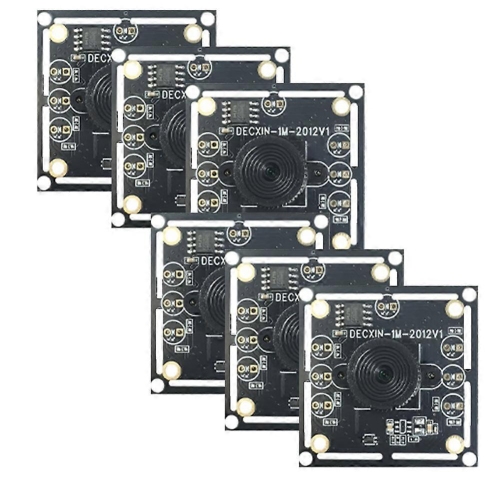
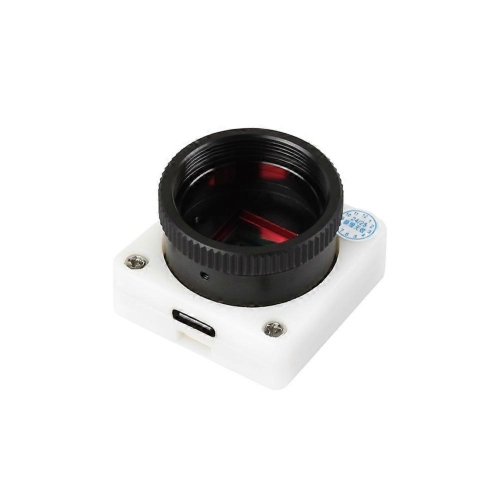

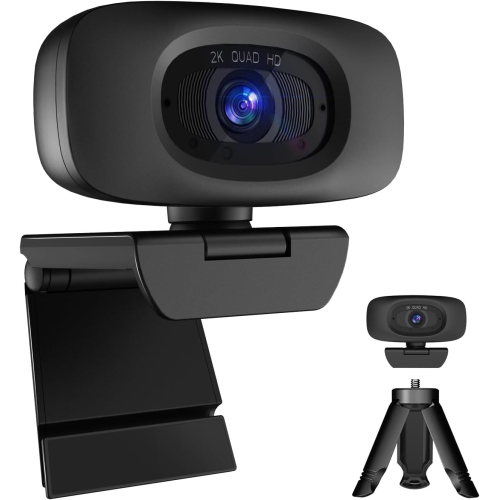
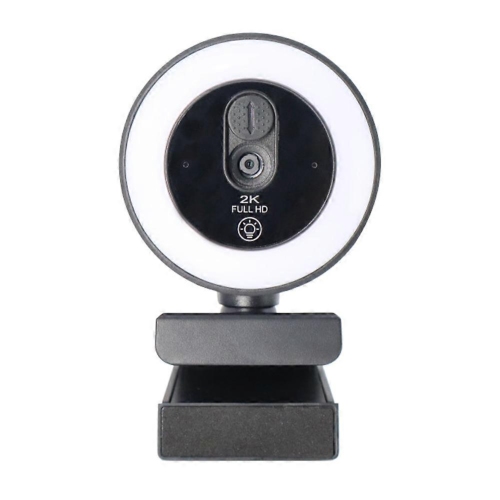
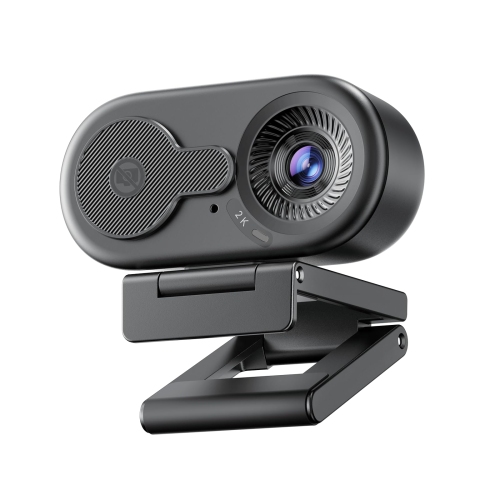
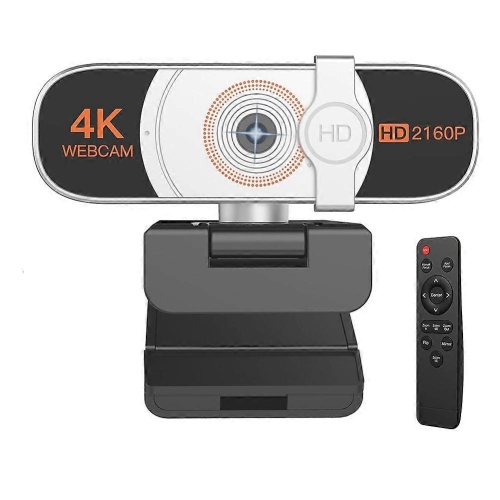
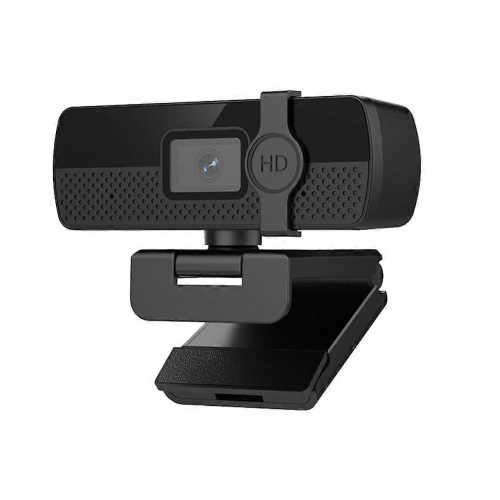
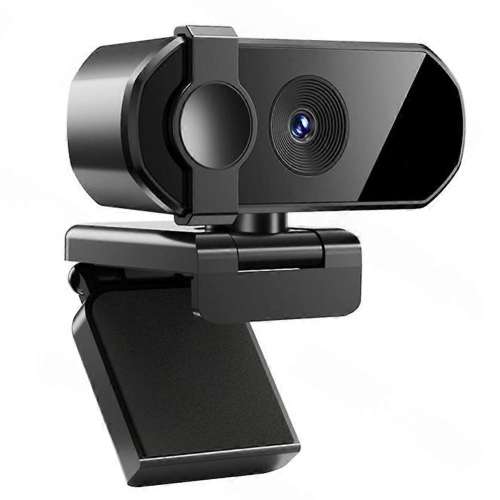
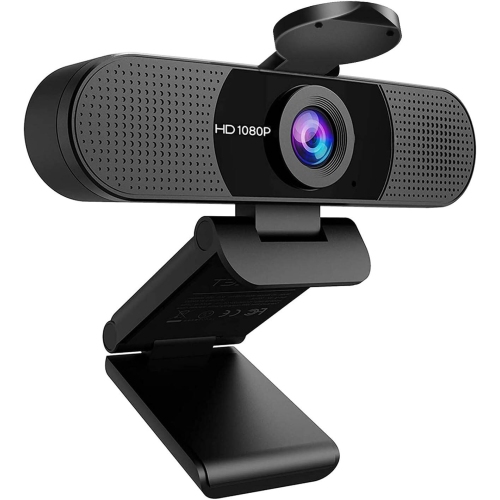
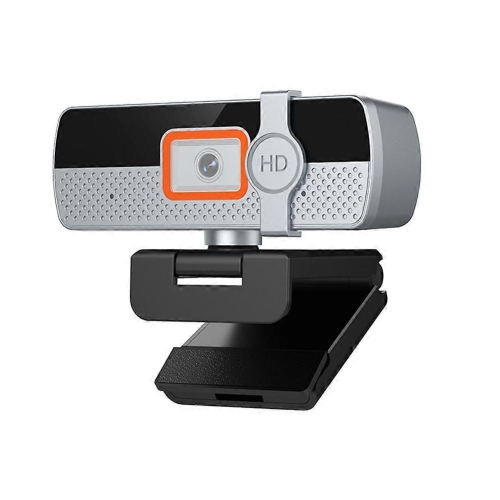
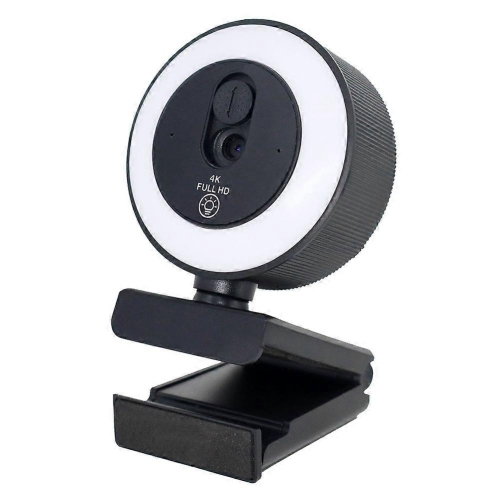
Small cameras that leave more room on your desk
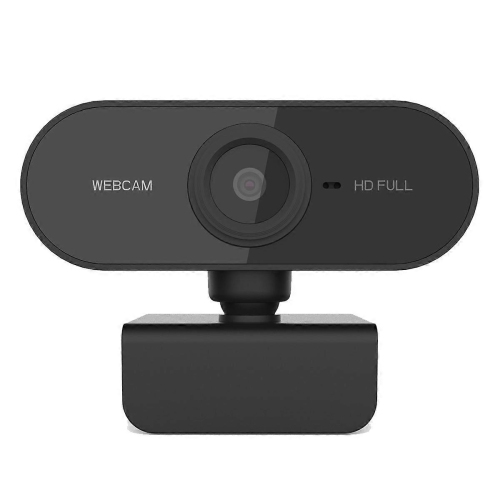
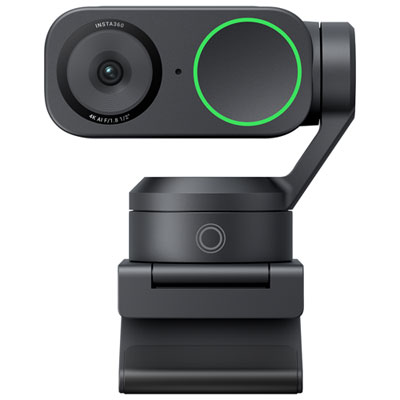
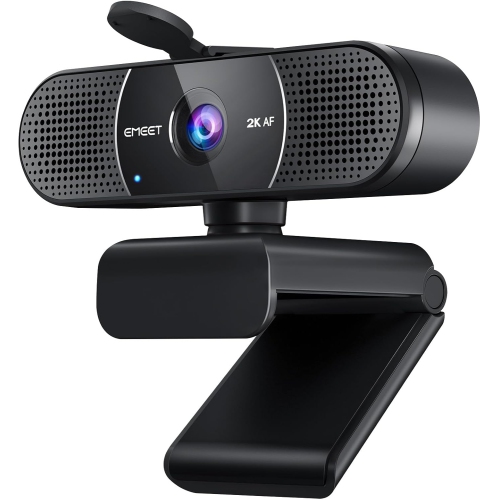
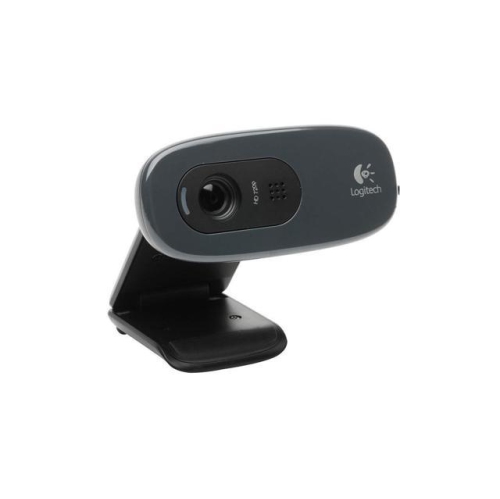
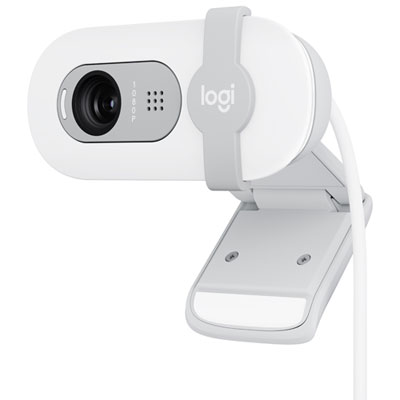
Mini webcams are compact external cameras designed to bring video to a computer without taking up much space on a screen, desk, or in a laptop bag. They are commonly used for video calls, online learning, remote work, and livestreaming, with many models connecting through USB and offering a built-in microphone. Their small size is especially useful at a narrow workstation or when moving between a home office and a shared workspace. A camera that clips neatly above a laptop display can provide a more natural eye-level view than a built-in camera positioned below the screen, while an adjustable mount makes it easier to frame a face without tilting the entire computer. Mini refers to the camera’s physical size rather than a fixed set of features: resolution, microphone quality, focus controls, and mounting options vary considerably. Some compact webcams provide basic HD video, while others support Full HD or 4K capture, depending on the model. For everyday conversations, a clear, well-lit picture and dependable connection often matter more than the highest resolution alone. A student joining a seminar, a freelancer presenting a proposal, and a grandparent catching up with family may all appreciate a camera that is easy to position and simple to use. Small webcams can also suit creators who want a face camera beside a larger display or a separate view of a sketchbook, craft project, or tabletop demonstration, provided the mount and focus range support that angle. For a setup that stays in one place, Desktop Webcams offer another way to explore cameras for computer-based calls and streaming. The appeal of a mini webcam is its unobtrusive footprint: it leaves room for a notebook and keyboard, travels easily, and can be moved when a different camera angle would make a conversation or presentation feel more comfortable.
Video quality depends on more than the resolution printed on a camera’s specifications. A 720p webcam can handle straightforward video chats, while 1080p generally offers more detail for meetings, presentations, and a larger on-screen image. A 4K-capable model can provide additional detail or room to crop when supported by the camera software, but the calling platform, computer, and internet connection also affect what other people see. Some services reduce video resolution or frame rate, so a higher-resolution camera does not guarantee that every call will appear in 4K. Frame rate matters when there is movement in the picture: 30 frames per second is common for calls, while 60 frames per second can make gestures and demonstrations look smoother where supported. Check which frame rates work at the intended resolution, as the highest settings may not be usable together. Focus is another practical distinction. Fixed-focus cameras can be convenient for someone seated at a consistent distance, while autofocus can help when leaning forward or holding an object up to the lens. Close-up demonstrations need particular attention to minimum focusing distance; a camera that keeps a face sharp may not show tiny lettering clearly when held just a few centimetres away. Field of view affects how much of the room appears behind the subject. A narrower view can keep attention on one person, while a wider view can fit two people sitting side by side, though it also reveals more of the surrounding space. Automatic light adjustment may help with uneven lighting, but a soft light facing the user usually gives a more balanced result than a bright window behind them. Accurate colour and controlled highlights are useful when showing artwork or fabric samples, although a webcam should not be treated as a colour-matching tool. Built-in microphones are convenient for quick calls, but their clarity depends on distance and room acoustics. A headset or separate microphone may be preferable near a noisy keyboard, in a shared room, or where voices sound hollow against bare walls.
The best physical fit depends on the screen, connection ports, and the way the camera will be carried and handled. Clip-on mounts should suit the thickness and shape of the display without covering useful screen space or pressing awkwardly against a thin bezel. Padded contact points can help the mount grip and reduce rubbing, while a tilt adjustment or swivel makes small framing changes easier. A lightweight camera may sit comfortably on a laptop lid, but a stiff cable can tug it out of position, so cable flexibility and routing deserve attention alongside the camera’s dimensions. For a desk-based setup, a supported tripod mount can allow placement beside the monitor or above a work surface without relying on the screen for support. USB-A and USB-C connections are not interchangeable without the appropriate adapter, and some cameras need particular USB speeds to deliver their highest video settings. Compatibility with the computer’s operating system and preferred calling applications matters as well. Basic video may work through a plug-and-play connection, while features such as framing controls, background effects, or microphone adjustments may depend on additional software. Materials and construction affect everyday handling: lightweight plastic housings are common, while metal components may add rigidity or weight, but neither material alone guarantees durability. A firm hinge, a secure connector, and strain relief where the cable meets the camera are useful details for frequent travel. A small protective pouch can keep the lens from rubbing against chargers and other accessories in a bag. For care, disconnect the camera before cleaning, use a clean microfibre cloth on the lens, and follow the manufacturer’s directions rather than applying household sprays or soaking the housing. A physical privacy shutter, where included, provides a visible lens cover between calls; it does not necessarily mute the microphone, which may need a separate control. Mini webcams can make practical gifts for students, remote workers, or relatives who enjoy video chats, particularly when their computer connections and screen setup are known. A secure fit, clear picture, and straightforward controls help the camera become a useful part of daily conversations rather than another accessory that needs constant adjustment.
Video quality depends on more than the resolution printed on a camera’s specifications. A 720p webcam can handle straightforward video chats, while 1080p generally offers more detail for meetings, presentations, and a larger on-screen image. A 4K-capable model can provide additional detail or room to crop when supported by the camera software, but the calling platform, computer, and internet connection also affect what other people see. Some services reduce video resolution or frame rate, so a higher-resolution camera does not guarantee that every call will appear in 4K. Frame rate matters when there is movement in the picture: 30 frames per second is common for calls, while 60 frames per second can make gestures and demonstrations look smoother where supported. Check which frame rates work at the intended resolution, as the highest settings may not be usable together. Focus is another practical distinction. Fixed-focus cameras can be convenient for someone seated at a consistent distance, while autofocus can help when leaning forward or holding an object up to the lens. Close-up demonstrations need particular attention to minimum focusing distance; a camera that keeps a face sharp may not show tiny lettering clearly when held just a few centimetres away. Field of view affects how much of the room appears behind the subject. A narrower view can keep attention on one person, while a wider view can fit two people sitting side by side, though it also reveals more of the surrounding space. Automatic light adjustment may help with uneven lighting, but a soft light facing the user usually gives a more balanced result than a bright window behind them. Accurate colour and controlled highlights are useful when showing artwork or fabric samples, although a webcam should not be treated as a colour-matching tool. Built-in microphones are convenient for quick calls, but their clarity depends on distance and room acoustics. A headset or separate microphone may be preferable near a noisy keyboard, in a shared room, or where voices sound hollow against bare walls.
The best physical fit depends on the screen, connection ports, and the way the camera will be carried and handled. Clip-on mounts should suit the thickness and shape of the display without covering useful screen space or pressing awkwardly against a thin bezel. Padded contact points can help the mount grip and reduce rubbing, while a tilt adjustment or swivel makes small framing changes easier. A lightweight camera may sit comfortably on a laptop lid, but a stiff cable can tug it out of position, so cable flexibility and routing deserve attention alongside the camera’s dimensions. For a desk-based setup, a supported tripod mount can allow placement beside the monitor or above a work surface without relying on the screen for support. USB-A and USB-C connections are not interchangeable without the appropriate adapter, and some cameras need particular USB speeds to deliver their highest video settings. Compatibility with the computer’s operating system and preferred calling applications matters as well. Basic video may work through a plug-and-play connection, while features such as framing controls, background effects, or microphone adjustments may depend on additional software. Materials and construction affect everyday handling: lightweight plastic housings are common, while metal components may add rigidity or weight, but neither material alone guarantees durability. A firm hinge, a secure connector, and strain relief where the cable meets the camera are useful details for frequent travel. A small protective pouch can keep the lens from rubbing against chargers and other accessories in a bag. For care, disconnect the camera before cleaning, use a clean microfibre cloth on the lens, and follow the manufacturer’s directions rather than applying household sprays or soaking the housing. A physical privacy shutter, where included, provides a visible lens cover between calls; it does not necessarily mute the microphone, which may need a separate control. Mini webcams can make practical gifts for students, remote workers, or relatives who enjoy video chats, particularly when their computer connections and screen setup are known. A secure fit, clear picture, and straightforward controls help the camera become a useful part of daily conversations rather than another accessory that needs constant adjustment.
Top selling and popular products
-
 Your price for this item is $79.99
 -
 Your price for this item is $123.44
 -
 Your price for this item is $27.98
 -
 Your price for this item is $48.49
 -
 Your price for this item is $149.99
 -
 Your price for this item is $249.99
 -
 Your price for this item is $49.99
 -
 Your price for this item is $34.99
Discover more categories related to Mini Webcams
Top Collections:
Pokemon Centers, Kindle Devices, Best Budget Office Chairs, Canon G7X Cameras, Apple iPhones 16, Samsung Galaxy Phones, Refurbished Apple Laptops, Laptops for Students, iPhone 15 Apple, Budget Smartphones
Some products may be subject to Environmental Handling Fees
(EHF) depending on your province.
Learn more about EHFs.