48 Port Switches
Looking to expand and enhance your network capabilities? Look no further than our selection of 48-port switches. With their impressive capacity, these switches are designed to handle high volumes of data traffic, making them ideal for businesses and organizations of all sizes. Whether you're in need of reliable connectivity for your office, classroom, or data center, our range of 48-port switches offers the performance and scalability you require. Explore our collection today and take your network infrastructure to the next level.
Sort
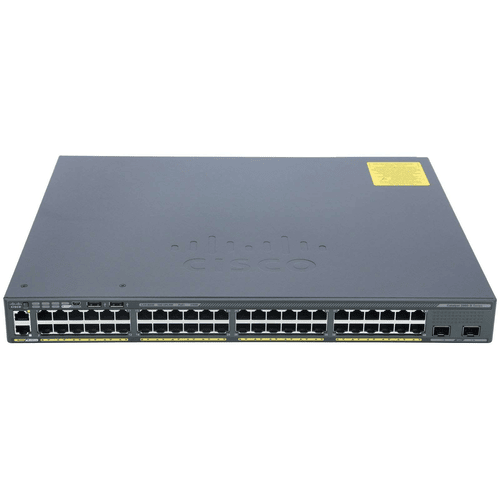
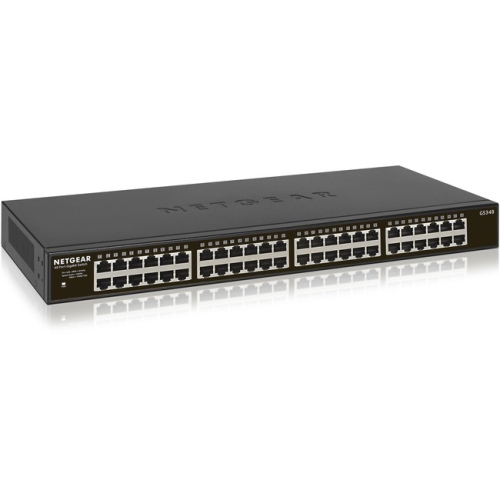




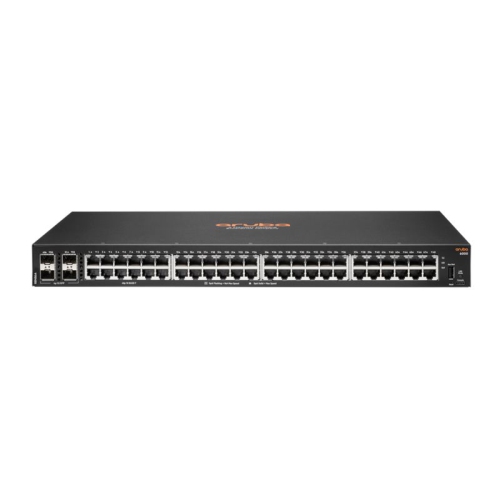
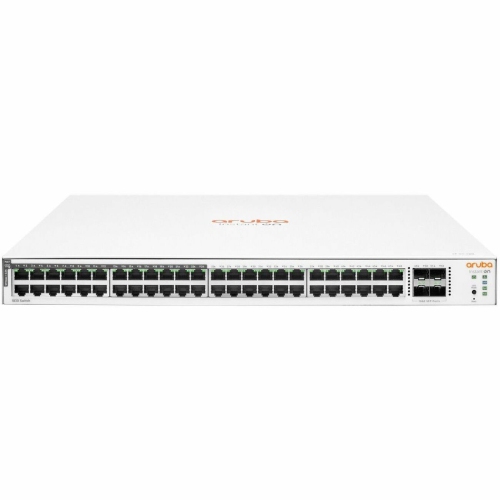
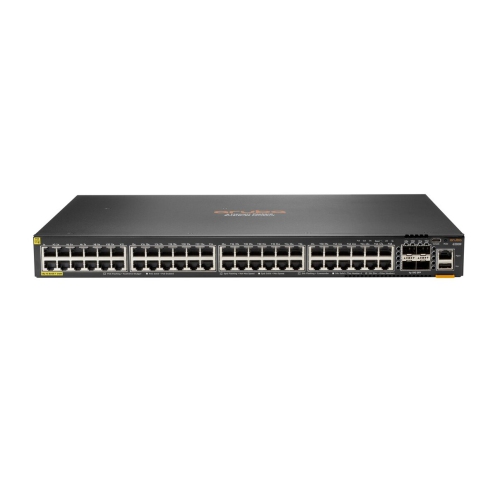
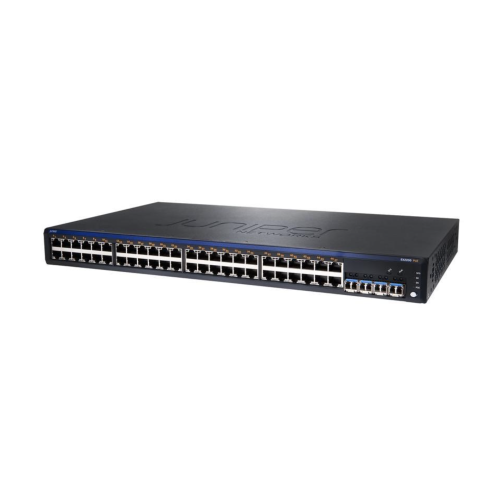
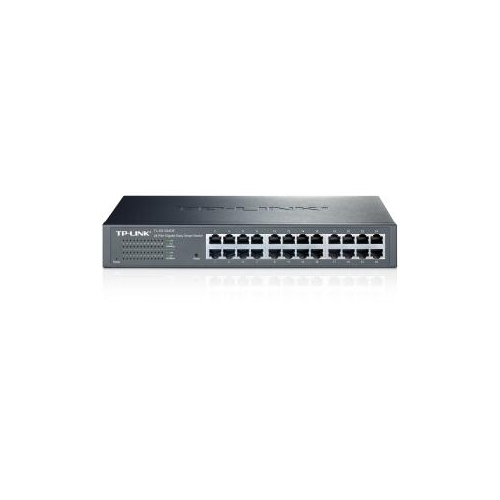
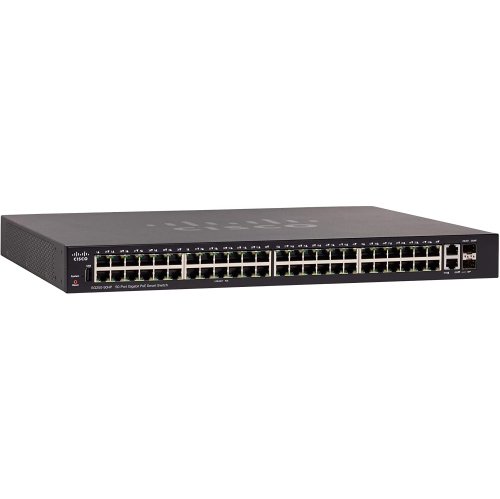
The essential considerations for building a reliable wired network
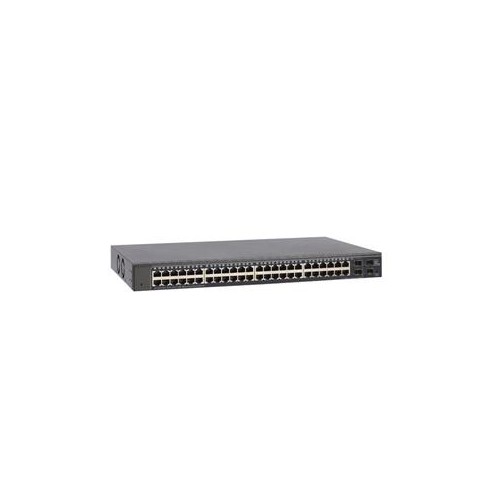
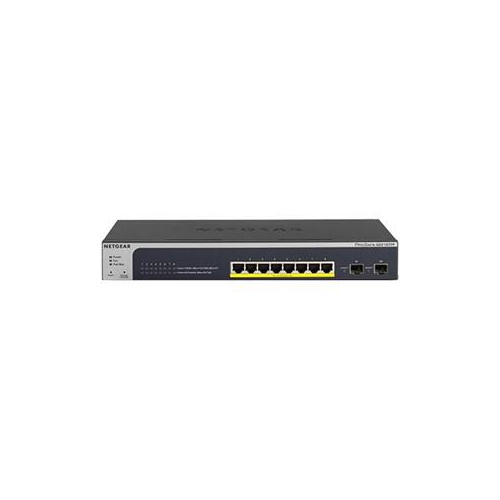
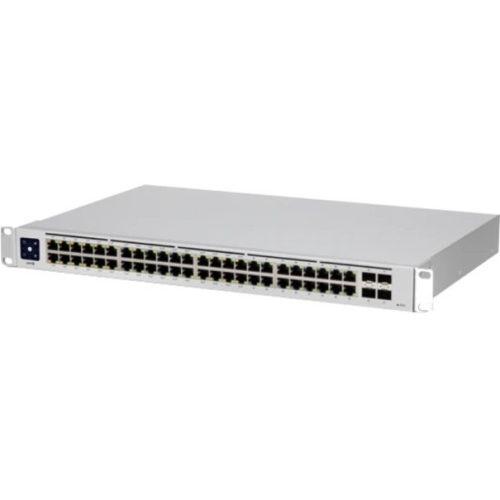
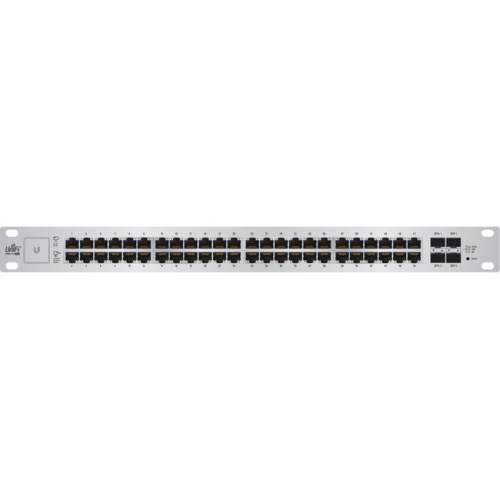
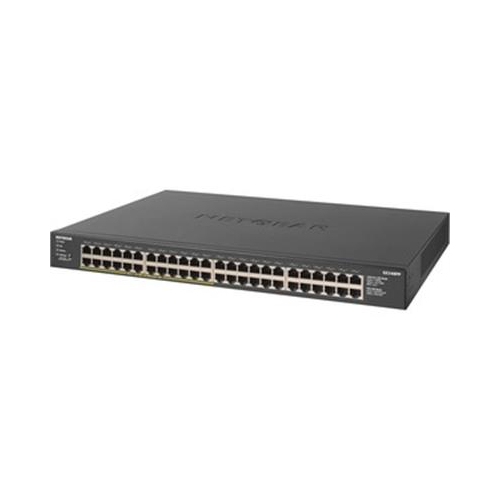
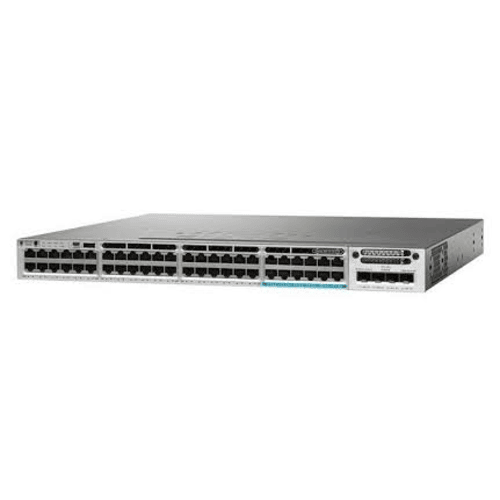
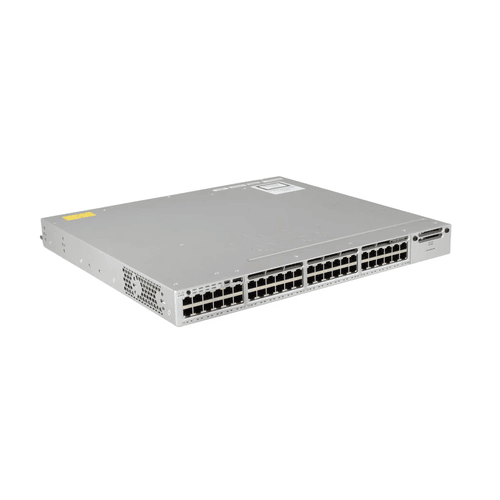
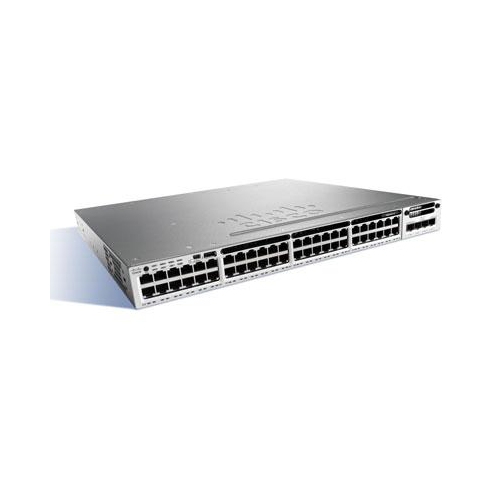
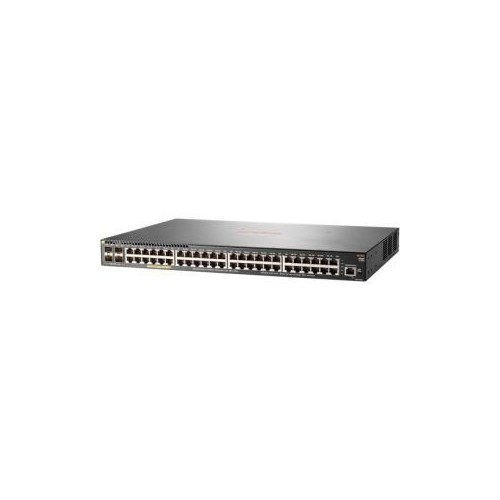
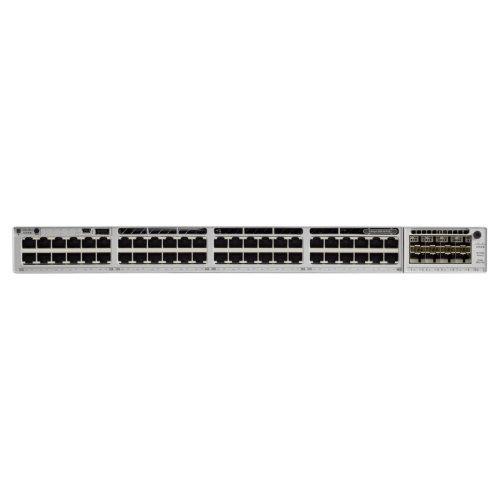
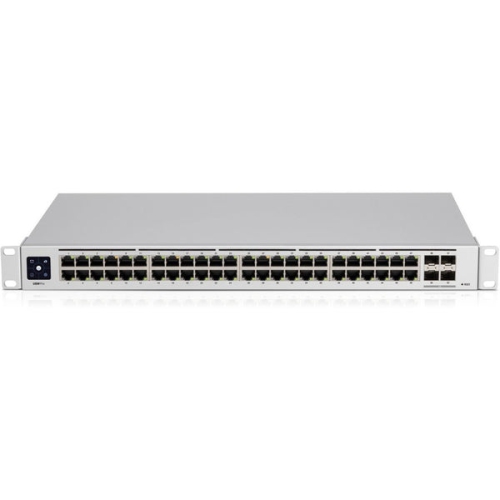
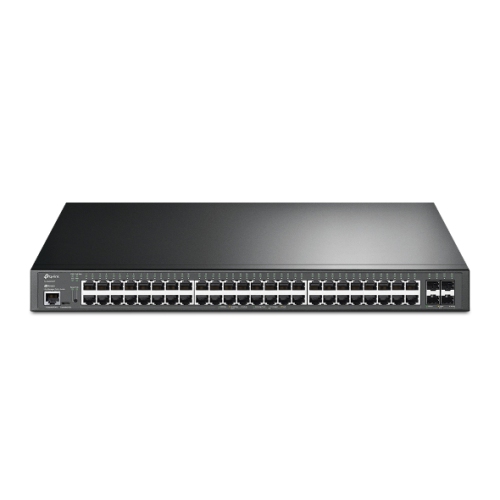
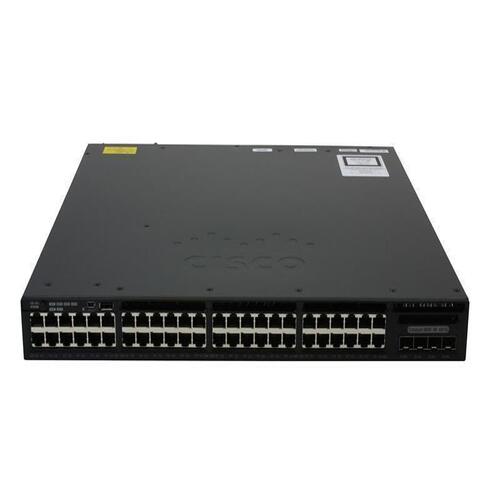
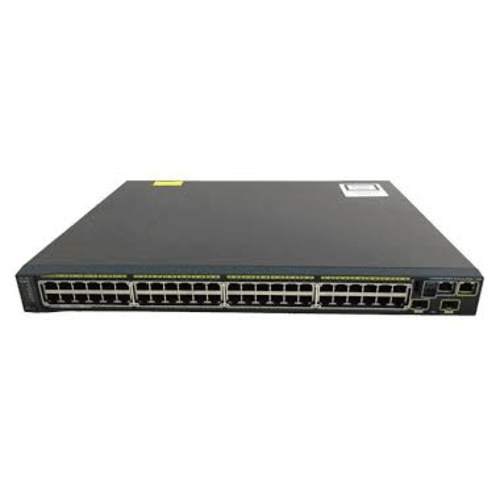
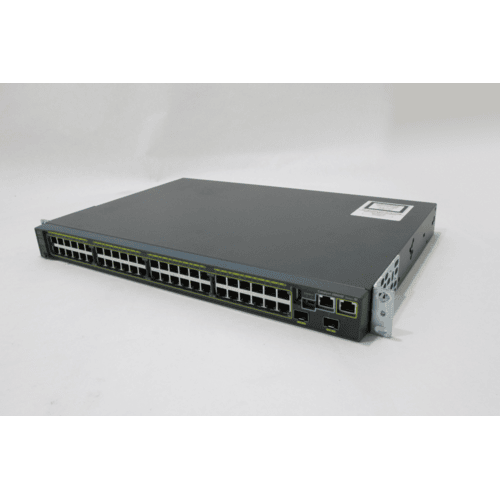
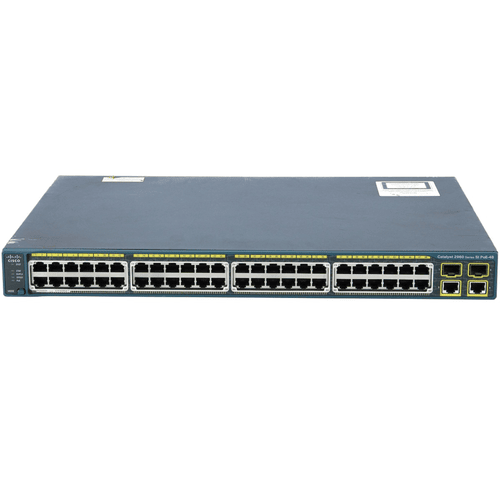
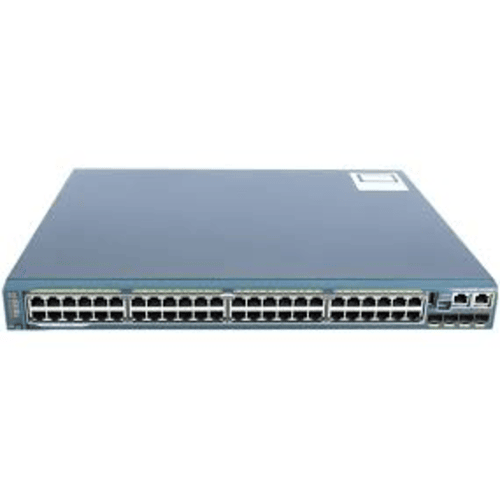
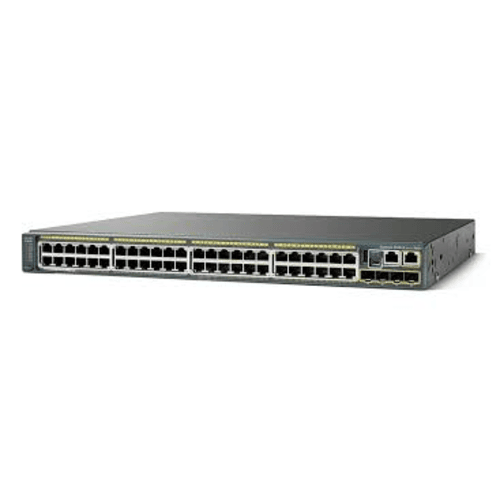
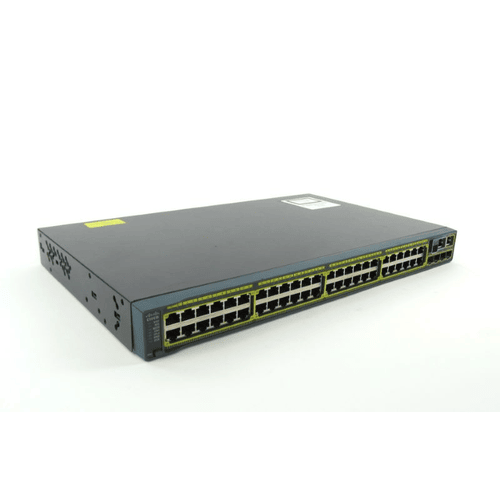
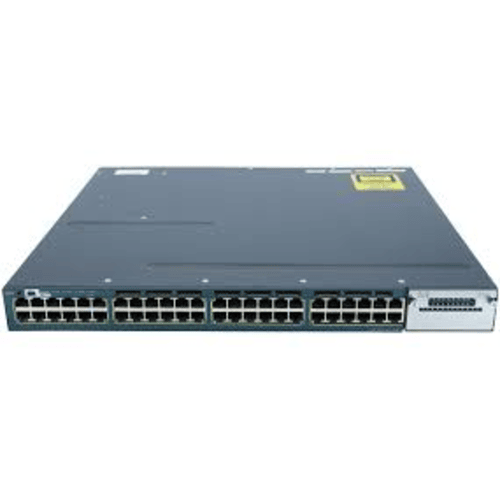
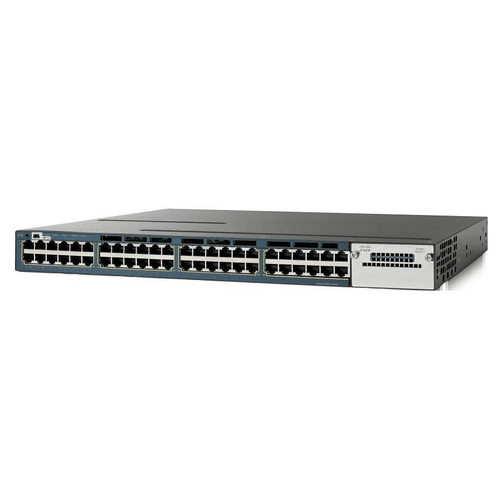
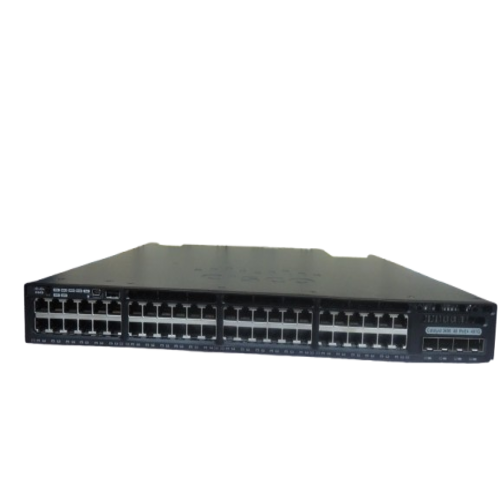
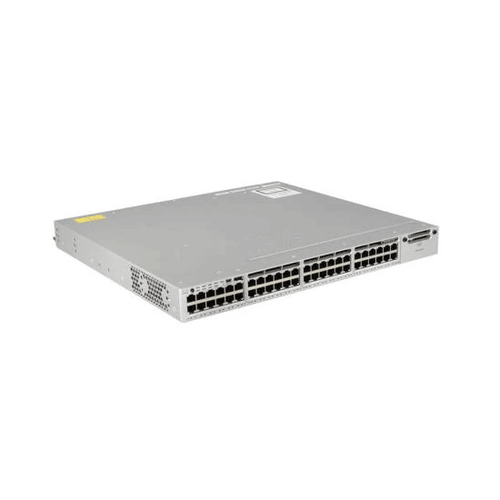
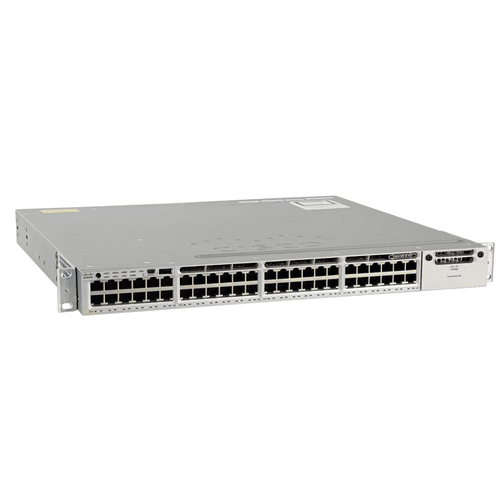
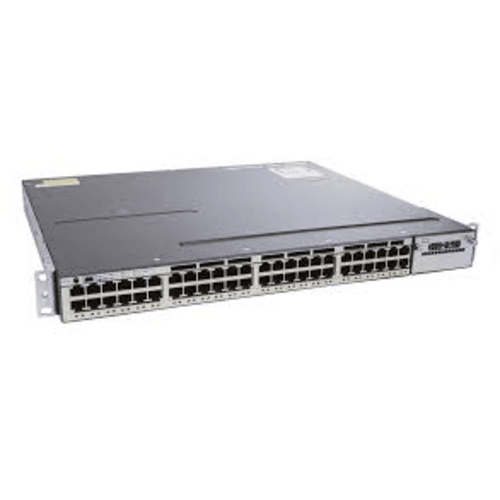
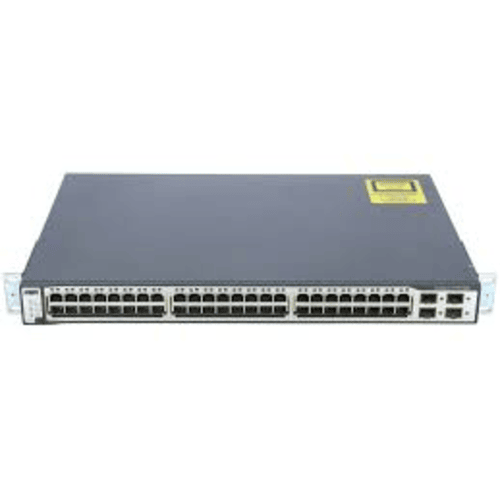
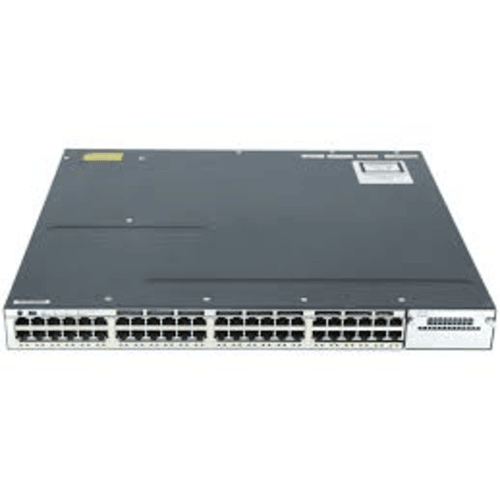
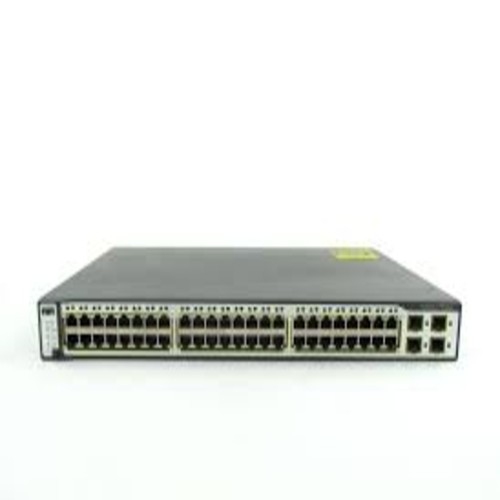
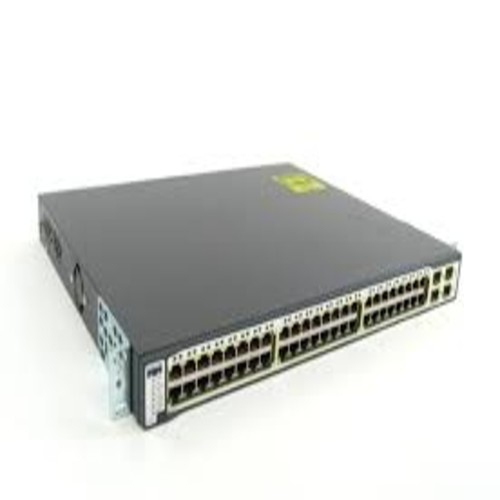
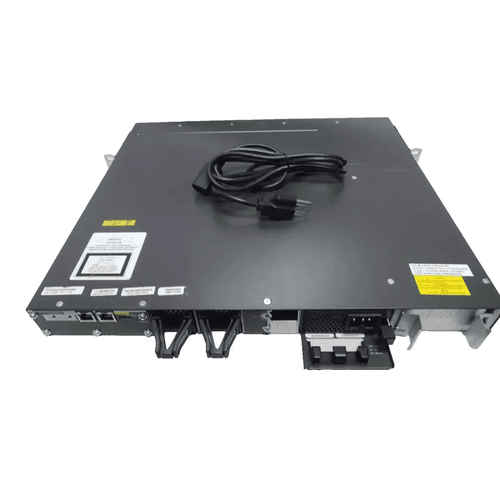
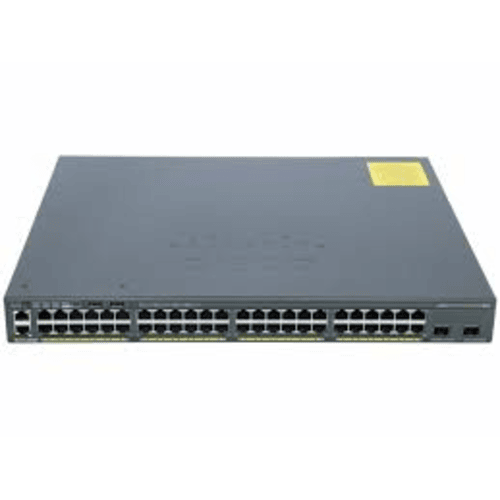
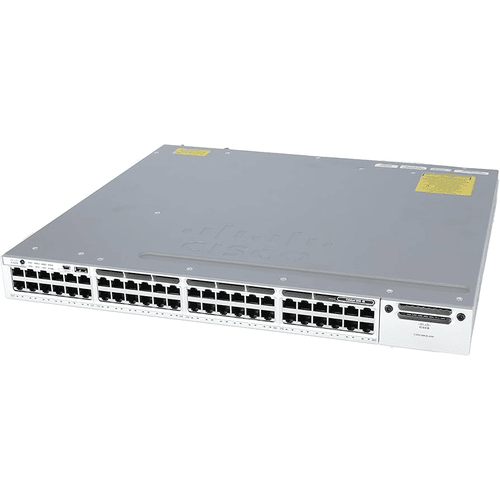
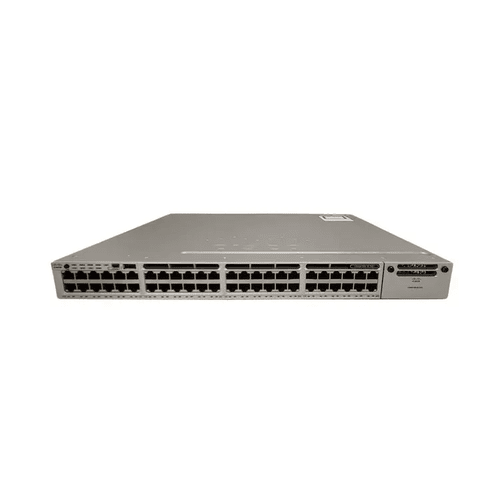
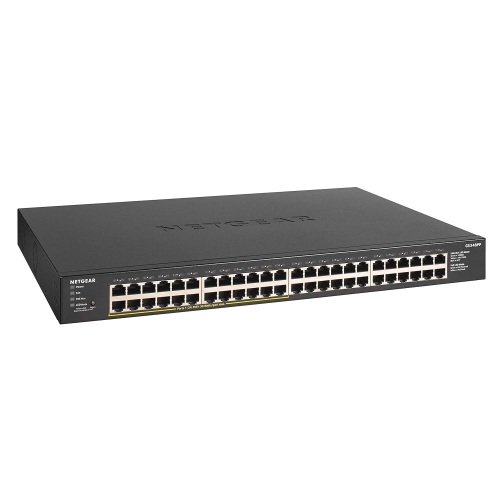
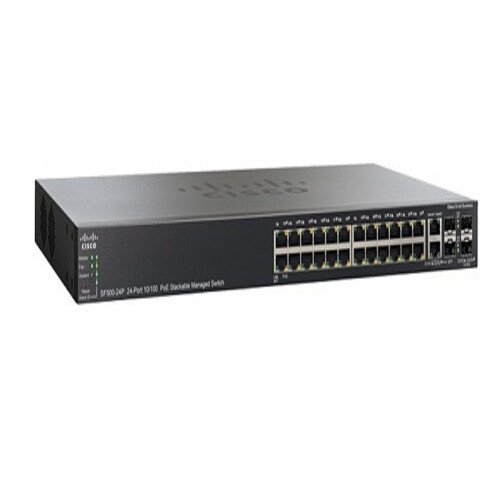
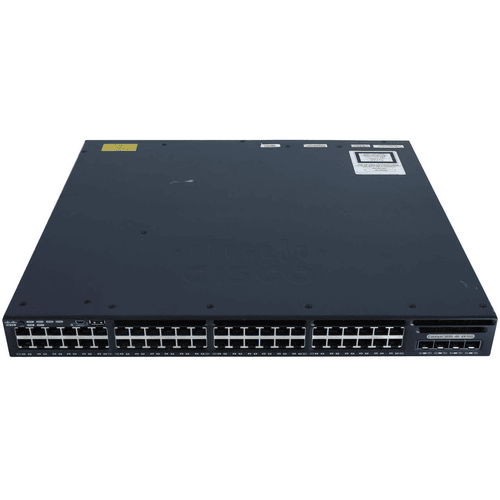
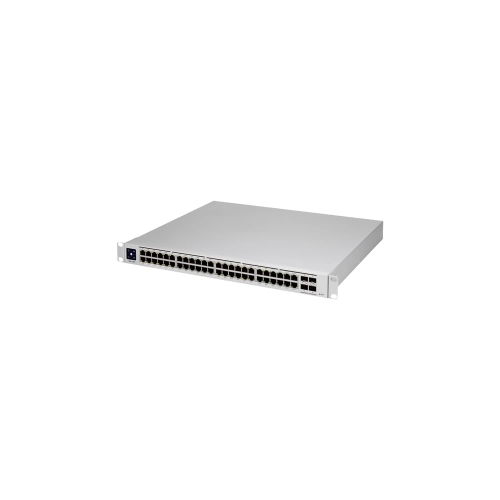
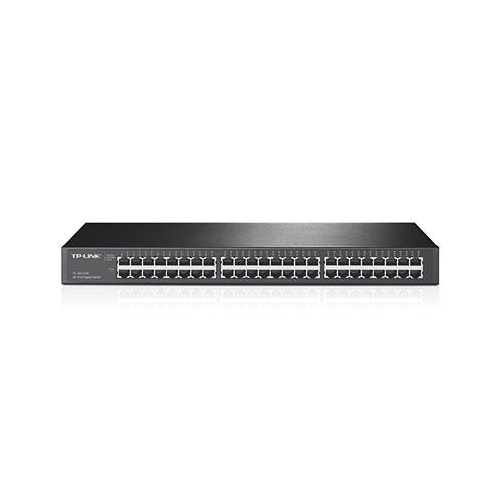
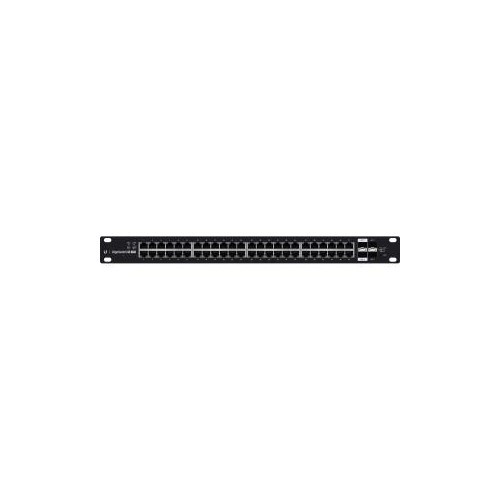
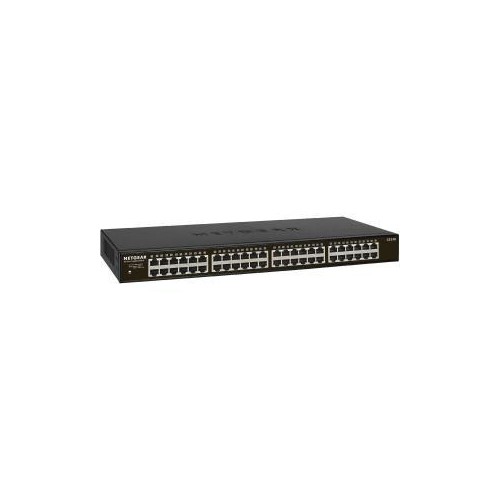
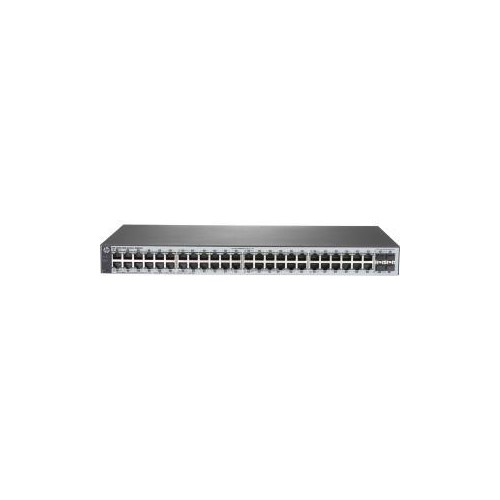
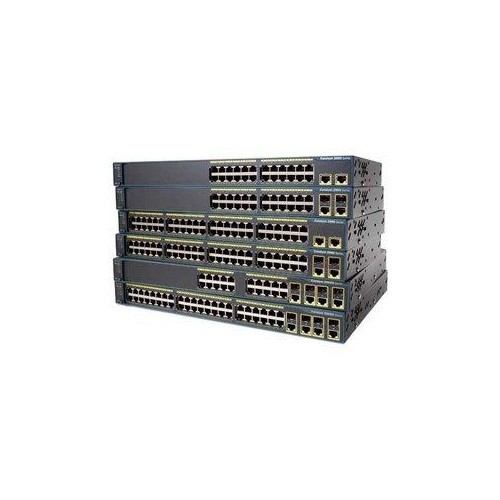
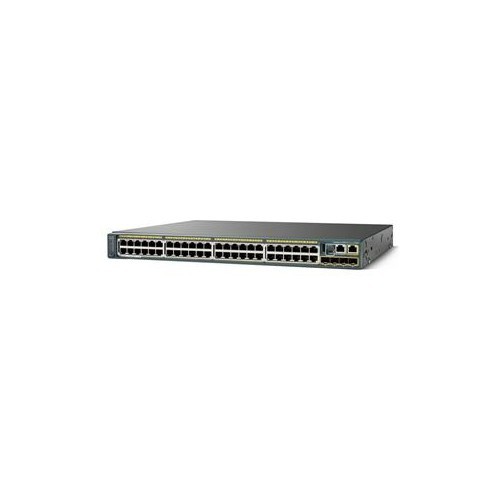
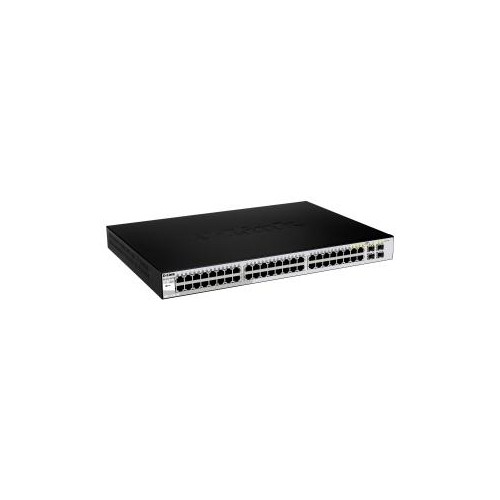
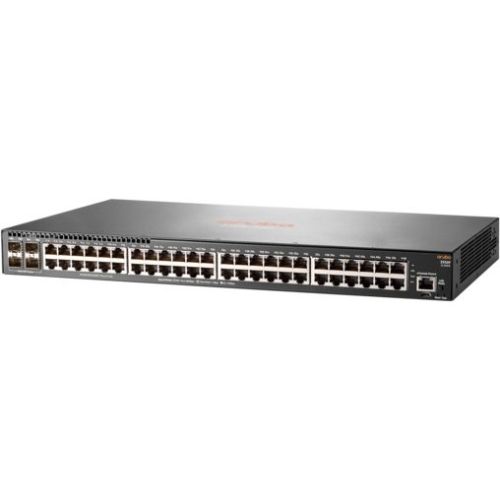
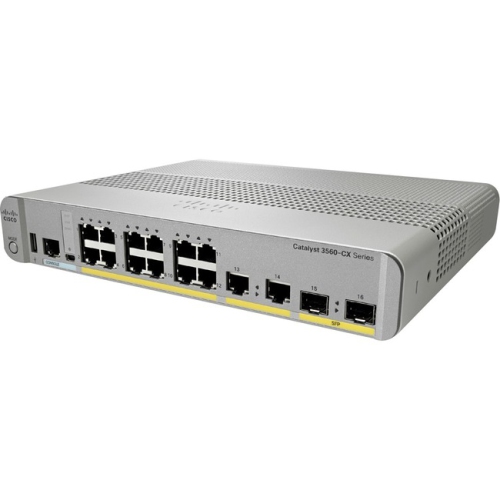
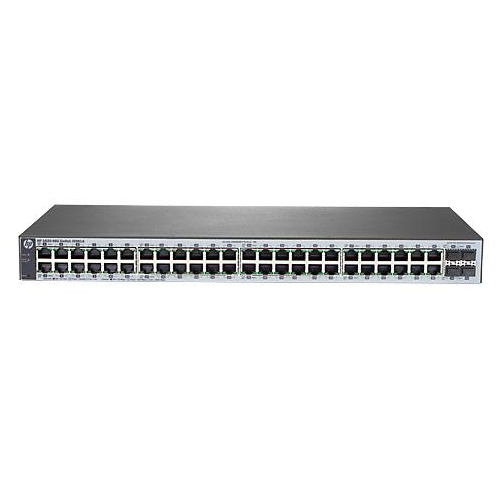
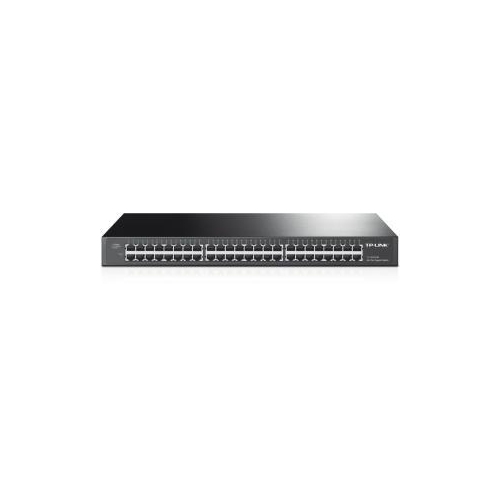
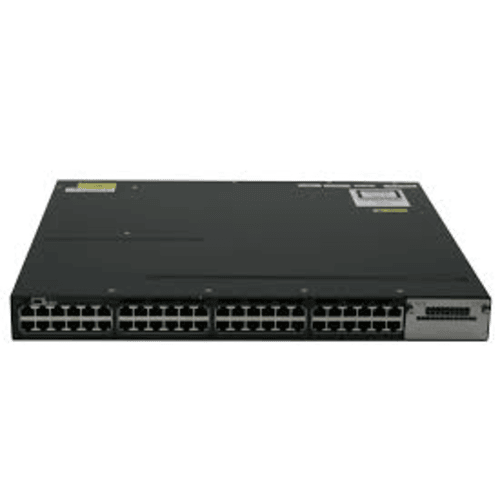
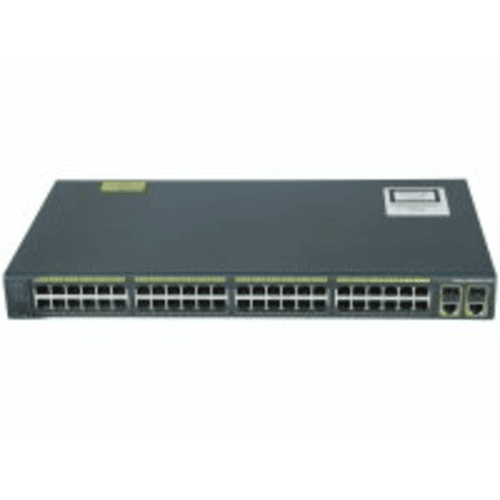
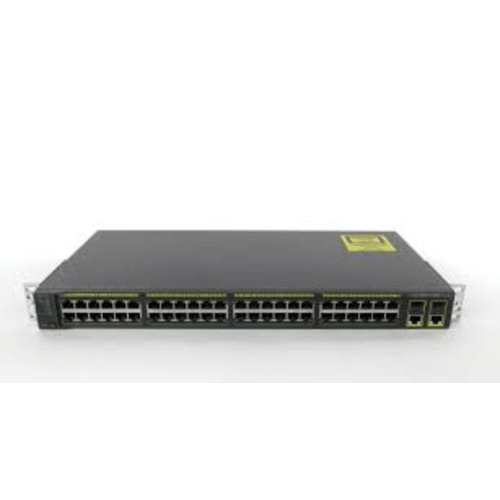
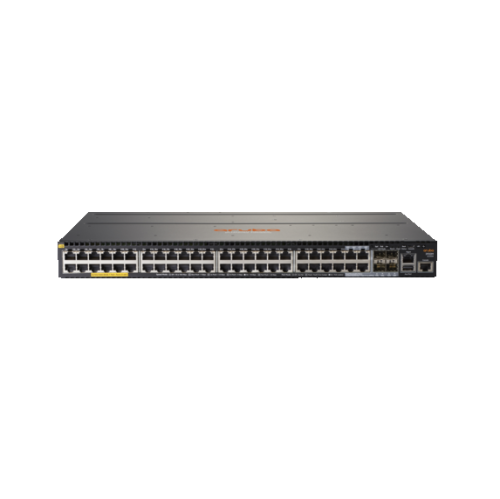
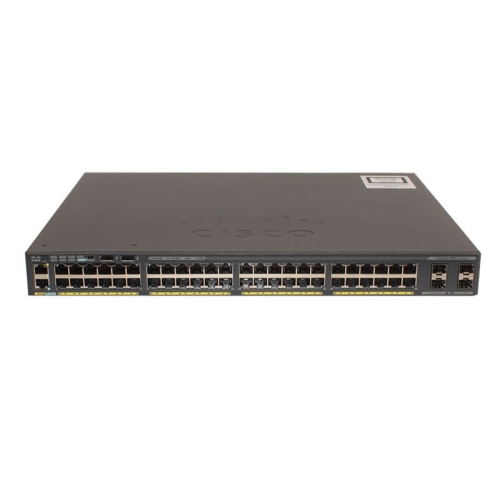
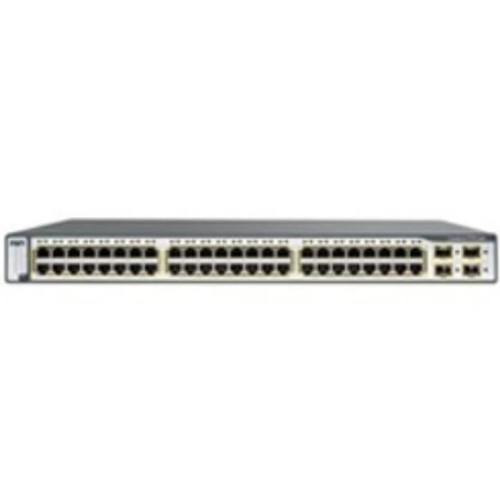
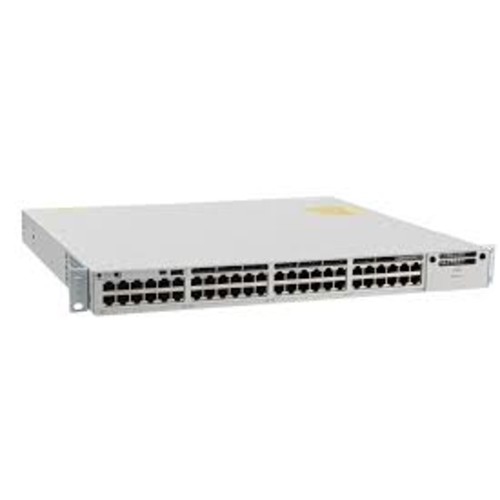
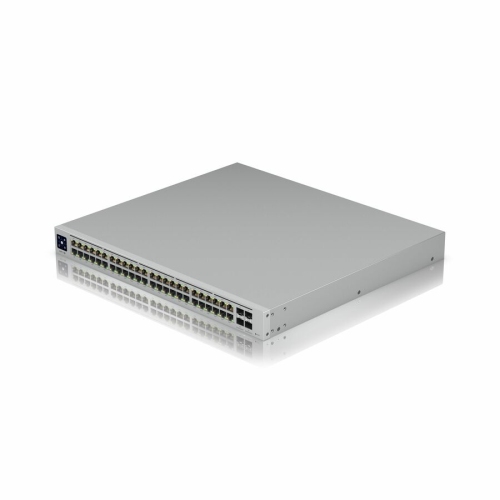
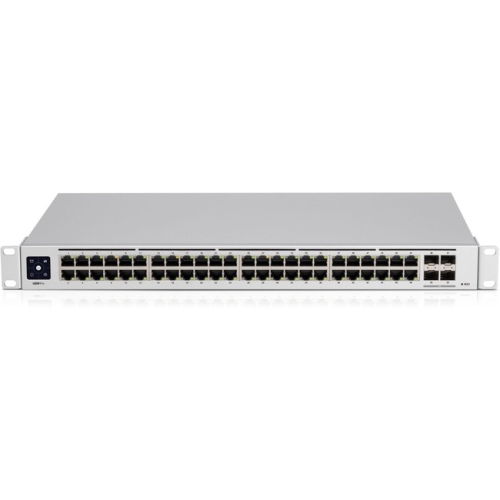
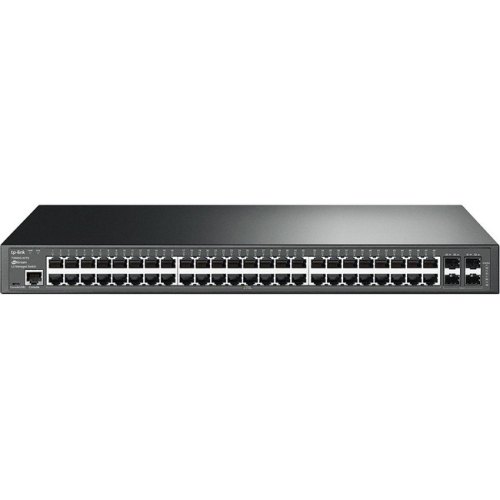
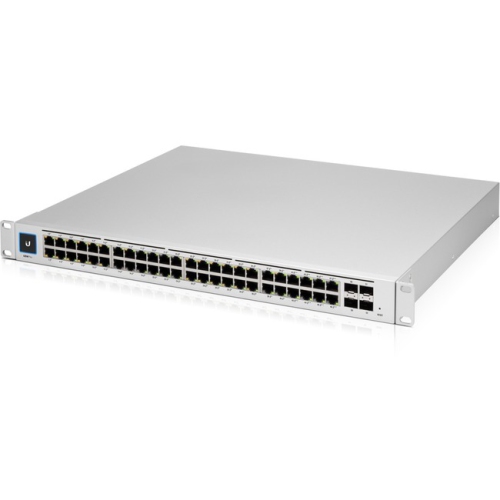
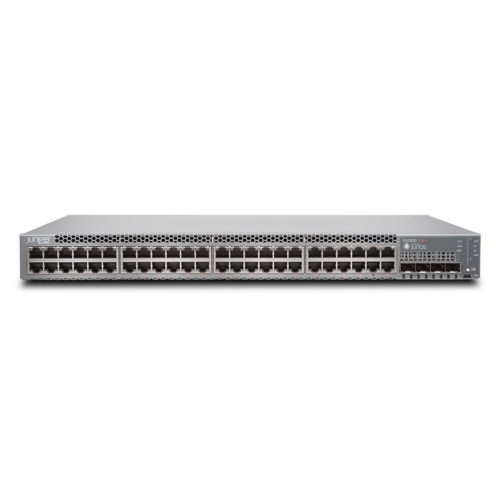
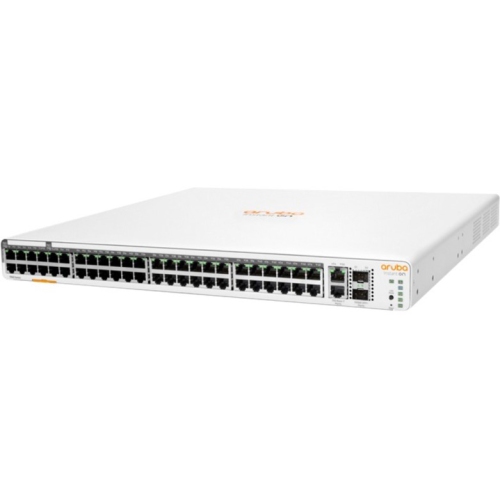
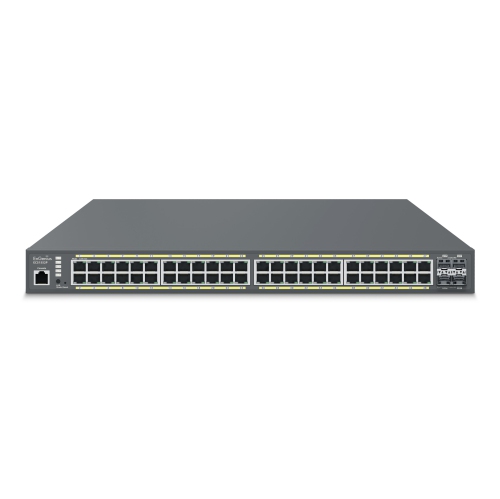
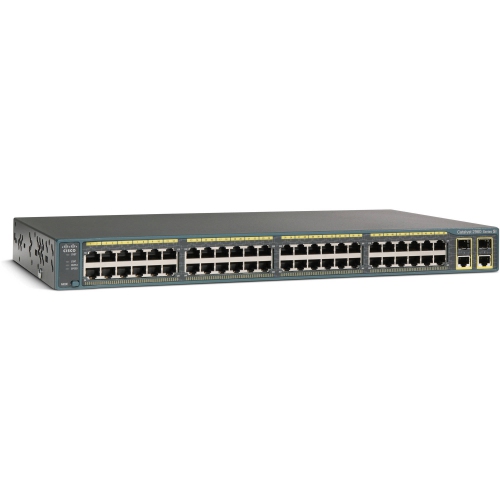
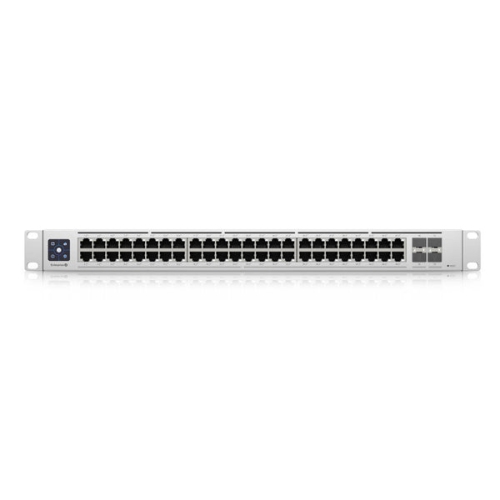
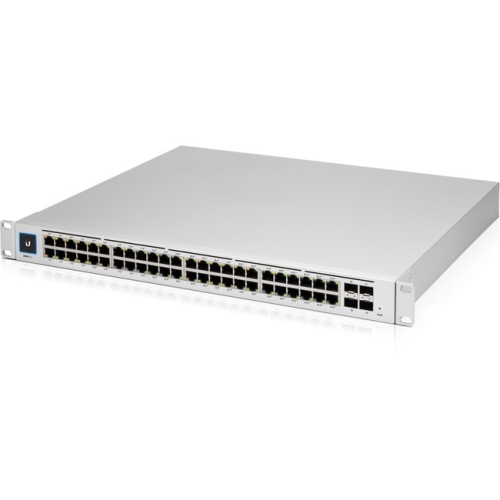
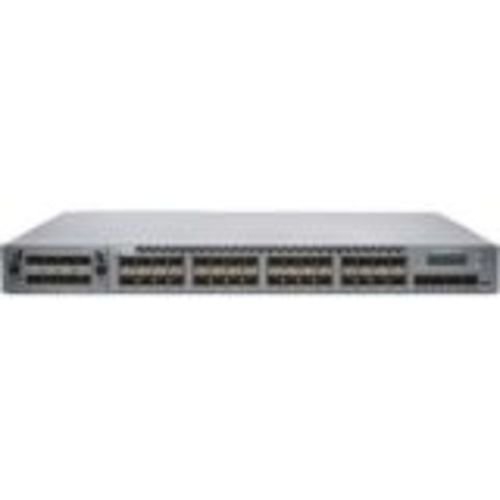
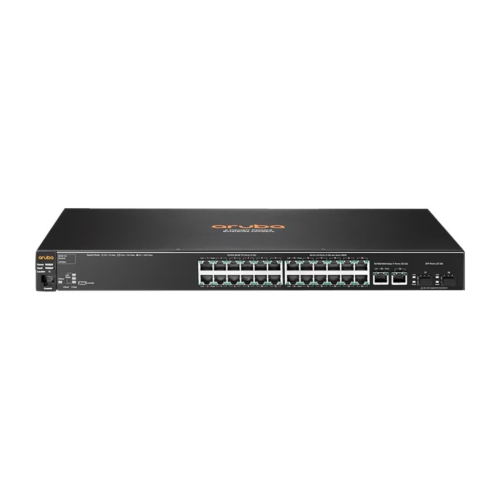
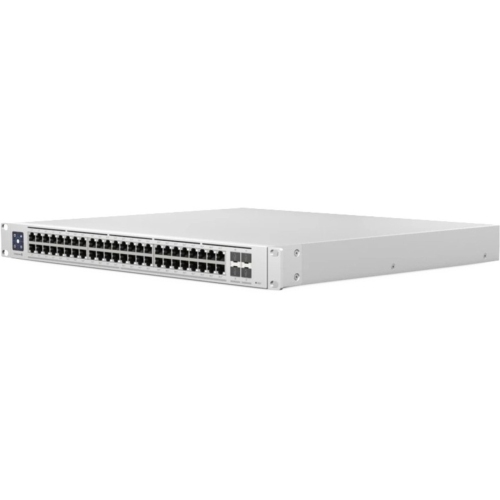
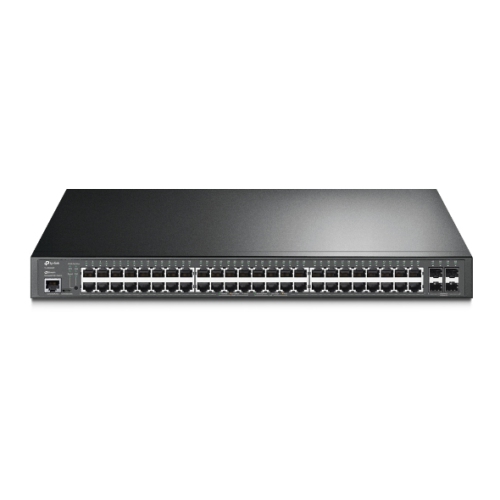
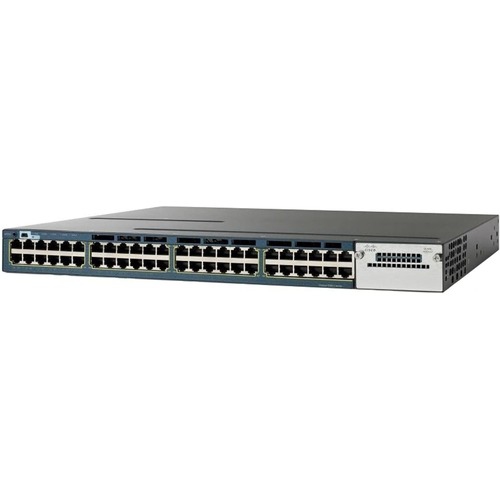
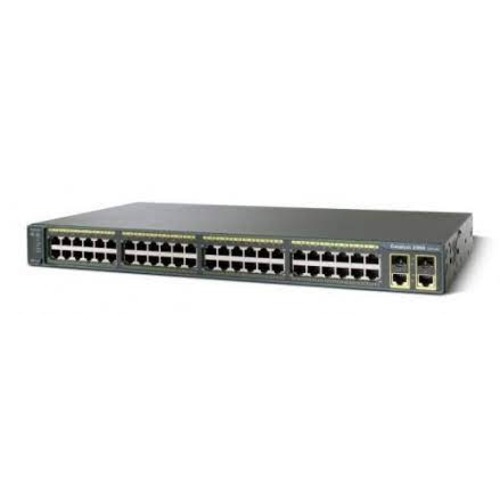
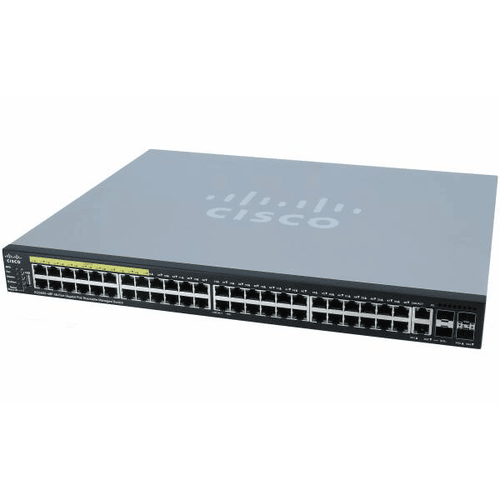
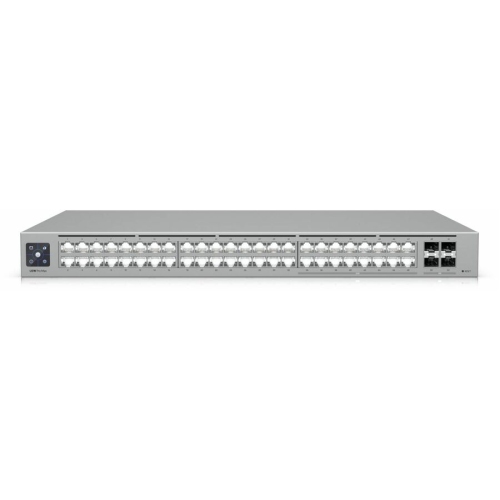
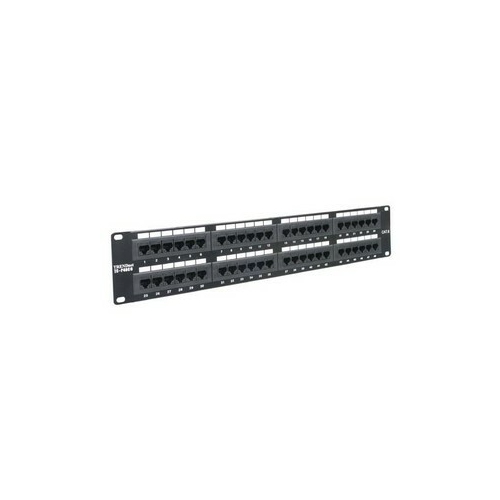
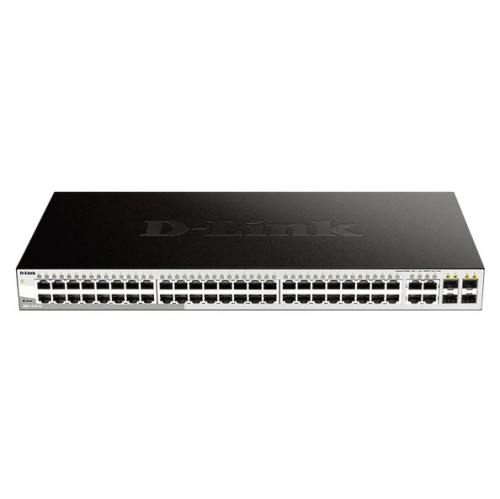
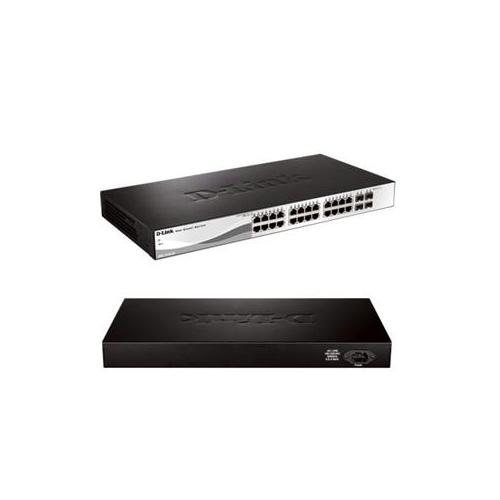
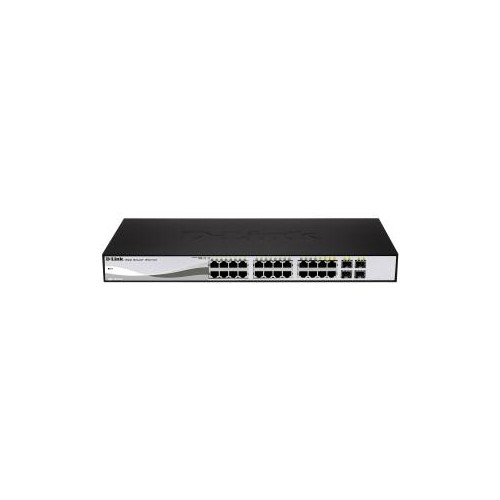
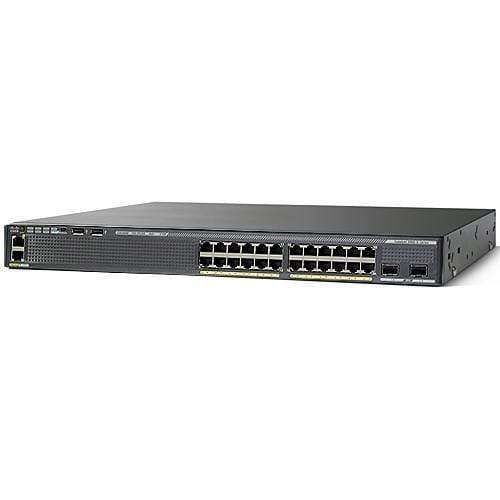
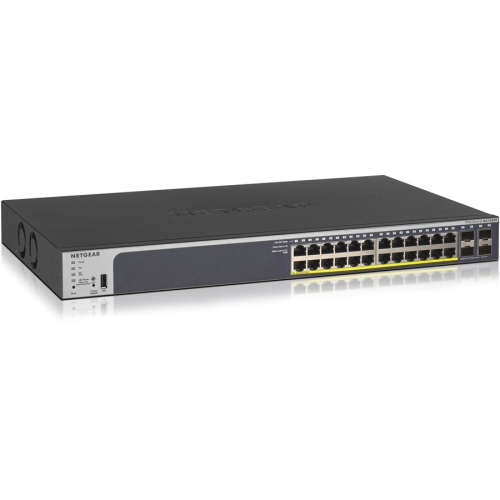
A 48-port switch is designed to bring a high number of wired Ethernet connections together in one local area network (LAN), making it a practical choice for busy offices, schools, retail spaces, studios, clinics, warehouses, and server rooms. Each port provides a connection for a compatible wired device, such as a desktop computer, printer, network storage system, wireless access point, VoIP phone, security camera, point-of-sale terminal, or another network switch. Instead of relying on a collection of smaller switches scattered throughout a workspace, a 48-port model can centralize connections in a wiring cabinet or equipment rack, helping create a cleaner and easier-to-manage network layout. This capacity can be especially helpful as a business grows. A network that begins with computers and printers may later add meeting-room displays, access points, cameras, door-entry equipment, shared storage, and other connected devices. Having additional ports available can reduce the need for immediate upgrades and make it simpler to connect equipment where it is needed. Before choosing a switch, consider the number of devices in use today, the number likely to be added over the next few years, and whether the switch will be installed on a desk, shelf, wall, or standard rack. Physical dimensions, rack-mounting hardware, ventilation, power requirements, noise level, and cable placement can all affect how comfortably the unit fits into an existing network area. For smaller installations that need fewer connections, browsing 24 Port Ethernet Switches can help compare a more compact alternative.
The main choice is often between an unmanaged switch and a managed or smart switch. An unmanaged switch is generally intended for straightforward plug-and-play networking. Connect the Ethernet cables, apply power, and compatible devices can communicate across the network without extensive setup. This approach can suit a small office, workshop, home-based business, or other location where simplicity is more important than detailed traffic control. Managed switches provide more oversight and configuration options for administrators who need to organize a larger or more demanding network. Depending on the model, features may include VLAN support for separating staff, guest, voice, camera, or other traffic; Quality of Service settings for prioritizing voice and video; port monitoring; link aggregation; access controls; redundancy features; and remote administration. Smart switches often sit between these two categories, offering a more approachable interface with selected management tools. A Layer 2 switch forwards traffic within a network by using device hardware addresses, commonly called MAC addresses. Layer 3 models add routing functions, allowing them to direct traffic between different IP subnets. That can be useful in larger environments where departments, devices, or services need to be separated while still communicating efficiently. Consider who will configure and maintain the network, whether the organization has an IT administrator, and how much control is necessary before selecting a switch with advanced features. A basic installation may benefit from fewer settings, while a multi-room office or busy commercial environment may benefit from the visibility and control of a managed model. It is also important to check the switch’s switching capacity, forwarding rate, supported Ethernet standards, and management interface so the hardware matches the expected workload rather than only the number of physical ports.
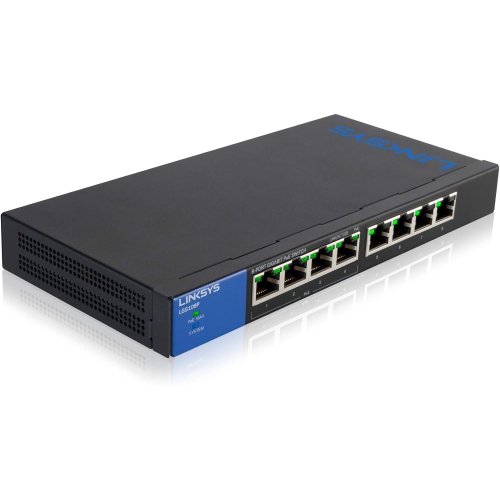
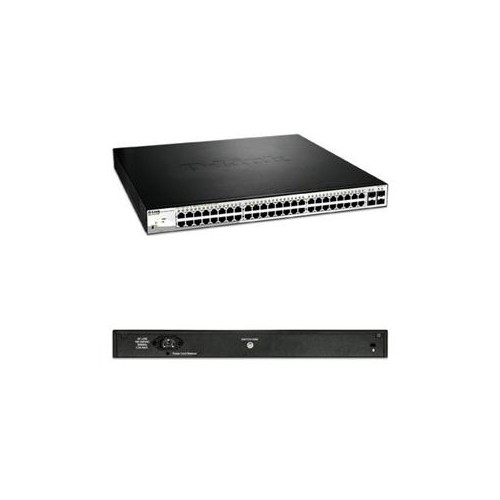
Power over Ethernet is another significant consideration when a switch will connect equipment that can receive power through its network cable. A PoE or PoE+ switch can carry data and electrical power over the same Ethernet connection, reducing the need for separate power adapters and nearby outlets. This is commonly useful for wireless access points mounted on ceilings, VoIP phones on desks, IP security cameras installed at entrances or along corridors, and other compatible equipment placed away from convenient power sources. PoE capability is not determined by port count alone. Check whether every port supports PoE, which PoE standard is supported, and the total PoE power budget available across the switch. A camera, phone, or access point may have a different power requirement, and the combined demand of several devices can approach the switch’s limit. It is wise to leave some capacity for startup needs and future additions rather than sizing the budget precisely to the equipment already connected. Network speed also deserves close attention. Gigabit Ethernet ports are suitable for many everyday wired connections, while faster uplinks can help move traffic between the switch, a server, a storage system, or a network core without creating a bottleneck. Some 48-port switches include SFP, SFP+, or other modular uplink connections for fibre or higher-speed Ethernet transceivers. These can support longer cable runs, connections between floors, or faster links to central network equipment, depending on the compatible modules and cabling. Look at the number and speed of uplink ports, the supported cable types, and whether the switch can handle the combined traffic expected during busy periods. With the right combination of port capacity, management features, PoE support, and uplink performance, a 48-port switch can form a dependable foundation for a structured wired network, keeping computers, communications equipment, access points, cameras, and shared resources connected in an organized way through the warmer and cooler seasons alike.
The main choice is often between an unmanaged switch and a managed or smart switch. An unmanaged switch is generally intended for straightforward plug-and-play networking. Connect the Ethernet cables, apply power, and compatible devices can communicate across the network without extensive setup. This approach can suit a small office, workshop, home-based business, or other location where simplicity is more important than detailed traffic control. Managed switches provide more oversight and configuration options for administrators who need to organize a larger or more demanding network. Depending on the model, features may include VLAN support for separating staff, guest, voice, camera, or other traffic; Quality of Service settings for prioritizing voice and video; port monitoring; link aggregation; access controls; redundancy features; and remote administration. Smart switches often sit between these two categories, offering a more approachable interface with selected management tools. A Layer 2 switch forwards traffic within a network by using device hardware addresses, commonly called MAC addresses. Layer 3 models add routing functions, allowing them to direct traffic between different IP subnets. That can be useful in larger environments where departments, devices, or services need to be separated while still communicating efficiently. Consider who will configure and maintain the network, whether the organization has an IT administrator, and how much control is necessary before selecting a switch with advanced features. A basic installation may benefit from fewer settings, while a multi-room office or busy commercial environment may benefit from the visibility and control of a managed model. It is also important to check the switch’s switching capacity, forwarding rate, supported Ethernet standards, and management interface so the hardware matches the expected workload rather than only the number of physical ports.
Power over Ethernet is another significant consideration when a switch will connect equipment that can receive power through its network cable. A PoE or PoE+ switch can carry data and electrical power over the same Ethernet connection, reducing the need for separate power adapters and nearby outlets. This is commonly useful for wireless access points mounted on ceilings, VoIP phones on desks, IP security cameras installed at entrances or along corridors, and other compatible equipment placed away from convenient power sources. PoE capability is not determined by port count alone. Check whether every port supports PoE, which PoE standard is supported, and the total PoE power budget available across the switch. A camera, phone, or access point may have a different power requirement, and the combined demand of several devices can approach the switch’s limit. It is wise to leave some capacity for startup needs and future additions rather than sizing the budget precisely to the equipment already connected. Network speed also deserves close attention. Gigabit Ethernet ports are suitable for many everyday wired connections, while faster uplinks can help move traffic between the switch, a server, a storage system, or a network core without creating a bottleneck. Some 48-port switches include SFP, SFP+, or other modular uplink connections for fibre or higher-speed Ethernet transceivers. These can support longer cable runs, connections between floors, or faster links to central network equipment, depending on the compatible modules and cabling. Look at the number and speed of uplink ports, the supported cable types, and whether the switch can handle the combined traffic expected during busy periods. With the right combination of port capacity, management features, PoE support, and uplink performance, a 48-port switch can form a dependable foundation for a structured wired network, keeping computers, communications equipment, access points, cameras, and shared resources connected in an organized way through the warmer and cooler seasons alike.
Top selling and popular products
-
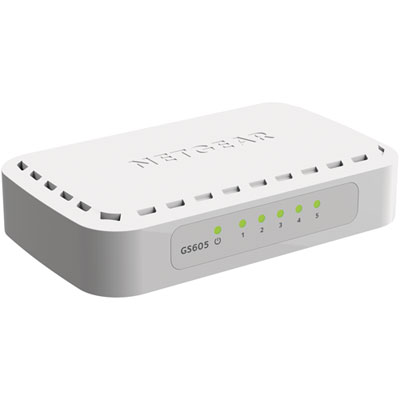 Your price for this item is $34.99
 -
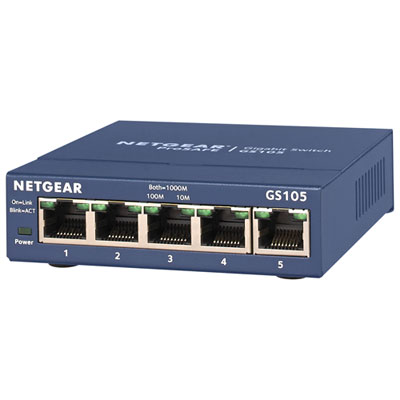 Your price for this item is $44.99
 -
 Your price for this item is $52.68
 -
 Your price for this item is $76.99
 -
 Your price for this item is $49.68
 -
 Your price for this item is $52.68
 -
 Your price for this item is $24.99
 -
 Your price for this item is $49.99
Discover more categories related to 48 Port Switches
Top Collections:
Pokemon Centers, Kindle Devices, Best Budget Office Chairs, Apple iPhones 16, Best Laptops for Writers, iPhone 15 Apple, Canon G7X Cameras, Refurbished Apple Laptops, Alarm Clock, Motorola Razr Phones
Some products may be subject to Environmental Handling Fees
(EHF) depending on your province.
Learn more about EHFs.