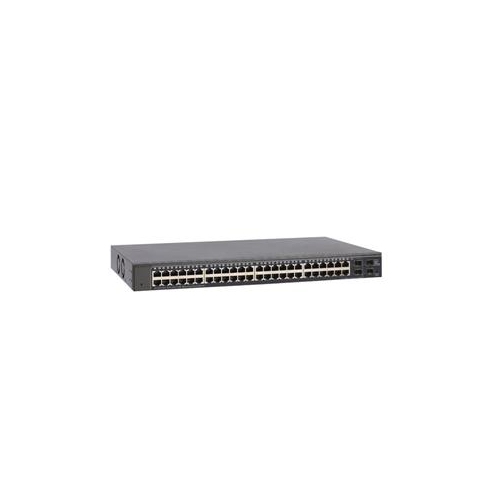
48 Port PoE Network Switches
48 Port Po E Network Switches are designed to support large-scale network setups, making them an ideal choice for businesses, schools, and organizations with extensive connectivity needs. These switches provide ample ports to connect a wide range of devices, helping you expand your network efficiently while maintaining reliable performance. Explore options that offer flexible installation and management for seamless integration into your existing infrastructure. Find the right 48 Port Po E Network Switch to power your network and keep your operations running smoothly.
Sort
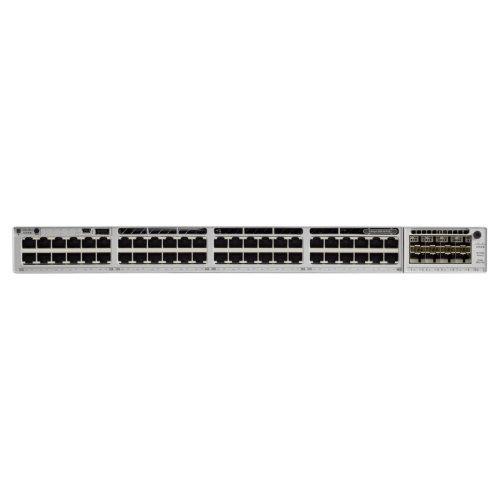
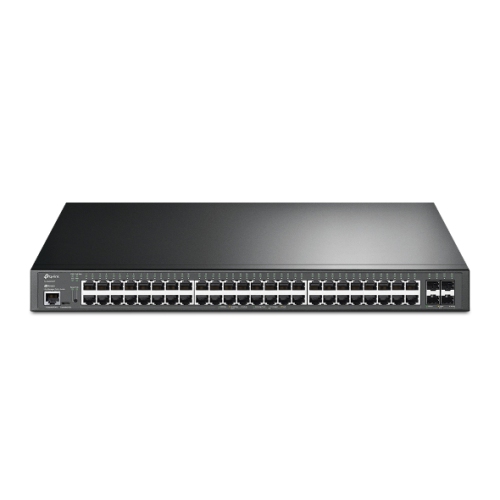
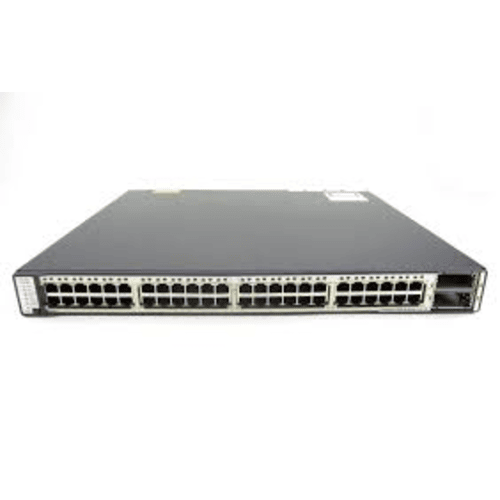
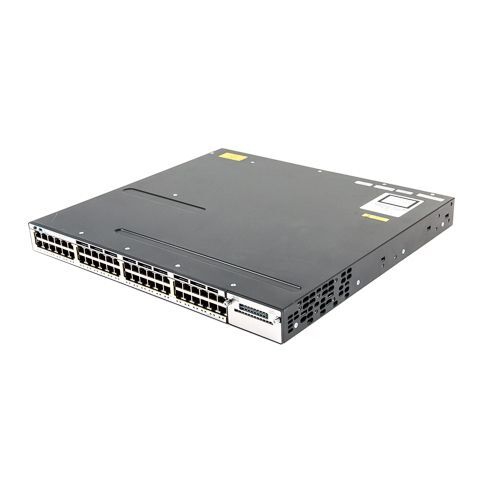
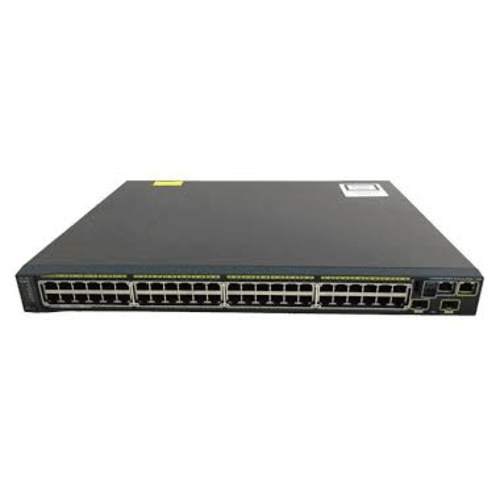
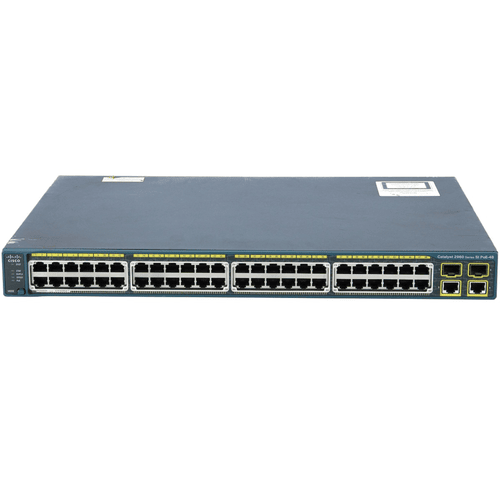
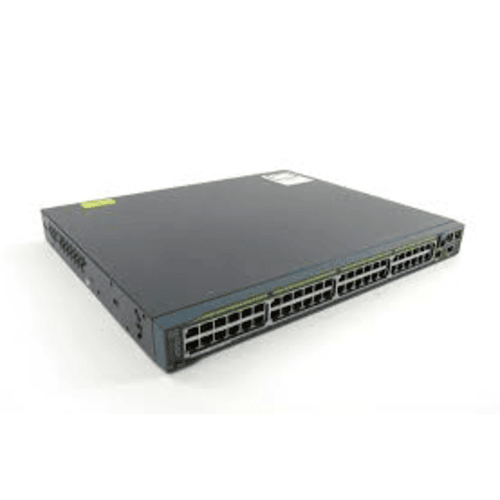
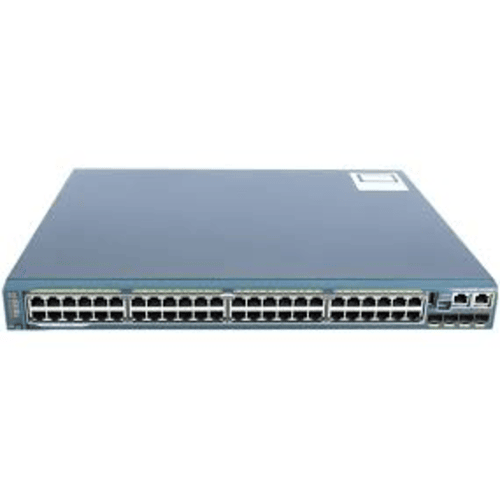
Power and data share one cable across your network
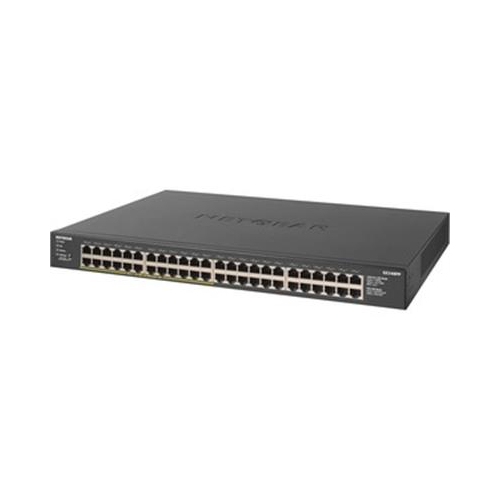
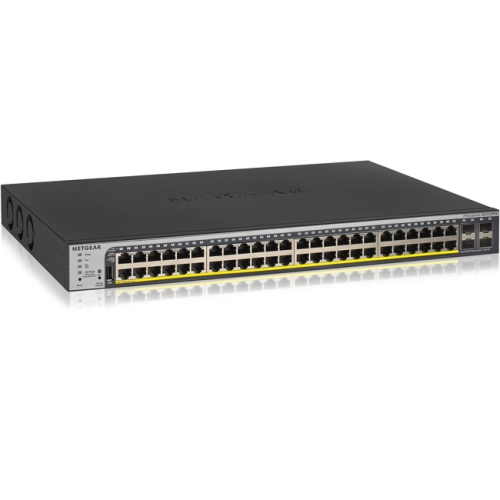
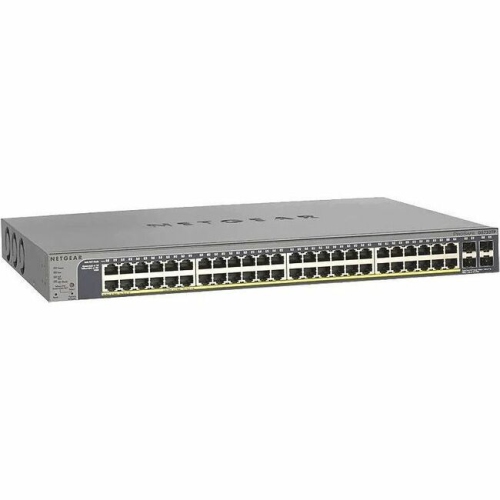
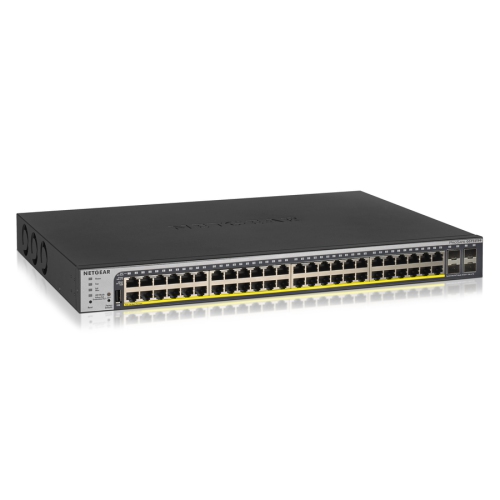
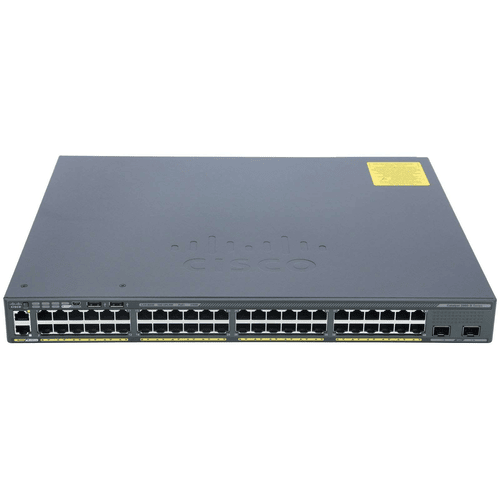
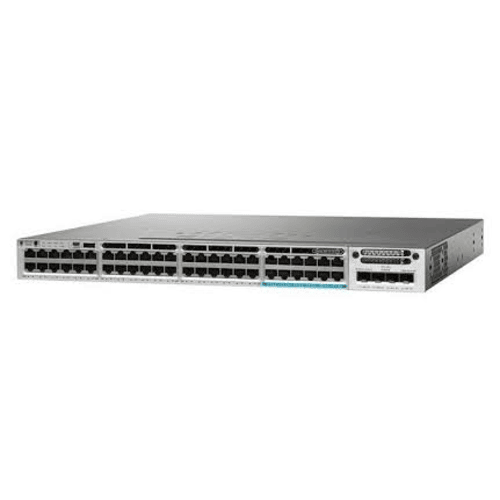
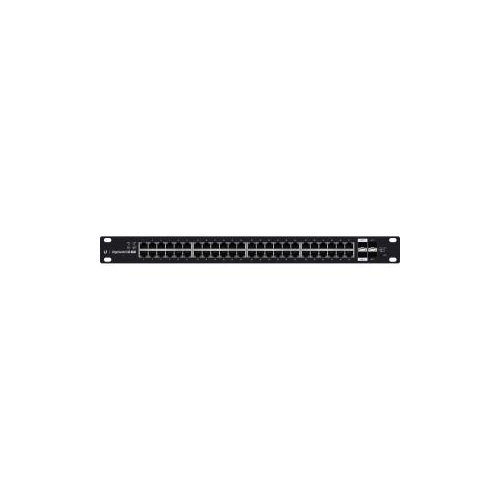
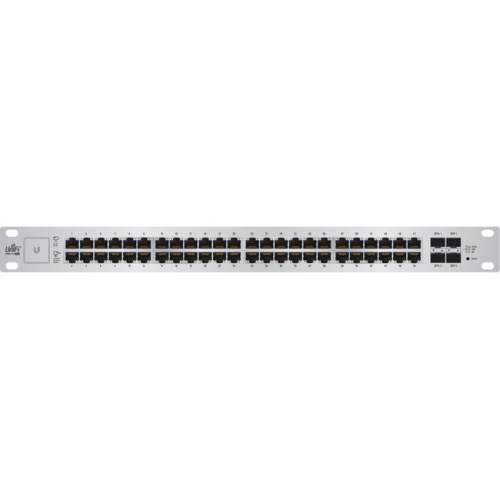
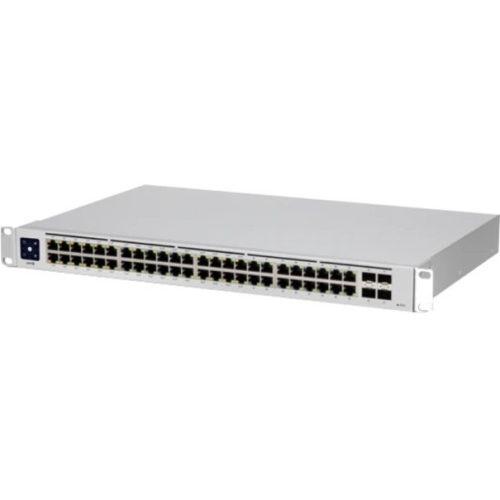
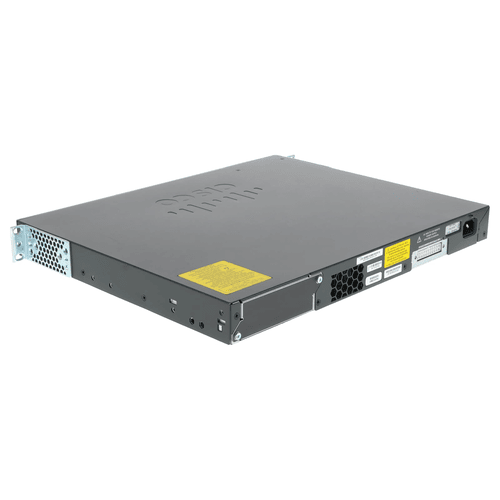
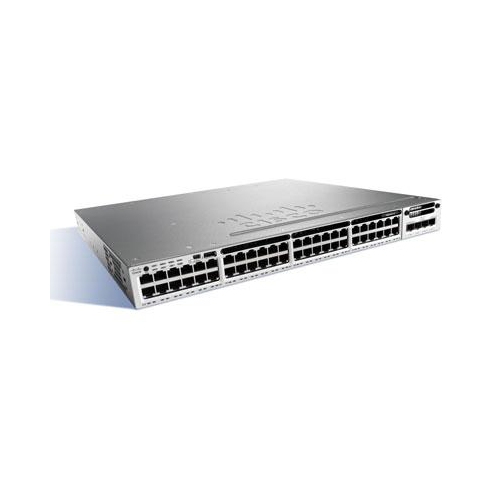
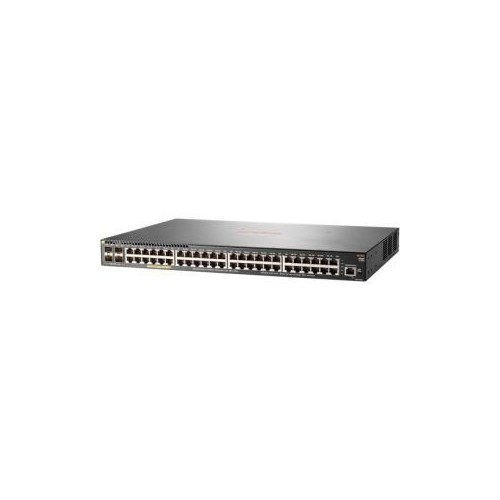
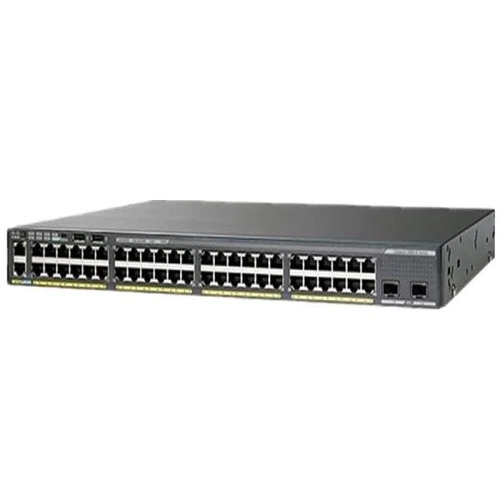
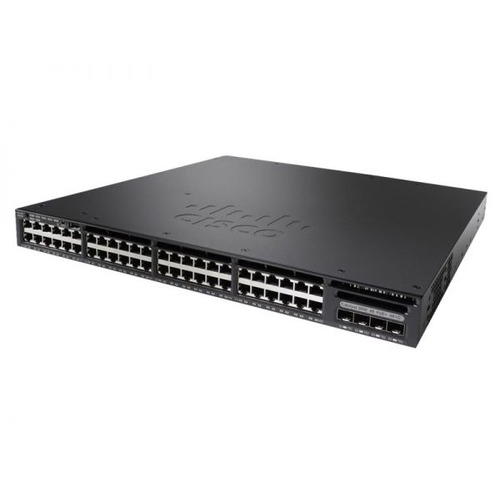
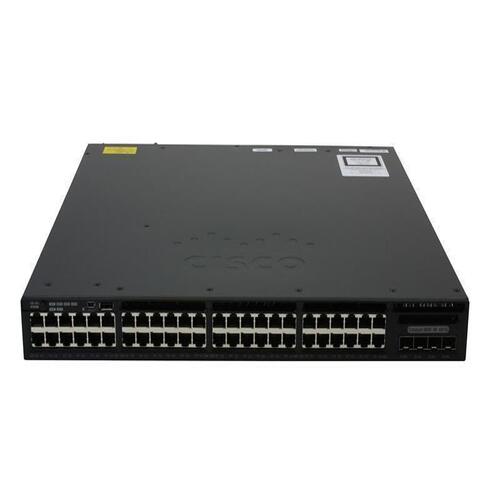
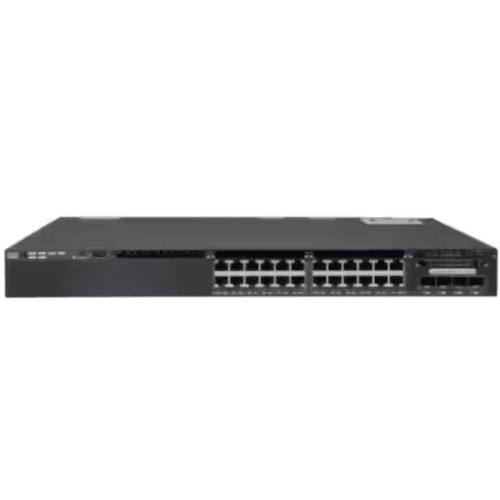
48-port PoE network switches bring wired connectivity and power delivery together in a single piece of network hardware, making them a practical foundation for offices, retail spaces, schools, warehouses, and larger home networks. PoE, or Power over Ethernet, lets a compatible switch send data and electrical power through the same Ethernet cable to devices such as Wi-Fi access points, IP security cameras, and VoIP desk phones. That means a ceiling-mounted access point or a camera above a doorway can operate without a separate power adaptor and nearby electrical outlet. With 48 Ethernet connections in one chassis, these switches provide room for rows of workstations alongside powered devices distributed throughout a building. However, a 48-port designation describes the number of network ports, not necessarily the number that supply power. Some designs provide PoE across all 48 ports, while others reserve power delivery for a subset. Non-PoE devices, including desktop computers and printers, can also connect to standards-compliant PoE ports; the switch detects a compatible powered device before supplying power. This makes a mixed network easier to organize without assigning every connection to a separate type of switch. Gigabit Ethernet is a common connection speed in this category, while some designs include multigigabit ports for devices that can use more bandwidth. For example, a busy Wi-Fi access point serving several meeting rooms may benefit from a faster wired connection, provided the access point, cabling, and upstream network support it. A 48-port switch is particularly useful when numerous cable runs terminate in the same communications cabinet, keeping connections centralized rather than spread across several smaller switches. For a smaller office or a separate area with fewer wired connections, 24-port PoE switches offer another size to consider. The appropriate port count reflects both the connections needed at installation and the space required for additional desks, cameras, or access points later.
Power capacity is one of the most important distinctions among 48-port PoE network switches because the number of powered ports alone does not describe what a switch can run simultaneously. Two specifications matter together: the maximum power supported by an individual port and the total PoE budget shared across the switch. Standard PoE, defined by IEEE 802.3af, supplies up to 15.4 watts per port at the switch, while PoE+, defined by IEEE 802.3at, supplies up to 30 watts. IEEE 802.3bt supports higher power levels, with Type 3 reaching up to 60 watts and Type 4 reaching up to 90 watts at the switch. Less power reaches the connected device because some is lost through the cable, so device requirements and switch specifications need to be matched using the appropriate ratings. Higher-power connections can suit equipment such as advanced wireless access points and cameras with motorized functions, but not every powered device needs that capacity. A switch with 48 PoE+ ports does not necessarily have enough total power to deliver 30 watts on every port at once. As a simple planning example, 24 devices each drawing 15 watts at the switch would use 360 watts of its PoE budget, before allowing room for other devices or higher peak demand. Actual power allocation can also depend on device classification and the switch’s management settings. In an office with phones at each desk, several ceiling access points, and cameras at entrances, the combined load matters more than any single device’s requirement. Extra capacity provides flexibility when replacing a basic camera with a more demanding model or adding another wireless access point. Standards compatibility matters just as much as wattage: equipment designed for proprietary passive PoE should not be assumed compatible with IEEE-standard PoE. Where supported, per-port power monitoring, scheduled power delivery, and remote port resets give administrators greater visibility and control. Restarting a supported access point through the switch can be especially useful when the device is mounted well above reach.
Management features, uplink connections, and physical construction determine how comfortably a 48-port PoE switch fits into everyday operation. Unmanaged switches suit straightforward networks that need basic connectivity without extensive configuration, while managed switches provide controls for more complex installations. Depending on the design, these can include VLANs to separate staff, guest, and camera traffic; quality of service settings to prioritize voice traffic; and monitoring tools that help identify a disconnected cable or an unusually busy port. VLAN separation still requires appropriate routing and firewall rules where traffic passes between networks. Some managed switches also support Layer 3 functions, although their routing capabilities vary and do not automatically replace a dedicated router or firewall. Uplink specifications deserve attention when many connected devices share a path to a server, recorder, or another switch. Dedicated SFP or SFP+ slots can support compatible fibre modules, with SFP+ commonly used for 10 Gigabit Ethernet uplinks. Supported speeds, module compatibility, and whether uplink ports are additional to the 48 copper ports vary by design. For physical fit, many switches in this category use metal chassis intended for standard 19-inch racks, but chassis depth, rack height, mounting hardware, and clearance for power cords differ. A shallow wall cabinet may accommodate a patch panel yet lack the depth required by a larger switch. Fan noise also matters when equipment sits near desks rather than in a separate equipment room. Durable installation depends on secure mounting, unobstructed ventilation, and organized cabling that does not pull against the ports. Solid-copper Ethernet cable rated for the intended application is important for dependable data transmission and PoE delivery; copper-clad aluminium cable is not an equivalent substitute. Standard copper Ethernet channels generally support runs up to 100 metres, including patch cords, when the required cabling specifications are met. Clear port labels, accessible patch panels, and routine dust removal according to the manufacturer’s instructions make ongoing care easier. For managed models, supported firmware updates and saved configurations also help keep maintenance orderly as the network grows.
Power capacity is one of the most important distinctions among 48-port PoE network switches because the number of powered ports alone does not describe what a switch can run simultaneously. Two specifications matter together: the maximum power supported by an individual port and the total PoE budget shared across the switch. Standard PoE, defined by IEEE 802.3af, supplies up to 15.4 watts per port at the switch, while PoE+, defined by IEEE 802.3at, supplies up to 30 watts. IEEE 802.3bt supports higher power levels, with Type 3 reaching up to 60 watts and Type 4 reaching up to 90 watts at the switch. Less power reaches the connected device because some is lost through the cable, so device requirements and switch specifications need to be matched using the appropriate ratings. Higher-power connections can suit equipment such as advanced wireless access points and cameras with motorized functions, but not every powered device needs that capacity. A switch with 48 PoE+ ports does not necessarily have enough total power to deliver 30 watts on every port at once. As a simple planning example, 24 devices each drawing 15 watts at the switch would use 360 watts of its PoE budget, before allowing room for other devices or higher peak demand. Actual power allocation can also depend on device classification and the switch’s management settings. In an office with phones at each desk, several ceiling access points, and cameras at entrances, the combined load matters more than any single device’s requirement. Extra capacity provides flexibility when replacing a basic camera with a more demanding model or adding another wireless access point. Standards compatibility matters just as much as wattage: equipment designed for proprietary passive PoE should not be assumed compatible with IEEE-standard PoE. Where supported, per-port power monitoring, scheduled power delivery, and remote port resets give administrators greater visibility and control. Restarting a supported access point through the switch can be especially useful when the device is mounted well above reach.
Management features, uplink connections, and physical construction determine how comfortably a 48-port PoE switch fits into everyday operation. Unmanaged switches suit straightforward networks that need basic connectivity without extensive configuration, while managed switches provide controls for more complex installations. Depending on the design, these can include VLANs to separate staff, guest, and camera traffic; quality of service settings to prioritize voice traffic; and monitoring tools that help identify a disconnected cable or an unusually busy port. VLAN separation still requires appropriate routing and firewall rules where traffic passes between networks. Some managed switches also support Layer 3 functions, although their routing capabilities vary and do not automatically replace a dedicated router or firewall. Uplink specifications deserve attention when many connected devices share a path to a server, recorder, or another switch. Dedicated SFP or SFP+ slots can support compatible fibre modules, with SFP+ commonly used for 10 Gigabit Ethernet uplinks. Supported speeds, module compatibility, and whether uplink ports are additional to the 48 copper ports vary by design. For physical fit, many switches in this category use metal chassis intended for standard 19-inch racks, but chassis depth, rack height, mounting hardware, and clearance for power cords differ. A shallow wall cabinet may accommodate a patch panel yet lack the depth required by a larger switch. Fan noise also matters when equipment sits near desks rather than in a separate equipment room. Durable installation depends on secure mounting, unobstructed ventilation, and organized cabling that does not pull against the ports. Solid-copper Ethernet cable rated for the intended application is important for dependable data transmission and PoE delivery; copper-clad aluminium cable is not an equivalent substitute. Standard copper Ethernet channels generally support runs up to 100 metres, including patch cords, when the required cabling specifications are met. Clear port labels, accessible patch panels, and routine dust removal according to the manufacturer’s instructions make ongoing care easier. For managed models, supported firmware updates and saved configurations also help keep maintenance orderly as the network grows.
Top selling and popular products
-
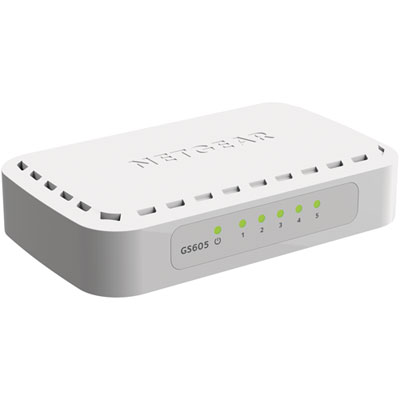 Your price for this item is $34.99
 -
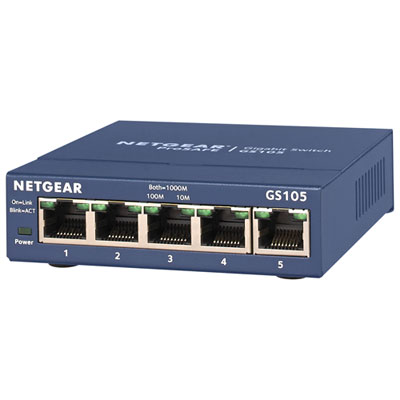 Your price for this item is $44.99
 -
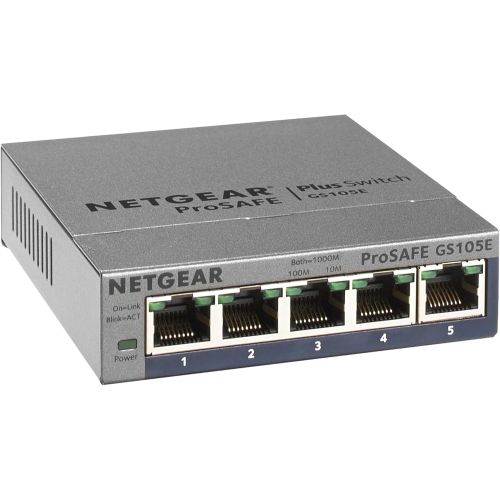 Your price for this item is $52.68
 -
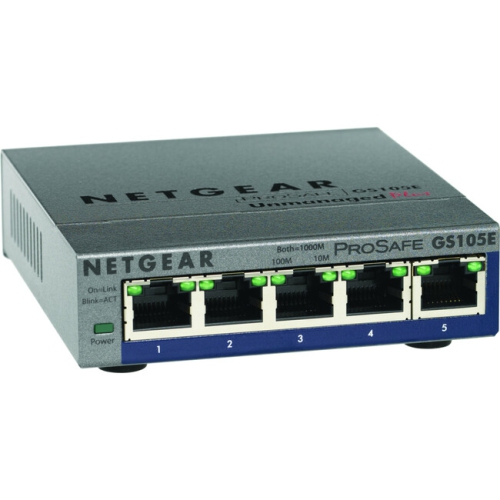 Your price for this item is $76.99
 -
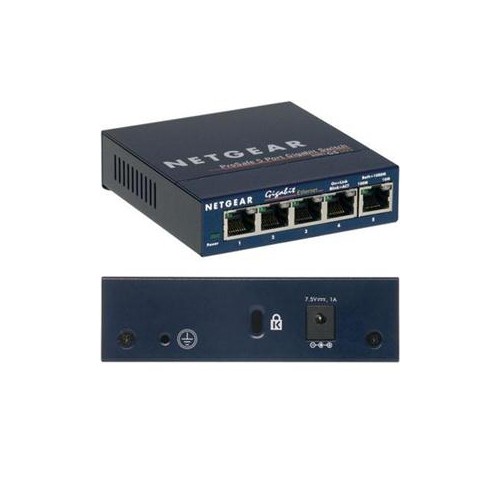 Your price for this item is $49.68
 -
 Your price for this item is $52.68
 -
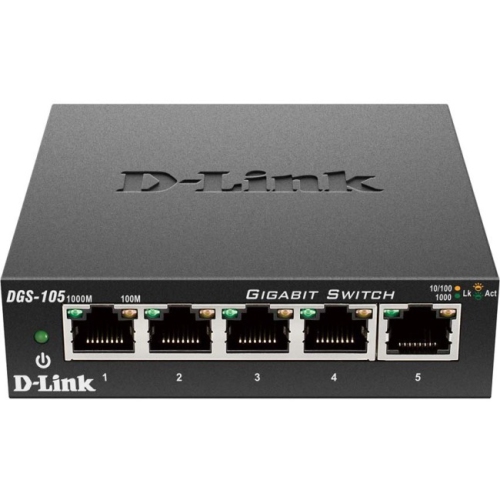 Your price for this item is $24.99
 -
 Your price for this item is $49.99
Discover more categories related to 48 Port PoE Network Switches
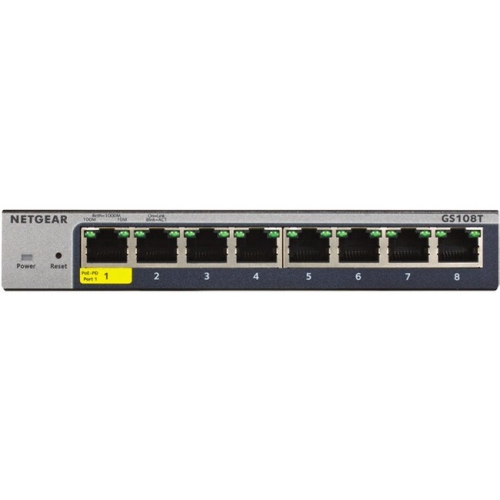
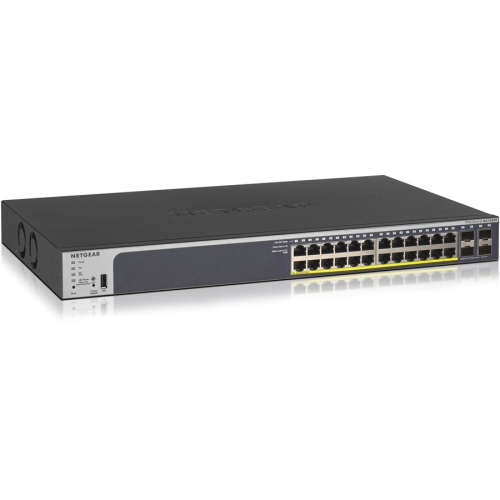
Top Collections:
Pokemon Centers, Kindle Devices, Best Budget Office Chairs, Apple iPhones 16, Best Laptops for Writers, iPhone 15 Apple, Canon G7X Cameras, Refurbished Apple Laptops, Alarm Clock, Motorola Razr Phones
Some products may be subject to Environmental Handling Fees
(EHF) depending on your province.
Learn more about EHFs.