4K Asus Monitors
Upgrade your workspace or gaming setup with a 4K Asus Monitor, designed to deliver exceptional clarity and vibrant visuals for all your computing needs. Whether you're editing photos, streaming your favorite content, or enjoying the latest games, these monitors offer an impressive viewing experience. Explore a wide selection of screen sizes and styles to find the perfect fit for your home or office. Discover how a 4K Asus Monitor can enhance productivity and entertainment with sharp detail and immersive color.
Sort



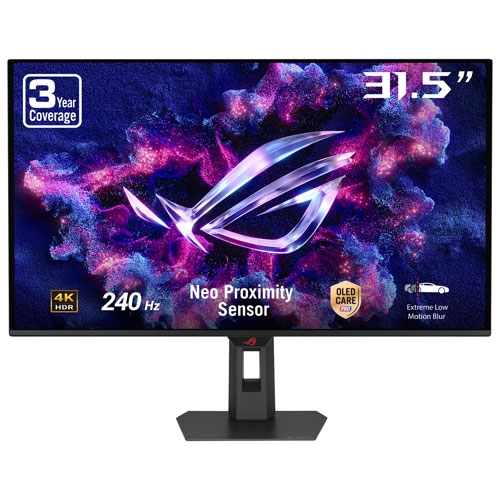
Why screen size matters as much as resolution
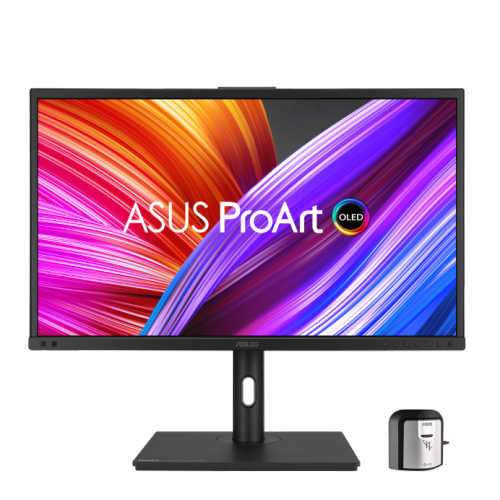
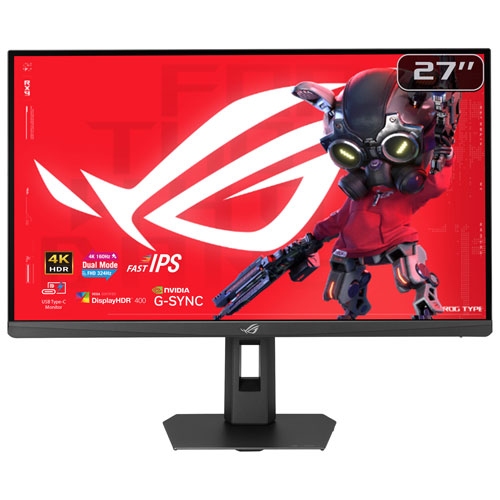
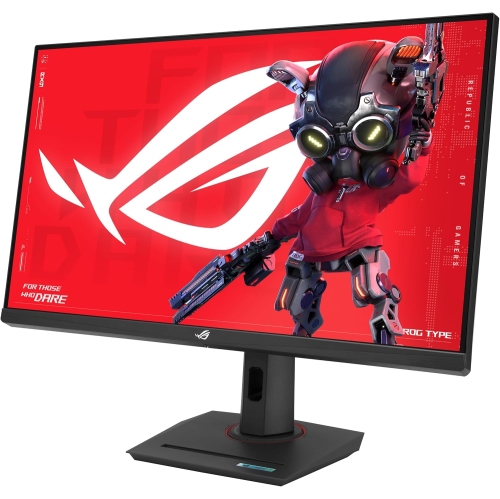
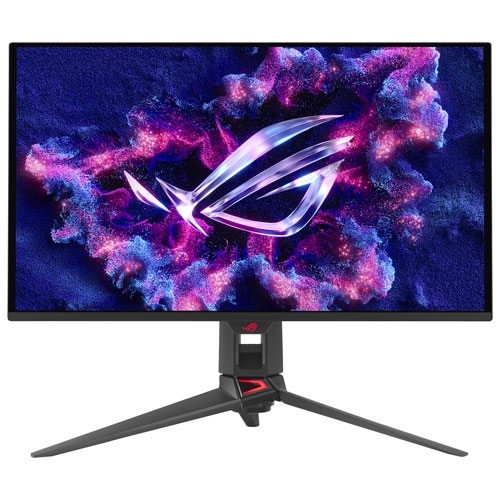
4K monitors typically have a resolution of 3840 x 2160 pixels, providing four times as many pixels as a Full HD display. That extra detail can make small text, fine lines, and high-resolution images look more defined, particularly at a comfortable desktop viewing distance. When comparing Asus 4K Displays, screen size, panel type, refresh rate, colour performance, and connectivity help distinguish monitors suited to everyday work, gaming, or creative projects. For someone moving between spreadsheets, browser windows, and video calls, a 4K screen can provide a flexible work surface without requiring several separate displays. A photographer may appreciate being able to inspect fine textures, while a designer can keep editing tools beside a detailed canvas. The usable space depends partly on display scaling: increasing the size of text and interface elements improves readability but leaves less room for open windows. Physical screen size matters just as much as resolution. A 27-inch display generally presents a denser image than a 32-inch display at the same resolution, while the larger screen makes individual elements bigger at an equivalent scaling setting. Neither size is automatically the better fit; desktop depth, seating position, and the type of work all matter. A shallow desk may suit a smaller screen that keeps its edges within easy view, while a deeper work surface can accommodate a larger display at a more relaxed viewing distance. Thin bezels can help adjoining monitors feel less visually separated, but the stand footprint still needs room alongside a keyboard, mouse, and speakers. Height adjustment, tilt, swivel, and pivot options vary between models and can make a meaningful difference during long sessions. A screen positioned comfortably in front of the user, with its upper edge around eye level or slightly below, reduces the need to crane the neck. For shared workspaces, adjustable positioning also makes it easier for different people to settle into a comfortable setup.
For gaming, 4K resolution adds detail to distant scenery, textured surfaces, and interface elements, but smooth motion depends on more than pixel count. Refresh rate describes how often the screen can update its image, while pixel response time concerns how quickly pixels change between shades. A higher refresh rate can make fast camera movements and cursor motion feel smoother, provided the connected computer or console can deliver a suitable signal. Rendering games at 4K is demanding, so graphics hardware, game settings, and the desired frame rate need to work together. Someone who enjoys detailed landscapes and slower-paced adventures may place different priorities on a monitor than a player focused on quick reactions in competitive games. Adaptive sync can help reduce visible tearing when supported by both the display and the connected device, although compatibility and operating ranges vary. Panel technology also shapes the experience. IPS panels are often chosen for wide viewing angles and consistent colour, VA panels commonly offer strong native contrast, and OLED panels can deliver deep blacks and rapid pixel transitions. Each technology has trade-offs, making the individual monitor’s specifications more useful than a panel label alone. Creative work brings another set of considerations. Colour gamut describes the range of colours a display can reproduce, while colour accuracy describes how closely those colours match a reference. A wide gamut does not automatically mean accurate results, and colour-managed software remains important when preparing photographs, illustrations, or video for different destinations. Factory calibration information, supported colour spaces, and calibration options can be helpful for work where matching tones matters. HDR support also deserves a closer look: peak brightness, black levels, local dimming, and content compatibility affect the visible result. Simply accepting an HDR signal does not guarantee bright highlights or convincing shadow detail. For a mixed-use desktop, dependable text clarity, comfortable brightness, and balanced image settings may prove more valuable every day than a single headline specification.
Connections determine how neatly a 4K monitor fits into an existing setup. HDMI and DisplayPort capabilities differ between models, and the supported resolution and refresh rate depend on the complete connection, including the source device, port, and cable. USB-C can simplify a laptop workspace when the monitor and computer both support video over that connection; some displays also provide charging and a USB hub, but those functions should not be assumed from the connector’s shape. Charging output needs to suit the laptop’s requirements, particularly when demanding applications are running. A desktop computer, work laptop, and game console sharing one screen may call for several video inputs and convenient input switching. Where offered, a built-in KVM switch can let compatible computers share a keyboard and mouse, reducing the need to reconnect accessories. Built-in speakers may be convenient for calls or casual viewing, though separate audio equipment can offer fuller sound. Everyday practicality extends to the monitor’s construction and care. A stable base, sturdy stand connection, and accessible controls are useful features on a frequently used desk. For an arm-mounted setup, the display’s mounting pattern and weight must match the arm’s specifications, with enough clearance for cables and adjustments. Matte screen finishes can soften reflections from nearby windows or lamps, while room layout still plays a large part in keeping glare out of view. Cleaning should follow the manufacturer’s directions: a clean microfibre cloth and gentle pressure help protect the screen surface, and liquid should never be sprayed directly onto the panel. Keeping ventilation openings clear and leaving slack in cables also helps avoid unnecessary strain during repositioning. Panel-specific maintenance features deserve attention, especially on displays used for static toolbars or dashboards over long periods. As a gift for a student, home-office user, gamer, or creative hobbyist, a 4K monitor is most useful when its connections, dimensions, and capabilities suit the recipient’s equipment and habits. The strongest match is a screen that fits the desk, supports the intended tasks, and remains comfortable to use throughout an ordinary day.
Top selling and popular products
-
 Your price for this item is $783.68
-
 Your price for this item is $299
-
 Your price for this item is $469
-
 Your price for this item is $94.99
-
 Your price for this item is $177.99
-
 Your price for this item is $229.99
-
 Your price for this item is $1138.68
-
 Your price for this item is $355.68
Discover more categories related to 4K Asus Monitors
Top Collections:
Best Black Friday Deals This Year, Best Black Friday Deals On Electronics, Kindle Devices, Best Black Friday Deals On Apple Products, Best Budget Office Chairs, Best Cameras for Sports Photography, Dyson Airwrap, Canon G7X Cameras, Best Laptops for Writers, Samsung Galaxy Phones
Some products may be subject to Environmental Handling Fees
(EHF) depending on your province.
Learn more about EHFs.