Asus 4K Monitors
Discover the ultimate viewing experience with an Asus 4K Monitor, designed to elevate productivity, gaming, and entertainment. Whether upgrading your home office or enhancing your setup for immersive visuals, these monitors deliver impressive clarity and vibrant color. Explore a wide selection of Asus 4K Monitors to find the perfect fit for your workspace or play area, and enjoy crisp images that bring every detail to life.
Sort
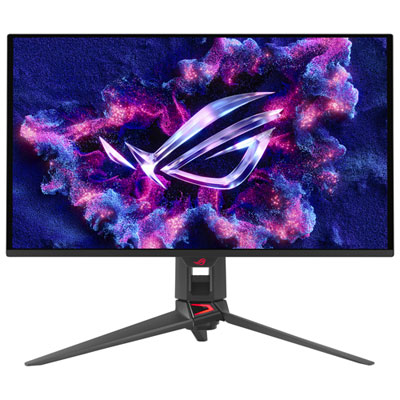
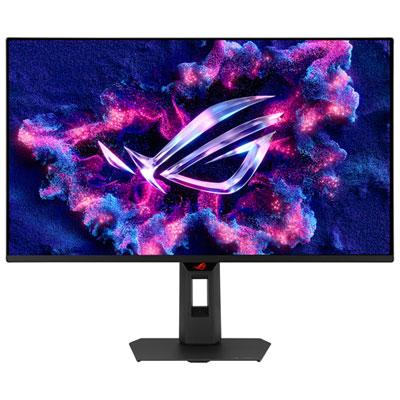
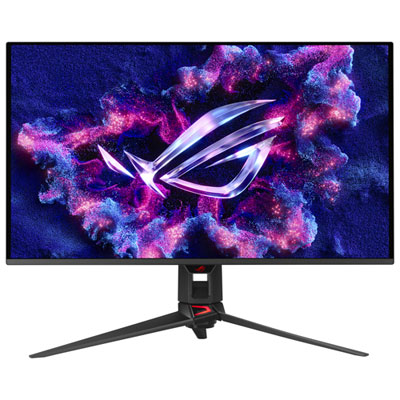
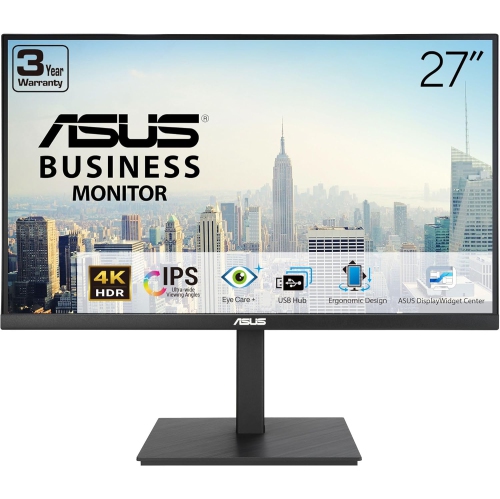
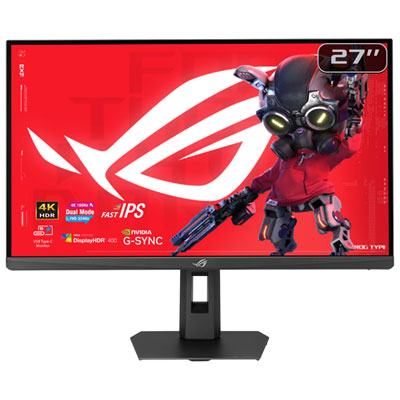
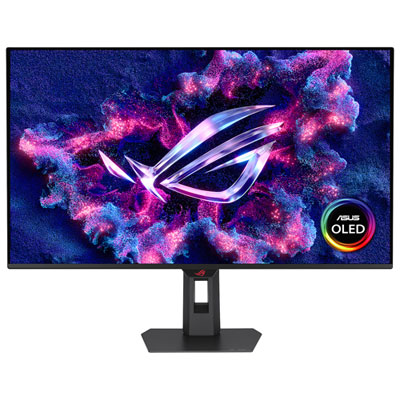
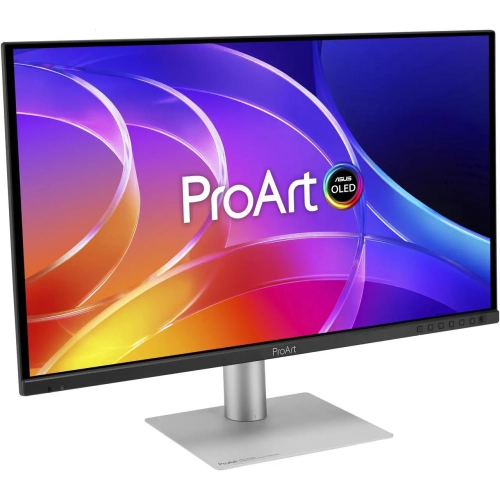
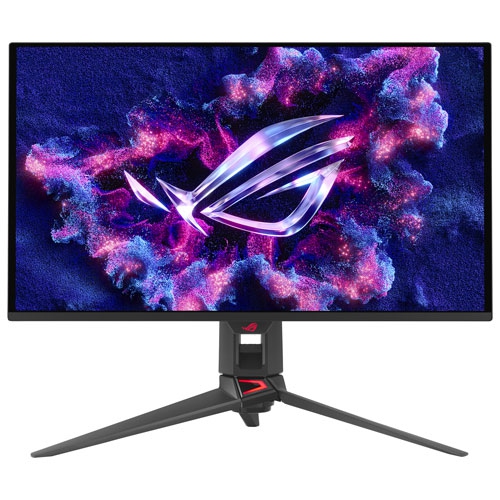

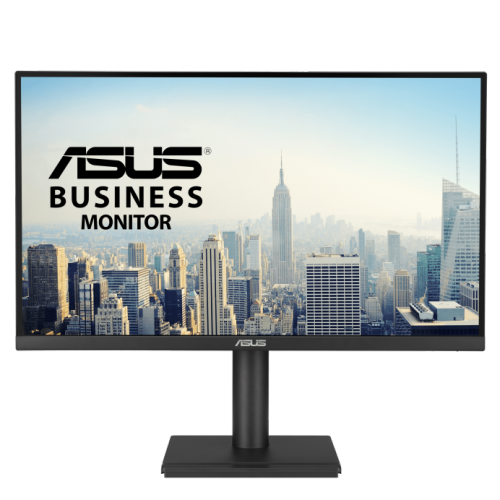

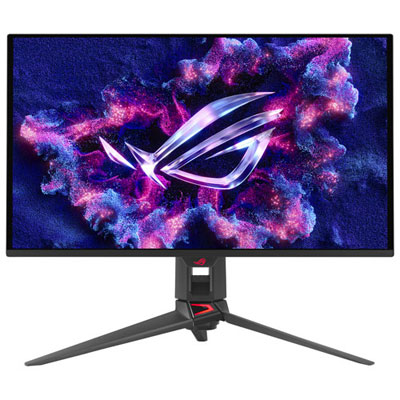
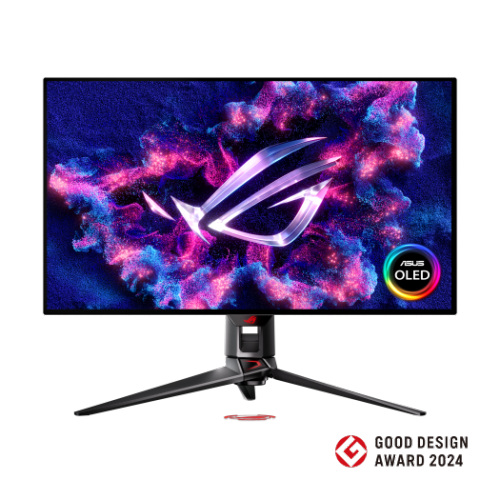

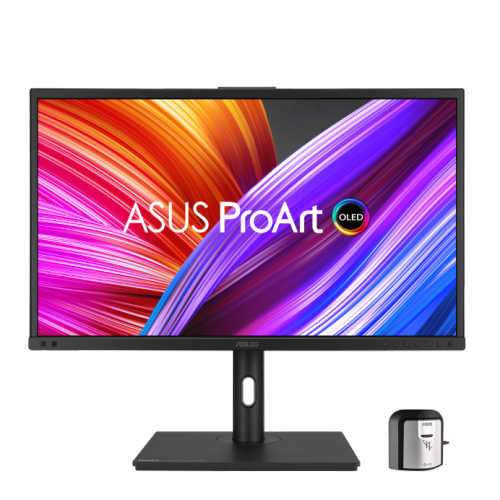
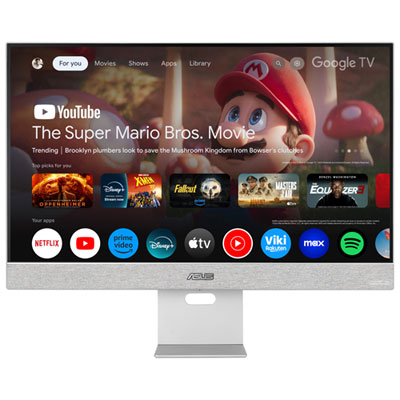
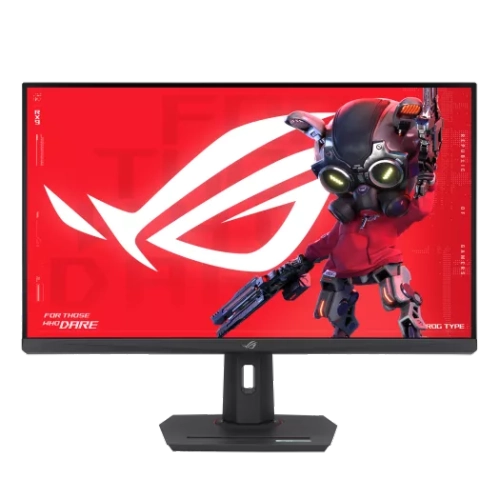
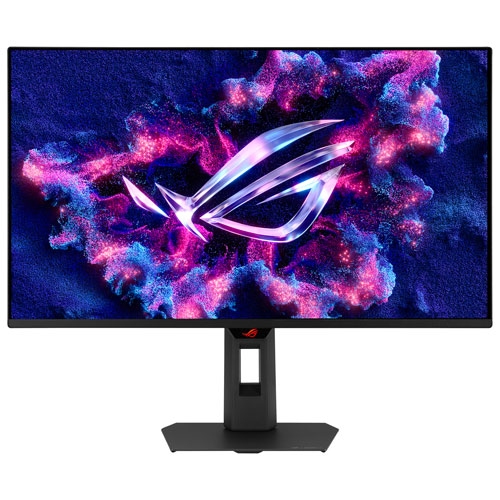
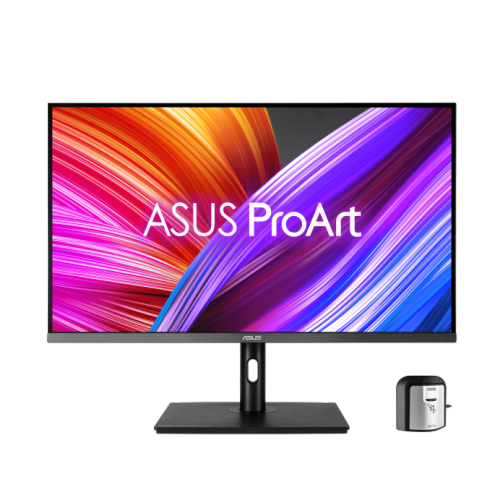


What 8.3 million pixels mean for your desk
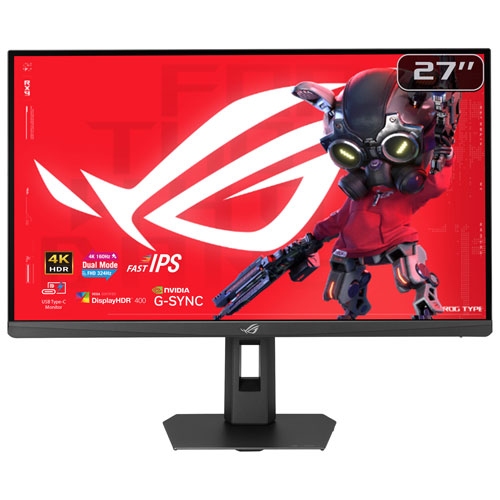
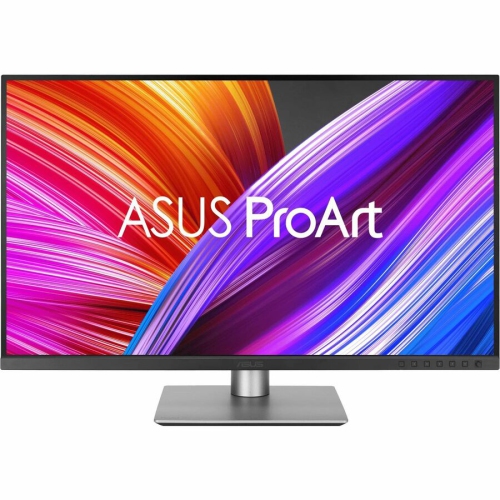
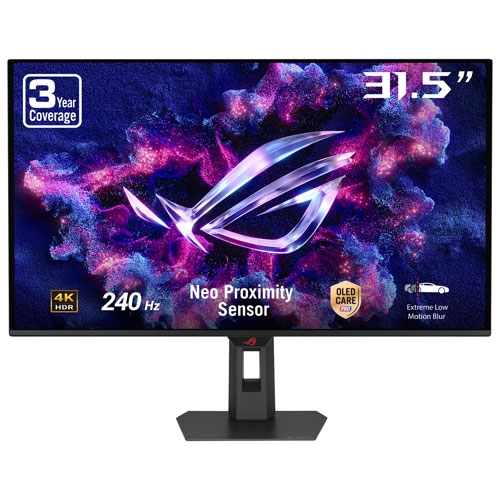
With 3840 x 2160 pixels, 4K Asus Monitors offer the detail of 4K Ultra HD for everyday computing, gaming, and creative work. That resolution contains approximately 8.3 million pixels, four times as many as Full HD, allowing photographs, text, and compatible video to appear finely defined. For someone working through spreadsheets, editing a presentation, or keeping reference documents beside a video call, a 4K display can provide a useful combination of sharpness and workspace. The amount of content visible at once depends on screen size and operating system scaling: larger text settings improve readability but leave less room for windows. A 27-inch screen offers a relatively compact footprint with high pixel density, while a 32-inch screen makes the same resolution easier to spread across a larger viewing area. Neither size automatically creates more digital workspace at identical scaling settings; the difference is how large the content appears. Desk depth, viewing distance, and the space occupied by a keyboard, speakers, and other accessories all affect how comfortably a monitor fits. Thin bezels can reduce the visual interruption between side-by-side displays, although the width of both screens and their stands still matters. Height adjustment, tilt, swivel, and pivot functions vary by model and can make a meaningful difference during long sessions. A screen positioned comfortably in front of the user is more practical than one that requires repeated neck movement or an awkward viewing angle. Compatible VESA mounting also creates options for monitor arms, freeing desk space and allowing more flexible positioning when the mounting pattern, weight limit, and clearance requirements match. For a shared home office, adjustable positioning is especially useful when people of different heights use the same desk.
For gaming, resolution is only one part of the experience. A 4K image can reveal distant scenery, fine textures, and small interface details, but smooth motion also depends on refresh rate, pixel response, and the system supplying the picture. A 60 Hz display refreshes up to 60 times per second, while higher-refresh-rate models can show more frequent updates when the connected hardware supports them. Rendering a game at native 4K requires substantial graphics performance, so achievable frame rates depend on the game, graphics settings, and graphics processor rather than the monitor alone. Adaptive-sync support can help reduce visible tearing when it is compatible with the connected system and used within its supported operating range. Console players also need the display, HDMI connection, and console settings to support the desired combination of resolution and refresh rate; a 4K label by itself does not establish support for 4K at 120 Hz. Panel technology shapes the picture in other ways. IPS panels are commonly associated with wide viewing angles and consistent colour, VA panels often emphasize higher native contrast, and OLED panels provide individually controlled pixels with deep blacks. Exact performance varies by model, including motion clarity, brightness, and text rendering. For photography, illustration, and video editing, colour accuracy and coverage of the relevant colour space matter more than resolution alone. sRGB is widely used for web content, while other workflows may call for broader colour coverage. Factory calibration can provide a useful starting point, though colour-critical work may still require calibration for the intended workflow and room lighting. HDR performance also depends on more than format compatibility: peak brightness, contrast, local dimming where present, and colour capability influence how convincingly highlights and shadow detail appear. A matte screen finish can reduce distracting reflections, but placement relative to windows and lamps remains important for both detailed editing and casual viewing.
Connections and everyday construction determine how easily a 4K monitor becomes part of a dependable desk setup. HDMI and DisplayPort are common video connections, while USB-C on supported models may combine video, data, and laptop charging through one cable. Those functions are not guaranteed by the connector’s shape: the computer port, cable, and monitor must support the required features, and the monitor’s power delivery needs to suit the laptop. A demanding workstation may still need its own power adapter. USB hubs and built-in switching functions, where included, can simplify access to a keyboard, mouse, or other peripherals, particularly when a desk is shared between a work laptop and a personal computer. Built-in speakers can be convenient for calls and short videos, while separate speakers or headphones offer another option for listening. For multi-monitor arrangements, the computer must support the desired number of displays at their intended resolutions and refresh rates. Physical details deserve similar attention. Monitor housings commonly use moulded plastic, with stand and support materials varying by design; stable support, suitable adjustment mechanisms, and protected cable routing matter more in daily use than decorative styling alone. Cable slack allows a screen to move through its adjustments without pulling on ports. Routine care generally involves a clean, soft microfibre cloth, gentle pressure, and the manufacturer’s instructions for the panel’s coating. Cleaner should not be sprayed directly onto the screen, and ventilation openings need to remain unobstructed. OLED displays may also have panel-care functions and usage recommendations intended to reduce the risk of image retention from persistent static content. These practical differences make 4K monitors relevant to a broad range of users, from students reading dense documents to designers inspecting fine edges and players enjoying detailed game worlds. As a gift, a monitor is most useful when its size, connections, mounting options, and intended use suit the recipient’s existing computer and desk.
Top selling and popular products
-
 Your price for this item is $783.68
-
 Your price for this item is $299
-
 Your price for this item is $469
-
 Your price for this item is $94.99
-
 Your price for this item is $177.99
-
 Your price for this item is $229.99
-
 Your price for this item is $1138.68
-
 Your price for this item is $355.68
Discover more categories related to Asus 4K Monitors
Top Collections:
Best Black Friday Deals This Year, Best Black Friday Deals On Electronics, Kindle Devices, Dyson Airwrap, Best Cameras for Sports Photography, Best Budget Office Chairs, Canon G7X Cameras, PS5 Pro Consoles, Best Black Friday Deals On Apple Products, XBOX One S Consoles
Some products may be subject to Environmental Handling Fees
(EHF) depending on your province.
Learn more about EHFs.