Asus 4K OLED Monitors
Experience exceptional clarity and vibrant visuals with an Asus 4K OLED Monitor. Designed for those who demand top-tier performance, these monitors deliver lifelike color and impressive detail, making them a great choice for creative professionals, gamers, and anyone seeking a premium viewing experience. Discover the difference an Asus 4K OLED Monitor can make for your workspace or entertainment setup.
Sort
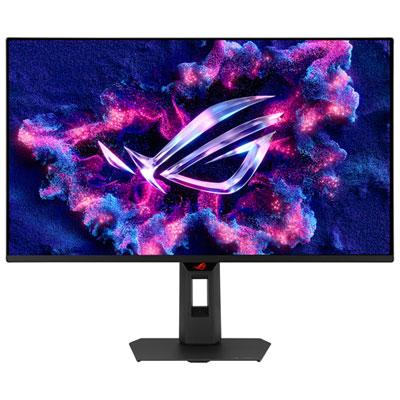
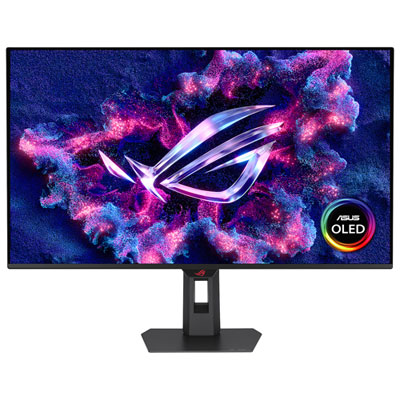
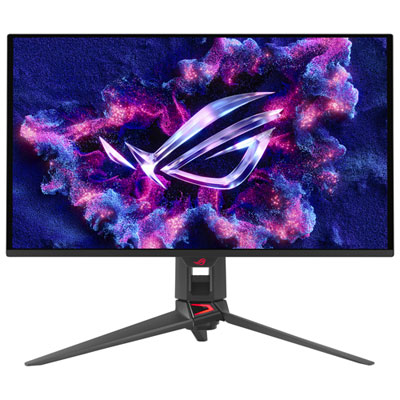
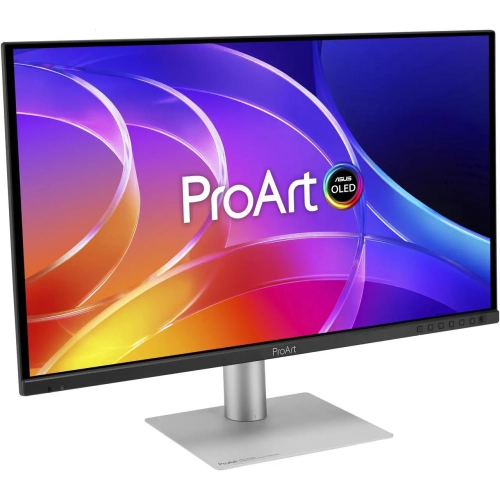
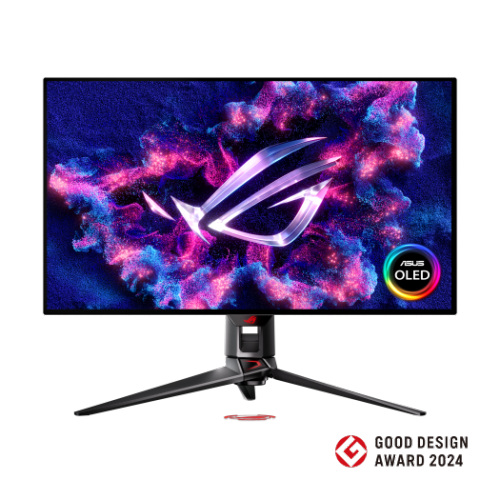
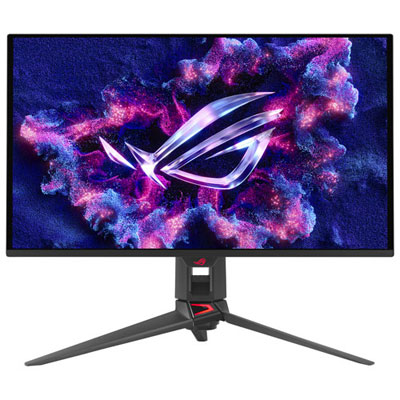
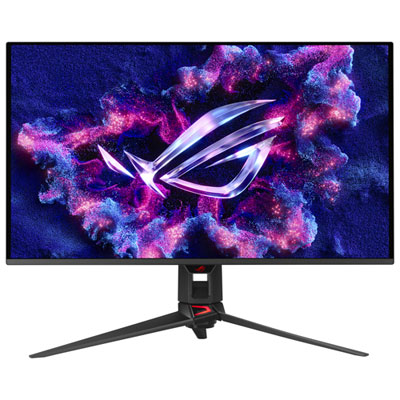
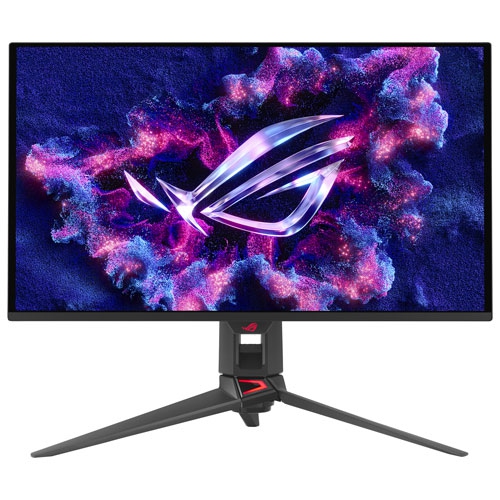
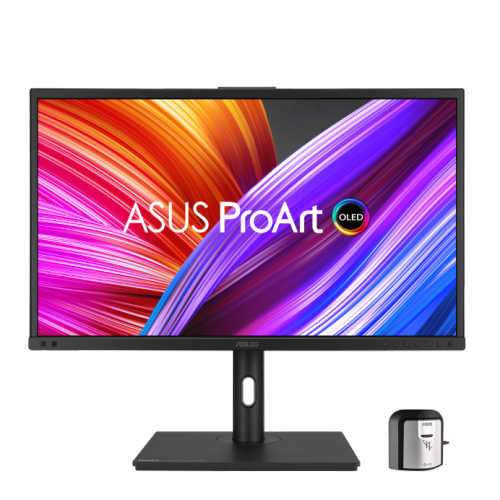
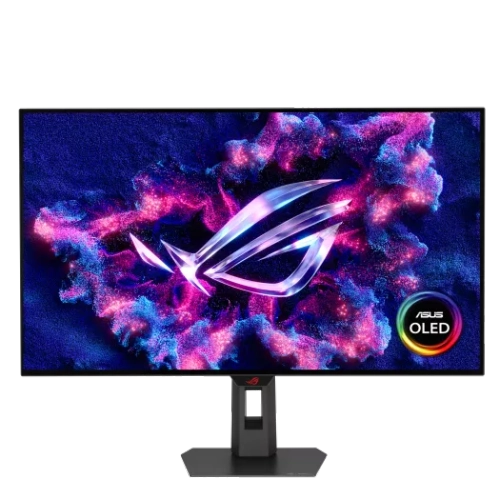
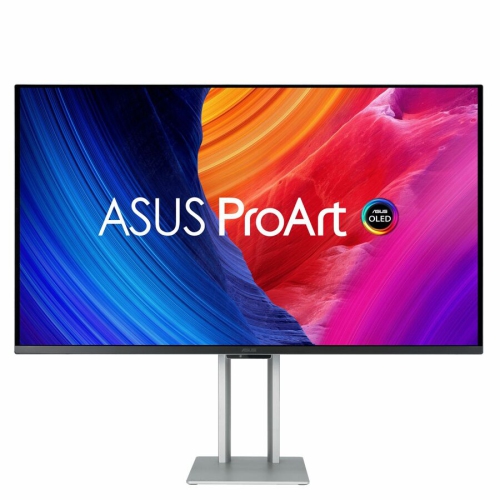
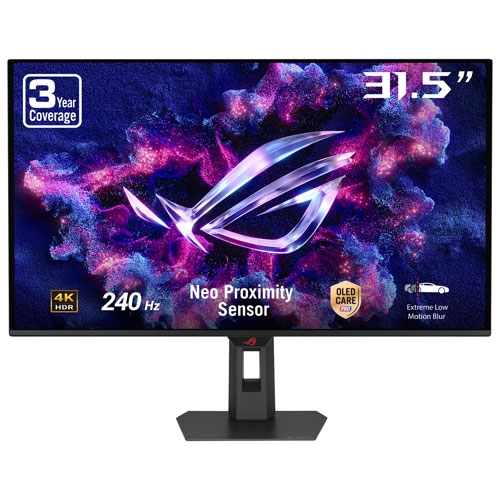
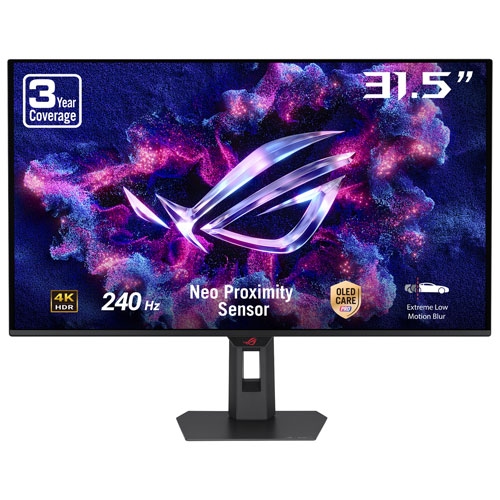
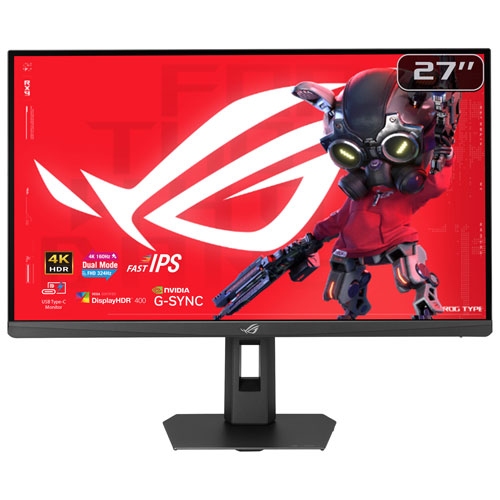
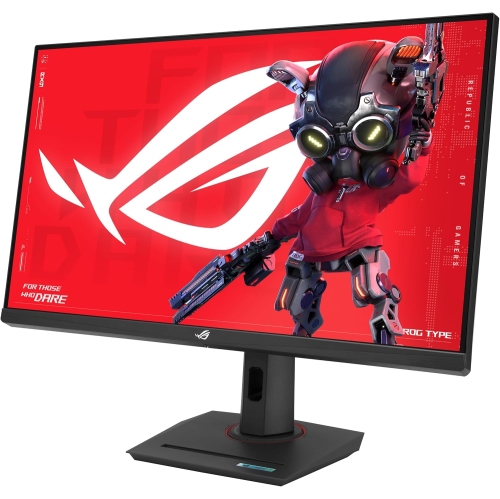
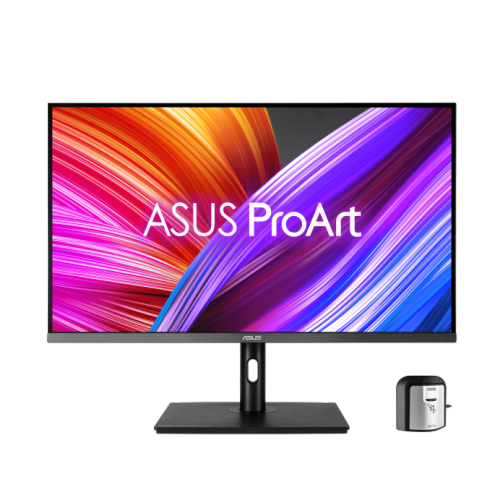


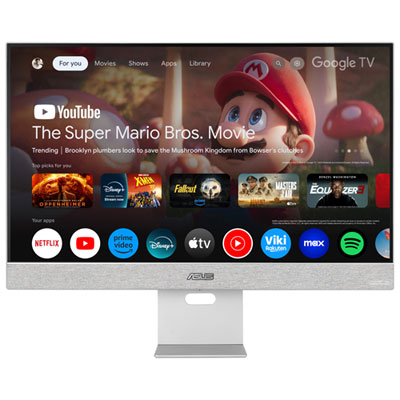
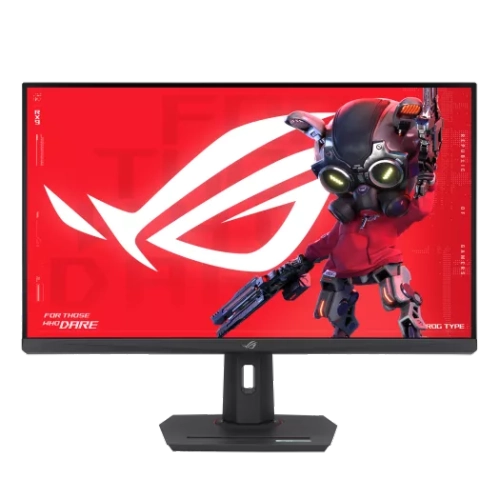

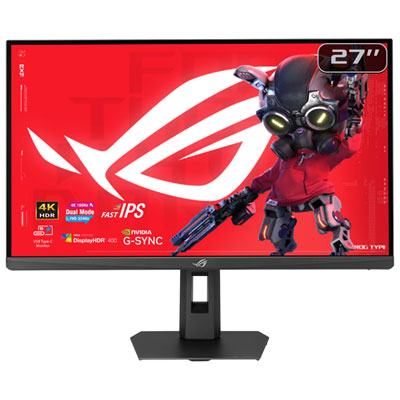
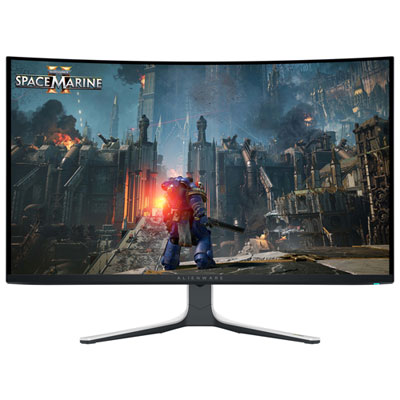
Where sharp detail meets deep contrast at your desk
4K OLED monitors bring fine detail and deep contrast to desktop gaming, creative work, and everyday entertainment. A 4K UHD resolution of 3840 x 2160 provides enough detail to reveal small textures in a game world, keep high-resolution photographs crisp, and display several application windows without the cramped feeling of a lower-resolution workspace. OLED panels light each pixel individually rather than relying on a separate backlight, allowing dark areas to remain black beside brighter objects. That distinction is especially noticeable in a star-filled sky, a dimly lit film scene, or a game where a bright doorway opens onto a shadowed room. It also avoids the backlight halos that can appear around bright objects on some LCD screens. Screen size changes how that resolution feels at a desk: a 27-inch display offers a compact, densely detailed workspace, while a 32-inch screen gives timelines, spreadsheets, and immersive games more room to breathe. Comfortable viewing distance and operating-system scaling matter as much as diagonal size, particularly when small text needs to remain readable throughout a workday. OLED panel designs also differ. QD-OLED uses quantum dots to produce colour, while WOLED uses a different OLED structure; colour performance, surface treatment, brightness behaviour, and text rendering depend on the particular implementation. Neither panel label alone establishes the best fit for every room or task. For photography, illustration, and video editing, useful specifications include colour-gamut coverage, factory calibration, and support for the colour modes used in the workflow. HDR support can add depth to compatible games and video, but the result depends on brightness capability, tone mapping, and the content itself—not simply an HDR label. Small highlights and a mostly white document can also produce different brightness levels on an OLED panel, which matters when a screen serves both entertainment and office work.
Gaming-focused 4K OLED monitors pair that image quality with fast pixel transitions and, on some models, refresh rates reaching 240Hz at native 4K resolution. Refresh rate describes how often the display can update its image, while response time describes how quickly pixels change state; the two figures address different parts of motion clarity. Some OLED gaming displays advertise response times as low as 0.03ms, although manufacturer test figures do not describe the complete experience or the total delay between a control input and an on-screen action. A fast refresh rate can make aiming, camera movement, and rapid direction changes look smoother when the computer supplies enough frames. Rendering demanding games at 4K and high frame rates places substantial demands on a graphics card, so the most useful combination depends on the games being played and the connected hardware. A detailed single-player adventure may favour higher visual settings, while a competitive game may benefit more from a consistently high frame rate. Adaptive-sync support can help reduce visible tearing when supported by both the display and the source device. Some displays also offer a dual-mode function that trades resolution for a higher refresh rate, but that capability is model-dependent rather than a standard OLED feature. Connections deserve equal attention. HDMI and DisplayPort capabilities determine which resolution and refresh-rate combinations a computer or console can send, and the cable must support the intended signal. For compatible consoles, support for 4K at 120Hz and variable refresh rate may be more relevant than a higher maximum refresh rate intended for PC use. USB-C video input, USB hubs, and laptop charging can simplify a shared work-and-play desk when included. Charging wattage varies, so a single-cable connection may suit a thin laptop without supplying enough power for a more demanding machine. A built-in KVM switch, where offered, lets compatible computers share a keyboard and mouse, making it easier to move between a work laptop and a personal desktop.
Physical fit and long-term care are important parts of living with a 4K OLED monitor. The stand’s footprint can take up more desk depth than expected, particularly when a keyboard, drawing tablet, or large mouse mat sits in front of it. Height adjustment, tilt, swivel, and supported monitor-arm mounting help position the screen comfortably without forcing an awkward seating posture. A slim panel does not necessarily mean a lightweight display: the stand, internal frame, rear housing, and cooling components all contribute to its weight and handling requirements. Durable construction is most useful when paired with secure placement, enough clearance around ventilation openings, and careful handling that avoids pressure on the panel surface. Surface finish also affects daily use. A glossy screen can give images a clear, polished appearance but may show a window or desk lamp more distinctly, while an anti-glare treatment spreads reflections and can change how the image looks under direct light. Positioning the display away from strong reflections often matters more than expecting a coating to solve every lighting issue. Text-heavy users should also consider that OLED subpixel layouts can make letter edges look different from those on a familiar LCD monitor, with visibility depending on pixel density, scaling, and individual sensitivity. OLED care features may include pixel shifting, automatic panel maintenance, static-logo dimming, and other measures intended to reduce uneven wear. They reduce risk rather than guarantee protection against permanent image retention, particularly when bright, fixed interface elements remain in place for long periods. Allowing recommended maintenance cycles to complete, using a screen-sleep setting, and varying displayed content support sensible everyday care. Warranty terms, including any stated burn-in coverage, are worth reviewing because protection differs between models. Cleaning should follow the manufacturer’s directions, typically using a clean, soft microfibre cloth without abrasive pressure or liquid sprayed directly onto the screen. For a gamer, photographer, or creative professional receiving a monitor as a gift, desk space, connection compatibility, and daily tasks help determine a suitable fit. For a broader look at high-resolution desktop options, explore Asus 4K Displays.
Top selling and popular products
-
 Your price for this item is $783.68
-
 Your price for this item is $299
-
 Your price for this item is $469
-
 Your price for this item is $94.99
-
 Your price for this item is $177.99
-
 Your price for this item is $229.99
-
 Your price for this item is $1138.68
-
 Your price for this item is $355.68
Discover more categories related to Asus 4K OLED Monitors
Top Collections:
Best Black Friday Deals This Year, Best Black Friday Deals On Electronics, Kindle Devices, Best Black Friday Deals On Apple Products, Best Budget Office Chairs, Best Cameras for Sports Photography, Dyson Airwrap, Canon G7X Cameras, Best Laptops for Writers, Samsung Galaxy Phones
Some products may be subject to Environmental Handling Fees
(EHF) depending on your province.
Learn more about EHFs.