Asus 4K Displays
Upgrade your viewing experience with the exceptional clarity and sharpness of an Asus 4K Display. Whether you're working, gaming, or streaming your favorite shows, these displays deliver impressive visuals that bring every detail to life. Discover a range of options designed to fit your needs and elevate your setup with the advanced performance and sleek design you expect from Asus 4K Display technology.
Sort
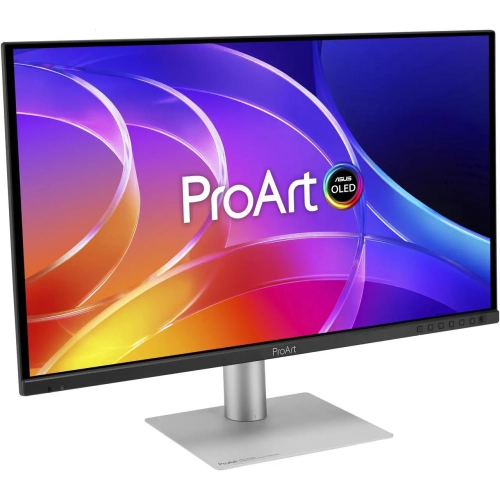
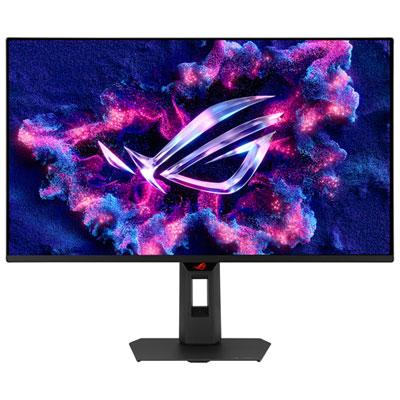
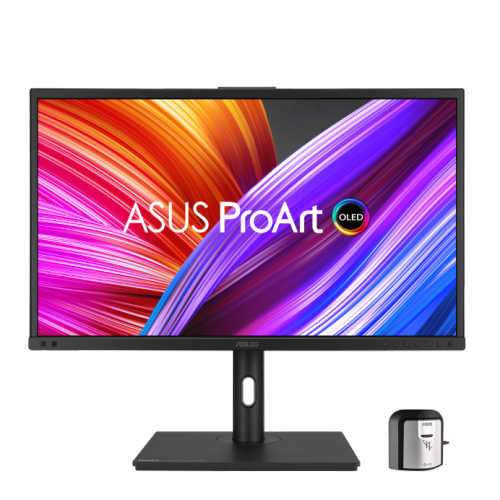
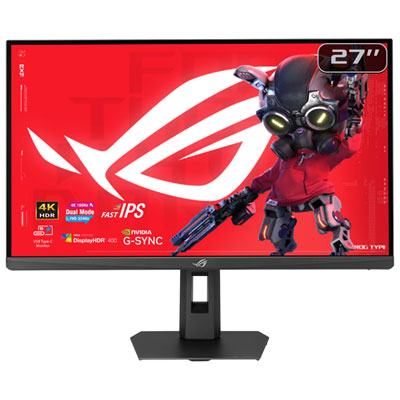
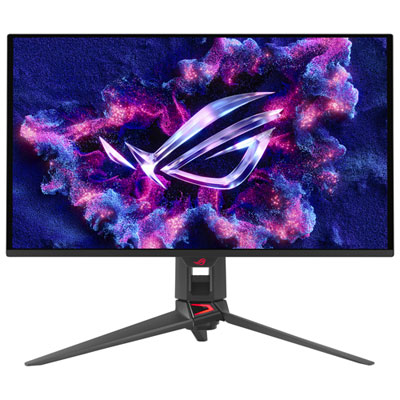
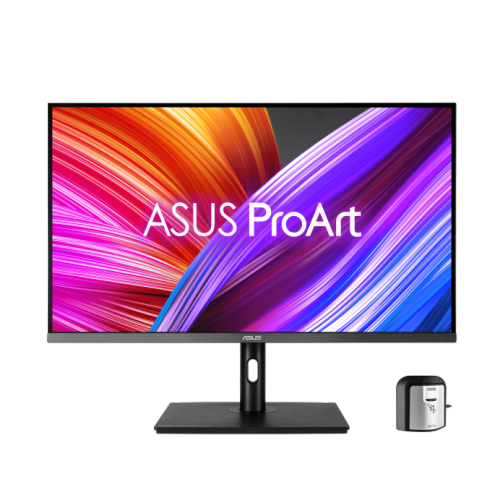
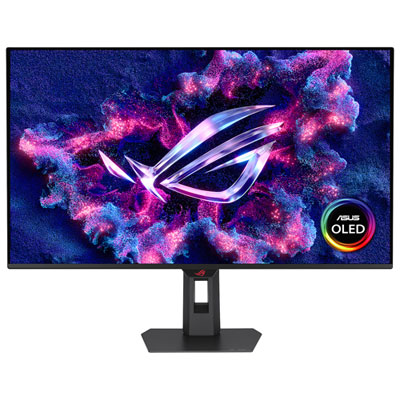
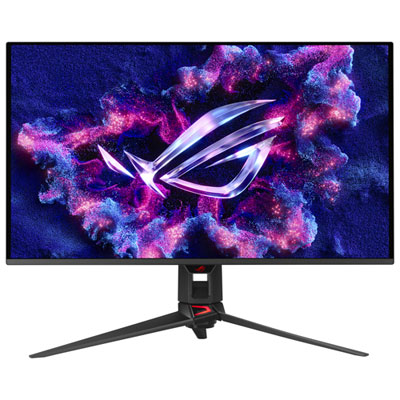
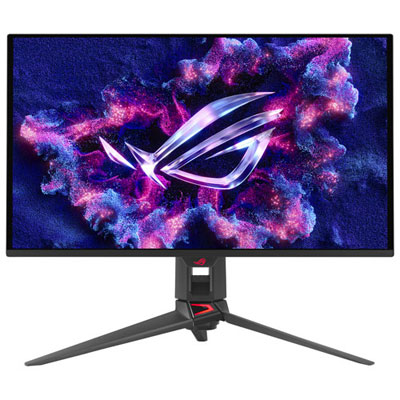
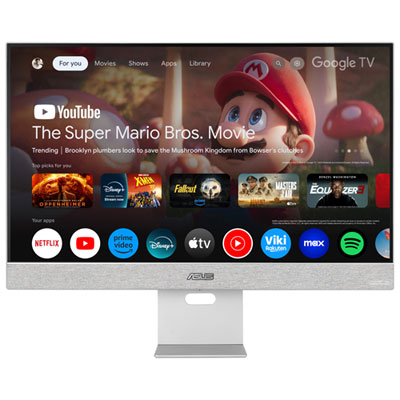

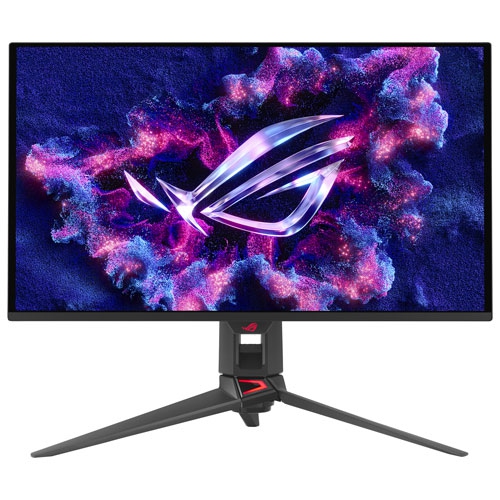
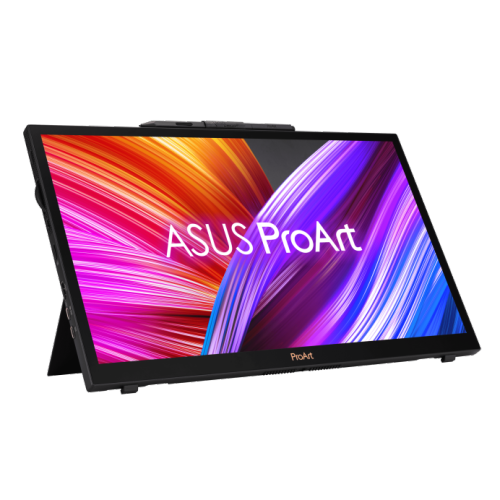


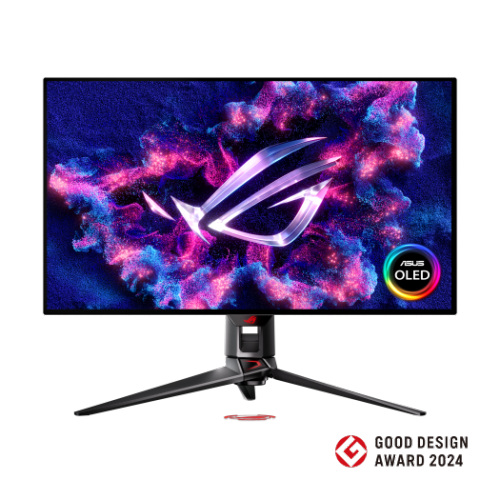
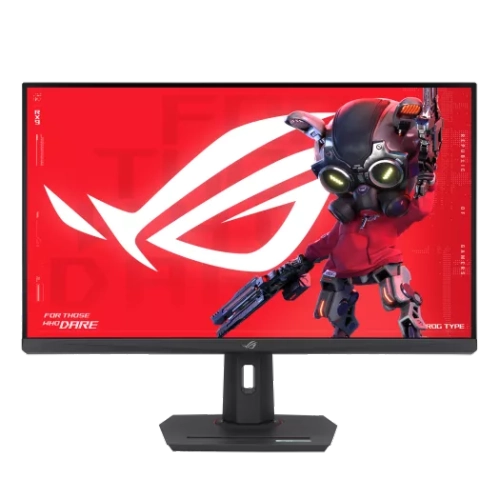
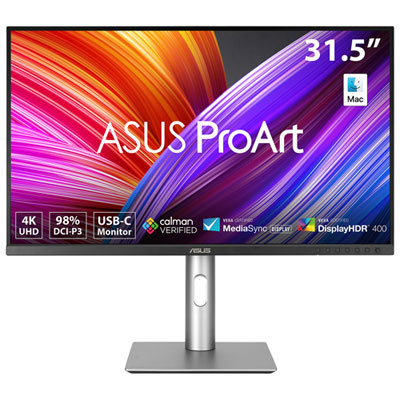
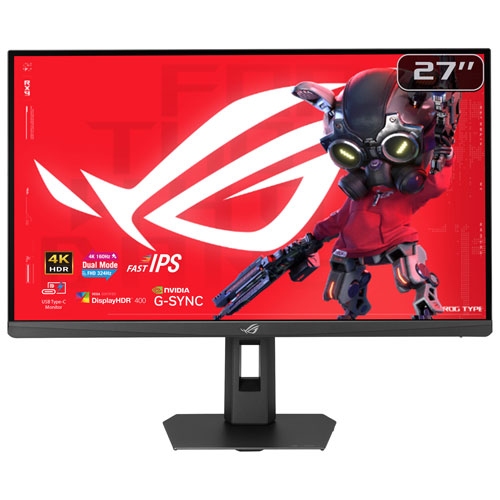

Sharper text and more room for everyday tasks
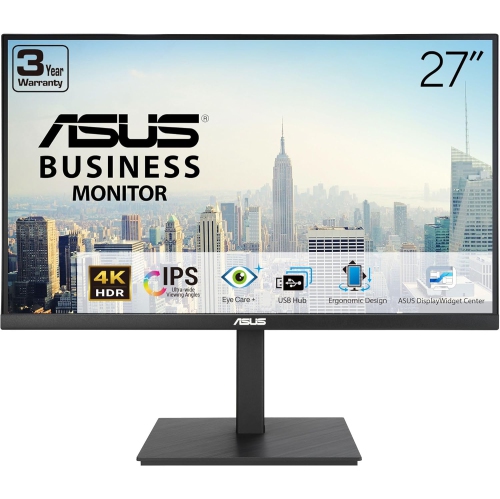
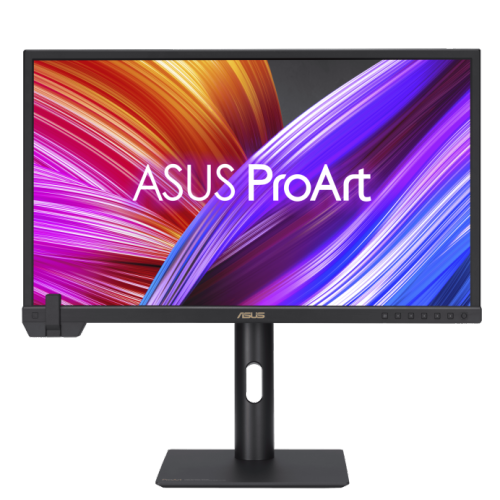
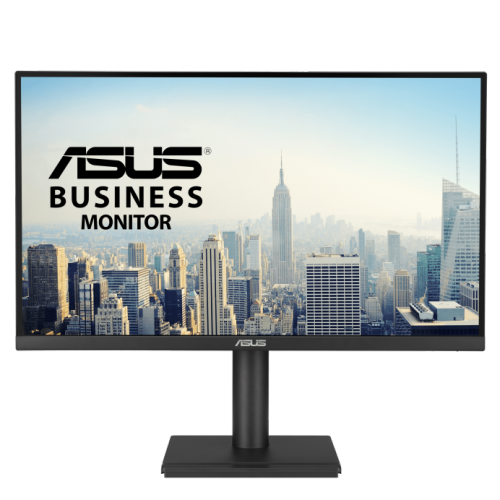
4K displays bring fine detail, crisp text, and generous visual space to everyday computing, creative work, and gaming. A typical 4K UHD monitor has a resolution of 3840 × 2160 pixels, providing four times the pixel count of a Full HD screen. That extra detail can make small lettering easier to distinguish, reveal texture in photographs, and give supported games and video a more detailed appearance. For someone working through a spreadsheet beside a browser window, the benefit is practical: more information can remain visible without constant switching between applications. For a photographer, it may mean getting a clearer view of fine hair, fabric, or architectural lines while editing. Screen size still shapes the experience, since resolution alone does not determine how large text or controls appear. A 27-inch display packs those pixels into a smaller area than a 32-inch display, producing a different balance of sharpness, physical size, and comfortable reading distance. Operating system scaling can enlarge menus and text while retaining the panel’s high resolution, although the amount of usable workspace changes with the scaling setting. Students, remote workers, designers, and people who spend time with detailed documents can all appreciate that flexibility. A single larger screen can also keep a video meeting, reference material, and working document together without requiring a second monitor. The right physical fit depends on desk depth, nearby shelving, and the position of the keyboard as much as the screen’s diagonal measurement. A broad display placed too close may require frequent head movement, while a suitably positioned screen keeps commonly used content within an easy glance. Surface finish matters, too: matte treatments can soften visible reflections, while glossier surfaces may show nearby windows and lamps more clearly. These differences affect how comfortably a display fits into a shared home office, a study corner, or a dedicated desktop setup.
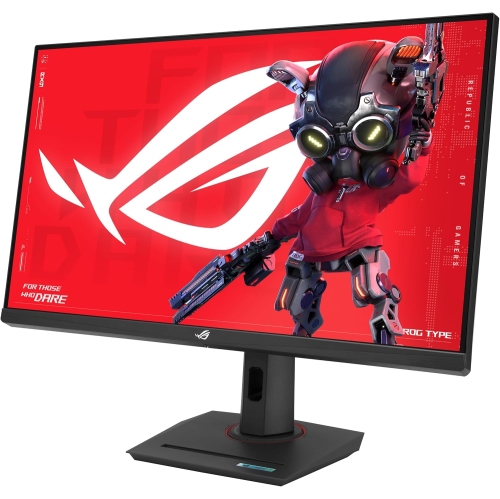
Panel technology, colour performance, and motion handling give 4K monitors distinct strengths beyond their shared resolution. IPS panels are often valued for consistent colour and wide viewing angles, which can be helpful when reviewing an image with someone seated beside the desk. Other LCD panel types may offer different balances of contrast, viewing angle, and response characteristics. For shoppers drawn to self-emissive screens, the Asus 4K OLED Monitors collection centres on technology that controls light at the pixel level, allowing deep blacks and strong contrast between bright and dark areas. OLED panels also require consideration of static content, since prolonged exposure to persistent interface elements can contribute to uneven wear or burn-in. Built-in panel-care functions and suitable usage habits help manage that risk, though they do not eliminate it. For creative work, colour gamut coverage, factory calibration, and support for an appropriate colour mode can matter more than a vivid default picture setting. Someone preparing images for the web has different colour requirements from someone working with print layouts or high dynamic range video. HDR support is another area where specifications need context: accepting an HDR signal does not by itself guarantee bright highlights, detailed shadows, or convincing contrast. Panel capability, brightness, and any local dimming system all influence the result. Gaming introduces a different set of priorities. Refresh rate describes how often the screen can update its image, while response time relates to how quickly pixels change; both affect the appearance of movement. A higher refresh rate can make supported gameplay and everyday scrolling look smoother, but achieving high frame rates at 4K also depends on the computer or console, the game settings, and the connection. Adaptive sync can help reduce tearing when supported by the display and connected device. For cinematic games, fine scenery and contrast may be the main attraction; for fast competitive play, motion clarity and responsiveness often carry more weight.
Connections and physical design determine how easily a 4K display becomes part of a daily routine. HDMI and DisplayPort are common video connections, but the supported resolution and refresh rate depend on the capabilities of the monitor port, source device, and cable together. USB-C can simplify some laptop setups by carrying video, data, and power through one connection, although not every USB-C port supports all three functions. Charging output also varies, so a power-hungry laptop may still need its own adapter. Built-in USB hubs can keep a keyboard, mouse, or webcam connected at the desk, and models with a supported keyboard-video-mouse switch can make sharing those accessories between computers more convenient. Integrated speakers may suit calls and casual listening, while separate speakers or headphones can provide a fuller sound experience. Everyday comfort comes from less conspicuous details as well. Height adjustment, tilt, swivel, and portrait rotation can help position the screen for different tasks, from reviewing a long document to arranging a video-editing workspace. A compatible mounting pattern offers another option for desks fitted with a monitor arm, provided the arm supports the display’s weight and dimensions. Stand footprint deserves attention on shallow desks, particularly when a large keyboard, drawing tablet, or notebook shares the surface. Plastic housings and metal supports are common construction choices, but stability depends on the complete design rather than one material alone. Accessible controls, sensible cable routing, and a secure stand can make regular use feel easier. Care is generally straightforward: power down the screen before cleaning, use a soft microfibre cloth, and follow the manufacturer’s directions for any cleaning solution. Avoid spraying liquid directly onto the panel or pressing hard against its surface. Clear ventilation space and careful handling during repositioning help protect the display over time. Together, these practical details distinguish a monitor that simply fits on a desk from one that supports comfortable, dependable use across work, study, entertainment, and creative projects.
Top selling and popular products
-
 Your price for this item is $783.68
-
 Your price for this item is $299
-
 Your price for this item is $469
-
 Your price for this item is $94.99
-
 Your price for this item is $177.99
-
 Your price for this item is $229.99
-
 Your price for this item is $1138.68
-
 Your price for this item is $355.68
Discover more categories related to Asus 4K Displays
Top Collections:
Best Black Friday Deals This Year, Best Black Friday Deals On Electronics, Kindle Devices, Dyson Airwrap, Best Cameras for Sports Photography, Best Budget Office Chairs, Canon G7X Cameras, PS5 Pro Consoles, Best Black Friday Deals On Apple Products, XBOX One S Consoles
Some products may be subject to Environmental Handling Fees
(EHF) depending on your province.
Learn more about EHFs.