8GB DDR3 RAM
Upgrade your computer’s performance with 8GB DDR3 RAM, designed to help you handle everyday tasks with ease. Whether you’re looking to boost your system for work, school, or entertainment, 8GB DDR3 RAM offers a reliable solution for smoother multitasking and improved responsiveness. Explore a range of options to find the right fit for your desktop or laptop and enjoy enhanced productivity.
Sort
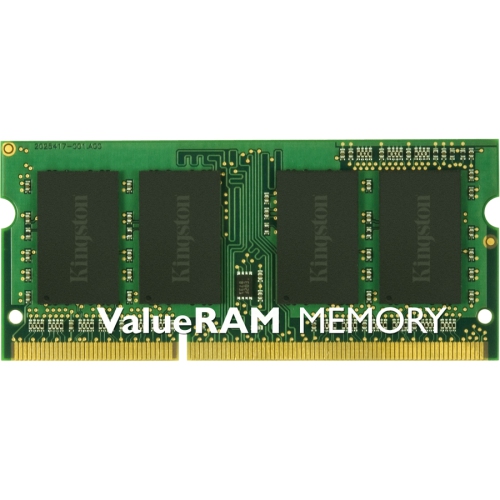
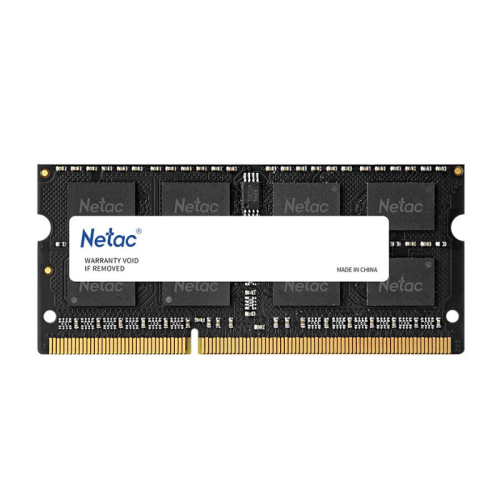

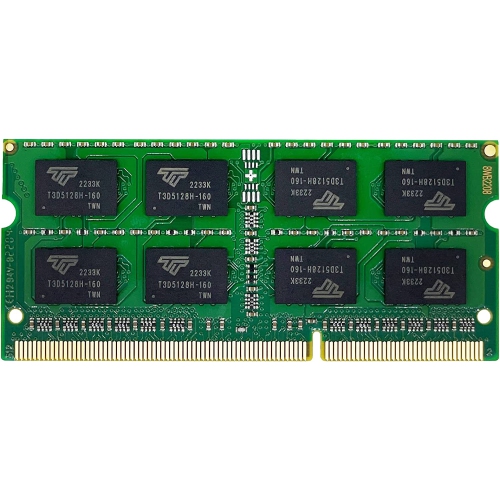

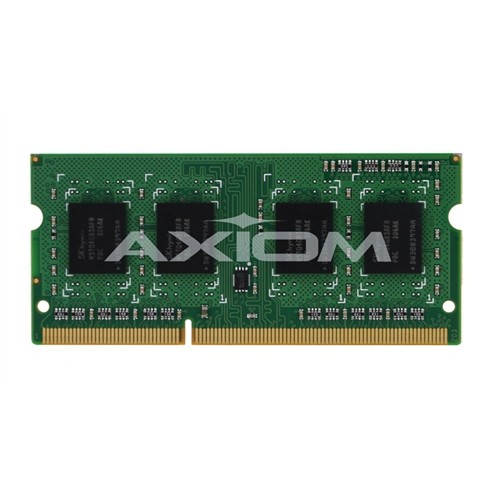
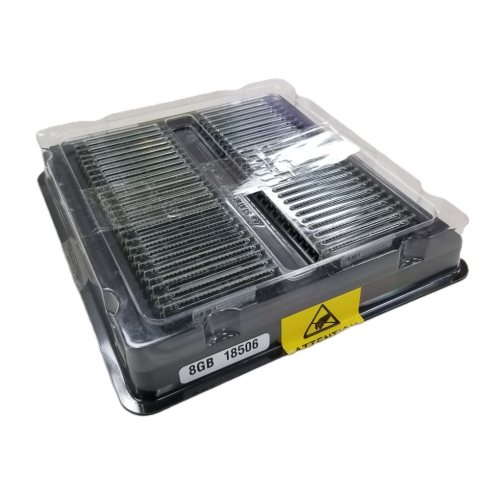
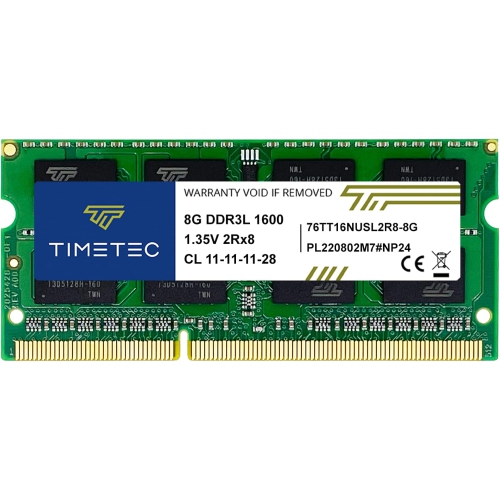
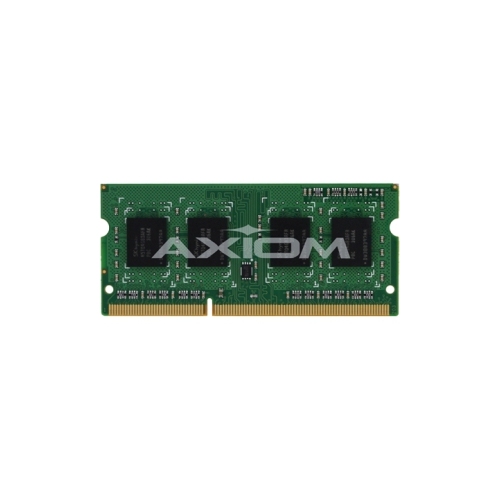


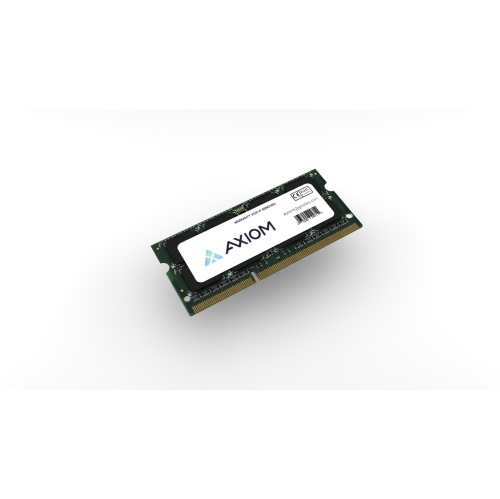




How memory capacity and compatibility shape everyday multitasking
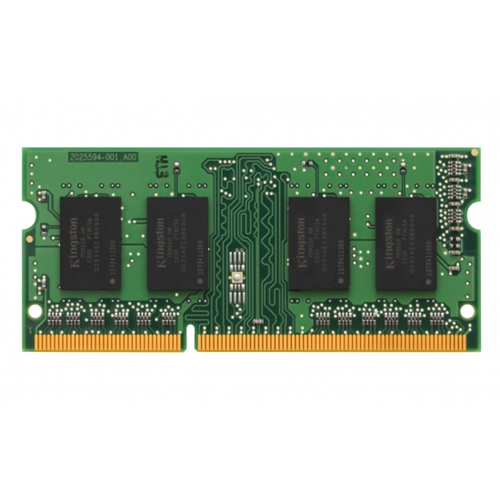
8GB DDR3 RAM is computer memory that provides 8GB of working capacity for a compatible DDR3 system. It holds the information that the processor needs while applications are running, rather than storing documents, photos, or software permanently. An 8GB capacity may describe one 8GB memory module or a kit containing two 4GB modules, so the total capacity and the number of modules are separate considerations. Within the broader family of DDR3 RAM, this capacity is relevant to many older desktop computers, laptops, and compact PCs used for everyday tasks. A computer handling email, spreadsheets, web browsing, and video calls may benefit from more working memory when its existing capacity is regularly stretched. For example, switching between a large document, several browser tabs, and a presentation can feel less interrupted when the computer has enough RAM to keep the active information close at hand. When memory runs short, the operating system may move some data to a storage drive, which is slower than accessing it directly from RAM. Increasing capacity can reduce that reliance on the drive, although the improvement depends on the starting configuration and the workload. RAM does not increase storage space, change the processor’s capabilities, or guarantee faster performance in every application. For a student working on assignments, someone managing household paperwork, or a home-office user maintaining a familiar computer, the appeal is often smoother everyday multitasking rather than a complete change in what the machine can do. Light photo editing and less demanding games may also fit an 8GB setup, but larger creative projects, virtual machines, and demanding games can require more memory alongside stronger processing and graphics hardware. The useful capacity is the amount that suits the actual tasks without exceeding what the computer can support.
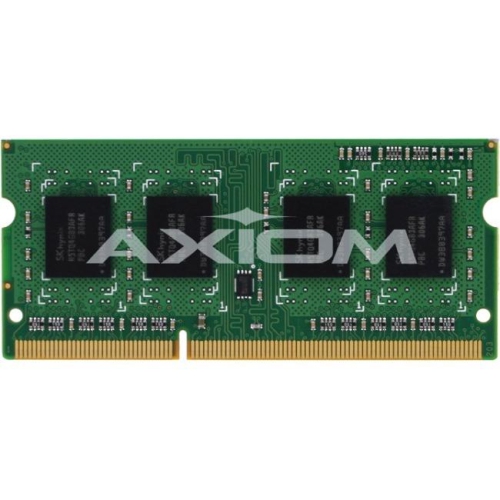
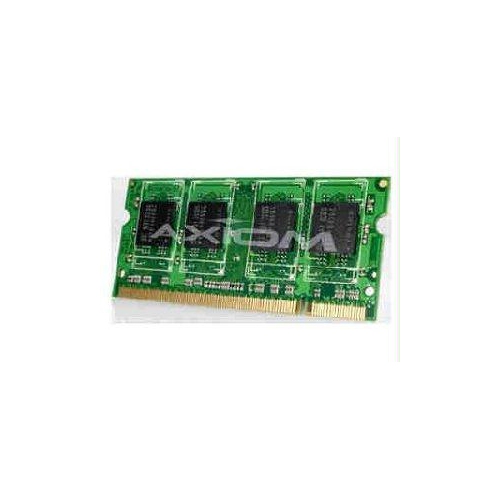
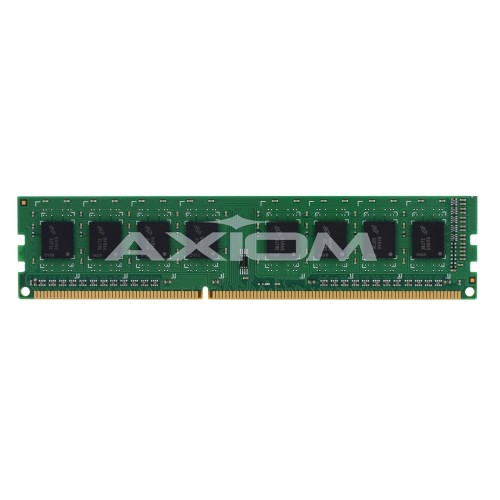
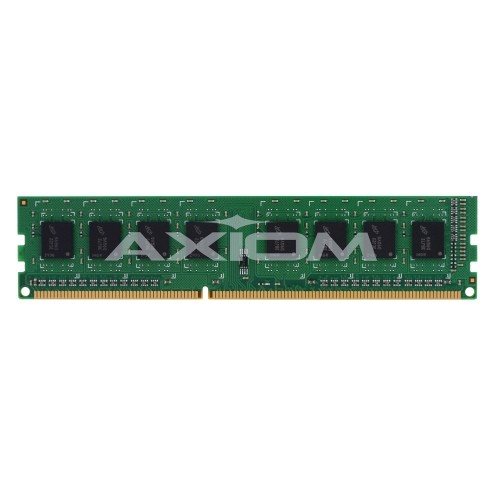
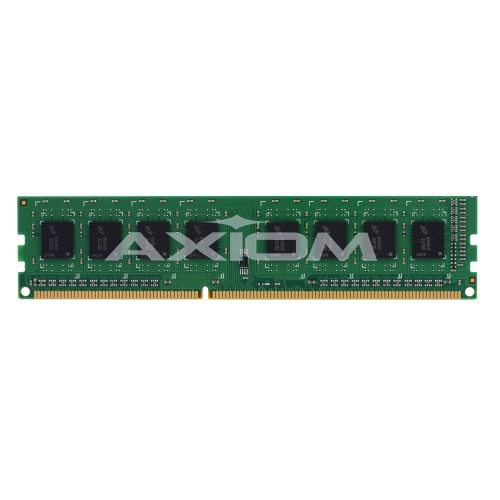
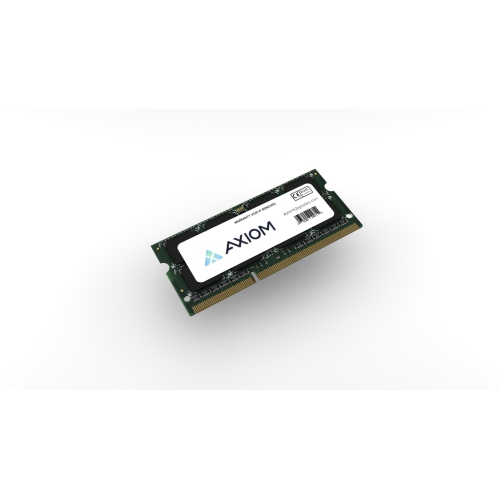
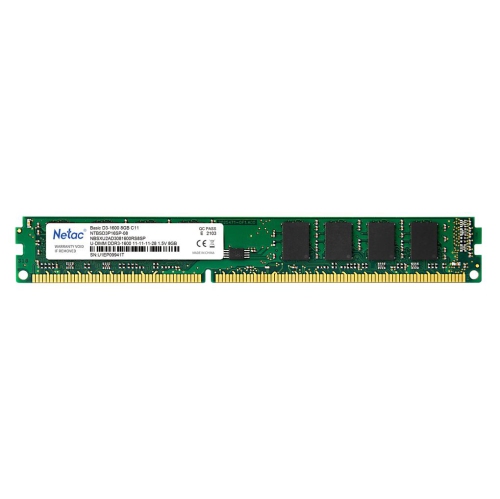
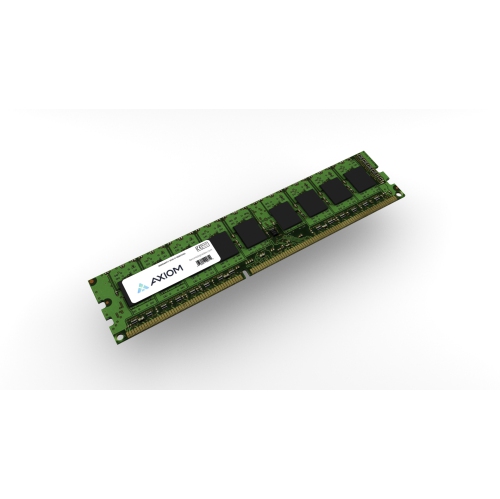
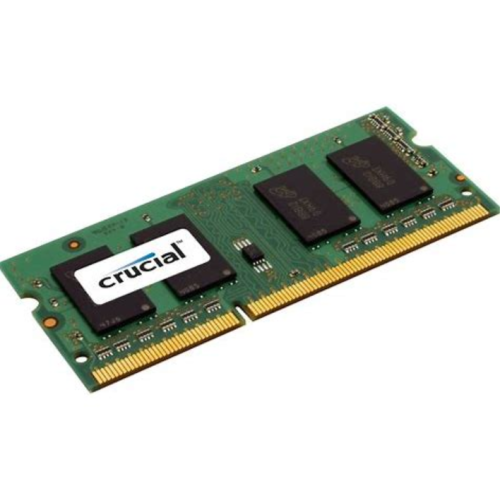
Physical fit and electrical compatibility are central to choosing 8GB DDR3 memory. Standard desktop DDR3 DIMMs generally have 240 pins, while laptop DDR3 SO-DIMMs generally have 204 pins and a much shorter circuit board. Some compact desktop computers also use SO-DIMMs, so the computer’s size alone does not establish which format it needs. DDR3 modules are not interchangeable with DDR4 or DDR5 modules; their contact layouts, notch positions, and electrical requirements differ. Voltage matters within the DDR3 family as well. Standard DDR3 commonly operates at 1.5V, while DDR3L is designed for operation at 1.35V. Some DDR3L modules support both voltages, but compatibility depends on the module’s specifications and the computer’s requirements rather than the capacity label alone. The motherboard and processor also determine supported memory speeds, maximum total capacity, and maximum capacity per slot. A machine that accepts 8GB in total does not necessarily accept a single 8GB module, and some systems have soldered memory with limited or no expansion options. Module construction can matter too: chip density and rank arrangements may affect support in older systems even when the capacity and physical format appear correct. Speed ratings such as DDR3-1333 and DDR3-1600 describe different effective data transfer rates, with DDR3-1600 corresponding to 1600 megatransfers per second. A higher-rated module may operate at a lower supported speed, but that behaviour depends on compatible settings and is not a substitute for confirmed system support. Error-correcting code, or ECC, and registered versus unbuffered designs introduce further requirements, especially in workstations and servers. Matching these details is more important than choosing memory on capacity alone. The operating system’s memory limit also affects how much installed RAM can be used; a 64-bit operating system is generally needed to make use of the full 8GB capacity. Computer documentation and the specifications of the existing memory provide useful reference points for distinguishing otherwise similar-looking modules.
The module arrangement can influence both performance and room for later expansion. One 8GB module uses a single slot, which may leave another slot free in a compatible system, while two 4GB modules occupy two slots to provide the same total capacity. Where the computer supports dual-channel memory, a suitable pair installed in the designated slots can increase memory bandwidth compared with a single-module arrangement. The difference is workload-dependent and can be more noticeable when integrated graphics share system memory, but it does not mean every task will run twice as fast. For a system that supports 16GB, two compatible 8GB modules may suit heavier multitasking better than an 8GB total configuration. Mixing modules with different speeds, timings, or capacities can limit operating settings or introduce compatibility problems, so a matched configuration offers a more predictable starting point. The physical construction deserves attention as well: RAM consists of a circuit board, memory chips, and an exposed contact edge, with some desktop designs adding a heat spreader. A taller heat spreader can affect clearance beside a processor cooler, while laptop memory compartments usually leave little room beyond the specified module dimensions. Decorative coverings do not establish compatibility or guarantee better results. Care centres on protecting the board and contacts from bending, contamination, and static discharge. Handling a module by its edges, keeping fingers away from the contacts, and following the computer manufacturer’s installation and anti-static precautions help protect these sensitive components. A correctly fitted module should align with the slot’s notch and retention mechanism without being forced. Once installed, dependable operation matters more than appearance: the computer should identify the expected capacity and remain stable during ordinary use. Additional RAM is not a universal remedy for crashes or slowdowns caused by storage faults, software issues, or other hardware limitations. For a compatible DDR3 computer, the strongest match is memory that meets its exact requirements and provides enough working capacity for the applications used each day.
Top selling and popular products
-
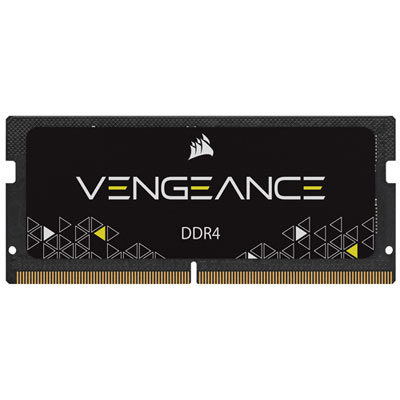 Your price for this item is $169.98
-
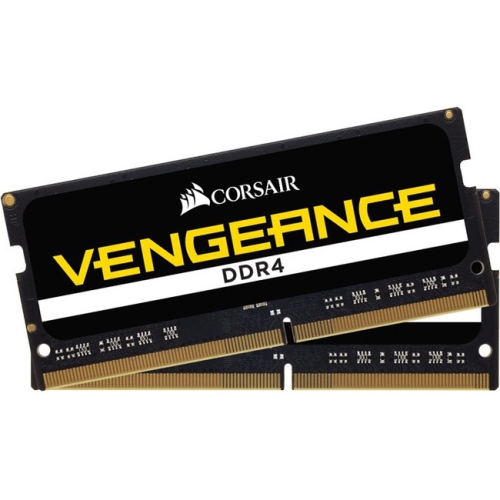 Your price for this item is $750.68
-
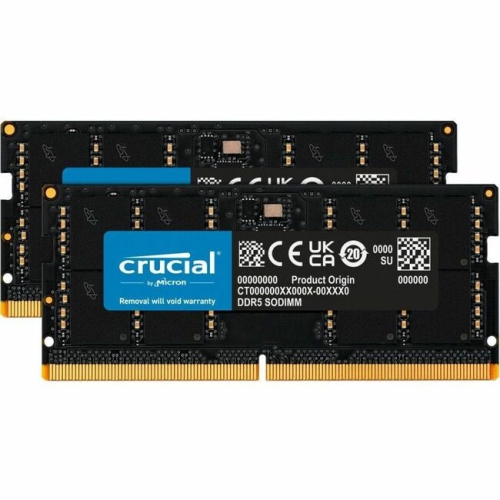 Your price for this item is $2154.68
-
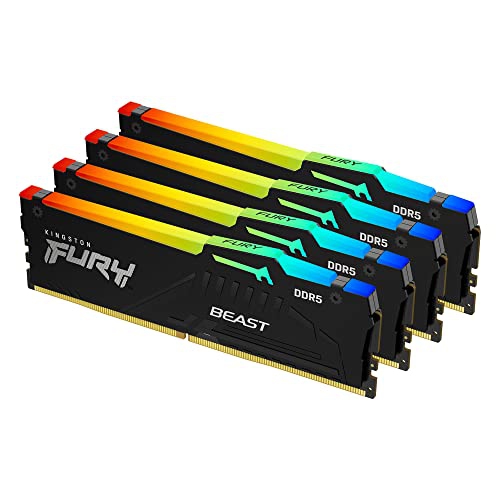 Your price for this item is $1614.05
-
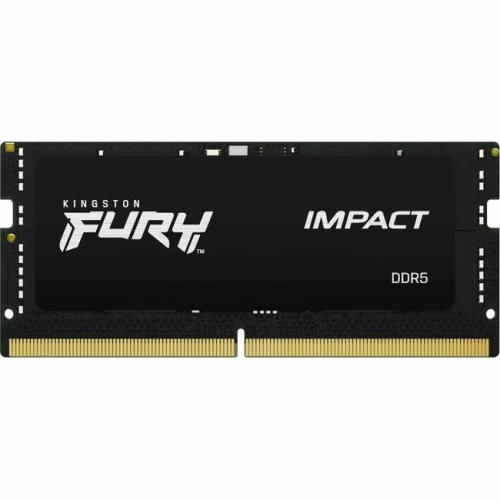 Your price for this item is $661.68
-
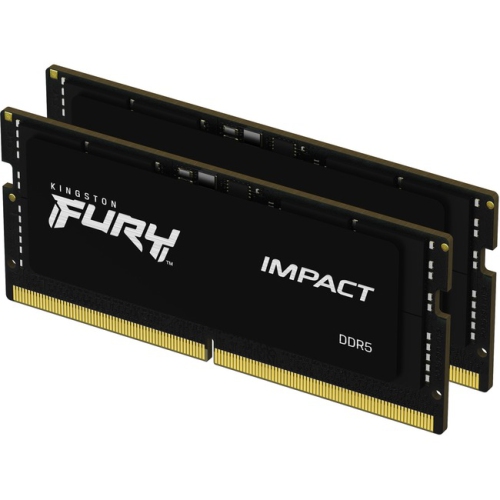 Your price for this item is $2672.97
-
 Your price for this item is $242.68
-
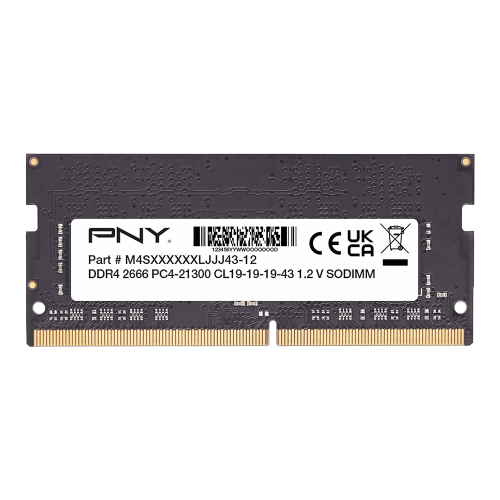 Your price for this item is $437.68
Discover more categories related to 8GB DDR3 RAM
Top Collections:
Best Black Friday Deals This Year, Best Black Friday Deals On Electronics, Kindle Devices, Pokemon Centers, Best Black Friday Deals On Apple Products, Best Cameras for Sports Photography, Dyson Airwrap, Pokémon 30th Celebration Cards, Apple iPhone 17 Pro, Canon G7X Cameras
Some products may be subject to Environmental Handling Fees
(EHF) depending on your province.
Learn more about EHFs.