Aspire Go 15
Aspire Go 15 offers a versatile solution for those seeking reliable performance in everyday tasks. With a sleek design and user-friendly interface, Aspire Go 15 makes it easy to stay productive whether at home, work, or on the go. Explore a range of options designed to meet your needs, combining style and functionality for an enhanced experience. Discover how Aspire Go 15 can support your daily routine with ease and efficiency.
Sort
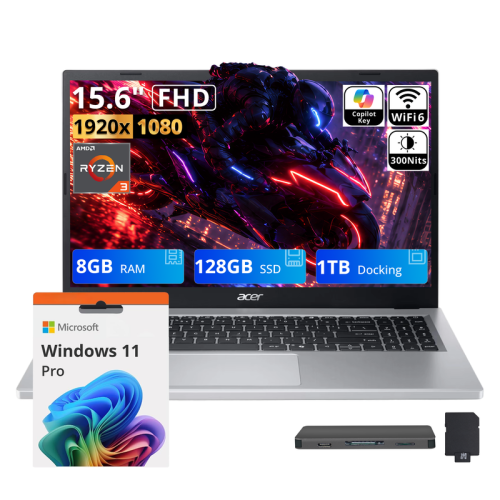
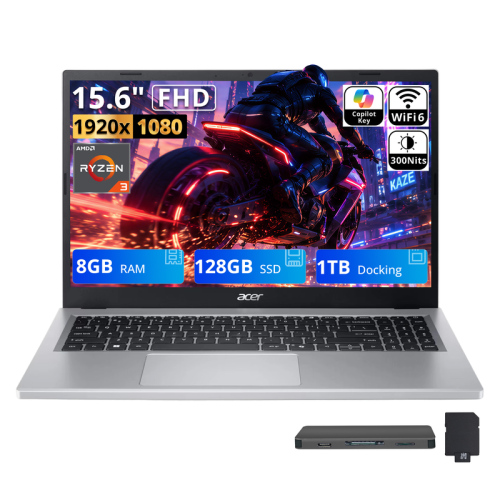
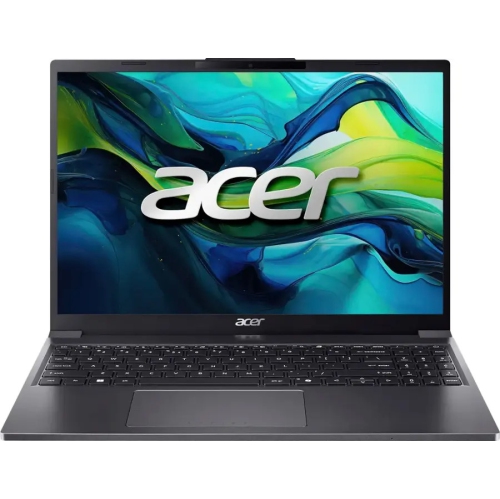
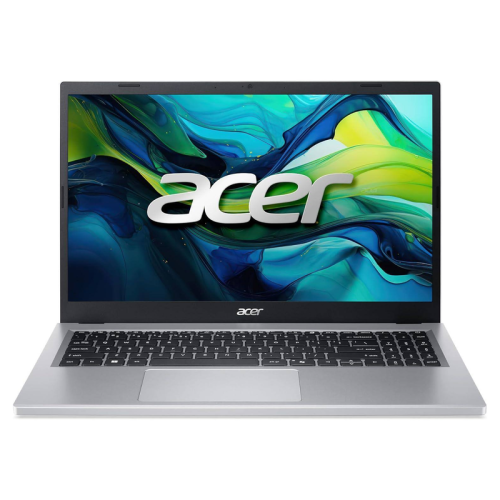
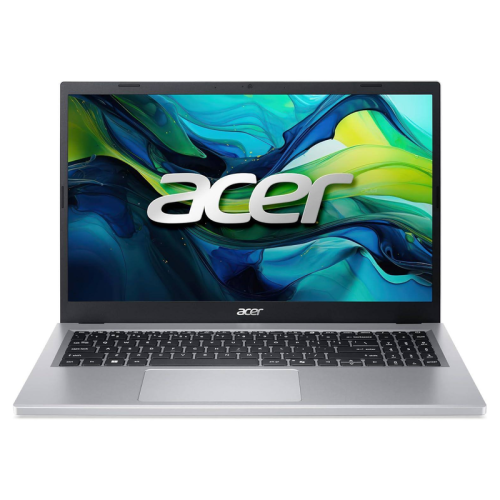
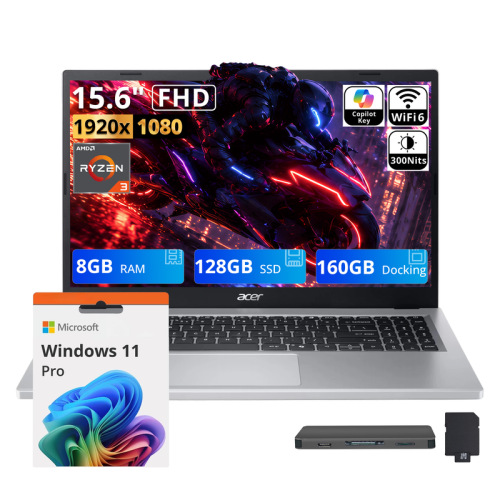
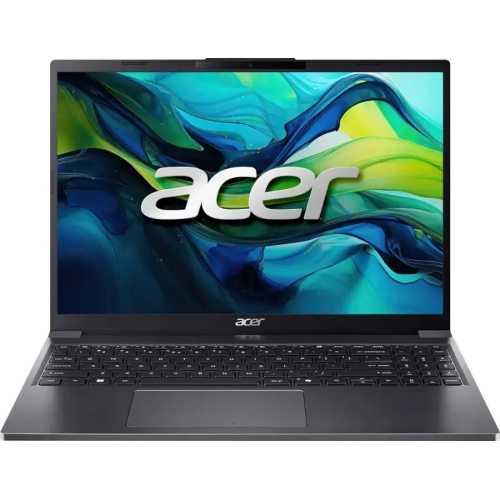
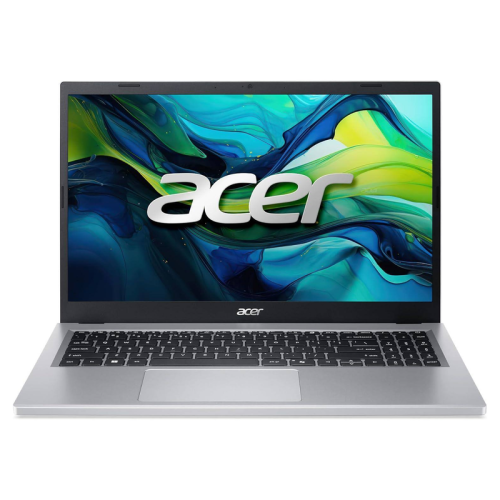
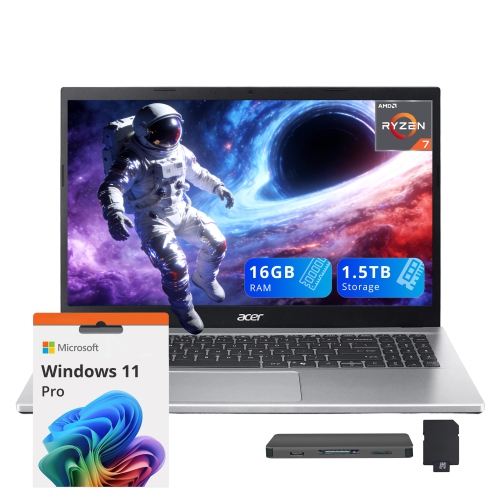
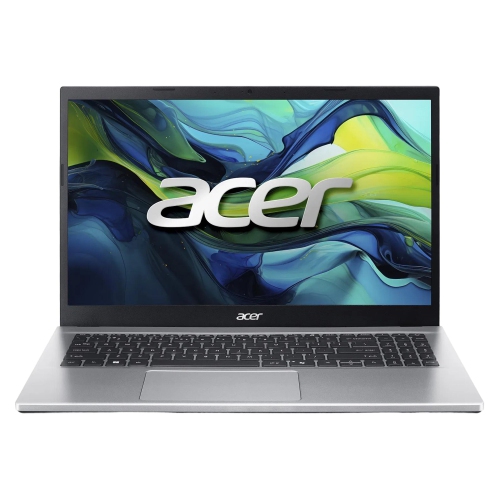
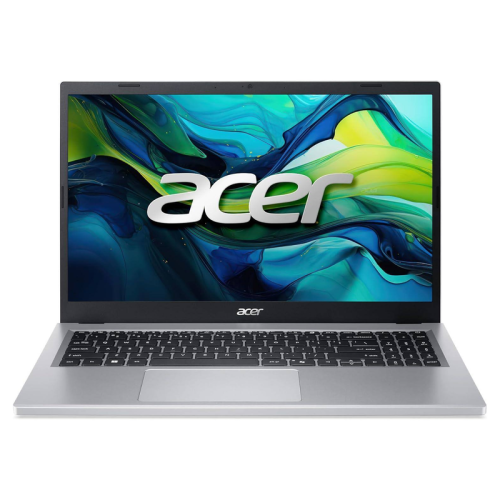
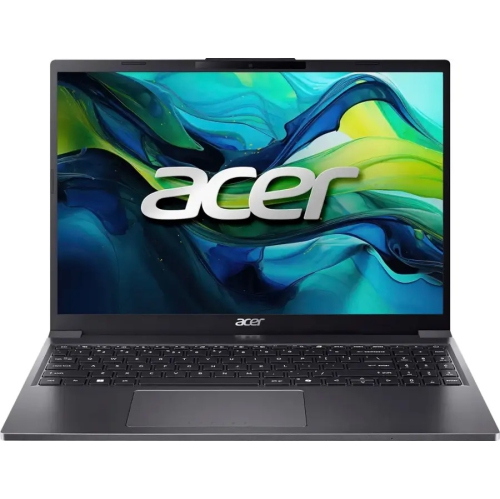
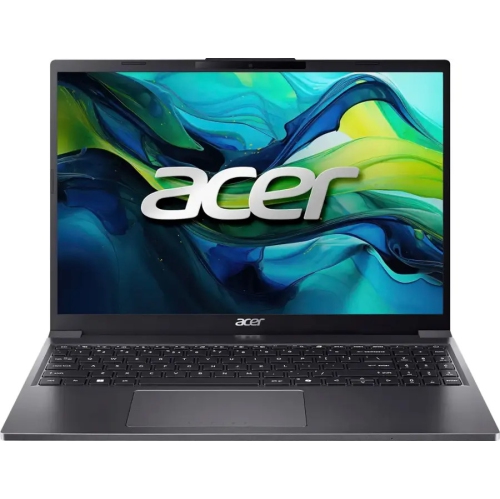
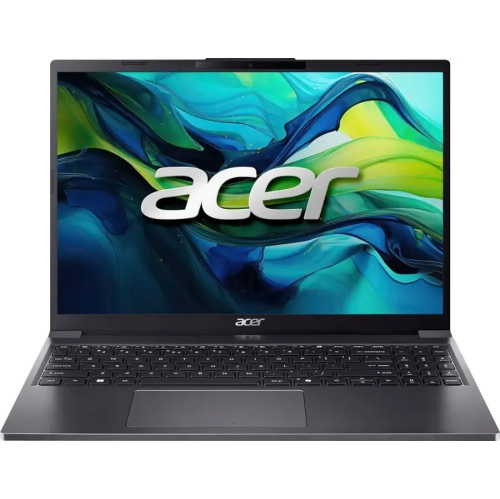
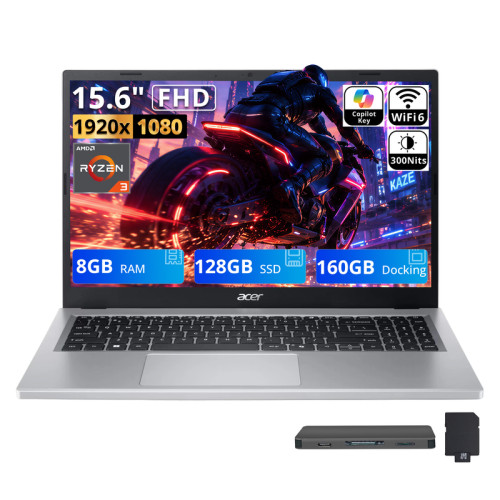
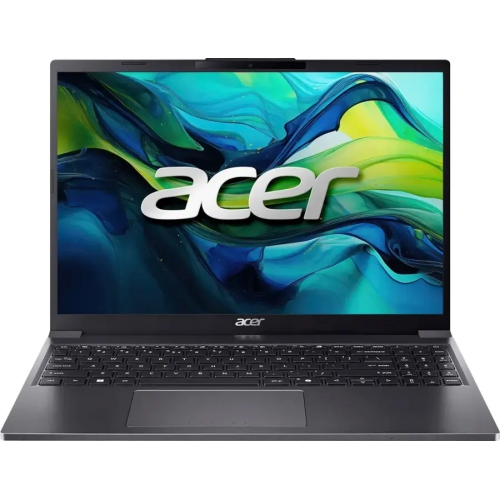
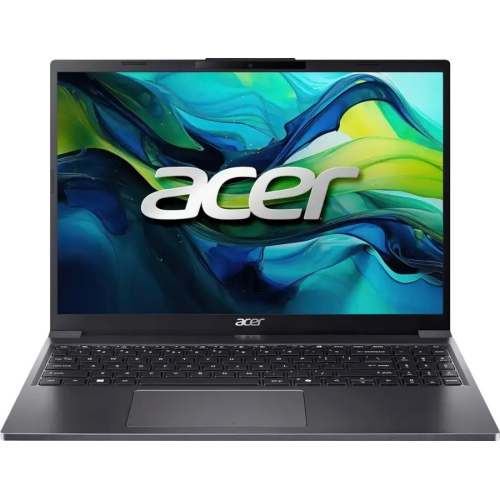
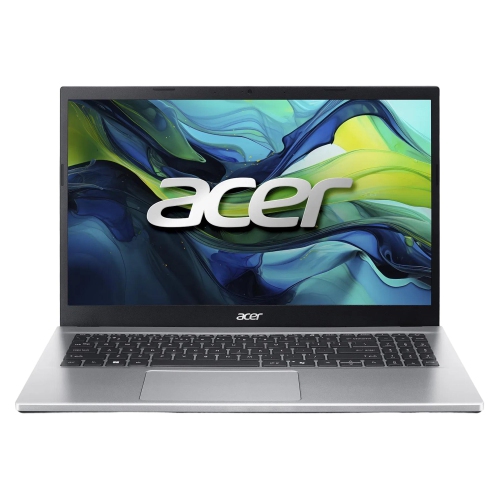
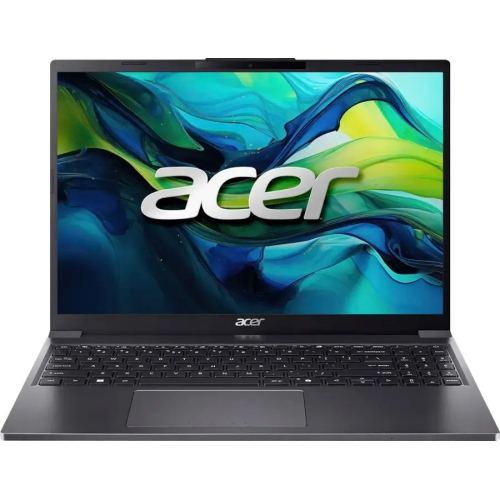
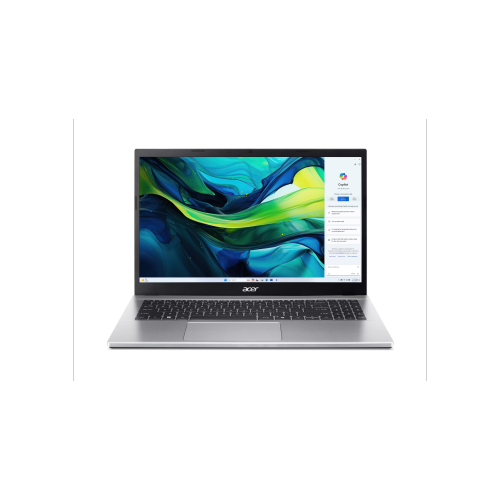
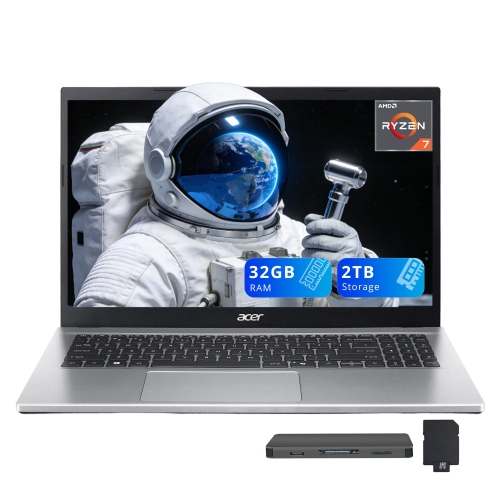
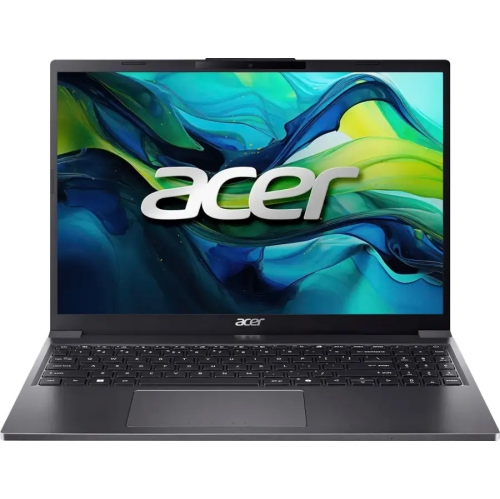
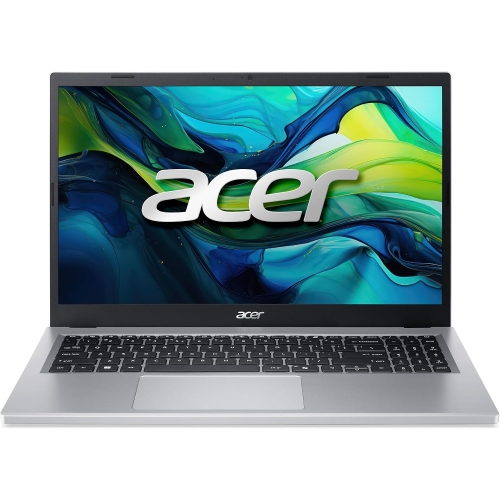
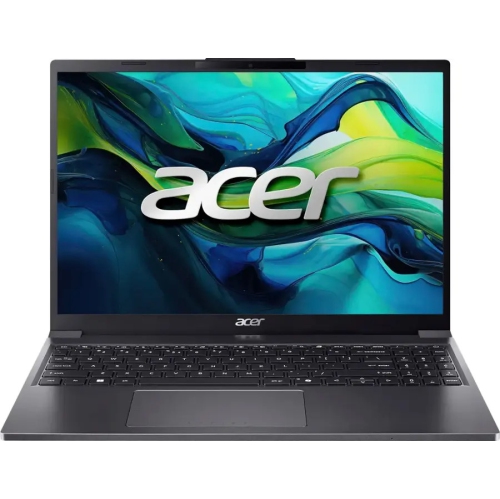
A 15.6-inch screen with room for everyday work
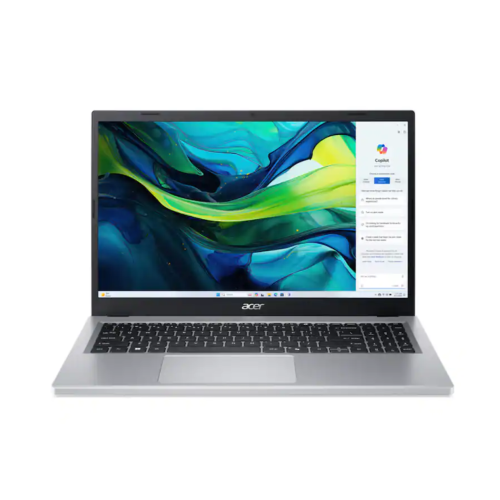
Everyday 15.6-inch laptops offer a practical balance of screen space, familiar controls, and portability for schoolwork, home administration, and routine office tasks. The format suits someone drafting an assignment with research open beside it, updating a household spreadsheet, or joining a video call before finishing a presentation. A larger screen makes documents and websites easier to view without relying on an external monitor, while the folding design lets the computer move from a desk to a dining table or travel in a suitably sized bag. Full HD resolution, expressed as 1920 x 1080 pixels, provides useful detail for text, streaming video, and everyday photos. Resolution and panel type describe different aspects of the display: an IPS panel generally supports consistent colour and wider viewing angles, while a matte surface helps reduce distracting reflections from nearby lamps and windows. A standard 60Hz refresh rate suits browsing, document editing, and most video viewing, although it serves a different purpose from the higher refresh rates associated with fast-paced gaming. Brightness, screen finish, and viewing angles can matter as much as resolution when a laptop will spend hours displaying lecture notes or worksheets. Keyboard layout also shapes daily comfort. Well-spaced keys support longer writing sessions, and a dedicated number pad, when included, can simplify entering expenses or working with tables. A responsive touchpad keeps navigation convenient when there is no room for a separate mouse. Screen size alone does not determine the overall footprint, so chassis dimensions and weight remain useful details for anyone carrying a laptop between classes or shared workspaces. Within this everyday category, display specifications, keyboard features, and other details differ by configuration. The most useful fit is a computer whose strengths match the work it will handle most often, whether that means reading course material, managing appointments, preparing reports, or keeping personal files organized.
Performance in an everyday laptop depends on the processor, memory, and storage working together rather than on a single headline specification. For web browsing, email, word processing, and streaming, an entry-level processor can provide the capabilities needed for straightforward routines. More demanding multitasking places greater pressure on the system, particularly when a video meeting runs alongside a large spreadsheet, several browser windows, and background applications. Memory gives those active tasks room to operate. An 8GB configuration can suit lighter use, while 16GB provides more headroom for switching among applications and keeping several projects open. Higher memory capacities may benefit heavier workloads, but additional memory does not turn an everyday processor or integrated graphics into a workstation-class setup. Integrated graphics are generally suited to desktop applications, video playback, and light visual tasks; demanding games, complex 3D work, and intensive video production call for a different performance class. Solid-state storage contributes to responsive start-up and file access. A 512GB SSD offers space for applications, documents, and a personal media collection, though large video libraries and project folders can fill it more quickly than text files. Usable storage is lower than the advertised capacity because system files and installed software occupy part of the drive. NVMe and PCIe terminology describes storage technology and connections, not a promise that every configuration performs identically. Connections also influence how easily a laptop fits into an existing desk setup. USB-A ports accommodate many familiar accessories, HDMI can connect a compatible external display, and a headphone jack supports wired listening. USB-C capabilities vary: a port’s shape alone does not confirm charging support or video output. Wi-Fi 6 or Wi-Fi 6E can support capable wireless networking with compatible equipment, while Bluetooth connects suitable mice, headphones, and other accessories. Exact port counts, wireless standards, and upgrade options remain configuration-specific details, especially for someone planning to connect several devices at once.
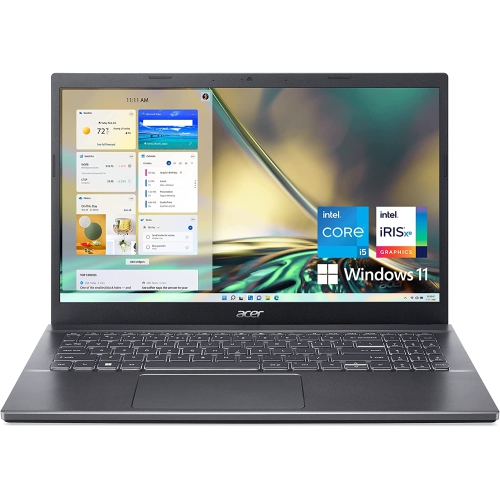
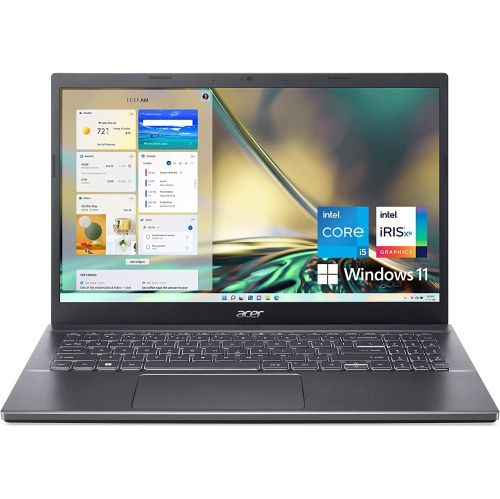
Construction, battery use, and everyday care help determine how comfortably a laptop fits into a routine over time. Plastic-bodied designs can keep weight manageable for regular travel, but careful handling still matters around hinges, screen corners, and charging connections. A padded sleeve protects against scratches inside a bag, while a compartment matched to the computer’s actual dimensions helps prevent unnecessary movement. A 15.6-inch screen measurement refers to the display diagonal, not the width of the case, so bag compatibility depends on more than the size printed on the label. At a desk, a stable surface gives the laptop support and leaves its ventilation openings unobstructed. Soft bedding and cushions can block airflow, making a hard tabletop a better setting for longer sessions. Cleaning is usually straightforward: a clean, soft microfibre cloth removes fingerprints and dust, with any additional cleaning method following the device manufacturer’s care directions. Liquid should never be sprayed directly onto the screen or keyboard. Battery life varies with screen brightness, wireless activity, video calls, background software, and the demands of the applications in use. A long stretch of document editing is not equivalent to continuous conferencing or media-heavy work, so battery estimates are best understood in the context of the stated testing conditions. The supplied charger’s size and the laptop’s charging requirements also matter for a student moving between rooms or someone working away from a usual desk. For longer typing sessions at home, an external keyboard, mouse, and raised display can make a compact setup more comfortable. Webcam placement, microphone quality, and any included privacy shutter influence the experience of remote classes and calls with family. As a gift, an everyday laptop can be useful for a student, a family member managing household tasks, or someone replacing a computer used mainly for browsing and documents; software compatibility and accessibility needs are important parts of that fit. The related Acer Aspire 15 range offers another point of comparison for everyday computing, with configuration details defining the capabilities of each laptop.
Top selling and popular products
-
 Your price for this item is $449
-
 Your price for this item is $3099
-
 Your price for this item is $1800.68
-
 Your price for this item is $664.05
-
 Your price for this item is $3400.68
-
 Your price for this item is $489.7
-
 Your price for this item is $1199
-
 Your price for this item is $1951.79
Discover more categories related to Aspire Go 15
Top Collections:
Best Black Friday Deals This Year, Best Black Friday Deals On Electronics, Kindle Devices, Dyson Airwrap, Best Cameras for Sports Photography, Best Budget Office Chairs, Canon G7X Cameras, PS5 Pro Consoles, Best Black Friday Deals On Apple Products, XBOX One S Consoles
Some products may be subject to Environmental Handling Fees
(EHF) depending on your province.
Learn more about EHFs.