Acer Portable
Acer Portable devices offer a convenient solution for anyone seeking reliable technology on the go. Whether you need a compact companion for work, study, or entertainment, the Acer Portable selection provides versatile options to suit your lifestyle. Explore a range of choices designed to keep you connected and productive wherever your day takes you. Find the perfect Acer Portable to match your needs and enjoy seamless performance in any setting.
Sort

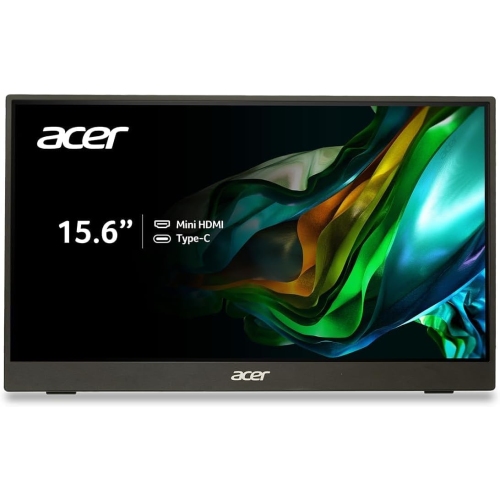
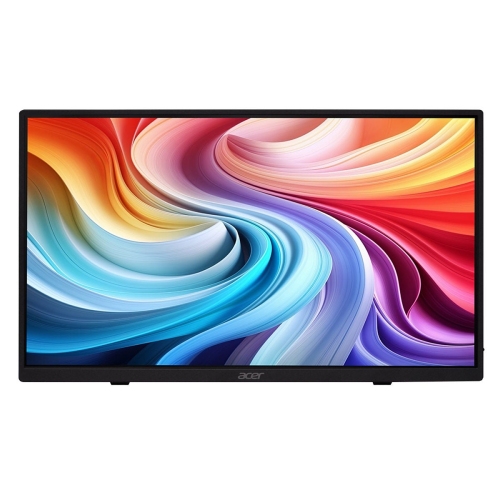
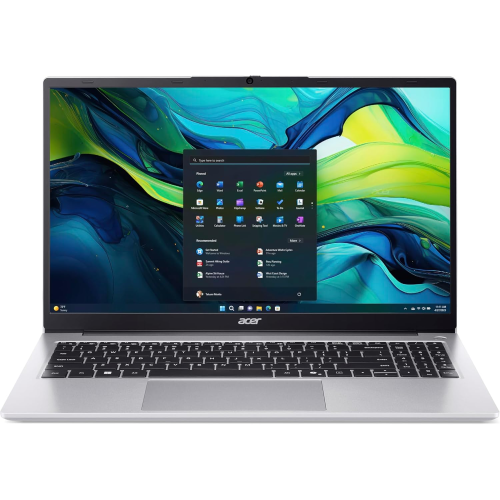
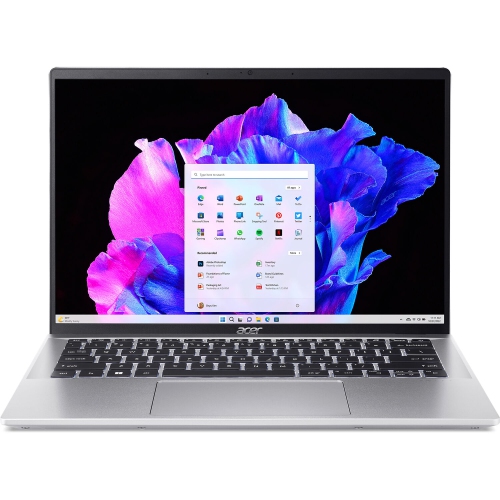

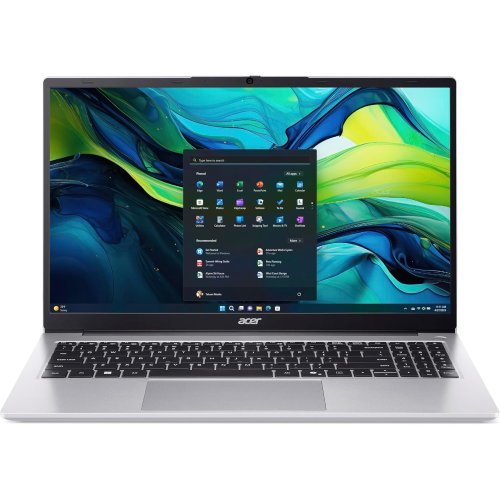
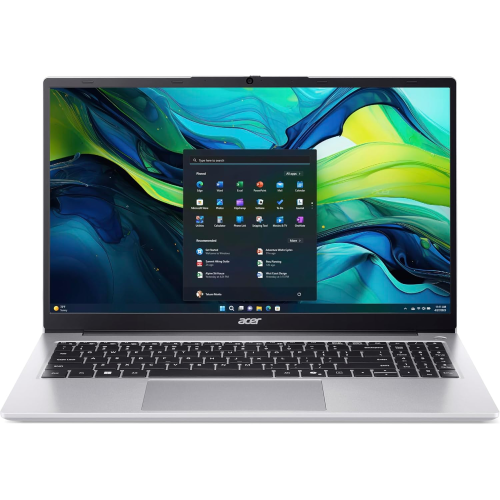
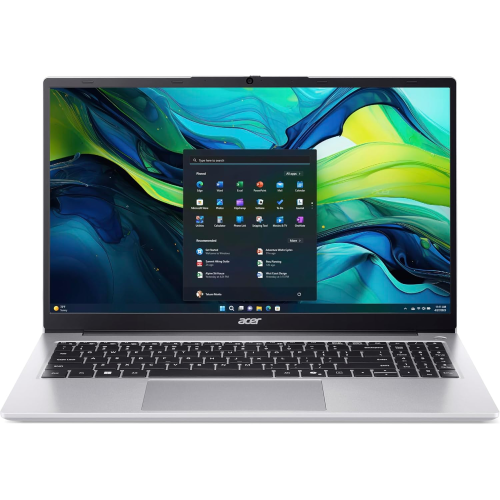
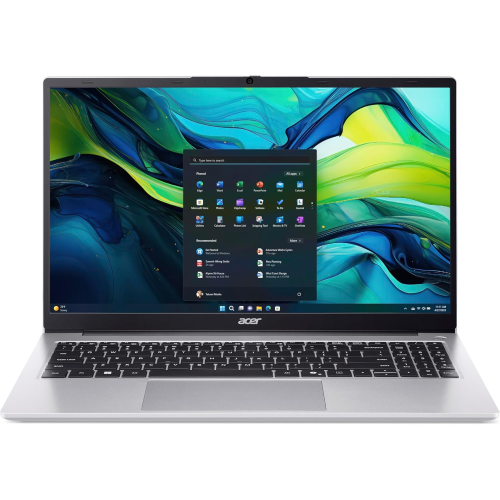
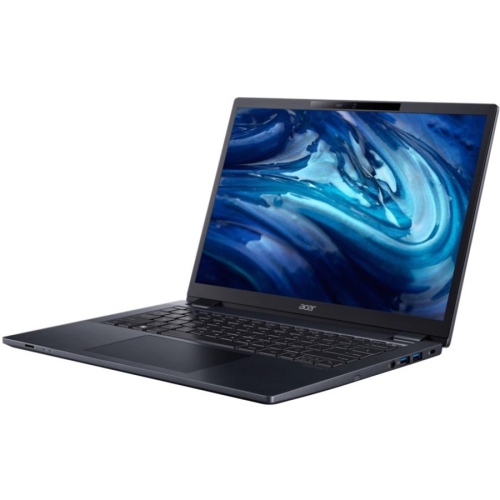
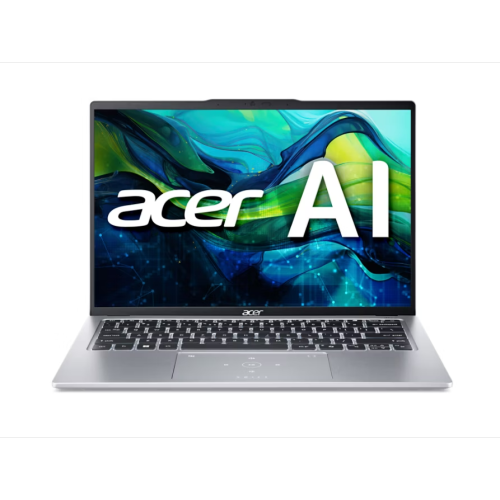
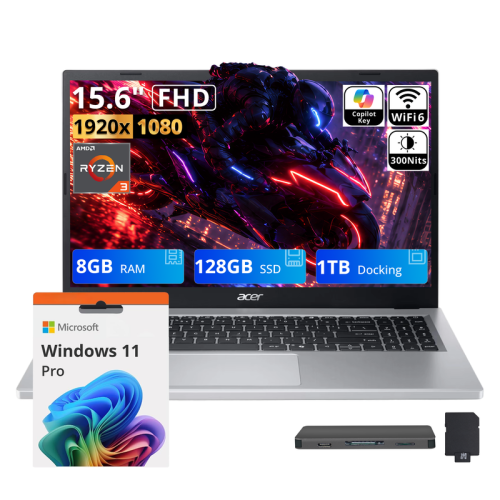
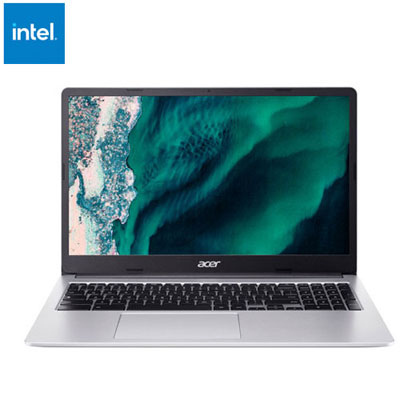
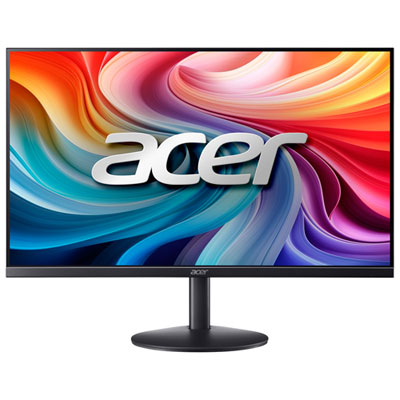
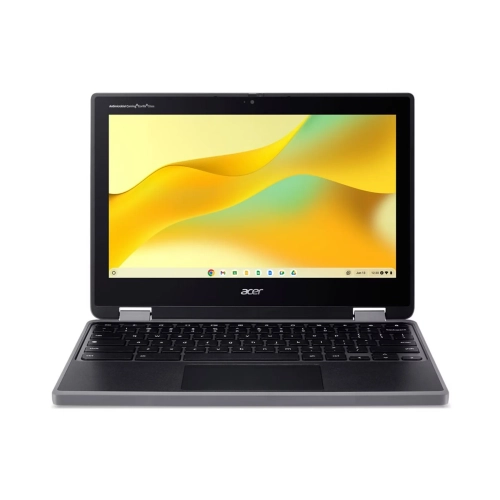
Portable laptops and monitors serve different workspace needs
Portable laptops and portable monitors serve different purposes: a laptop is a complete computer, while a portable monitor adds a display to a compatible device. Both make it easier to carry a useful workspace between home, school, an office, or a shared desk without moving a full desktop setup. The Acer Laptops collection focuses on computers that bring the screen, keyboard, processing hardware, and storage together in one device. For everyday tasks, that means opening assignments, joining video calls, managing spreadsheets, and streaming a show from the same machine. The most useful configuration depends on what those days involve. Web browsing and word processing place different demands on a computer than editing high-resolution photographs, compiling code, or running design software. Processor capability affects how well a laptop handles demanding tasks, while memory helps keep several applications responsive at once. Solid-state storage provides space for software and files and supports quick access to saved work, though the capacity needed will vary considerably between someone storing mostly documents and someone keeping large video projects locally. Operating system and software compatibility matter just as much as hardware specifications, particularly for students following course requirements or professionals using specialized applications. Screen size also changes the experience. A compact display leaves more room in a backpack and can fit more comfortably on a small desk, while a larger display gives spreadsheets, documents, and editing tools more space. Resolution affects how much detail appears on screen, but text size and display scaling influence readability too. For anyone who writes for hours, follows online lessons, or frequently works with two windows side by side, a comfortable screen and a well-suited configuration can matter more than a single standout specification. Portability works best when the computer still feels capable and comfortable after it reaches the desk.
The physical details of a laptop become especially noticeable when it travels regularly. Carrying weight includes more than the computer itself: the charger, sleeve, mouse, and any adapters all take up room in a bag. A slim profile is useful for a narrow backpack compartment, but the closed dimensions need to fit the sleeve rather than simply match its advertised screen size. Metal and plastic chassis designs can both suit daily use; overall construction, hinge stability, and how securely the base rests on a table are more informative than the material name alone. A keyboard with comfortable spacing supports long writing sessions, while a number pad can be useful for entering figures if its inclusion does not make the layout feel cramped. Keyboard language and layout deserve attention as well, especially when a computer will be shared or used for bilingual work. A responsive touchpad, accessible ports, and a clear webcam help everyday interactions feel straightforward. Battery runtime varies with screen brightness, software, wireless activity, and workload, so a video call or demanding project may use power differently from reading a document. Charging requirements matter when moving between locations, and a compact charger is only useful if it supplies the power the computer needs. Wi-Fi supports wireless connectivity, while the quality of a connection also depends on the router, distance, and surrounding obstructions. For care, a padded compartment helps protect the computer from knocks, and keeping loose keys or cables away from the screen reduces the chance of scratches. Vents need clear space during use, making a firm surface preferable to a cushion or blanket. Cleaning with a soft cloth and following the device’s care instructions helps protect the finish and display. These details suit commuters, students, and anyone whose computer spends almost as much time in a bag as it does on a desk.
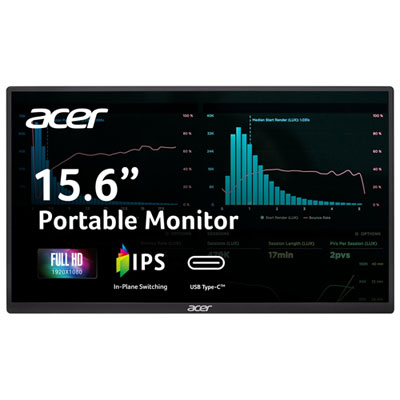
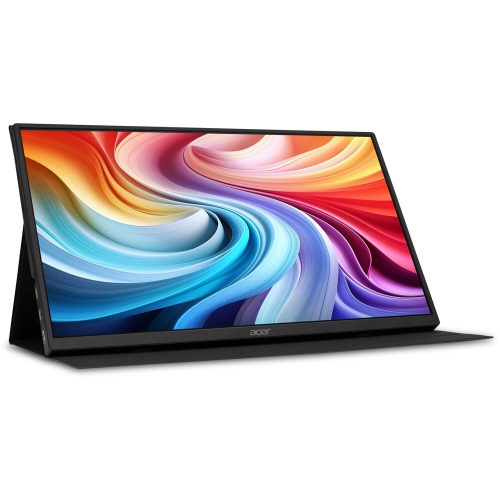
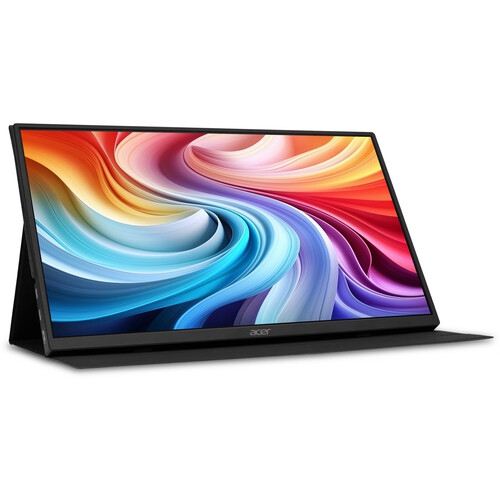
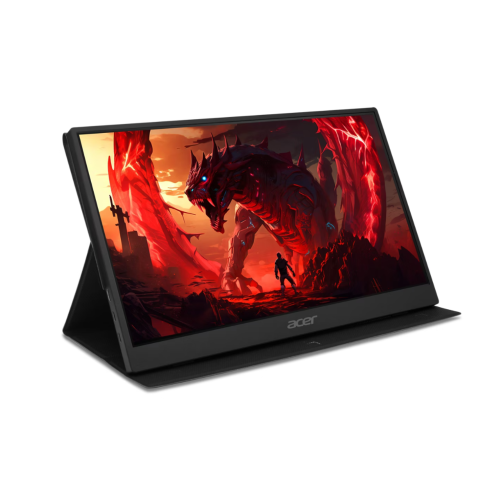
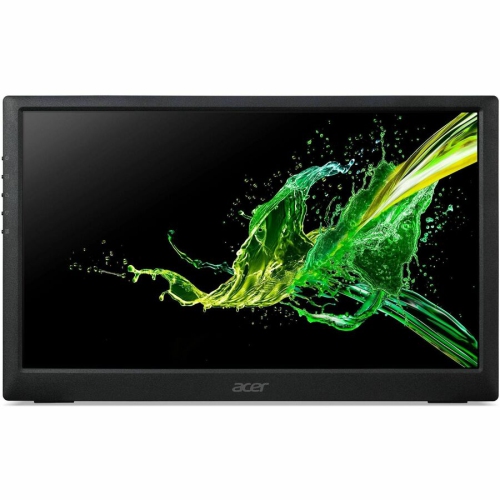
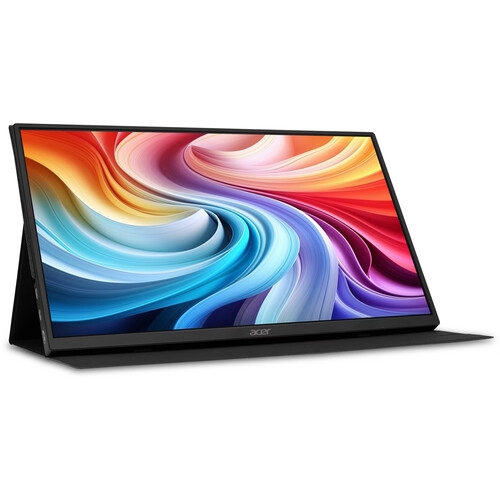
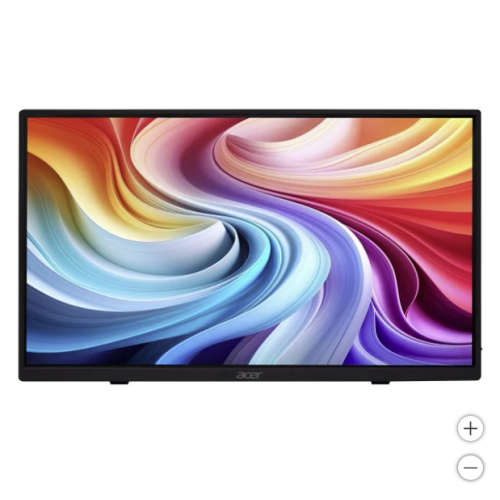
A portable monitor adds workspace without replacing the computer that runs the applications. It can keep reference material visible beside an essay, hold a spreadsheet while a presentation stays open on the laptop, or display notes alongside a video meeting. For someone who regularly moves between desks, a thin secondary screen can make a temporary setup feel more familiar without the bulk of a conventional desktop monitor. Display size, resolution, brightness, and viewing angles shape that experience. A larger panel creates more working room but also needs more space in a bag and on the desk; a smaller panel may be easier to position beside a compact laptop. A matte surface can help reduce distracting reflections, while an adjustable stand or folding cover influences the screen’s angle and stability. Portrait orientation can be useful for long documents or code when both the monitor and connected device support it. Connectivity deserves particular attention because matching connector shapes do not guarantee matching capabilities. A single USB-C cable can carry video and power when the computer’s port, the monitor, and the cable support the required functions. Some USB-C ports handle charging or data without video output, and some setups require separate power. HDMI connections generally need a separate power source for the monitor. Cable length and port placement also affect how neatly the two screens sit together, especially on a narrow work surface. A protective cover helps shield the display in transit, but it should not be treated as protection against heavy pressure inside an overfilled bag. For a gift recipient, compatibility with their existing computer is more important than simply choosing a similar screen size. A laptop can suit someone starting a course or needing an independent computer, while a portable monitor is better suited to someone who already has a compatible device and would benefit from extra screen space. In either case, the strongest fit comes from the person’s actual routine: what they carry, where they work, and which tasks need to feel easier.
Top selling and popular products
-
 Your price for this item is $783.68
-
 Your price for this item is $299
-
 Your price for this item is $469
-
 Your price for this item is $94.99
-
 Your price for this item is $177.99
-
 Your price for this item is $229.99
-
 Your price for this item is $1138.68
-
 Your price for this item is $355.68
Discover more categories related to Acer Portable
Top Collections:
Best Black Friday Deals This Year, Best Black Friday Deals On Electronics, Kindle Devices, Dyson Airwrap, Best Cameras for Sports Photography, Best Budget Office Chairs, Canon G7X Cameras, PS5 Pro Consoles, Best Black Friday Deals On Apple Products, XBOX One S Consoles
Some products may be subject to Environmental Handling Fees
(EHF) depending on your province.
Learn more about EHFs.