Acer Portable Monitors
Discover the convenience and flexibility of an Acer Portable Monitor, designed to enhance productivity whether you’re working from home, traveling, or setting up a dual-screen workspace. With a lightweight build and easy connectivity, an Acer Portable Monitor is the perfect companion for students, professionals, and anyone who needs extra screen space on the go. Browse a range of options to find the ideal solution for presentations, gaming, or everyday multitasking. Elevate your viewing experience with an Acer Portable Monitor that fits seamlessly into your lifestyle.
Sort

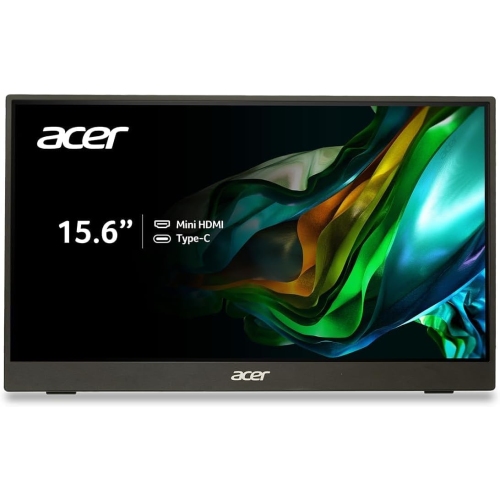
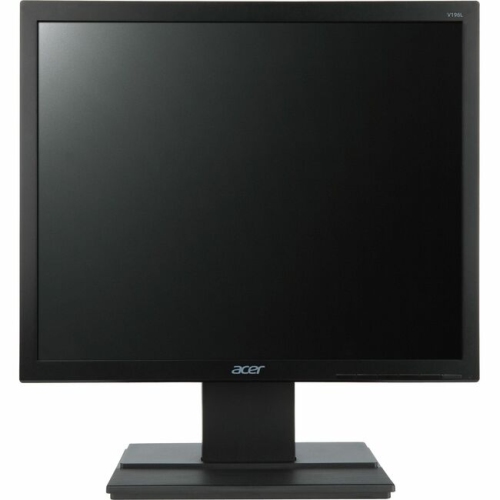
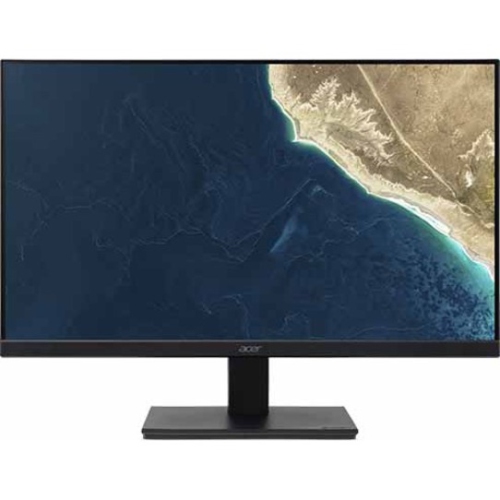
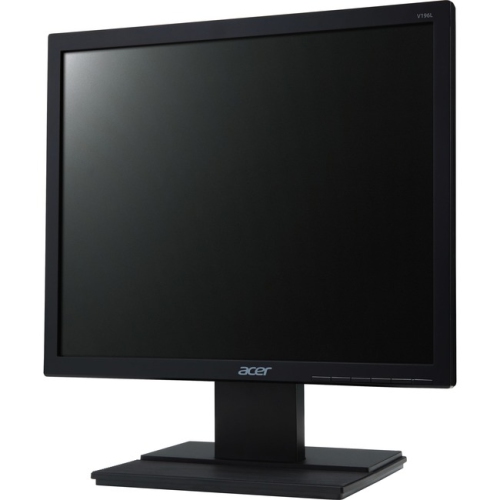
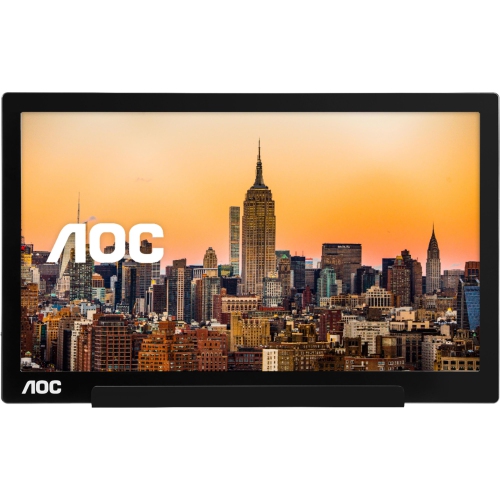
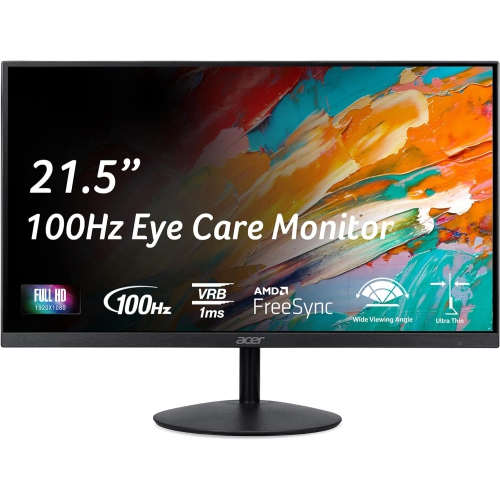

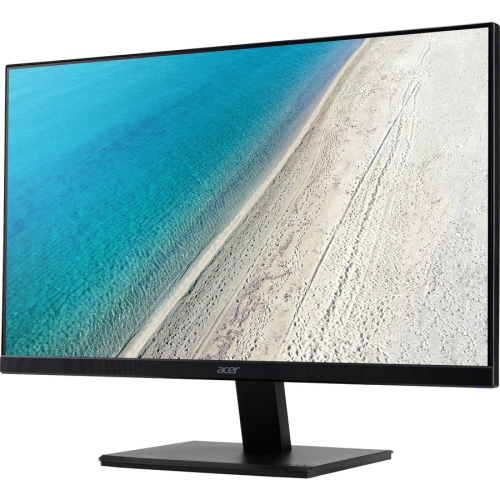
A second screen that moves with your workday
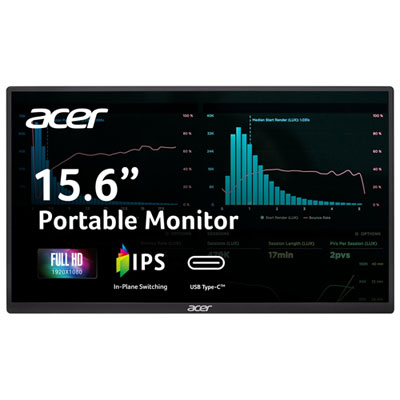
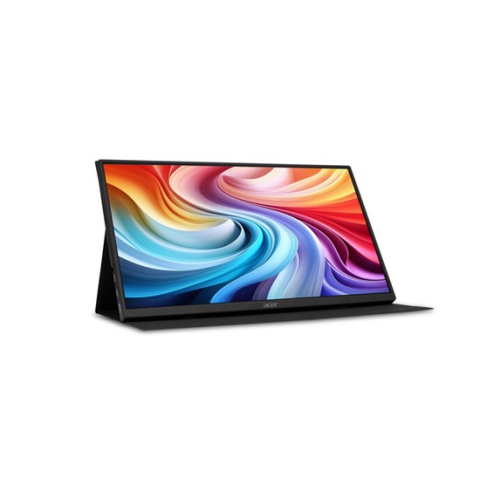
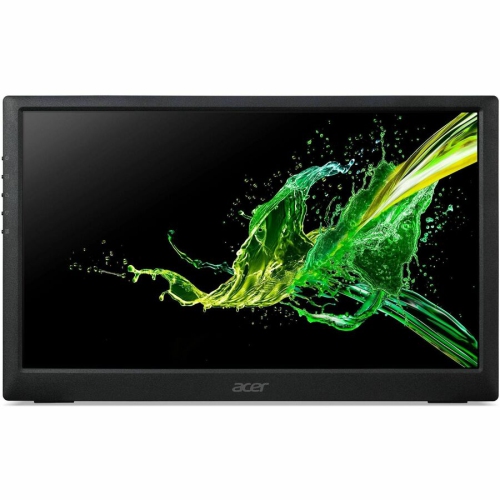
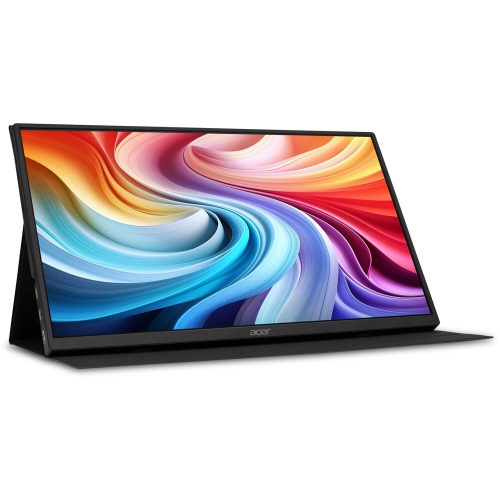
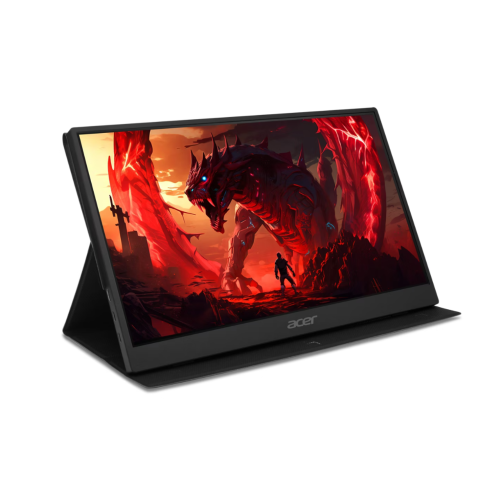
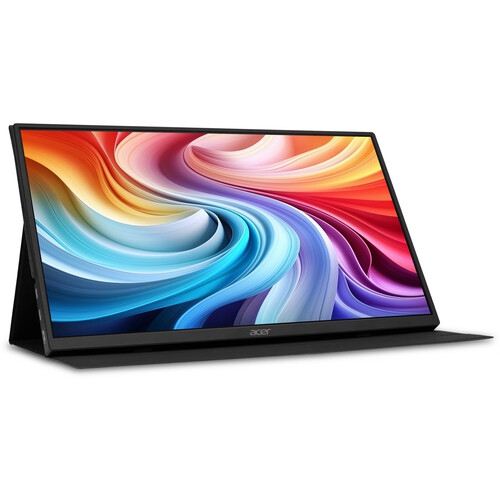
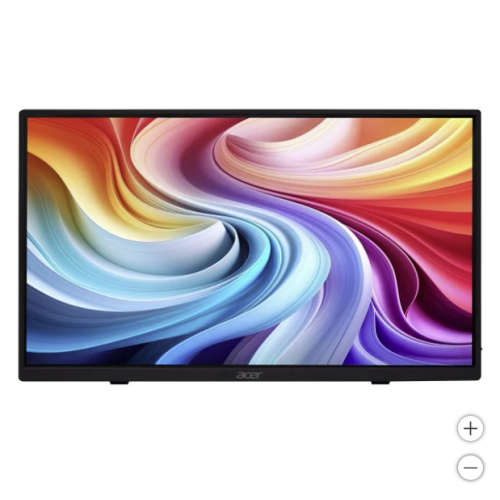
An Acer Portable monitor can add a second screen to a compatible laptop or other supported device without requiring the space of a conventional desktop display. Portable monitors are slim external screens designed to move between work surfaces, making them useful for home offices, shared workspaces, study sessions and business travel. The extra display area gives everyday tasks more breathing room: a spreadsheet can sit beside an email window, reference material can stay visible while a report takes shape, and a video meeting can remain open without covering the document being discussed. Students can keep lecture notes separate from an assignment, while someone working away from their usual desk can recreate a familiar two-screen arrangement. Compatibility matters as much as size. A USB-C connection may carry video and power through a single cable, but only when the source device, monitor and cable support the required functions. The presence of a USB-C port alone does not confirm video output; the connected device needs a supported video capability, such as DisplayPort Alt Mode. HDMI connections generally carry the picture separately from the monitor’s power supply, so that arrangement may require an additional cable and power source. Tablets and smartphones also need compatible video output, and their software determines whether the external screen mirrors the device or supports a more flexible workspace. A portable monitor is a display rather than a standalone computer, so the connected device still runs the applications, stores files and determines much of the experience. Thinking through the complete connection path helps keep a compact setup genuinely convenient. For someone moving between a home work surface and an office, a dependable cable arrangement can be more valuable than a feature that rarely gets used. Keeping the required cables together in a small pouch also makes it easier to set up without searching through a bag for an adapter.
Screen size and resolution shape how comfortable a portable monitor feels over a full working session. A larger panel gives documents, timelines and side-by-side windows more room, while a smaller display leaves more space for a keyboard, notebook or mouse on a narrow work surface. Overall dimensions matter when packing, too: the screen’s diagonal measurement does not include its bezel, stand or protective cover. Higher resolution can make text and fine details look sharper, although operating-system scaling may need adjustment to keep menus and labels comfortably readable. Matching the apparent text size across a laptop and external display can make moving between screens feel more natural. Panel characteristics deserve attention alongside resolution. Wide viewing angles help when a colleague is looking over a presentation from the side, and a matte screen finish can soften reflections from overhead lighting. Brightness affects visibility in well-lit rooms, but it does not eliminate glare or guarantee comfortable viewing in every setting. For photo editing, illustration or design work, colour coverage and accuracy are more informative than vivid-looking colours alone; colour-critical tasks may also require calibration. A portable screen can provide room for editing tools or a reference image even when the main display remains the better place to judge the finished result. For gaming, refresh rate and response time influence motion clarity and responsiveness, provided the connected device and connection can deliver the intended resolution and frame rate. A higher-refresh display does not increase the source device’s processing power. Touch input, built-in speakers and headphone connections are separate features rather than assumptions, and touch support can depend on the operating system and an additional data connection. Someone who mainly reads documents may value clear text and an easy viewing angle more than gaming specifications, while a player using a compatible console may place greater importance on video-input support, power requirements and a stable stand.
The physical design makes a noticeable difference once a portable monitor becomes part of a daily routine. Housing materials such as plastic or aluminum affect weight and feel, but durability also depends on construction, hinge design and how well the screen is protected in transit. A rigid back panel does not make the display resistant to pressure inside an overfilled backpack. A padded compartment or correctly sized sleeve helps separate the screen from chargers, keys and other hard objects, while a protective cover can shield the display surface when it is not in use. Stands vary in their range of adjustment and the amount of space they need behind the screen. A folding cover may keep the overall package compact, whereas an integrated stand may offer a different balance of support and viewing angles. Portrait orientation can be useful for long documents, code or reference pages, but both the stand and the display settings need to support that arrangement. Placing the monitor beside the laptop at a similar viewing distance can reduce repeated refocusing, and raising the screens where practical can make longer sessions more comfortable. Cables should have enough slack to avoid pulling on the ports, especially when the laptop moves or the viewing angle changes. For cleaning, follow the display manufacturer’s instructions, switch the screen off and use a clean, soft microfibre cloth; liquid should not be sprayed directly onto the panel or allowed into the connectors. Gentle handling is particularly important around the screen edges and any moving stand components. As a gift, a portable monitor can be a thoughtful choice for a student, a frequent business traveller or someone who regularly works across several windows, provided its connections suit the recipient’s devices. The most useful match is not necessarily the largest screen or the longest feature list. It is a display that fits the person’s bag, work surface and everyday tasks, with straightforward connections and enough protection to move confidently between locations.
Top selling and popular products
-
 Your price for this item is $783.68
-
 Your price for this item is $299
-
 Your price for this item is $469
-
 Your price for this item is $94.99
-
 Your price for this item is $177.99
-
 Your price for this item is $229.99
-
 Your price for this item is $1138.68
-
 Your price for this item is $355.68
Discover more categories related to Acer Portable Monitors

Top Collections:
Best Black Friday Deals This Year, Best Black Friday Deals On Electronics, Kindle Devices, Best Black Friday Deals On Apple Products, Best Budget Office Chairs, Best Cameras for Sports Photography, Dyson Airwrap, Canon G7X Cameras, Best Laptops for Writers, Samsung Galaxy Phones
Some products may be subject to Environmental Handling Fees
(EHF) depending on your province.
Learn more about EHFs.