Advanced Power Strips
Upgrade your home or office with the latest in power strip technology. Our collection of advanced power strips offers innovative features designed to enhance your everyday life. From surge protection and energy-saving capabilities to USB charging ports and smart home integration, these power strips are not just convenient but also efficient. Say goodbye to tangled cords and hello to a clutter-free space with our selection of advanced power strips. Whether you need to power up multiple devices or want to streamline your charging routine, we have the perfect solution for you. Explore our range of advanced power strips and take your electrical setup to the next level.
Sort
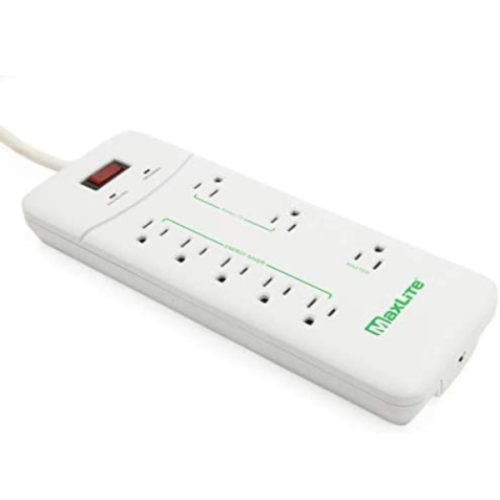
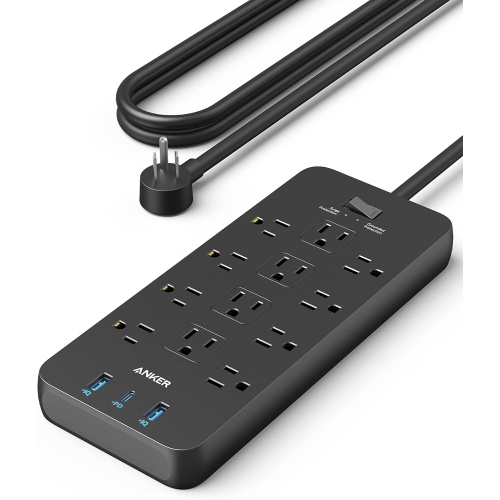
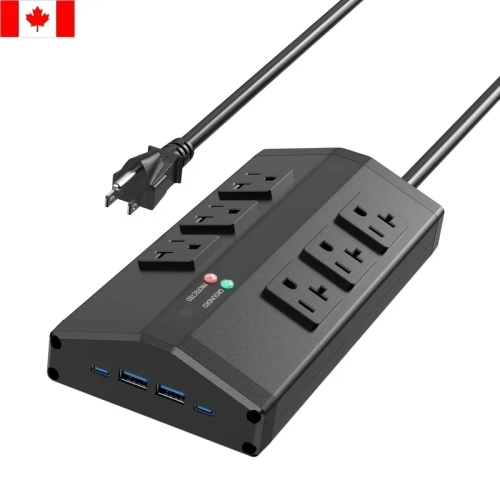
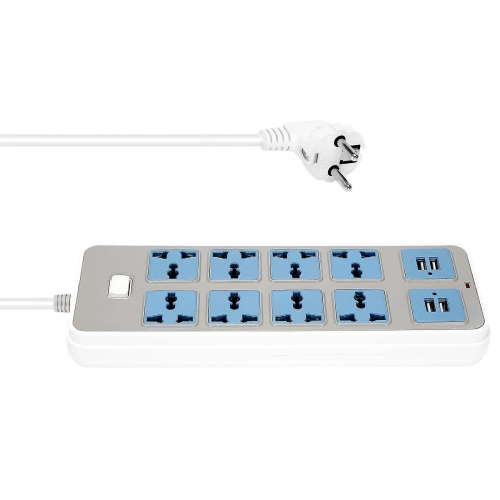
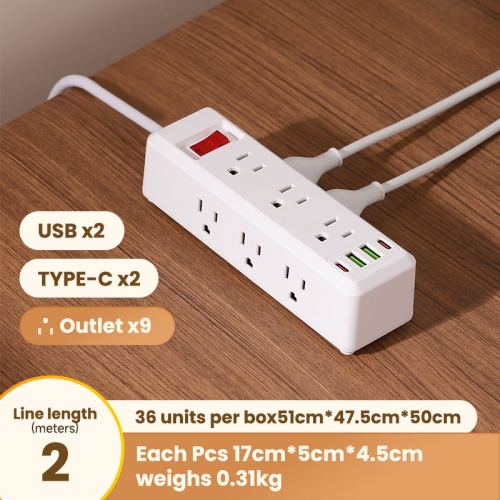
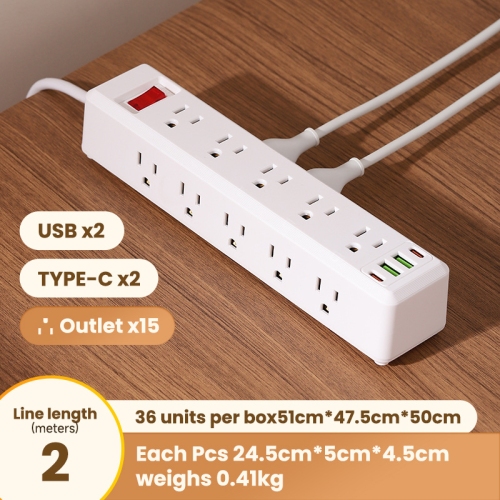
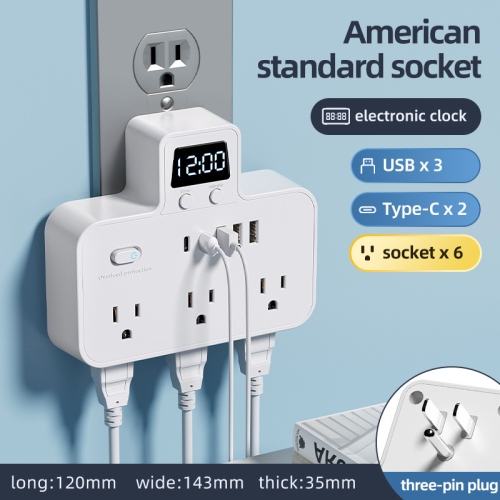
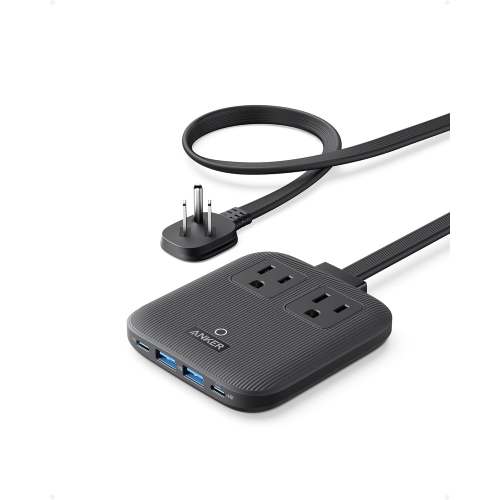
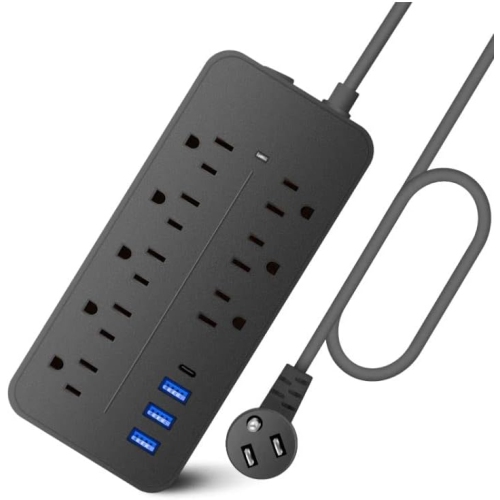
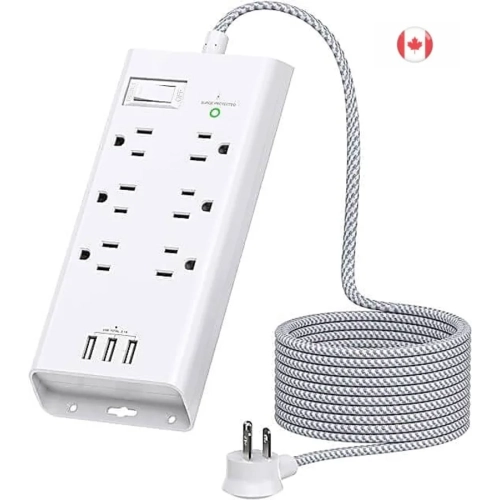
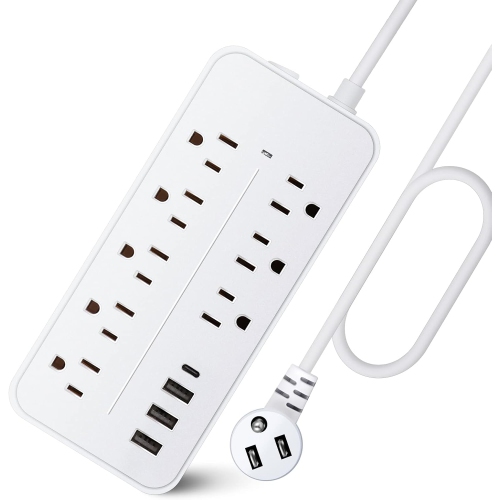
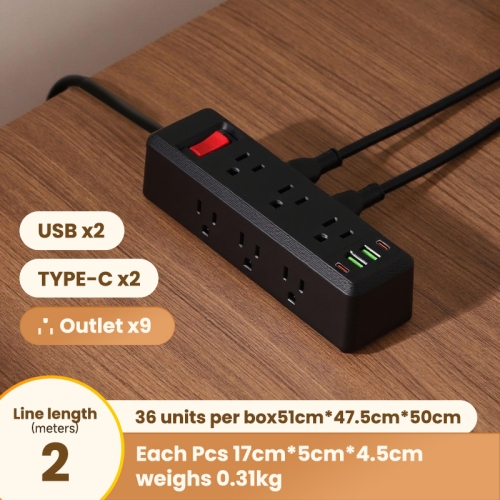
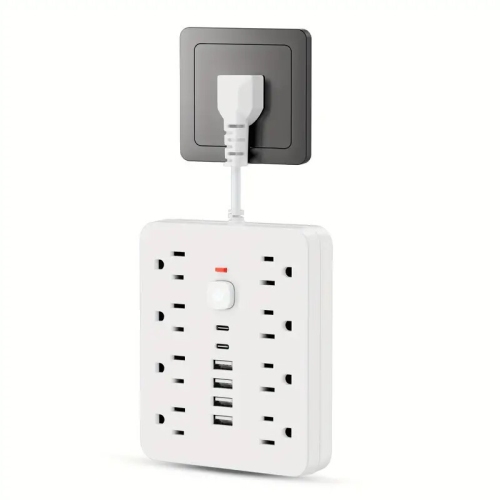
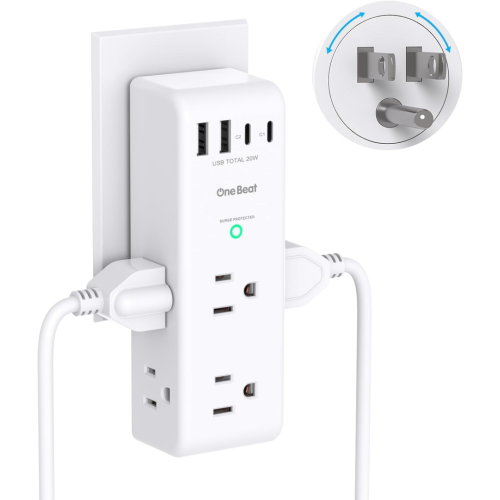
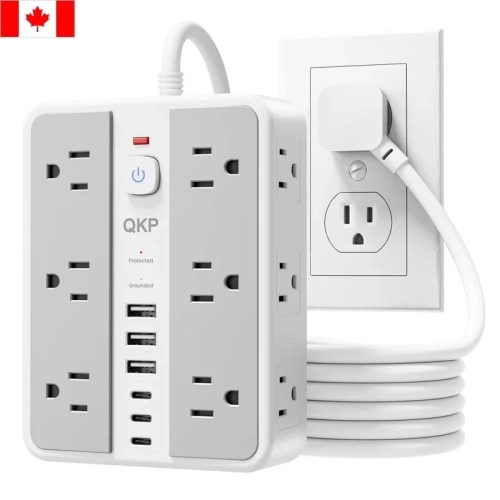
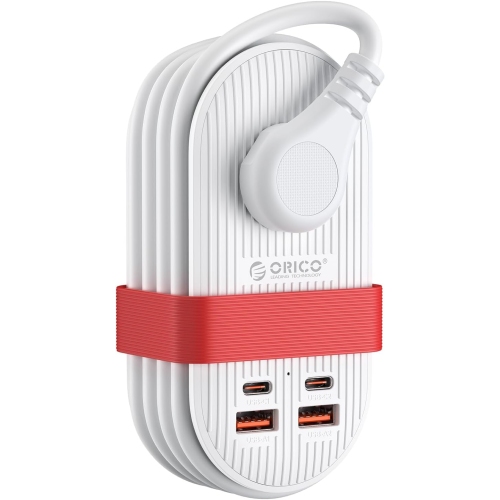
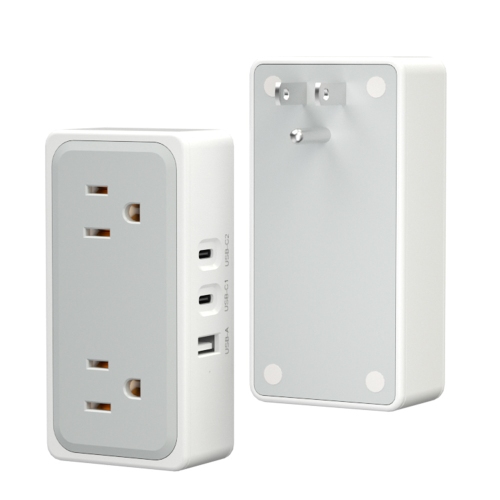
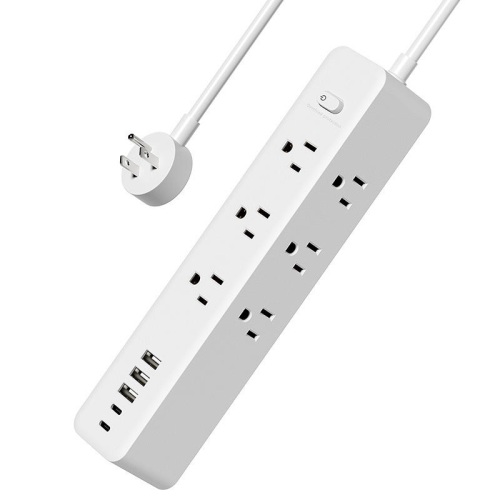

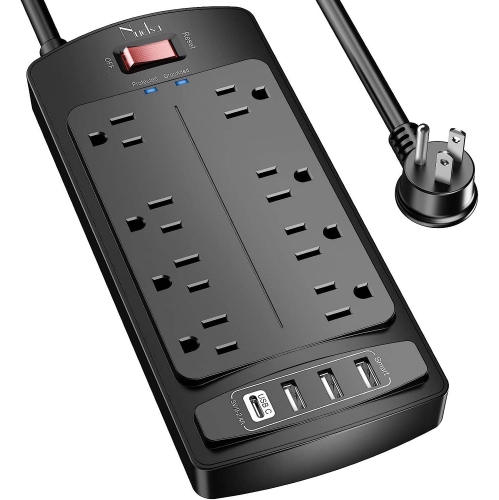
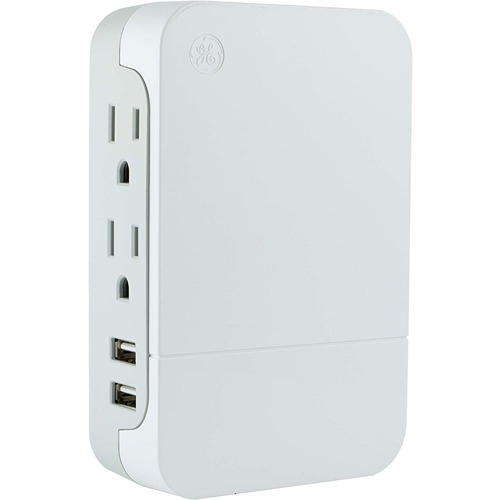
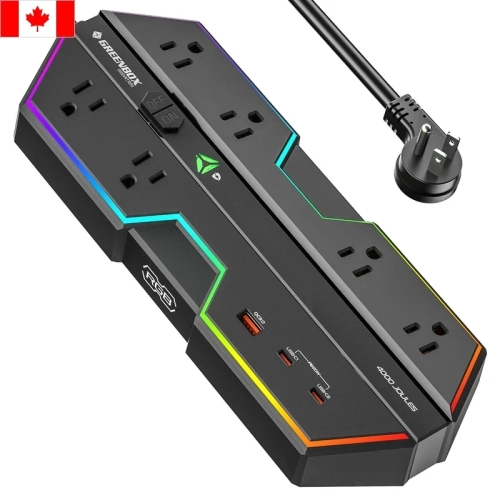
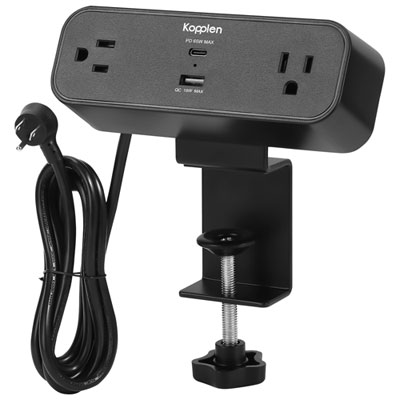
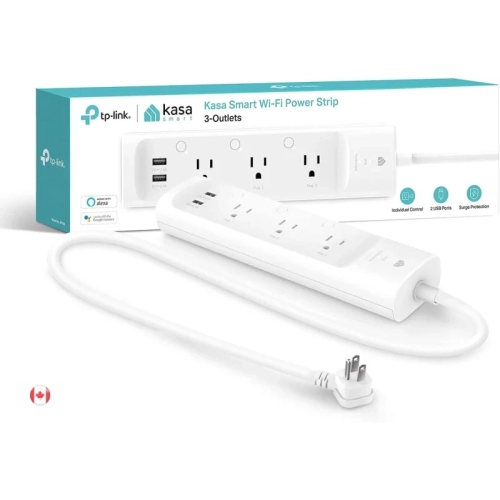
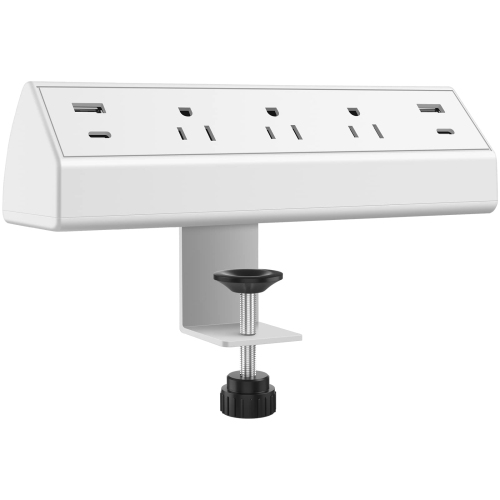
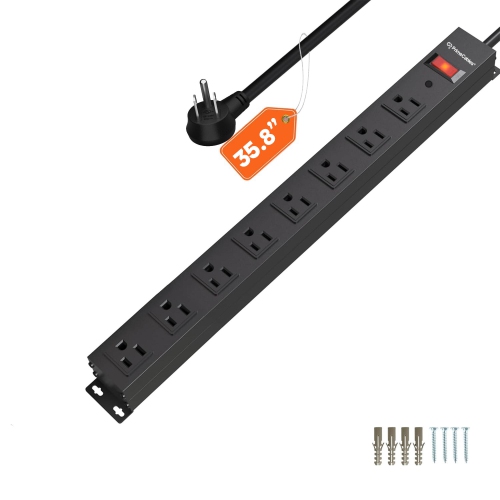

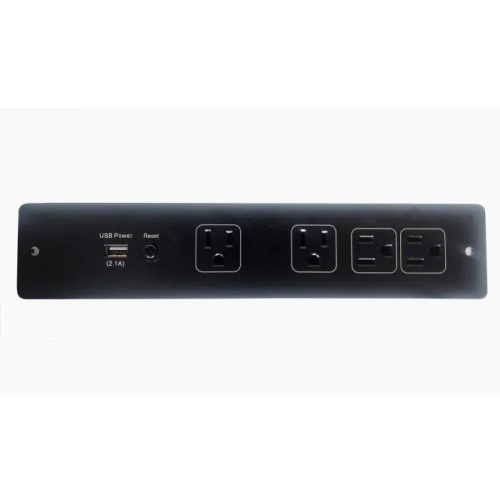
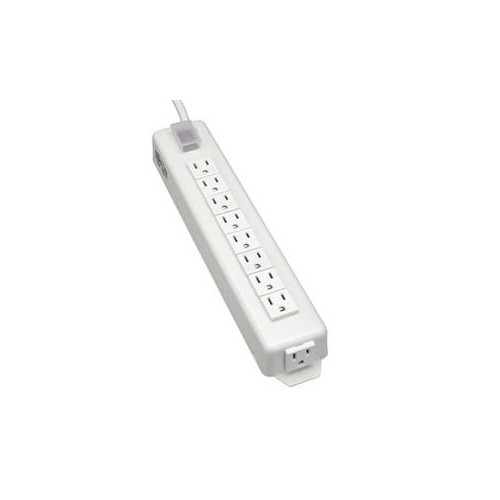
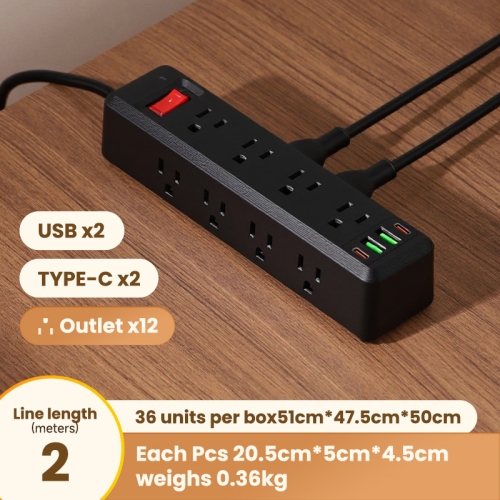
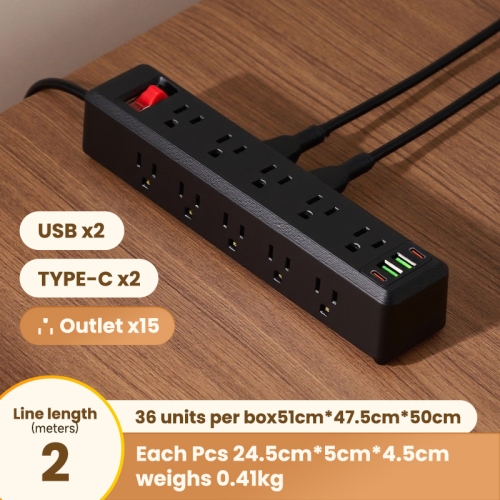
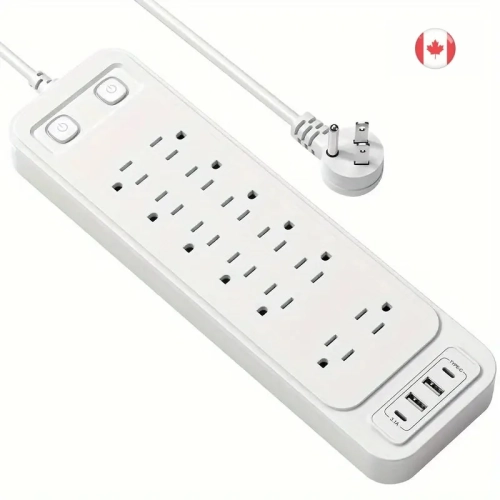
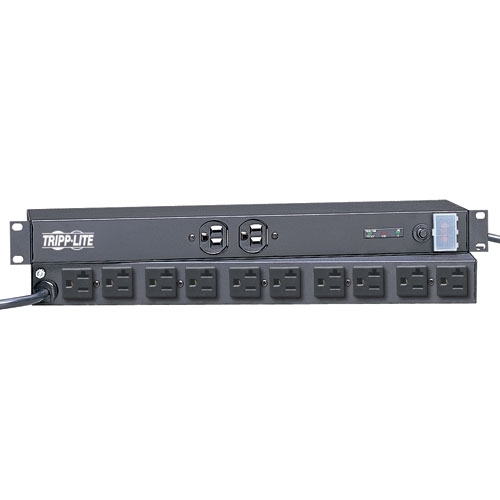
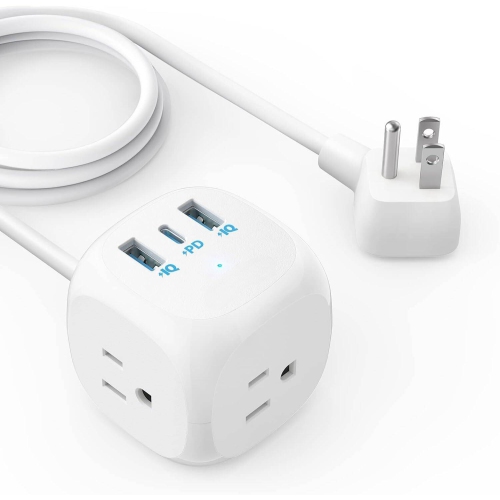
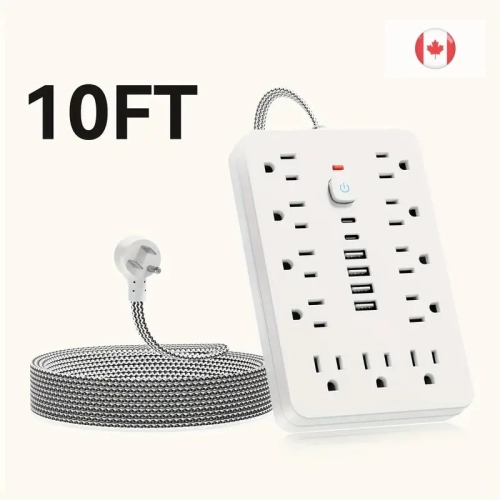
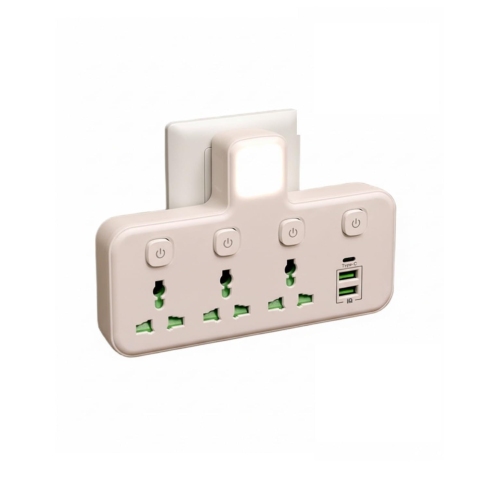
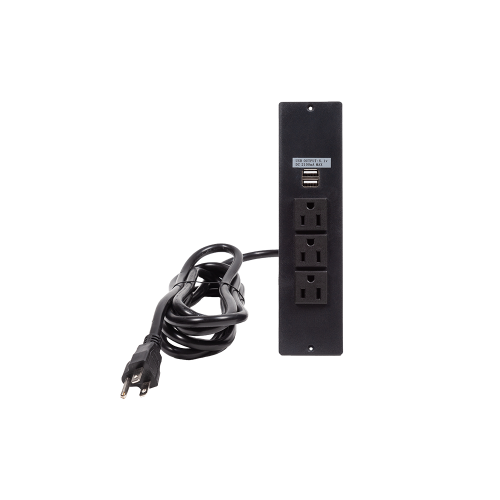
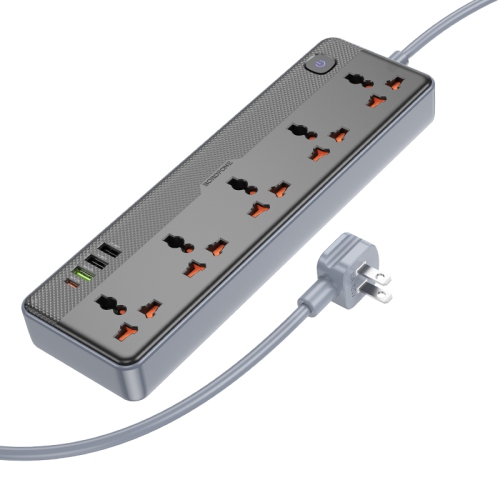

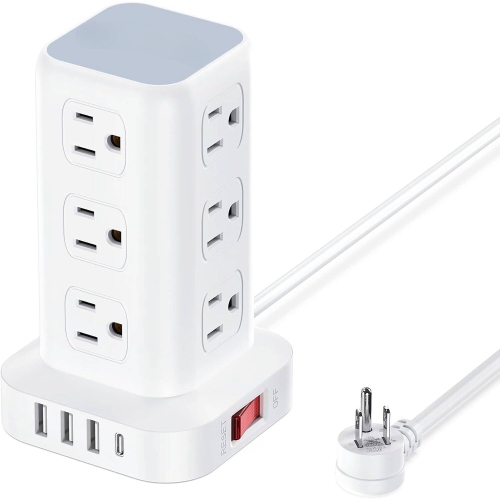
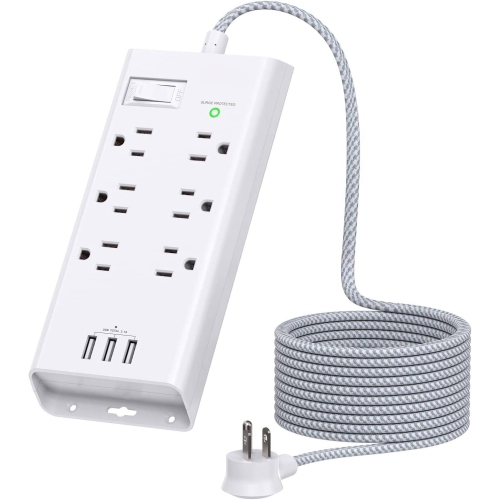
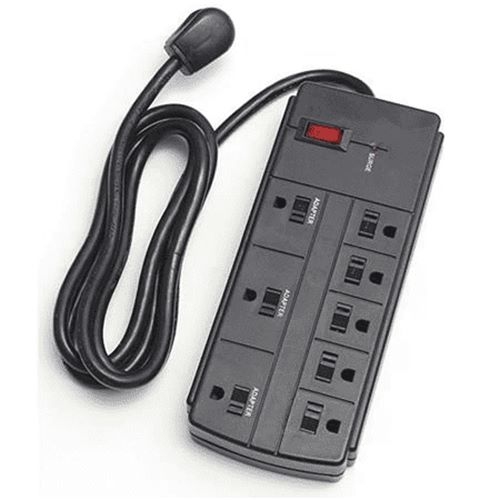

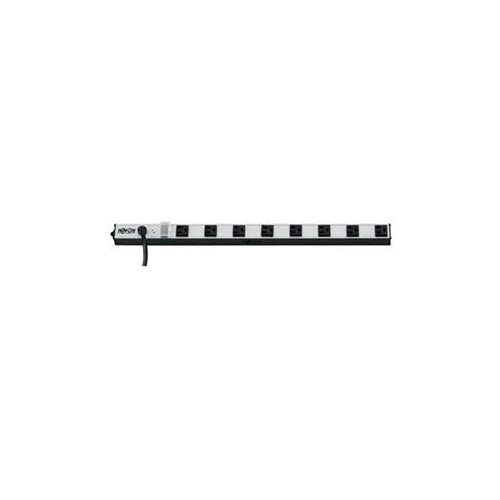

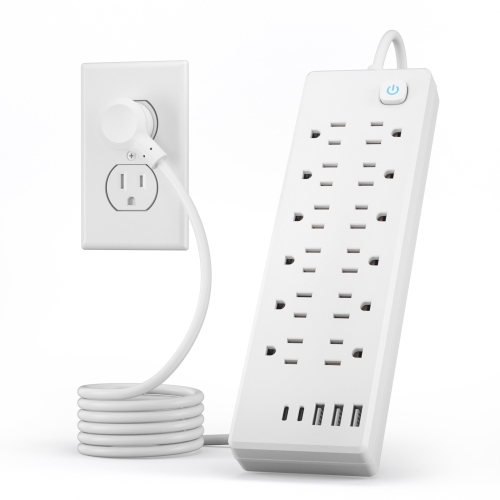
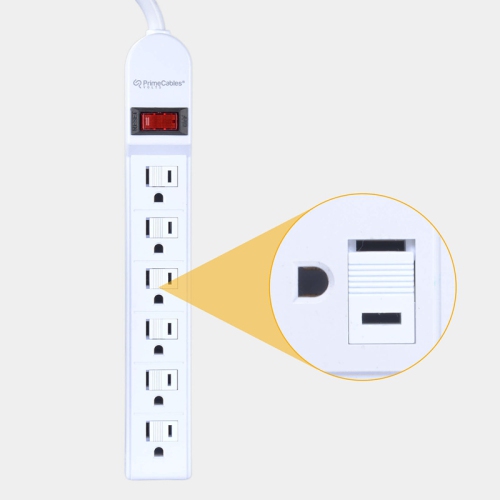

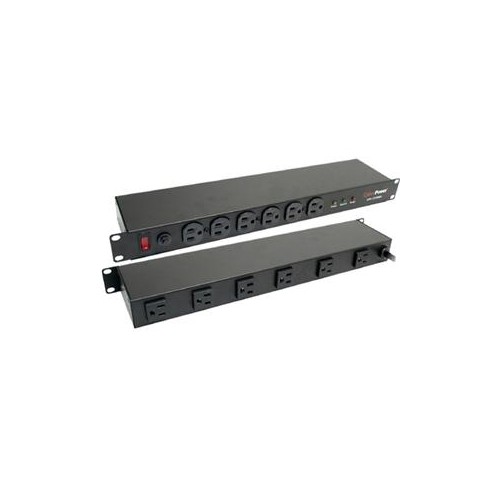
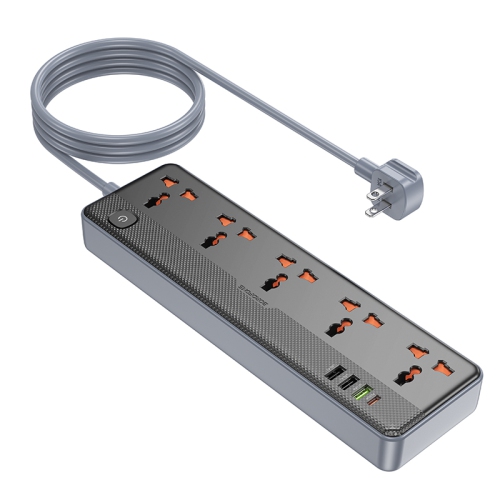
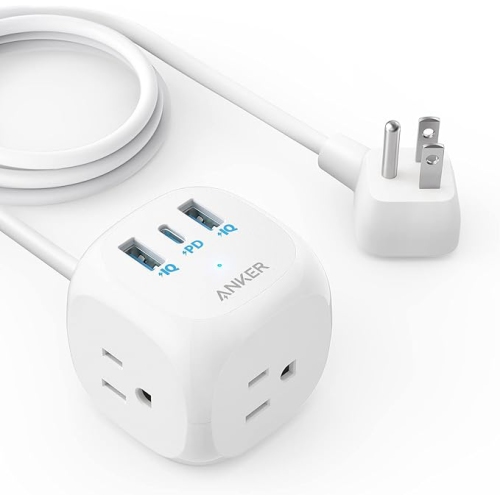
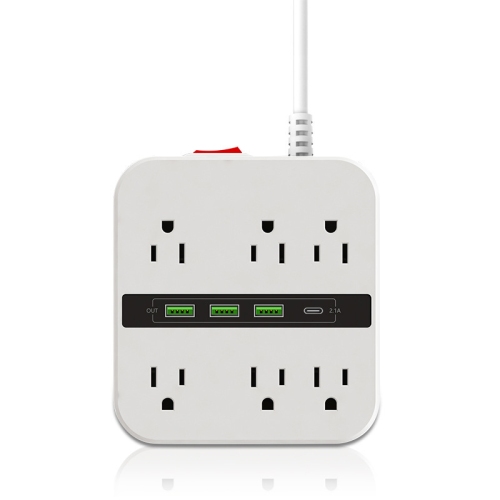
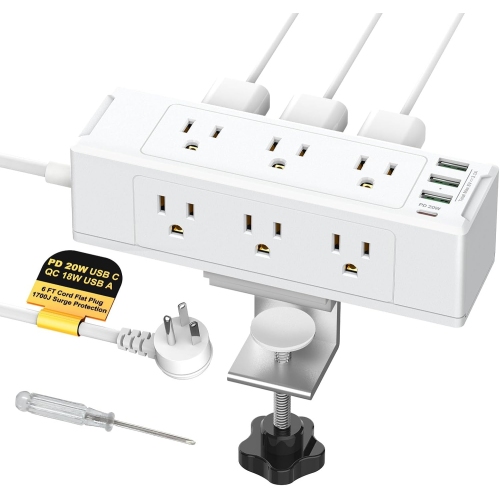
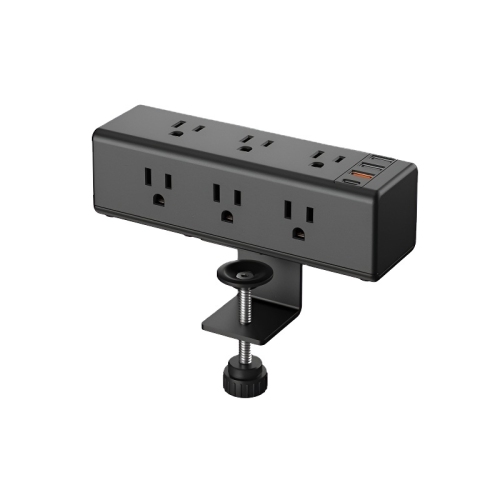
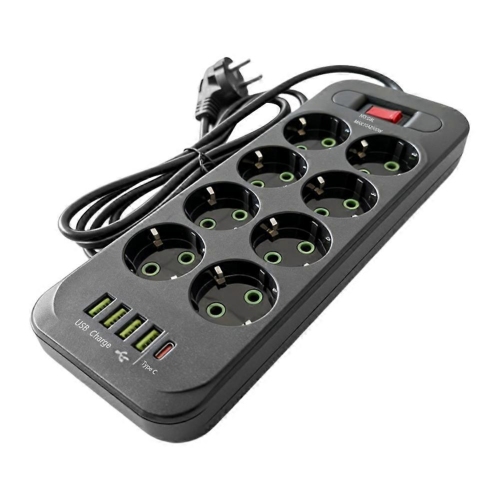
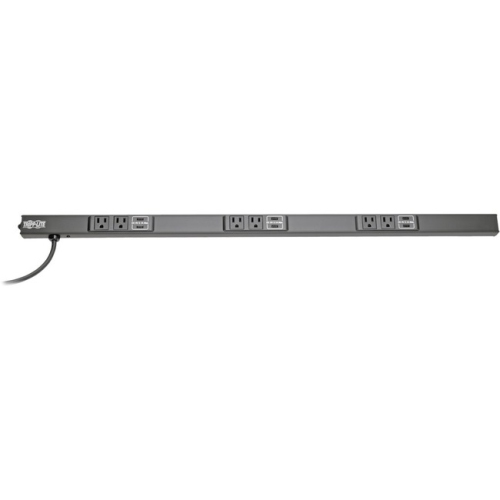
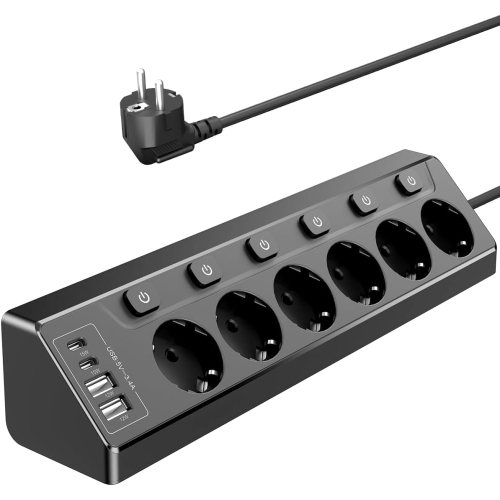

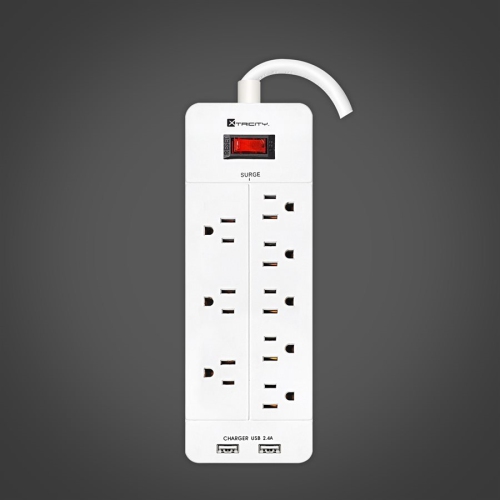
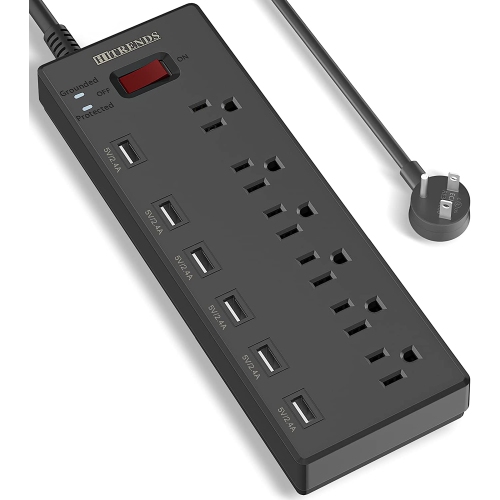
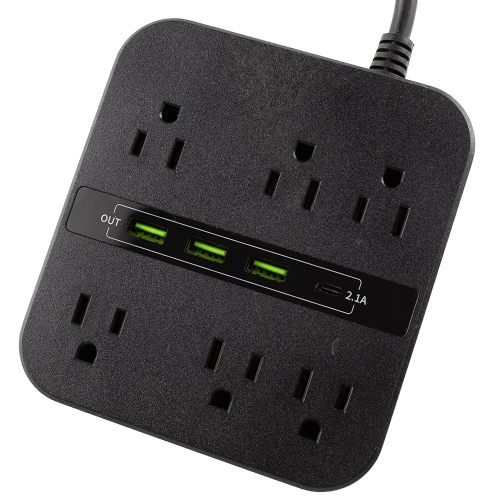

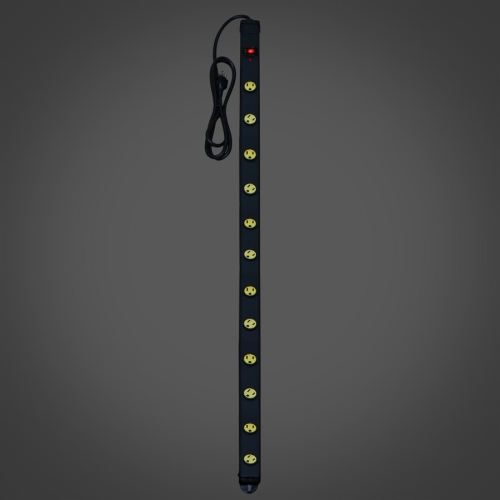
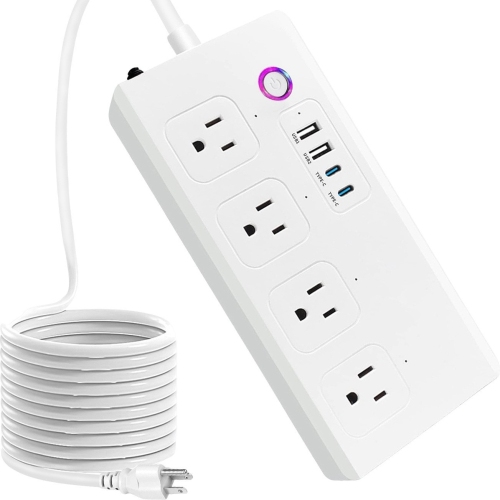
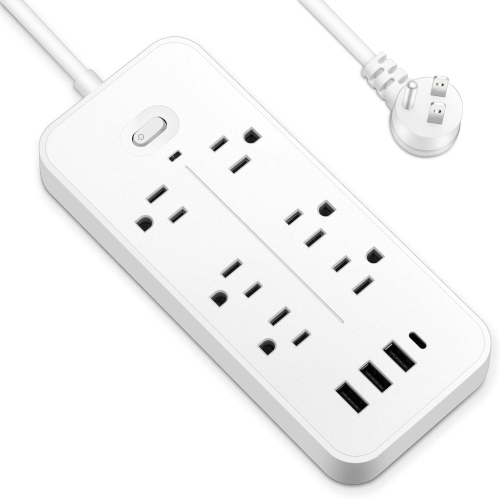
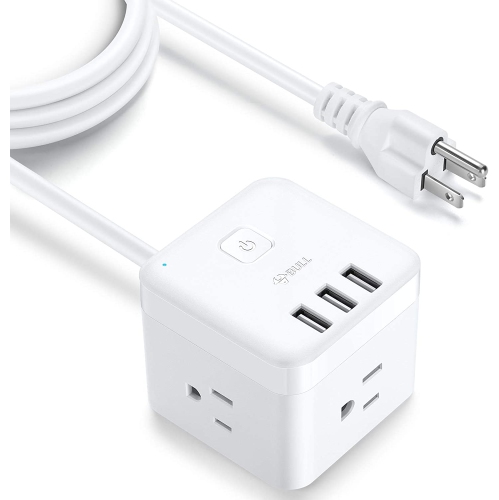
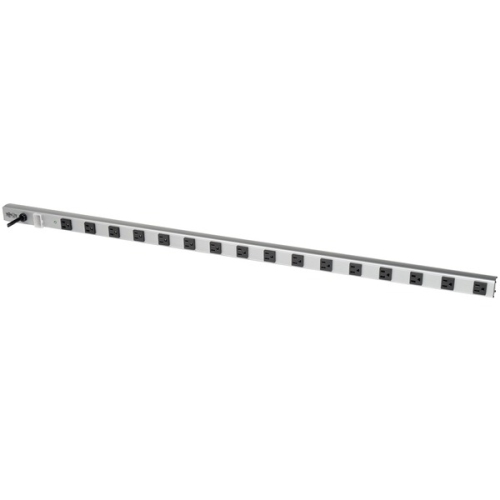
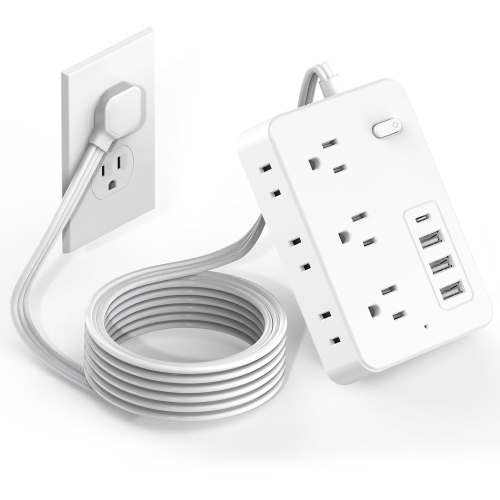
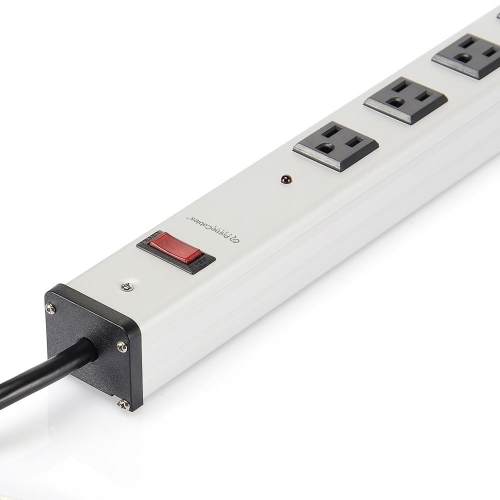
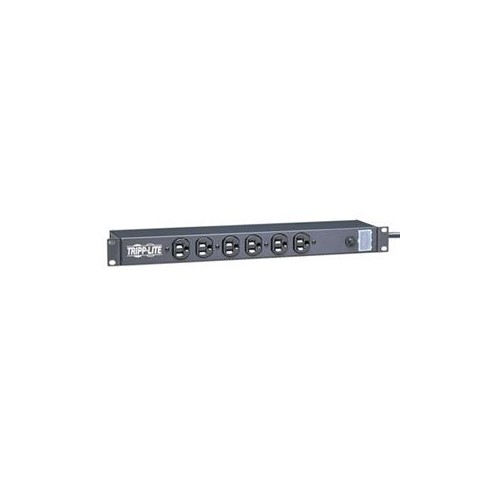
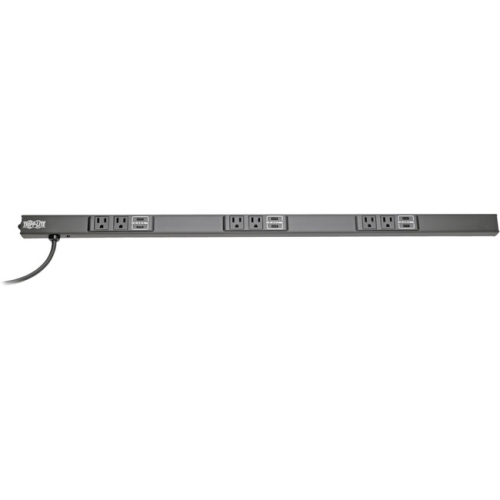
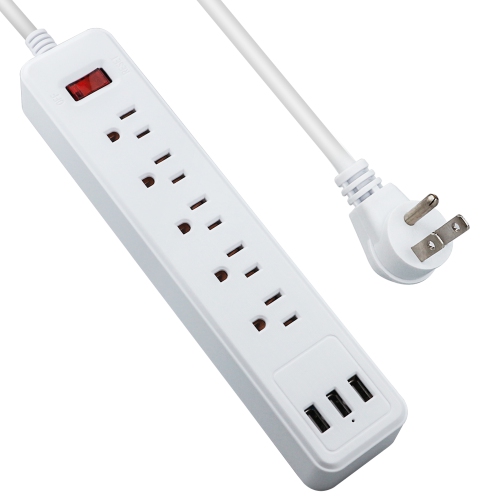
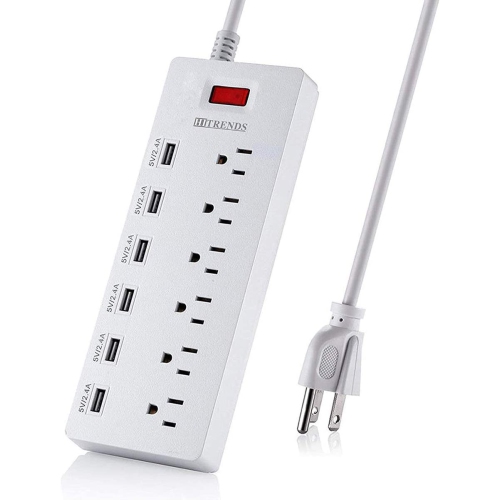


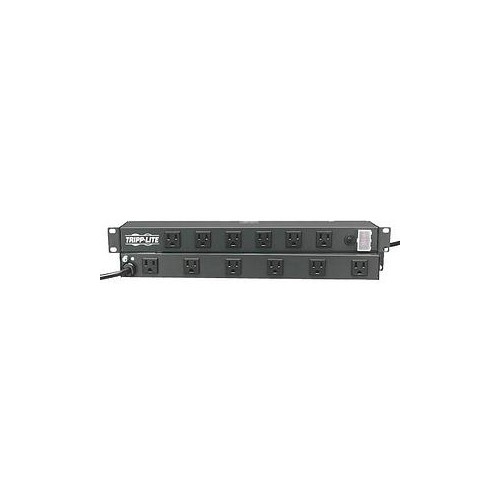
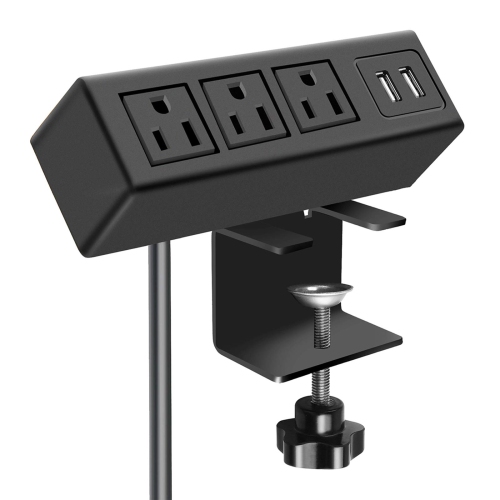
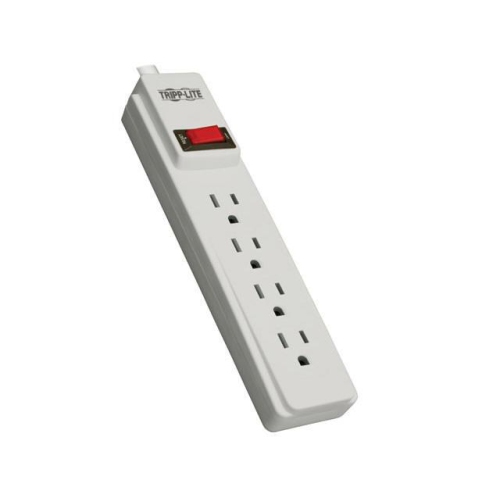
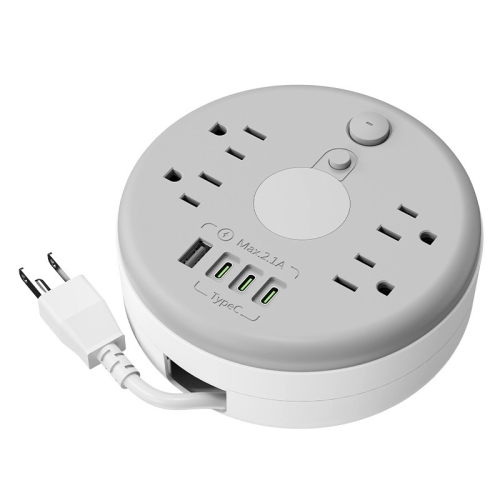
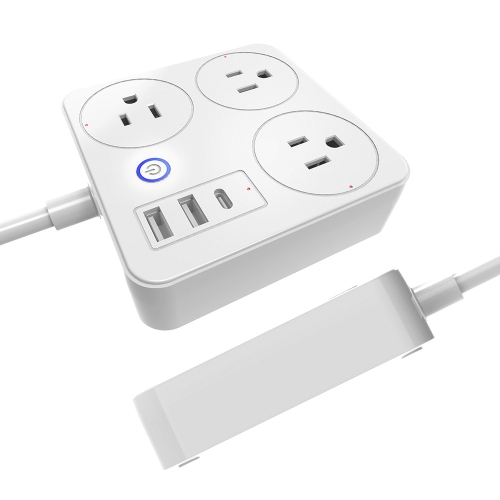
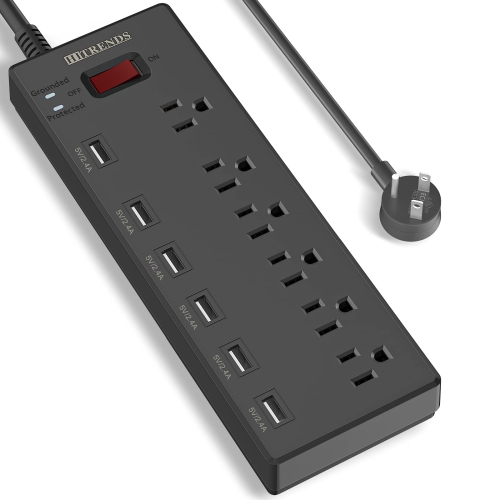
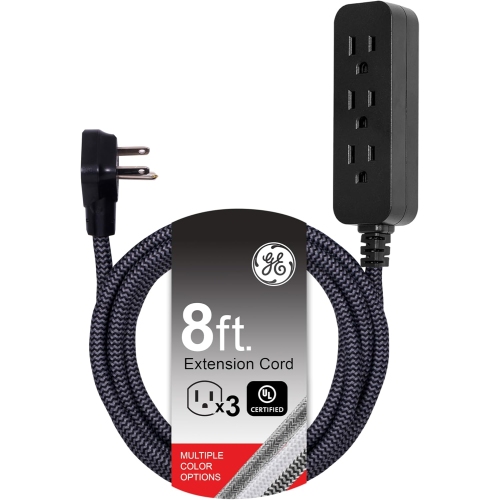
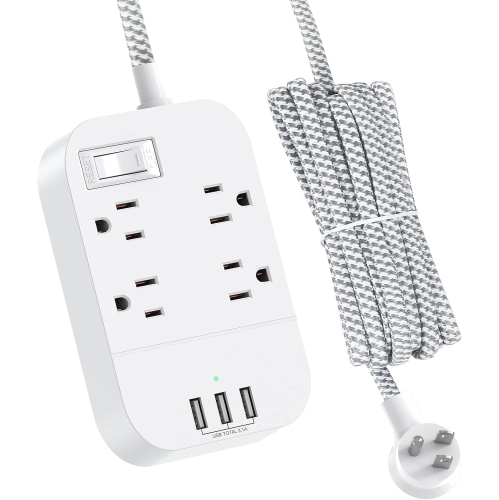
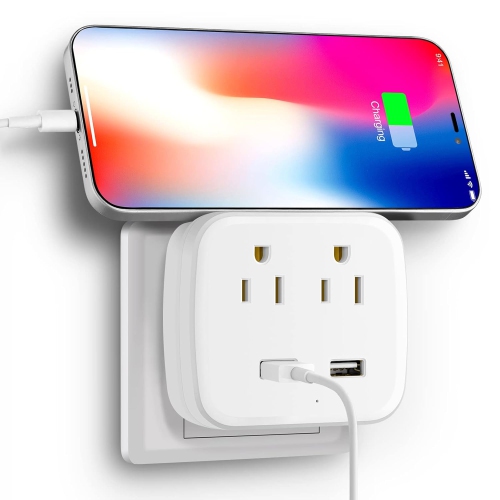
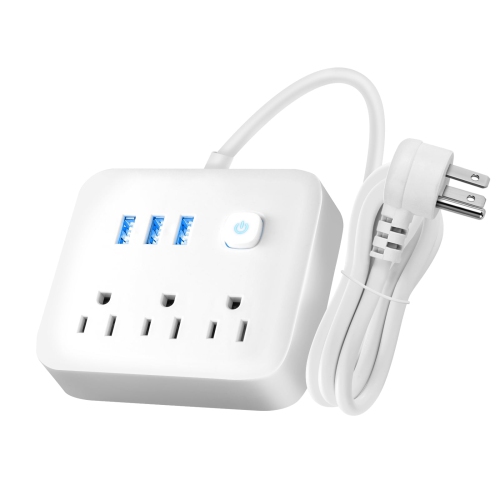
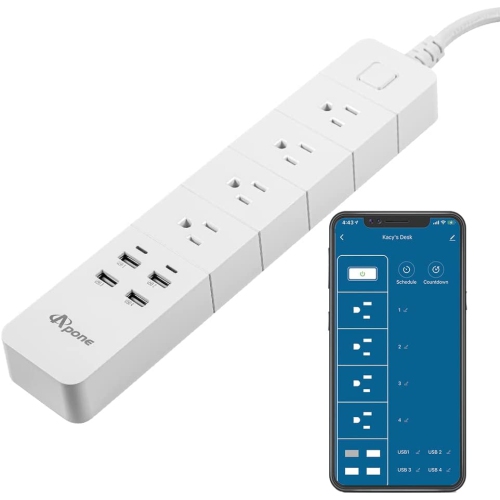

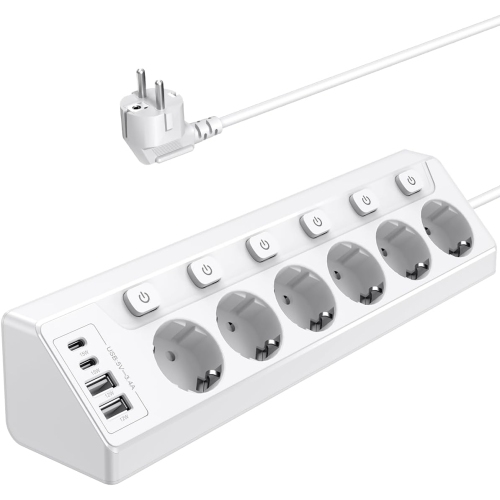
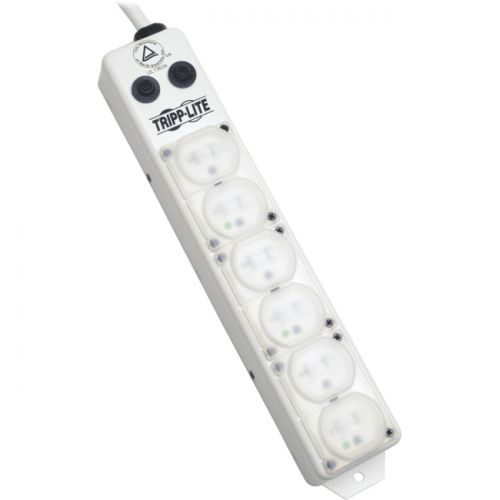
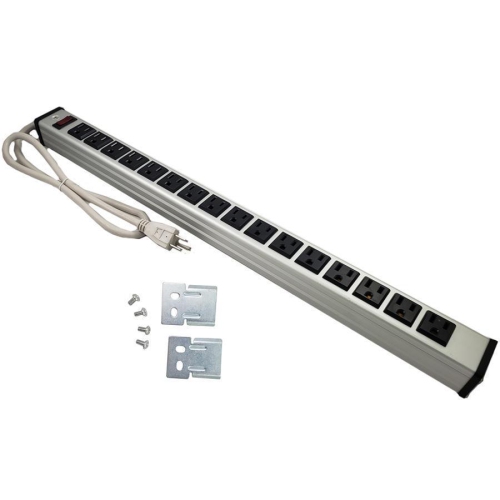
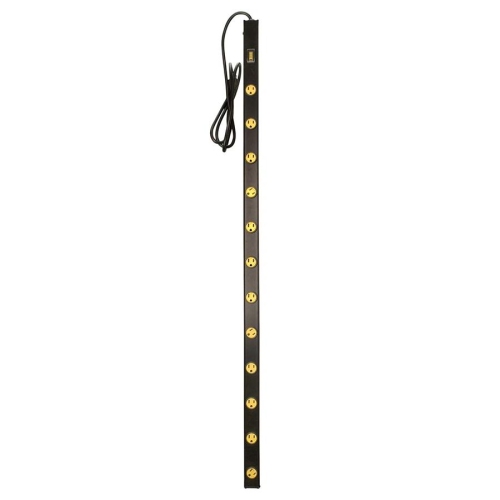
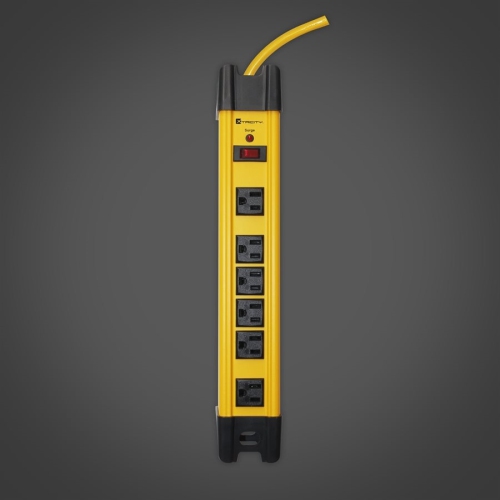

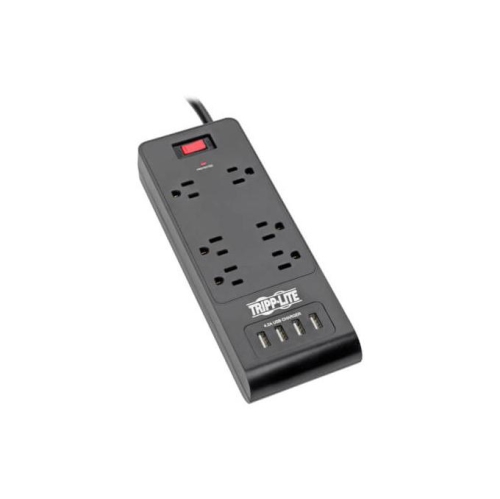
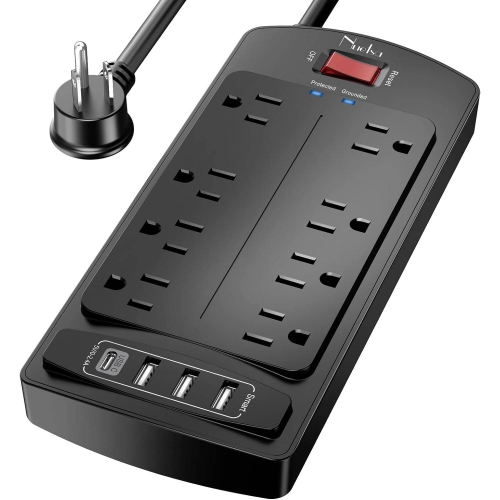
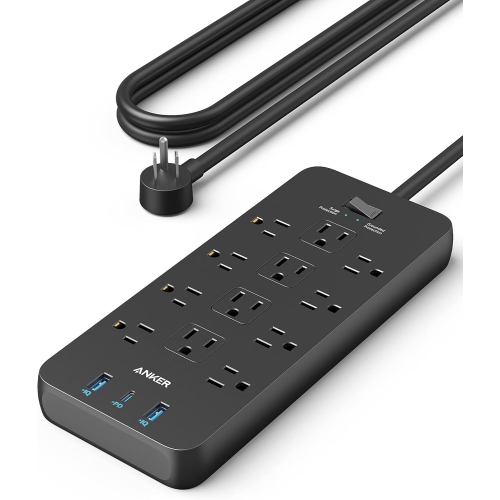
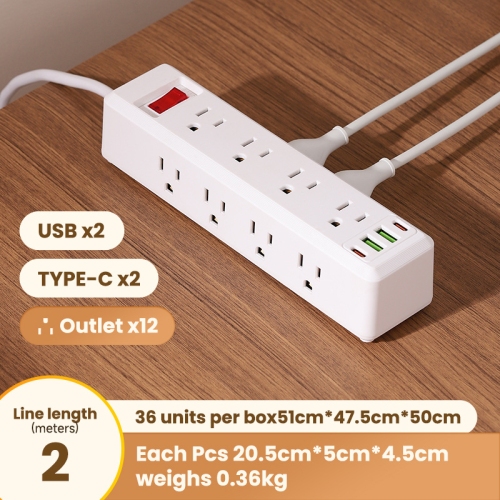
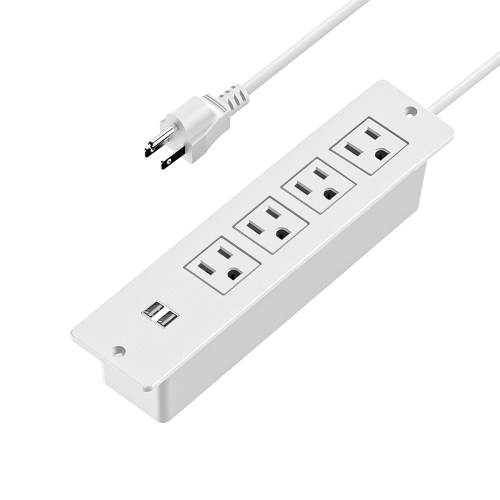
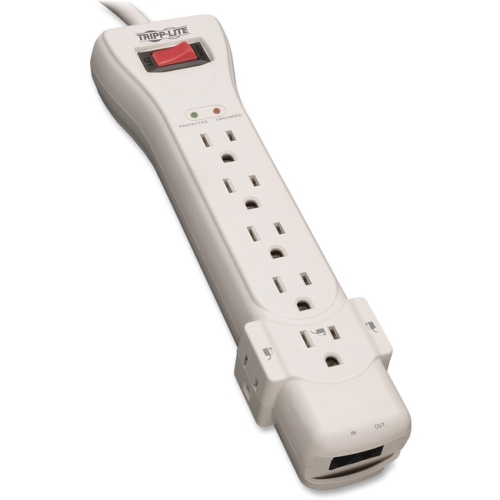
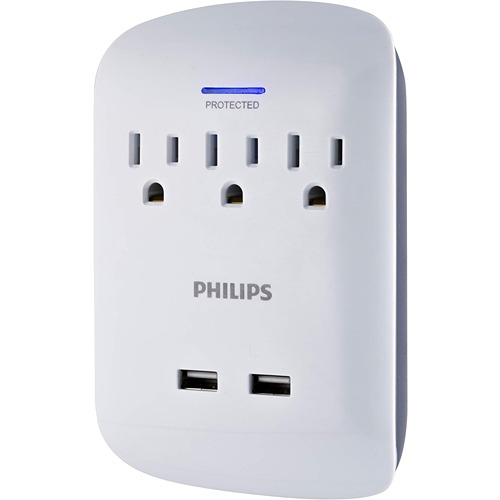

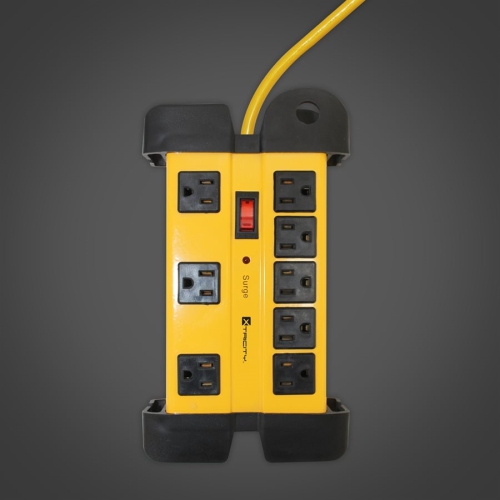

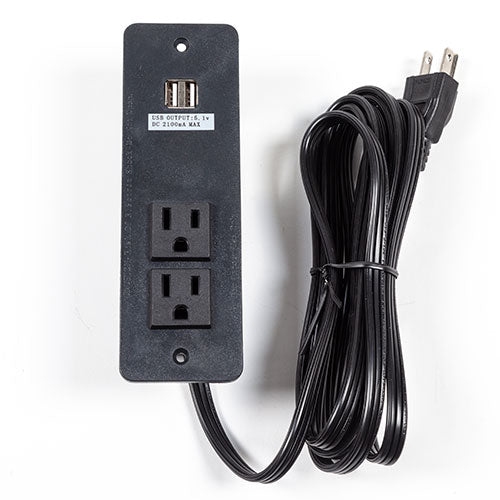

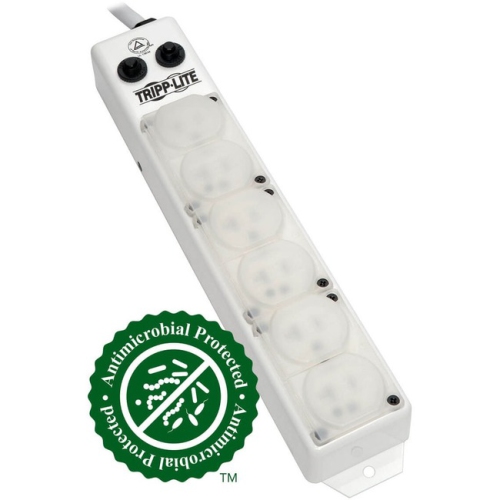
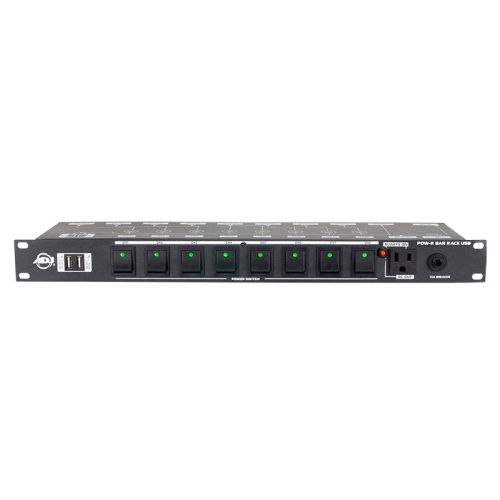
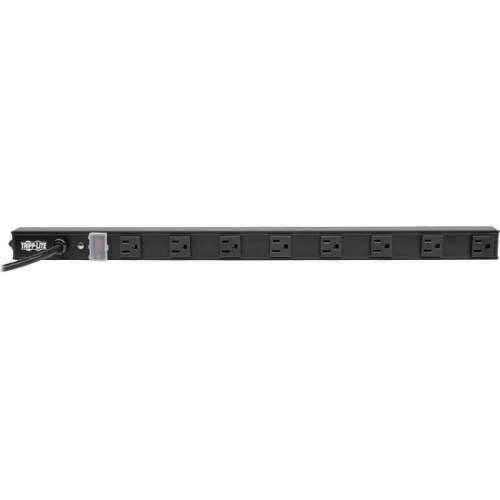
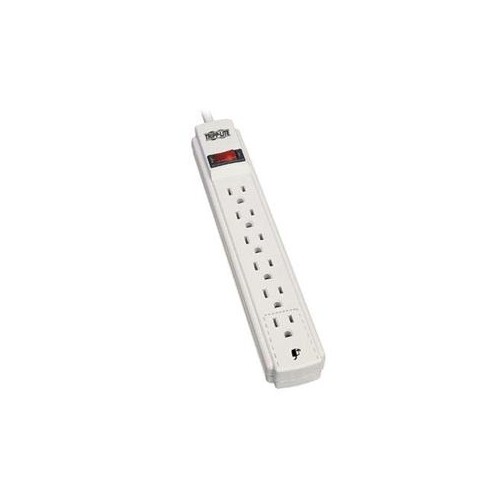
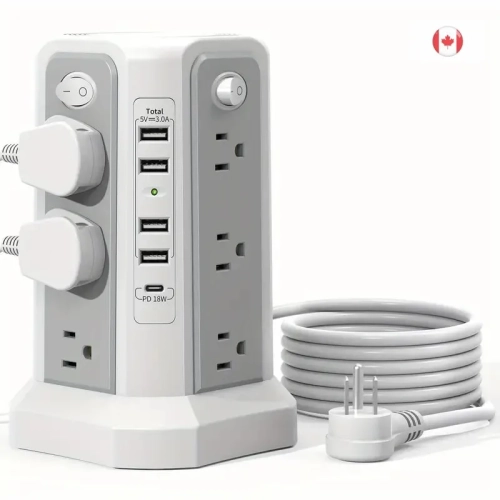

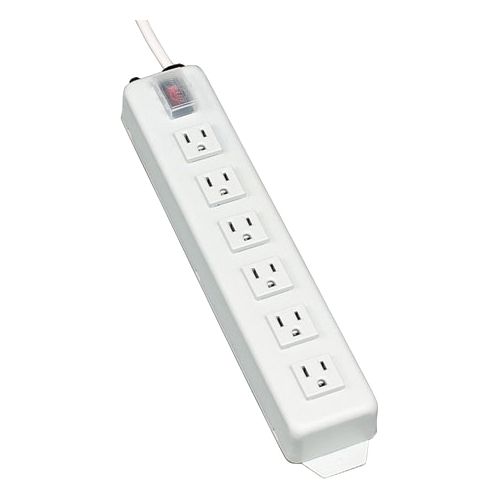

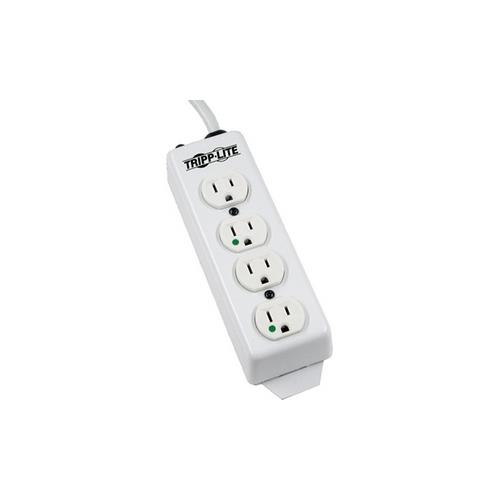
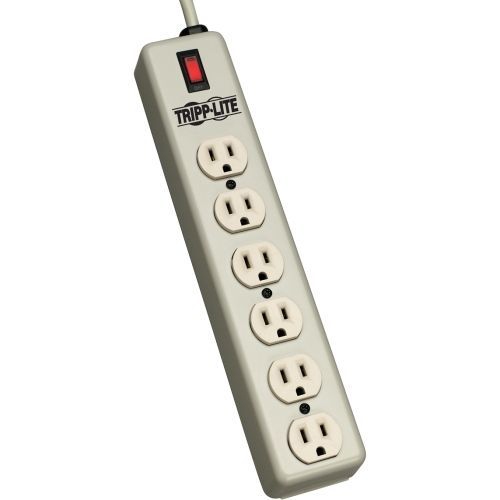

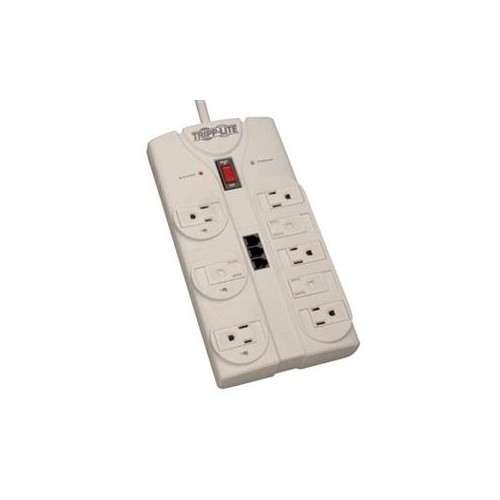
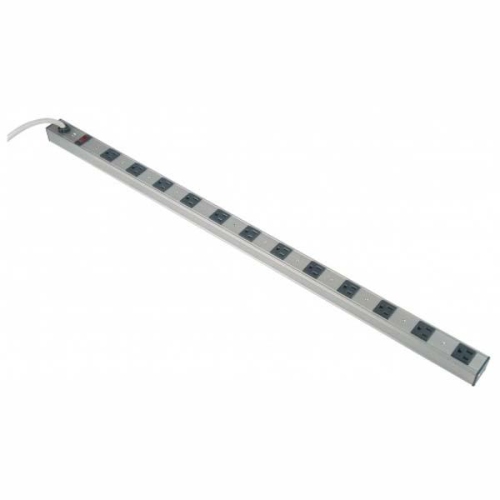
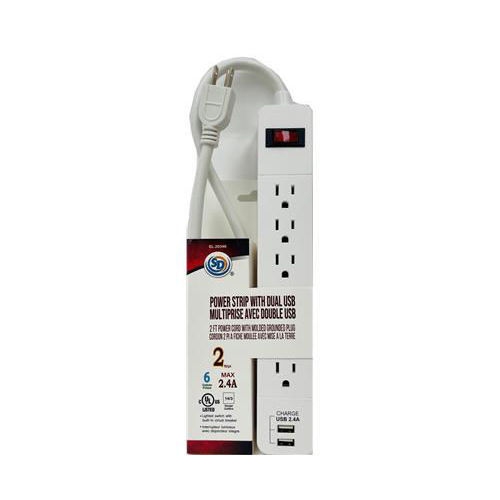

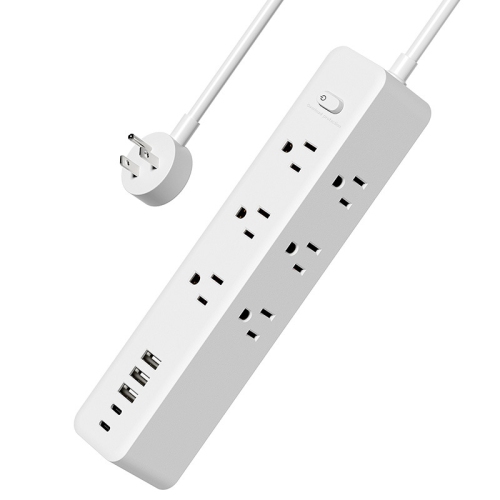


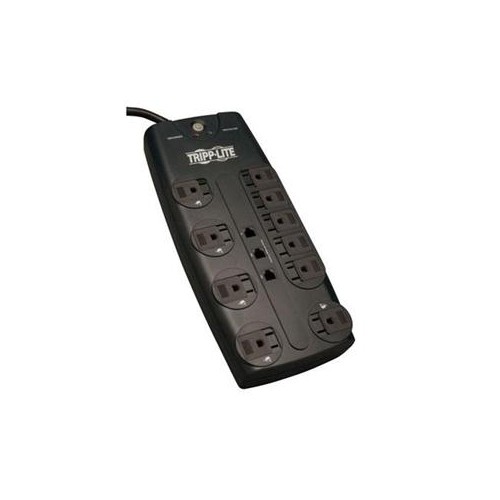
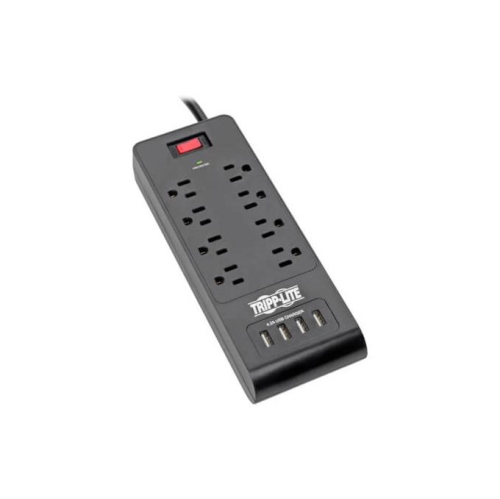
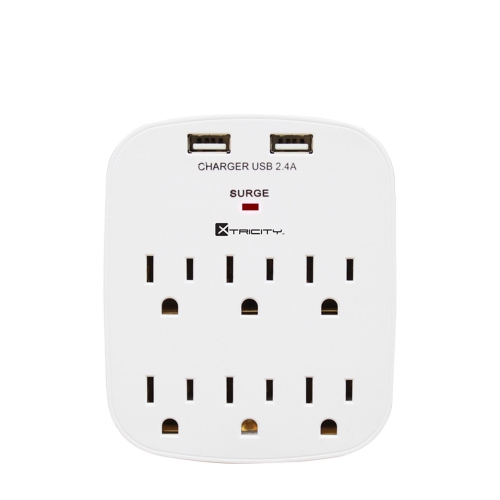

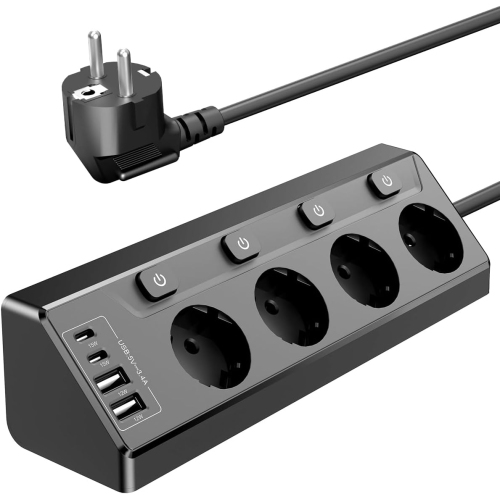


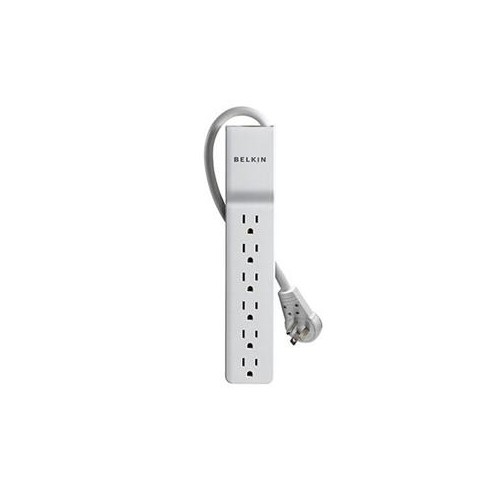



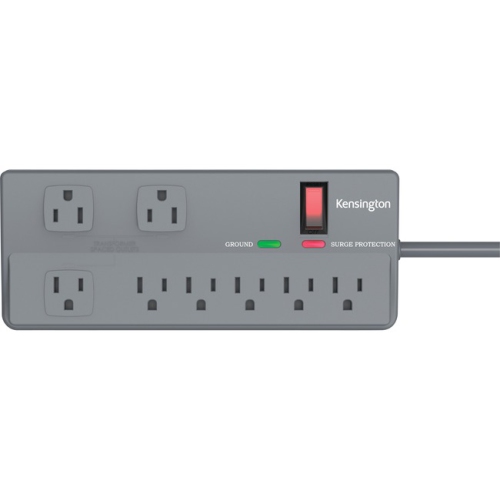

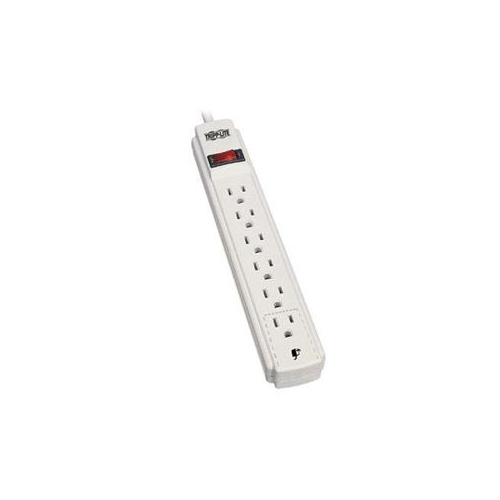

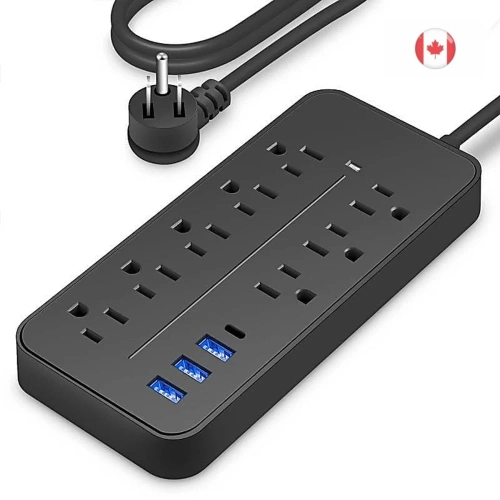


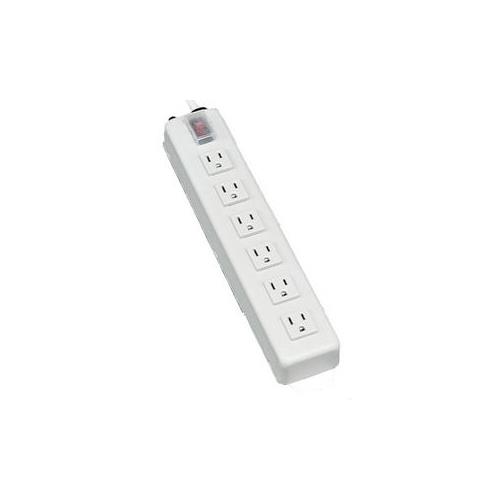


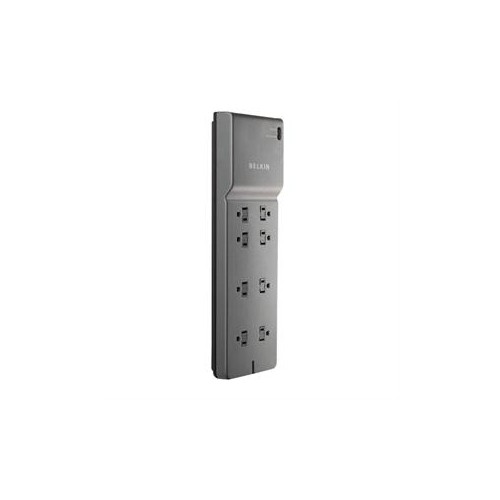
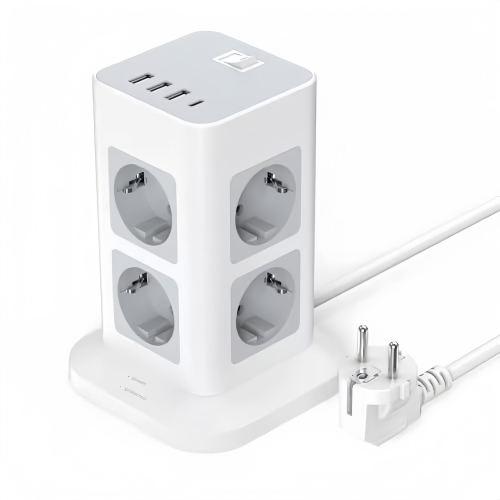
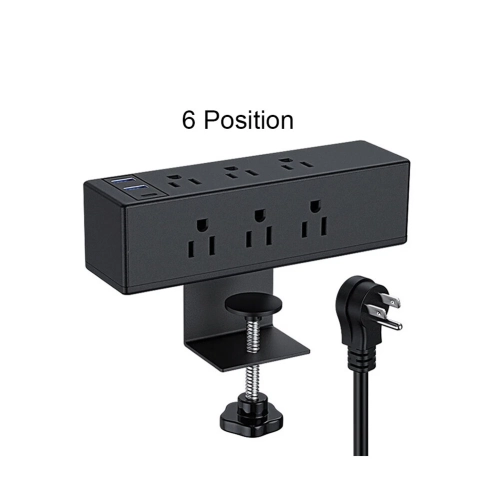
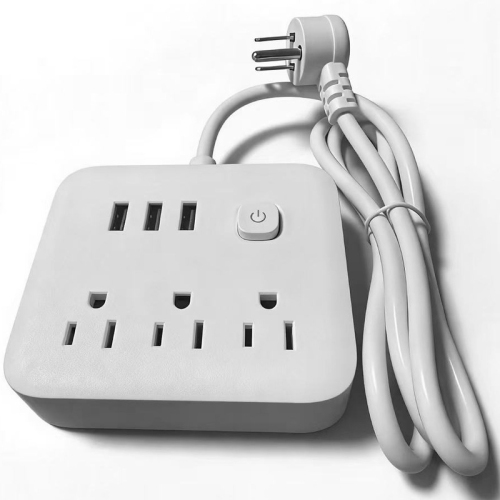
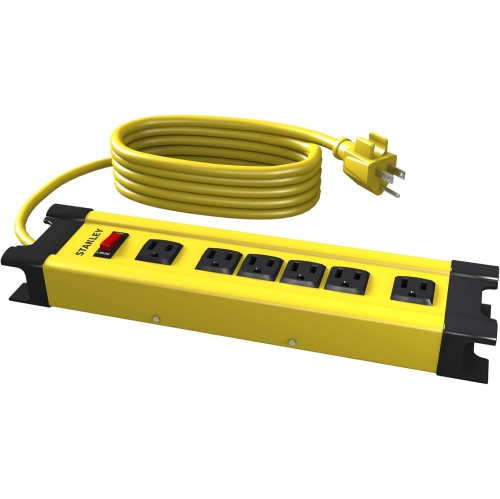
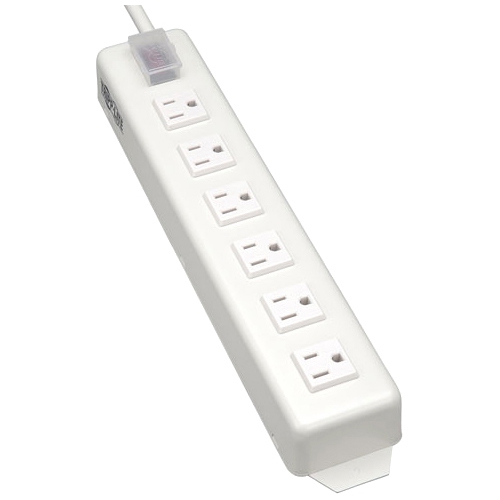


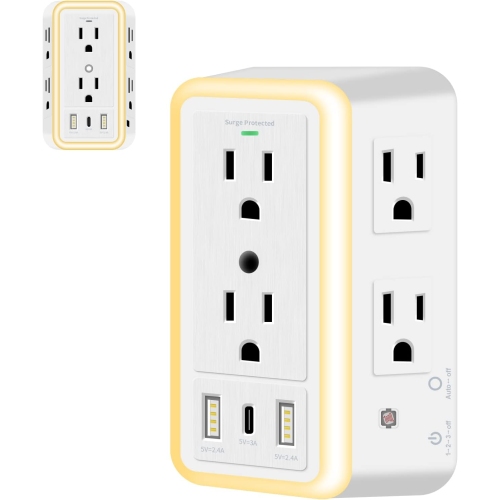


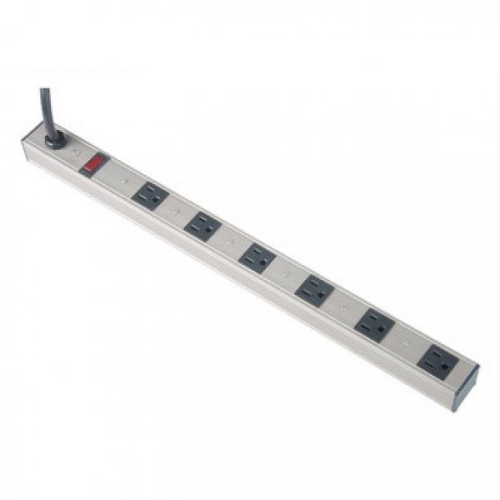

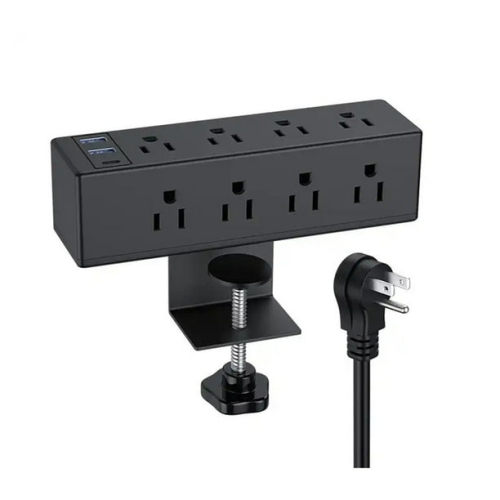

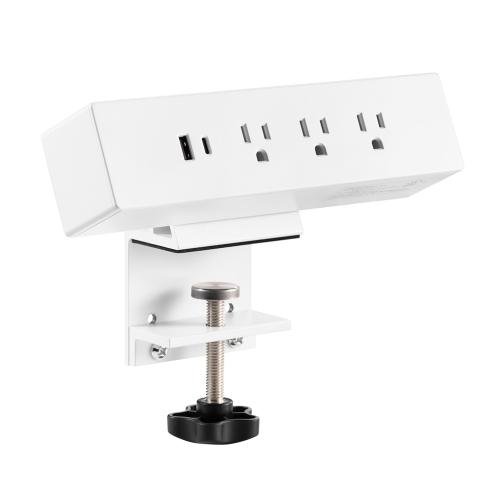
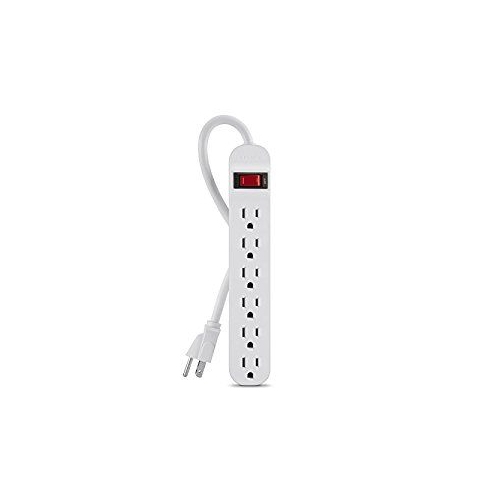
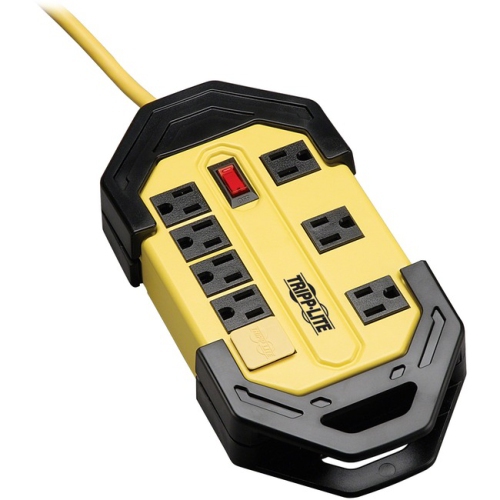
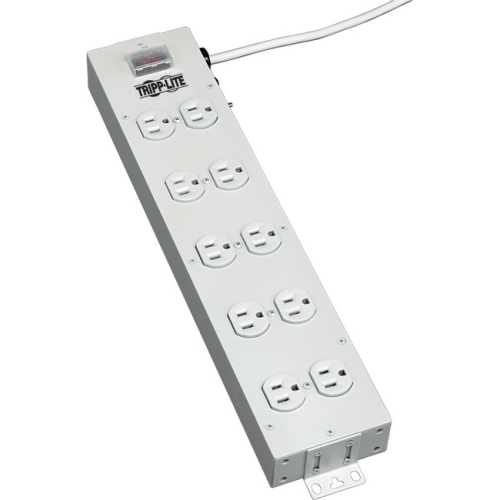
Coordinate connected electronics with control, switched, and always-on outlets
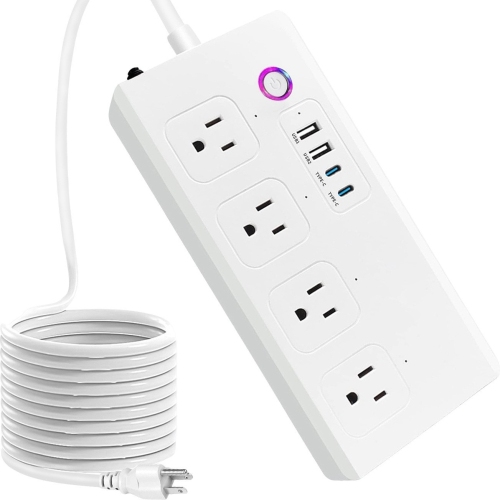
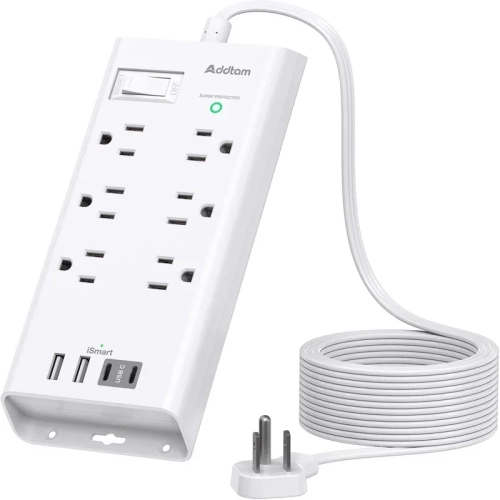
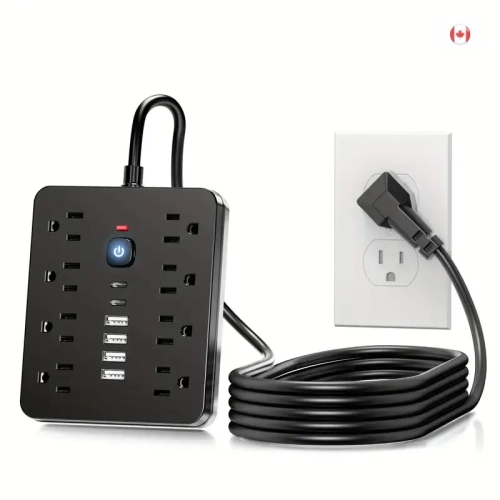
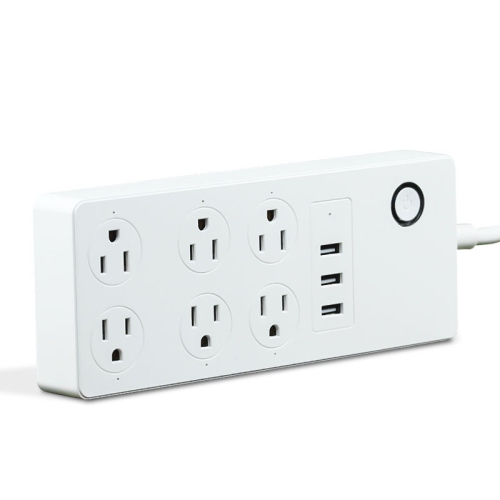
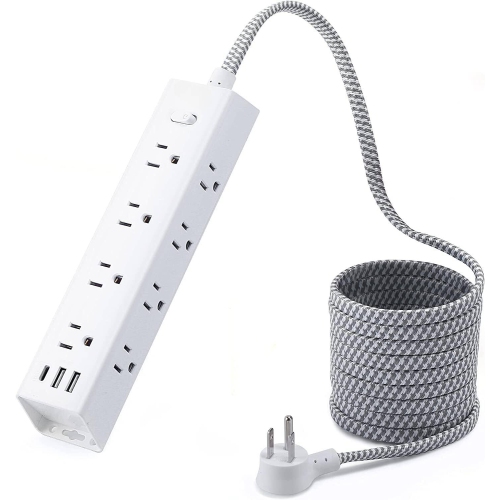
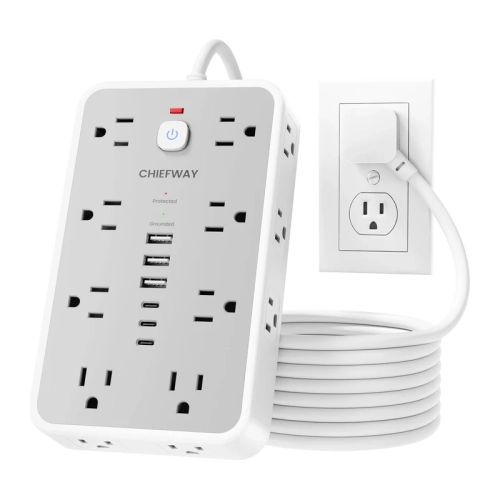
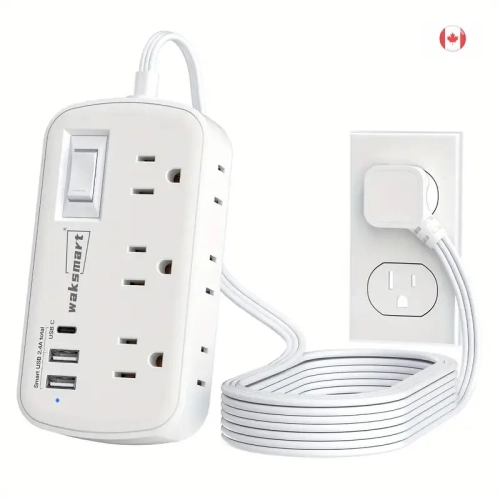
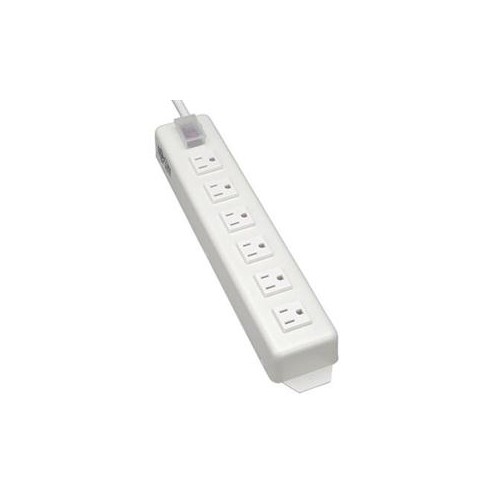
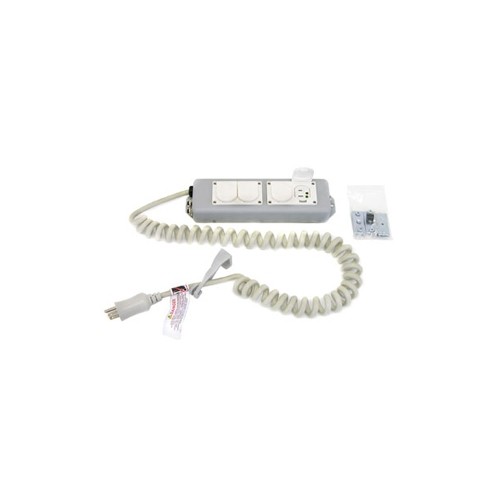
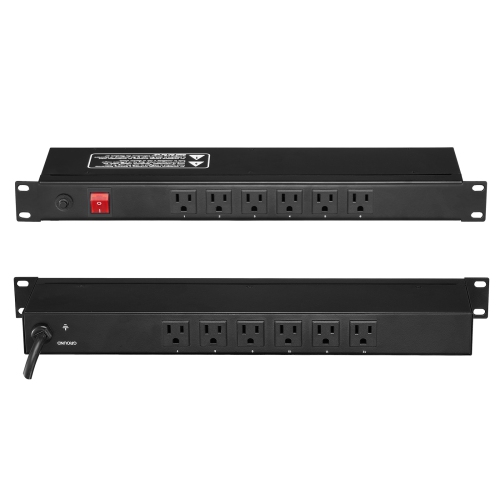
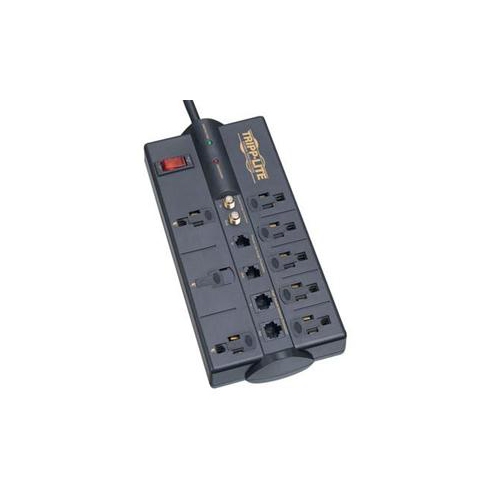
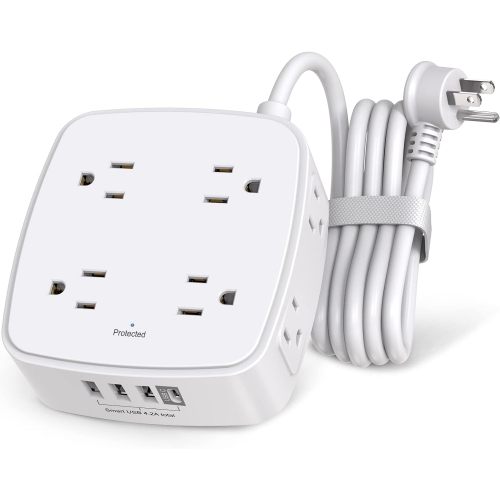
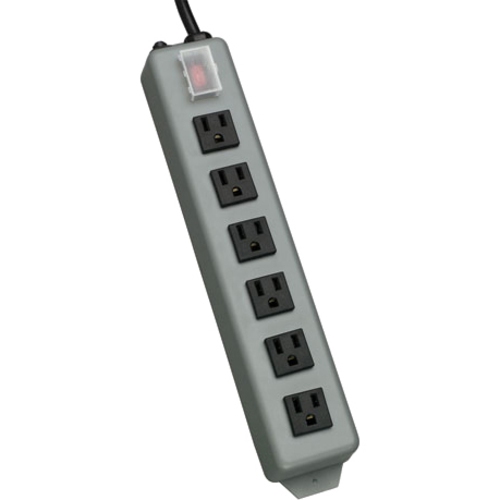
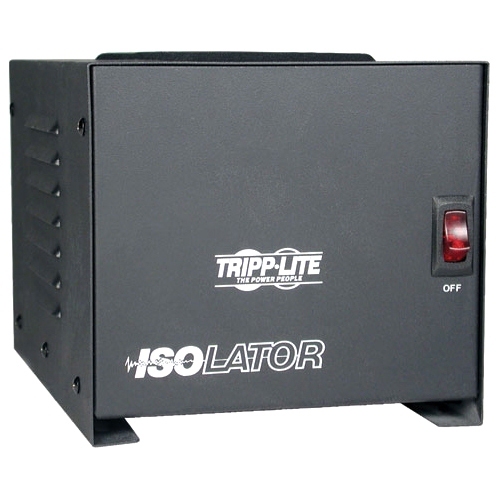
Advanced power strips bring more control to the way everyday electronics are connected and managed. Unlike a conventional power bar that supplies power to every connected device whenever it is switched on, an advanced power strip can coordinate several outlets around a primary device. The main or control outlet is designed for equipment such as a television, desktop computer, monitor, or other central component. Once that device is turned off or enters a low-power state, the strip can detect the change and shut off power to connected controlled outlets. Those outlets may be used for speakers, game consoles, printers, charging docks, lamps, or other accessories that do not need to remain active when the main device is not in use. Many models also include always-on outlets for equipment that needs a continuous connection, such as a Wi-Fi router, modem, cable box, network storage device, or clock. This arrangement can make a crowded entertainment unit or home office much easier to operate because one action can manage several pieces of equipment at once. Advanced power strips may also feature timers, motion sensors, remote controls, adjustable sensitivity, or separate switches for different outlet groups. These features are particularly useful in rooms where devices are used in regular routines, such as a family room after school, a computer desk during the workday, or a gaming area that is active in the evening and quiet overnight. Built-in surge protection is another common feature, helping guard connected electronics against sudden voltage spikes; however, the protection level and warranty details can vary, so it is worth checking the specifications before choosing a model. An advanced power strip is not the same as an uninterruptible power supply, and it should not be treated as backup power for equipment that must remain running during an outage.
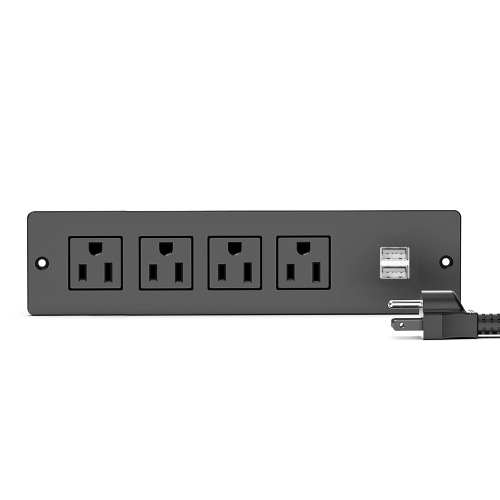
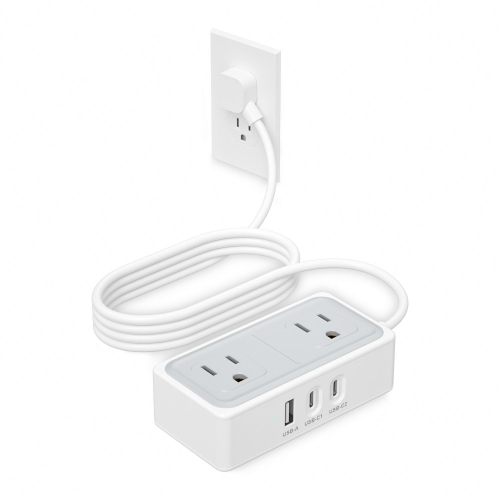
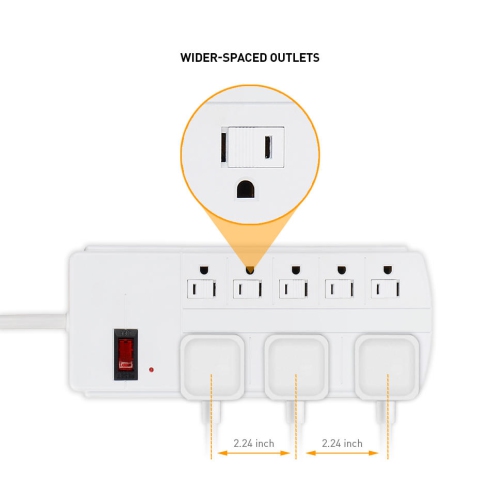
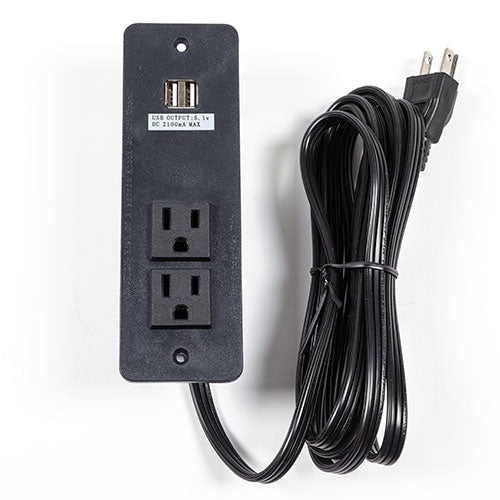
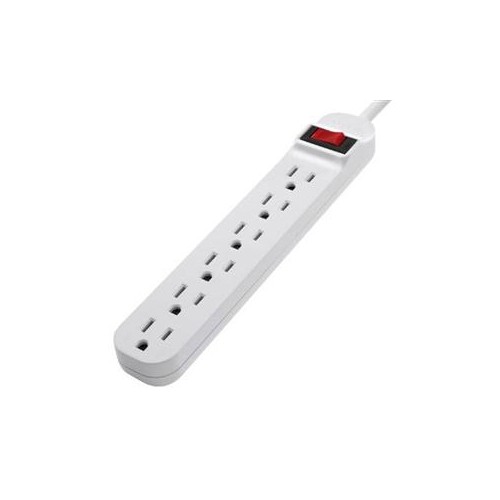
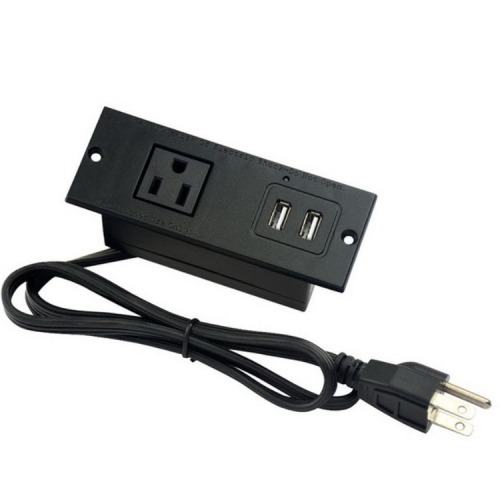
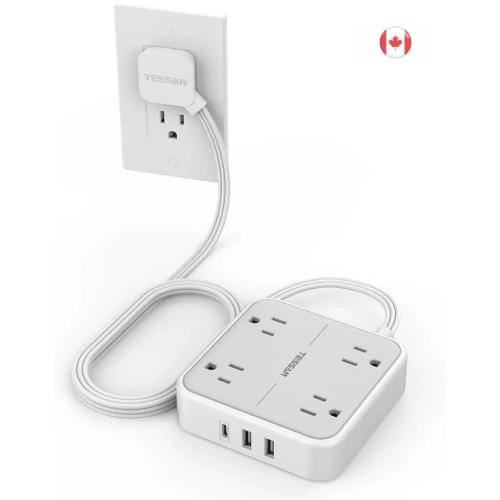
Choosing the right advanced power strip starts with the devices you plan to connect and how they are used together. For a home theatre setup, place the television or receiver in the control outlet and connect compatible accessories to the controlled outlets, while keeping the modem, router, or other continuously connected equipment in an always-on outlet. At a computer workstation, a desktop tower or monitor can serve as the primary device, with speakers, a printer, desk lamp, and charging station connected to the switched outlets. Keep in mind that some equipment draws a small amount of power even when it appears to be off, while other devices enter standby mode or perform background functions; a model with adjustable control sensitivity can help accommodate these differences. Look at the total number of outlets, spacing between outlets, cord length, plug orientation, reset or master switch placement, and the maximum electrical load. Wider spacing is helpful for bulky adapters, while a longer cord can be useful when a desk or entertainment stand is positioned away from the wall outlet. Check whether the strip includes coaxial, telephone, USB, or other connection protection only if those features match your setup, and avoid overloading the unit with high-draw appliances such as space heaters, kettles, or hair dryers unless the manufacturer specifically states that it is suitable. The physical design matters as well. A low-profile option can sit neatly behind a media console or desk, and Thin Power Strips can be helpful where furniture sits close to the wall or where a standard-sized power bar would be awkward. Mounting holes, adhesive pads, or a flat plug can make installation cleaner, but always follow the included instructions and keep ventilation openings clear. For added protection, use the strip with a properly grounded wall outlet and replace it if the casing, cord, plug, or outlets show signs of damage.
Advanced power strips can be a practical choice for people who want a simpler routine around connected electronics. They suit students setting up a compact desk, remote workers arranging a home office, families managing a television and multiple accessories, and gamers who want a console, display, speakers, and charging equipment grouped together. They can also make thoughtful gifts for someone moving into a first apartment, creating a media room, refreshing a study area, or organizing a workspace during the cooler months when more time is spent indoors. The benefit is less about adding another complicated device and more about making a familiar setup behave in a predictable way: turn on the main equipment, and the related accessories are ready; shut it down, and selected outlets follow along. In a household with several routines, separate outlet groups can help keep a child’s study equipment distinct from a parent’s office equipment or a television’s accessories. Motion-sensing models may be useful in shared spaces where equipment is often forgotten, while timer-based options can suit lamps, seasonal displays, or devices used on a consistent schedule. Remote-controlled versions can be convenient when the strip is positioned behind a cabinet, although the remote’s range and control method should be reviewed before purchase. When arranging the connections, label the control outlet and leave always-on devices in their designated ports so that your internet connection or recording equipment is not interrupted accidentally. It is also wise to test the setup after installation by turning the main device off and confirming which accessories switch off and which remain active. With the right outlet arrangement, cord length, protection features, and control method, an advanced power strip can bring order to a tangle of electronics and make daily use feel more straightforward from the first morning at the desk to the last screen switched off at night.
Choosing the right advanced power strip starts with the devices you plan to connect and how they are used together. For a home theatre setup, place the television or receiver in the control outlet and connect compatible accessories to the controlled outlets, while keeping the modem, router, or other continuously connected equipment in an always-on outlet. At a computer workstation, a desktop tower or monitor can serve as the primary device, with speakers, a printer, desk lamp, and charging station connected to the switched outlets. Keep in mind that some equipment draws a small amount of power even when it appears to be off, while other devices enter standby mode or perform background functions; a model with adjustable control sensitivity can help accommodate these differences. Look at the total number of outlets, spacing between outlets, cord length, plug orientation, reset or master switch placement, and the maximum electrical load. Wider spacing is helpful for bulky adapters, while a longer cord can be useful when a desk or entertainment stand is positioned away from the wall outlet. Check whether the strip includes coaxial, telephone, USB, or other connection protection only if those features match your setup, and avoid overloading the unit with high-draw appliances such as space heaters, kettles, or hair dryers unless the manufacturer specifically states that it is suitable. The physical design matters as well. A low-profile option can sit neatly behind a media console or desk, and Thin Power Strips can be helpful where furniture sits close to the wall or where a standard-sized power bar would be awkward. Mounting holes, adhesive pads, or a flat plug can make installation cleaner, but always follow the included instructions and keep ventilation openings clear. For added protection, use the strip with a properly grounded wall outlet and replace it if the casing, cord, plug, or outlets show signs of damage.
Advanced power strips can be a practical choice for people who want a simpler routine around connected electronics. They suit students setting up a compact desk, remote workers arranging a home office, families managing a television and multiple accessories, and gamers who want a console, display, speakers, and charging equipment grouped together. They can also make thoughtful gifts for someone moving into a first apartment, creating a media room, refreshing a study area, or organizing a workspace during the cooler months when more time is spent indoors. The benefit is less about adding another complicated device and more about making a familiar setup behave in a predictable way: turn on the main equipment, and the related accessories are ready; shut it down, and selected outlets follow along. In a household with several routines, separate outlet groups can help keep a child’s study equipment distinct from a parent’s office equipment or a television’s accessories. Motion-sensing models may be useful in shared spaces where equipment is often forgotten, while timer-based options can suit lamps, seasonal displays, or devices used on a consistent schedule. Remote-controlled versions can be convenient when the strip is positioned behind a cabinet, although the remote’s range and control method should be reviewed before purchase. When arranging the connections, label the control outlet and leave always-on devices in their designated ports so that your internet connection or recording equipment is not interrupted accidentally. It is also wise to test the setup after installation by turning the main device off and confirming which accessories switch off and which remain active. With the right outlet arrangement, cord length, protection features, and control method, an advanced power strip can bring order to a tangle of electronics and make daily use feel more straightforward from the first morning at the desk to the last screen switched off at night.
Top selling and popular products
-
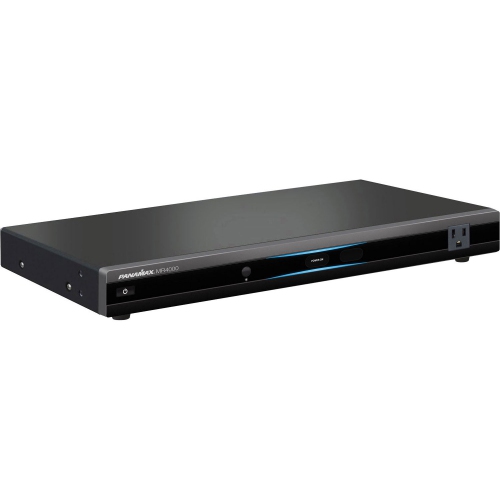 Your price for this item is $383.52
-
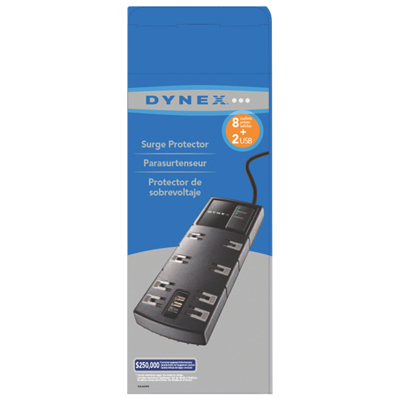 Your price for this item is $29.97
-
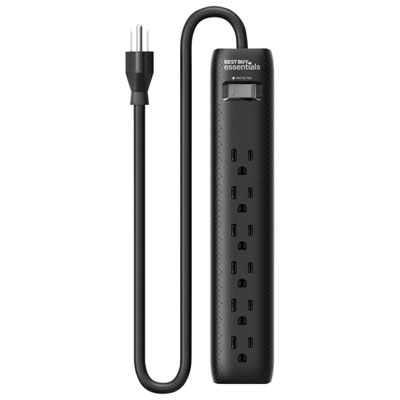 Your price for this item is $14.99
-
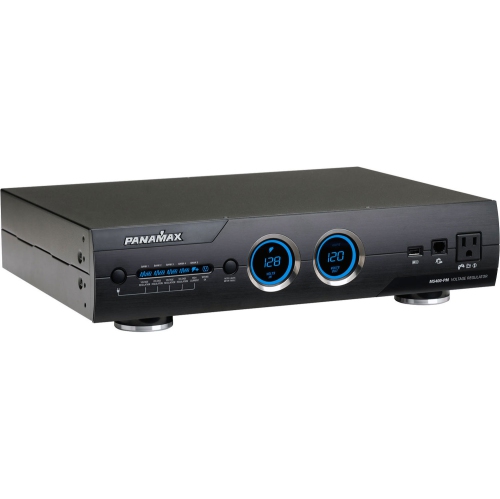 Your price for this item is $1329
-
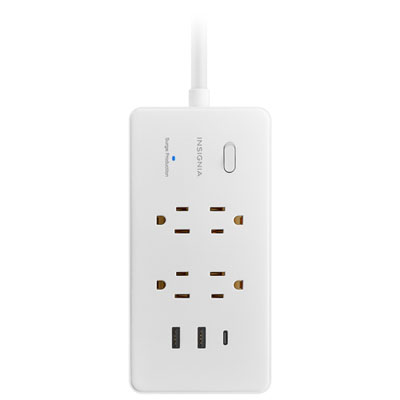 Your price for this item is $39.99
-
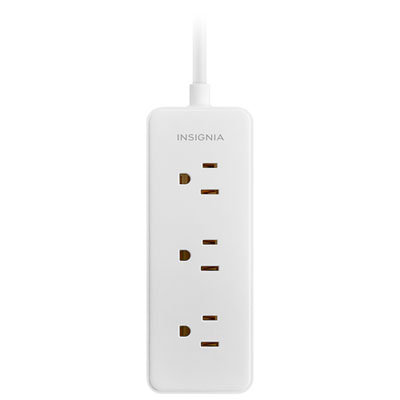 Your price for this item is $19.99
-
 Your price for this item is $94.37
-
 Your price for this item is $26.97
Discover more categories related to Advanced Power Strips
Top Collections:
Pokemon Centers, Kindle Devices, Best Cameras for Sports Photography, Pokémon 30th Celebration Cards, Canon G7X Cameras, Samsung Galaxy Phones, iPhone 15 Apple, Best Black Friday Deals On Electronics, Jackery Power Stations, Solar Generators for Home
Some products may be subject to Environmental Handling Fees
(EHF) depending on your province.
Learn more about EHFs.