Affordable Student Mouse And Keyboard Combos
Affordable student mouse and keyboard combos are ideal for equipping study spaces, dorm rooms, or home offices without stretching your budget. Designed to meet the needs of students balancing assignments, research, and online learning, these combos offer a practical solution for everyday computing tasks. Explore a selection of reliable options that help streamline schoolwork while keeping costs in check. Find the right affordable student mouse and keyboard combos to support productivity throughout the school year.
Sort
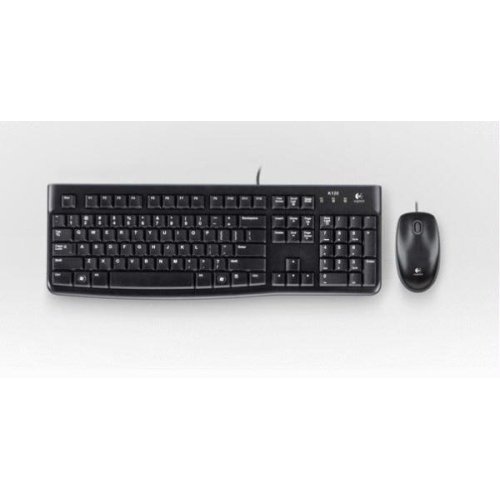
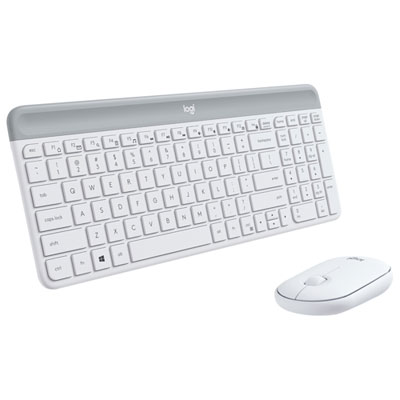
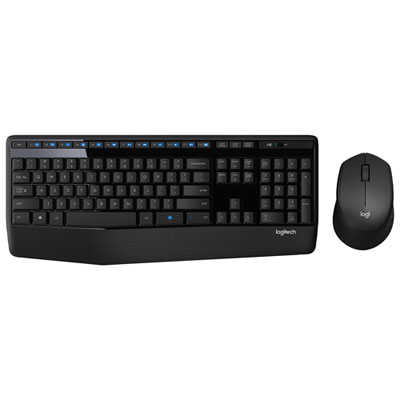
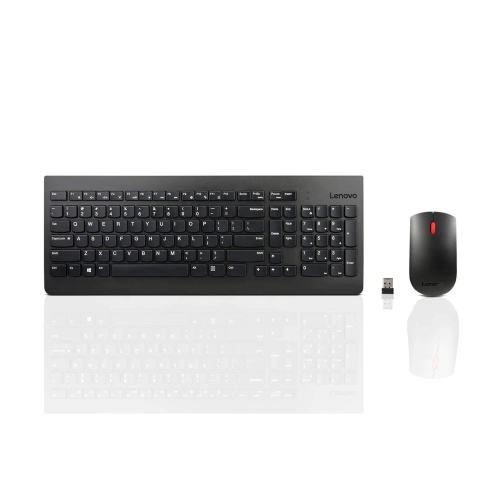
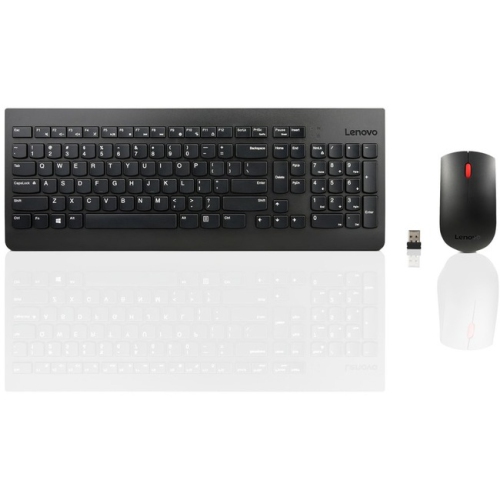
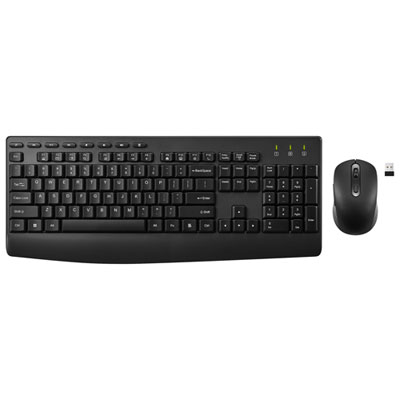
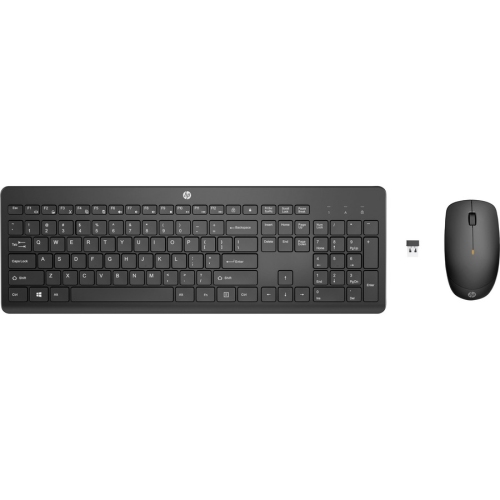
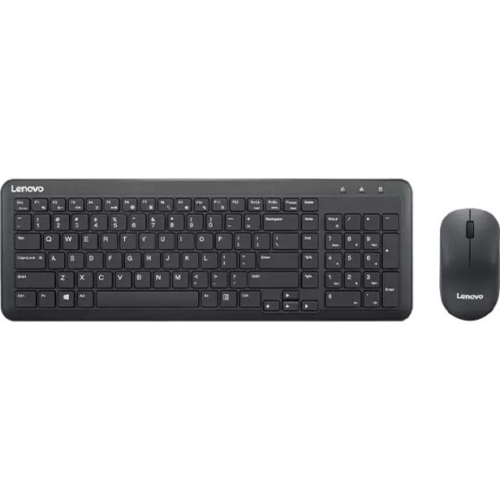
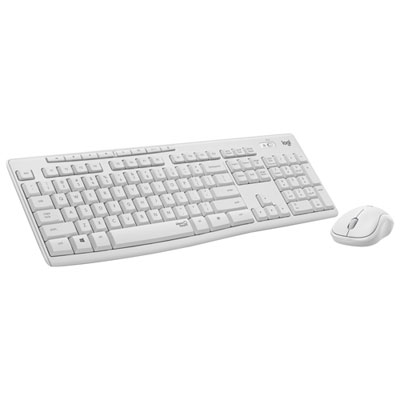
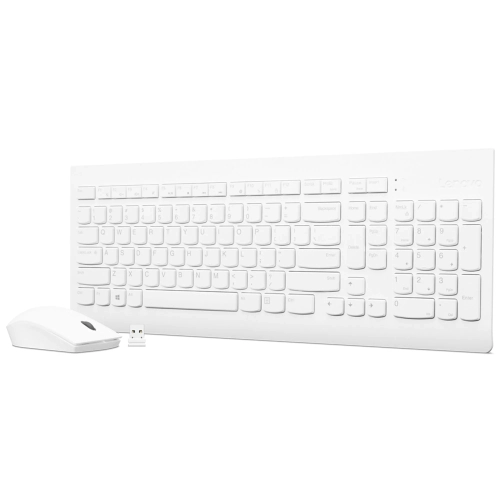
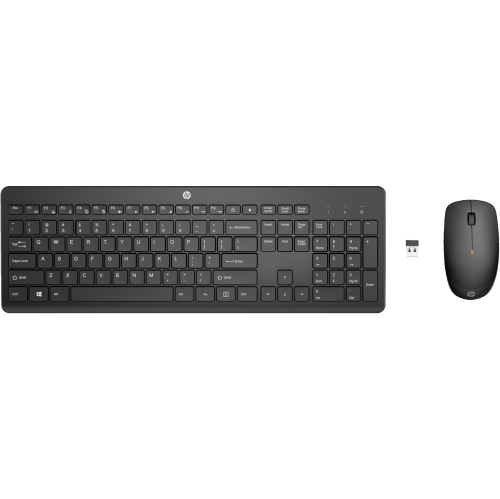
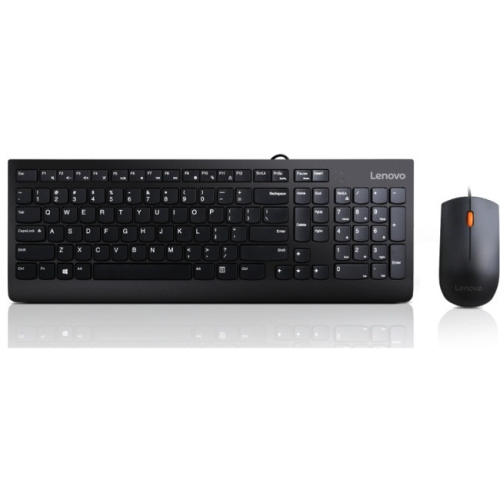
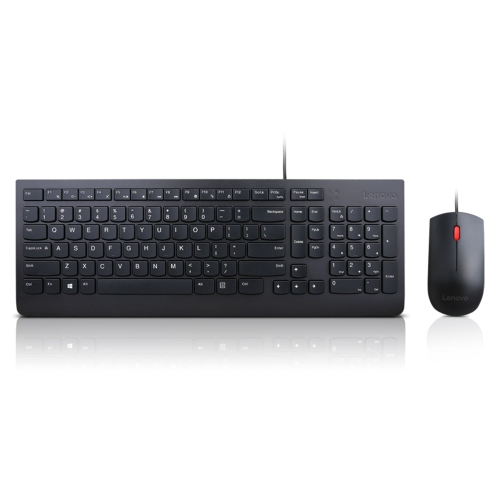

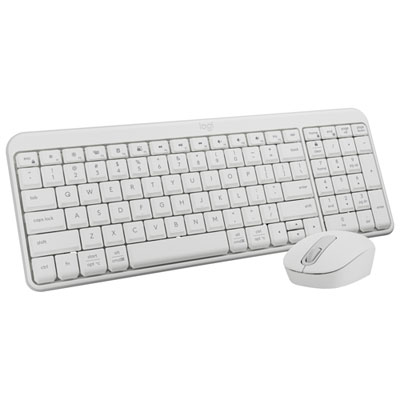
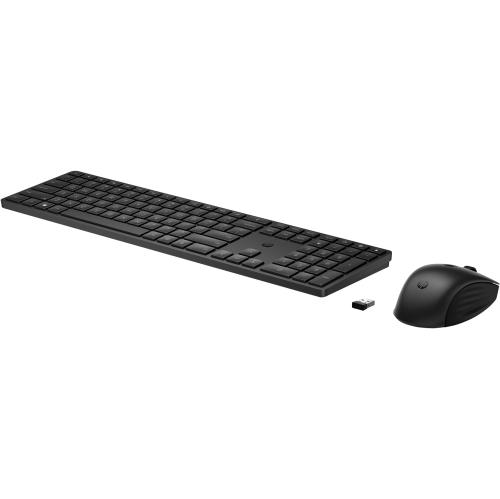
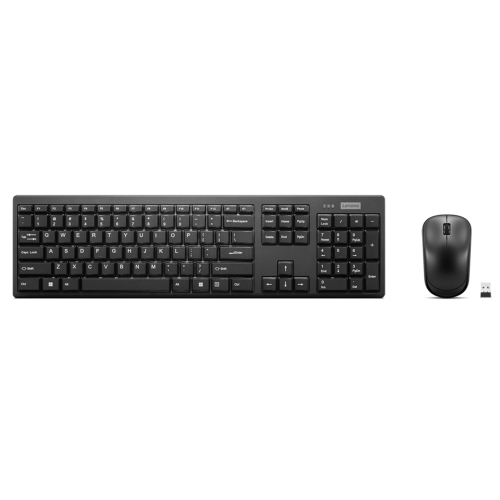
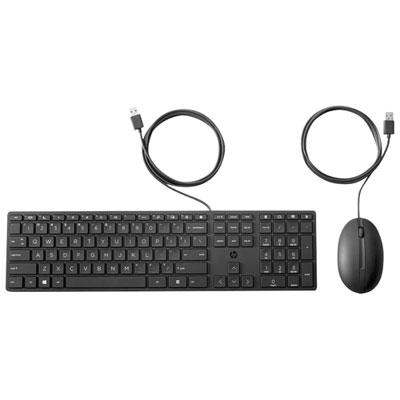
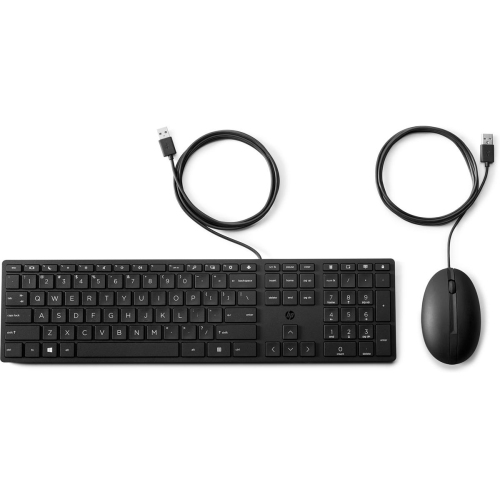
Keyboard comfort and connections that suit student life
Student mouse and keyboard combos bring two everyday study tools into one coordinated setup for writing assignments, navigating course websites, building presentations, and working through spreadsheets. A separate keyboard and mouse can make a laptop-based study space more flexible, particularly when the screen sits on a stand or connects to a larger monitor. The keyboard can stay within comfortable reach while the mouse provides precise pointer control for highlighting passages, arranging slides, or selecting small cells in a worksheet. For students moving between classes, a residence room, and a shared computer space, the most useful pairing depends on connection type, size, and the way coursework gets done. Wired combos connect through USB and do not need batteries for normal operation, making them straightforward companions for a stationary computer. Check how many USB connections the pair requires, since a laptop with limited ports may also need to accommodate storage devices or other accessories. Wireless combos reduce cable clutter and leave more flexibility for positioning each device. Some use a shared USB receiver, while Bluetooth models connect through a compatible computer’s built-in Bluetooth connection. A wireless label alone does not establish which connection method is supported, so the specifications matter. USB-A and USB-C are different connector shapes, and an adapter may be necessary when a receiver or cable does not match the computer’s ports. Operating system support is another practical detail: basic typing and pointer movement may work across several systems, while shortcut keys, programmable buttons, or customization software can have narrower compatibility. For a student who regularly packs up after studying, a compact pair with a secure place to store its receiver can be easier to keep together. For a computer that stays in one place, a full-size keyboard and a comfortably shaped mouse may suit long stretches of coursework better than the smallest possible footprint. Neither wired nor wireless is automatically the better fit; the distinction is how each works with the student’s computer, workspace, and routine.
Keyboard layout and mouse shape have a noticeable effect on daily use, even when the tasks seem simple. A full-size keyboard includes a dedicated number pad, which can be handy for accounting exercises, statistics assignments, or repeated data entry. A more compact layout leaves extra room beside the keyboard and can bring the mouse closer to the body, although some layouts place navigation keys on secondary functions. Students who frequently edit long documents may appreciate clearly separated arrow keys and easy access to Home, End, and Delete. Key spacing, key travel, and the force needed to register a press influence how typing feels; a shallow laptop-style action is different from a taller key with a longer press. Neither feel is universally preferable, and familiar spacing often matters more than decorative styling when an essay runs several pages. Printed legends should be clear enough to read under ordinary study lighting, with any bilingual layout or alternate character placement matching the student’s typing habits. Mouse fit deserves the same attention. A smaller shape packs neatly into a bag, but a larger hand may feel more supported by a fuller body. Symmetrical designs can suit either hand when the button arrangement allows it, while sculpted shapes may be intended mainly for right-handed use. A textured grip can help the mouse feel secure without requiring a tight hold. Pointer sensitivity determines how far the cursor moves relative to hand movement, and adjustable settings can help balance broad navigation with precise selections. Extra buttons may provide convenient shortcuts, but their usefulness depends on software support and whether they sit within easy reach. In a shared room or quiet study space, quieter key presses and mouse clicks can be considerate, though “wireless” does not mean silent. There should also be room for a notebook or textbook without pushing the keyboard too far away. Keeping the keyboard centred on the main typing area and the mouse nearby makes the whole arrangement easier to use, whether the work surface is spacious or shared.
Materials, construction, and simple care influence how well a keyboard and mouse hold up to daily student life. Moulded plastic housings are common and help keep the pair manageable to carry, while rubber feet and stable keyboard supports help prevent movement during typing. A smooth finish is easy to wipe, whereas textured surfaces and the spaces between keys can collect dust and crumbs. Softer grip coatings may feel pleasant in the hand but can show wear with frequent handling. Key legends, mouse buttons, the scroll wheel, and cable attachment points are all areas that experience repeated contact. For wired setups, leaving some slack in the cable and avoiding sharp bends near the connector helps limit unnecessary strain. When packing a pair for travel, keeping heavy books from pressing directly on the keys or mouse buttons offers basic protection. Wireless models require a little attention to power: some use replaceable batteries, while others have an internal battery that charges by cable. Battery-life estimates depend on use, and features such as lighting can affect how often power needs replenishing. An accessible power switch can be useful when packing equipment away. Cleaning should follow the manufacturer’s directions, with devices switched off or unplugged before loose debris is removed. A lightly dampened cloth may be suitable for exterior surfaces, but liquid should not be sprayed directly into key gaps, buttons, or charging ports. Drinks are best kept away from the typing area unless the device’s documented protection specifically addresses spills. These practical details also matter when choosing a pair as a gift for a secondary school, college, or university student: knowing the computer’s ports, the preferred layout, and the space available is more helpful than choosing by appearance alone. The Affordable Keyboard And Mice collection is also relevant to shared household computers and home office setups. A student-focused pairing ultimately earns its place through dependable typing, comfortable pointer control, and a design that fits the routine of studying, packing up, and starting again.
Top selling and popular products
-
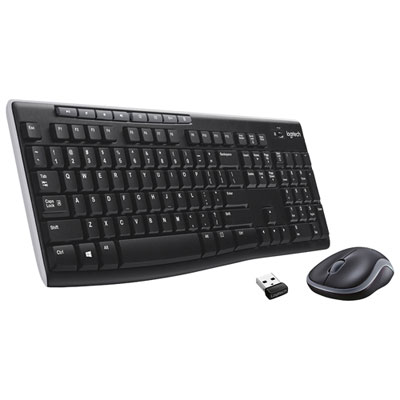 Your price for this item is $39.99
-
 Your price for this item is $50.49
-
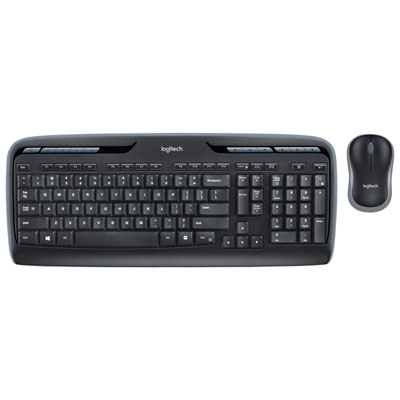 Your price for this item is $59.99
-
 Your price for this item is $59.99
-
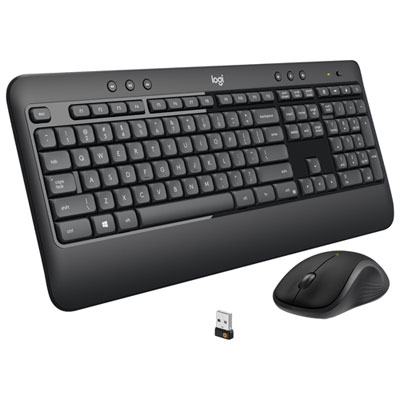 Your price for this item is $69.99
-
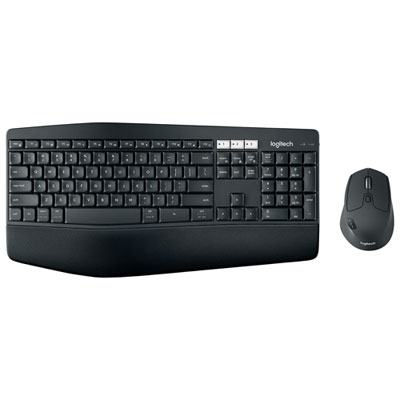 Your price for this item is $129.99
-
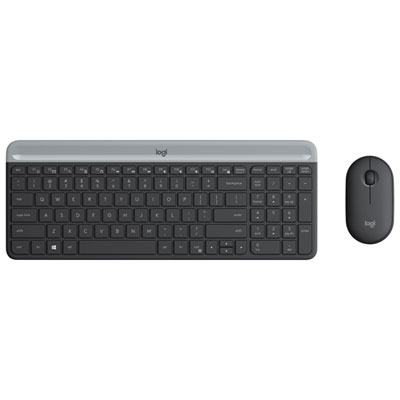 Your price for this item is $69.99
-
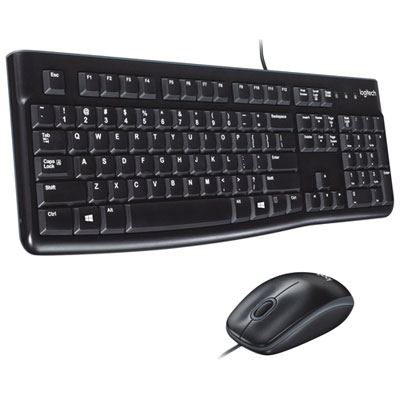 Your price for this item is $20.98
Discover more categories related to Affordable Student Mouse And Keyboard Combos
Top Collections:
Best Black Friday Deals This Year, Best Black Friday Deals On Electronics, Kindle Devices, Pokemon Centers, Best Black Friday Deals On Apple Products, Best Cameras for Sports Photography, Dyson Airwrap, Pokémon 30th Celebration Cards, Apple iPhone 17 Pro, Canon G7X Cameras
Some products may be subject to Environmental Handling Fees
(EHF) depending on your province.
Learn more about EHFs.