Dorm Keyboard And Mouse Combos
Dorm Keyboard And Mouse Combos offer a convenient solution for students looking to optimize their study space. Designed to fit compact dorm rooms, these combos help streamline your desk setup and make it easy to stay productive during late-night study sessions or online classes. Whether you need a reliable option for note-taking, gaming, or everyday browsing, Dorm Keyboard And Mouse Combos provide the flexibility and ease-of-use that college life demands. Explore a variety of styles and configurations to find the perfect match for your dorm room needs.
Sort
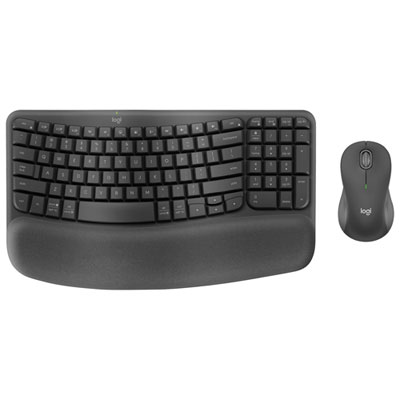
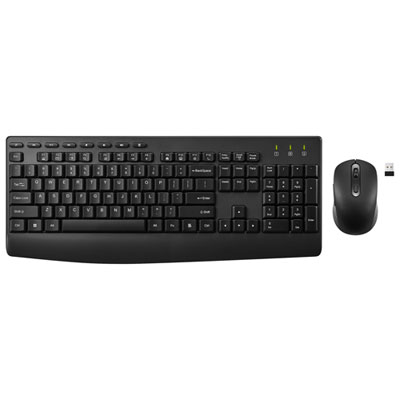
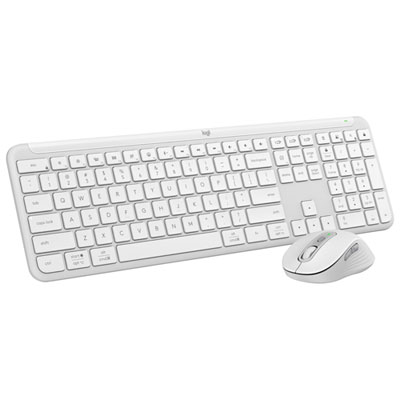
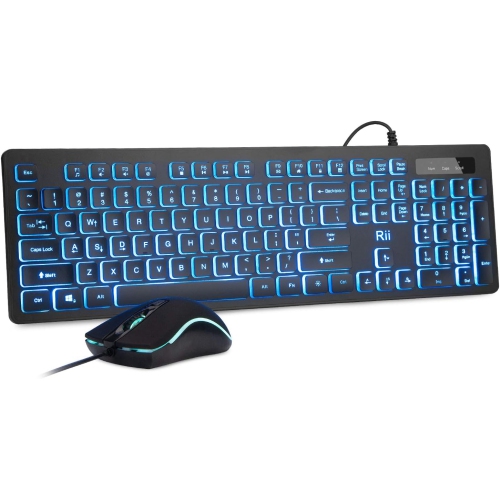
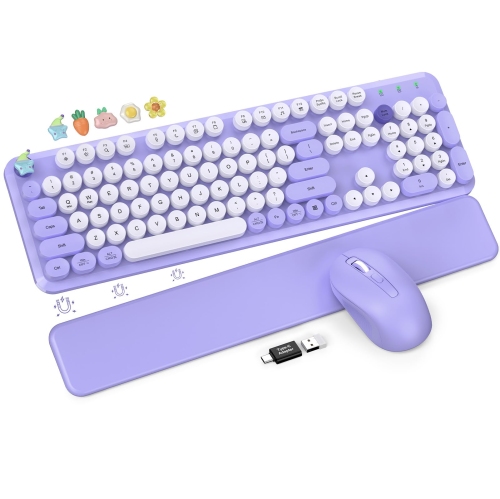
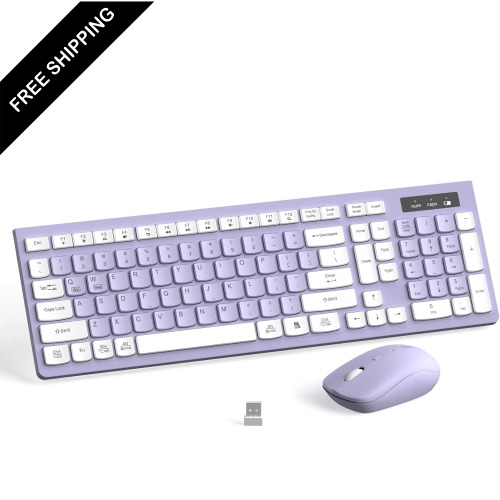
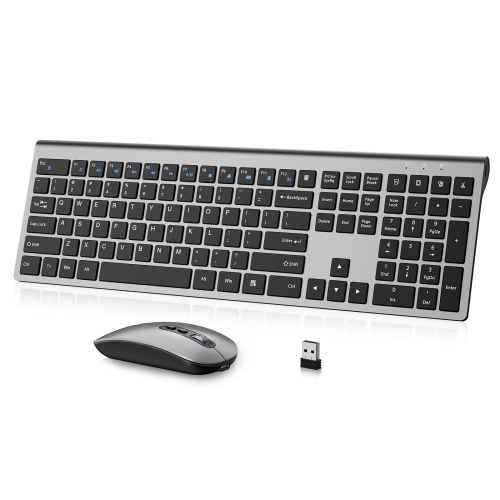
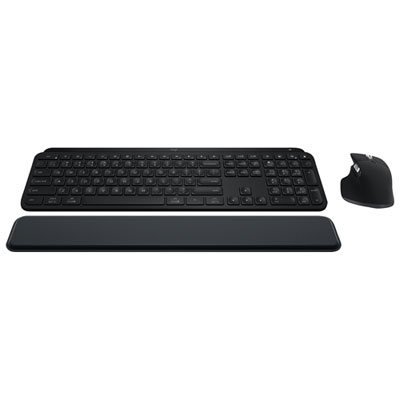
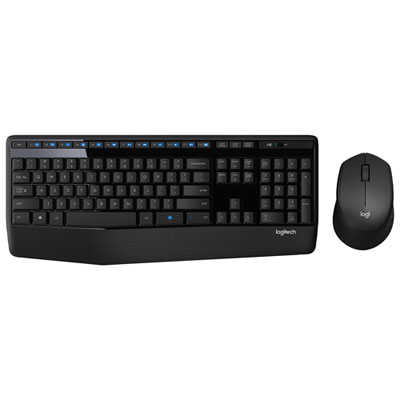
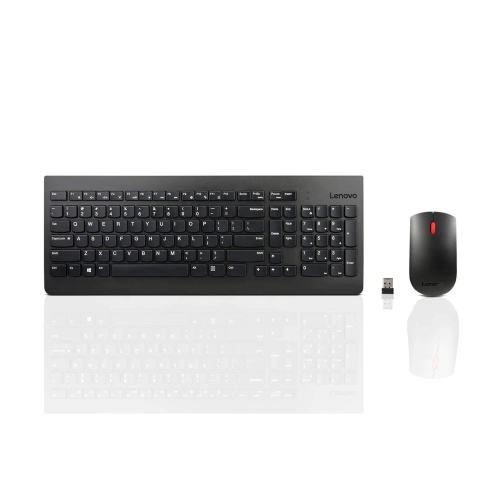
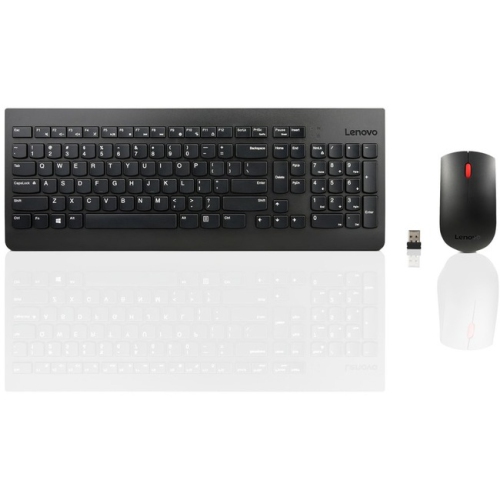
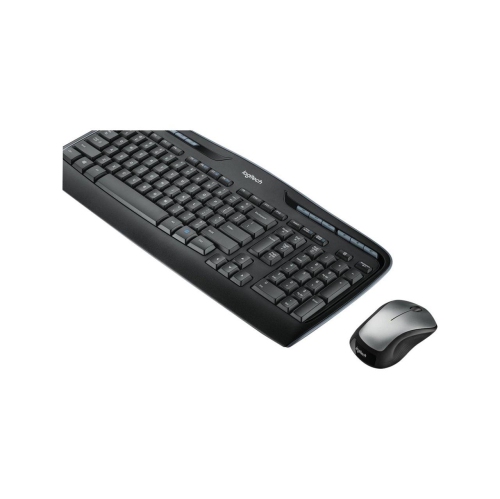
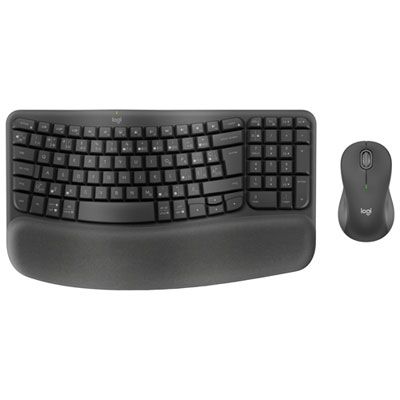
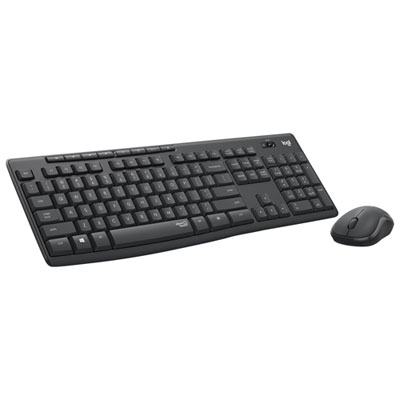
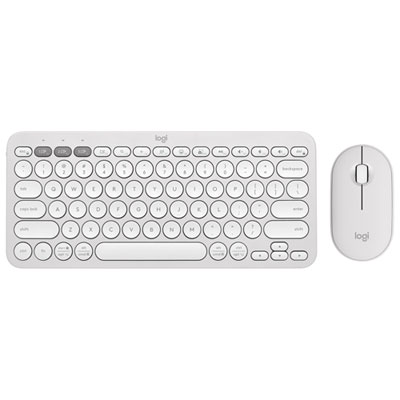
Quiet controls for small desks and shared rooms
Dorm keyboard and mouse combos bring familiar, comfortable controls to a student desk without requiring much space. For dorm use, a well-matched set balances a compact footprint, quiet typing and clicking, dependable connectivity, and a layout suited to everyday coursework. A keyboard and separate mouse can make a laptop setup more comfortable for writing essays, editing presentations, navigating spreadsheets or moving between lecture notes and research tabs. Desk space matters when a textbook, notebook and water bottle also need somewhere to sit. Compact keyboards leave more room for mouse movement, while layouts without a number pad retain many familiar keys in a narrower frame. A full-size keyboard may be a better fit for students who regularly enter figures for accounting, statistics or science assignments. Smaller layouts sometimes place navigation keys or function controls behind key combinations, so their usefulness depends on which shortcuts a student relies on. Key spacing, readable legends and a clearly marked layout are just as important as overall dimensions. Students who write in both English and French may also want a layout that suits their preferred method of entering accented characters. For shared rooms, quiet key mechanisms and muted mouse clicks help keep typing and browsing less intrusive while a roommate reads or rests. Membrane and scissor-switch designs often have a restrained sound, although noise varies by construction; mechanical keyboards are not all equally loud or quiet. Low-profile keys offer a laptop-like feel, while taller keys may appeal to those who prefer more defined key travel. Durable plastic housings are common, and a rigid keyboard frame, stable feet and key legends designed to resist wear help a set stand up to daily use. Matte surfaces can make fingerprints less noticeable, while easy-to-read markings remain useful under a desk lamp. Spill resistance, where specified, provides limited protection against accidental splashes rather than permission to use a keyboard near an open drink. These details matter more in a small room where the same work surface often serves as a study area, dining spot and place to relax.
Connection type shapes how a keyboard and mouse combo fits into that shared desk space. Wireless sets reduce cable clutter and make it easier to move the keyboard aside for handwritten notes, while wired sets avoid battery management and keep both devices ready whenever they are connected. A wireless combo using a compatible USB receiver may connect both devices through one port, but that arrangement should be confirmed in the specifications rather than assumed. Receiver size and storage are useful details for a student who frequently carries a laptop between a residence room, library and classroom. Bluetooth connections can leave USB ports free, provided the computer supports the devices and the required features. Some wireless sets support both Bluetooth and a USB receiver, offering flexibility across different computers. Port compatibility still matters: a laptop with only USB-C ports may need an appropriate adapter for a USB-A receiver or cable. Compatibility with the computer’s operating system is equally important, particularly for shortcut keys, programmable buttons and customization software. Basic typing and pointer movement may work even when certain extra controls do not. Multi-device switching can be useful for students who move between a laptop and another compatible device, although support may differ between the keyboard and mouse within a set. For wireless designs, battery type affects day-to-day upkeep. Replaceable batteries allow a quick swap when needed, while rechargeable models require access to a charging cable and power source. Battery indicators, automatic sleep functions and accessible power switches make it easier to manage a set between study sessions. Published battery-life estimates depend on usage and features, especially lighting. A charging connection does not always allow wired use, so that capability is worth confirming if uninterrupted operation matters. The Wireless Mouse and Keyboard for Dorm Desks collection offers a related way to explore cable-free desk setups, with attention to the connection options, dimensions and controls that suit a compact study space.
Comfort depends on how both pieces fit the person using them, not simply whether they look coordinated. A mouse should feel manageable in the hand, with buttons that are easy to reach without stretching or gripping tightly. Smaller mice take up less room in a bag, but a larger shape may provide more support during longer assignments. Symmetrical designs can suit different hands, although side-button placement and software support may affect left-handed use. Adjustable pointer sensitivity helps match cursor movement to the available desk area and display size; a very sensitive setting is not automatically more comfortable or precise. A smooth, consistent mousing surface also matters, since tracking performance varies across glass, glossy finishes and uneven desktop materials. On a narrow desk, keeping the mouse close to the keyboard can reduce the need to reach sideways. A compact keyboard can help with that arrangement, especially when a number pad is rarely used. Keyboard height and tilt influence wrist position, and raised rear feet are not necessarily the most comfortable choice for every user. A relaxed setup generally allows the shoulders to settle, the elbows to stay near the body and the wrists to remain relatively straight. With a laptop raised on a suitable stand, separate input devices allow the screen and controls to be positioned independently. Regular care helps keep frequently handled surfaces pleasant to use: disconnect or switch off the devices before cleaning, follow the manufacturer’s instructions, and avoid spraying liquid directly into keys, buttons or openings. Removing crumbs and dust gently is preferable to prying off keycaps unless the design specifically allows it. Cables benefit from loose storage rather than tight bends, while wireless receivers are less likely to be misplaced when kept in their designated compartment. For students setting up a first dorm room, or anyone choosing a practical gift for a student, a keyboard and mouse combo is most useful when its layout, connection type and size match the recipient’s computer and daily work. A restrained colour scheme, clear controls and comfortable proportions can make it an easy part of a desk used for both focused coursework and downtime.
Top selling and popular products
-
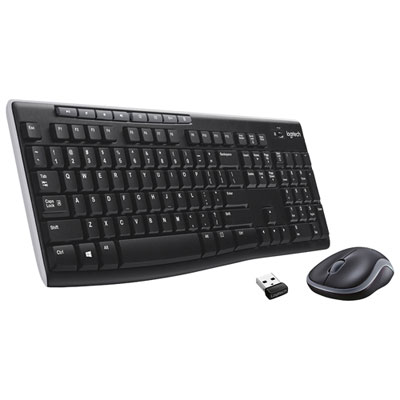 Your price for this item is $39.99
-
 Your price for this item is $50.49
-
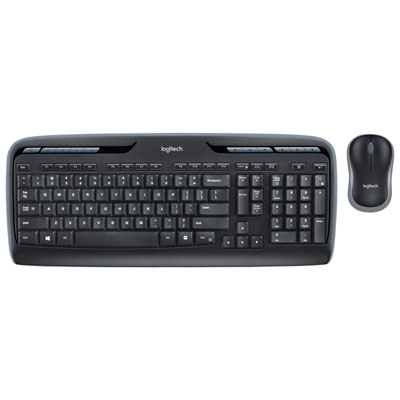 Your price for this item is $59.99
-
 Your price for this item is $59.99
-
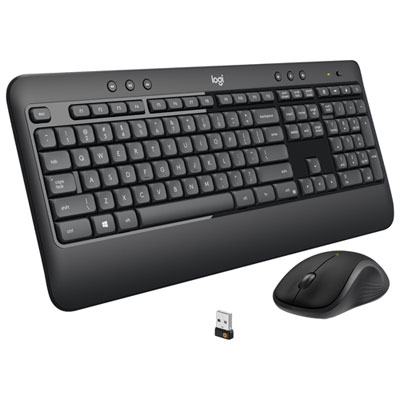 Your price for this item is $69.99
-
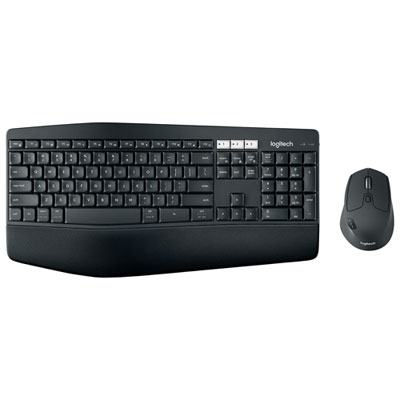 Your price for this item is $129.99
-
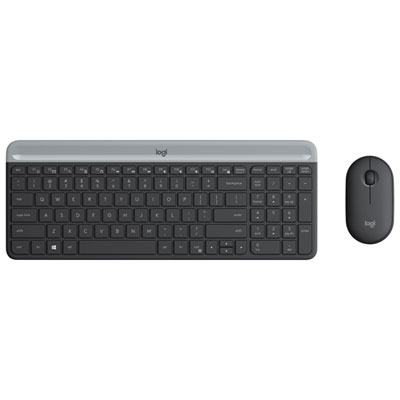 Your price for this item is $69.99
-
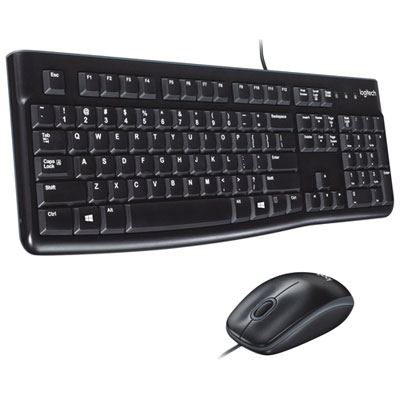 Your price for this item is $20.98
Discover more categories related to Dorm Keyboard And Mouse Combos
Top Collections:
Best Black Friday Deals This Year, Best Black Friday Deals On Electronics, Kindle Devices, Pokemon Centers, Best Black Friday Deals On Apple Products, Best Cameras for Sports Photography, Dyson Airwrap, Pokémon 30th Celebration Cards, Apple iPhone 17 Pro, Canon G7X Cameras
Some products may be subject to Environmental Handling Fees
(EHF) depending on your province.
Learn more about EHFs.