Affordable Wired Mice
If you're looking for a basic mouse that'll get the job done, you can't do much better than a wired mouse. They're inexpensive, durable, and easy to use. They're also widely available, so you can find one to fit your budget. Here are some great options available.
Sort
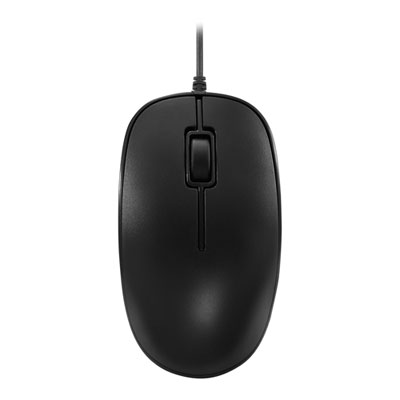
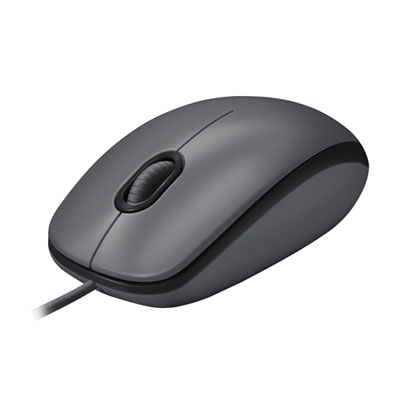
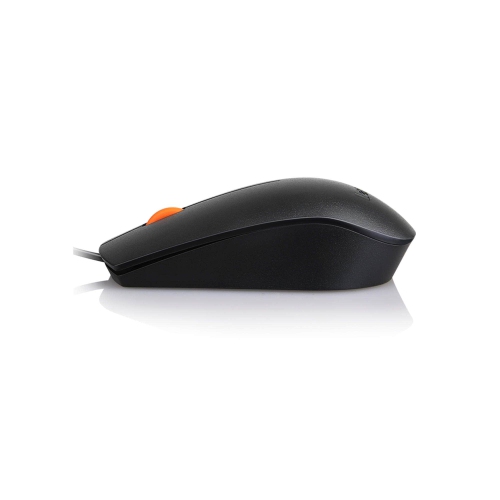
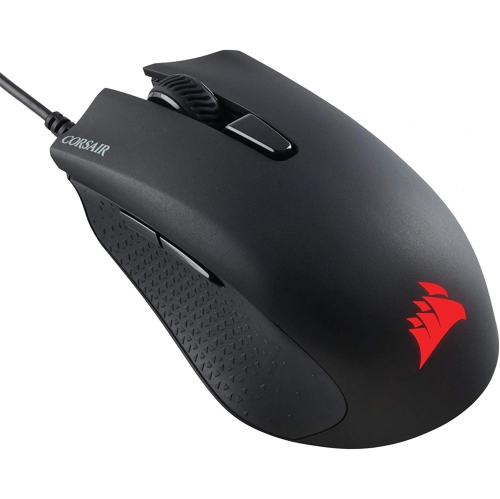

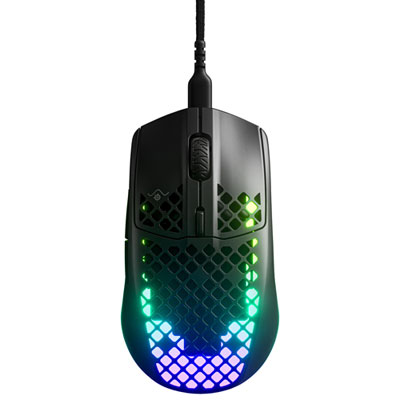
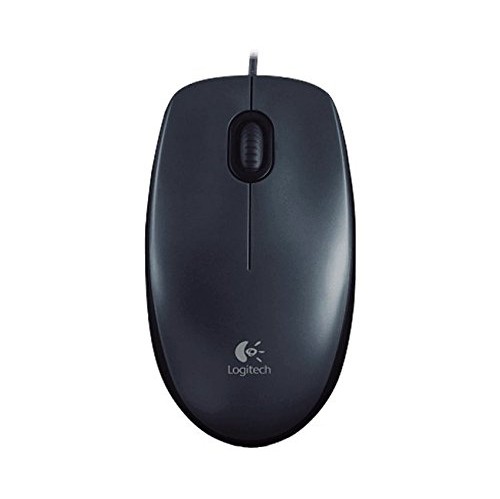
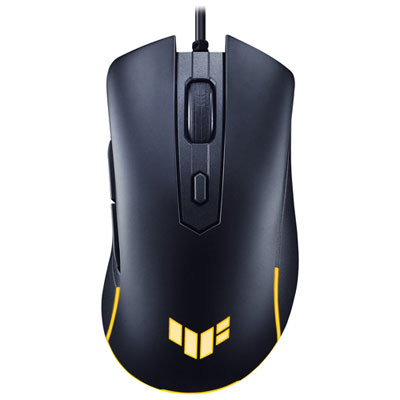
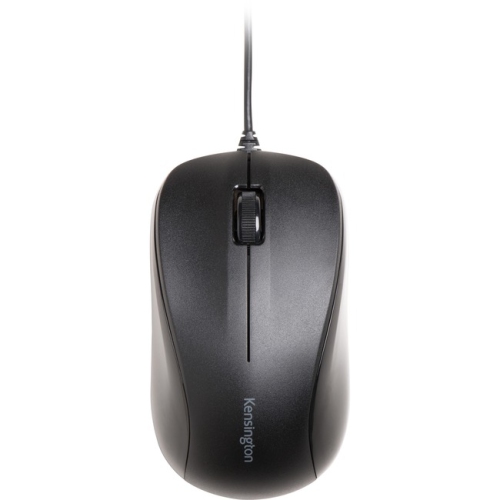
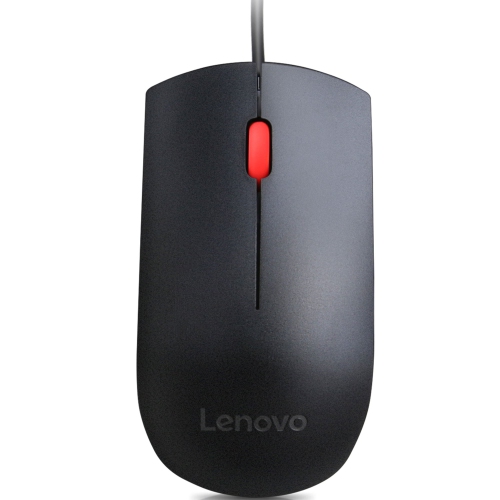
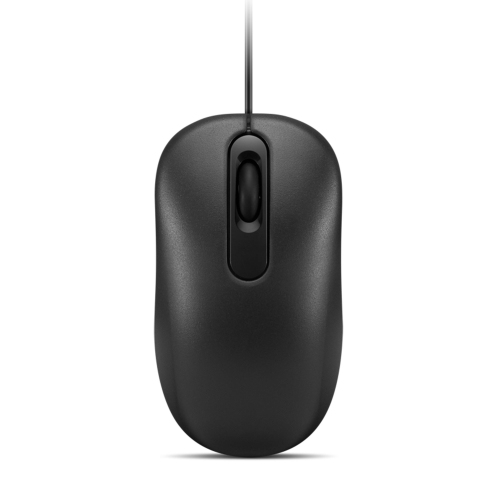
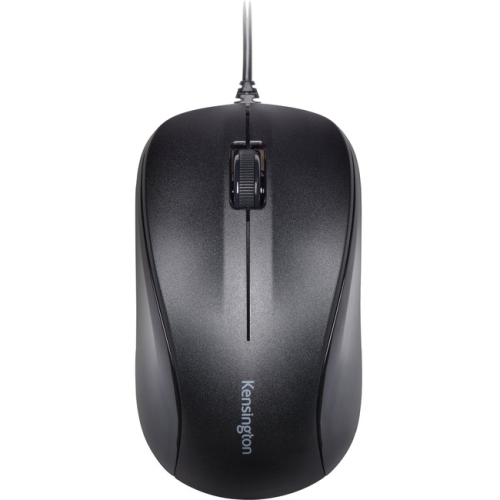
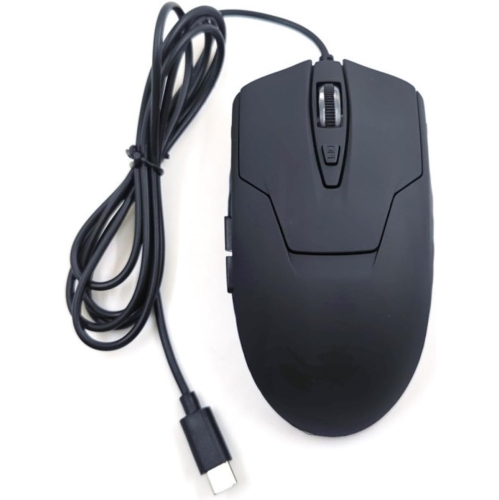
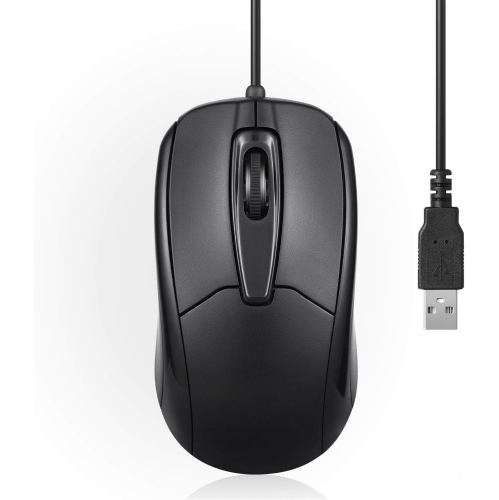
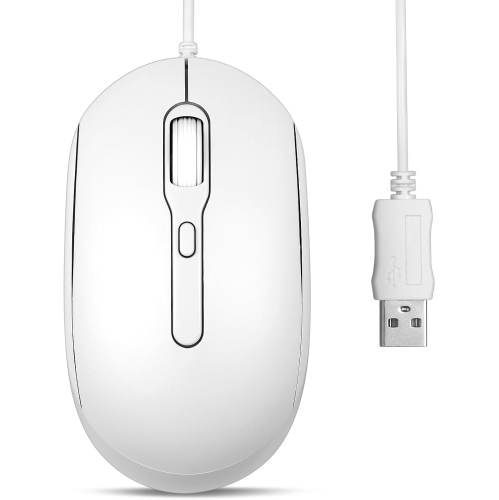
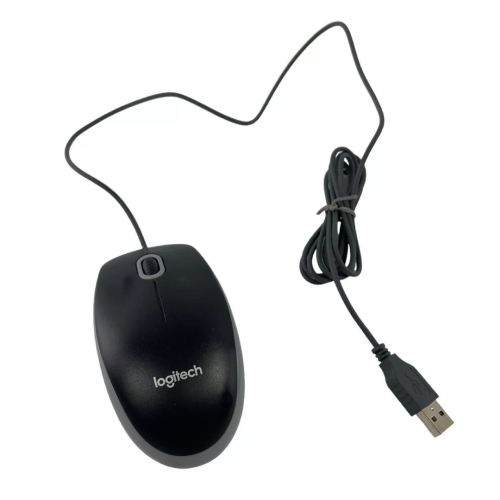

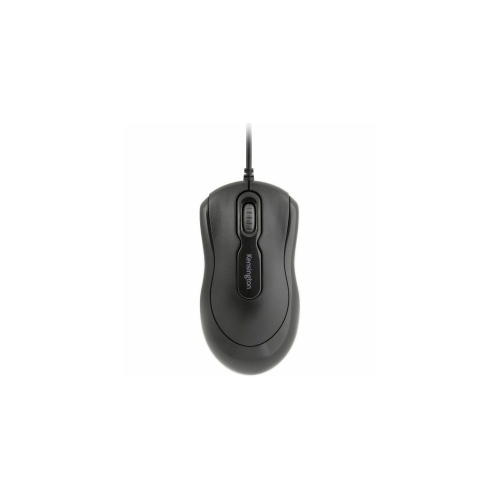
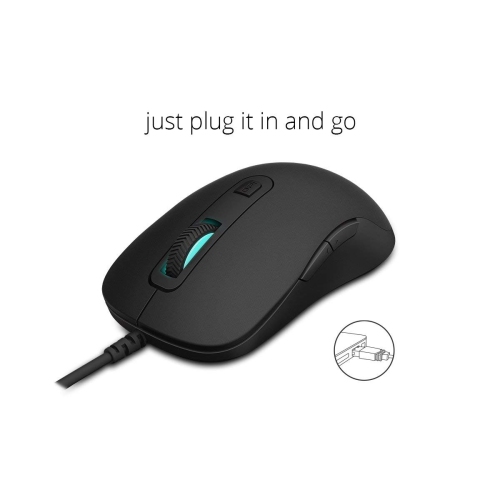
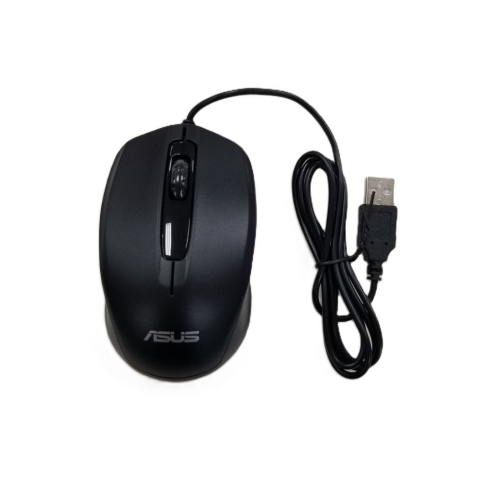
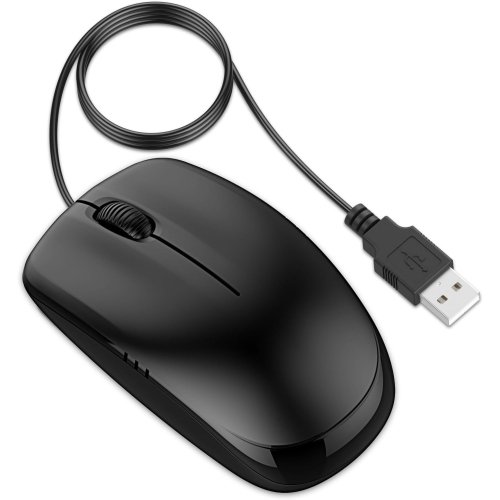
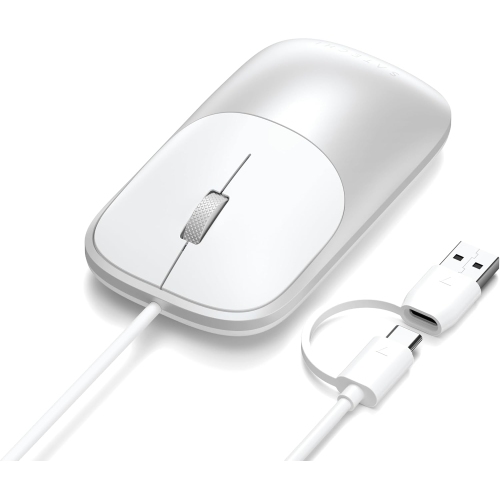

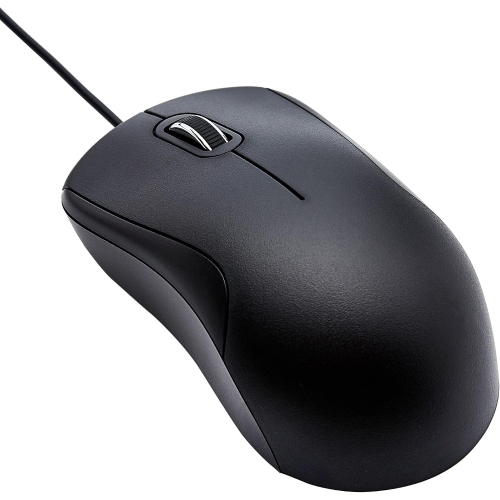

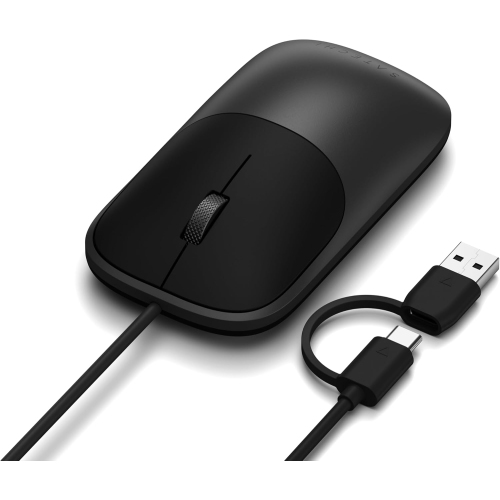
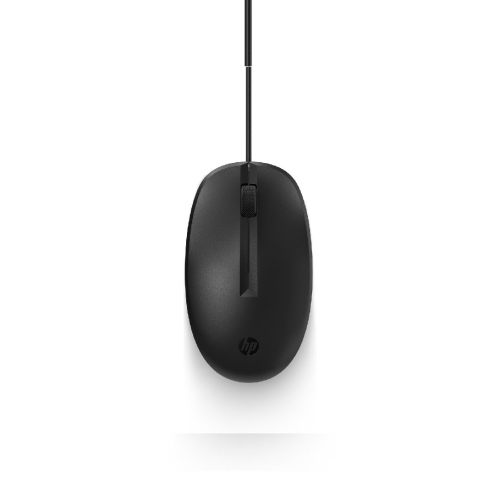
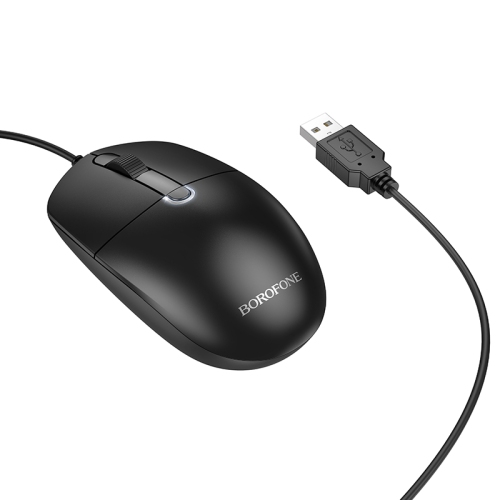

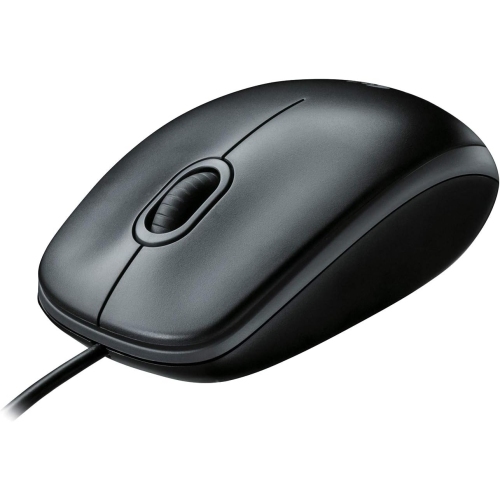
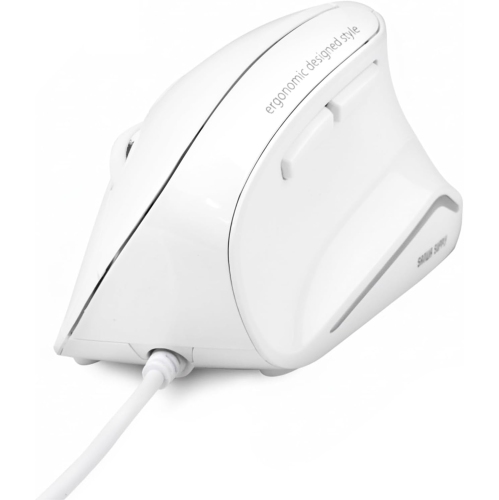
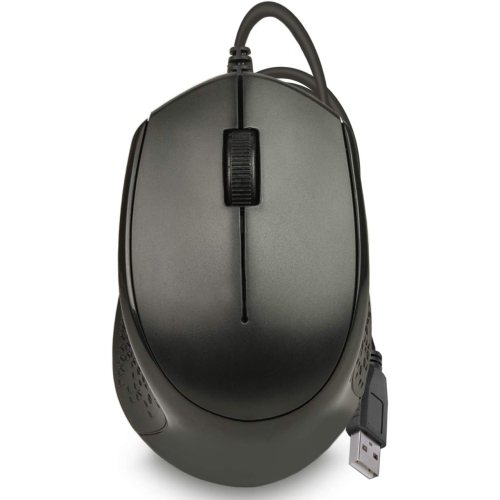
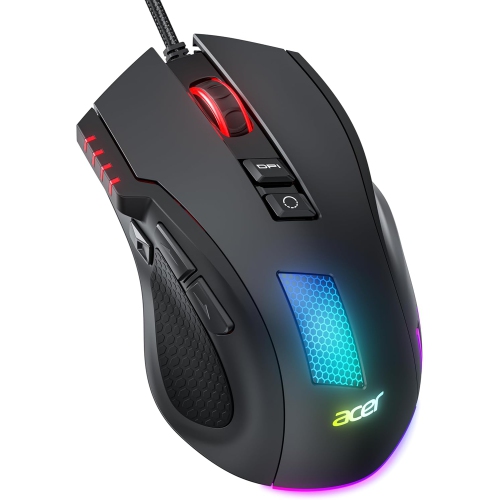
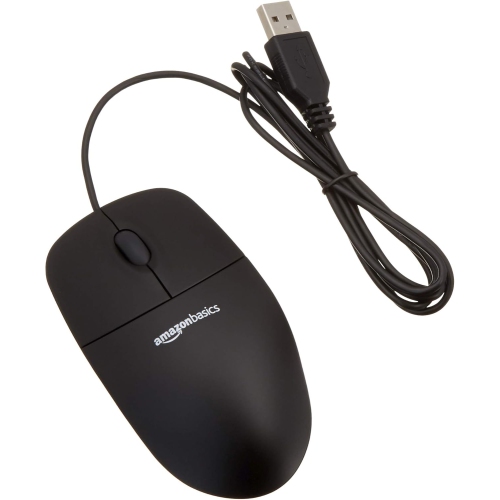
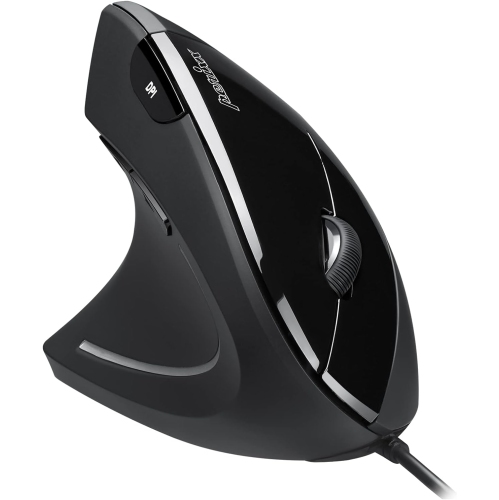
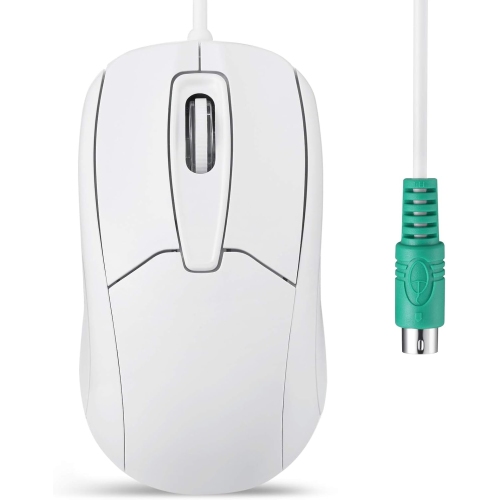

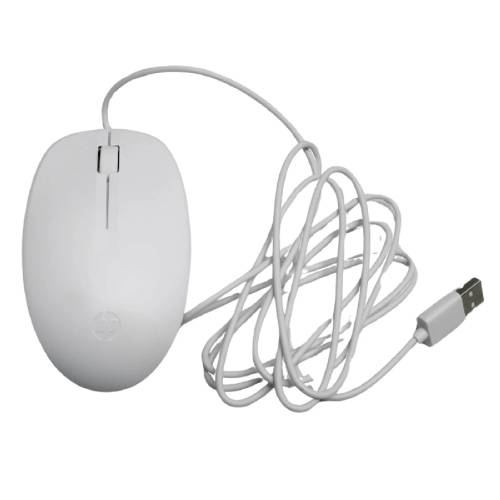
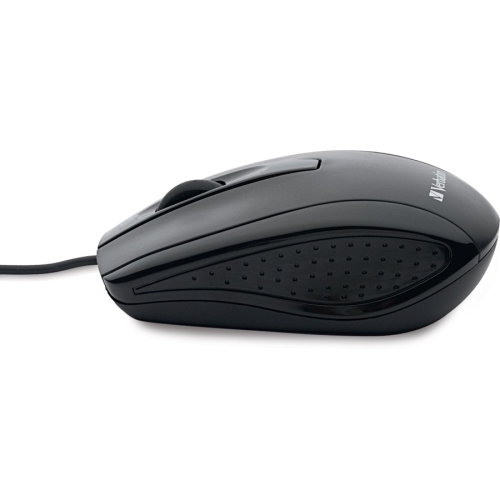
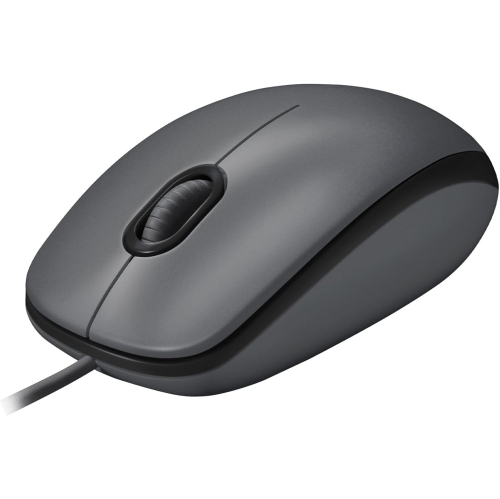
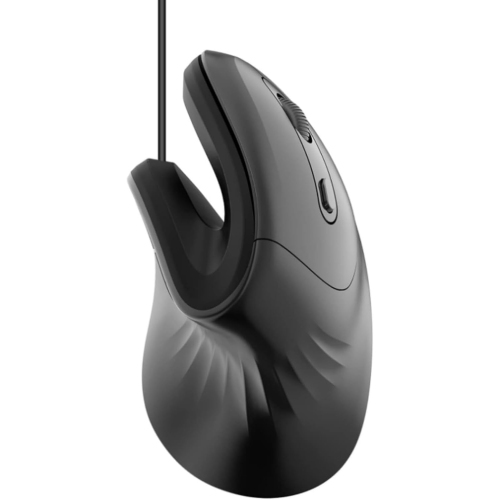
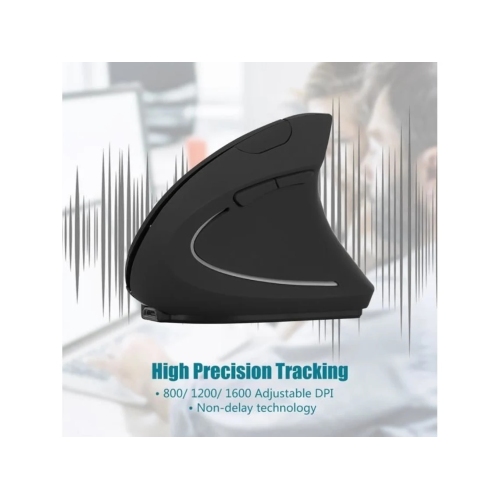
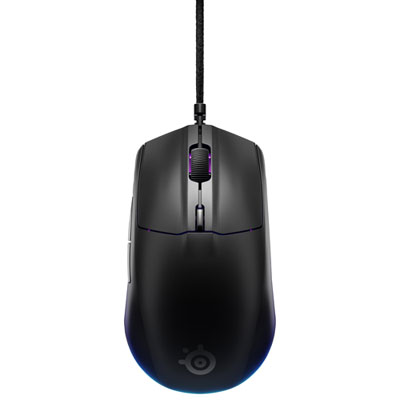
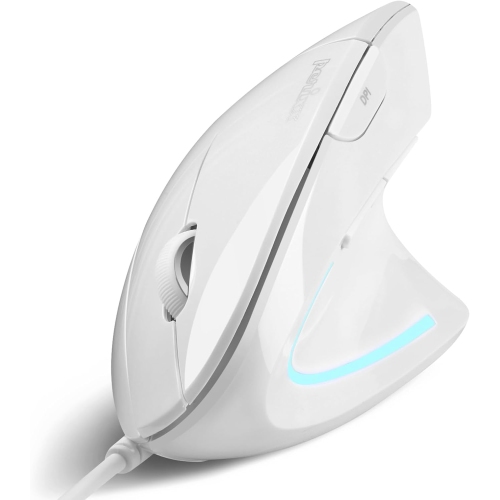
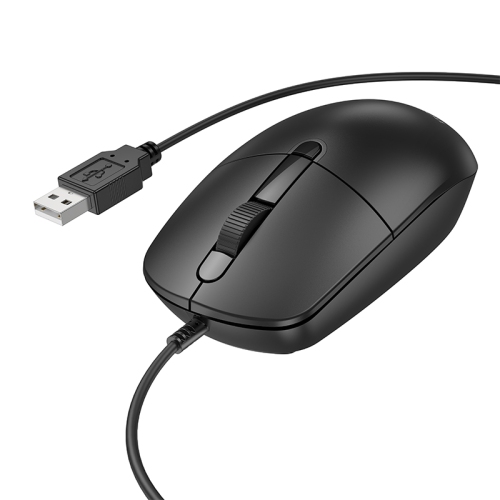
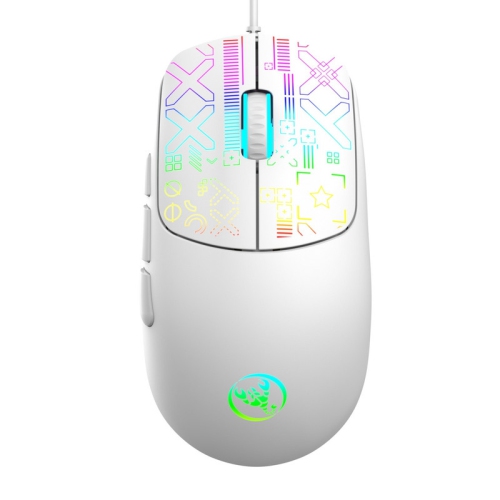
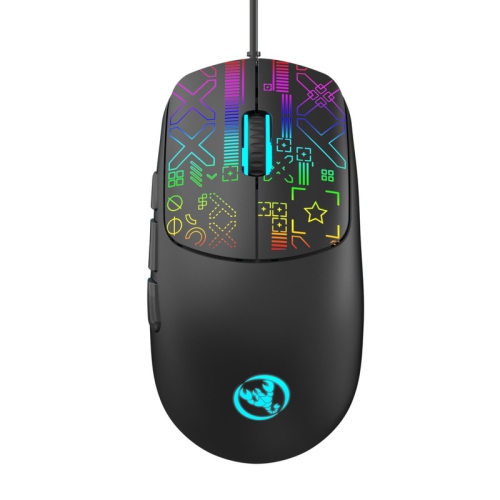
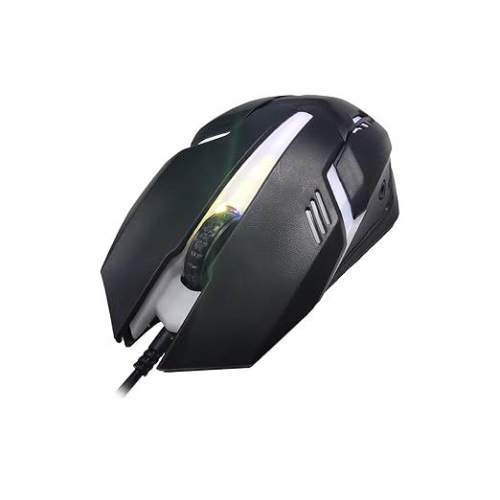
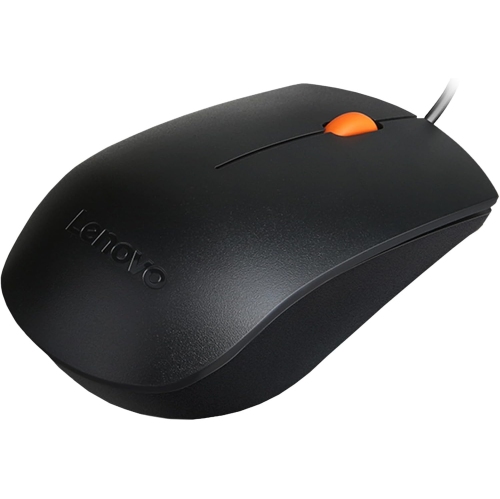
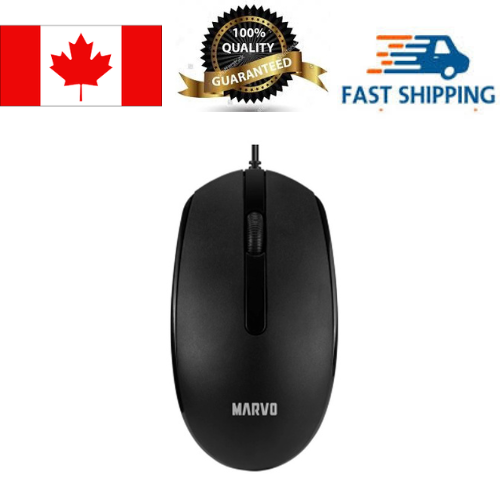
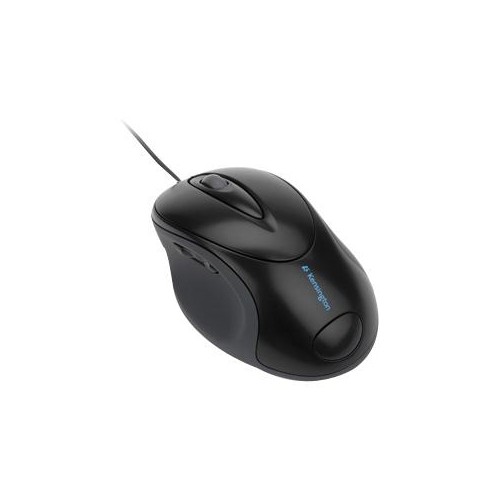
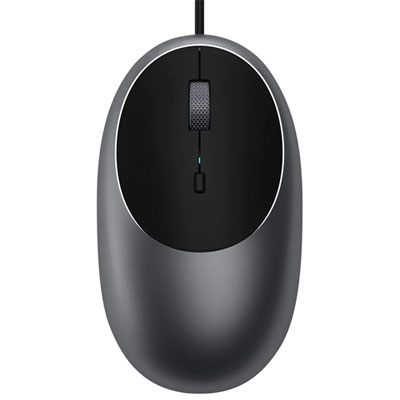
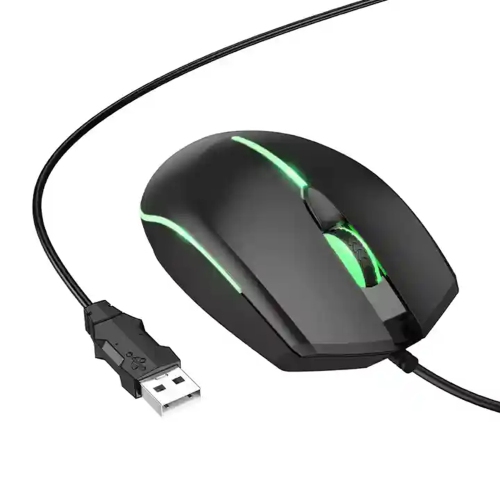

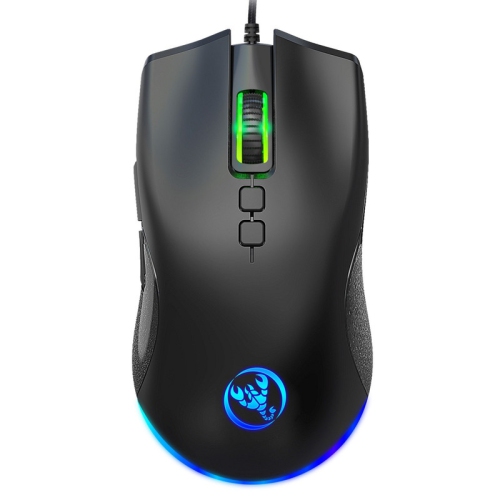
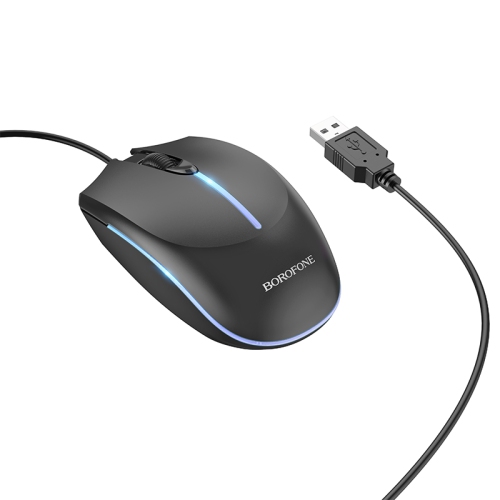
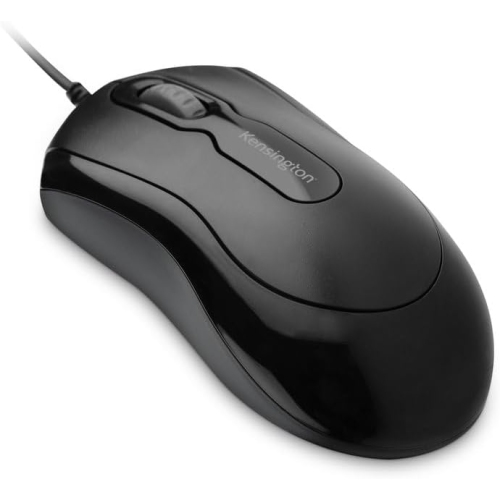
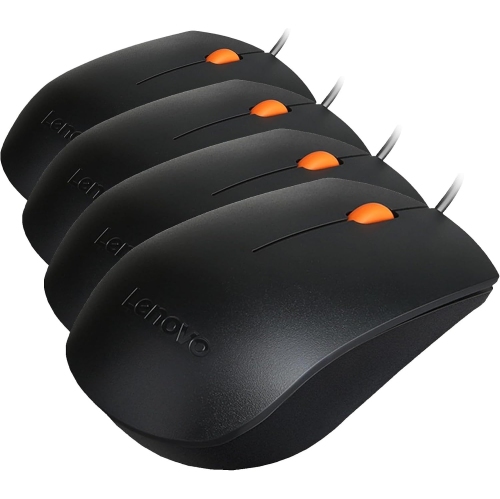
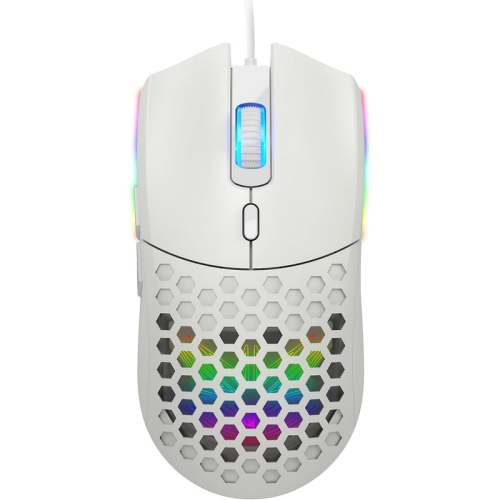
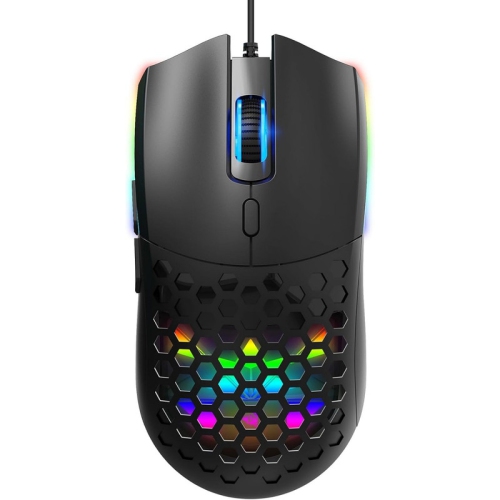
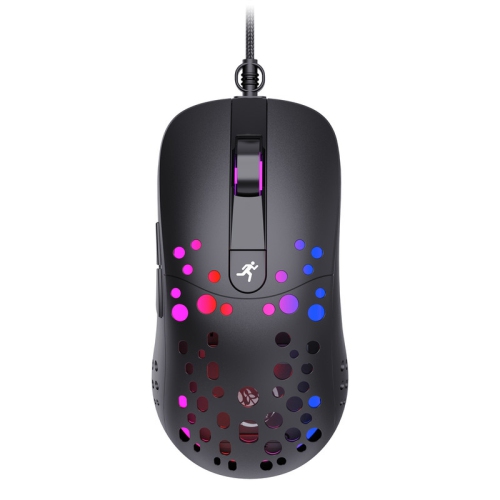
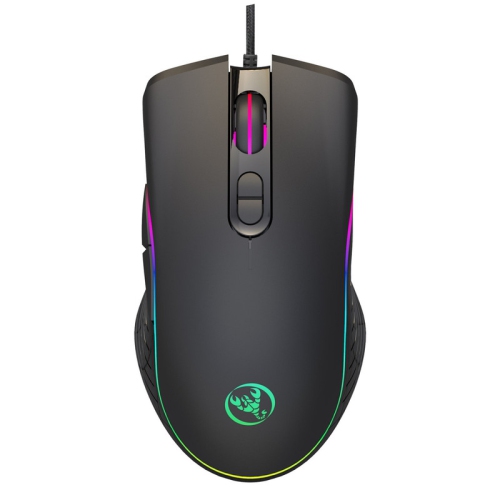
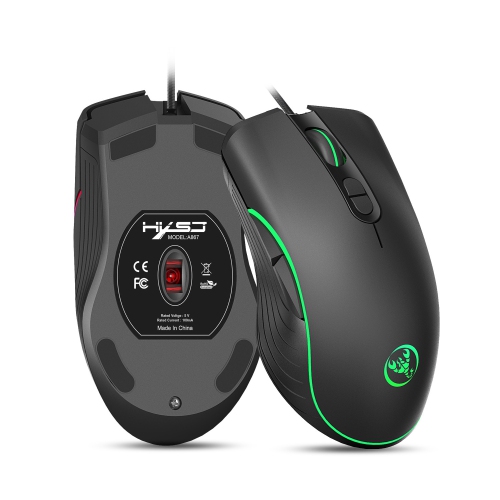
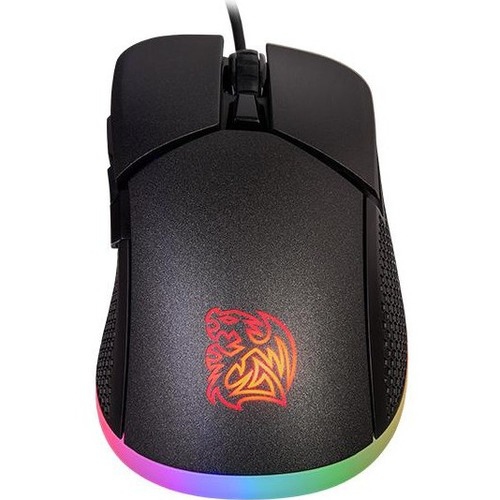
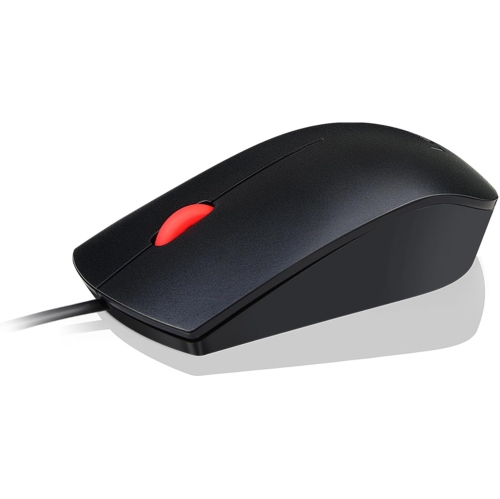
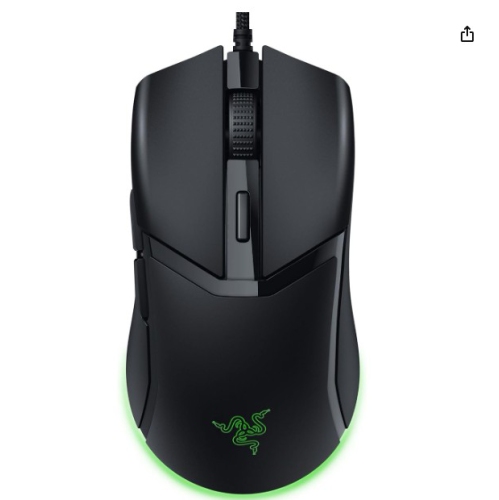
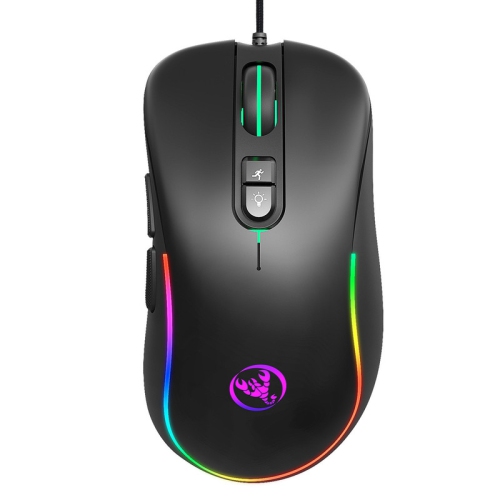
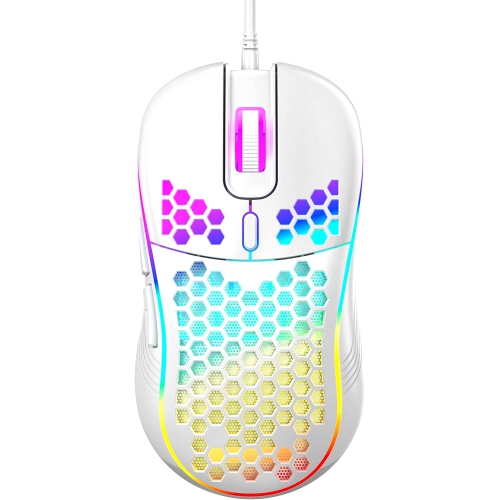
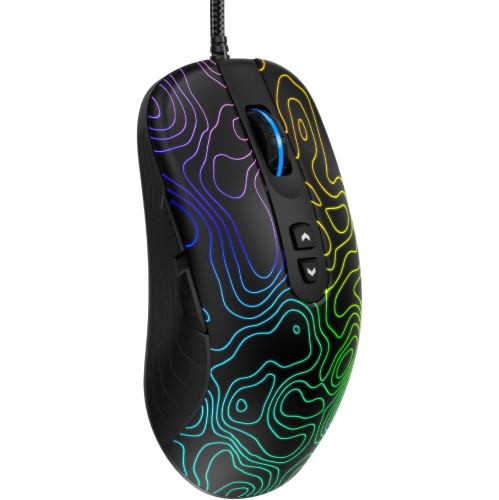
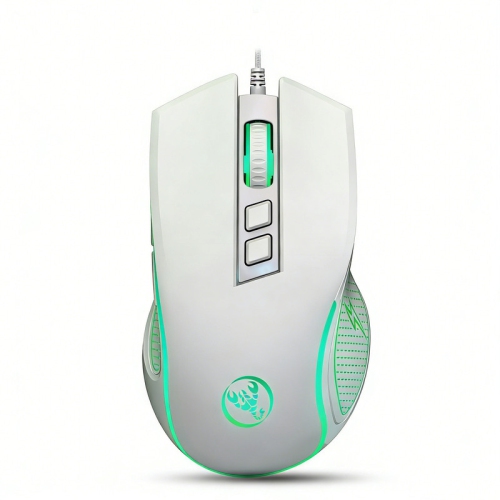
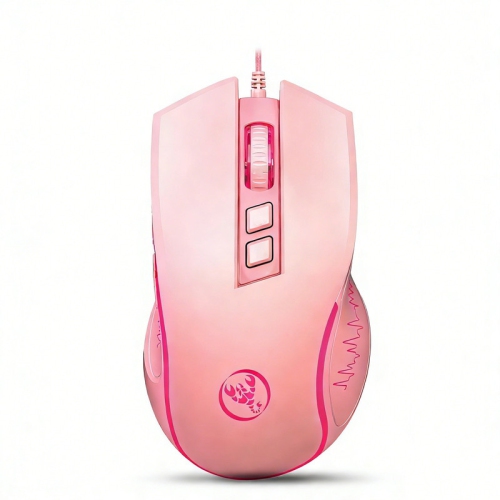
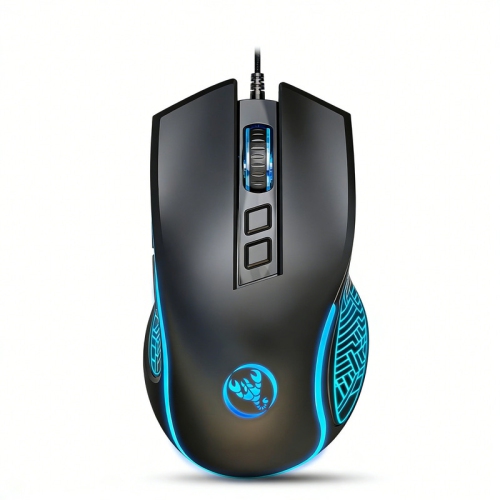
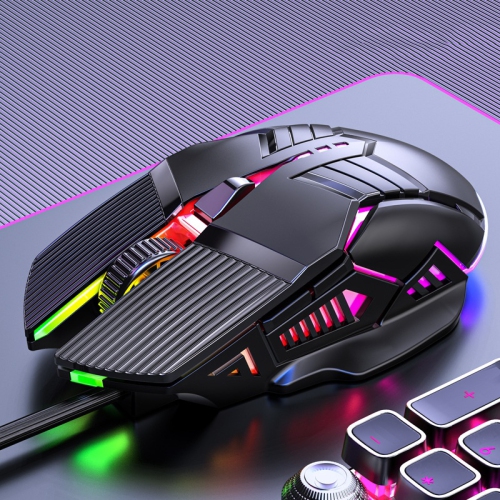

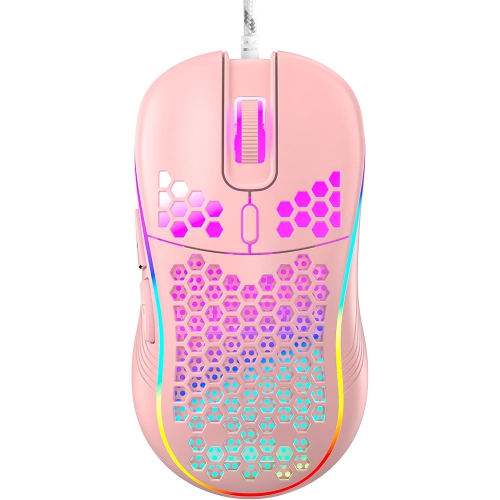
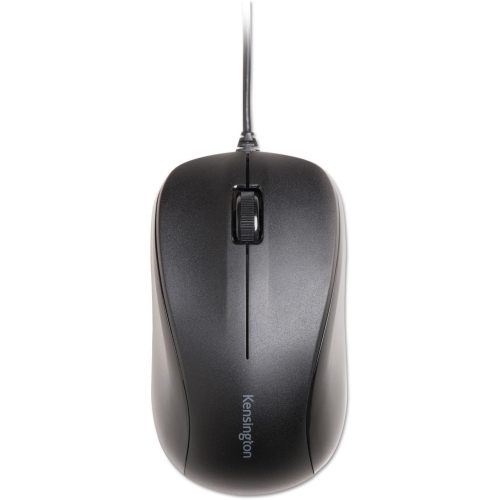
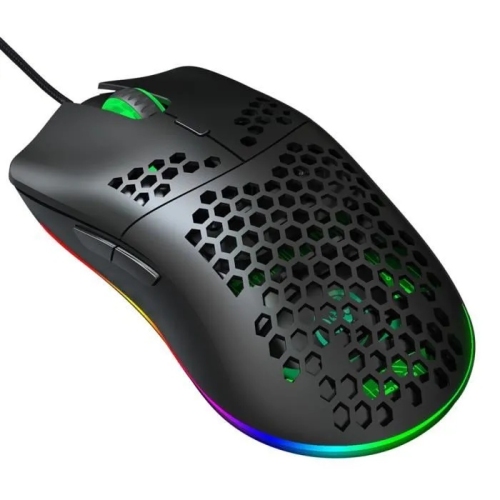
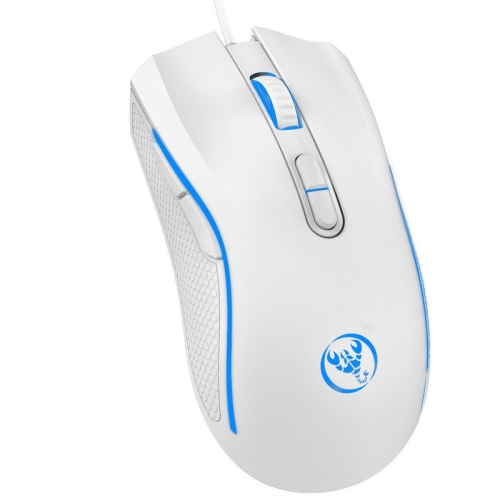
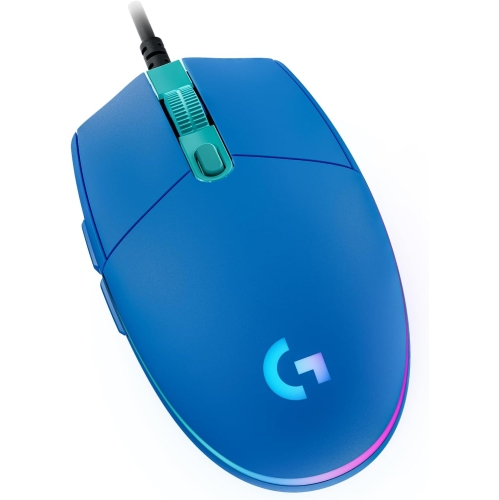

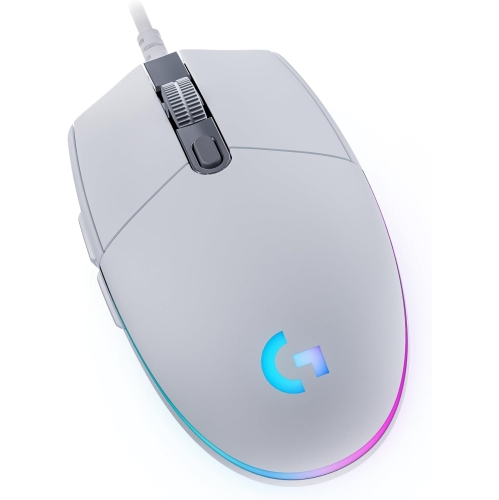
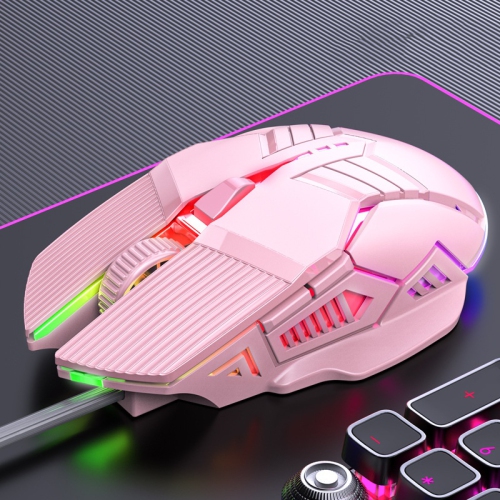
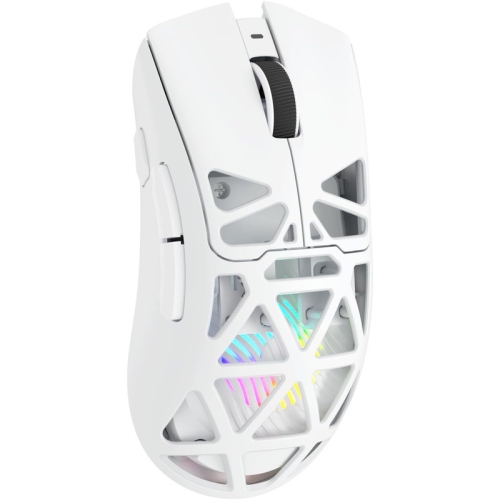
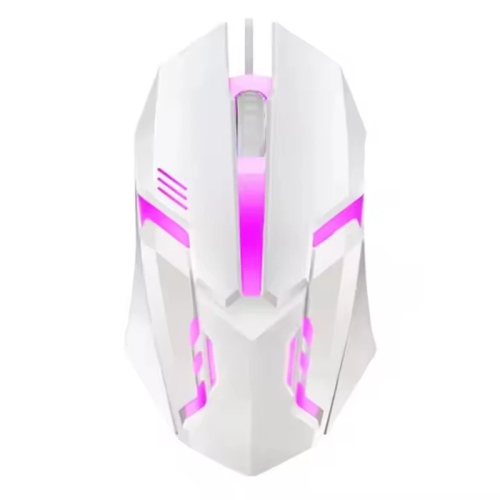

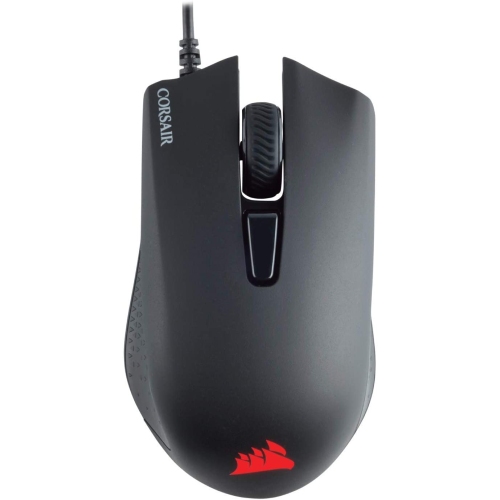
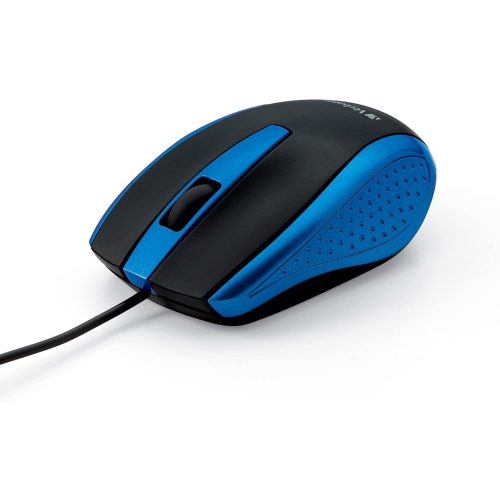
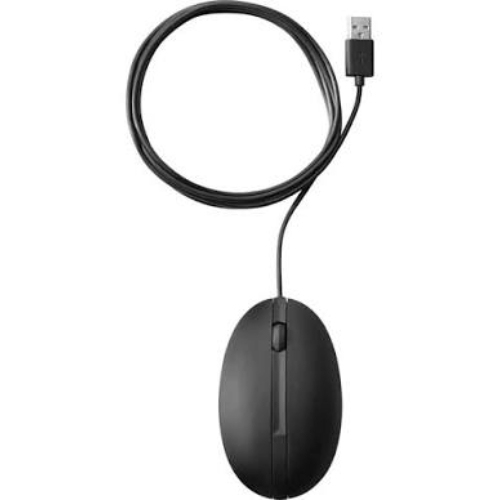
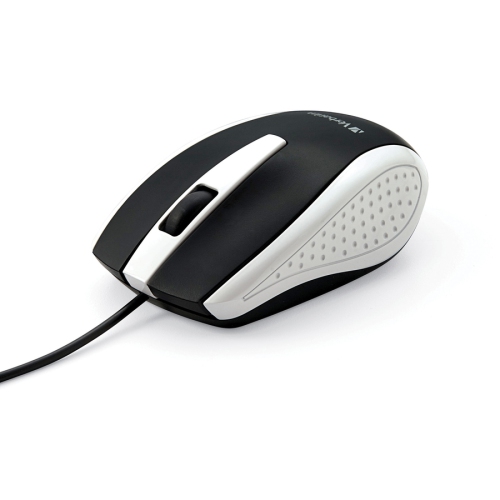
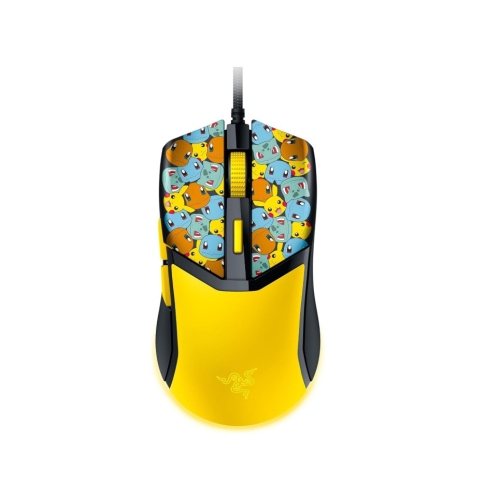
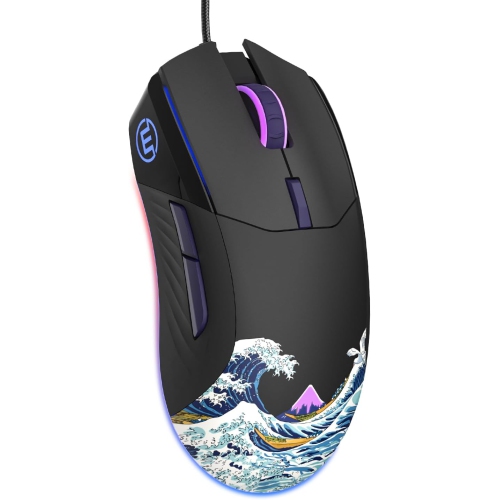
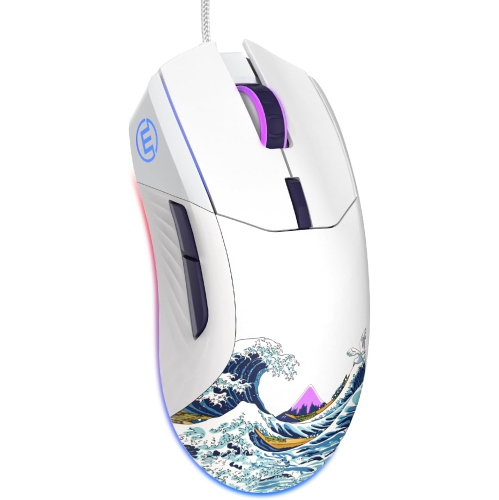
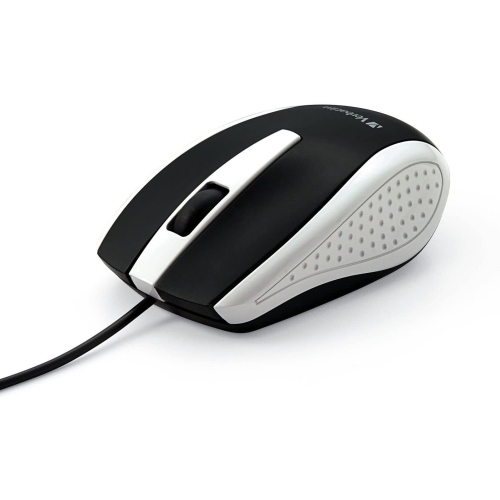
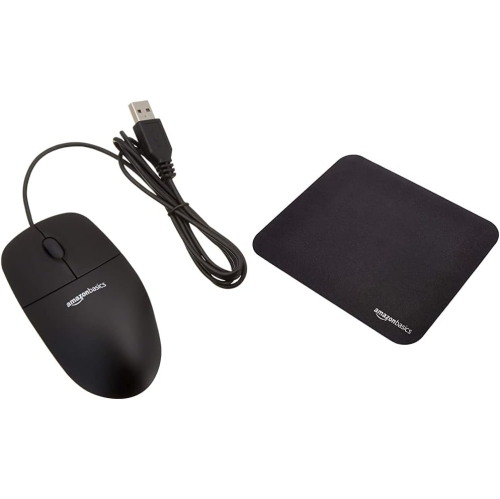

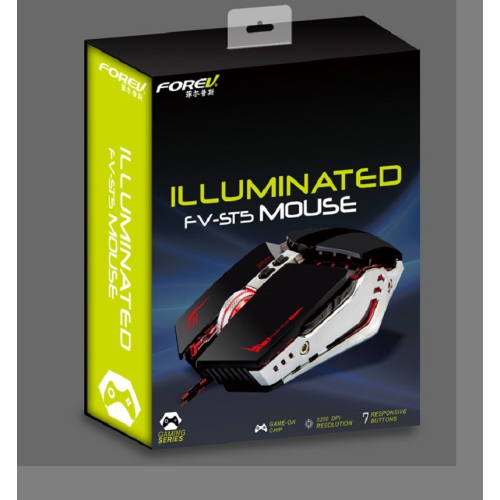
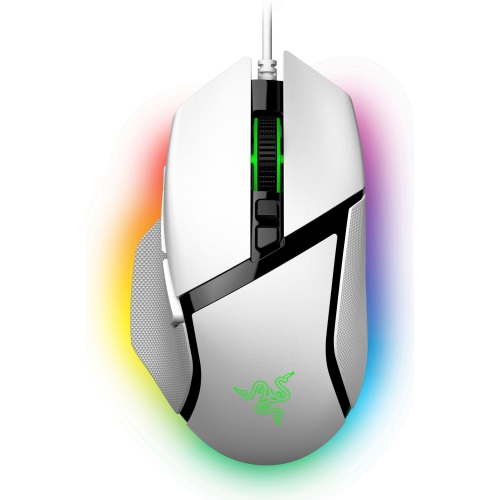
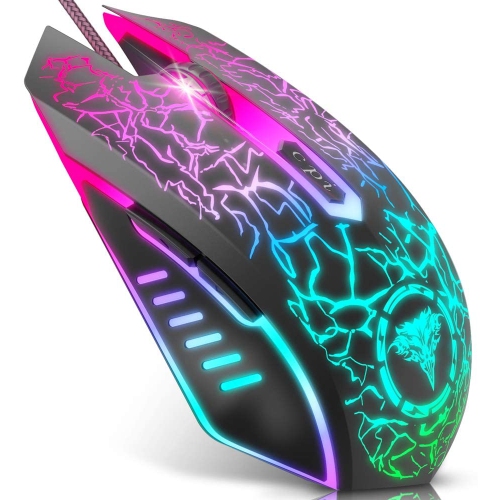
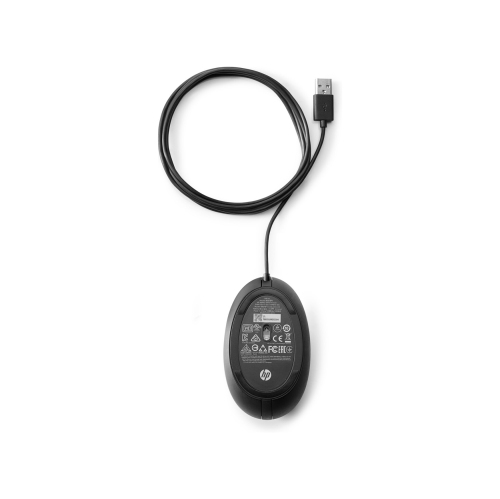
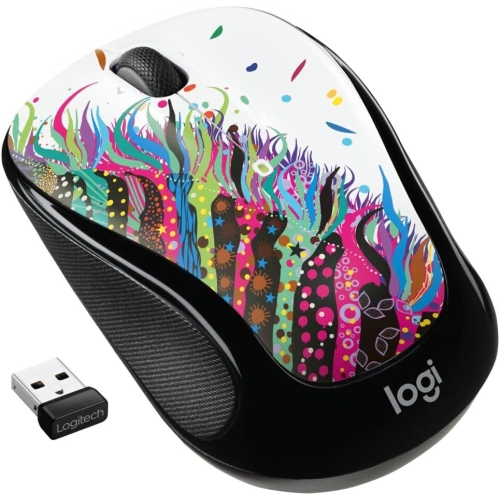
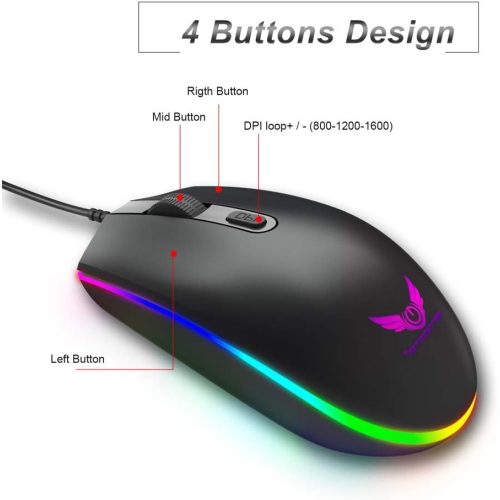
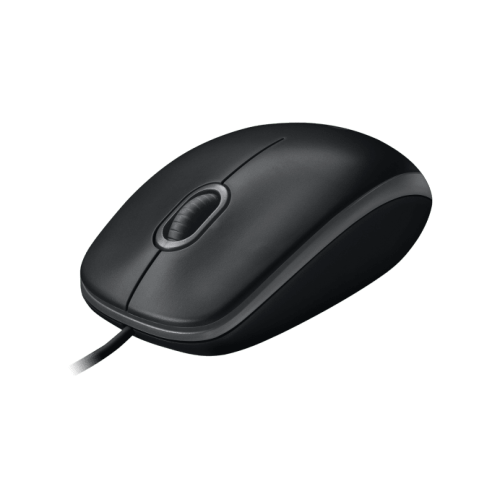
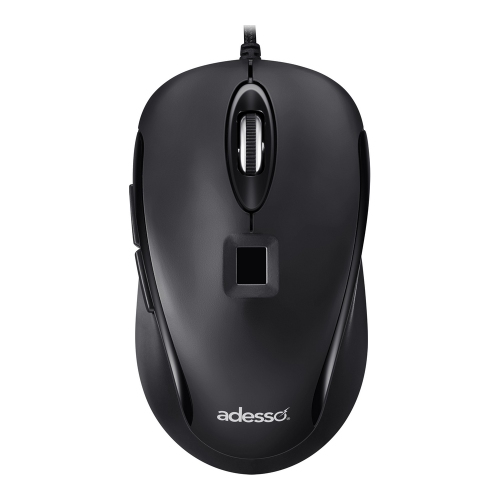

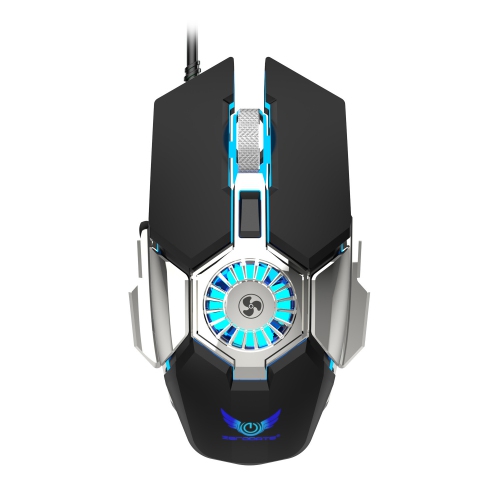
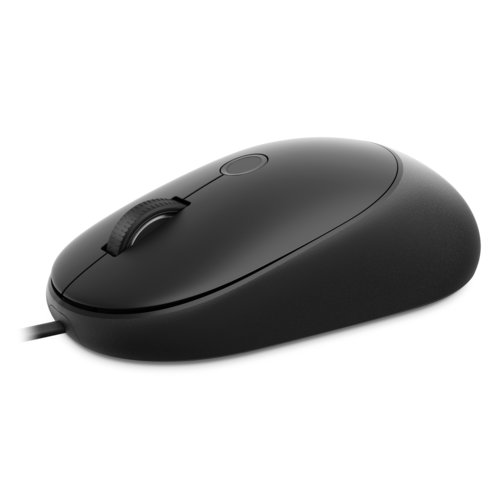
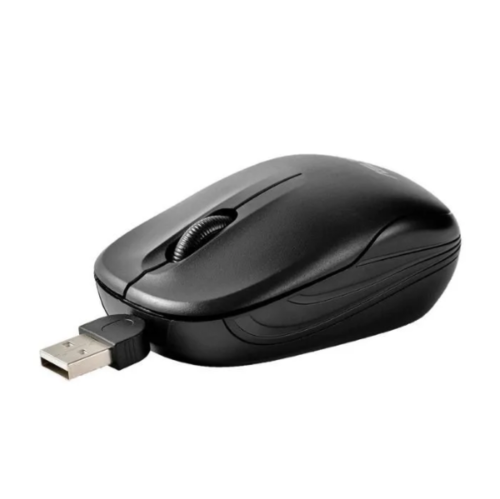
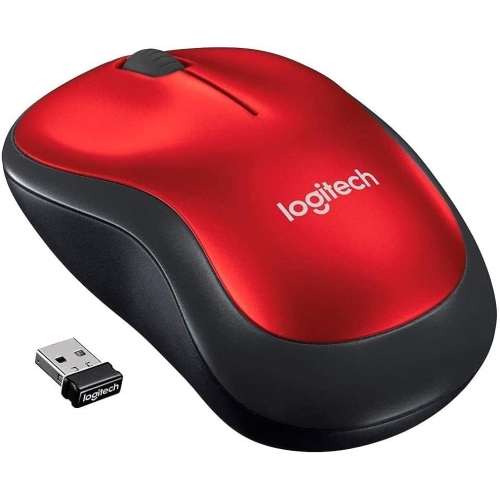
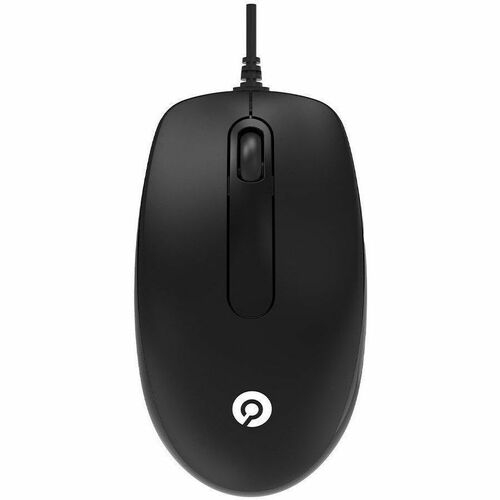
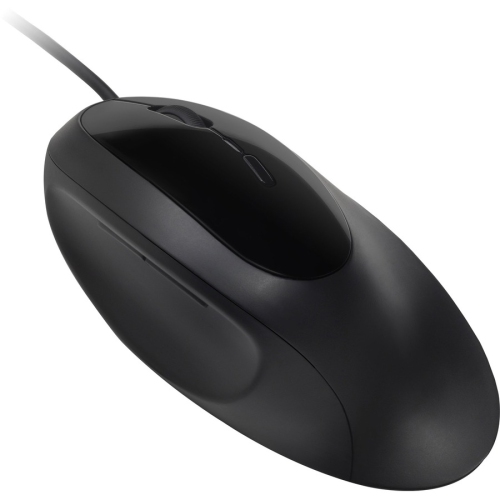

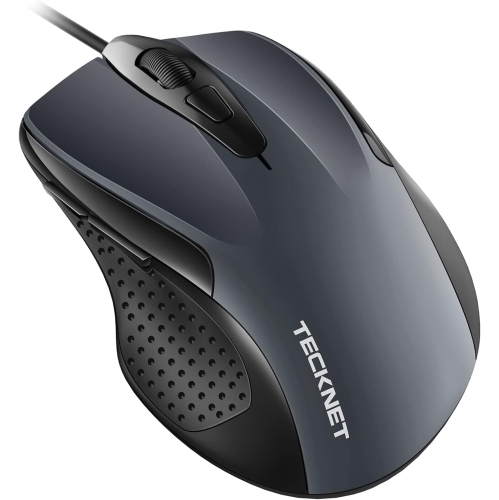
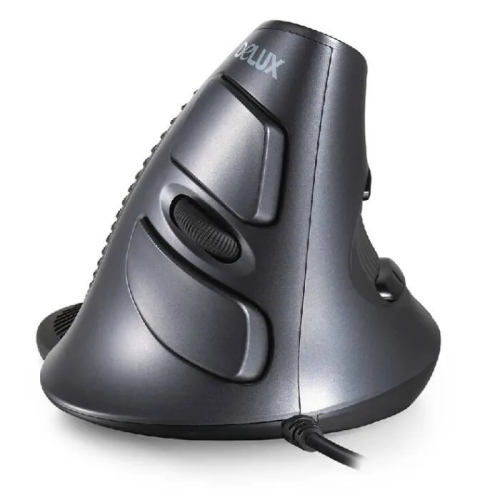
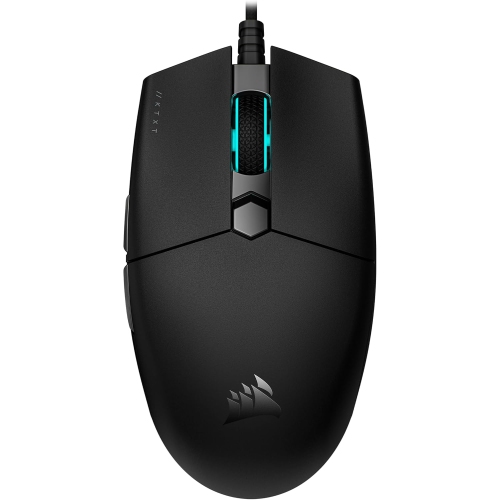
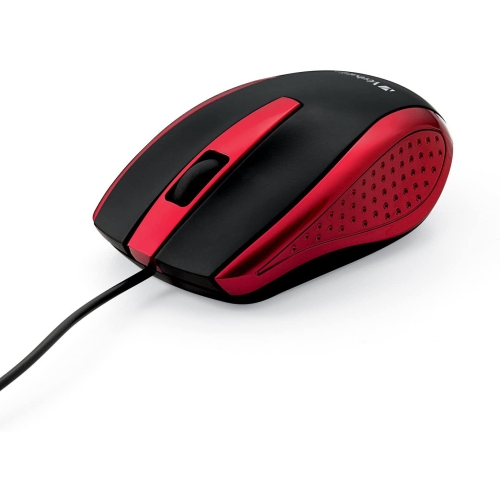
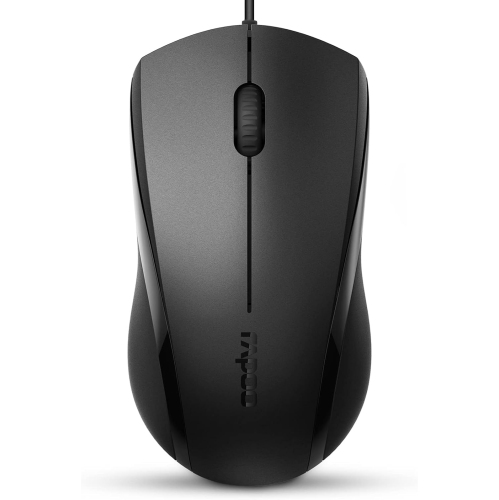
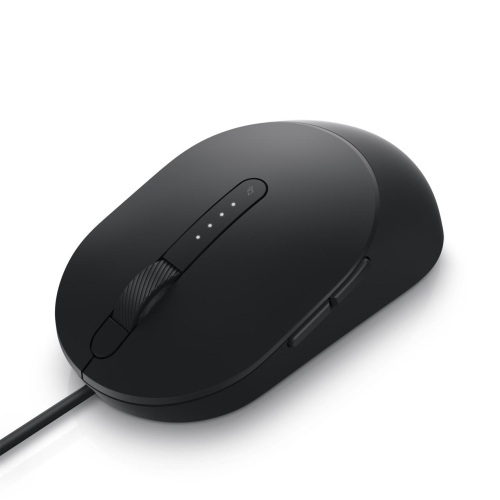
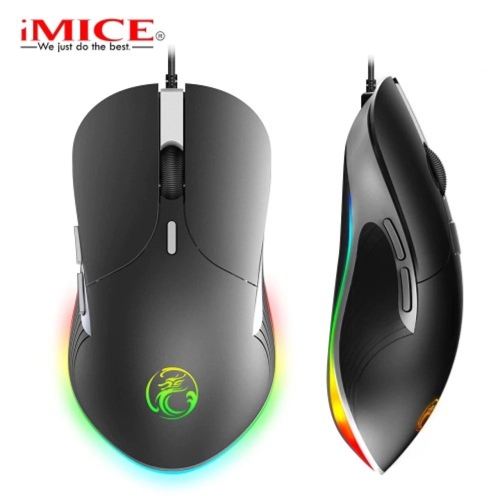
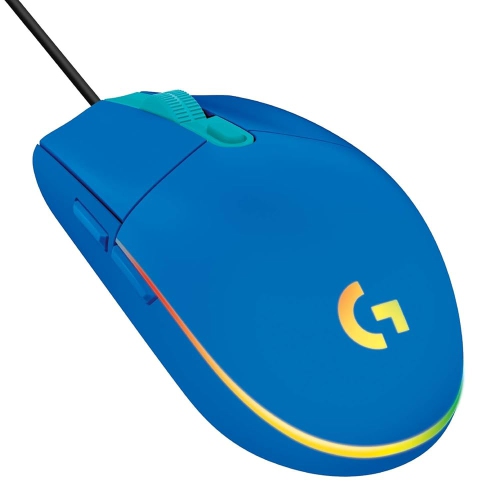
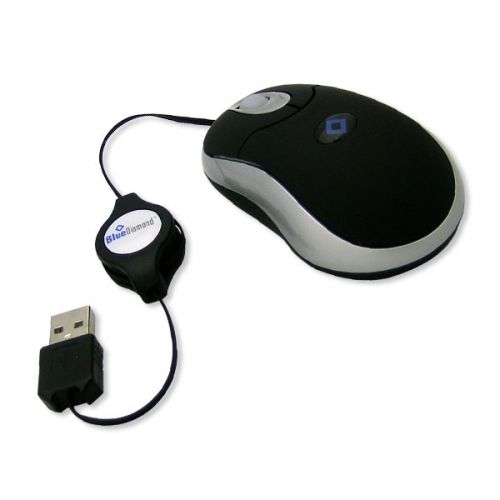

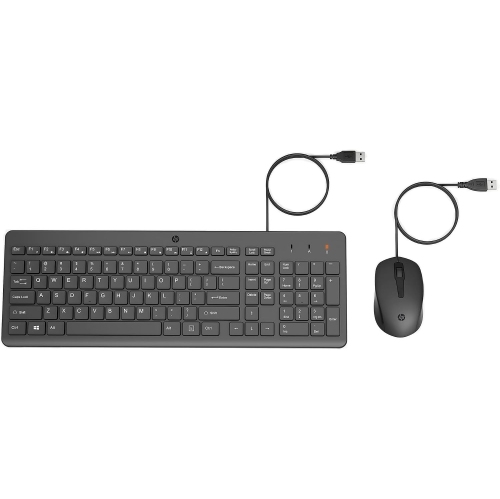
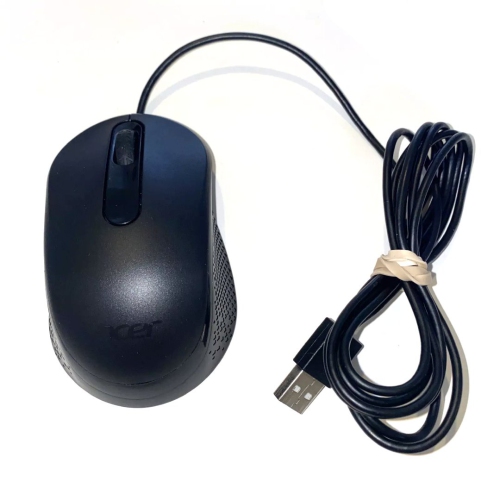
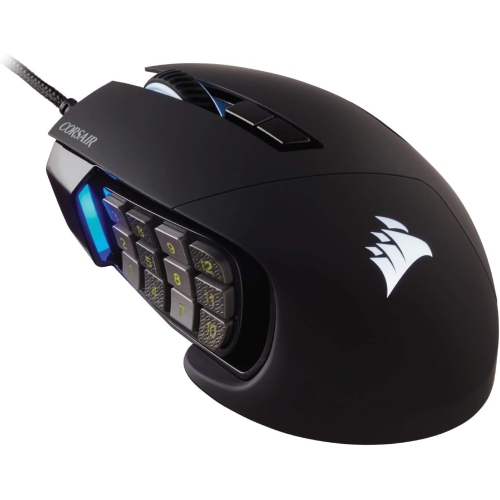
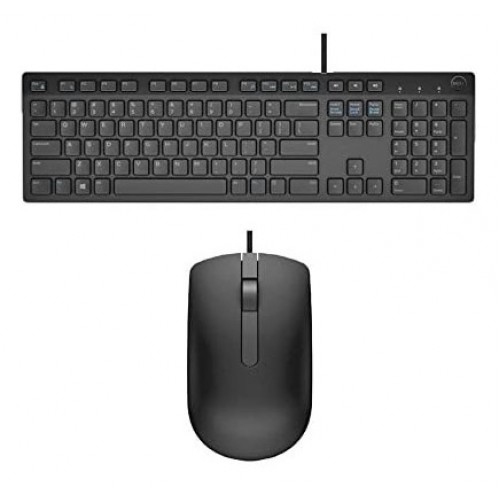
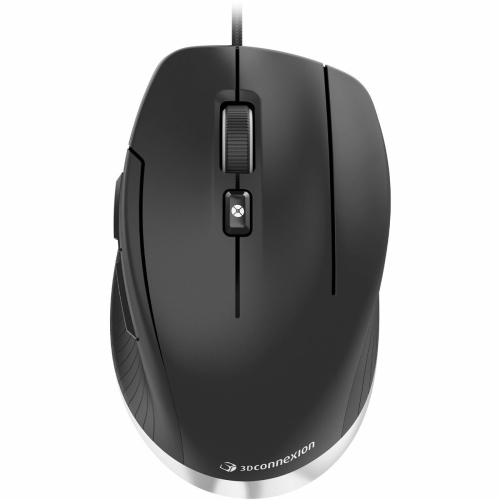

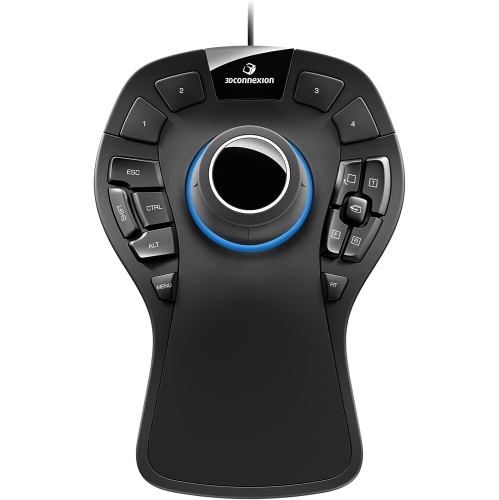
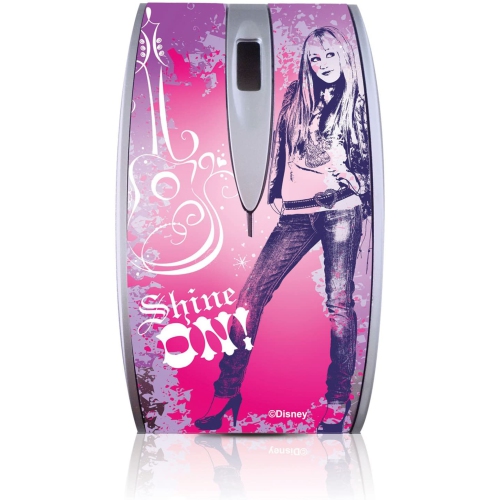

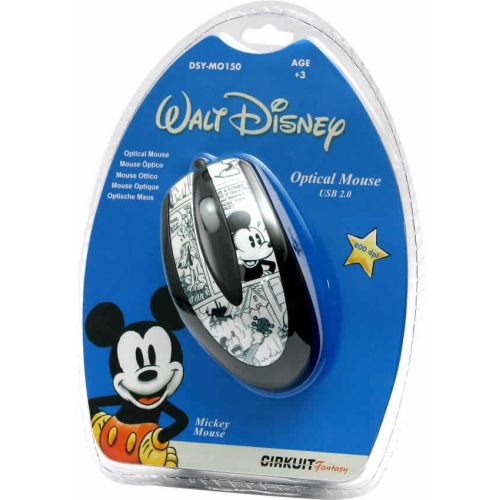
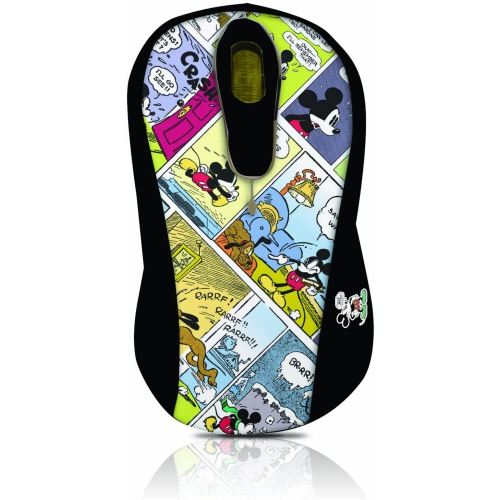
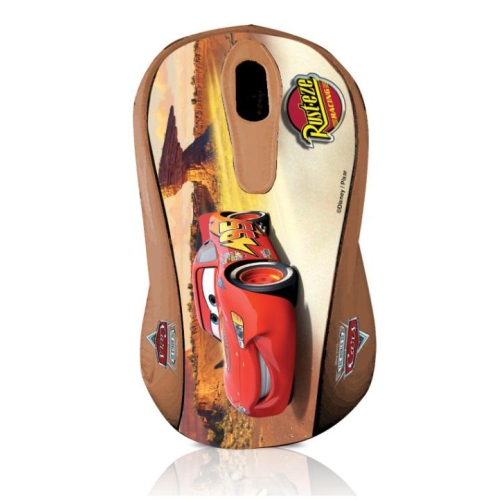

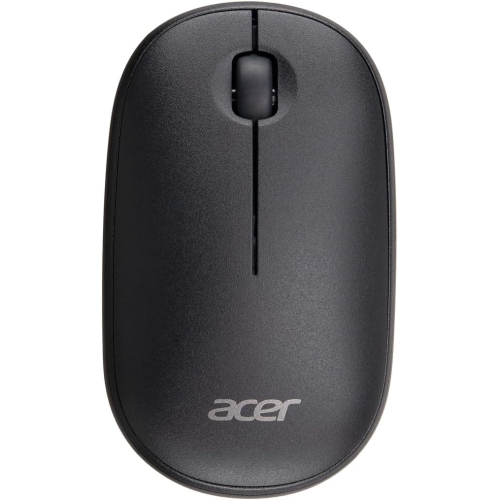
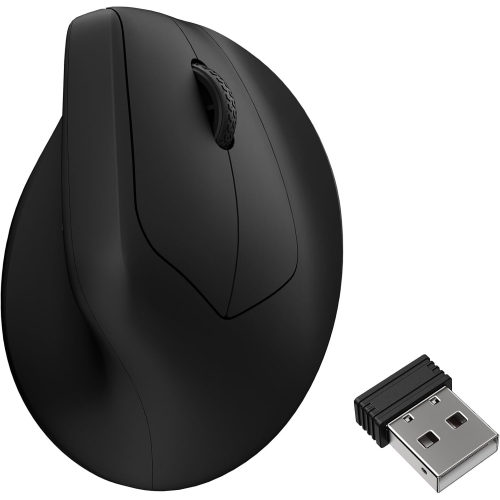
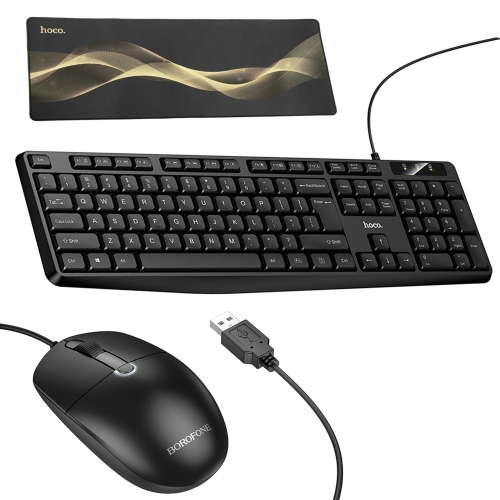
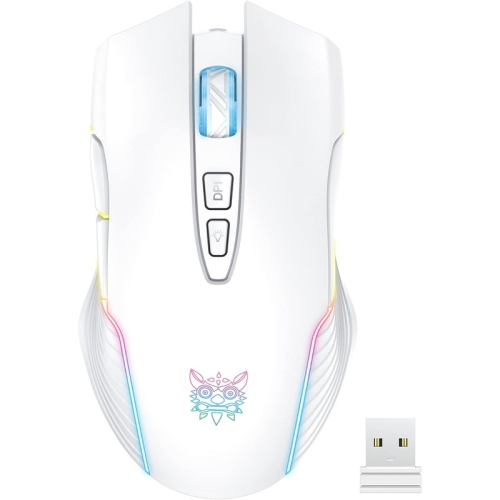
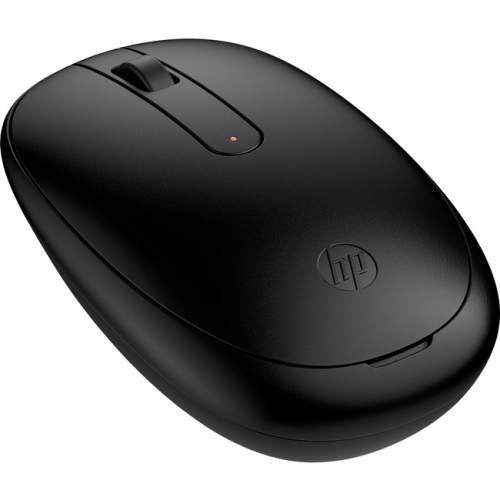
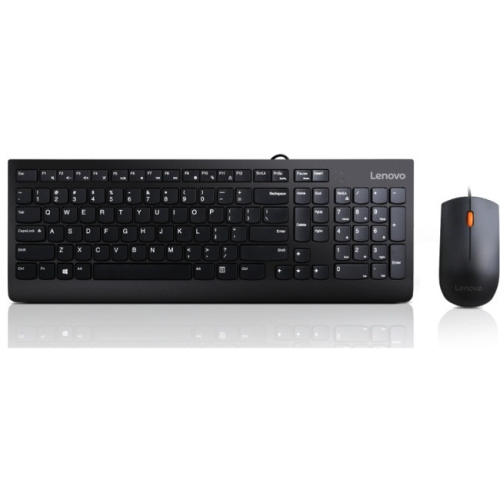
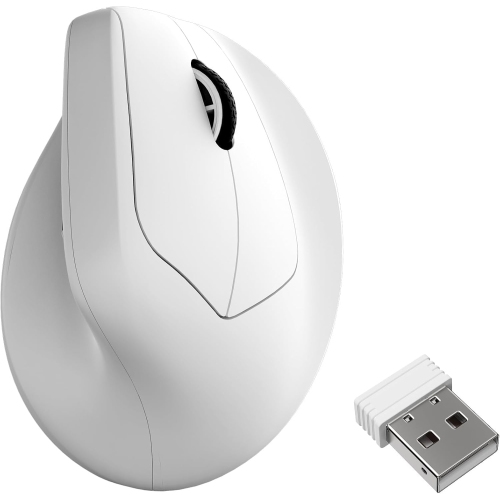
Everyday pointer control without pairing or battery charging
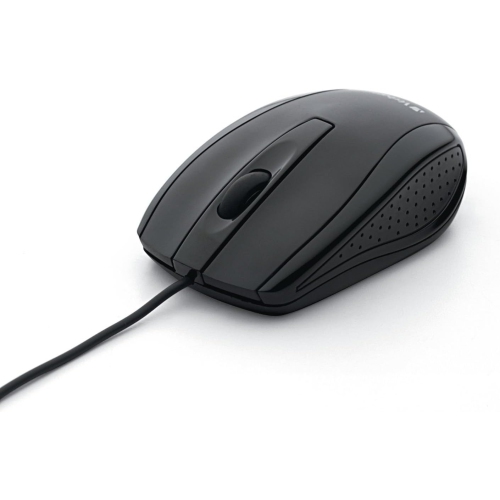
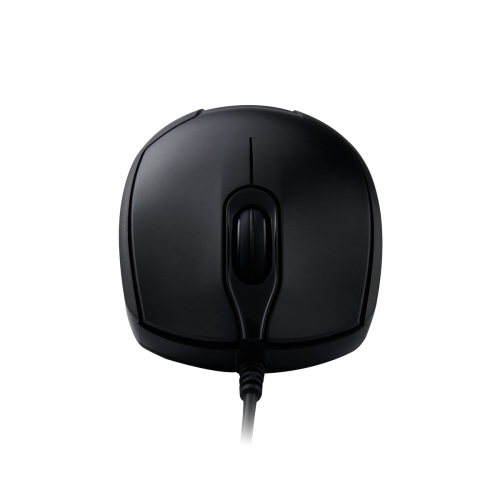
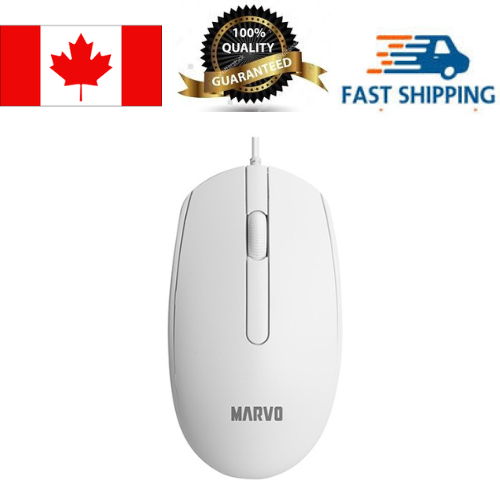
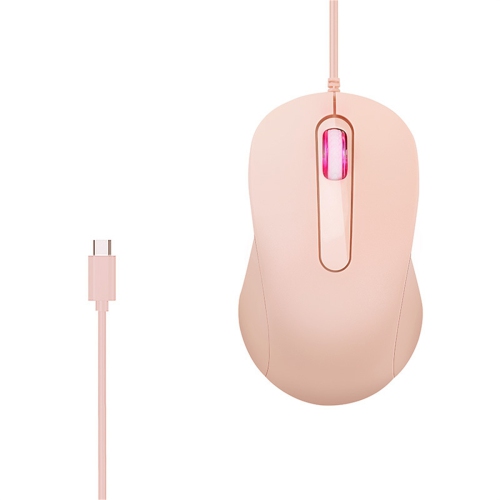
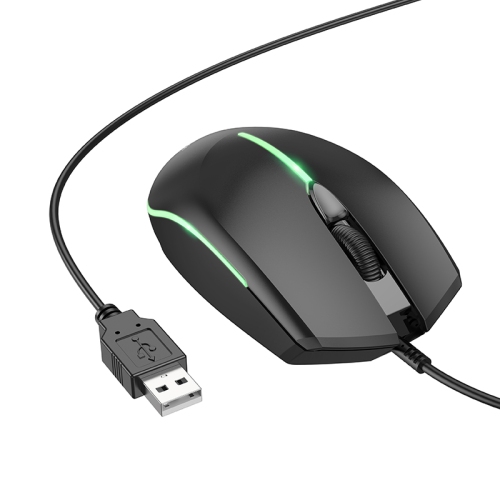
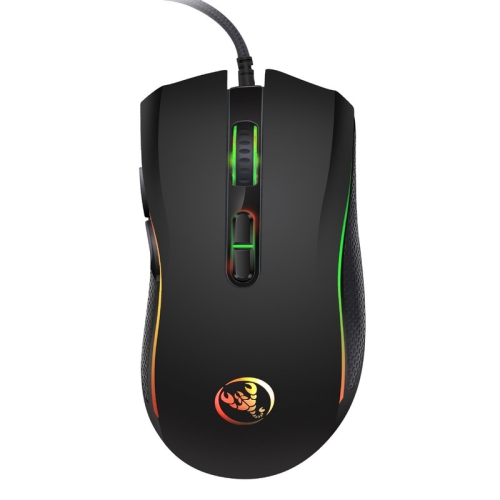
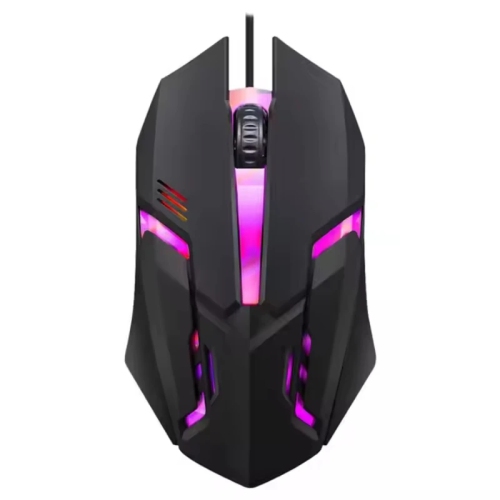
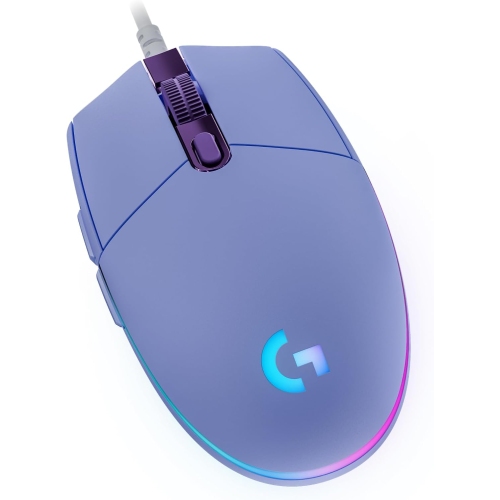
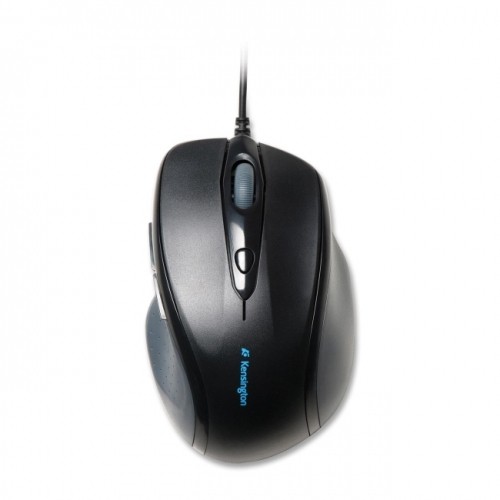
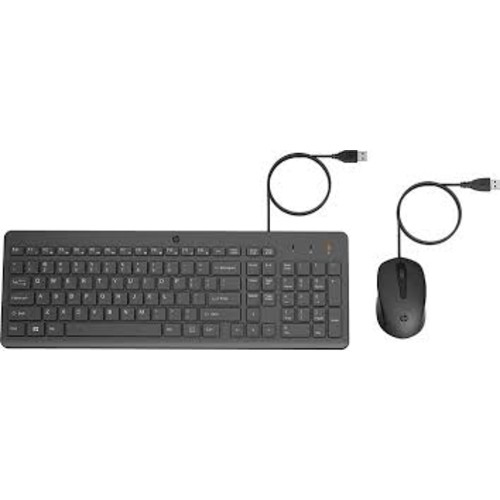
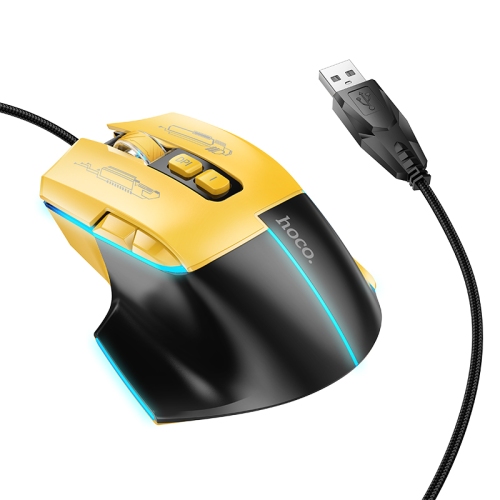
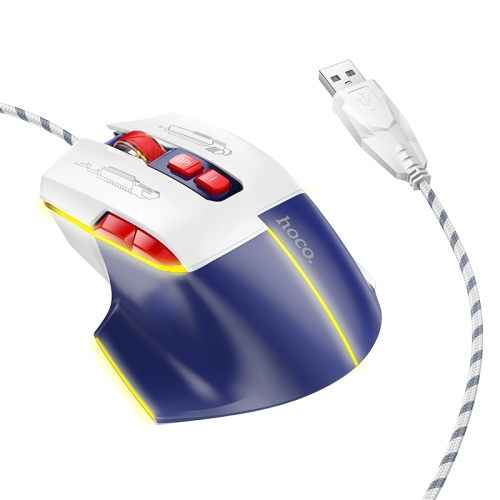
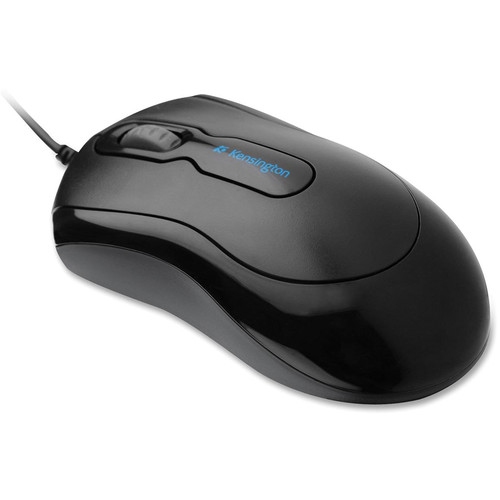
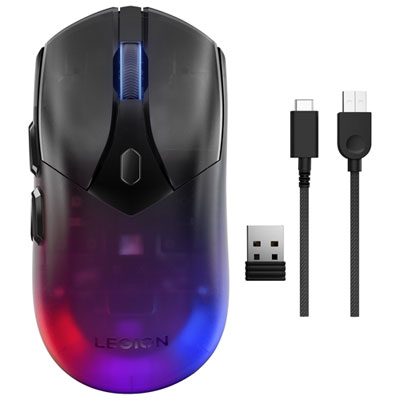
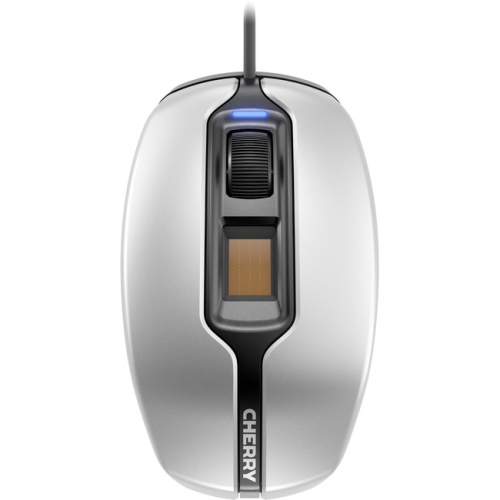
Affordable wired mice bring straightforward pointer control to everyday computing, from editing documents and browsing websites to organizing files and working through a spreadsheet. A wired mouse connects directly to a compatible computer and receives power through that connection, so everyday use does not require wireless pairing or battery charging. That simplicity suits a permanent desk, a shared family computer, or a laptop that spends much of its time connected to a monitor. Basic designs typically centre on left and right buttons with a scroll wheel, providing the familiar controls needed to open files, select text, move between tabs, and navigate long pages. Additional buttons can add convenient shortcuts, although their usefulness depends on the task and the software being used. Connection type matters: a USB-A plug needs a compatible port, while a computer with only USB-C ports may require a suitable data-capable adapter or hub. Cable length also affects how comfortably the mouse reaches its intended position, particularly when a desktop tower sits beneath the desk rather than beside the monitor. Many wired mice support basic plug-and-play operation on compatible operating systems, while button customization, lighting controls, or advanced sensitivity settings may require separate software. On a work or school computer with restricted installation permissions, standard controls can be more practical than features that depend on an app. Optical sensors track movement across a surface, translating hand motions into pointer movement on the screen. Consistent tracking is especially noticeable when selecting a small spreadsheet cell, positioning a cursor within a sentence, or dragging a file into a folder. A clean, even mouse pad can help provide a predictable surface; clear glass, highly reflective finishes, and uneven textures may not work well with every sensor. For daily office and home use, dependable tracking, comfortable controls, and a connection that fits the computer often matter more than a long list of extra features.
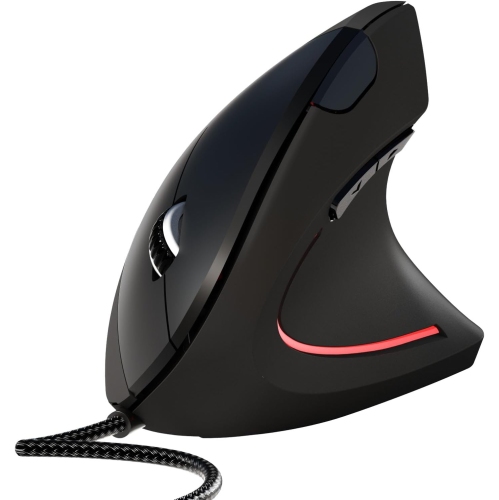
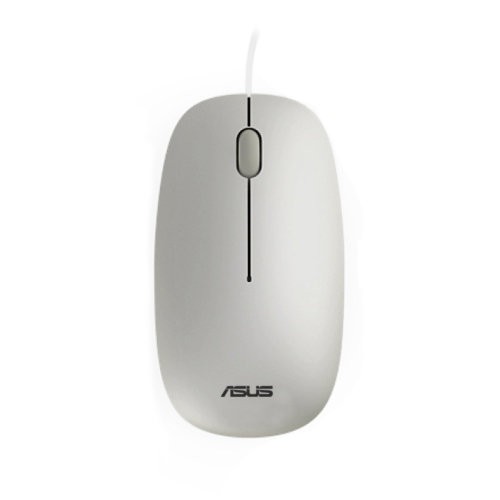
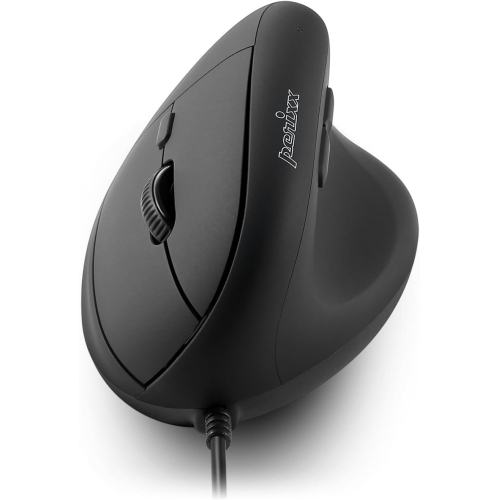
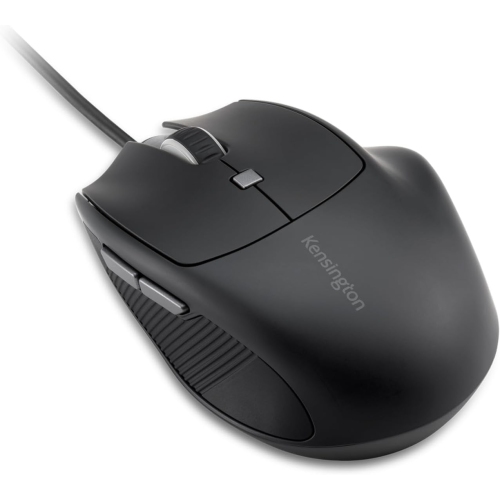
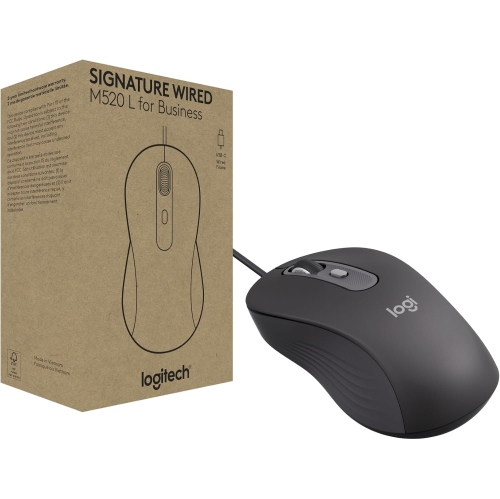
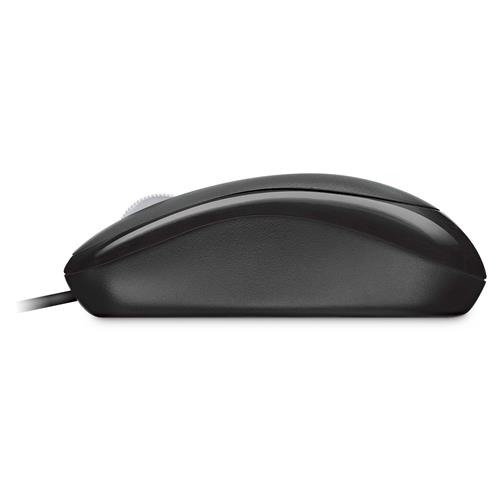
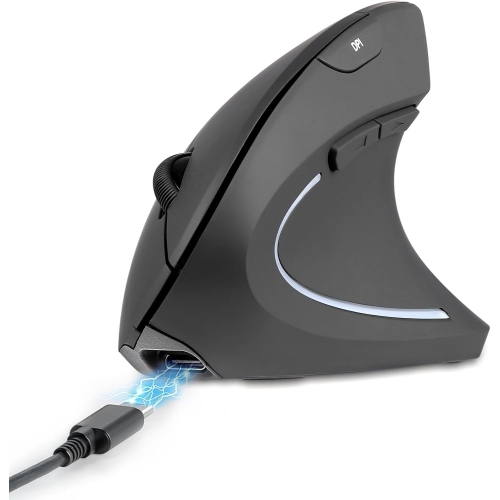
The shape and feel of a wired mouse influence how naturally it fits into a workspace. A compact body can be convenient beside a laptop or on a narrow desk, but a larger hand may feel more supported by a fuller shell. A low-profile shape leaves less material beneath the palm, while a taller curve offers a different contact point and can suit someone who rests more of their hand on the mouse. Neither style is universally better: hand size, grip, and the kinds of movements used throughout the day all play a role. Some people guide the mouse mainly with their fingertips, while others keep their palm in contact with the shell as they move it. Symmetrical designs can be useful for shared desks and left-handed users, though side-button placement may still favour one hand. Contoured designs are often shaped for a particular hand, making orientation worth checking before selecting one. Weight also changes the experience. A lighter mouse takes less effort to lift and reposition, while a heavier design may feel steadier during deliberate movements. Smooth plastic shells are generally easy to wipe clean, and textured side panels or rubberized grips can offer a more secure hold. The scroll wheel should be easy to reach without shifting the hand, with enough definition to move through a document at a controlled pace. Quiet-click designs can suit a shared study area, while more pronounced clicks provide clear feedback that a button press has registered. Cable routing deserves attention as well: a cord caught behind a monitor stand or pulled tight across the desk can make an otherwise comfortable mouse feel awkward. Keeping some slack near the mouse allows freer movement. For care, disconnecting the mouse before wiping it with a soft cloth helps avoid accidental inputs; moisture should stay out of button gaps and other openings. Dust and debris around the sensor opening or glide feet can affect movement, and storing the cable without sharp bends or tight tension helps protect it from unnecessary wear.
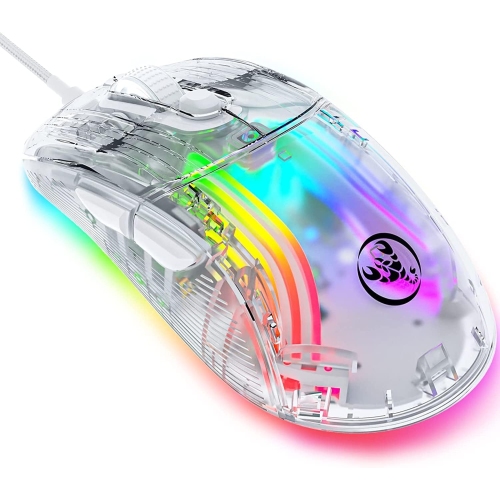
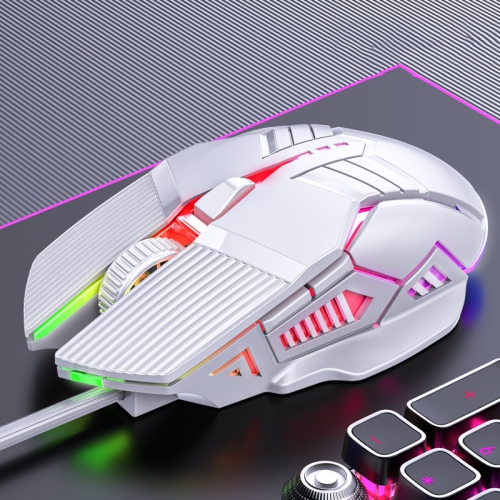
Different routines call for different levels of control, and wired mice cover more than basic browsing. For schoolwork, a simple layout can make it easier to highlight passages, arrange slides, complete online assignments, and work with several windows open beside a reference document. A mouse can be particularly useful when a laptop trackpad feels cramped during repeated drag-and-drop tasks or detailed selections. The Affordable Wired Mice for Students page brings that study-focused use into view for learners setting up a desk at home or using a compatible computer between classes. In an office setting, a comfortable scroll wheel and accessible buttons can support long documents, calendar navigation, and frequent movement between applications. For gaming, sensor consistency, button placement, and the ability to adjust sensitivity become more relevant. Sensitivity is often expressed in DPI, or dots per inch, and affects how far the pointer moves in response to a given movement of the mouse. A higher setting is not automatically better: it can make the pointer cover more screen space with a small hand movement, while a lower setting allows broader movements for finer positioning. Adjustable sensitivity makes it easier to match that response to the display, the available desk space, and the game or application. Extra buttons can be useful for recurring actions when supported by the software, but they should sit where they can be reached without accidental presses. Clear feedback from the main buttons and predictable wheel movement remain important whether the task is a game, a design project, or a presentation. A wired mouse can also make a practical gift for someone setting up a study space, replacing a worn desk accessory, or adding pointer control to a laptop workstation. Matching the connection, hand orientation, and intended use makes the gesture more useful than choosing by appearance alone. Across these settings, a well-suited wired mouse earns its place through ordinary details: an easy reach, a comfortable grip, responsive controls, and a cable that stays out of the way.
Top selling and popular products
-
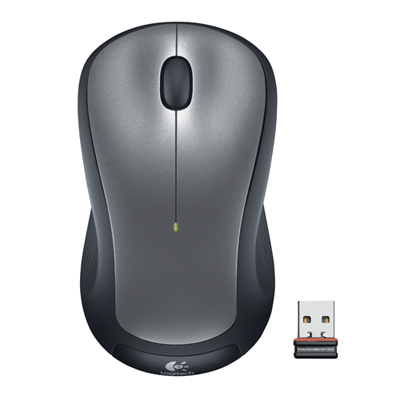 Your price for this item is $29.99
-
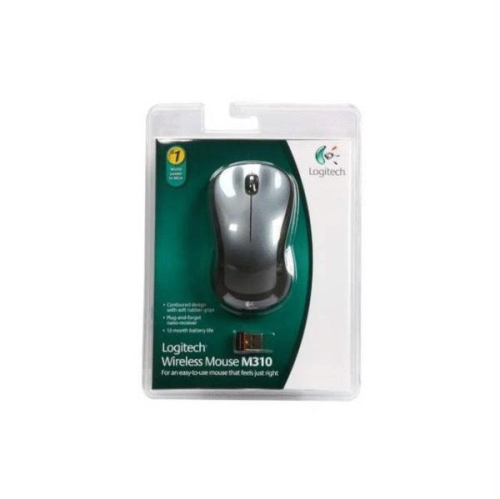 Your price for this item is $50.44
-
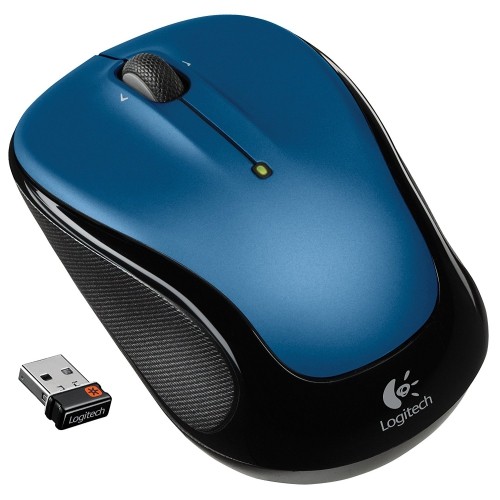 Your price for this item is $39.99
-
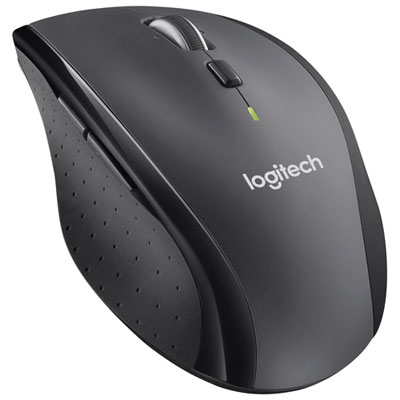 Your price for this item is $49.99
-
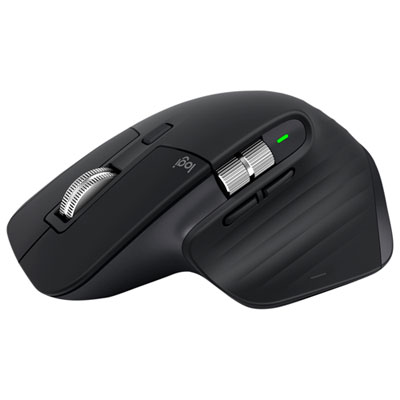 Your price for this item is $159.97
-
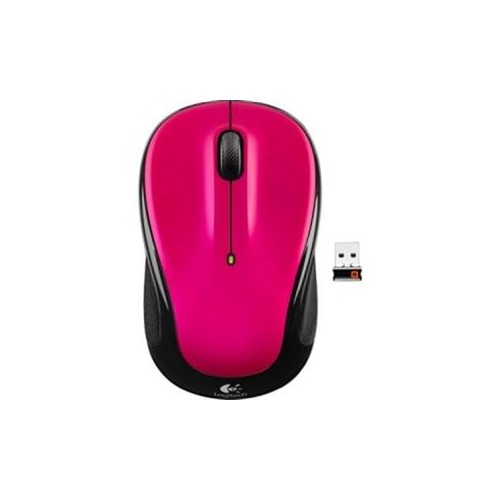 Your price for this item is $64.68
-
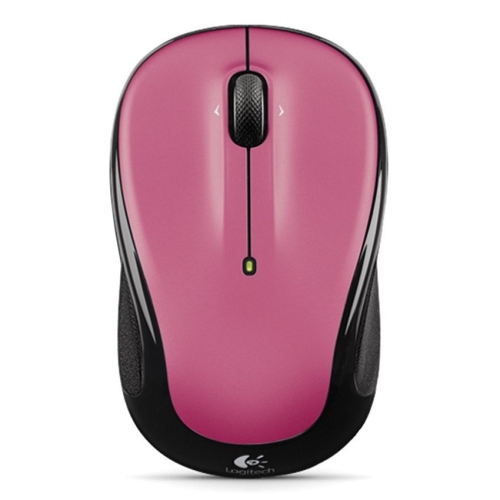 Your price for this item is $48.68
-
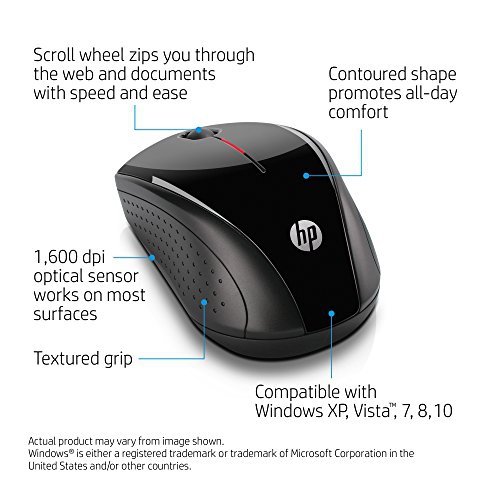 Your price for this item is $31
Discover more categories related to Affordable Wired Mice
Top Collections:
Best Black Friday Deals This Year, Best Black Friday Deals On Electronics, Kindle Devices, Pokemon Centers, Best Black Friday Deals On Apple Products, Best Cameras for Sports Photography, Dyson Airwrap, Pokémon 30th Celebration Cards, Apple iPhone 17 Pro, Canon G7X Cameras
Some products may be subject to Environmental Handling Fees
(EHF) depending on your province.
Learn more about EHFs.