Affordable Wireless Gaming Mice
Affordable Wireless Gaming Mouse options make it easy to upgrade your gaming setup without stretching your budget. Enjoy seamless gameplay and enhanced control with a variety of wireless mice designed for both casual and competitive gamers. Whether you're looking for improved precision or a comfortable design, there’s a perfect fit for every play style. Explore the latest selection of Affordable Wireless Gaming Mouse choices and take your gaming experience to the next level.
Sort
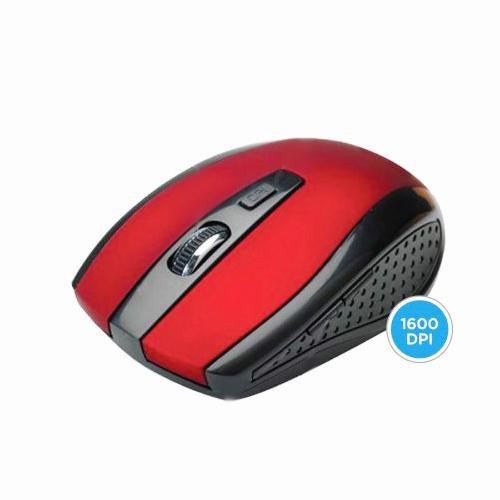
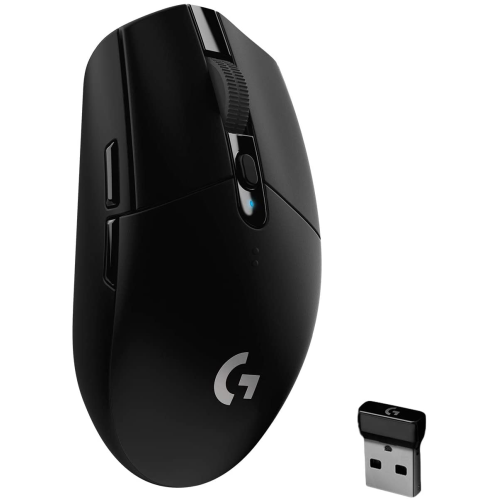
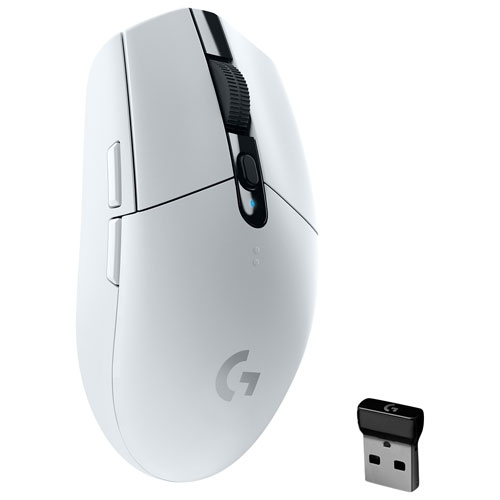
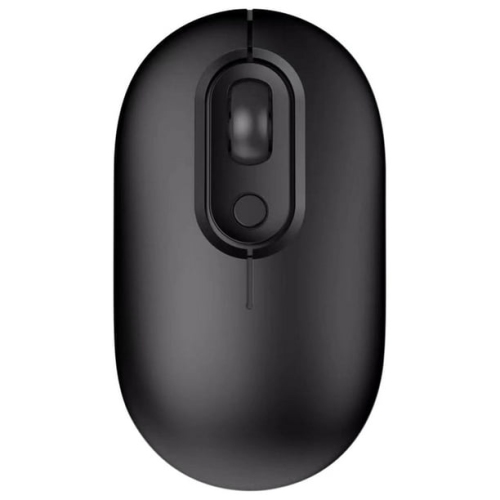
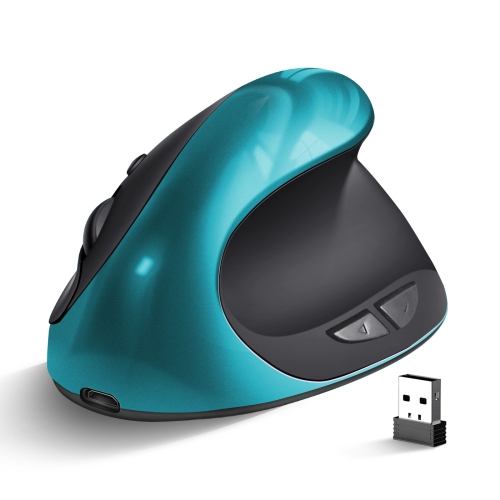
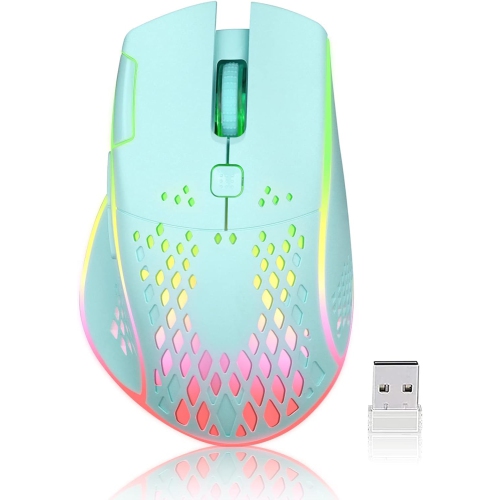
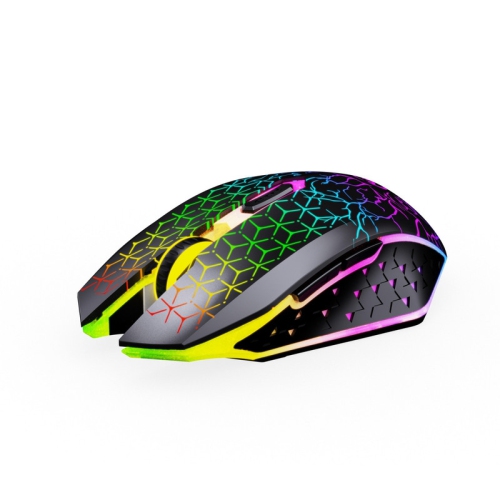
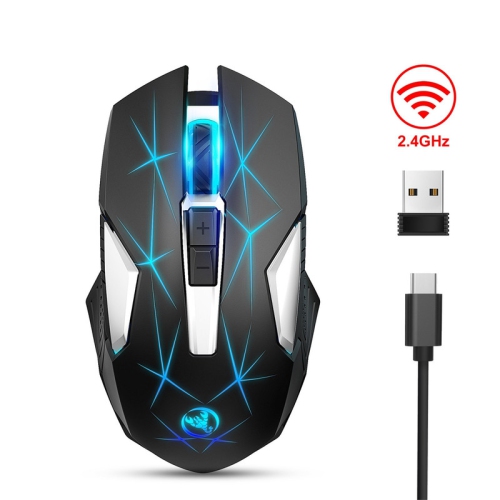
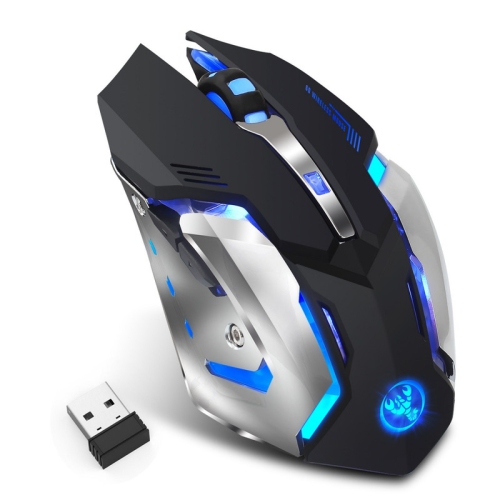
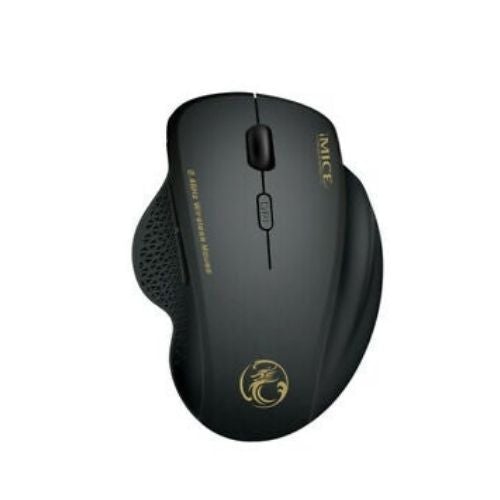
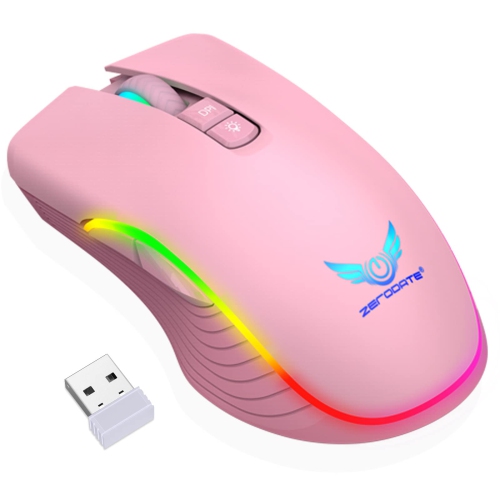
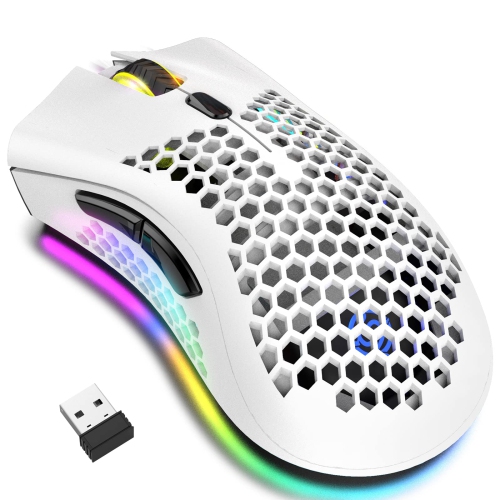
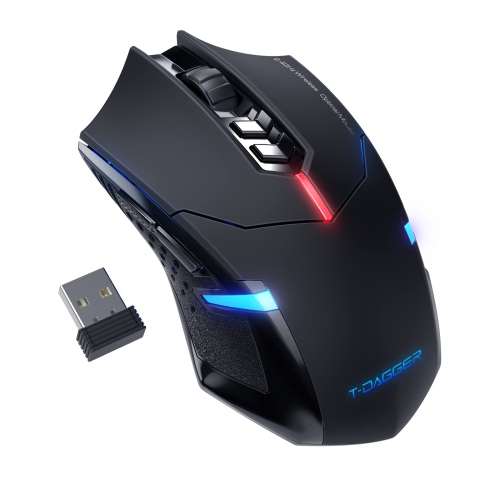
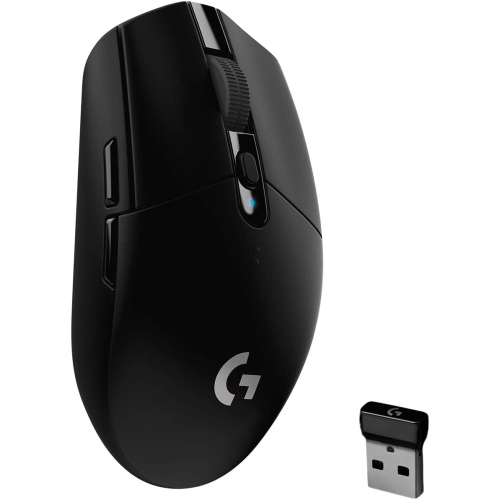
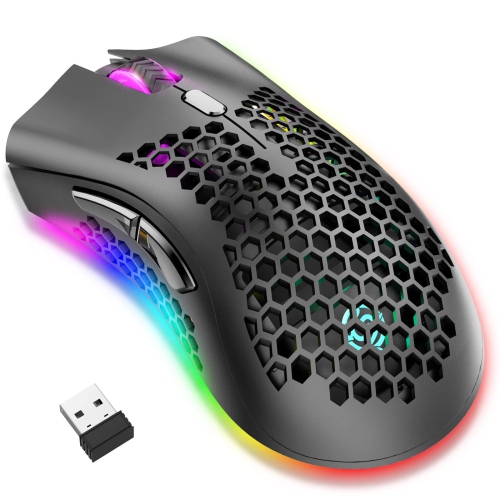
Better mouse control goes beyond a high DPI
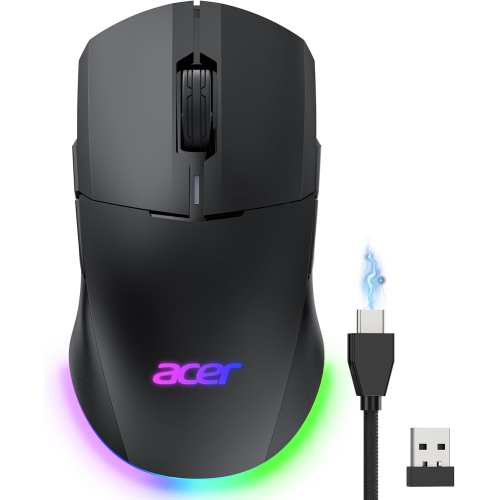
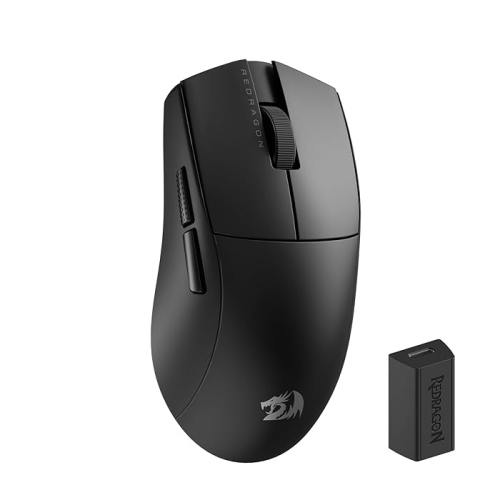
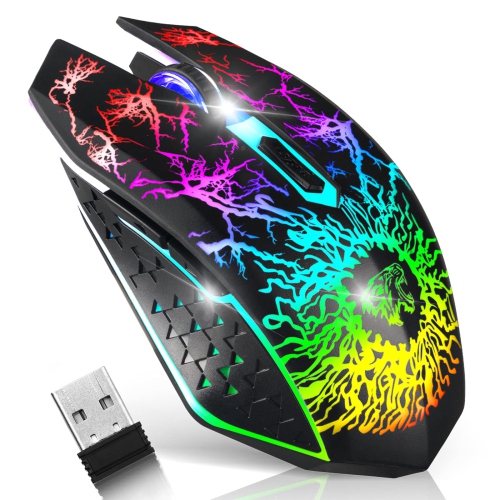
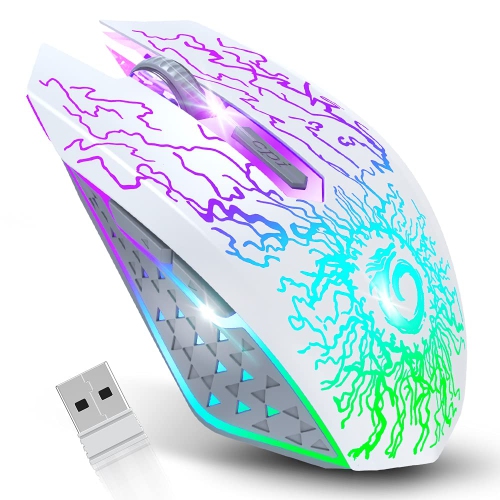
Affordable wireless gaming mice combine the freedom of a cable-free setup with controls designed for responsive play. Their appeal is practical: there is no cord catching on the edge of a mouse pad, pulling against a wide aiming movement, or adding clutter beside a keyboard. For players who move between competitive shooters, strategy games, and everyday browsing, the most useful features are dependable tracking, a comfortable shape, and a wireless connection suited to the task. Many wireless gaming mice use a dedicated USB receiver over a 2.4 GHz connection, while some also support Bluetooth. A dedicated gaming receiver is generally the better fit for latency-sensitive play; Bluetooth can be convenient for everyday tasks or switching to a compatible laptop without using a USB port. Performance still depends on the individual mouse, its wireless implementation, and the surrounding setup, rather than the connection label alone. Keeping the receiver reasonably close to the mouse and away from large metal obstructions can help maintain a consistent signal. Sensor behaviour also matters more than an impressive sensitivity number. Dots per inch, usually shortened to DPI, describes how far the pointer moves in relation to physical mouse movement; a higher maximum setting does not automatically mean better aim. Lower sensitivity often suits broad arm movements in shooters, while a higher setting can make navigation across a large desktop feel quicker. Adjustable sensitivity makes it easier to find a comfortable middle ground. Polling rate describes how frequently the mouse reports to the computer, but a higher rate alone cannot guarantee a better experience across every game and system. Consistent tracking, predictable clicks, and a stable connection are more meaningful in practice. These qualities make wireless gaming mice relevant to both occasional players and people who spend longer sessions refining their movement and timing. A mouse that feels controlled during a tense match should also feel straightforward when selecting spreadsheet cells, moving through browser tabs, or working on a school assignment.
Shape and fit have a direct effect on how a wireless gaming mouse feels after the first few minutes. Hand length, hand width, and grip style all influence where the fingers rest and how easily the thumb reaches the side buttons. A palm grip usually places more of the hand against the shell, so the height and position of the rear curve can be especially noticeable. A claw grip arches the fingers and places more emphasis on fingertip control, while a fingertip grip uses less contact with the body of the mouse. These are useful descriptions rather than strict categories; many players change their grip slightly between careful aiming and ordinary desktop use. A compact shell may be easy to reposition but feel cramped in a larger hand, while a fuller shape can offer more contact without necessarily being the right fit for everyone. Symmetrical designs are not always fully ambidextrous, particularly when side buttons sit only on the left, so button placement matters for left-handed users. Weight changes the experience too. A lighter mouse can feel easier to lift and reset during broad swipes, while some players prefer the more substantial feel of a heavier body. Neither preference replaces a shape that allows relaxed control. Most shells use moulded plastic, with smooth, textured, or perforated surfaces that create different sensations under the fingers. Textured sides can provide purchase during quick movements, whereas smooth surfaces may be easier to wipe clean. Perforated shells can reduce weight but leave more openings where dust can collect. Underneath, low-friction feet help the mouse glide across a suitable pad, and their condition affects how even that movement feels. Button placement deserves the same attention as shell shape: thumb buttons can support frequently used game actions, while a clearly defined scroll wheel helps with controlled scrolling and weapon selection. Extra controls are most useful when they are easy to distinguish without changing grip.
Battery design, care, and compatibility help determine how comfortably a wireless gaming mouse fits into everyday use. Rechargeable models avoid routine battery changes, while models with replaceable batteries can return to use quickly when a suitable spare is on hand. Actual battery life varies with connection mode, polling rate, lighting, and usage, so published estimates are best understood alongside their stated test conditions. Decorative lighting can add personality to a desk, but it also uses power; disabling it may extend the time between charges or battery replacements. Some rechargeable mice support use while connected by cable, although that capability should not be assumed from the presence of a charging port. The connector type, cable reach, and placement of the port can make charging more or less convenient around a crowded desk. For a shared computer or a setup that moves between rooms, receiver storage inside the mouse can help keep the small USB adapter with its matching device. Compatibility includes more than basic pointer movement: button remapping, lighting adjustments, and saved profiles may require software that supports a particular operating system. Console support also depends on the system and the individual game. For everyday care, switching the mouse off before cleaning and using a soft cloth, lightly dampened only when appropriate for the finish, helps remove hand oils without soaking seams or openings. Loose debris around the scroll wheel and sensor area should be removed gently, following the manufacturer’s care directions. A clean mouse pad also helps keep grit from collecting around the feet. When exploring Budget Wireless Gaming Mice, these practical details are useful alongside comfort and tracking performance. They matter just as much when choosing a gift for a student, a new PC gamer, or someone refreshing an established setup. Matching the recipient’s hand size, preferred grip, computer connections, and usual games makes the choice more personal than relying on appearance alone.
Top selling and popular products
-
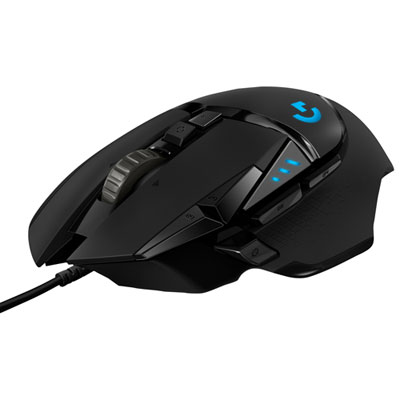 Your price for this item is $74.99
-
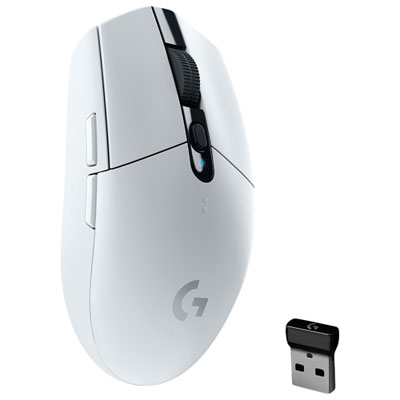 Your price for this item is $69.99
-
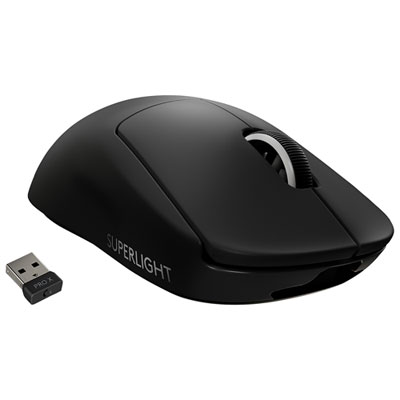 Your price for this item is $199.99
-
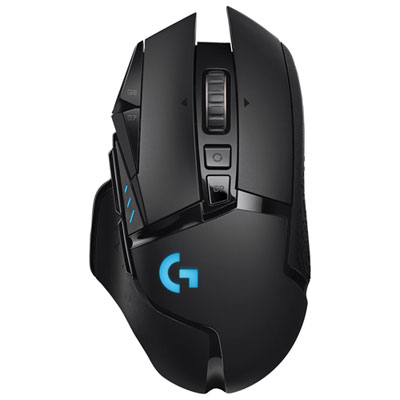 Your price for this item is $149.99
-
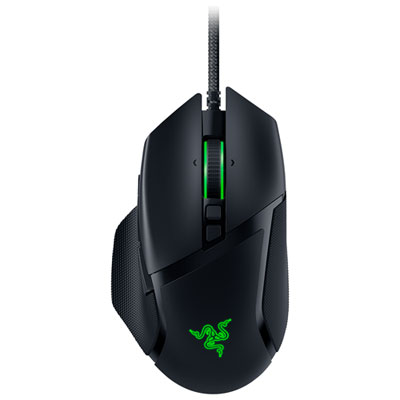 Your price for this item is $48.99
-
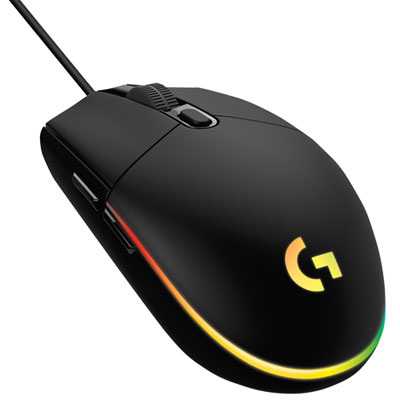 Your price for this item is $39.99
-
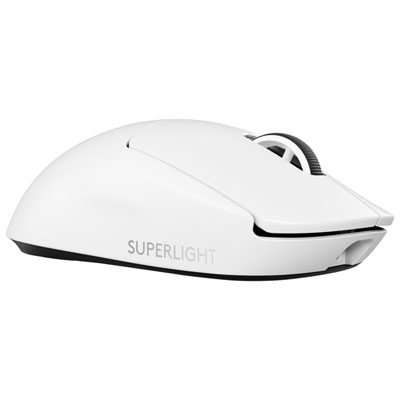 Your price for this item is $219.99
-
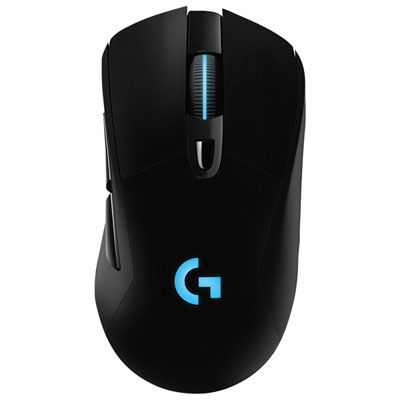 Your price for this item is $94.98
Discover more categories related to Affordable Wireless Gaming Mice
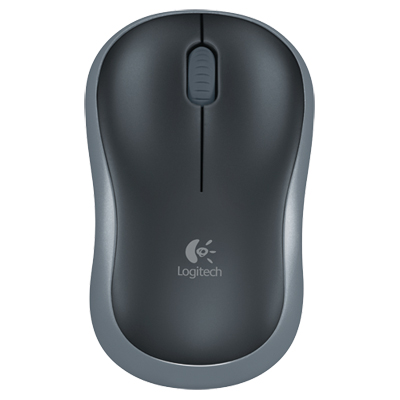

Top Collections:
Best Black Friday Deals This Year, Best Black Friday Deals On Electronics, Kindle Devices, Pokemon Centers, Best Black Friday Deals On Apple Products, Best Cameras for Sports Photography, Dyson Airwrap, Pokémon 30th Celebration Cards, Apple iPhone 17 Pro, Canon G7X Cameras
Some products may be subject to Environmental Handling Fees
(EHF) depending on your province.
Learn more about EHFs.