Alienware Keyboards
Explore the ultimate selection of Alienware keyboards designed to elevate your gaming and computing experience. Whether you're looking to enhance your setup with advanced performance or stylish design, Alienware keyboards offer a range of options to suit every preference. Find the perfect addition to your desktop and enjoy seamless integration with your favorite devices. Shop the latest Alienware keyboards and take your workspace or gaming station to the next level.
Sort

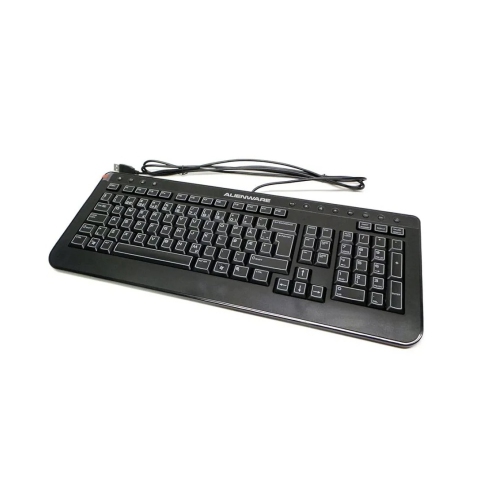
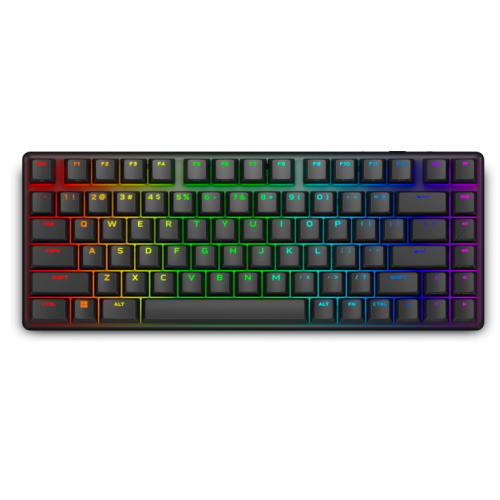
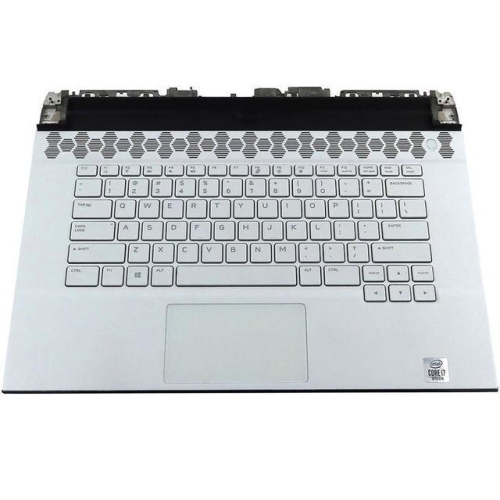
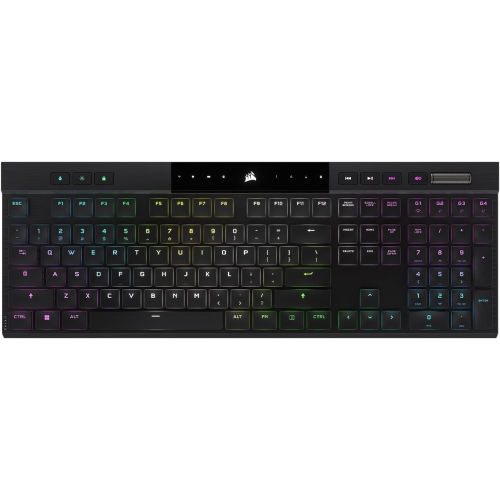
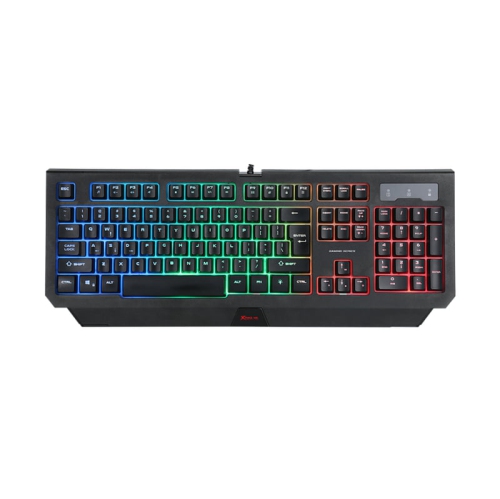
How switch feel and layout shape your game
Mechanical gaming keyboards bring distinct key feel, responsive controls, and a more personal look to a desktop setup. They suit players who want clear feedback during a match, as well as people who move between gaming, writing, coding, and everyday computer tasks. The switch beneath each key plays a large part in that experience. Linear switches travel smoothly without a pronounced tactile bump, making them appealing for repeated movement commands and players who prefer a consistent keystroke. Tactile switches add a noticeable bump during the press, while clicky switches pair feedback with a sharper sound. A mechanical keyboard is not necessarily loud, however: switch design, keycap material, internal construction, and the surface beneath the keyboard all affect what someone nearby will hear. In a shared room or a space used for voice calls, those details can matter as much as lighting. Layout also changes how a keyboard fits into daily use. Full-size designs include a number pad, useful for spreadsheets, numerical shortcuts, and games with extensive key assignments. Tenkeyless layouts remove the number pad while generally retaining a separate navigation cluster and function row, leaving more room for broad mouse movements. A 75% layout brings many of those controls closer together for a smaller footprint, although exact key placement varies. That extra space can help a player keep the mouse closer to the keyboard rather than reaching across a crowded desk. Compact layouts may require more adjustment for someone accustomed to widely spaced arrow keys or dedicated navigation controls. For a setup shared between work and play, the most comfortable choice often comes down to which keys get used repeatedly throughout the day. Familiar spacing, legible legends, and an easy-to-reach function row can make a greater difference over a long session than a feature that rarely gets touched. Keyboard dimensions, rather than layout labels alone, give a clearer sense of how much desk space a design will occupy.
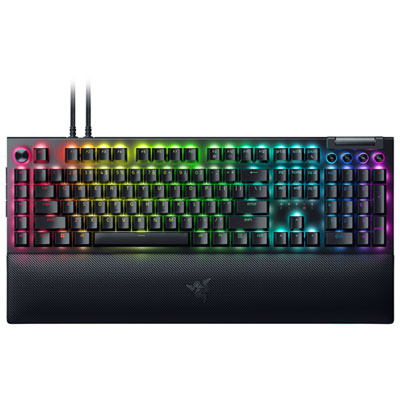
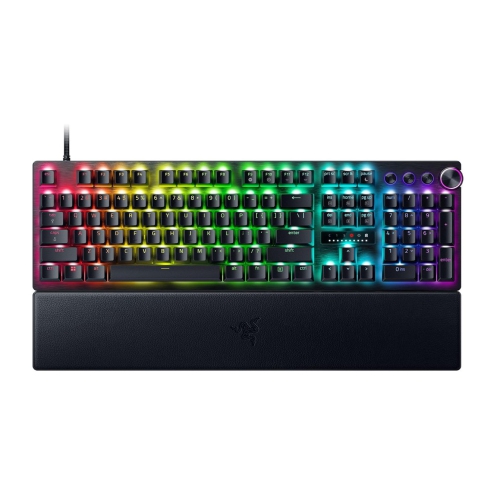
Connectivity determines how a gaming keyboard fits into the rest of the setup. A wired USB connection provides a direct link to the computer without a battery to charge, making it practical for a fixed desk or frequent long sessions. Wireless designs reduce cable clutter and offer more flexibility when repositioning the keyboard. Where supported, a dedicated wireless receiver provides a gaming-focused connection, while Bluetooth can be useful for everyday typing or switching between compatible devices. Tri-mode keyboards combine wired, receiver-based wireless, and Bluetooth options, but the supported modes and switching controls depend on the design. For fast-paced games, connection stability and latency matter alongside switch feel; wireless connections should not be treated as interchangeable simply because they avoid a cable. Battery life also varies with lighting brightness, effects, connection mode, and usage, so a quoted runtime needs to be understood in the context of its testing conditions. A conveniently positioned charging port and a detachable cable can make everyday charging less disruptive. Beyond connectivity, features such as anti-ghosting and key rollover help a keyboard register combinations of simultaneous presses, including movement keys held while another command is entered. Programmable keys and onboard profiles, where included, can keep frequently used actions close at hand, though customization options may differ across operating systems. Some settings require compatible software, and not every profile or lighting effect can necessarily be saved directly to the keyboard. Per-key RGB lighting can highlight movement controls, distinguish groups of shortcuts, or add colour to a coordinated desk. A subdued static setting may be easier to live with during reading and typing than a moving effect. Dedicated media controls, a volume dial, or a programmable rocker can also be convenient when adjusting audio without leaving a game. Appearance remains personal: for a setup built around cooler colour accents, Blue Gaming Keyboards offer another way to explore the look. Keycap colour and lighting colour are separate characteristics, so the keyboard’s unlit appearance matters too.
Materials and construction shape how a keyboard feels after the initial excitement of a new setup has passed. Keycaps are the part touched most often, and their texture can influence grip and comfort during both rapid inputs and steady typing. PBT keycaps are generally valued for their resistance to developing a polished surface, while ABS keycaps can offer a smooth feel and a broad range of finishes. Neither material alone determines overall quality; thickness, moulding, and the way the legends are applied also matter. Double-shot legends are formed from separate pieces of plastic rather than simply printed onto the surface, helping the characters withstand repeated use. A rigid chassis, stable feet, and consistent support beneath larger keys contribute to a solid feel, particularly when pressing the space bar or Enter key off-centre. Hot-swappable switch sockets, where present, allow compatible switches to be replaced without soldering, but switch format and socket compatibility need to match. They are useful for someone interested in changing key feel over time, rather than a requirement for every player. Comfort depends just as much on positioning: a keyboard that sits too high or too far forward can encourage awkward wrist angles, regardless of its construction. Adjustable feet change the typing angle, but the steepest setting is not automatically the most comfortable. A palm rest, if used, should suit the keyboard’s height and leave room for relaxed hand movement. Regular care helps preserve both feel and appearance. Disconnecting the keyboard or switching it off before cleaning, removing loose debris with a soft brush, and wiping accessible surfaces with a lightly dampened cloth are sensible starting points, subject to the manufacturer’s care directions. Liquid should never be sprayed directly between the keys, and removable keycaps should only be lifted using an appropriate method. For a gift, the recipient’s preferred layout, connection type, and switch sound are especially useful details to know. A keyboard that matches their habits can feel at home during an evening match, a lengthy assignment, or an ordinary day at the desk.
Connectivity determines how a gaming keyboard fits into the rest of the setup. A wired USB connection provides a direct link to the computer without a battery to charge, making it practical for a fixed desk or frequent long sessions. Wireless designs reduce cable clutter and offer more flexibility when repositioning the keyboard. Where supported, a dedicated wireless receiver provides a gaming-focused connection, while Bluetooth can be useful for everyday typing or switching between compatible devices. Tri-mode keyboards combine wired, receiver-based wireless, and Bluetooth options, but the supported modes and switching controls depend on the design. For fast-paced games, connection stability and latency matter alongside switch feel; wireless connections should not be treated as interchangeable simply because they avoid a cable. Battery life also varies with lighting brightness, effects, connection mode, and usage, so a quoted runtime needs to be understood in the context of its testing conditions. A conveniently positioned charging port and a detachable cable can make everyday charging less disruptive. Beyond connectivity, features such as anti-ghosting and key rollover help a keyboard register combinations of simultaneous presses, including movement keys held while another command is entered. Programmable keys and onboard profiles, where included, can keep frequently used actions close at hand, though customization options may differ across operating systems. Some settings require compatible software, and not every profile or lighting effect can necessarily be saved directly to the keyboard. Per-key RGB lighting can highlight movement controls, distinguish groups of shortcuts, or add colour to a coordinated desk. A subdued static setting may be easier to live with during reading and typing than a moving effect. Dedicated media controls, a volume dial, or a programmable rocker can also be convenient when adjusting audio without leaving a game. Appearance remains personal: for a setup built around cooler colour accents, Blue Gaming Keyboards offer another way to explore the look. Keycap colour and lighting colour are separate characteristics, so the keyboard’s unlit appearance matters too.
Materials and construction shape how a keyboard feels after the initial excitement of a new setup has passed. Keycaps are the part touched most often, and their texture can influence grip and comfort during both rapid inputs and steady typing. PBT keycaps are generally valued for their resistance to developing a polished surface, while ABS keycaps can offer a smooth feel and a broad range of finishes. Neither material alone determines overall quality; thickness, moulding, and the way the legends are applied also matter. Double-shot legends are formed from separate pieces of plastic rather than simply printed onto the surface, helping the characters withstand repeated use. A rigid chassis, stable feet, and consistent support beneath larger keys contribute to a solid feel, particularly when pressing the space bar or Enter key off-centre. Hot-swappable switch sockets, where present, allow compatible switches to be replaced without soldering, but switch format and socket compatibility need to match. They are useful for someone interested in changing key feel over time, rather than a requirement for every player. Comfort depends just as much on positioning: a keyboard that sits too high or too far forward can encourage awkward wrist angles, regardless of its construction. Adjustable feet change the typing angle, but the steepest setting is not automatically the most comfortable. A palm rest, if used, should suit the keyboard’s height and leave room for relaxed hand movement. Regular care helps preserve both feel and appearance. Disconnecting the keyboard or switching it off before cleaning, removing loose debris with a soft brush, and wiping accessible surfaces with a lightly dampened cloth are sensible starting points, subject to the manufacturer’s care directions. Liquid should never be sprayed directly between the keys, and removable keycaps should only be lifted using an appropriate method. For a gift, the recipient’s preferred layout, connection type, and switch sound are especially useful details to know. A keyboard that matches their habits can feel at home during an evening match, a lengthy assignment, or an ordinary day at the desk.
Top selling and popular products
-
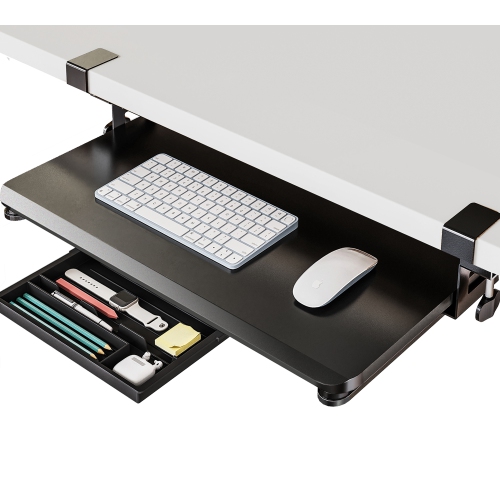 Your price for this item is $59.99
 -
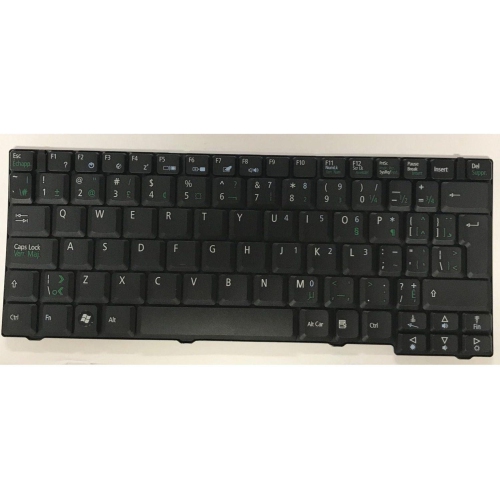 Your price for this item is $65.99
 -
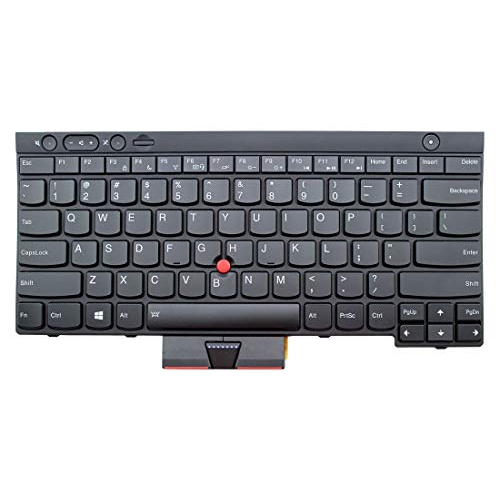 Your price for this item is $29.99
 -
 Your price for this item is $79.99
 -
 Your price for this item is $75.99
 -
 Your price for this item is $100
 -
 Your price for this item is $118.99
 -
 Your price for this item is $99
Discover more categories related to Alienware Keyboards


Top Collections:
Pokemon Centers, Best Cameras for Sports Photography, Kindle Devices, Samsung Galaxy Phones, Canon G7X Cameras, Pokémon 30th Celebration Cards, Refurbished Apple Laptops, iPhone 15 Apple, Laptops for Students, Budget Smartphones
Some products may be subject to Environmental Handling Fees
(EHF) depending on your province.
Learn more about EHFs.