Asus External Monitors
Enhance your productivity and entertainment setup with an Asus External Monitor. Whether you're working from home, streaming your favorite content, or expanding your laptop display, these monitors offer a convenient solution for a variety of needs. Explore a range of sizes and designs to find the perfect fit for your workspace or on-the-go lifestyle. Shop the latest Asus External Monitor options and discover how easy it is to upgrade your viewing experience.
Sort
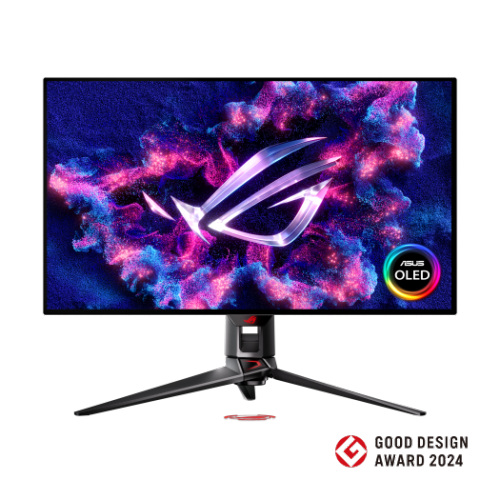
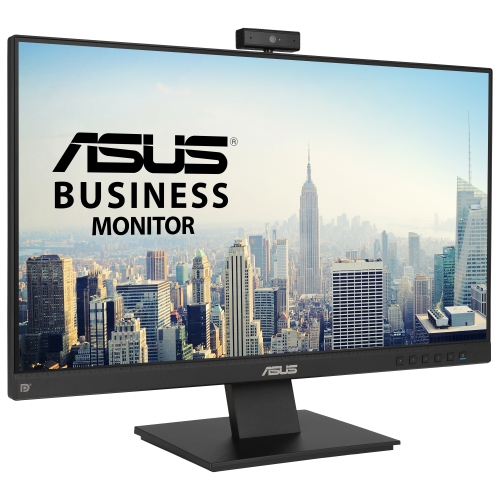
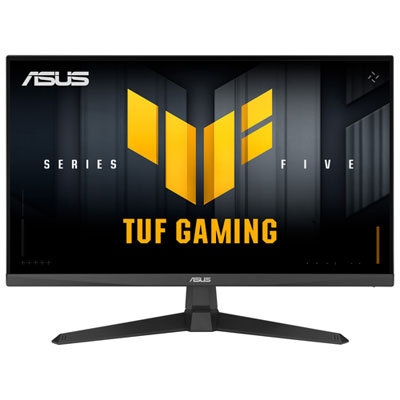
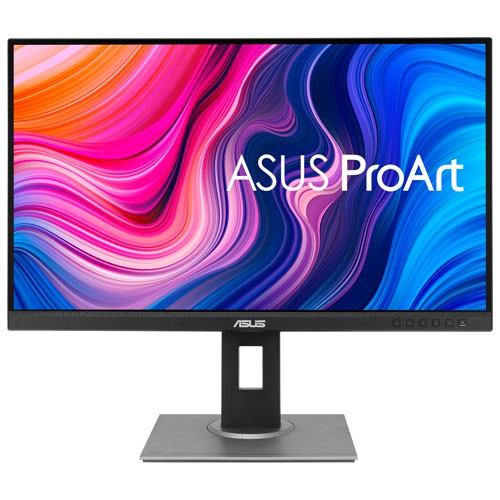
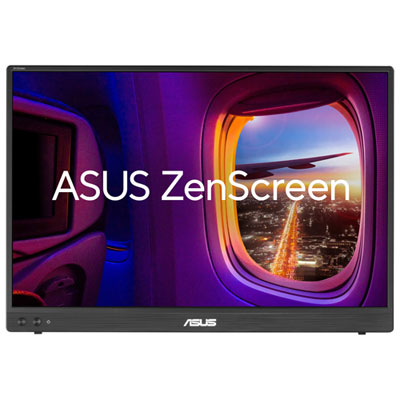
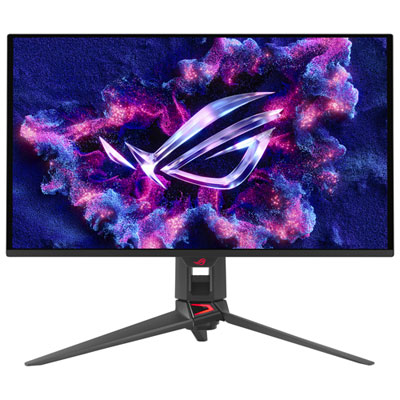
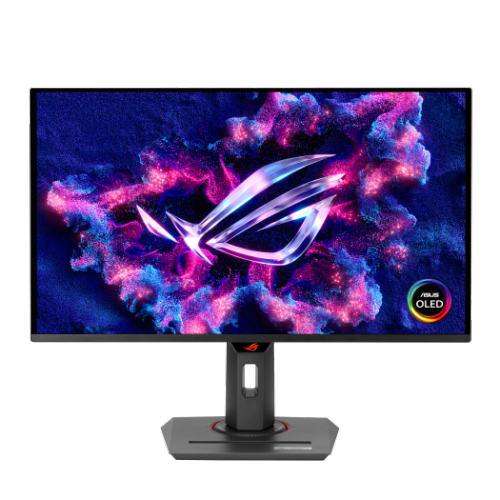
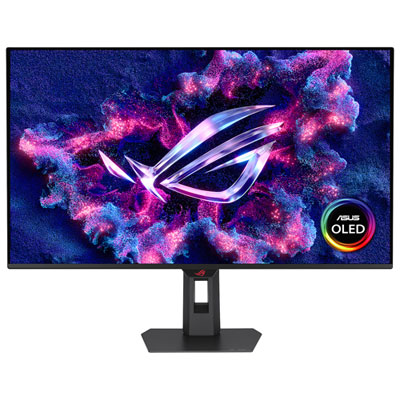
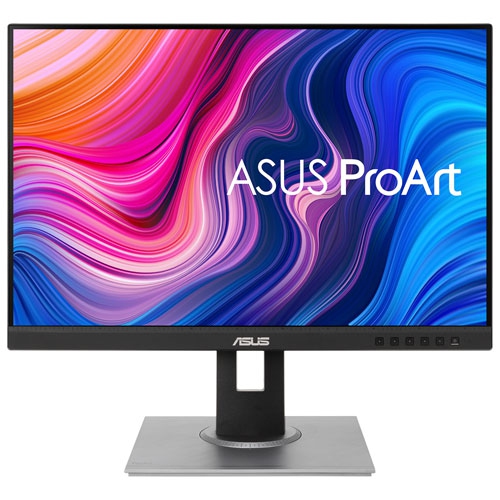
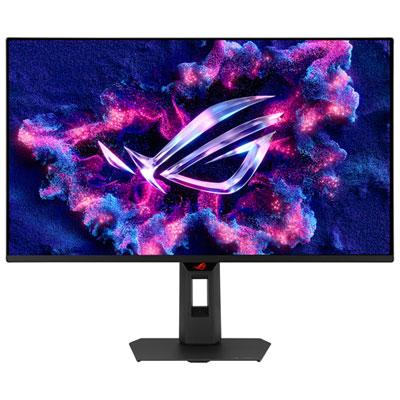
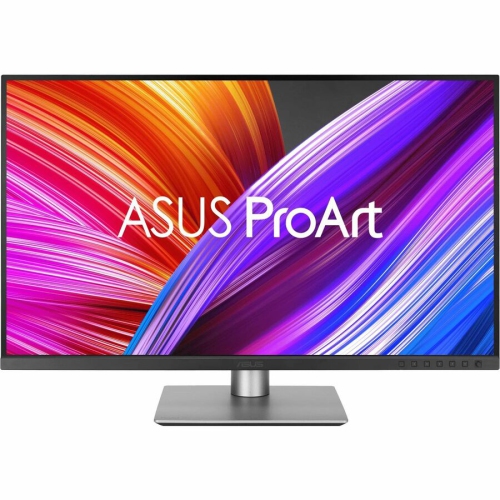
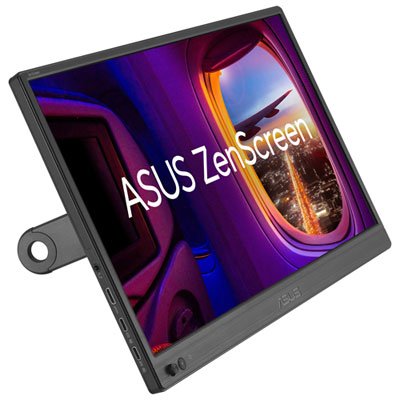
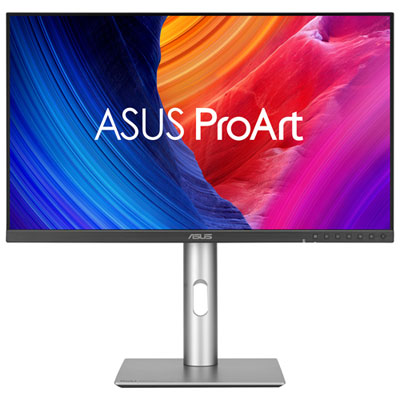
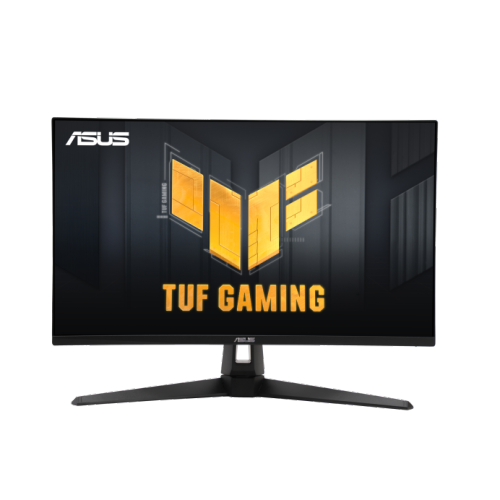
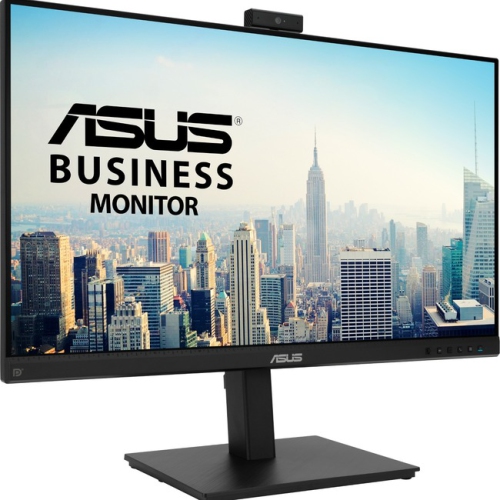
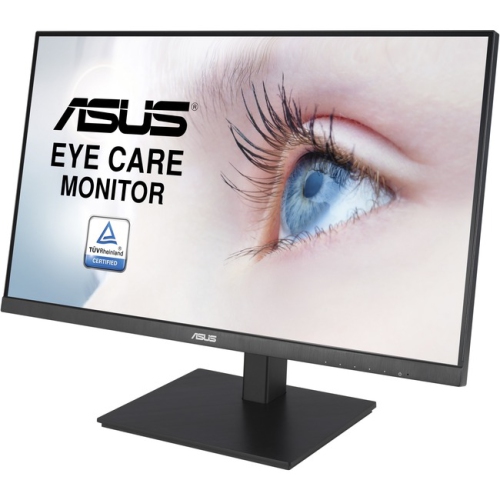
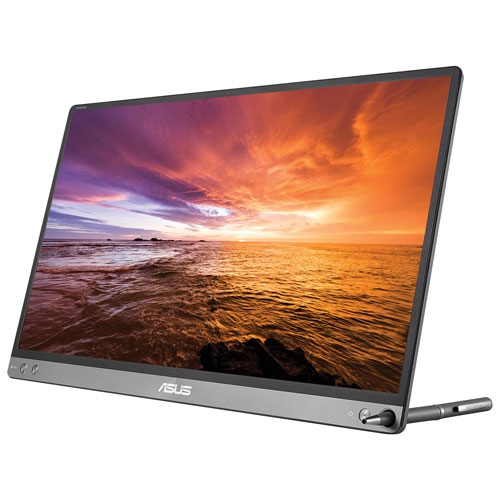
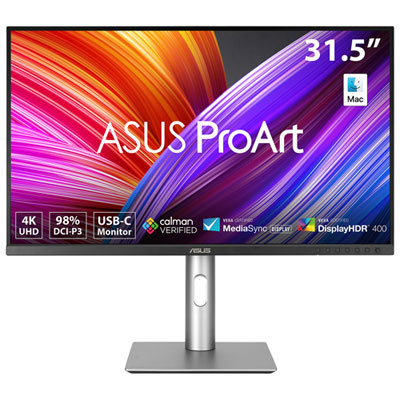
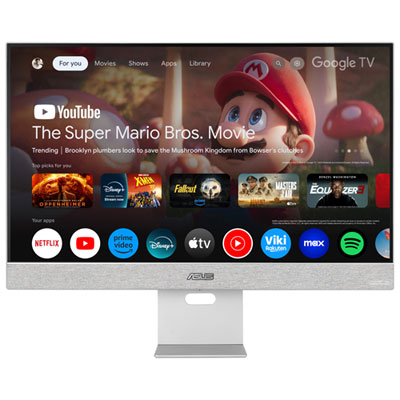
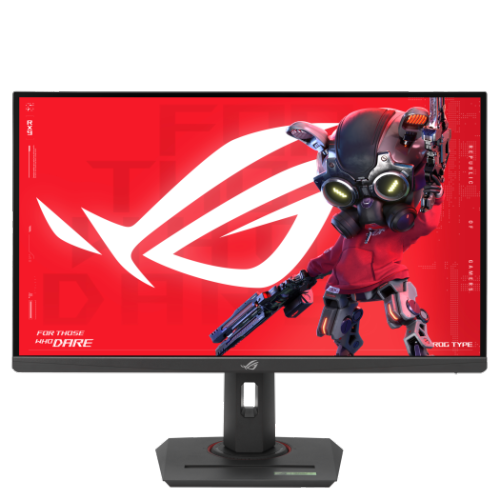
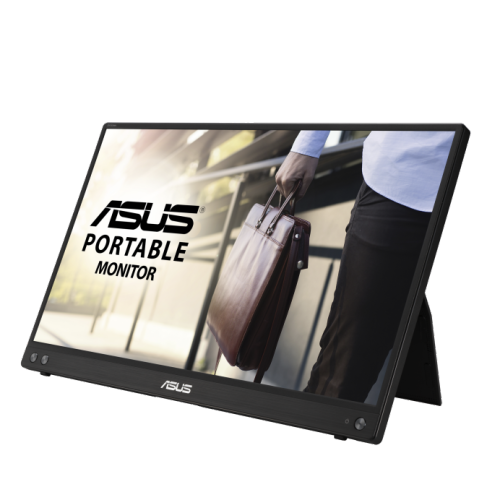
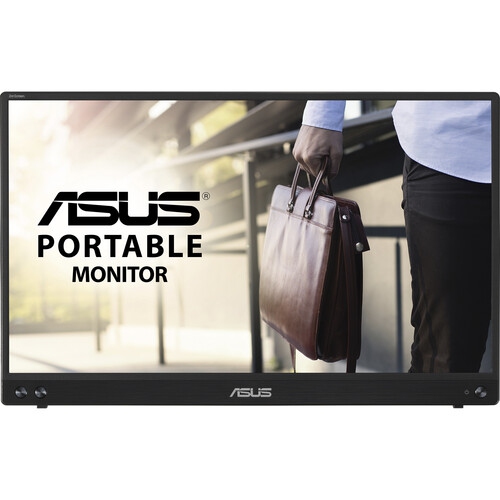
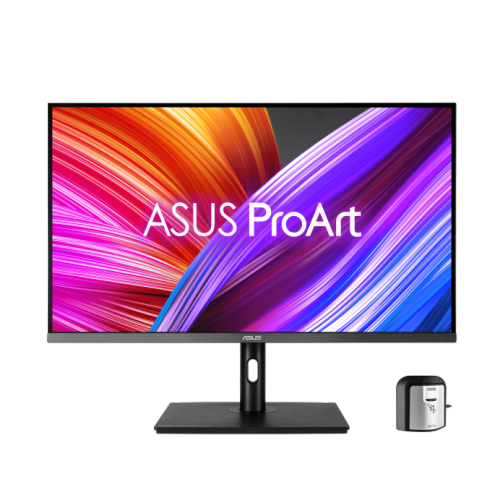
More screen space at your desk or on the go
External monitors give laptops and desktop computers a dedicated screen for everything from everyday browsing to detailed creative work. A larger display can make a spreadsheet easier to follow, keep a video call visible beside meeting notes, or give a game more room to unfold. For someone working from a laptop, an external screen can become the main display while the built-in screen holds email, chat, or reference material. Desktop setups depend on a separate monitor, with the right format shaped by the work surface, viewing distance, and tasks at hand. Traditional desktop monitors suit a permanent setup, while slim portable monitors are designed for people who move between workspaces or need an additional screen away from their main desk. Portable designs can be especially useful for students reviewing research beside an assignment, professionals presenting to a colleague across a table, or anyone extending a compact laptop setup. Their smaller size and lighter construction make them easier to carry, although they generally provide less screen area than a full-size desktop display. Connectivity matters just as much as portability: HDMI and DisplayPort carry video from compatible devices, while some USB-C connections can carry video and power through one cable. A USB-C connector alone does not guarantee video support, so the capabilities of the computer’s port, the monitor, and the cable all need to match. Some displays require a separate power connection, and some support charging a connected laptop only within a specified power limit. Built-in speakers, headphone connections, and USB hubs also vary between models. These differences affect how neatly a display fits into an existing setup, particularly when a laptop has only a few ports. The Best ASUS Monitors collection offers a place to explore display formats, with screen size, resolution, connectivity, and physical design providing meaningful points of comparison.
Screen size describes the diagonal measurement of a display, but resolution determines how many pixels form the picture. Full HD is common for everyday computing, while QHD and 4K provide more pixels for detailed images and expanded workspace when supported by the connected device. The relationship between size and resolution affects how crisp text appears: the same resolution spread across a larger panel produces a different viewing experience than it does on a smaller screen. Operating system scaling can make menus and text more comfortable to read on high-resolution displays, although it also changes how much content fits on screen. A 24-inch display can suit a compact desktop, while a 27-inch or 32-inch display may provide more room for editing, multitasking, or entertainment when there is enough viewing distance. Ultrawide formats offer a broader canvas for timelines, large spreadsheets, and side-by-side windows; two separate monitors can instead provide distinct spaces for different applications. Panel technology influences viewing angles, contrast, motion, and colour reproduction. IPS panels are often valued for consistent colour at different viewing angles, VA panels commonly offer strong native contrast, and OLED displays can produce deep blacks through individually controlled pixels. Performance varies within each panel type, so the technology name does not tell the whole story. For gaming, refresh rate describes how often the display updates its image, while response time concerns how quickly pixels change. Neither specification replaces the other, and the graphics hardware, connection, game settings, and supported resolution all affect the result. Compatible adaptive sync technology can help reduce visible tearing when frame rates fluctuate. Creative work places different demands on a screen, with colour gamut, accuracy, and calibration support becoming more important for photography, illustration, and video editing. HDR performance also depends on brightness, contrast, and other display capabilities, rather than the HDR label alone. For everyday use, readable text, comfortable brightness, and an appropriate screen finish can matter more than a single headline specification.
The way a monitor sits on a work surface has a lasting effect on daily comfort. An adjustable stand can make it easier to position the screen at a suitable height, while tilt, swivel, and pivot adjustments provide flexibility for different seats and tasks. Portrait orientation can be useful for reviewing long documents or working with code, provided both the monitor and its mounting arrangement support it. A broad stand needs enough clear space for its feet, a keyboard, and a mouse; a monitor arm may free up desktop space, but the display’s mounting pattern and weight must match the arm’s specifications. Portable displays use a different approach, with integrated kickstands, folding covers, or separate supports depending on the design. Stability matters when typing on a small table or adjusting the viewing angle during a presentation. Housings are commonly made from rigid plastic, metal, or a combination of materials, and the panel surface benefits from careful handling regardless of the outer construction. A protective sleeve can help prevent scratches during travel, while a padded compartment reduces contact with chargers, keys, and other hard objects. For a stationary display, tidy cable routing helps keep connectors from being pulled when the screen moves. Routine care is straightforward: follow the manufacturer’s cleaning directions, use a clean microfibre cloth, and avoid spraying liquid directly onto the screen. Harsh cleaners and excessive pressure can damage surface coatings. Matte finishes help diffuse reflections, while glossier surfaces can look different depending on nearby lamps and room lighting. A monitor can also make a practical gift for a student, gamer, creative hobbyist, or someone setting up a home office, especially when their computer connections and available space are already known. The most useful display is one that fits the recipient’s actual routine, whether that means a lightweight companion for a laptop, a clear everyday work screen, or a larger canvas for immersive play and detailed projects.
Top selling and popular products
-
 Your price for this item is $783.68
-
 Your price for this item is $299
-
 Your price for this item is $469
-
 Your price for this item is $94.99
-
 Your price for this item is $177.99
-
 Your price for this item is $229.99
-
 Your price for this item is $1138.68
-
 Your price for this item is $355.68
Discover more categories related to Asus External Monitors
Top Collections:
Best Black Friday Deals This Year, Best Black Friday Deals On Electronics, Kindle Devices, Best Black Friday Deals On Apple Products, Best Budget Office Chairs, Best Cameras for Sports Photography, Dyson Airwrap, Canon G7X Cameras, Best Laptops for Writers, Samsung Galaxy Phones
Some products may be subject to Environmental Handling Fees
(EHF) depending on your province.
Learn more about EHFs.