External Monitors
Enhance your workspace or home setup with the perfect external monitor to suit your needs. External monitors offer a versatile solution for expanding your screen real estate, making multitasking and entertainment more enjoyable. Whether you're looking to boost productivity, enjoy immersive visuals, or create a flexible workstation, you'll find a wide selection of external monitors designed to fit various preferences and environments. Explore the options and discover how an external monitor can elevate your computing experience.
Sort
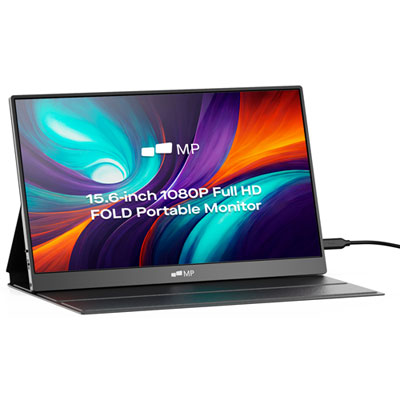
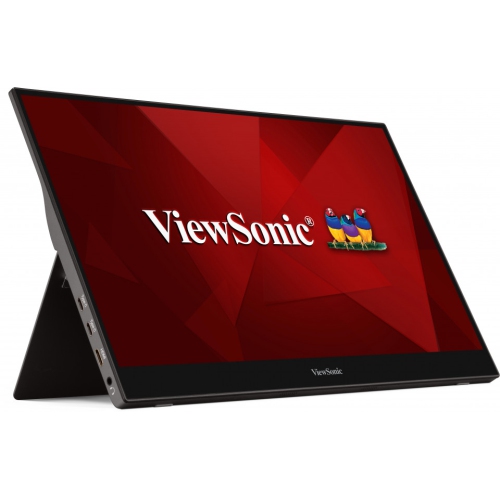
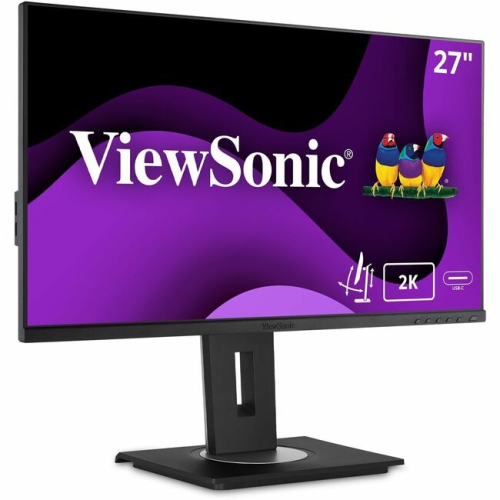
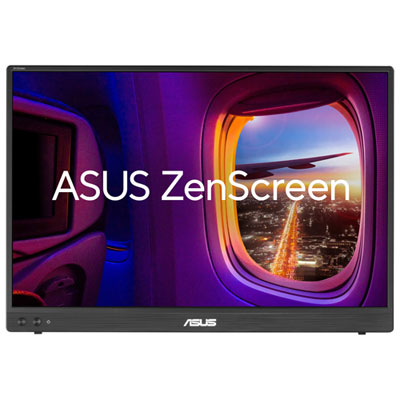


Screen size is only part of the picture
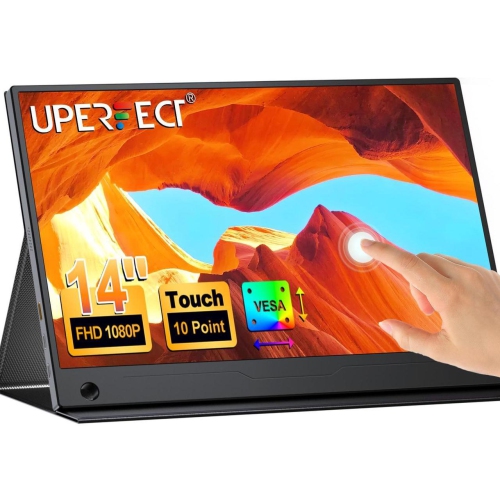
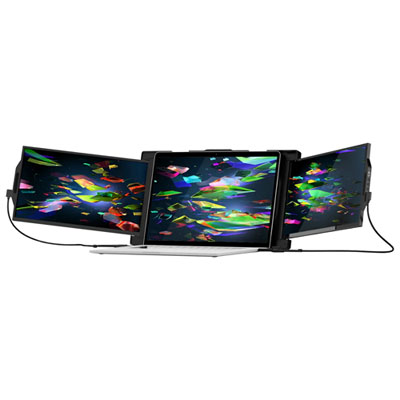
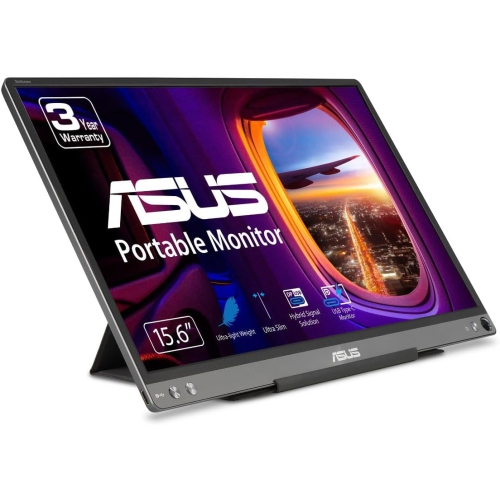
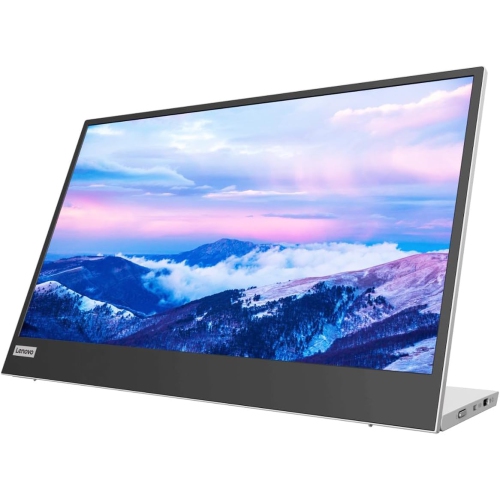
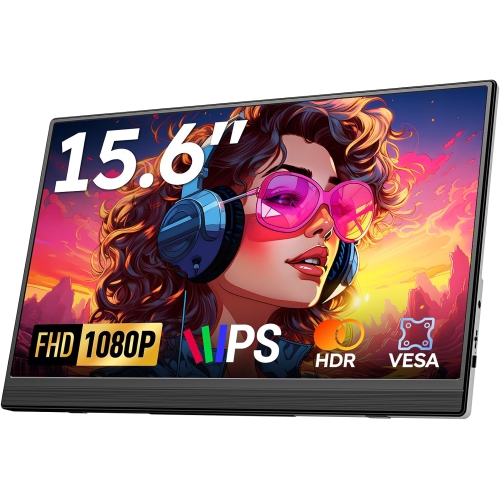
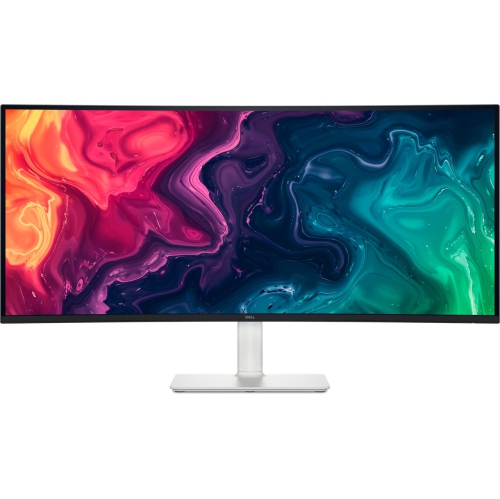
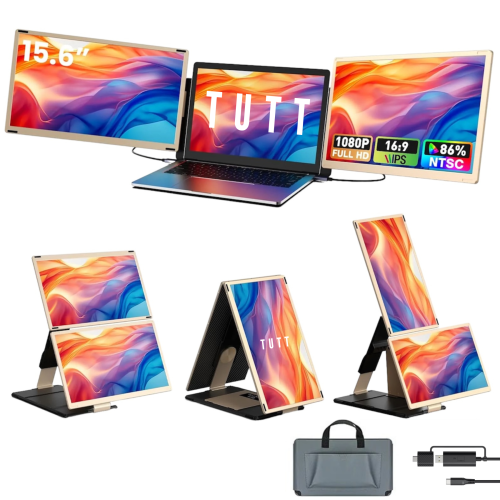
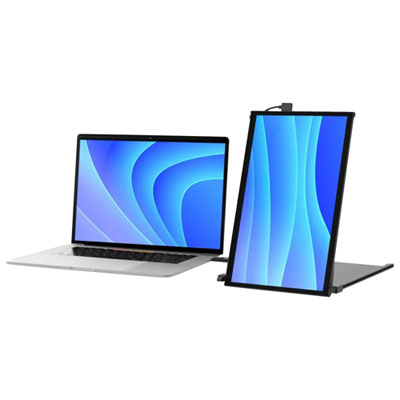
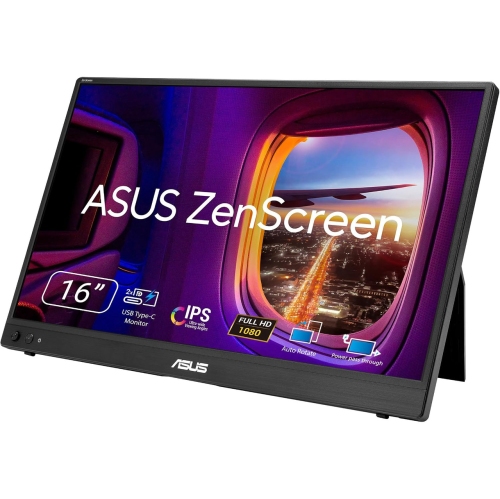
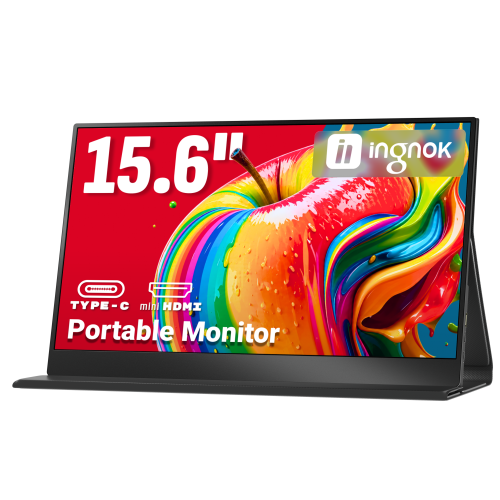
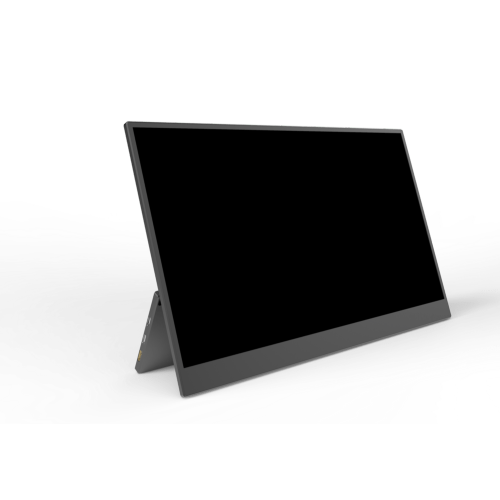
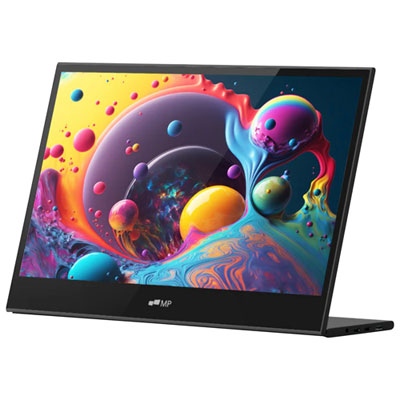
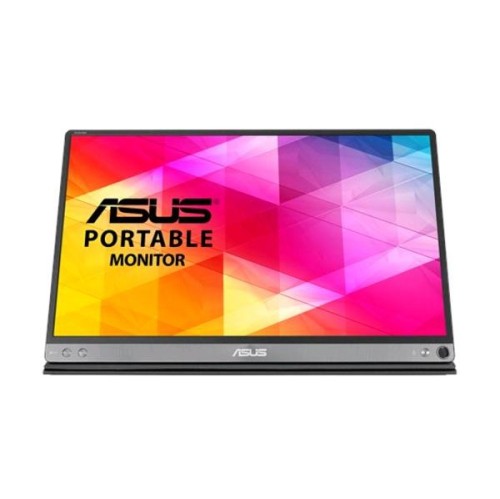
External monitors add a separate display to a compatible laptop, desktop computer, or other video source, creating more room for work, study, entertainment, and creative projects. The category includes full-size desktop displays, portable monitors, ultrawide screens, and high-resolution options such as 4K monitors. These descriptions can overlap: an ultrawide monitor may also offer a curved screen and a high refresh rate, while a portable display may prioritize a slim profile and a simple cable connection. For everyday tasks, an external screen makes it easier to keep a document open beside research notes, compare spreadsheets, or follow a video meeting without covering the main work area. A 24-inch monitor can suit a compact desktop, while a 27-inch or 32-inch display offers a larger viewing area when the work surface has enough depth. Screen size and resolution work together, so a larger panel does not automatically mean sharper text. Full HD provides 1920 × 1080 pixels, QHD provides 2560 × 1440 pixels, and 4K UHD provides 3840 × 2160 pixels. Higher pixel counts can show finer detail, although text size and usable workspace also depend on operating system scaling. Someone working with dense drawings may value fine detail, while a student reading course material may care more about comfortable text size and space for two windows. Ultrawide displays typically use a broader aspect ratio than standard widescreen monitors, giving timelines, wide spreadsheets, and side-by-side applications more horizontal room. Portable monitors offer a different kind of flexibility, slipping into a suitable bag for presentations, shared workspaces, or an extended laptop setup away from the main desk. Their thinner construction and smaller screens make them easier to carry, but the support stand, protective cover, and power requirements matter just as much as their weight. Across these formats, the most useful display is one whose screen area, shape, and resolution fit the tasks it will handle.
Picture quality involves more than resolution alone. Panel technology, brightness, contrast, colour accuracy, and screen finish all influence how an external monitor looks in daily use. IPS panels are often valued for consistent colour and broad viewing angles, which can be helpful when sharing a screen with someone seated beside the desk. VA panels typically deliver stronger contrast than many other LCD panels, giving dark scenes more depth, while OLED displays offer individually lit pixels and deep blacks. Performance varies between displays, and OLED care requirements deserve attention when static toolbars or dashboards remain on screen for long periods. For photography, illustration, and video work, colour gamut coverage and calibration support are relevant considerations; a high resolution by itself does not establish colour accuracy. For games, refresh rate describes how often the display can update its image, while response time concerns how quickly pixels change. A higher refresh rate can make movement look smoother when the connected computer or console can supply enough frames, and compatible adaptive sync can help reduce visible tearing. Neither feature replaces the need for the right connection. HDMI and DisplayPort are common video interfaces, while some USB-C monitors can carry video, data, and laptop charging through one cable. That single-cable arrangement depends on the capabilities of the monitor, cable, and computer: a USB-C connector alone does not guarantee video output or sufficient charging power. Maximum resolution and refresh rate may also differ between a monitor’s inputs. For a laptop that moves between a desk and a meeting room, built-in USB ports can make a keyboard, mouse, or webcam easier to reconnect. A monitor with a compatible switching function may let two computers share connected peripherals, though implementation varies. Built-in speakers, webcams, and headphone connections can simplify a setup, but they are separate features rather than standard parts of every external display. Multiple-monitor arrangements also depend on the computer’s supported display count and the capabilities of any dock or adapter in the connection path.
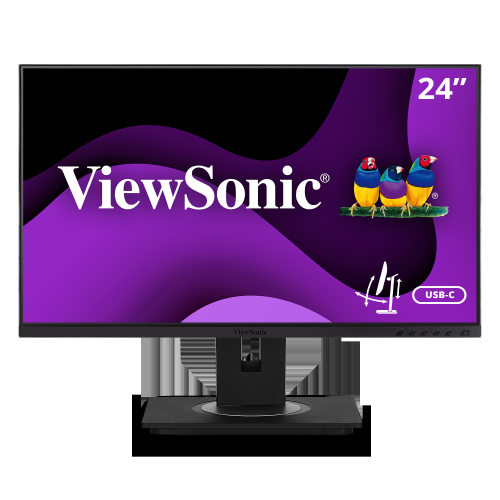
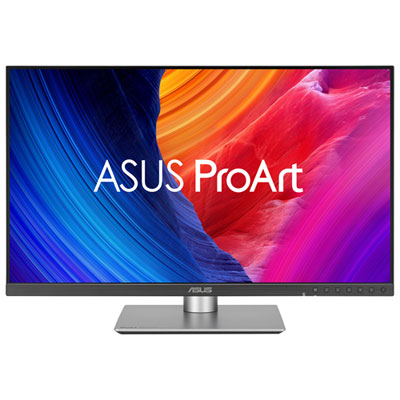
Physical fit becomes especially noticeable once a monitor shares a desktop with a keyboard, notebook, lamp, and other everyday essentials. The screen’s diagonal measurement does not describe the full footprint: stand depth, base shape, bezel width, and cable clearance all affect how comfortably it fits. A height-adjustable stand can bring the screen closer to a suitable viewing position, while tilt, swivel, and pivot adjustments offer different ways to personalize placement. Portrait orientation can be useful for long documents or coding, provided both the monitor and its mounting arrangement support it. Curved screens create a more enclosing view on wider displays, though their shape is less convenient for some shared viewing situations. Matte finishes can soften distracting reflections, while glossier surfaces may make nearby windows or lights more apparent. Positioning the screen with those light sources in mind can make a noticeable difference during a long reading session. Compatible Monitor Accessories, including arms, risers, and suitable cables, can help organize the work surface and adapt the setup to the available space. Mounting compatibility depends on the display’s mounting pattern, weight, and attachment requirements, as well as the desk’s suitability for a clamp or other support. Monitor housings commonly combine plastic casings with metal supports or stand components; stable construction and protected cable connections are particularly useful in shared or frequently rearranged spaces. Portable displays benefit from a fitted sleeve or cover that protects the panel from pressure and scratches in transit. Routine care is straightforward: power the display off, follow its cleaning instructions, and use a clean, soft microfibre cloth without pressing hard on the screen. Liquids should not be sprayed directly onto the panel or allowed into openings. As a gift for a student, home-office worker, creator, or gamer, an external monitor is most useful when its connections, dimensions, and intended role match the recipient’s existing setup. That practical fit matters whether the display becomes a main workstation screen, a companion for a laptop, or extra space for a favourite pastime.
Top selling and popular products
-
 Your price for this item is $783.68
-
 Your price for this item is $299
-
 Your price for this item is $469
-
 Your price for this item is $94.99
-
 Your price for this item is $177.99
-
 Your price for this item is $229.99
-
 Your price for this item is $1138.68
-
 Your price for this item is $355.68
Discover more categories related to External Monitors


Top Collections:
Best Black Friday Deals This Year, Best Black Friday Deals On Electronics, Kindle Devices, Best Black Friday Deals On Apple Products, Best Budget Office Chairs, Best Cameras for Sports Photography, Dyson Airwrap, Canon G7X Cameras, Best Laptops for Writers, Samsung Galaxy Phones
Some products may be subject to Environmental Handling Fees
(EHF) depending on your province.
Learn more about EHFs.