Asus Mini PCs
Asus Mini PCs offer a compact and versatile solution for both home and office computing needs. Their small footprint makes them an excellent choice for saving space without compromising on performance. Whether you're looking to streamline your workspace or set up a media center, Asus Mini PCs provide flexibility and convenience. Explore a range of options designed to fit seamlessly into any setup, delivering reliable power in a sleek, unobtrusive package.
Sort
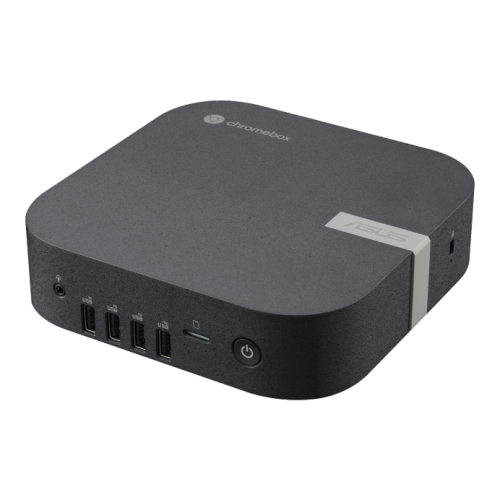
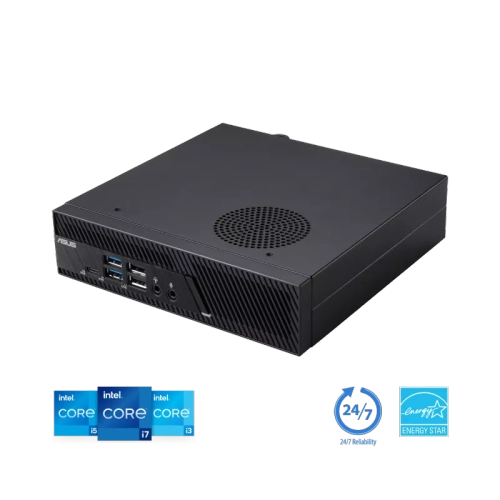
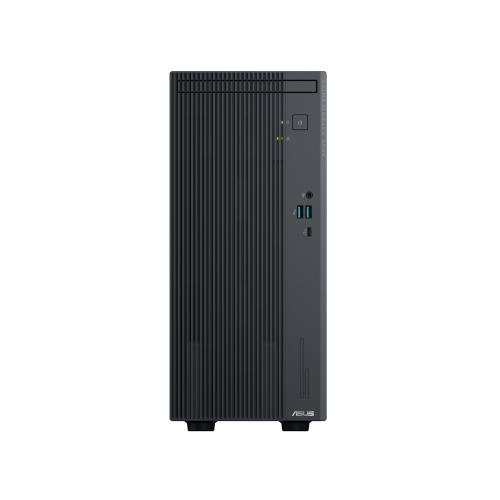
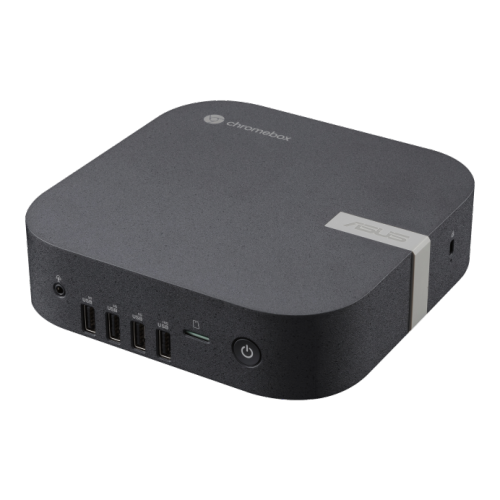
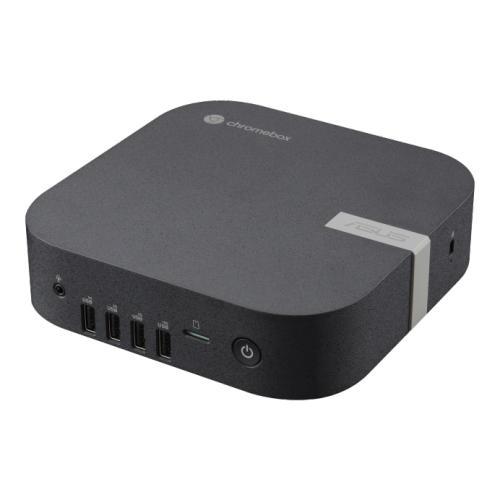
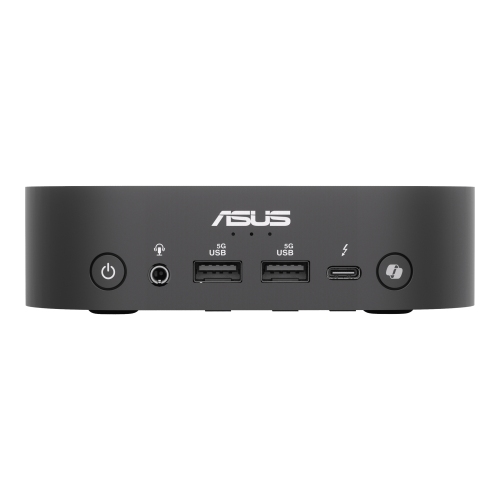
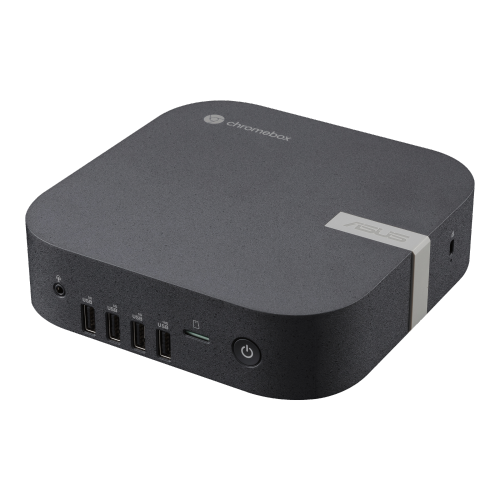
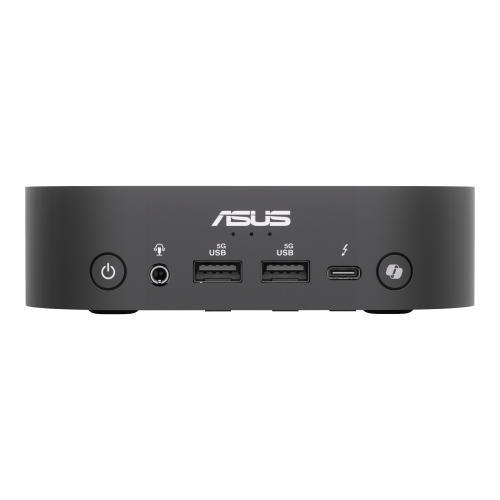
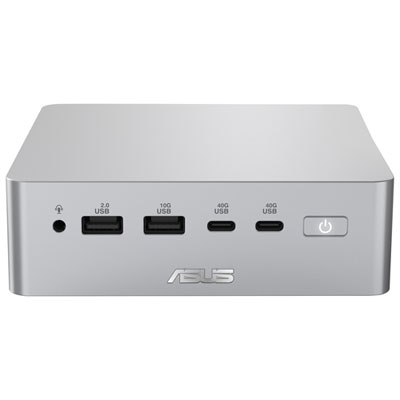
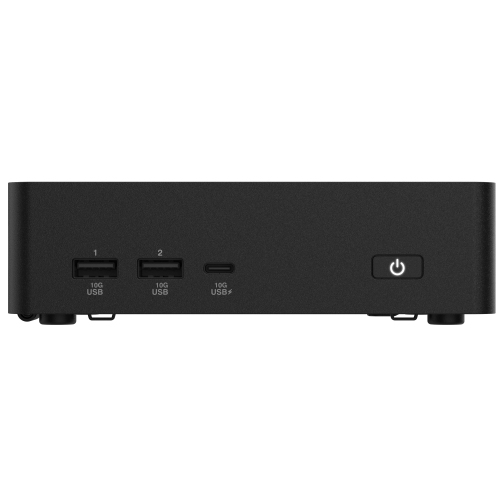
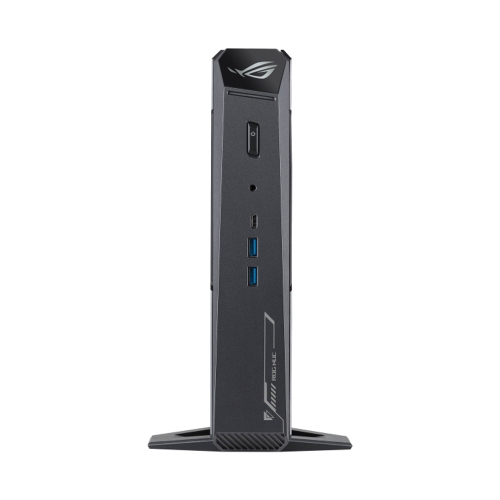
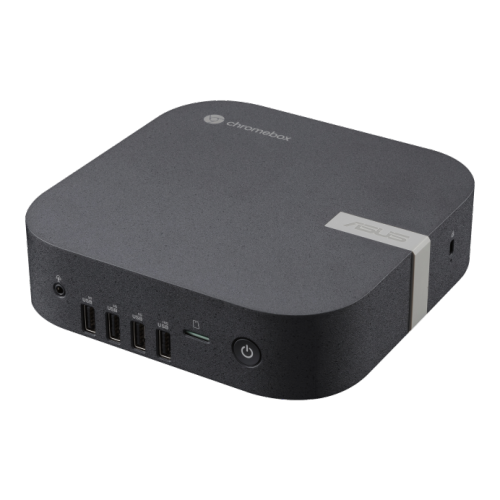
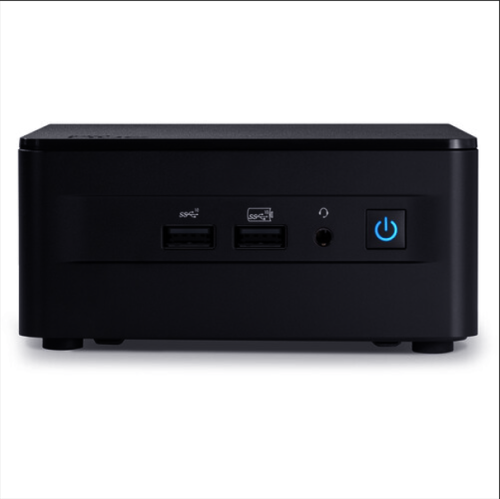
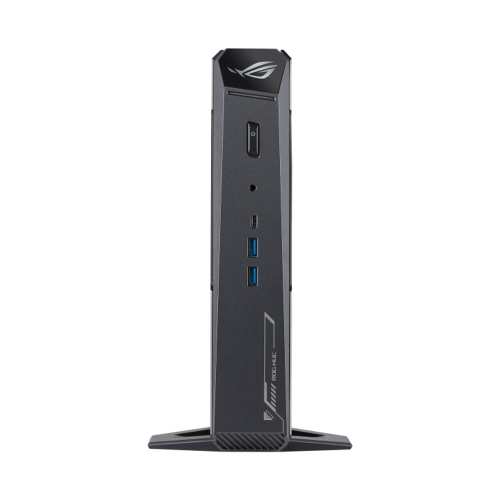
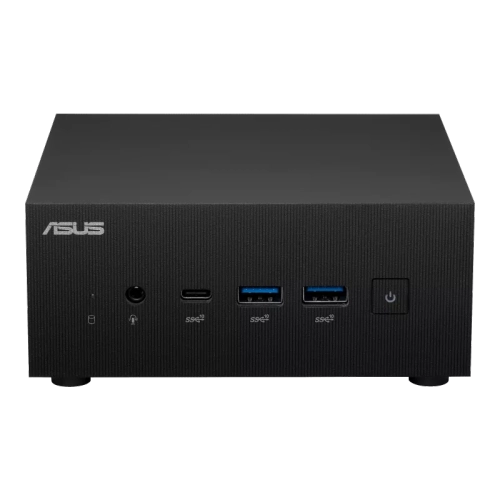
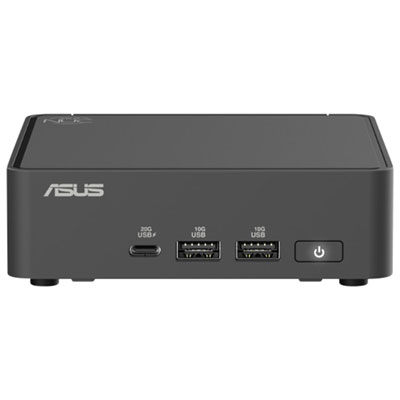
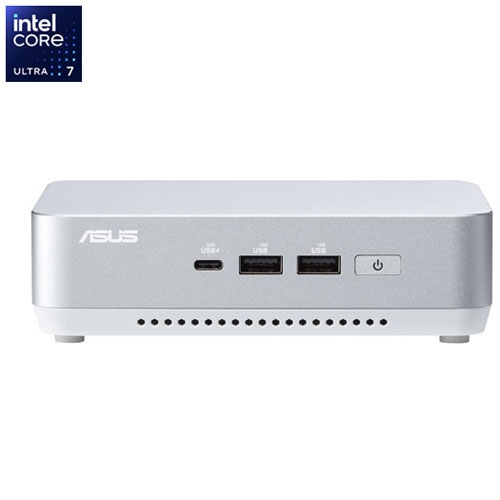
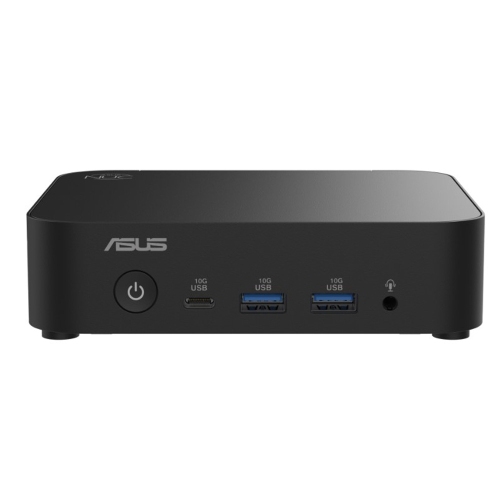
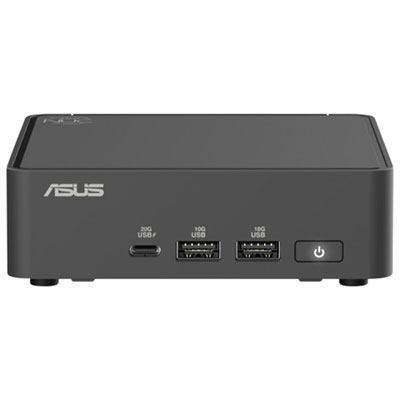
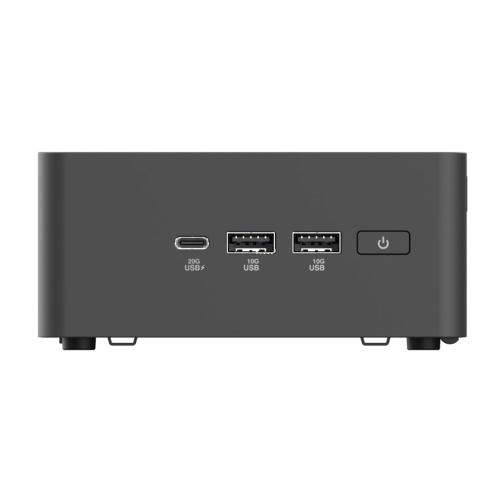
Desktop computing without a tower crowding your desk
Mini PCs bring desktop computing to spaces where a full-size tower would be awkward, from a narrow home-office desk to a shared family workstation. These compact computers connect to a separate monitor, keyboard, and mouse, keeping the main hardware in a small enclosure that can sit beside a display or, with compatible mounting hardware, attach behind it. The category spans straightforward systems for email, documents, and video calls through more capable configurations for demanding applications, creative projects, and certain gaming workloads. Their appeal is not simply their size: separating the computer from the screen also means a familiar monitor and comfortable peripherals can remain part of the setup when the computer changes. For someone working at a kitchen-side desk, that can mean enough room for a notebook and a coffee without a tower taking over the floor. In a reception area or small office, a compact chassis can keep the workspace tidy while supporting everyday business tasks. Enclosures may use metal, plastic, or a combination of materials; construction quality, ventilation, and secure connections matter more than appearance alone. Metal housings can feel sturdy and may help dissipate heat, while the overall design determines how well internal components stay cooled during use. A small footprint still needs room around its vents, so a tightly packed drawer is not a suitable substitute for an open shelf or desktop. Port placement also affects daily convenience. Front-facing connections make it easier to attach a headset or external drive, while rear connections help keep permanent cables out of the way. Built-in Wi-Fi and Bluetooth can reduce cable clutter when supported, and Ethernet provides a wired networking option. The right arrangement depends on the workspace: a desk used for video meetings has different connection needs from a computer tucked behind a television for streaming and local media playback. Access to the power button, cable lengths, and the location of nearby outlets all influence how neatly a compact computer fits into daily life.
Performance differences between mini PCs can be substantial, even when their cases look similar. Processor capability, memory capacity, storage, graphics hardware, and cooling all contribute to how responsive a system feels. A configuration used mainly for web browsing and document editing has different demands from one running large spreadsheets, development tools, or photo-editing software. Having several applications open alongside a video meeting makes memory capacity particularly relevant, while a solid-state drive helps applications launch quickly and files open promptly. Storage capacity matters separately from speed: a collection of photos, downloaded media, and project files can grow well beyond the needs of a browser-focused workstation. Some compact systems allow memory or storage upgrades, but others use soldered components or have limited expansion space, making the original configuration important. Integrated graphics suit many everyday tasks and can support light creative work or less demanding games, depending on the processor and software. More intensive gaming, complex visual projects, and sustained editing workloads require closer attention to graphics capability and cooling rather than relying on the computer’s size or processor label alone. Shoppers considering demanding workloads can explore High Performance Mini PCs for compact desktop options with a stronger emphasis on computing capability. Sustained performance is especially relevant when an export, render, or compilation runs for an extended period, since cooling design can affect both speed and fan noise. Some configurations also include a neural processing unit for supported AI tasks, although the benefits depend on the application, operating system, and specific hardware requirements. That feature does not automatically improve every program or replace the need for sufficient memory and graphics performance. Display support deserves similar attention. A system intended for two monitors needs compatible video outputs and support for the desired resolution and refresh rate across both screens. This matters for a workspace with a spreadsheet on one display and reference documents on another, where dependable screen connections are more useful than a long list of features that will rarely be used.
Connections, included components, and long-term upkeep help determine how comfortably a mini PC fits an existing setup. A USB-C port, for example, does not necessarily support video output, charging input, or the same transfer speed as another port with an identical shape. Compatibility with a dock, external storage, or a particular monitor depends on the capabilities specified for those connections. HDMI and DisplayPort support also varies, so matching the computer’s outputs to the display helps avoid unnecessary adapters and unexpected limitations. For video calls, a separate webcam, microphone, or headset may be needed, since these are not built into a desktop computer in the same way they often are in a laptop. Similarly, a compact system should not be assumed to include speakers, a keyboard, a mouse, or a monitor. Complete systems and barebones configurations serve different purposes: a barebones unit may require memory, storage, and an operating system before it can be used. A ready-to-use configuration is generally a more straightforward gift for a student or family member who wants a small everyday desktop, while an experienced computer user may value supported upgrade options. Software compatibility is equally important for remote work, study, and specialized applications, particularly when a workplace requires specific security features or management tools. For ongoing care, a stable surface, unobstructed vents, and occasional exterior dust removal according to the manufacturer’s directions help keep the system in good working order. Spills, cable strain, and blocked airflow remain concerns even with a sturdy enclosure. Regular backups protect important files independently of the computer’s physical condition, and operating system updates support security and reliability. Accessible service information and clear warranty terms are also useful considerations for a computer expected to handle daily use. With a suitable configuration and compatible accessories, a mini PC can provide a practical desktop setup without requiring the space or bulk of a conventional tower.
Top selling and popular products
-
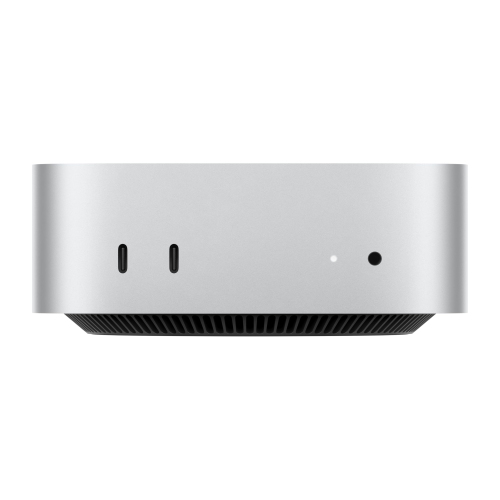 Your price for this item is $1479.99
-
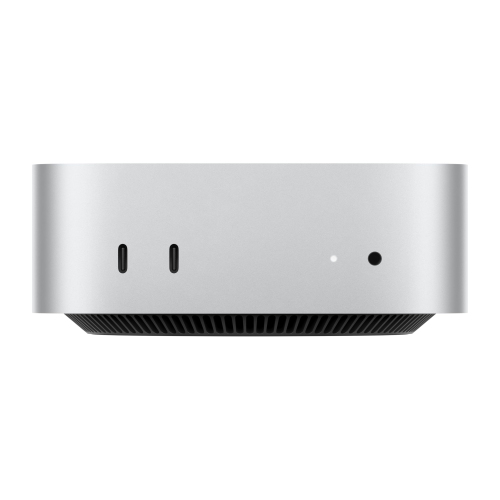 Your price for this item is $1799.99
-
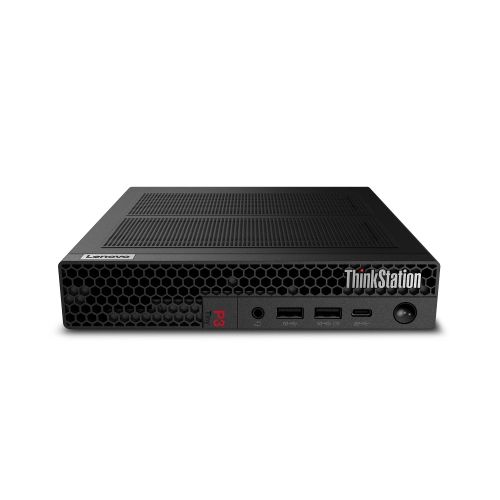 Your price for this item is $3919
-
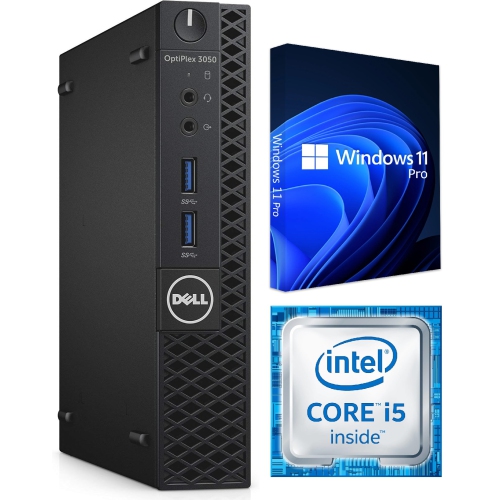 Your price for this item is $244.99
-
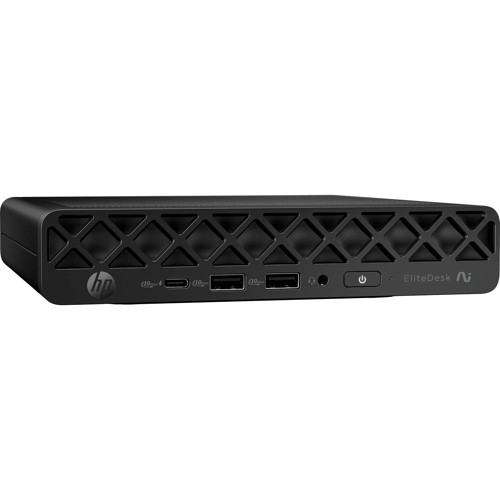 Your price for this item is $1469.99
-
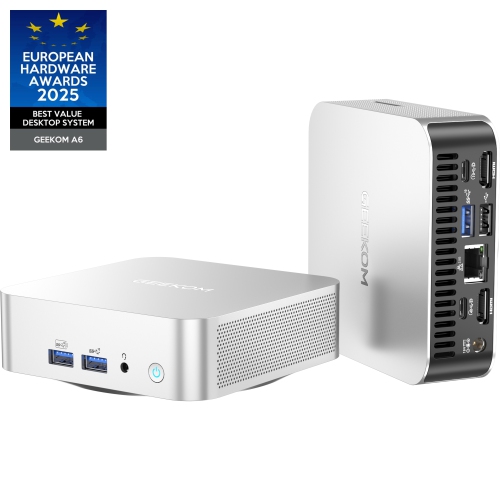 Your price for this item is $679
-
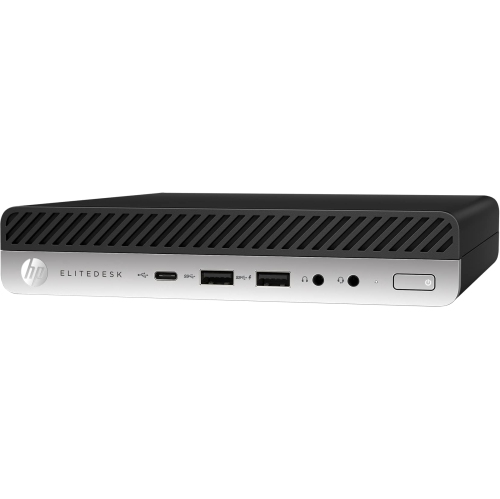 Your price for this item is $269.95
-
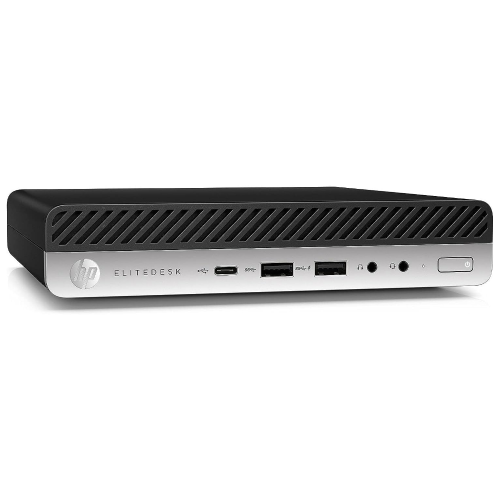 Your price for this item is $375
Discover more categories related to Asus Mini PCs

Top Collections:
Best Black Friday Deals This Year, Best Black Friday Deals On Electronics, Kindle Devices, Best Black Friday Deals On Apple Products, Best Budget Office Chairs, Best Cameras for Sports Photography, Dyson Airwrap, Canon G7X Cameras, Best Laptops for Writers, Samsung Galaxy Phones
Some products may be subject to Environmental Handling Fees
(EHF) depending on your province.
Learn more about EHFs.