ROG Strix G18
Experience top-tier gaming and performance with the ROG Strix G18. Designed for those who demand power and style, the ROG Strix G18 is built to handle intense gaming sessions, creative projects, and multitasking with ease. Explore a range of options that combine cutting-edge technology with sleek design, making it easy to find the perfect fit for your needs. Elevate your setup and enjoy a seamless experience with the ROG Strix G18.
Sort
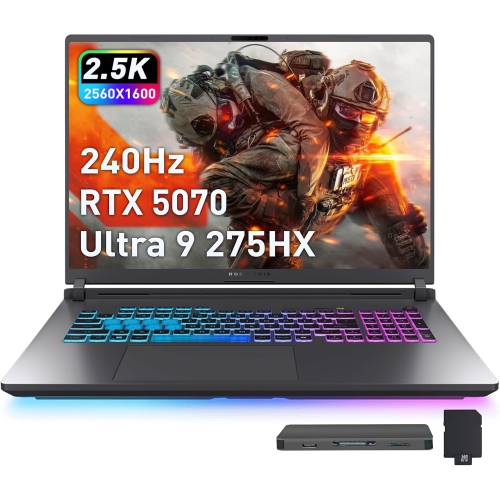
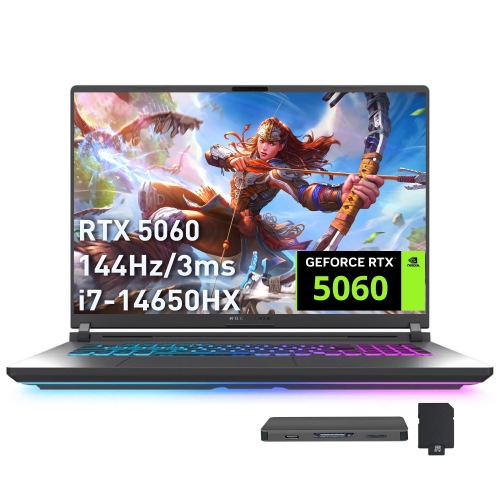
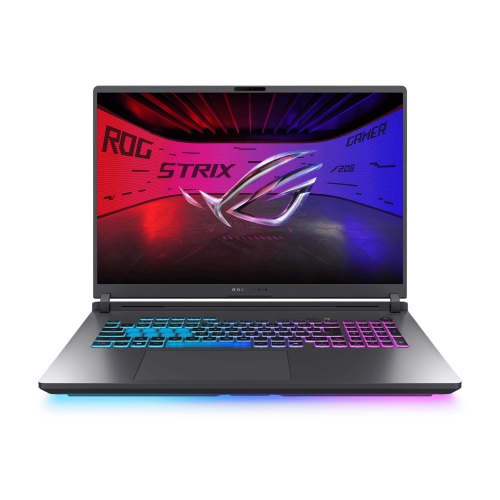
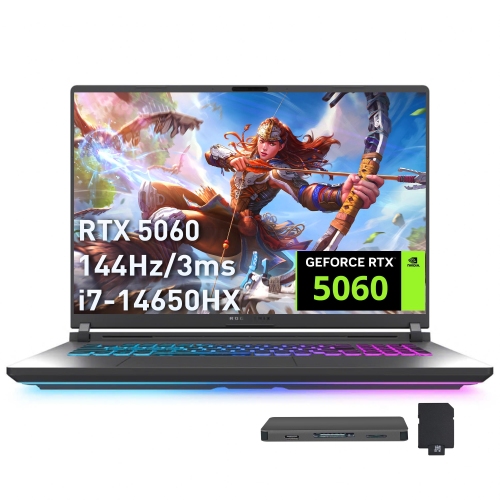

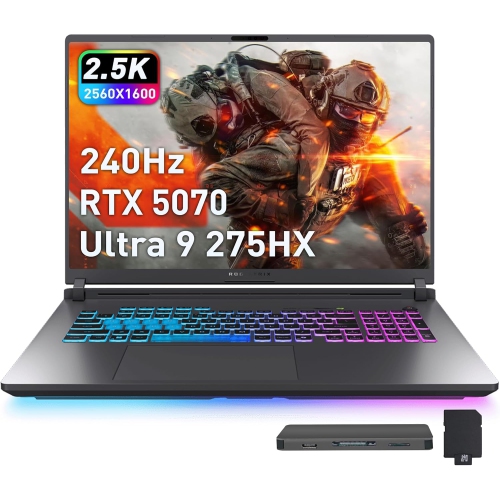
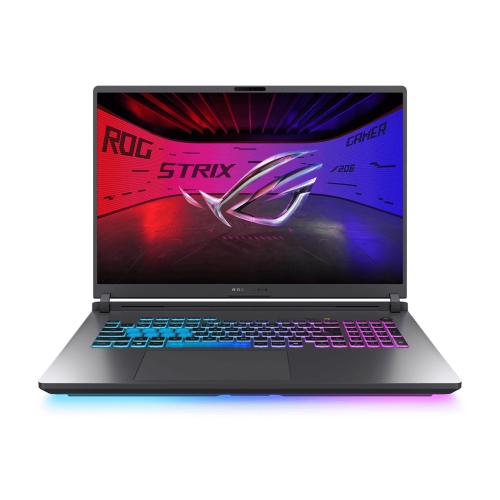
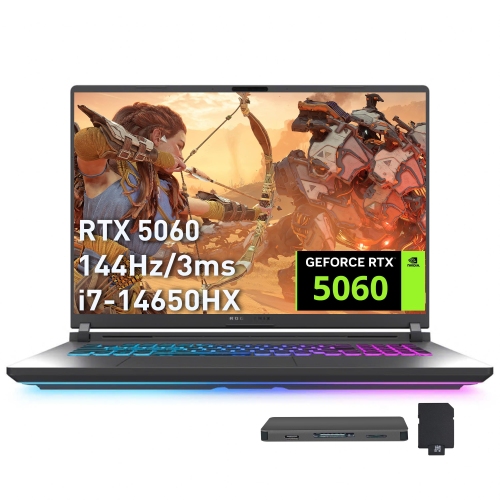
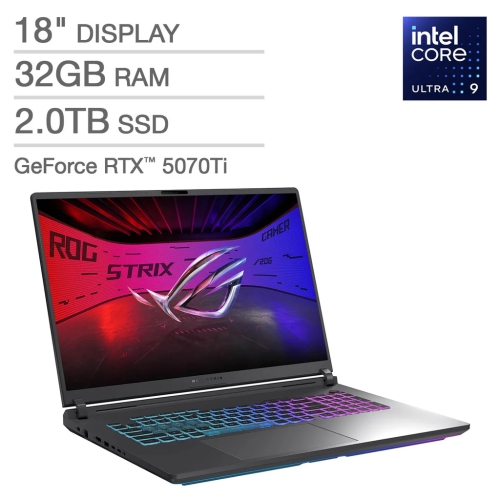

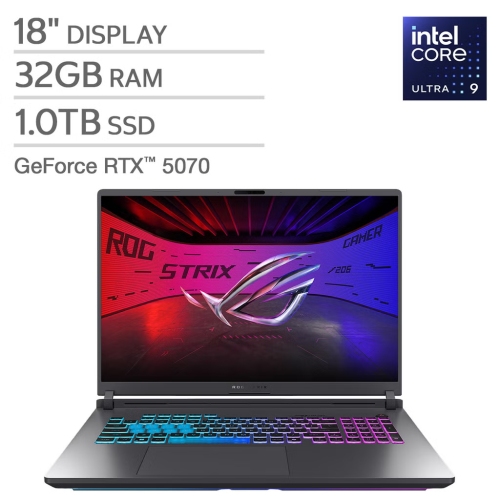


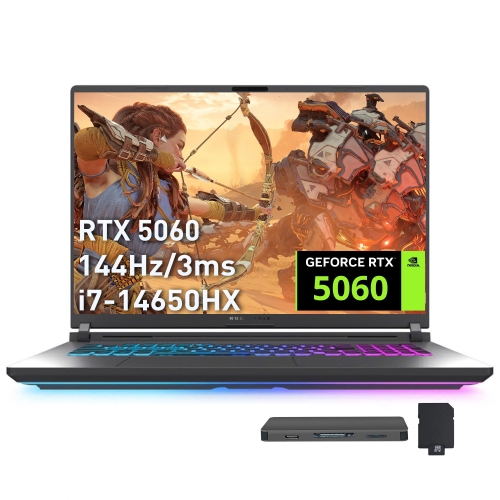
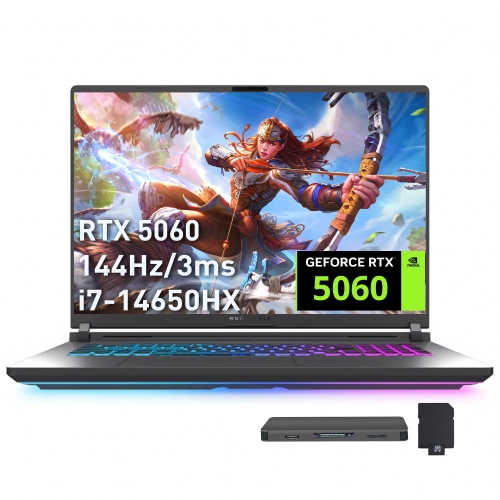


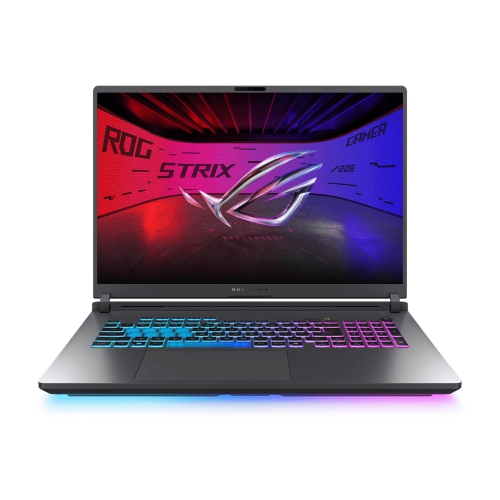

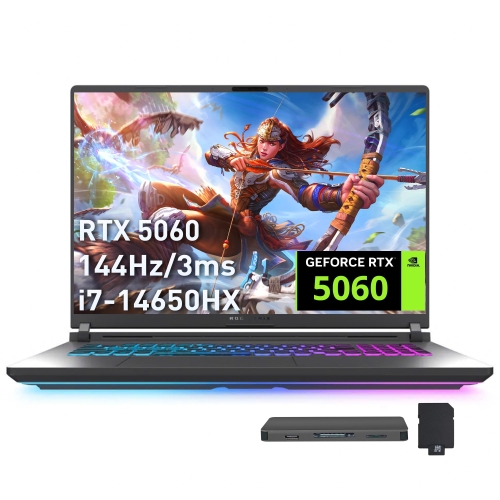
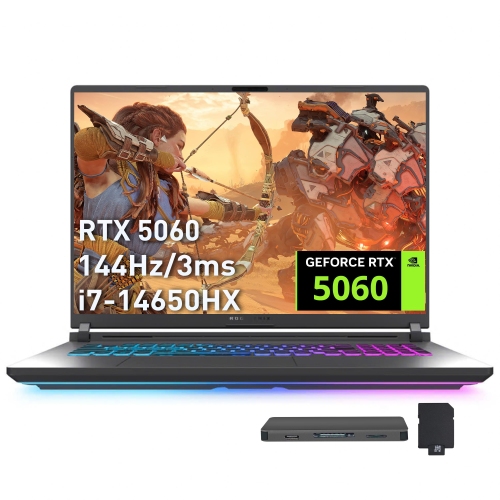
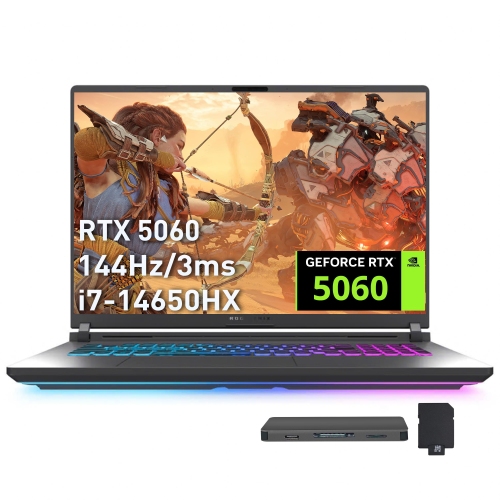
Big-screen gaming power with room for demanding work
An 18-inch gaming laptop brings a generous display and powerful computing hardware into a single system that can move between a desk, a shared workspace, and a gaming setup. Its appeal is the combination of screen space and flexibility: a broad view of the game without needing a separate monitor for every session, plus room for timelines, spreadsheets, and multiple windows when play gives way to work. This large-format category is especially well suited to players who want one main computer for demanding games, voice chat, streaming, and everyday tasks. It can also suit students working with design software, creators editing footage, and households where a permanent desktop tower would occupy too much space. Performance depends on the complete configuration rather than the screen size alone. The processor handles game logic, background applications, and many production tasks, while the dedicated graphics processor does much of the work involved in rendering detailed scenes and driving higher frame rates. Graphics memory becomes particularly relevant with high-resolution textures, complex creative projects, and demanding visual settings. A laptop graphics processor also operates within its own power and cooling limits, so a familiar performance-tier name does not automatically mean the same results as a desktop graphics card. Graphics power specifications, often expressed as total graphics power, help explain differences between otherwise similar configurations, although actual results also depend on the workload and cooling design. For a competitive player, consistent frame delivery can matter more than turning every visual setting to its maximum. For someone exploring richly detailed single-player worlds, resolution, lighting effects, and image quality may carry more weight. Full gaming performance generally calls for the supplied power adapter, while battery operation is better suited to lighter tasks and shorter stretches away from an outlet. That makes an 18-inch gaming laptop a strong fit for someone who wants a substantial main computer with occasional portability, rather than an especially light machine for constant travel.
The display shapes much of the experience on a large gaming laptop, from spotting movement across a wide battlefield to reading small interface elements in an editing application. An 18-inch panel with a 16:10 aspect ratio provides additional vertical room compared with a 16:9 screen, which can make documents, browser windows, and creative workspaces feel less cramped. A resolution such as 2560 x 1600 balances detailed imagery with a demanding but manageable graphics workload, depending on the game and hardware. Higher refresh rates, such as 240Hz, can make motion appear smoother when the system produces enough frames to take advantage of them; they do not mean every game will run at that frame rate. Adaptive synchronization can help reduce screen tearing when supported by the display and graphics hardware. Panel technology matters as well. Mini LED backlighting, where included, can provide more localized control over brightness, while colour coverage and accuracy are relevant to photo editing, illustration, and video work. HDR results depend on the screen’s brightness, contrast, and dimming capabilities as well as the content being displayed. These details distinguish a display built mainly for fast-paced play from one that also suits colour-sensitive projects. Memory and storage have a similarly practical effect on daily use. A 16GB memory configuration can handle many gaming and everyday workloads, while 32GB provides more room for heavier multitasking, larger projects, and running several demanding applications together. Greater capacity may be useful for specialized work, but it does not automatically improve every game. A solid-state drive keeps the system responsive and helps shorten loading times, while capacity determines how comfortably a game library, recorded footage, and personal files fit together. A 1TB drive can fill quickly with large installations, making 2TB useful for people who prefer to keep more titles installed. Upgrade options vary by configuration: accessible memory slots or an additional storage slot can extend a system’s usefulness, but maximum capacities and supported components remain specific to the individual laptop.
The practical details of an 18-inch gaming laptop become most noticeable once it has a place in everyday life. A wide chassis needs enough desk depth for comfortable viewing, room for a mouse, and clearance around its ventilation openings. Cooling systems may use multiple fans, heat pipes, or a vapour chamber to move heat away from the processor and graphics hardware; the particular design varies, and fan noise usually becomes more noticeable during demanding sessions. A firm, flat surface supports airflow better than bedding or a soft cushion. Keyboard layout, key travel, touchpad placement, and palm-rest space also affect comfort during long assignments or extended play, while adjustable lighting can make key legends easier to distinguish in a dim room. Connections help determine how neatly the laptop fits into an existing setup. HDMI can connect a compatible external display, USB ports accommodate peripherals and storage, and Ethernet provides a wired networking option. USB-C capabilities differ between systems and even between ports, so the connector shape alone does not confirm support for charging, video output, or a particular data speed. Wi-Fi performance also depends on the router, network traffic, and the distance between devices. Construction deserves attention alongside specifications: metal panels, reinforced plastic sections, hinge design, and lid stiffness all contribute to how a laptop feels when opened, carried, and packed away. An 18-inch laptop needs a bag with suitable internal dimensions, not simply a general laptop label, and the power adapter adds to the carrying weight. For a smaller-screen comparison, the related ROG Strix 16 page offers another starting point when balancing display space against carrying size. Routine care includes keeping vents clear, wiping surfaces with a soft cloth, and following the manufacturer’s cleaning directions without spraying liquid directly onto the computer. A padded compartment helps protect the chassis during travel, while regular backups protect coursework, creative projects, and saved files. For a gift recipient, compatibility with their games, workspace, and carrying needs matters more than a striking specification in isolation. The right fit is a system whose screen, performance, connections, and physical size support how it will actually be used.
Top selling and popular products
-
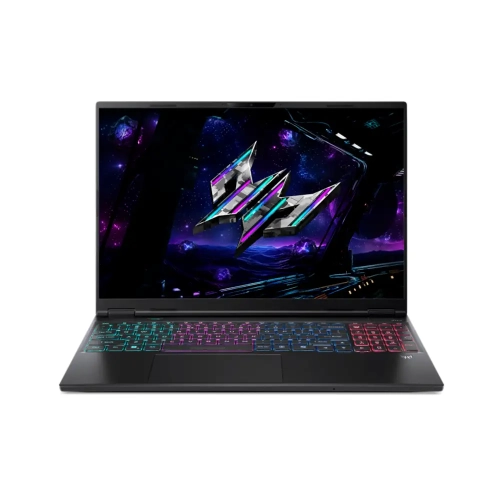 Your price for this item is $3699
-
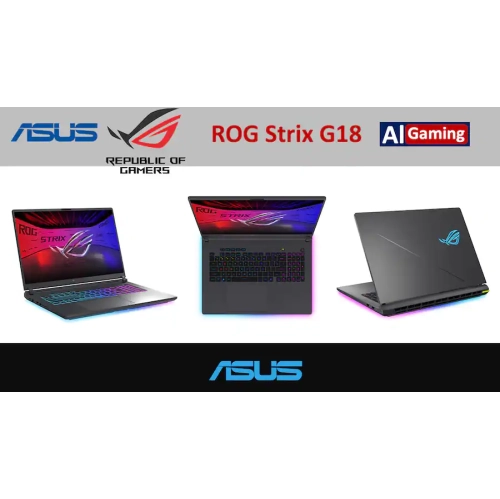 Your price for this item is $2899
-
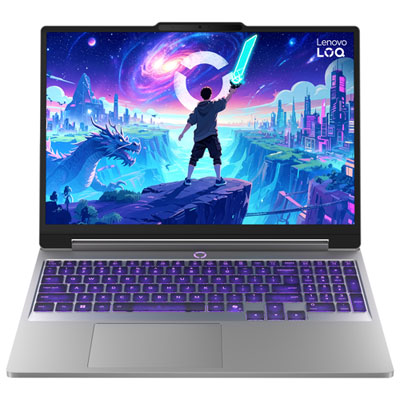 Your price for this item is $1499.99
-
 Your price for this item is $3449
-
 Your price for this item is $2999
-
 Your price for this item is $3649
-
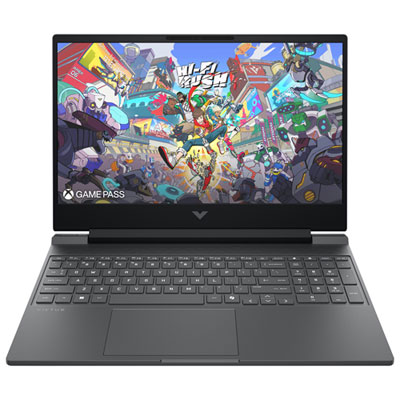 Your price for this item is $999.99
-
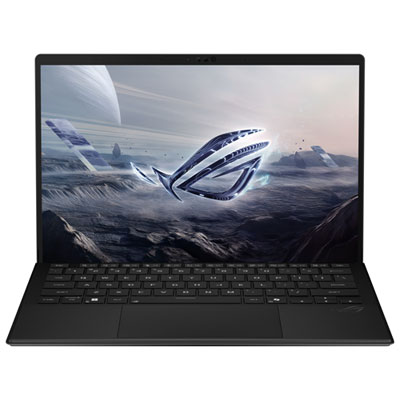 Your price for this item is $2699.99
Discover more categories related to ROG Strix G18
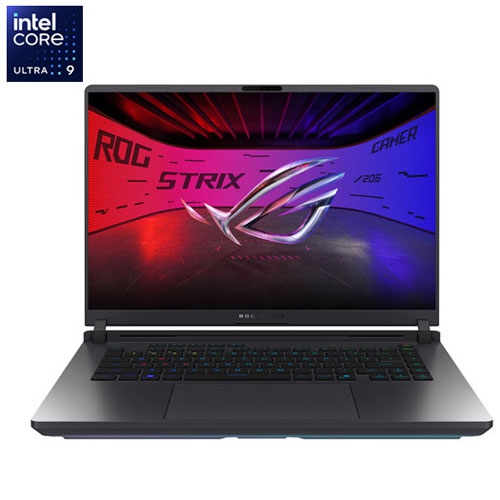
Top Collections:
Best Black Friday Deals This Year, Best Black Friday Deals On Electronics, Kindle Devices, Best Black Friday Deals On Apple Products, Best Budget Office Chairs, Best Cameras for Sports Photography, Dyson Airwrap, Canon G7X Cameras, Best Laptops for Writers, Samsung Galaxy Phones
Some products may be subject to Environmental Handling Fees
(EHF) depending on your province.
Learn more about EHFs.