Asus SSD Laptops
Discover the perfect blend of speed and performance with an Asus SSD Laptop. These laptops are designed to handle everyday tasks, entertainment, and productivity with ease, making them a great choice for home, school, or work. With a variety of models and configurations available, finding the right Asus SSD Laptop to match your needs is simple. Explore the latest options and enjoy reliable computing that keeps up with your busy lifestyle.
Sort




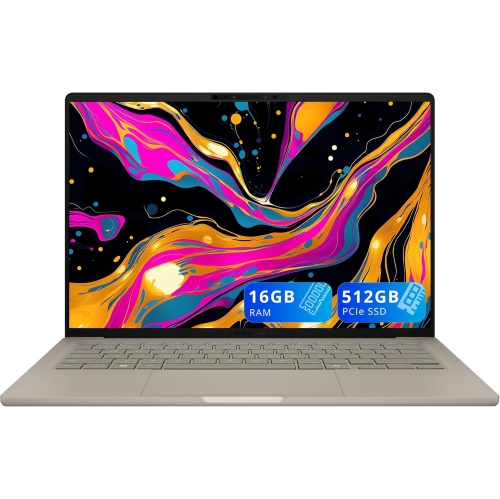


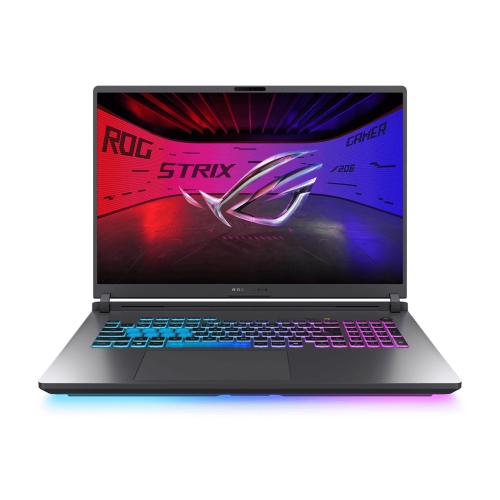


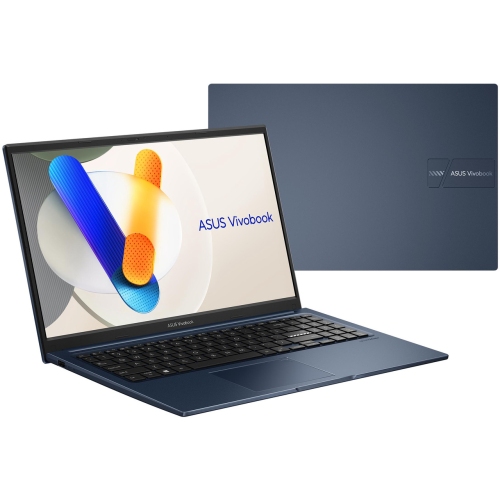

Why SSD speed is only part of laptop performance
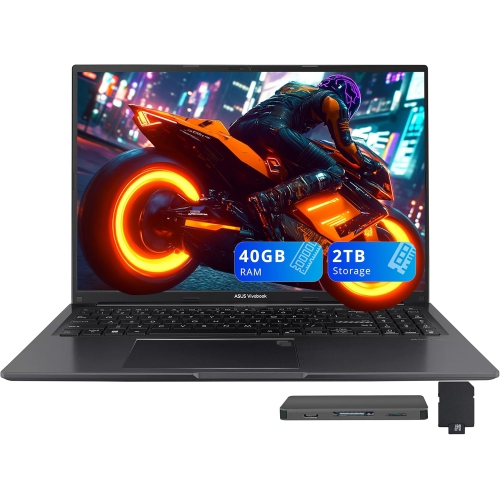
Laptops with solid-state drives bring responsive storage to everyday computing, from opening a presentation before a meeting to loading a photo library or launching a favourite game. An SSD stores files electronically rather than using the spinning platters and moving read heads found in a traditional hard drive. That difference generally means faster startup, quicker application launches, and shorter waits when accessing files, although the processor, memory, and software also influence how a laptop feels in use. For students, an SSD-equipped laptop can keep research documents, class notes, and assignment files close at hand. For home and office users, it supports the familiar rhythm of email, spreadsheets, video calls, and browser tabs. Creative work and gaming place different demands on the same storage: high-resolution footage, layered image files, and large game installations can occupy substantial space. A 512GB SSD can suit everyday documents and a moderate collection of applications, while 1TB or 2TB offers more room for larger local libraries. Usable capacity will be lower than the advertised total after formatting, the operating system, and preinstalled software are accounted for. Storage speed also varies. SATA SSDs and PCIe NVMe SSDs use different interfaces, with NVMe generally supporting higher transfer speeds; the drive’s design, connection, and workload determine the practical difference. Faster storage can shorten loading and file-transfer times, but it does not replace a capable processor or dedicated graphics for demanding games, rendering, or video effects. RAM matters when several applications are open together, particularly during editing sessions or a workday split between calls, documents, and research. A balanced configuration pairs enough storage for the files that need to travel with enough computing power for the work itself. Someone writing reports and streaming video has different needs from someone editing multi-camera footage, even when both prefer the quick response of an SSD. Storage capacity, processing performance, and memory therefore work together rather than serving as interchangeable measures of capability.
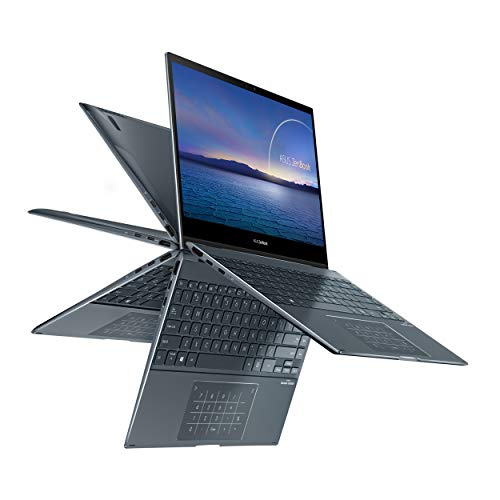
The rest of the laptop shapes the experience just as much as the drive inside it. A compact 13-inch or 14-inch design can fit neatly into a backpack and leave room on a shared desk, while a larger display gives spreadsheets, editing timelines, and side-by-side windows more breathing room. Screen resolution, brightness, colour coverage, and surface finish influence how comfortable that space is to use. Text-heavy work benefits from clear lettering and manageable scaling, while photography and design work call for attention to colour accuracy as well as resolution. A high refresh rate can make motion look smoother, but it is separate from storage speed and depends on the display and supporting hardware. For long writing sessions, keyboard spacing, key feel, and a stable palm rest may matter more than a slim profile. A numeric keypad can help with frequent data entry, though it changes the keyboard layout and is not part of every design. Materials also affect day-to-day handling: metal panels may feel rigid and substantial, while well-built plastic housings can offer practical portability without the same weight. Hinge construction, lid flex, and the way the base sits on a work surface are useful signs of overall build quality. Touchscreens and convertible hinges add flexibility for reading, presenting, or taking notes, with active pen compatibility depending on the configuration. Connections deserve similar attention. USB-C describes a connector shape, not a guarantee of charging, video output, or a particular transfer speed. HDMI, USB-A, memory card slots, and audio connections can simplify a desk setup or reduce the need for adapters. Wi-Fi capability supports wireless access, while a suitable webcam and microphone help with remote meetings and coursework. Battery runtime depends on the whole system, including display settings, graphics use, background tasks, and battery capacity; an SSD alone does not establish how long a laptop will run between charges. The best fit balances those details with the distance the laptop needs to travel and the tasks it needs to handle away from a desk.
An SSD has no moving mechanical parts, making the storage itself less vulnerable to damage from everyday movement than a traditional hard drive, but the complete laptop still needs thoughtful handling. Screens, hinges, ports, and internal connections can be damaged by drops or pressure, so a padded sleeve and a bag compartment that keeps the lid away from heavy objects are useful companions. A firm, clear work surface helps keep ventilation openings unobstructed, especially during longer gaming sessions or demanding creative work. Routine care is straightforward: a soft, lint-free cloth keeps exterior surfaces tidy, while screen cleaning should follow the manufacturer’s recommendations rather than relying on household cleaners. Keeping drinks away from the keyboard and avoiding strain on connected cables can prevent problems that have little to do with the drive’s durability. Storage maintenance is largely about organization and protection. Leaving some free space gives the operating system, updates, and working files room to function, and moving completed projects to separate storage can keep an active workspace manageable. An external SSD can be useful for carrying large files, although transfer performance depends on both the drive and the laptop’s port. A separate backup remains important because any storage device can fail, and accidental deletion or loss of the laptop can happen regardless of drive type. Encryption, a strong sign-in method, and regular software updates add protection for personal documents and work files. Internal upgrades vary: some laptops include a replaceable SSD or an additional slot, while others have tighter space or service restrictions, and physical drive size, interface compatibility, and manufacturer guidance all matter. For a student beginning a new program, a family member managing household tasks, or someone building a portable creative setup, an SSD laptop can also make a practical gift when its size, keyboard, and capabilities match the recipient’s routine. The Best ASUS Laptops collection offers a broader view of laptop configurations and form factors for those considering how storage fits into the complete package.
The rest of the laptop shapes the experience just as much as the drive inside it. A compact 13-inch or 14-inch design can fit neatly into a backpack and leave room on a shared desk, while a larger display gives spreadsheets, editing timelines, and side-by-side windows more breathing room. Screen resolution, brightness, colour coverage, and surface finish influence how comfortable that space is to use. Text-heavy work benefits from clear lettering and manageable scaling, while photography and design work call for attention to colour accuracy as well as resolution. A high refresh rate can make motion look smoother, but it is separate from storage speed and depends on the display and supporting hardware. For long writing sessions, keyboard spacing, key feel, and a stable palm rest may matter more than a slim profile. A numeric keypad can help with frequent data entry, though it changes the keyboard layout and is not part of every design. Materials also affect day-to-day handling: metal panels may feel rigid and substantial, while well-built plastic housings can offer practical portability without the same weight. Hinge construction, lid flex, and the way the base sits on a work surface are useful signs of overall build quality. Touchscreens and convertible hinges add flexibility for reading, presenting, or taking notes, with active pen compatibility depending on the configuration. Connections deserve similar attention. USB-C describes a connector shape, not a guarantee of charging, video output, or a particular transfer speed. HDMI, USB-A, memory card slots, and audio connections can simplify a desk setup or reduce the need for adapters. Wi-Fi capability supports wireless access, while a suitable webcam and microphone help with remote meetings and coursework. Battery runtime depends on the whole system, including display settings, graphics use, background tasks, and battery capacity; an SSD alone does not establish how long a laptop will run between charges. The best fit balances those details with the distance the laptop needs to travel and the tasks it needs to handle away from a desk.
An SSD has no moving mechanical parts, making the storage itself less vulnerable to damage from everyday movement than a traditional hard drive, but the complete laptop still needs thoughtful handling. Screens, hinges, ports, and internal connections can be damaged by drops or pressure, so a padded sleeve and a bag compartment that keeps the lid away from heavy objects are useful companions. A firm, clear work surface helps keep ventilation openings unobstructed, especially during longer gaming sessions or demanding creative work. Routine care is straightforward: a soft, lint-free cloth keeps exterior surfaces tidy, while screen cleaning should follow the manufacturer’s recommendations rather than relying on household cleaners. Keeping drinks away from the keyboard and avoiding strain on connected cables can prevent problems that have little to do with the drive’s durability. Storage maintenance is largely about organization and protection. Leaving some free space gives the operating system, updates, and working files room to function, and moving completed projects to separate storage can keep an active workspace manageable. An external SSD can be useful for carrying large files, although transfer performance depends on both the drive and the laptop’s port. A separate backup remains important because any storage device can fail, and accidental deletion or loss of the laptop can happen regardless of drive type. Encryption, a strong sign-in method, and regular software updates add protection for personal documents and work files. Internal upgrades vary: some laptops include a replaceable SSD or an additional slot, while others have tighter space or service restrictions, and physical drive size, interface compatibility, and manufacturer guidance all matter. For a student beginning a new program, a family member managing household tasks, or someone building a portable creative setup, an SSD laptop can also make a practical gift when its size, keyboard, and capabilities match the recipient’s routine. The Best ASUS Laptops collection offers a broader view of laptop configurations and form factors for those considering how storage fits into the complete package.
Top selling and popular products
-
 Your price for this item is $449
-
 Your price for this item is $3099
-
 Your price for this item is $449.99
-
 Your price for this item is $664.05
-
 Your price for this item is $869.99
-
 Your price for this item is $2960.48
-
 Your price for this item is $489.7
-
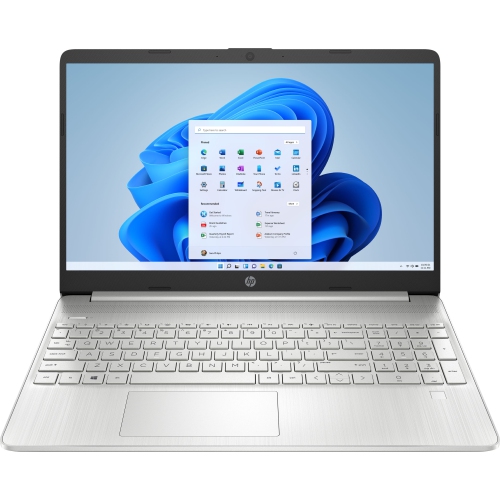 Your price for this item is $829
Discover more categories related to Asus SSD Laptops


Top Collections:
Pokemon Centers, Best Black Friday Deals This Year, Best Black Friday Deals On Electronics, Kindle Devices, Best Budget Office Chairs, Best Black Friday Deals On Apple Products, Best Cameras for Sports Photography, Pokémon 30th Celebration Cards, Dyson Airwrap, Canon G7X Cameras
Some products may be subject to Environmental Handling Fees
(EHF) depending on your province.
Learn more about EHFs.