Internal SSDs for Asus Laptop
Upgrade your computing experience with an internal SSD for Asus laptop, designed to enhance performance and boost storage capabilities. Whether you're looking to speed up your system's boot time or store more files seamlessly, these SSDs provide a reliable solution for your Asus device. Explore a range of options that cater to various storage needs and budget considerations, ensuring you find the perfect fit for your laptop. Transform your everyday tasks with faster data access and improved efficiency by choosing an internal SSD tailored for Asus laptops.
Sort

Understanding SSD compatibility, capacity, and installation requirements
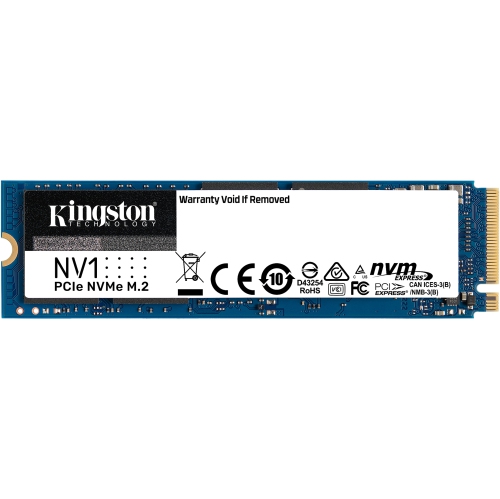
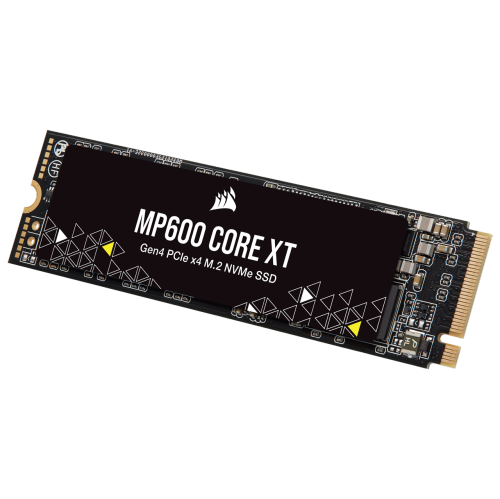
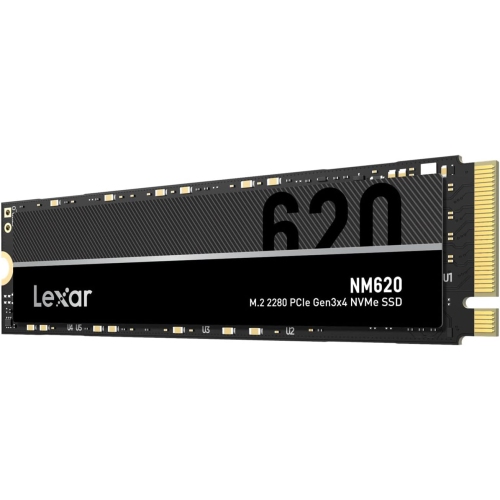
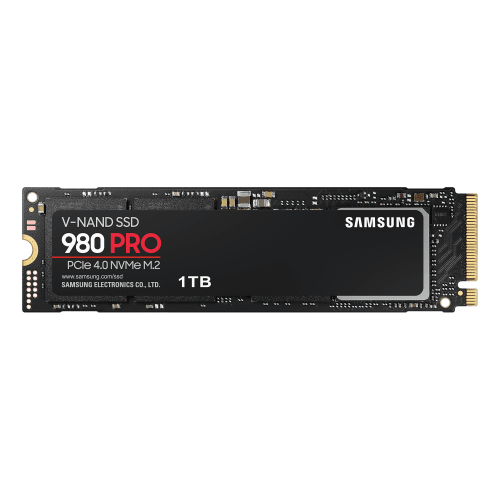
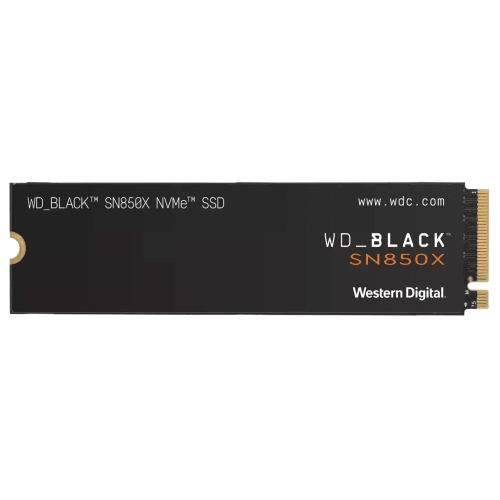
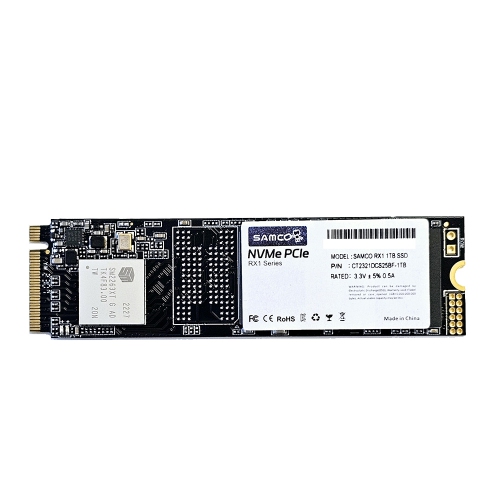
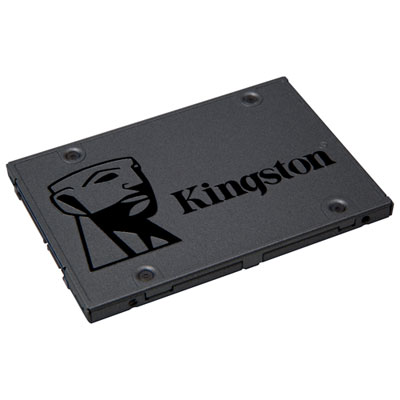
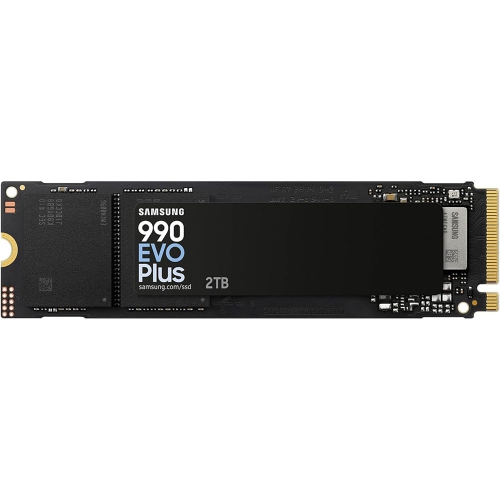
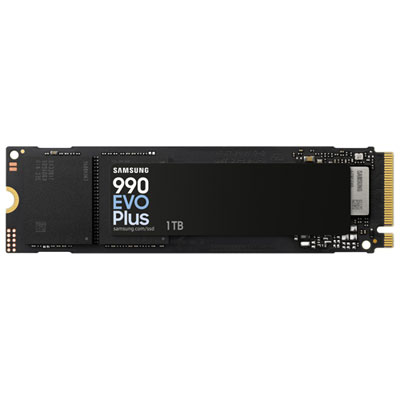
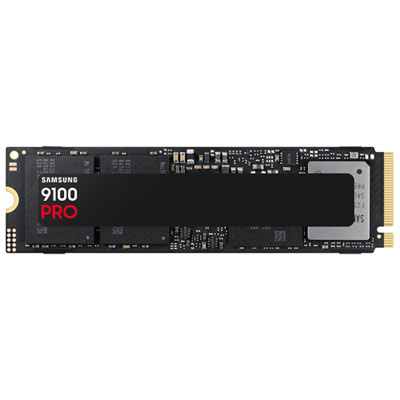
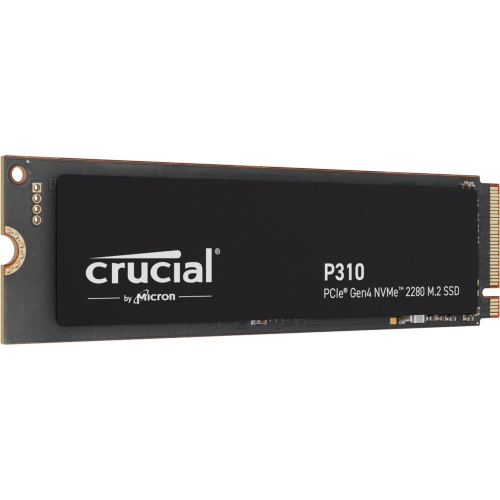
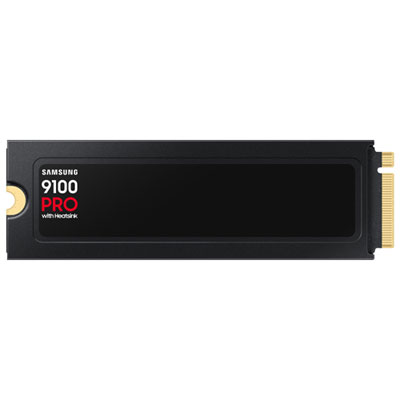
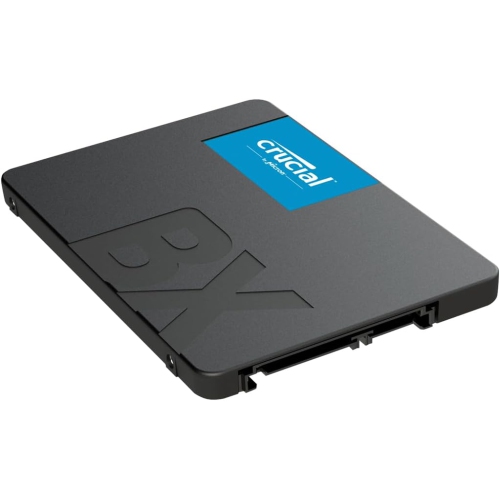
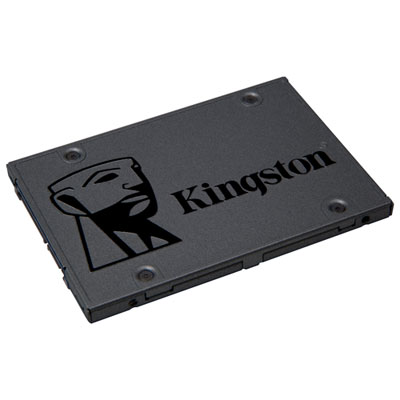
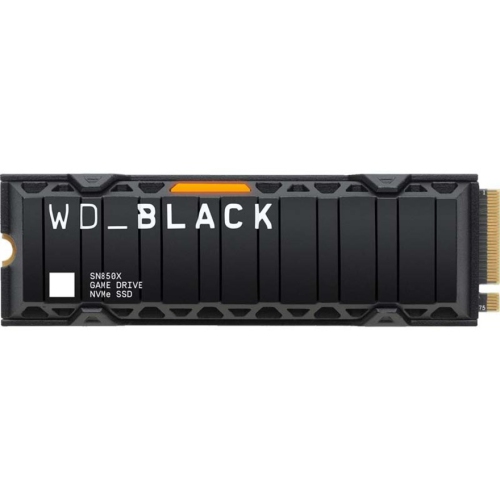
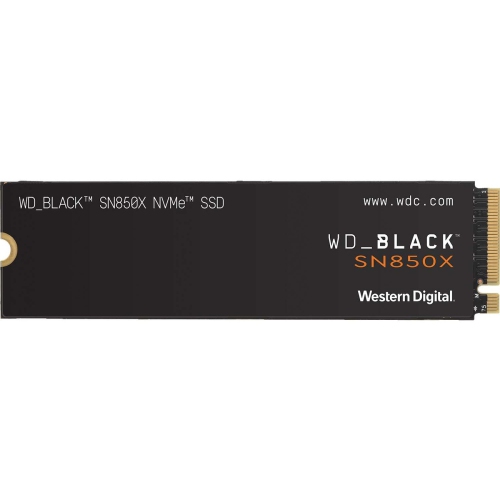
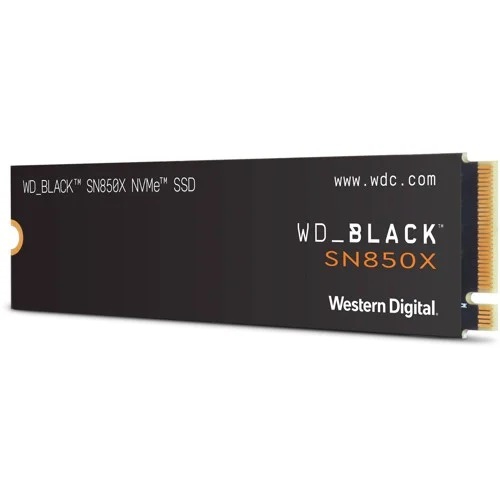
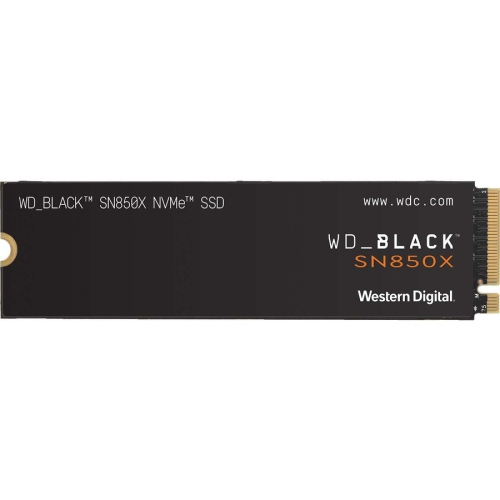
Internal SSDs for an ASUS laptop can provide a practical way to increase storage, improve responsiveness, or refresh an older computer that has begun to feel sluggish. An SSD stores files and applications on flash memory rather than using spinning discs, so everyday tasks can feel quicker, from starting the laptop on a busy morning to opening large photo libraries, school projects, creative software, or game files. Many newer ASUS laptops use an M.2 NVMe SSD, with the 2280 form factor being especially common. The numbers refer to the drive’s dimensions: 22 millimetres wide and 80 millimetres long. Compact laptops and handheld-style computers may instead use the shorter 2230 format, which measures 22 millimetres by 30 millimetres. These drives can look very similar at first glance, but the length and mounting position must match the computer’s internal bay. Before purchasing, check the exact model number printed on the underside of the laptop, shown in its system information, or listed in the manufacturer’s technical documentation. Compatibility depends on more than available storage space; the laptop may support PCIe NVMe, M.2 SATA, or a 2.5-inch SATA connection, and these interfaces are not interchangeable simply because the drives appear similar. Older ASUS laptops may require a 2.5-inch SATA SSD or an M.2 SATA drive, while many recent models support PCIe NVMe technology. A PCIe Gen 4 drive can operate at very high speeds in a compatible computer, but it may also work in a system designed for an earlier generation at the speeds supported by that system. Checking the laptop’s supported PCIe generation, keying, physical clearance, and maximum capacity can help prevent an unsuitable purchase. It is also worth confirming whether an empty slot is available or whether the existing drive will need to be replaced. Some laptops provide a straightforward upgrade path, while others require the operating system and personal files to be transferred from the original drive.
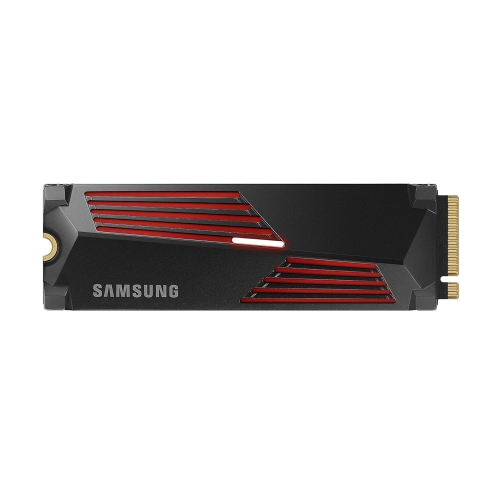
Storage capacity is another important consideration for an internal SSD for an ASUS laptop. A smaller capacity may suit someone who mainly browses the web, works with documents, attends online classes, and stores files in the cloud. A larger drive can be more comfortable for photographers, video editors, gamers, students with extensive course materials, or anyone who prefers keeping a substantial library of applications and media on the laptop. Leaving some free space available can help maintain smooth day-to-day performance, particularly when the operating system needs room for updates and temporary files. Read and write speeds are useful comparison points, but the fastest specification is not always necessary for a laptop used for email, streaming, and basic productivity. For demanding applications, frequent file transfers, large project folders, or game loading, a faster NVMe drive may make a more noticeable difference. Thermal design also matters in a compact computer. During long transfers or intensive workloads, an SSD can produce heat, so the laptop’s internal airflow, included shielding, and available clearance should be considered before selecting a model with a heatsink. Installation may involve removing the bottom panel, disconnecting the battery where appropriate, securing the drive with a small screw, and reinstalling the operating system or cloning the original drive. Backing up important files before opening the laptop is essential, and some users may prefer professional installation if the computer contains irreplaceable work or if access to the internal components is complicated. An internal SSD can be a thoughtful gift for a student preparing for a new term, a remote worker managing large files, a family member whose laptop has become crowded, or a gaming enthusiast who needs space for additional titles. It can also be useful as part of a broader computer refresh during the cooler months, when a laptop may spend more time indoors at a desk or kitchen table. When comparing options, focus on the exact ASUS model, the supported interface, the required form factor, the desired capacity, the drive’s warranty, and the intended workload rather than relying on appearance alone. Shoppers upgrading a different type of computer can also browse Internal SSDs for MacBook Pro for storage options suited to that platform.
Storage capacity is another important consideration for an internal SSD for an ASUS laptop. A smaller capacity may suit someone who mainly browses the web, works with documents, attends online classes, and stores files in the cloud. A larger drive can be more comfortable for photographers, video editors, gamers, students with extensive course materials, or anyone who prefers keeping a substantial library of applications and media on the laptop. Leaving some free space available can help maintain smooth day-to-day performance, particularly when the operating system needs room for updates and temporary files. Read and write speeds are useful comparison points, but the fastest specification is not always necessary for a laptop used for email, streaming, and basic productivity. For demanding applications, frequent file transfers, large project folders, or game loading, a faster NVMe drive may make a more noticeable difference. Thermal design also matters in a compact computer. During long transfers or intensive workloads, an SSD can produce heat, so the laptop’s internal airflow, included shielding, and available clearance should be considered before selecting a model with a heatsink. Installation may involve removing the bottom panel, disconnecting the battery where appropriate, securing the drive with a small screw, and reinstalling the operating system or cloning the original drive. Backing up important files before opening the laptop is essential, and some users may prefer professional installation if the computer contains irreplaceable work or if access to the internal components is complicated. An internal SSD can be a thoughtful gift for a student preparing for a new term, a remote worker managing large files, a family member whose laptop has become crowded, or a gaming enthusiast who needs space for additional titles. It can also be useful as part of a broader computer refresh during the cooler months, when a laptop may spend more time indoors at a desk or kitchen table. When comparing options, focus on the exact ASUS model, the supported interface, the required form factor, the desired capacity, the drive’s warranty, and the intended workload rather than relying on appearance alone. Shoppers upgrading a different type of computer can also browse Internal SSDs for MacBook Pro for storage options suited to that platform.
Top selling and popular products
-
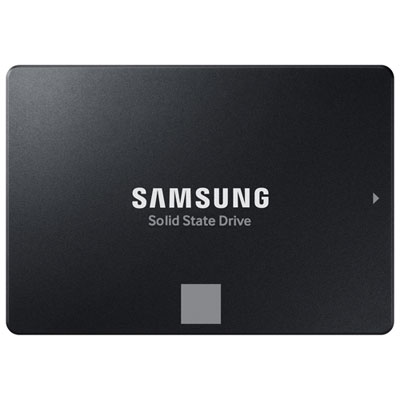 Your price for this item is $554.99
 -
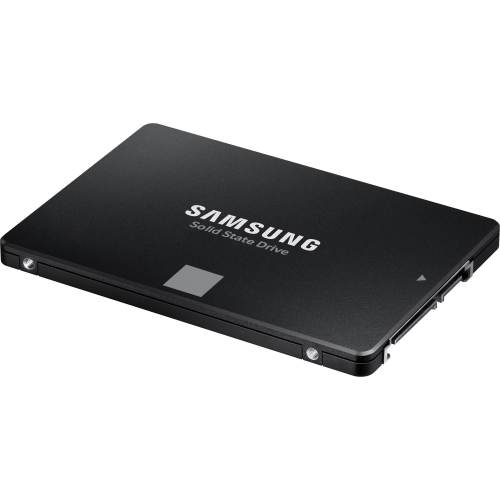 Your price for this item is $394.99
 -
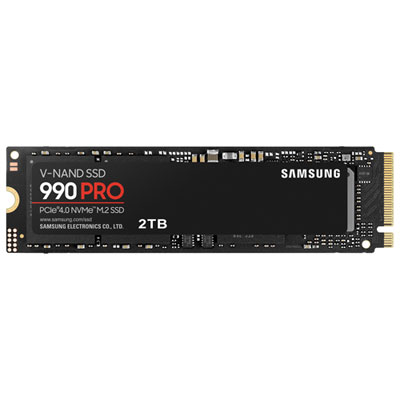 Your price for this item is $874.99
 -
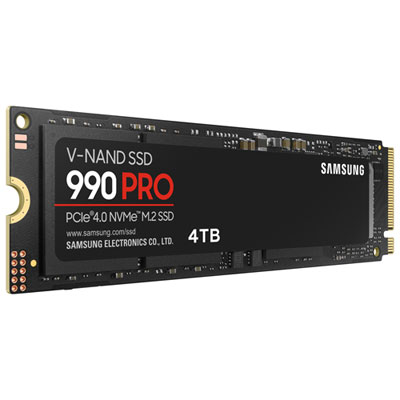 Your price for this item is $1199.97
 -
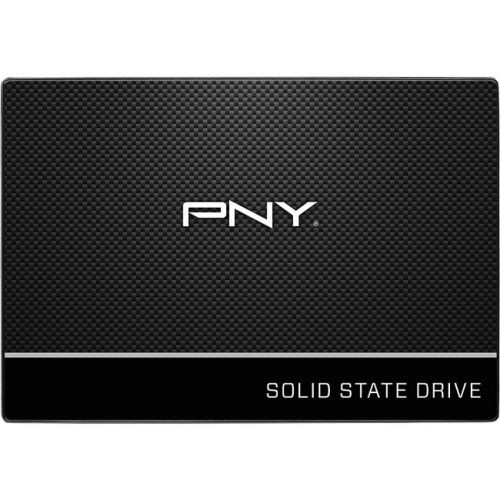 Your price for this item is $106.93
 -
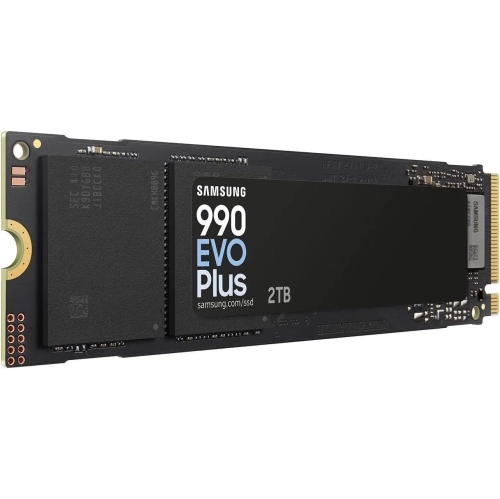 Your price for this item is $639.99
 -
 Your price for this item is $124.99
 -
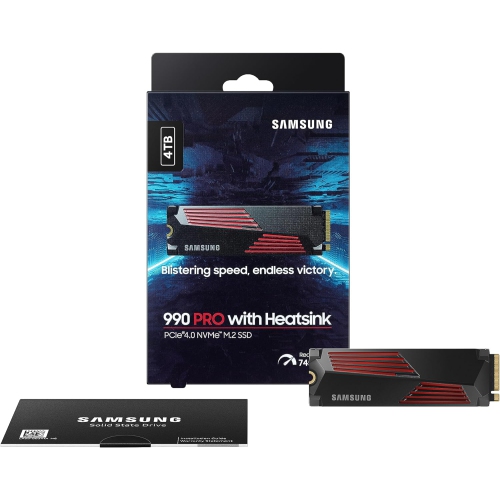 Your price for this item is $1554.97
Discover more categories related to Internal SSDs for Asus Laptop
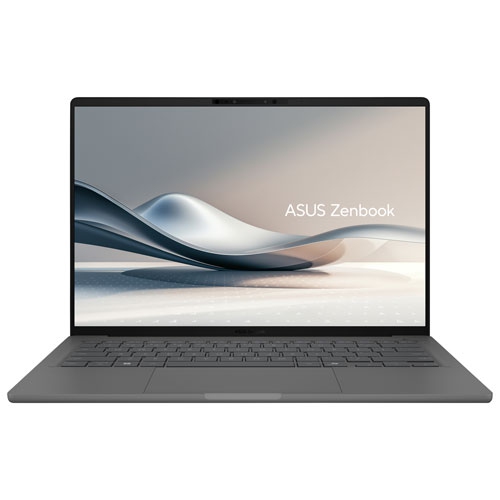
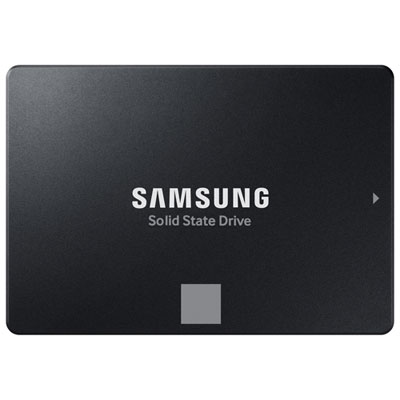
Top Collections:
Pokemon Centers, Best Budget Office Chairs, Budget 4K TVs, Kindle Devices, Best Laptops for Writers, Canon G7X Cameras, Apple iPhones 16, iPhone 15 Apple, Laptops for Business Work, Xiaomi Phones
Some products may be subject to Environmental Handling Fees
(EHF) depending on your province.
Learn more about EHFs.