Asus Tablets
Discover the versatility and convenience of an Asus Tablet, designed to fit seamlessly into your everyday life. Whether you’re looking for a reliable companion for work, entertainment, or staying connected on the go, an Asus Tablet offers a range of options to suit your needs. Explore models that combine style with performance, making it easy to browse, stream, and get things done wherever you are. Find the perfect Asus Tablet to enhance your digital experience at Best Buy.
Sort
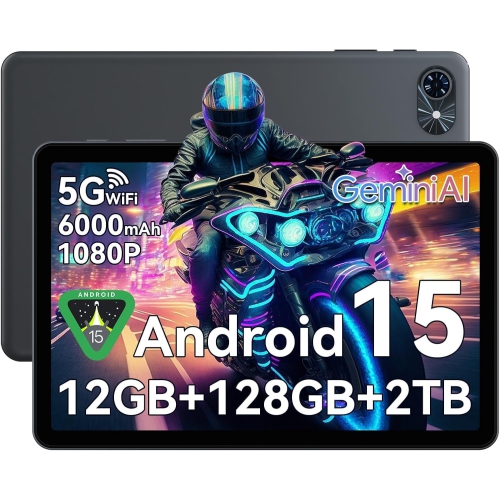
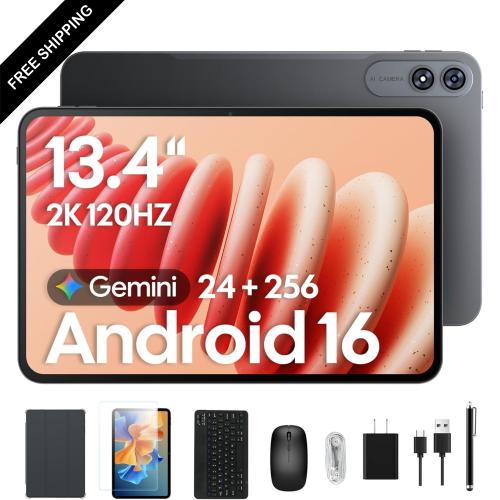
How tablet design shapes everyday work and entertainment
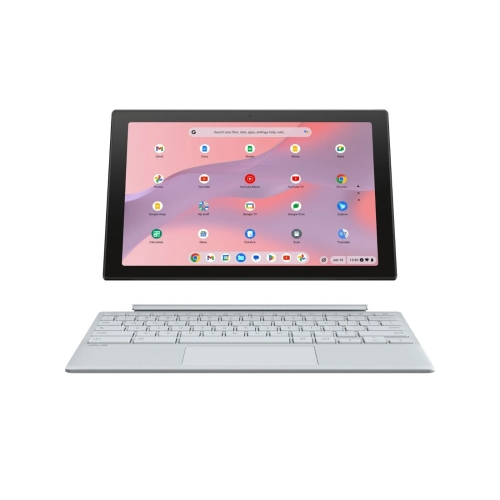
Tablets bring everyday computing to a portable touchscreen, making them useful for reading, streaming, video calls, schoolwork, and light creative tasks. A traditional tablet places the display, battery, and computing hardware in a single slate, while a detachable 2-in-1 supports a removable keyboard for switching between touch-based use and typing. A convertible computer differs because its keyboard remains attached as the screen folds into different positions. These distinctions affect how a device feels in practice: a lightweight slate is comfortable for reading on the sofa, while a keyboard-equipped design provides a more familiar setup for writing assignments or working through a spreadsheet. Display size is only part of that experience. Screen proportions influence how much of a document fits on the page, and resolution affects the clarity of small text, diagrams, and photographs. Brightness and surface reflections also matter when a tablet sits beside a window or beneath overhead lights. For handwritten notes and drawing, active pen support, palm rejection, and the feel of the screen can be more important than a larger display alone. Pen compatibility varies by device, and support for a basic touch stylus does not necessarily include pressure-sensitive drawing or precise handwriting input. Speakers and microphone quality contribute to entertainment and calls, while camera placement can determine whether a face appears naturally centred when the tablet is used horizontally with a keyboard. Weight deserves similar attention because a device that feels manageable on a desktop may be tiring to hold through several chapters of an ebook. Battery life depends on the workload, screen brightness, wireless connections, and battery condition rather than a single published figure. Streaming video, running demanding software, and making long video calls can draw power differently from reading downloaded documents. Together, these characteristics shape whether a tablet feels most at home as a personal reading screen, a companion for classes, a shared household device, or a portable workspace.
The operating system determines much of what a tablet can do, including which applications it runs, how files are managed, and how comfortably it handles several tasks at once. Mobile-focused systems often suit touch-first activities such as reading, entertainment, and handwritten notes, while devices running a desktop operating system may provide access to desktop applications and more familiar file-management tools. Neither format guarantees compatibility with every program. School platforms, workplace sign-in requirements, specialized software, and accessory support can all influence suitability. A student annotating lecture slides needs a different setup from someone editing layered images or managing several large documents beside a video meeting. Processor capability and memory affect responsiveness under those workloads, while storage capacity determines how much room remains for applications, downloaded media, photographs, and project files. Where expandable storage is supported, its usefulness still depends on which files and applications the operating system allows it to hold. Wireless connectivity is another practical consideration: Wi-Fi supports online work within range of a suitable network, while mobile data requires compatible hardware and an appropriate service plan. A USB-C connection may handle charging, accessories, file transfers, or an external display, but the supported functions vary between devices and ports. Keyboard connections, pen charging methods, and headphone options deserve the same attention to compatibility. The related Asus Touchscreen page provides another starting point for exploring touch-enabled computing beyond the traditional tablet format. For longer writing sessions, keyboard spacing, shortcut keys, and trackpad responsiveness can matter as much as the touchscreen itself. A kickstand also needs enough support behind the screen, which can make it less comfortable on a lap than on a firm work surface. Some keyboard covers connect physically, while others use a wireless connection and require their own charging. Accessories described as compatible may be sold separately, so the complete setup includes more than the tablet alone. These details help distinguish a convenient companion device from a practical replacement for a conventional computer.
Materials, construction, and everyday handling influence how well a tablet stands up to repeated use. Metal housings can feel rigid and substantial, while plastic designs may reduce weight; neither material alone establishes how well a device will withstand a fall. Glass screens remain vulnerable to impacts, especially at exposed edges and corners. A well-fitting case can add grip, protect the back, and provide a stable viewing angle, but it needs openings that match the cameras, speakers, charging port, and any keyboard connectors. Screen protectors also need to suit the display dimensions and any intended pen use, since added surface texture or thickness can change the writing experience. A padded sleeve is useful when a tablet travels in a bag beside keys, chargers, or textbooks. Routine care is straightforward: a soft, lint-free cloth helps remove fingerprints, and cleaning methods should follow the device maker’s directions rather than relying on household sprays or abrasive materials. Liquid should not enter ports or seams, and a tablet should not be assumed to resist spills without an explicit rating. Clear ventilation openings are important on designs that use active cooling, particularly when demanding programs run for extended periods. Secure sign-in options, regular software updates, and backed-up files help protect the information stored on a frequently carried device. For shared use, support for separate profiles, parental controls, and screen-time settings can make household routines easier to manage, although those features vary by operating system. Accessibility options such as text enlargement, captions, voice input, and screen-reading tools may be especially valuable for the intended user. As a gift, a tablet is most useful when it matches the recipient’s habits rather than simply offering a larger screen or more power. An avid reader may appreciate low weight, a student may value accurate pen input, and a frequent traveller may prioritize compact dimensions and convenient charging. For each, a comfortable grip, dependable software support, and compatible accessories can make the difference between a device used occasionally and one that becomes part of everyday life.
Top selling and popular products
-
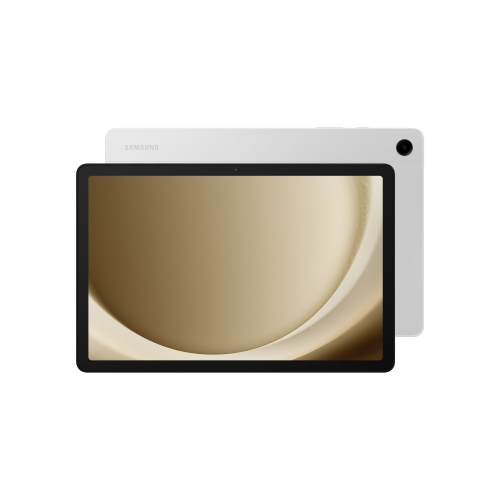 Your price for this item is $499.99
-
 Your price for this item is $1749.99
-
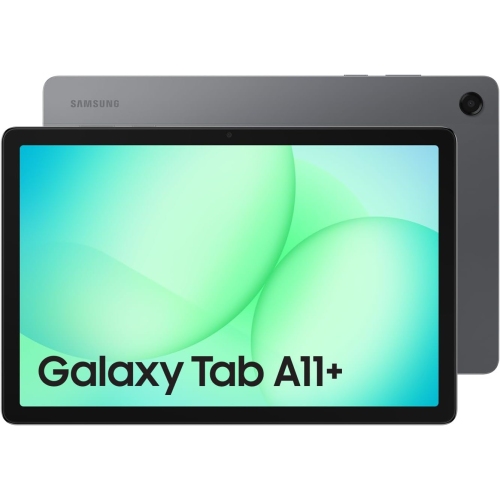 Your price for this item is $394.99
-
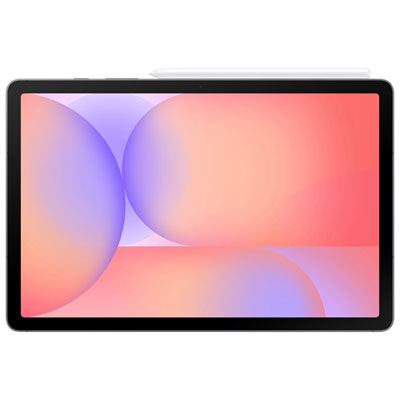 Your price for this item is $579.99
-
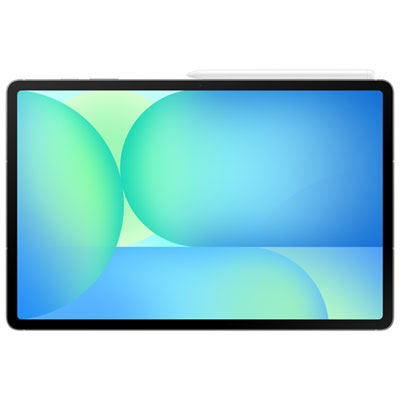 Your price for this item is $979.99
-
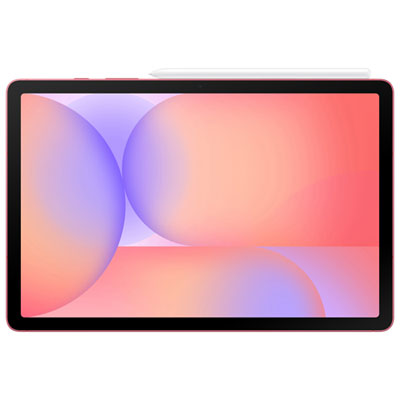 Your price for this item is $579.99
-
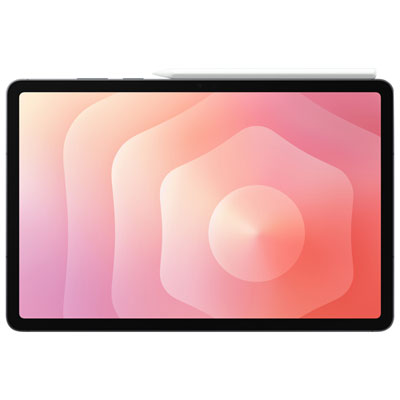 Your price for this item is $1099.99
-
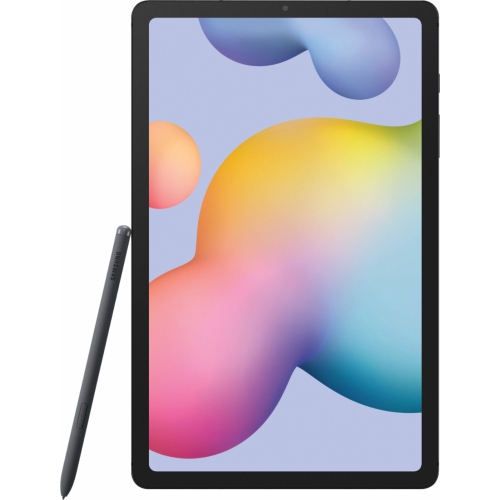 Your price for this item is $699.99
Discover more categories related to Asus Tablets
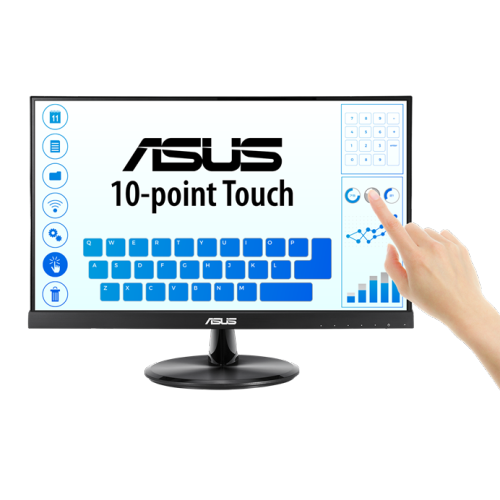
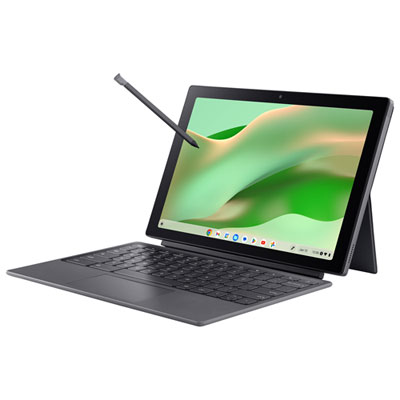

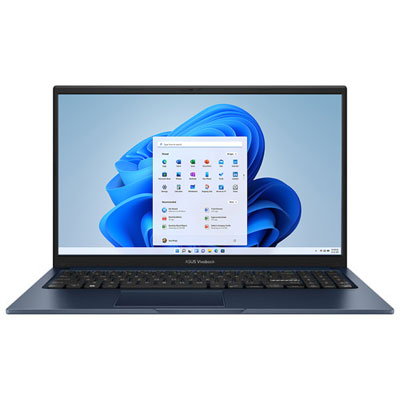
Top Collections:
Best Black Friday Deals This Year, Best Black Friday Deals On Electronics, Kindle Devices, Best Black Friday Deals On Apple Products, Best Budget Office Chairs, Best Cameras for Sports Photography, Dyson Airwrap, Canon G7X Cameras, Best Laptops for Writers, Samsung Galaxy Phones
Some products may be subject to Environmental Handling Fees
(EHF) depending on your province.
Learn more about EHFs.