Chromebooks for Back to School
Find Chromebooks for back to school with everyday classwork in mind, from taking notes and writing assignments to joining online classes. Compare screen sizes, memory, storage and battery life to choose a ChromeOS laptop that suits your course requirements, backpack and budget. Check that the apps your school requires are compatible before you buy.




FAQ
A Chromebook is a laptop that runs ChromeOS, Google's operating system. It centres on web-based tools and cloud storage, with support for Android apps on compatible models. Unlike Windows laptops or MacBooks, Chromebooks do not natively run most desktop software designed for those operating systems.
Chromebooks can access Google Classroom, Google Docs, Sheets and Slides through a browser. Students can also use the web versions of Microsoft 365 apps, including Word, Excel and PowerPoint. Available features may depend on the school's account settings and subscriptions, and web apps can differ from their desktop counterparts.
Some Chromebook tasks are available offline when set up in advance. Students can enable offline access for selected Google files and work with locally saved files or supported offline apps. Changes to cloud-based files sync once the Chromebook reconnects to the internet. Online classes and other web-based activities still require a connection.
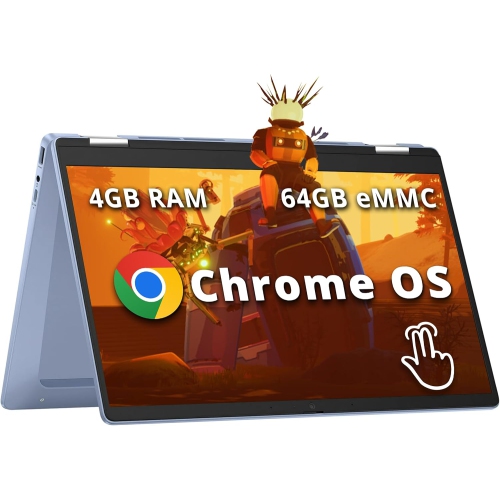
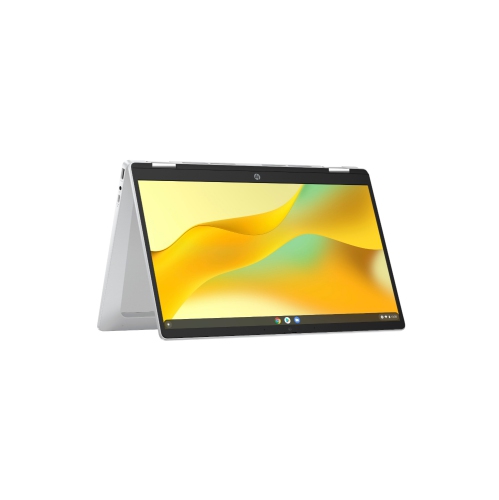
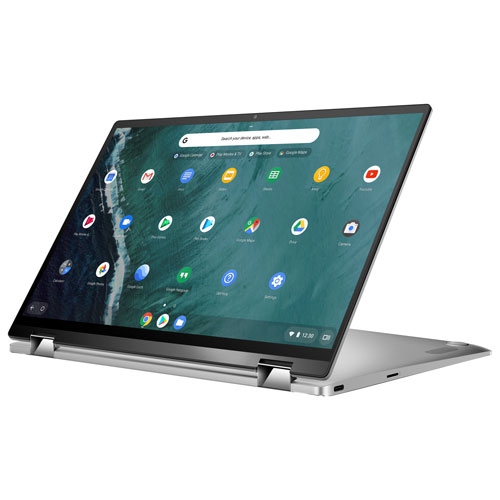
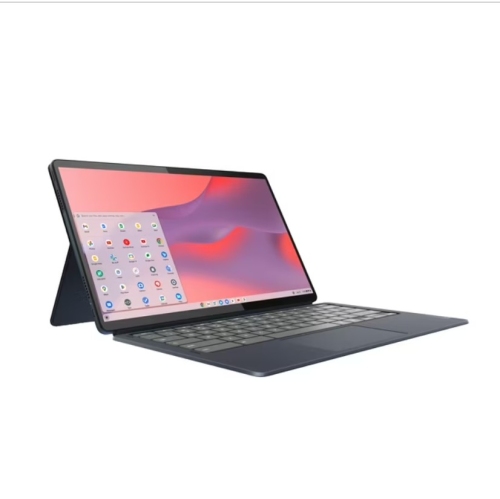
Consider the school's required software, the number of apps and browser tabs a student typically uses, and whether they need local storage for files. Battery life, keyboard layout, a webcam and ports for accessories are also worth reviewing. A touchscreen or a convertible design may suit students who prefer touch controls or handwritten notes, though stylus support varies by model.
Students can organize assignments in Google Drive using folders for each subject and access them from other devices when signed in to the same account. The Files app also manages downloads, local files and supported external storage. School-managed accounts may have rules about file sharing and access, so students should check their school's guidance before moving schoolwork between accounts.
Top selling and popular products
Discover more categories related to Chromebooks for Back to School
Some products may be subject to Environmental Handling Fees (EHF) depending on your province. Learn more about EHFs.