Back To School Creator Focused Graphics Tablets
Find back-to-school graphics tablets for student creators working on digital art, illustration, and design projects. Explore drawing tablets with your preferred creative software and study setup in mind, comparing pen input, drawing area, and compatibility to find a practical fit for coursework and personal projects.








FAQ
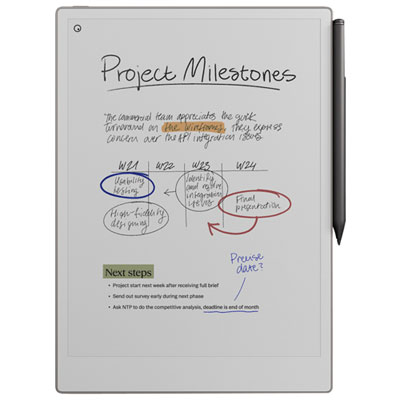
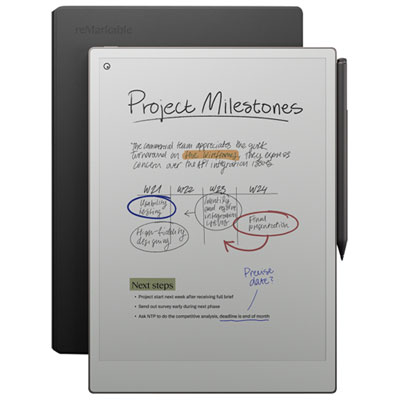
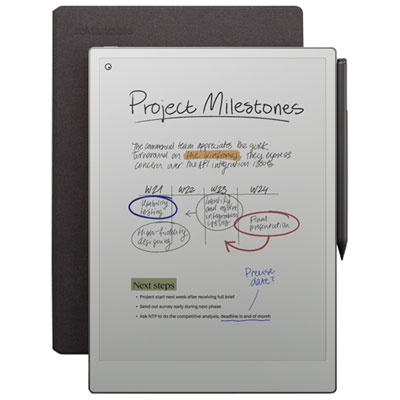
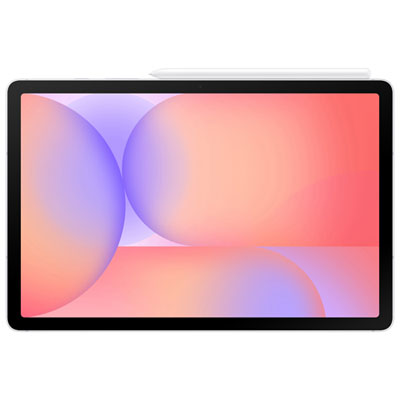
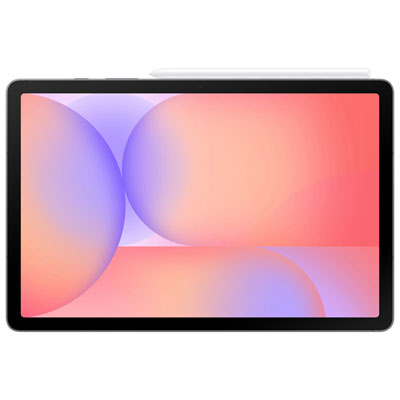
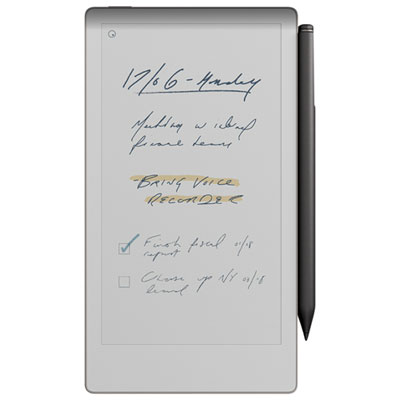
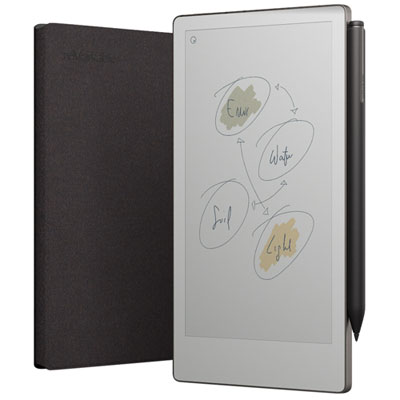
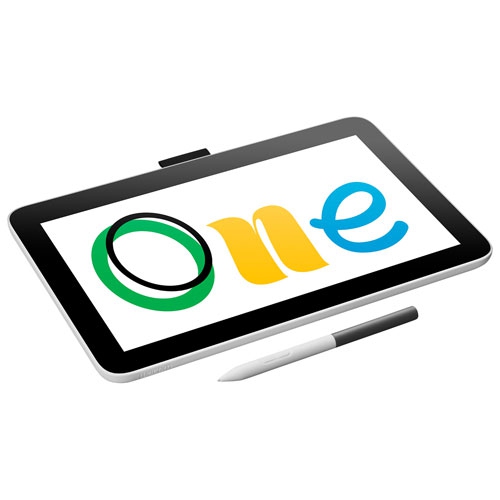
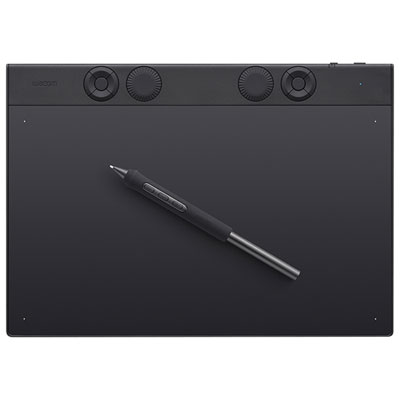
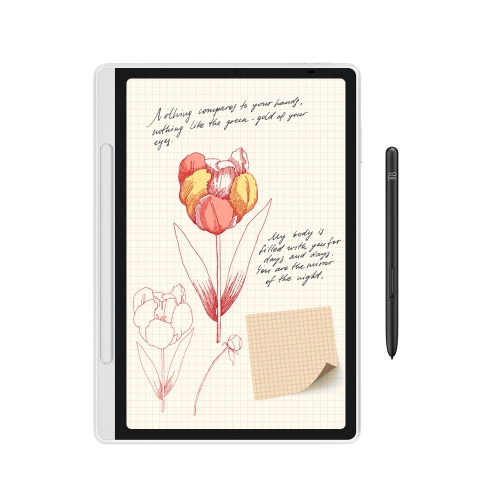
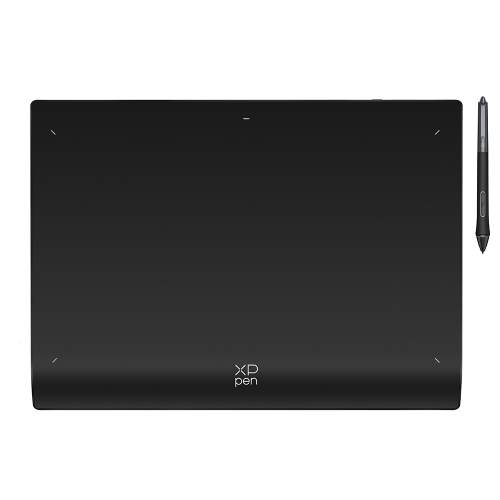
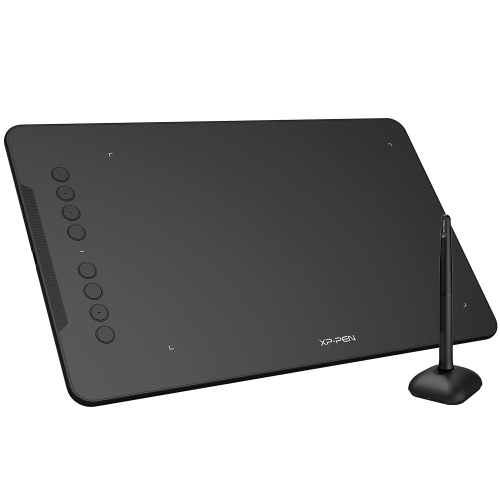
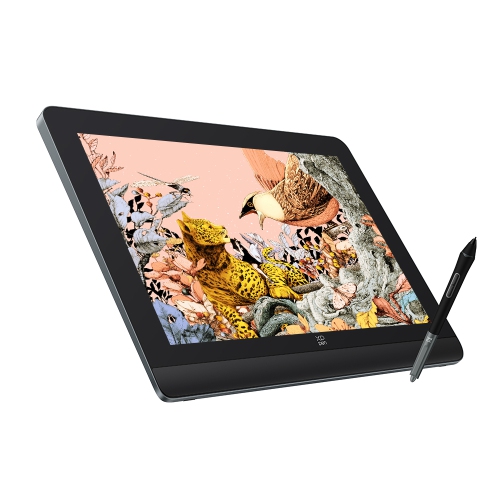
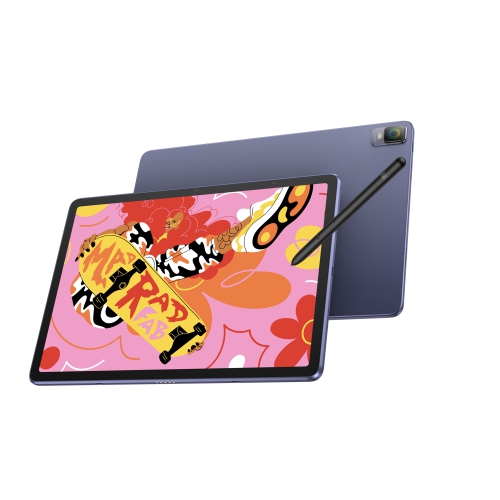
Pen tablets provide a drawing surface while you view your work on a connected computer. Pen displays let you draw directly on a screen but typically require a computer connection. Standalone drawing tablets have their own operating system and run compatible creative apps without a separate computer.
Check the tablet’s supported operating systems, required ports and driver requirements. Some pen displays need both a video connection and USB, while others support a compatible USB-C connection. School-managed computers may restrict driver installation, so confirm installation permissions with your school’s IT team.
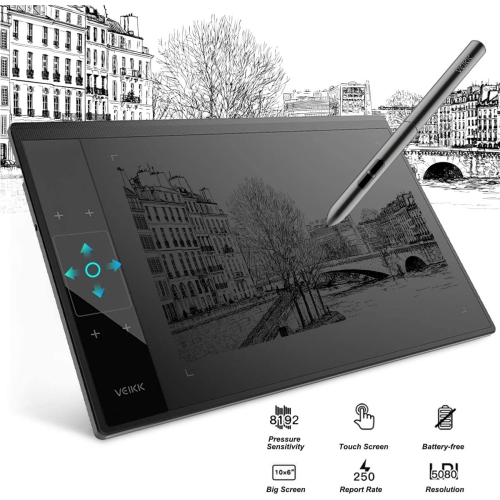
Common features include pressure sensitivity, tilt support and customizable pen buttons. Pressure sensitivity lets supported apps vary marks with pen pressure, while tilt support can change brush behaviour based on the pen’s angle. Some pens are battery-free; others require charging or batteries.
Graphics tablets can work with compatible apps for digital illustration, photo editing, animation and handwritten notes. App support depends on the tablet, operating system and installed drivers. Check whether your course’s required software supports pen input and any features you plan to use, such as pressure sensitivity or tilt.
Many graphics tablets include programmable buttons, touch controls or shortcut dials. Using the tablet’s settings software, students can assign commands such as undo, brush selection, zoom or canvas rotation. Some models also support app-specific profiles, allowing separate control layouts for illustration, photo editing and note-taking.
Top selling and popular products
Discover more categories related to Back To School Creator Focused Graphics Tablets

Some products may be subject to Environmental Handling Fees (EHF) depending on your province. Learn more about EHFs.