Back To School Study Tablets for Handwritten Notes and Drawing
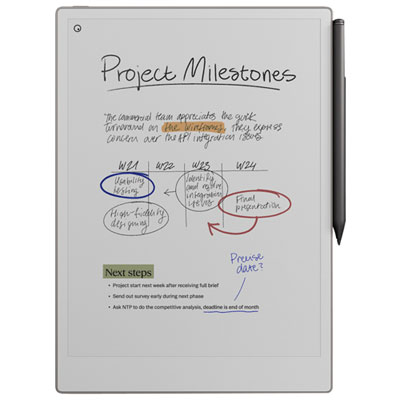
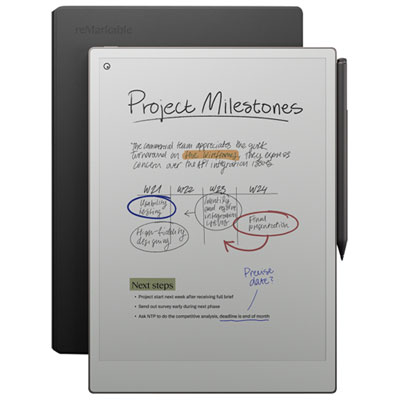
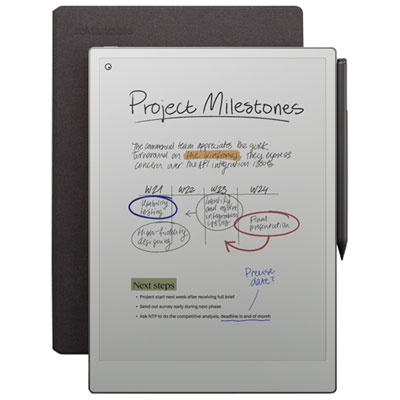
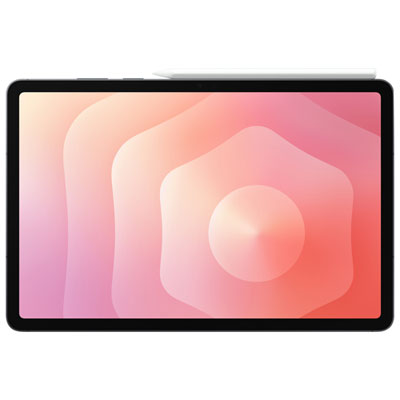
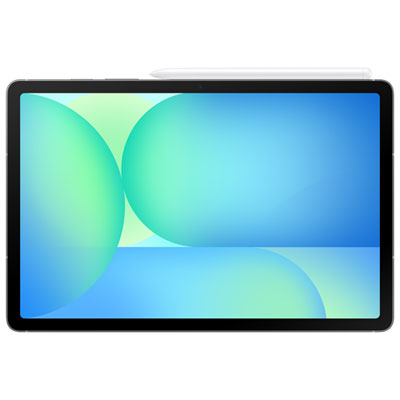
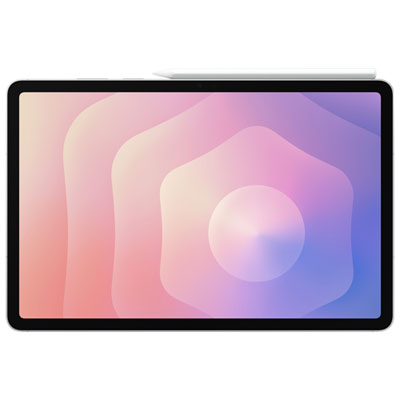
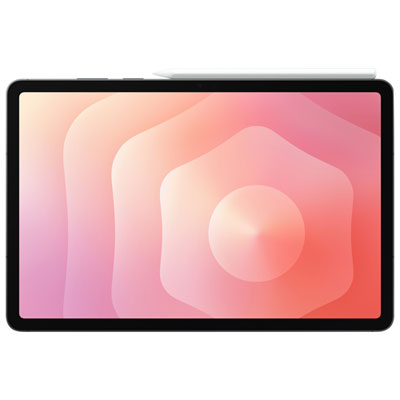
Explore back-to-school study tablets for handwritten notes and drawing, with options for taking class notes, annotating readings, and sketching ideas. Compare screen sizes, stylus compatibility, and note-taking app support to find a tablet that suits your coursework. Check whether a compatible pen is included or sold separately.















FAQ
Look for active stylus support, palm rejection, pressure sensitivity and compatibility with note-taking and drawing apps. Palm rejection lets you rest your hand on the display while writing, while pressure sensitivity lets you vary line weight in supported apps. Check whether the stylus is included or sold separately.
An active stylus communicates with a compatible tablet and may support pressure sensitivity, tilt input, shortcut buttons and palm rejection. A basic capacitive stylus generally acts like a fingertip on a touchscreen. Active stylus compatibility varies, so check that the tablet, stylus and chosen apps support the features you want.
Common features include notebooks, lined or grid paper templates, PDF annotation and handwriting search. Some apps also convert handwriting to typed text or let you place lecture slides alongside your notes. Check app availability for the tablet’s operating system and whether your preferred features require a subscription.
Yes, many tablets support both note-taking and drawing apps with a compatible stylus. Note-taking apps often focus on notebooks and document annotation, while drawing apps offer brushes, layers and colour palettes. Available tools depend on the tablet, stylus and app combination.
Many note-taking apps let you sort pages into subject folders or notebooks, add tags and search handwritten content. Export options may include PDFs and images for sharing through email or a school learning platform. Cloud syncing and offline access vary by app, so check both when planning your class workflow.
Top selling and popular products
Discover more categories related to Back To School Study Tablets for Handwritten Notes and Drawing
Some products may be subject to Environmental Handling Fees (EHF) depending on your province. Learn more about EHFs.