Back To School Inkjet Printers for Homework
Find back-to-school inkjet printers for homework, from everyday assignments to colourful charts and class projects. Compare print features, paper handling and replacement ink costs to choose a printer that fits your student’s workload, study space and budget.






FAQ
Depending on the model, inkjet printers may connect through USB, Wi-Fi, Wi-Fi Direct or Ethernet. Wireless models may also support printing from phones and tablets through compatible apps, Apple AirPrint or Mopria. Check compatibility with the devices and operating systems your student uses.
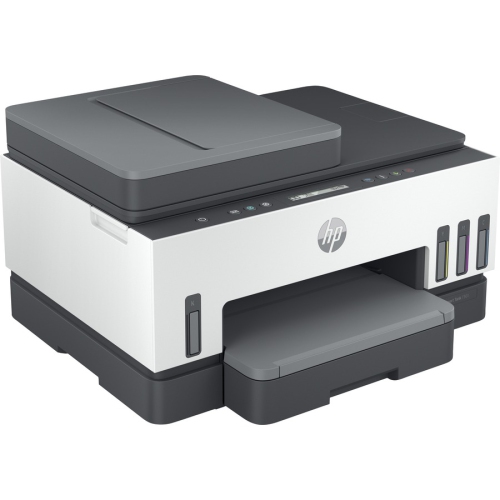
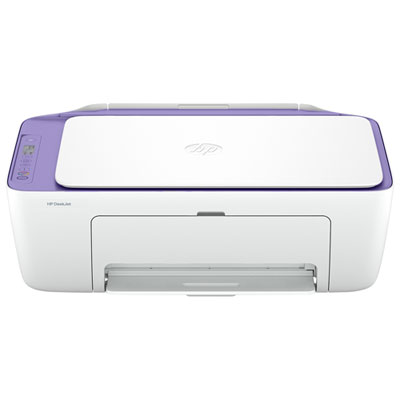
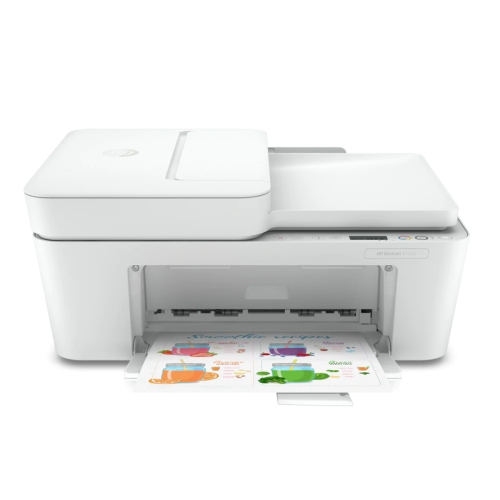
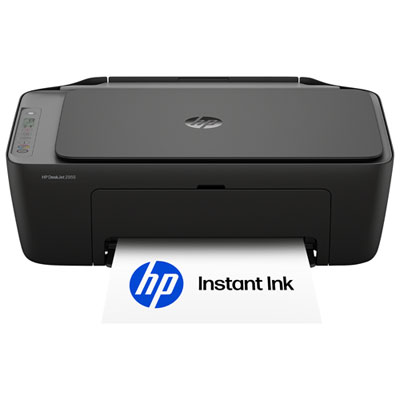
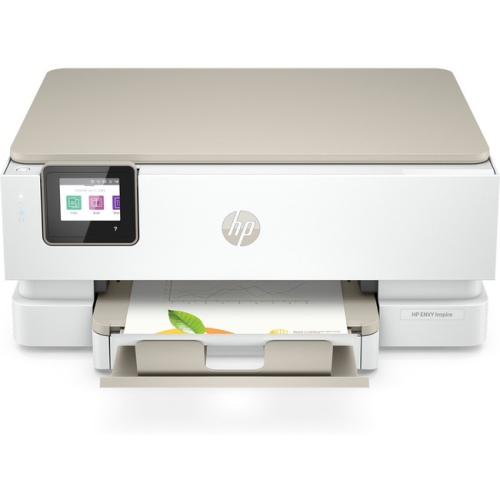
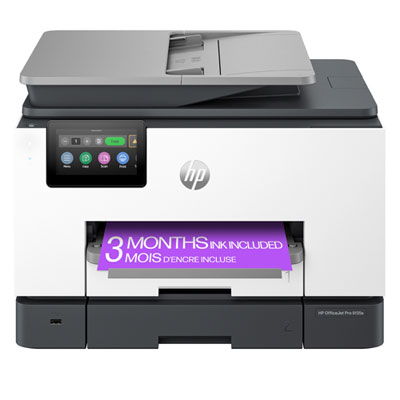
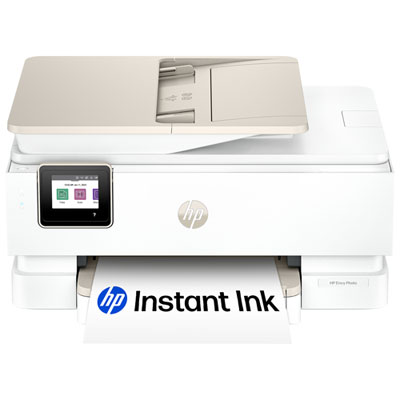
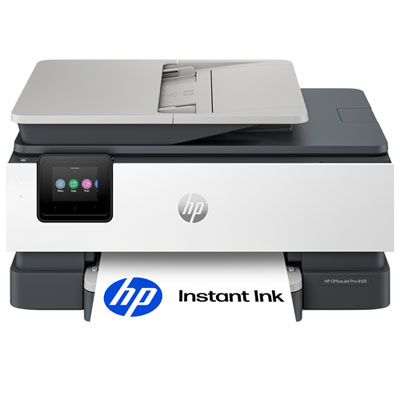
An all-in-one inkjet printer combines printing, scanning and copying in one device. Some models also include fax capabilities. For schoolwork, these functions let students print assignments, scan handwritten notes and copy worksheets.
Automatic double-sided printing, also called duplex printing, prints on both sides of a sheet without requiring you to turn it over manually. Models with manual duplex printing prompt you to reload the paper. You can typically choose single-sided or double-sided output in the print settings.
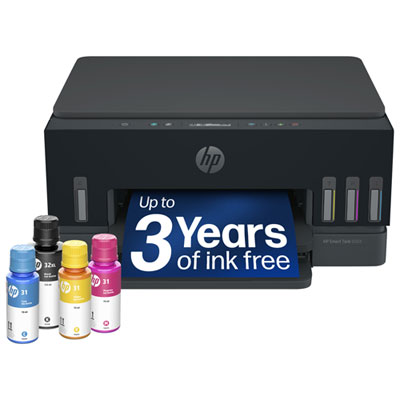
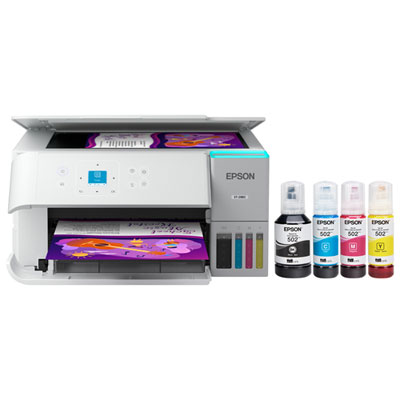
Cartridge-based inkjet printers use replaceable ink cartridges, while ink tank models have built-in reservoirs that you refill with compatible bottled ink. Cartridge models may use separate cartridges for each colour or a combined colour cartridge. Always use the ink type specified for your printer.
All-in-one inkjet printers typically include a flatbed scanner, and some also have an automatic document feeder for scanning multiple loose pages. Scanning software may let you save documents as PDFs or image files. Available file formats and options for saving to a computer, mobile device or cloud service vary by model.
Top selling and popular products
Discover more categories related to Back To School Inkjet Printers for Homework
Some products may be subject to Environmental Handling Fees (EHF) depending on your province. Learn more about EHFs.