Back To School Versatile Docking Stations
Back-to-school versatile docking stations help connect your laptop to monitors, a keyboard, a mouse and other study essentials through one hub. Browse laptop docks with different port combinations, and check compatibility, display support and charging capabilities to find the right fit for your desk setup.








FAQ
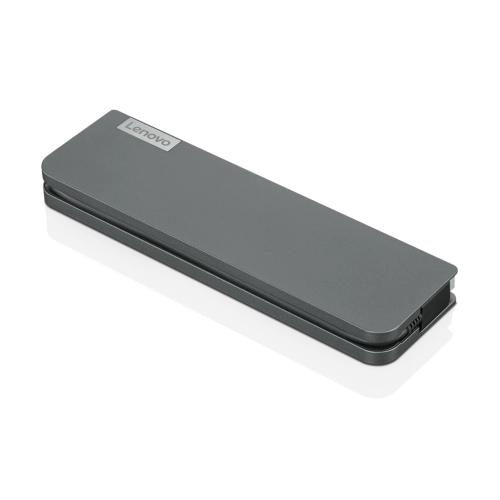
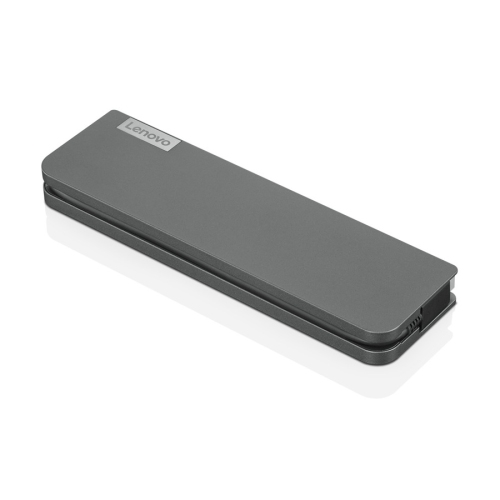
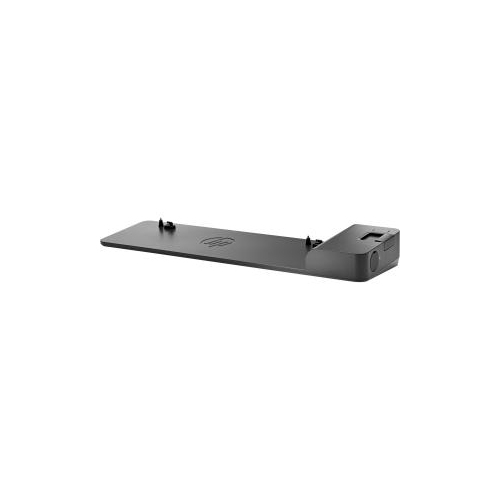
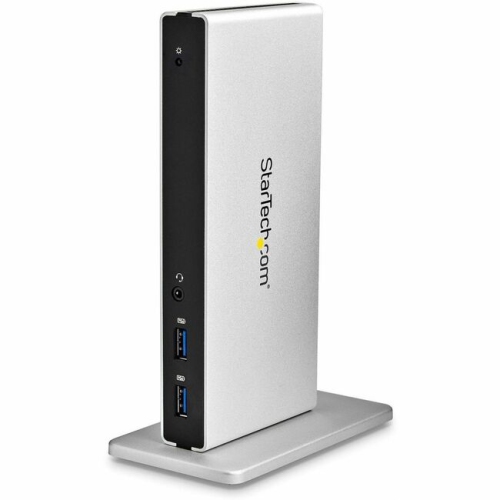
A docking station connects a laptop to study essentials such as a monitor, keyboard, mouse and wired network through a single host connection. It lets you keep desk accessories connected while taking your laptop to classes or the library.
Check your laptop’s port specifications, operating system and support for external displays. USB-C ports can have different capabilities, so the connector alone does not confirm compatibility. Match the dock’s requirements to your laptop’s support for features such as Thunderbolt, DisplayPort Alt Mode and USB Power Delivery.
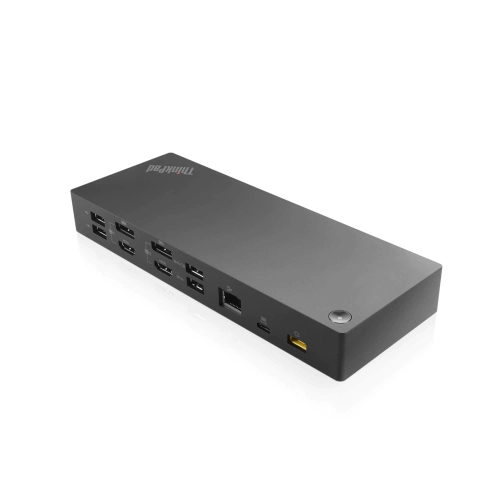
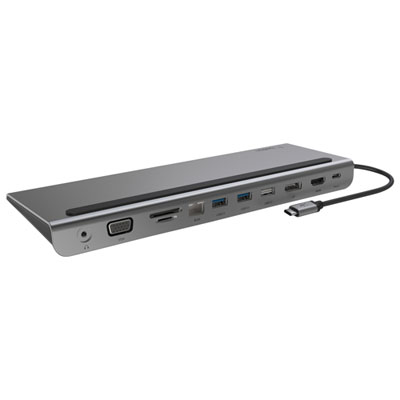
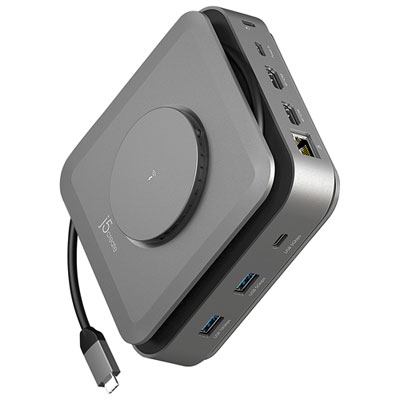
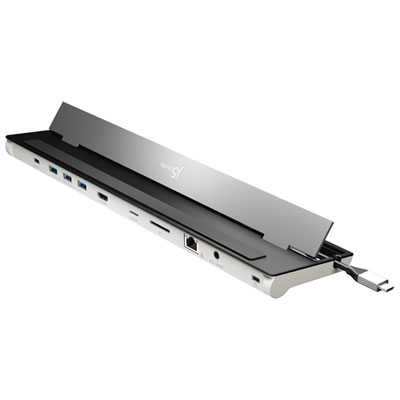
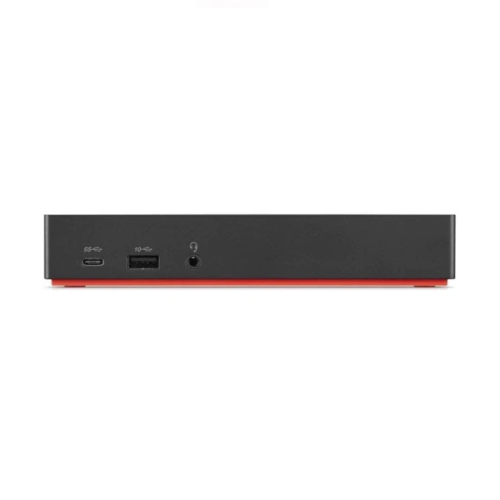
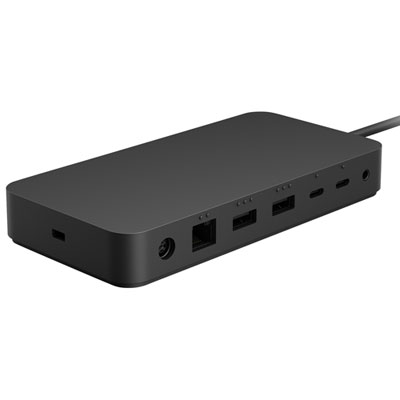
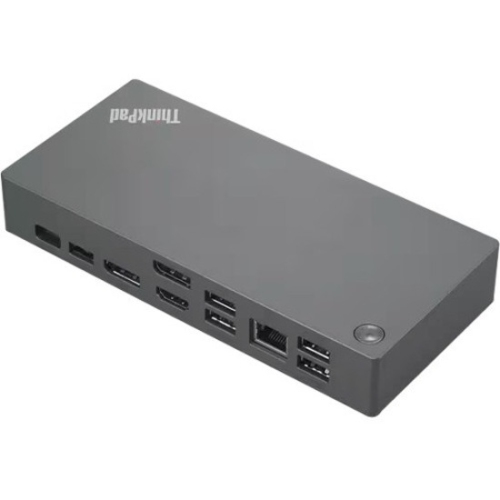
HDMI or DisplayPort connections let you attach an external monitor, while USB-A and USB-C ports connect accessories such as keyboards, mice and external drives. Ethernet provides a wired network connection, and an SD card reader can be useful for photography or media courses. Choose connections that match the equipment you use for your classes.
Some docking stations support laptop charging through USB Power Delivery when connected to a compatible USB-C or Thunderbolt port. Check the dock’s host charging output against your laptop’s power requirements. Depending on the dock, you may need to connect a separate power adapter, and some laptops still require their original charger.
Many docking stations support multiple monitors, but the available display configuration depends on the dock, laptop hardware, operating system and connection type. Check the supported monitor count, resolution and refresh rate for your laptop. Some setups require drivers, and certain Macs have restrictions on the number of external displays they support.
Top selling and popular products
Discover more categories related to Back To School Versatile Docking Stations
Some products may be subject to Environmental Handling Fees (EHF) depending on your province. Learn more about EHFs.