Back To School Universal Laptop Docks
Back-to-school universal laptop docks help connect your laptop to study essentials such as a monitor, keyboard, and mouse through one hub. Browse docking stations with different port combinations, and compare laptop compatibility, display support, and charging capabilities to find a fit for your desk setup.




FAQ
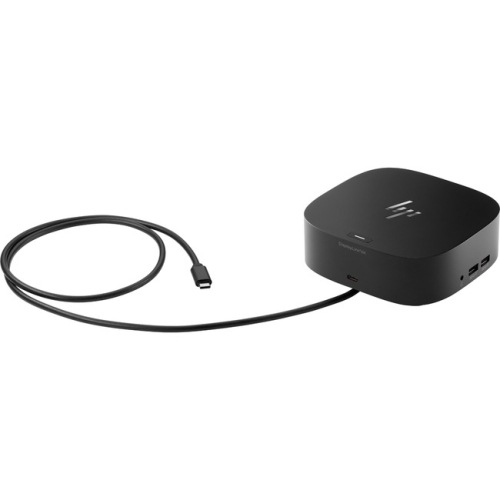
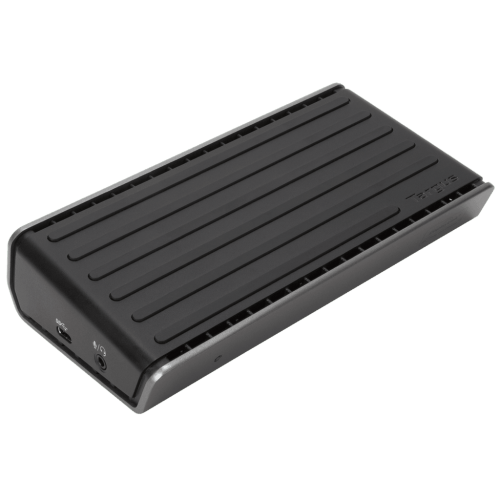
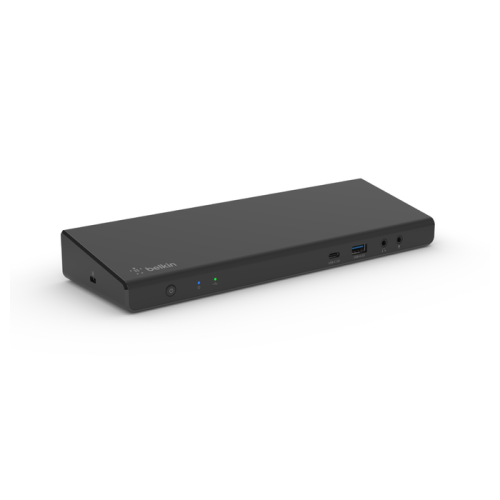
A universal laptop dock connects accessories such as a keyboard, mouse, monitor and external storage to a laptop through one main connection. Unlike docks designed for a particular laptop model, universal docks can work with multiple brands, provided the connection standards and operating systems are compatible.
Check the laptop’s operating system and the capabilities of its USB-C, USB-A or Thunderbolt ports against the dock’s requirements. A USB-C connector alone does not guarantee support for video output or charging. Some docks also require drivers, which may need approval before installation on a school-managed laptop.
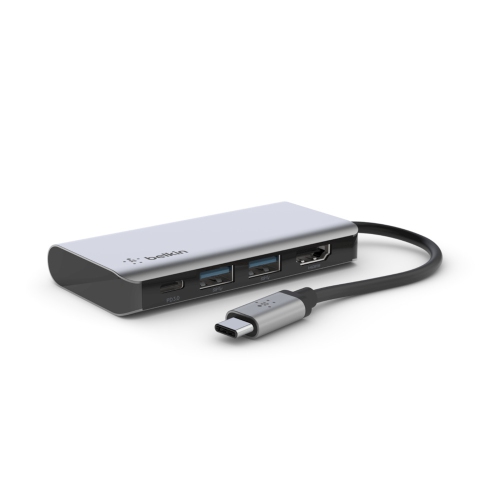
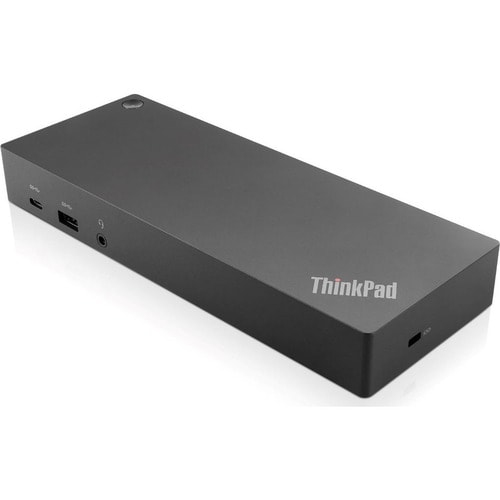
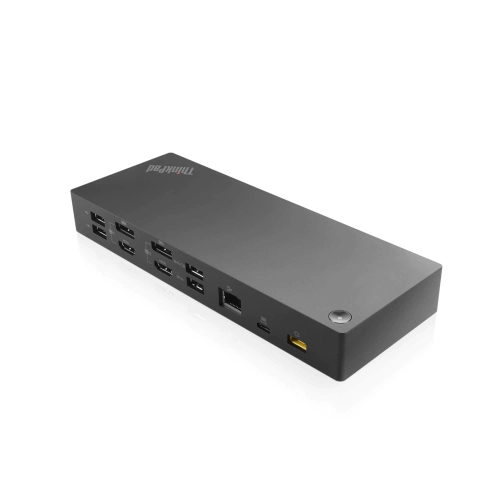
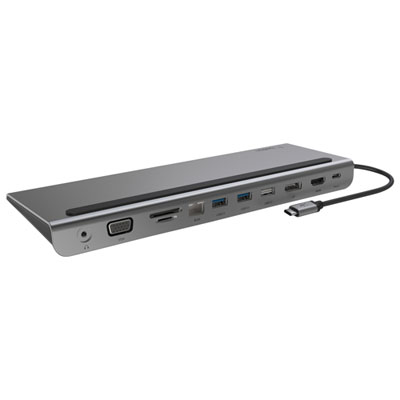
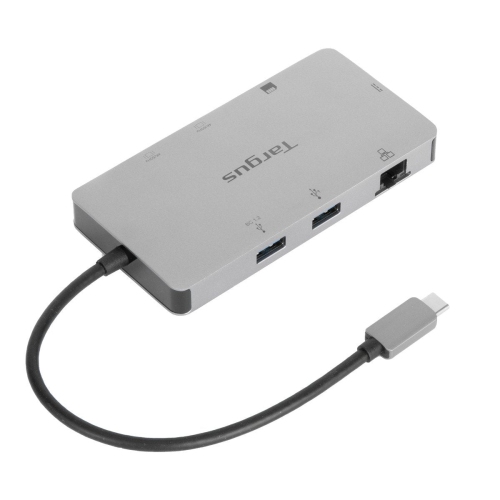
Common connections include USB-A and USB-C for accessories, HDMI or DisplayPort for monitors, Ethernet for wired networking, and audio jacks for headphones or speakers. Some docks also include memory card readers. Choose connections that match the equipment you use for coursework and your study space.
External monitor support depends on the dock, the laptop’s graphics capabilities, its connection standard and the operating system. Check the supported display count, resolutions and refresh rates, along with whether the setup supports extended desktops or only mirrored screens. Some docks use DisplayLink technology and require compatible software.
USB Power Delivery is a charging standard that allows a compatible dock to supply power to a laptop through USB-C while carrying data. Both the laptop and dock must support the required charging features. Check the dock’s power output to the laptop and whether a power adapter is included or required separately.
Top selling and popular products
Discover more categories related to Back To School Universal Laptop Docks
Some products may be subject to Environmental Handling Fees (EHF) depending on your province. Learn more about EHFs.