Back To School Microphones for Student Content Creators

Find back-to-school microphones for student content creators, whether you’re recording podcasts, narrating videos, or presenting class projects. Compare microphones by device compatibility, connection type, and recording setup to find an option that fits your coursework, creative projects, and budget.
Read More

Sort

Microphone setups that work at desks and across campus

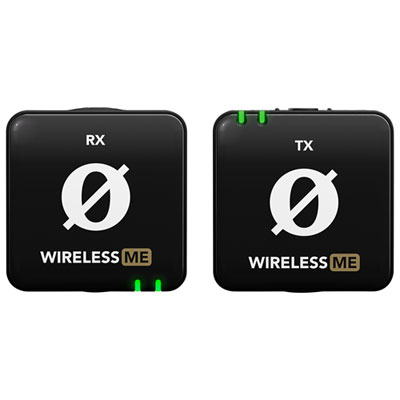
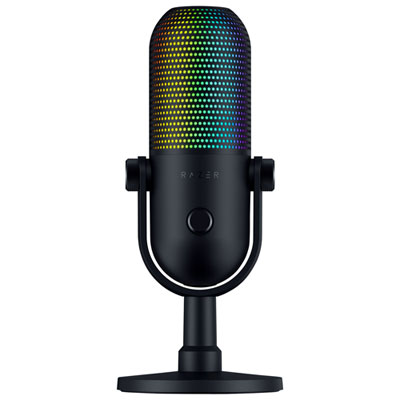
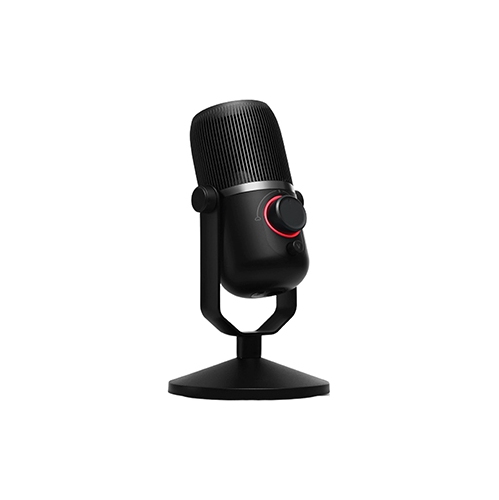
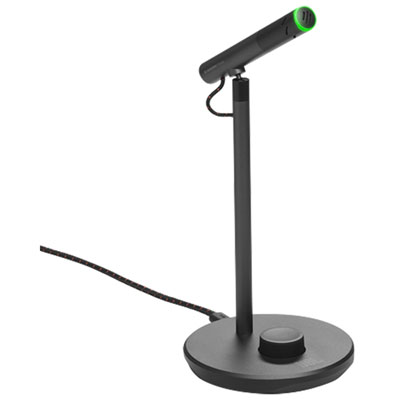
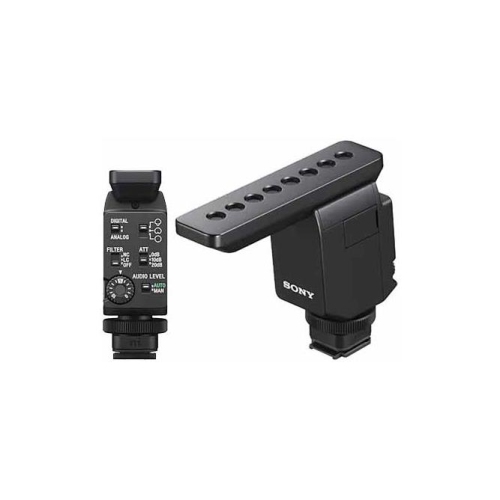
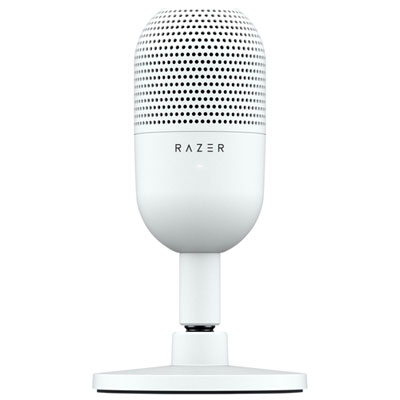
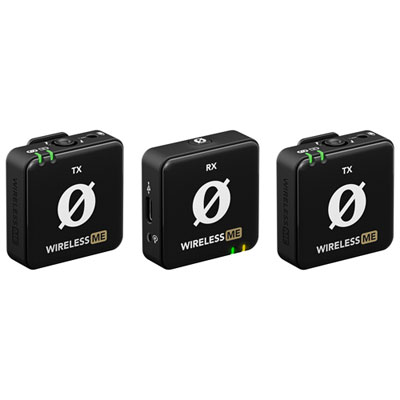
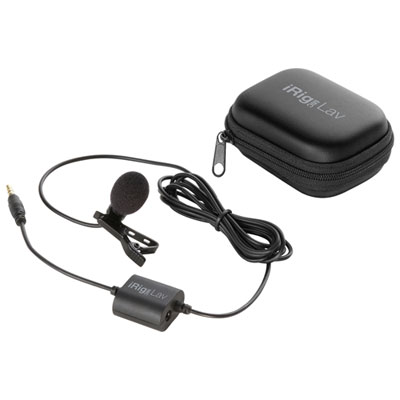
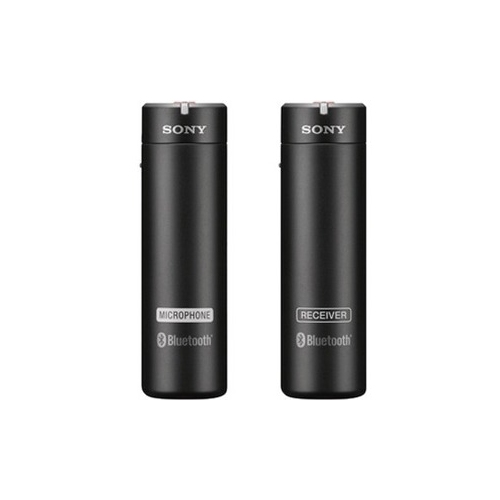
Back-to-school microphones for student content creators support everything from video essays and gaming streams to campus interviews, voiceovers, and short-form videos. The right microphone depends on where the content takes shape, which device captures it, and how much movement the setup needs to allow. USB microphones suit students who create at a desk and want a direct connection to a compatible laptop or desktop computer. Many combine the microphone and audio conversion hardware in one body, keeping the setup manageable beside textbooks, a keyboard, and a second screen. Wireless clip-on microphones suit phone-led videos, demonstrations, and interviews where the speaker needs to move without staying beside a desk stand. Their small transmitters attach close to the voice, while a compatible receiver sends the audio to a phone, camera, or computer. Wired lavalier microphones offer another compact option for presentations and seated videos, although the cable needs enough slack to avoid tugging on clothing. XLR microphones connect through an audio interface or mixer and suit students building a more flexible setup for music, collaborative projects, or multiple speakers. Models with both USB and XLR connections can accommodate a straightforward desktop arrangement as well as a later move to separate audio equipment. Connector shape alone does not establish compatibility: the device, operating system, recording app, and microphone’s supported connections all matter. A phone case can also interfere with a receiver that plugs directly into a charging port, while some camera connections require a particular cable or adapter. For longer sessions, useful details include accessible mute controls, headphone monitoring, and a stand that leaves room for notes. A microphone with a headphone output may offer direct monitoring, letting the speaker hear their voice without the distracting delay that software monitoring can introduce. These practical differences help distinguish microphones intended for stationary voice work from those designed to follow a student across campus or between filming locations.

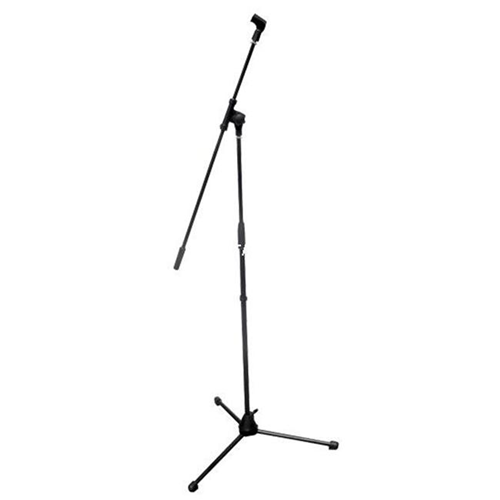
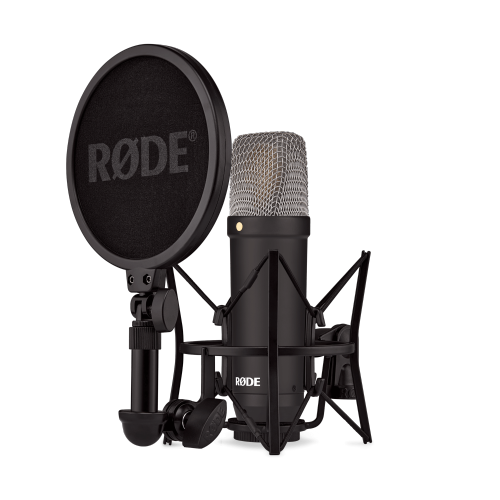
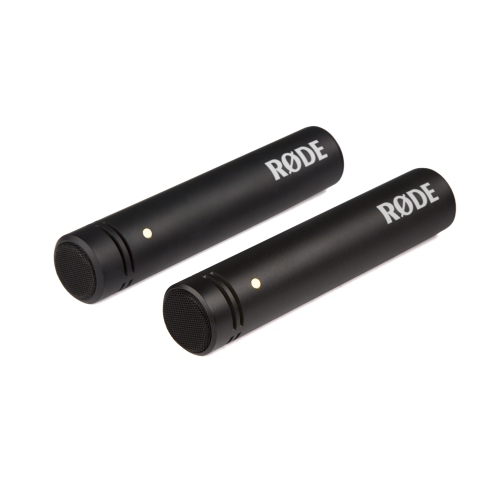
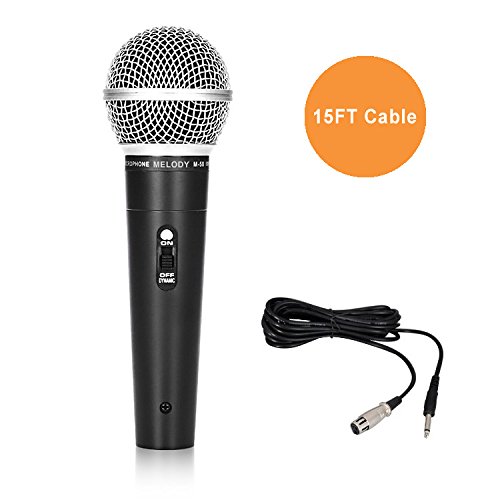
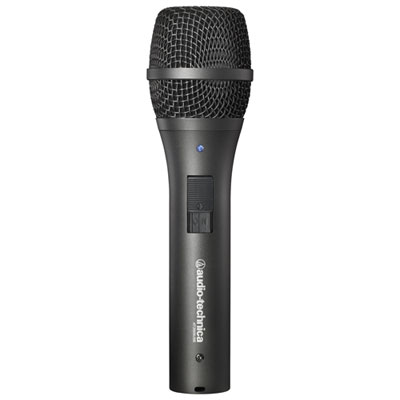
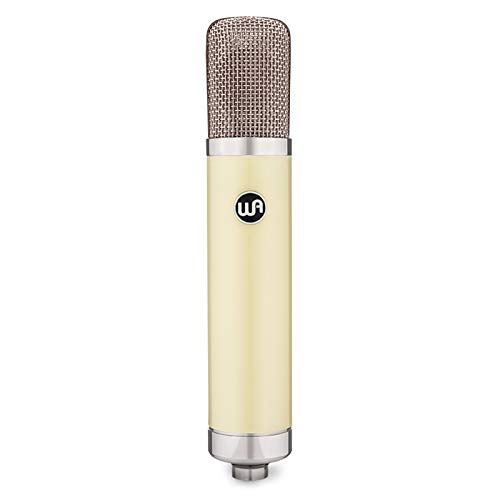
Clear speech comes from the relationship between the microphone, its placement, and the room—not simply from choosing the most sensitive design. Dynamic microphones often suit close-up spoken content, particularly when a student can keep a steady position during a livestream or narration session. Condenser microphones can capture subtle vocal detail and acoustic instruments, but their sensitivity may also make room reflections and nearby activity more apparent. Neither type automatically removes background noise. A cardioid pickup pattern favours sound arriving from the front and reduces sensitivity toward the rear, making it useful for a single speaker at a desk. It still picks up some surrounding sound, so a mechanical keyboard, open window, or roommate talking nearby can remain audible. Omnidirectional clip-on microphones capture sound from all directions, which can help maintain a consistent voice level as someone turns their head, though placement and surrounding noise still matter. In a shared residence room, positioning a microphone closer to the mouth and lowering the input gain can improve the balance of voice to background sound. The correct speaking side varies by design: some microphones receive the voice at the end, while others are addressed from the side. A pop filter helps soften bursts of air on sounds such as “p” and “b”, and a slight angle away from the direct breath path can make speech more comfortable to capture. A shock mount can reduce vibrations travelling through a desk or stand, while a boom arm can bring the microphone within reach without occupying the space needed for an assignment. Soft furnishings, curtains, and a rug can reduce the hard reflections that make an otherwise clear voice sound distant. Students whose projects centre on interviews, discussions, or narrated episodes may also find back-to-school microphones for student podcasting relevant to their setup. For two people sharing a conversation, separate microphones can provide more control over each voice than a single microphone placed halfway across a table, provided the recording device supports both inputs.

Student microphones also need to fit the everyday routine around creating content. A compact desktop microphone can move between a study space and a family home, while a clip-on system can tuck into a protective pouch beside a phone tripod. Metal housings can offer a reassuringly solid feel, but overall durability also depends on the grille, connector strength, stand fittings, and how the microphone is carried. Lightweight plastic bodies can be easier to transport; a snug case and protected cable connections remain important regardless of the outer material. For wearable microphones, secure clips and comfortable placement matter as much as size. A loose collar, necklace, scarf, or jacket zip brushing against the microphone can produce distracting rustling, especially during walking videos. Attaching the microphone to stable fabric, clear of moving layers, helps keep the voice consistent. Foam covers can soften light breath noise, while furry windshields are better suited to breezy outdoor filming, including campus footage during the cooler months. Wireless systems bring additional considerations, including transmitter and receiver battery life, charging arrangements, and connection reliability in busy spaces. Published operating range may reflect open conditions rather than crowded corridors or rooms separated by walls. A brief test with the actual phone or camera helps reveal clothing noise, dropouts, or input levels that distort when a speaker laughs or raises their voice. Between sessions, microphones benefit from dry storage, loosely coiled cables, and gentle handling around ports and grille surfaces. Cleaning should follow the manufacturer’s directions, with liquids kept away from the capsule and electronics; removable covers may have separate care requirements. Letting equipment dry fully after exposure to damp conditions helps protect it before it returns to a closed bag. For a student receiving a microphone as a back-to-school gift, compatibility with their existing device and the way they create is more useful than an elaborate setup they cannot easily carry or connect. Whether the project is a quiet voiceover after class, a group presentation, or an on-camera demonstration, a well-matched microphone helps keep the speaker’s words clear and the production routine manageable.
Read More

FAQ

Some products may be subject to Environmental Handling Fees (EHF) depending on your province. Learn more about EHFs.