Back To School Modern Docking Stations
Back-to-school modern docking stations help connect your laptop to the monitors, keyboards, and other accessories you use for studying. Browse docking stations with port options for your desk setup, and compare laptop compatibility, display support, and charging capabilities to find a suitable fit.






FAQ
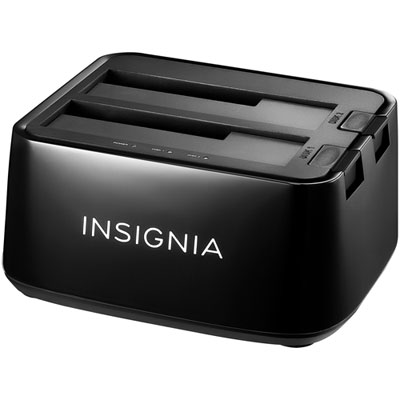
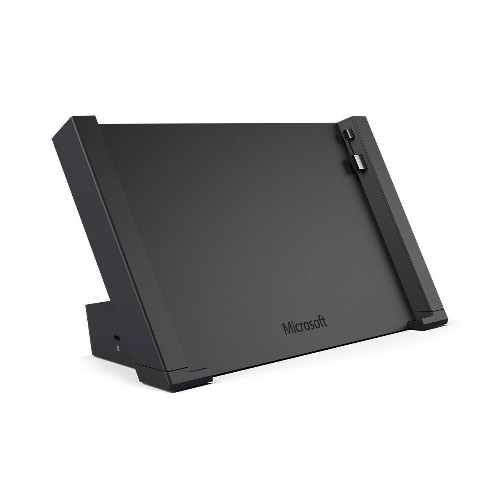
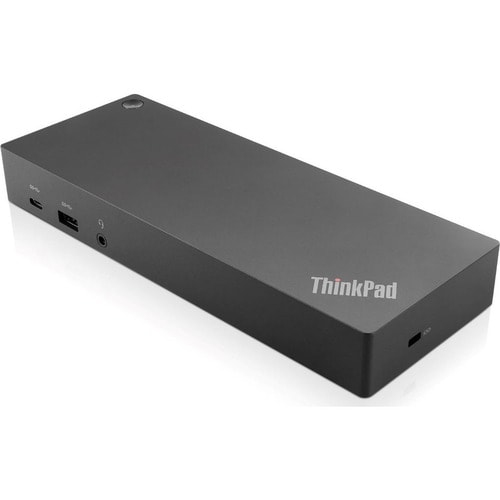
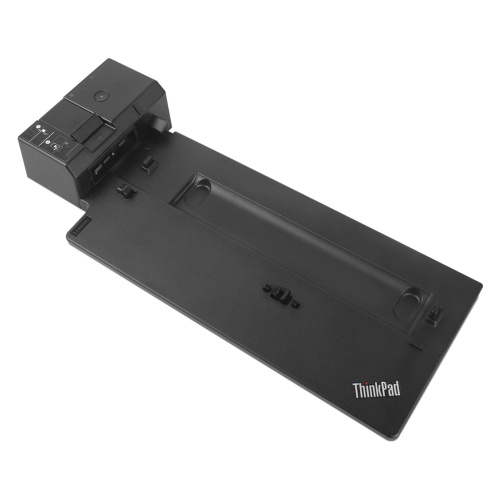
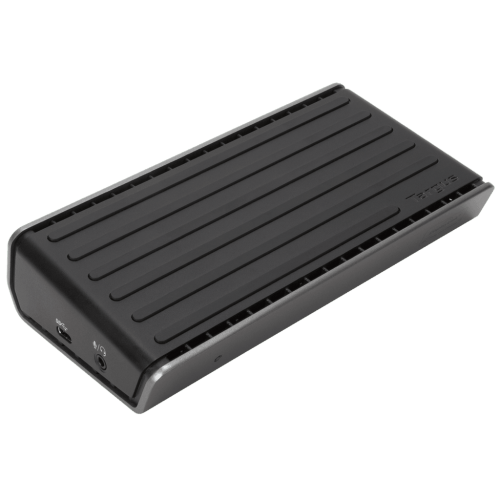
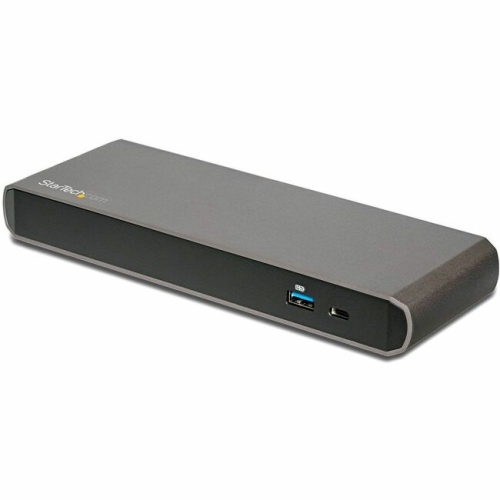
A docking station connects a compatible laptop to accessories such as monitors, a keyboard, a mouse and external storage through one connection. It lets students keep their desk accessories plugged into the dock and disconnect their laptop when heading to class.
Check your laptop’s port specifications and operating system against the docking station’s requirements. USB-C ports can support different features, so a matching connector alone does not confirm support for video output, charging or every data-transfer feature. Thunderbolt docks also have specific connection requirements.
Many docking stations offer HDMI, DisplayPort or Thunderbolt connections for multiple monitors. The number of independent displays supported depends on the dock, your laptop’s hardware and its operating system. Some setups require additional software, while others may mirror the same content rather than extend the desktop.
Many powered USB-C and Thunderbolt docking stations can charge a compatible laptop while connecting accessories. Your laptop must support charging through the connected port, and the dock’s power delivery must meet the laptop’s requirements. Some docks require a separate power adapter, while others do not provide laptop charging.
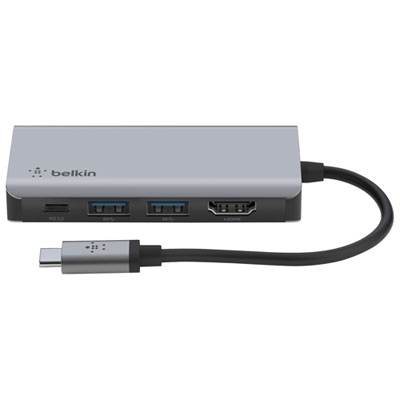
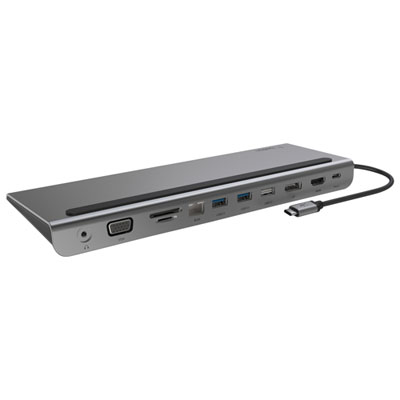
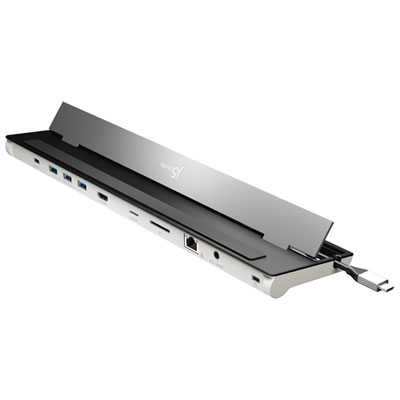
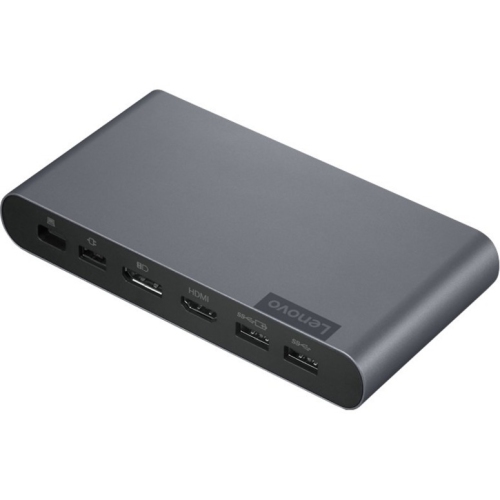
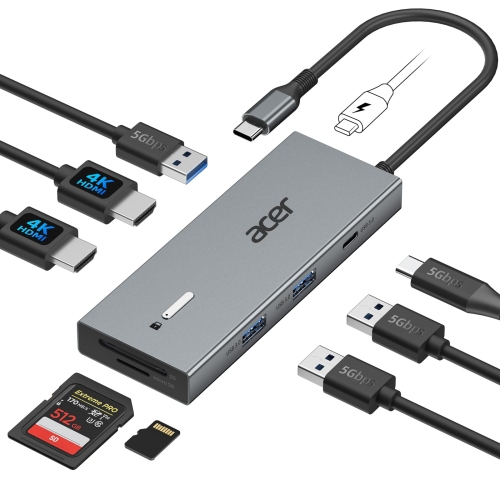
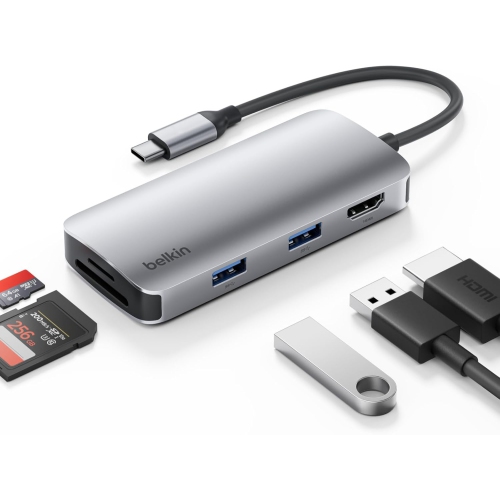
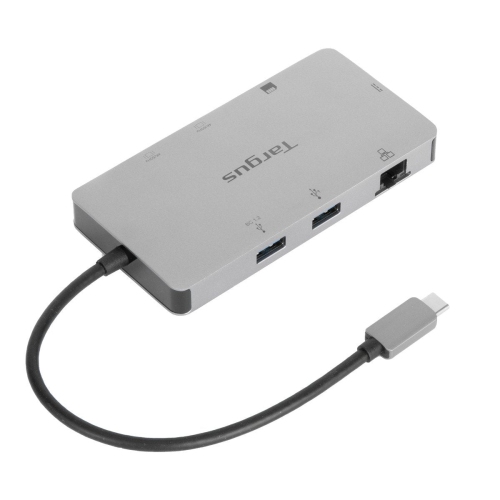
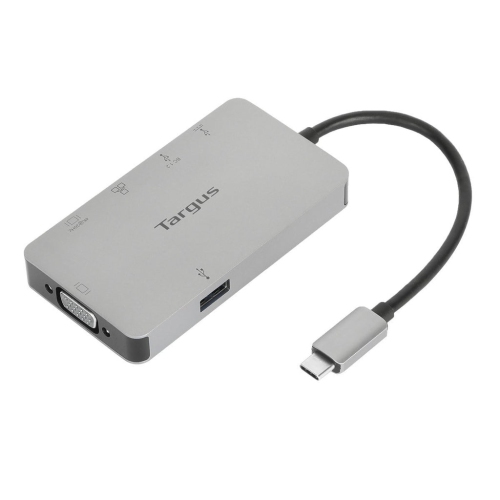
Useful connections depend on your coursework and desk setup. USB-A and USB-C ports connect peripherals and storage, HDMI or DisplayPort connects monitors, and Ethernet provides a wired network connection. An SD card reader can be useful for photography or media assignments, while an audio jack connects a compatible wired headset.
Top selling and popular products
Discover more categories related to Back To School Modern Docking Stations
Some products may be subject to Environmental Handling Fees (EHF) depending on your province. Learn more about EHFs.