Back To School Wireless Printers for Home Use
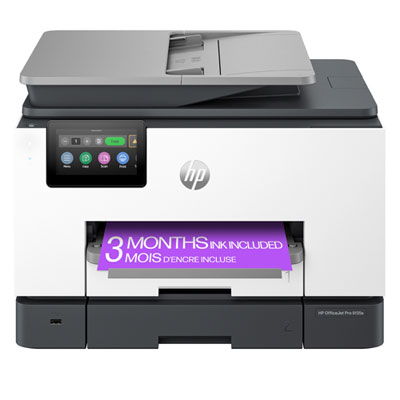
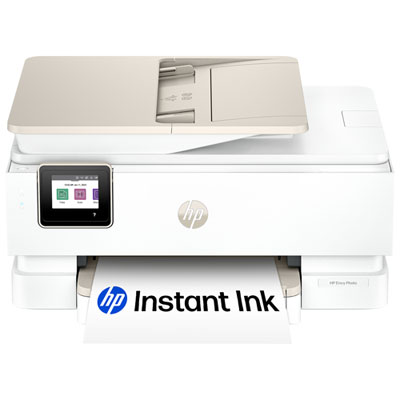
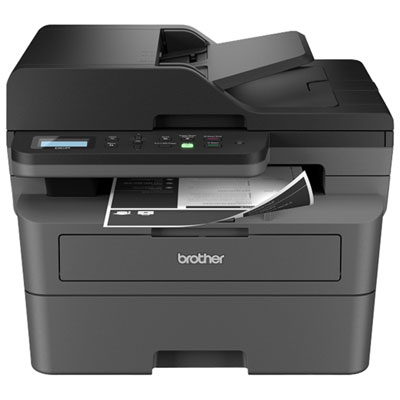
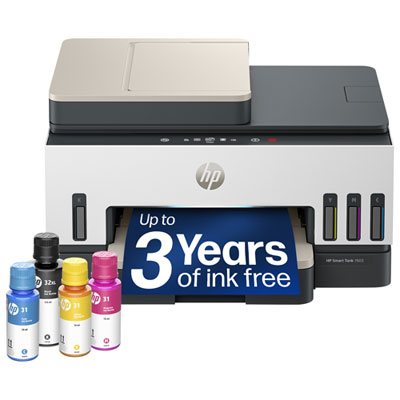
Back-to-school wireless printers for home use make it easy to print assignments, study notes, and class schedules without a cable connection to your computer. Compare options by Wi-Fi connectivity, print speed, ink or toner costs, and desk space, and look for scanning and copying features if you need an all-in-one printer for schoolwork.






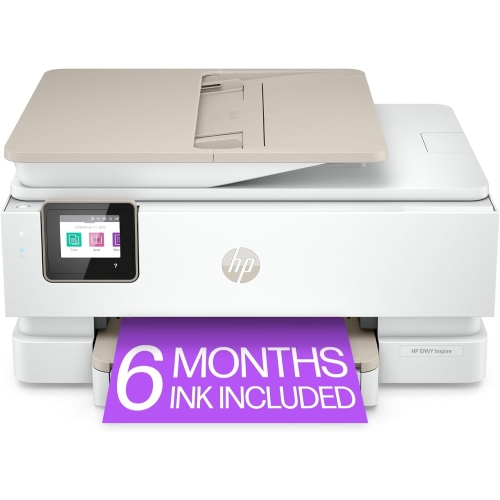
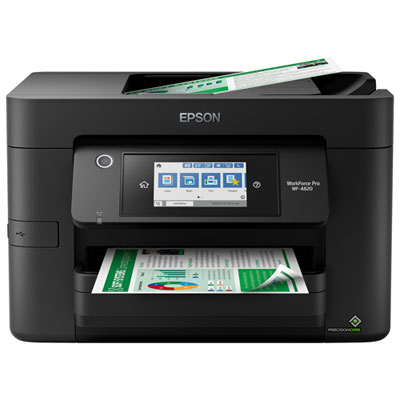
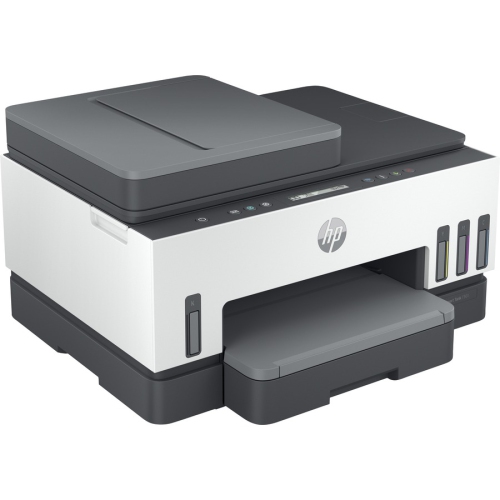
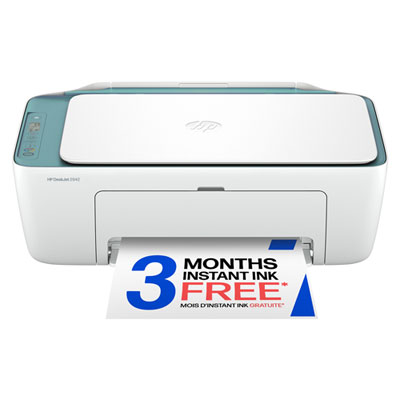
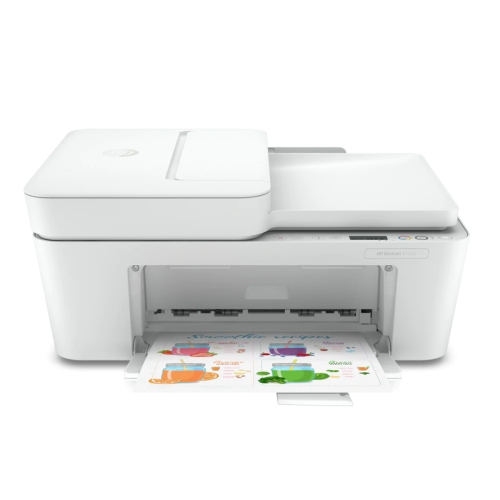
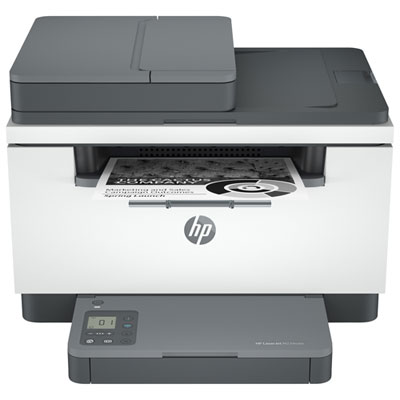
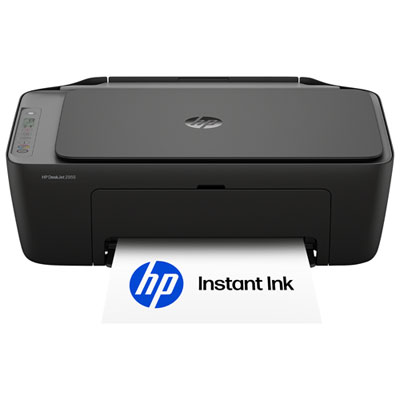
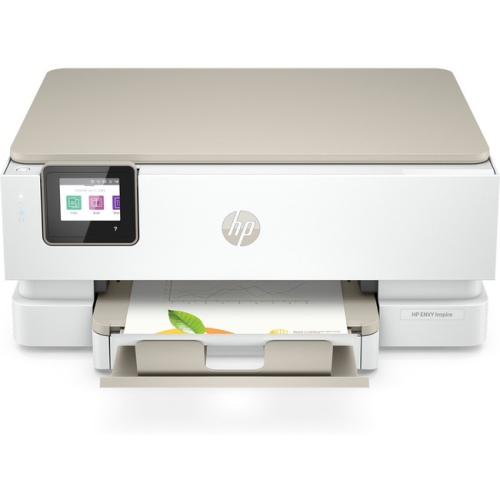
FAQ
Consider Wi-Fi connectivity, mobile printing support, automatic two-sided printing, and scanning or copying functions. Check compatibility with the computers, tablets, and phones your household uses, along with the printer’s ink or toner requirements.
Wireless printers typically connect through a setup app, a built-in control panel, or Wi-Fi Protected Setup (WPS) when supported by both the printer and router. During setup, you may need your network name and password. Some printers require a 2.4 GHz Wi-Fi network, so check network compatibility before choosing one.
Many wireless printers support printing from phones and tablets through Apple AirPrint, Mopria Print Service, or a manufacturer’s app. Available options depend on the printer and mobile device. Some models also offer Wi-Fi Direct, which connects a compatible device to the printer without a router.
A print-only printer produces paper copies of digital files, while an all-in-one printer also includes scanning and copying functions. Some all-in-one models include an automatic document feeder for scanning or copying multiple pages. These functions can be useful for class notes, worksheets, and school forms.
Automatic two-sided printing, also called automatic duplex printing, prints on both sides of a sheet without requiring you to turn it over manually. It can be used for study guides, reading materials, and multi-page assignments. Availability may depend on the paper type and print settings.
Top selling and popular products
Discover more categories related to Back To School Wireless Printers for Home Use
Some products may be subject to Environmental Handling Fees (EHF) depending on your province. Learn more about EHFs.