Best 24 Inch Monitors for Home Office
Find the best 24-inch monitors for your home office, ranked by user review ratings to help you compare options with confidence. Whether you’re working on spreadsheets, joining video calls, or managing everyday tasks, a 24-inch monitor offers a practical balance of screen space and desk-friendly size. Explore the list to find a display that suits your workspace, workflow, and budget.
What to look for in 24-inch monitors for home offices
1. Resolution and Text Clarity
2. Panel Type and Viewing Comfort
3. Connectivity and Laptop Charging
4. Adjustability and Desk Fit
-
1
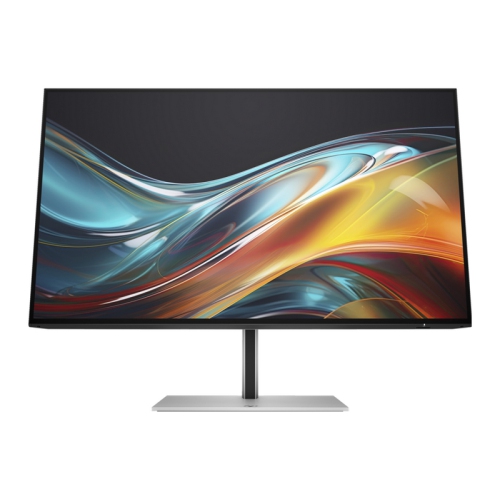
HP 724Pn 24" Wuxga Ips Lcd Monitor (8X534Aa#aba)
About this product
A high-resolution IPS monitor with 1920 x 1200 display, HDMI, DisplayPort, and built-in USB hub.
(4)$370.37Your price for this item is $370.37SAVE $37 -
2
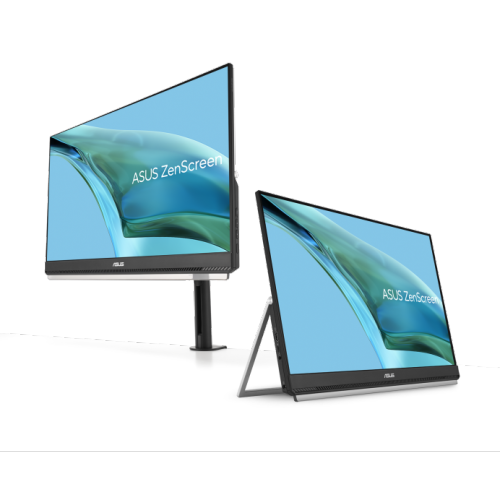
ASUS Zenscreen 24" Curved 1080P HD Ips Portable Monitor (Mb249C) - USB-C
About this product
A portable 24-inch FHD IPS monitor with anti-glare screen, USB-C, built-in speakers, and versatile stand.
(3)$479.00 Your price for this item is $479 -
3
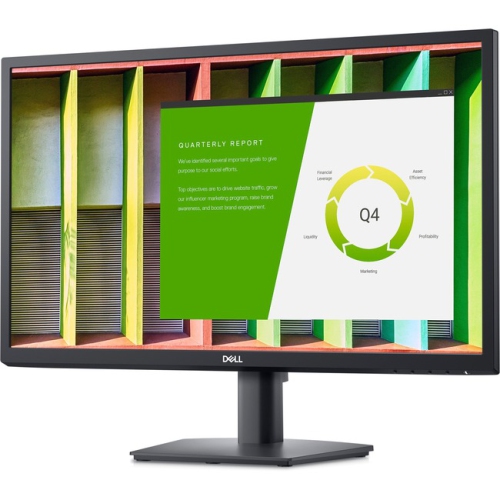
DELL E2422H 24" 1080P HD Ips Lcd Led Monitor (-E2422H)
About this product
A 23.8" Dell LED LCD monitor with IPS technology, 1920 x 1080 resolution, and VGA/DisplayPort connectivity.
(2)$299.99 Your price for this item is $299.99 -
4
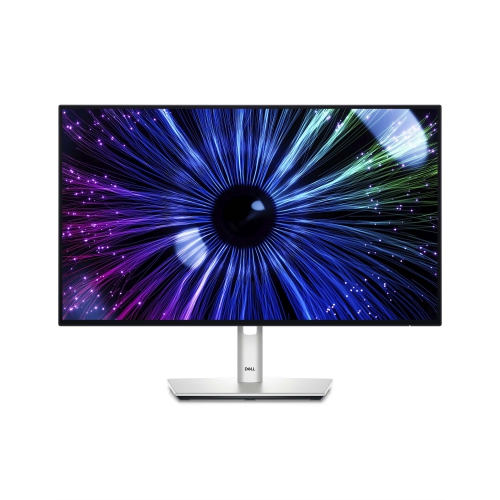
DELL Ultrasharp 24" 1080P HD Ips Led USB-C Hub Monitor (U2424He) - Light - 120Hz In Blue
About this product
A versatile USB-C hub monitor offering crisp visuals and seamless connectivity for enhanced productivity.
(1)$507.38Your price for this item is $507.38SAVE $50 -
5
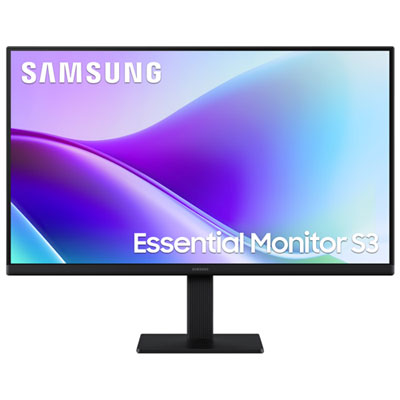
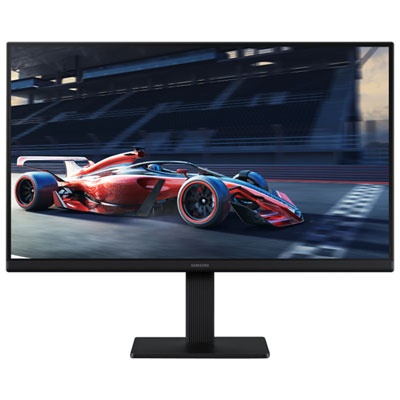
Samsung Essential F320 24" 1080p HD IPS LED Monitor (LS24F320GANXZA) - Flicker-Free/Blue Light - 120Hz
About this product
A black IPS LED monitor offering FHD resolution, 120Hz refresh rate, and 5ms response time for smooth visuals.
What customers like
(54)$169.99 Your price for this item is $169.99 -
6
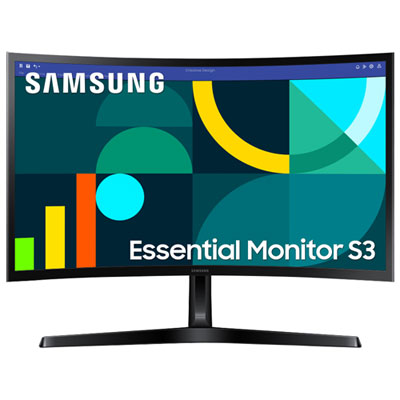
Samsung Essential S3 24" Curved 1080p HD VA LED Monitor (LS24D368GANXZA) - Flicker-Free/Blue Light - 100Hz
About this product
A black curved VA LED monitor delivering Full HD visuals, 100Hz refresh rate, and eye comfort features.
What customers like
(110)$159.99 Your price for this item is $159.99 -
7

Samsung Essential S3 24" 1080p HD IPS LED Monitor (LS24D300GANXZA) - Flicker-Free/Blue Light - 100Hz
About this product
An FHD IPS LED monitor in black with 100Hz refresh rate and eye-friendly technology for smooth viewing.
What customers like
(862)$94.99Your price for this item is $94.99SAVE $11 -
8
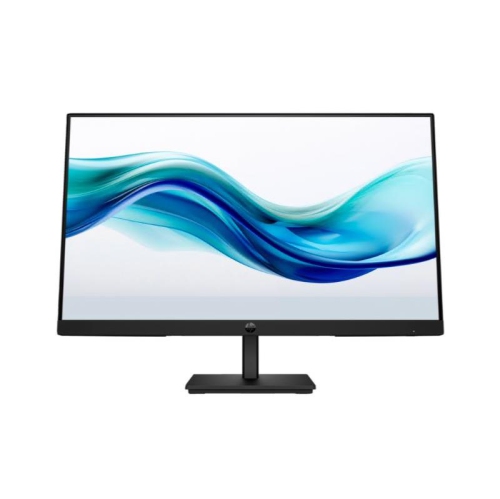
HP 324Pf 24" 1080P HD Lcd Monitor (9U5J5Ut#aba) - 16:9
About this product
A sleek black Full HD LCD monitor featuring a 16:9 aspect ratio and multiple connectivity options.
What customers like
(58)$146.79Your price for this item is $146.79SAVE $14 -
9
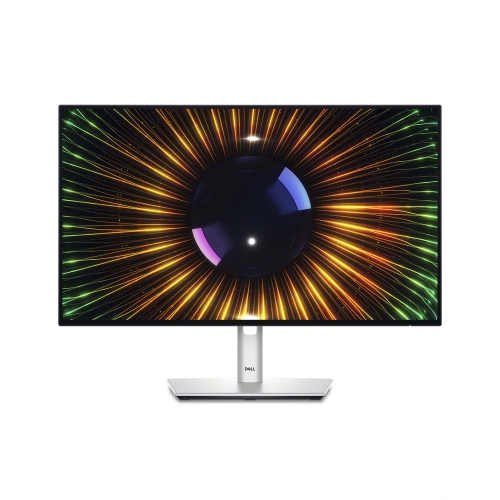
DELL Ultrasharp 24" 1080P HD Ips Lcd Monitor (U2424H) - Light - 120Hz In Blue
About this product
A high-resolution 24-inch monitor offering vibrant visuals and advanced connectivity for professional use.
(3)$379.97Your price for this item is $379.97SAVE $270 -
10

HP 724Pf 24" 1080P HD Ips Led Monitor (8X530Aa#aba)
About this product
A Full HD IPS monitor with 1920 x 1080 resolution, HDMI, DisplayPort, and integrated USB hub.
(6)$323.68 Your price for this item is $323.68
FAQ
Common panel types include IPS, VA and TN. IPS panels typically offer wide viewing angles and consistent colours, while VA panels generally provide higher contrast. TN panels are also available, though their viewing angles are usually narrower. Panel type is listed in the monitor’s specifications.
Check which video outputs your computer supports, then look for matching monitor inputs such as HDMI, DisplayPort or USB-C. Some monitors also include USB-A ports for peripherals and an audio output for headphones or speakers. Cable and adapter requirements depend on the devices you plan to connect.
Some USB-C monitors support USB Power Delivery, allowing a compatible laptop to receive power and send video through one cable. Not every USB-C port supports both functions, so check the monitor’s power output, the laptop’s charging requirements and the cable’s capabilities.
Monitor stands may offer height adjustment, tilt, swivel and pivot. Tilt changes the screen’s angle, swivel turns it left or right, and pivot rotates it between landscape and portrait orientation. Available adjustments vary by model.
A monitor with a USB hub provides ports for accessories such as a keyboard and mouse, usually through an upstream connection to your computer. A docking monitor typically adds features such as laptop charging, Ethernet or additional display connectivity. These terms can overlap, so check the listed ports and supported functions.
Top selling and popular products
Discover more categories related to Best 24 Inch Monitors for Home Office

Some products may be subject to Environmental Handling Fees (EHF) depending on your province. Learn more about EHFs.