Best Computers for Video Editing and Music Production
Bring your creative projects to life with some of the best computers for video editing and music production, ranked by user review ratings. Whether you’re editing high-resolution footage, mixing audio tracks, or working across demanding creative apps, look for powerful processors, ample RAM, and fast storage to help keep your workflow running smoothly. Compare reviewer favourites to find a computer that fits your creative goals and budget.
What to look for in computers for video editing and music production
1. Processor and Graphics
2. Memory Capacity
3. Storage Speed and Capacity
4. Software Compatibility and Connectivity
-
1
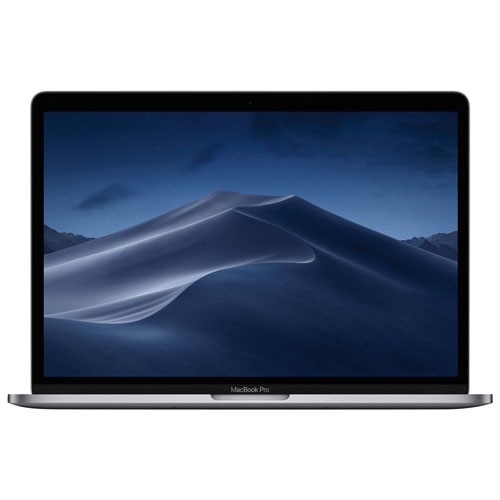
APPLE Refurbished (Good) - Macbook Pro With Touch Bar 13.3" - Space (Intel Core I5 2.3Ghz/256GB/8GB Ram) - (2018 Model) English In Grey
About this product
A refurbished grey laptop featuring an Intel Core i5 processor, 256GB SSD, 8GB RAM, and Touch Bar.
What customers like
(1,765)$629.77Your price for this item is $629.77SAVE $369 -
2
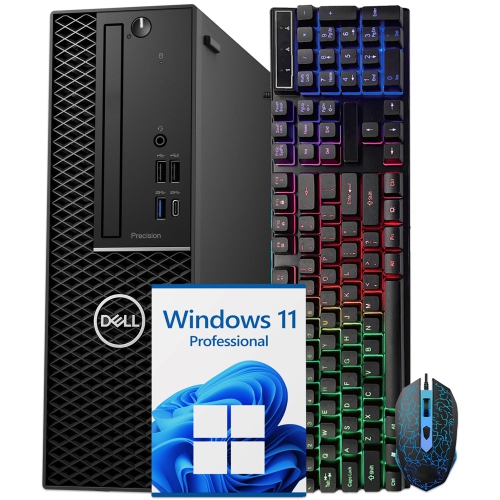
DELL Refurbished (Good) - Precision 3430 Small Form Factor Workstation - Intel Core I7, 32GB Memory, 1Tb SSD, Win 11 Pro + Wi-Fi, Bluetooth
About this product
A compact black desktop PC featuring an Intel i7 hexa-core processor, 32GB RAM, and 1TB NVMe storage.
(2)$708.99Your price for this item is $708.99SAVE $131 -
3
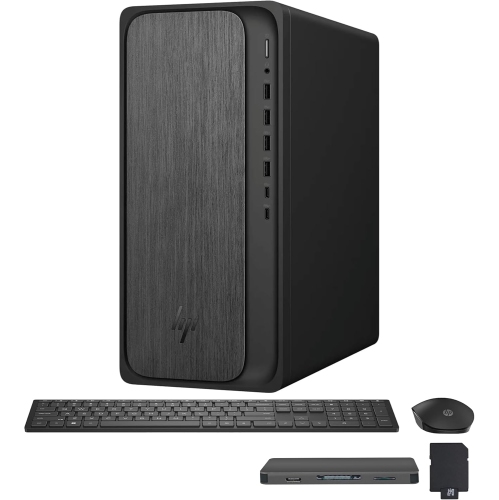
HP Omnidesk Desktop - Amd Ryzen 7 8700G, 64GB Memory, 4Tb SSD, Win 11 + Radeon 780M, Keyboard & Mouse Included
About this product
A powerful black desktop featuring AMD Ryzen 7, 64GB DDR5, 5TB storage, Radeon 780M, and Wi-Fi 6.
(1)$3,729.00Your price for this item is $3729SAVE $820 -
4
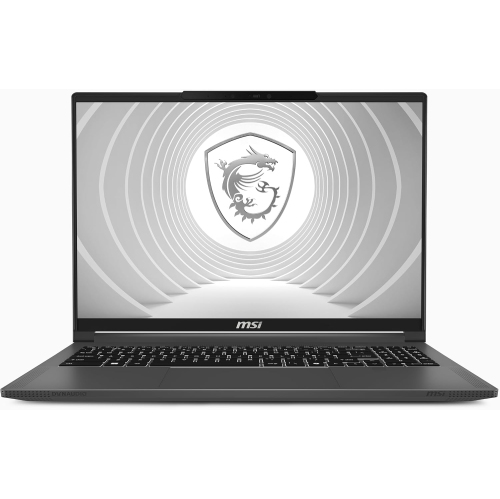
MSI - Creatorpro 16 Ai Studio 16" Uhd+ Miniled 120Hz 100% Dci-P3 Professional Creator Laptop, Core Ultra 9-185H, Rtx 5000, 64GB Ddr5, 2Tb Nvme SSD
About this product
A professional creator laptop with UHD+ MiniLED display, RTX 5000 graphics, 64GB RAM and 2TB SSD.
$5,299.99Your price for this item is $5299.99SAVE $2700 -
5
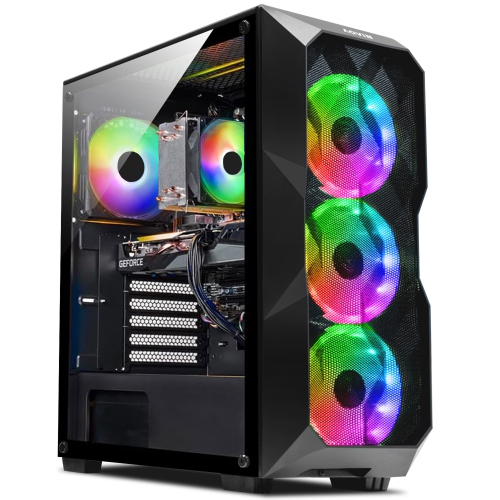
AQVIN Aqb70 Gaming PC - Rtx 3050 8GB, Intel Core I7, 32GB Memory, 1Tb SSD, Win 11 Pro In Black
About this product
A powerful black desktop featuring an Intel Core i7, RTX 3050 8GB, 32GB RAM, and 1TB SSD.
$1,399.99Your price for this item is $1399.99SAVE $480 -
6
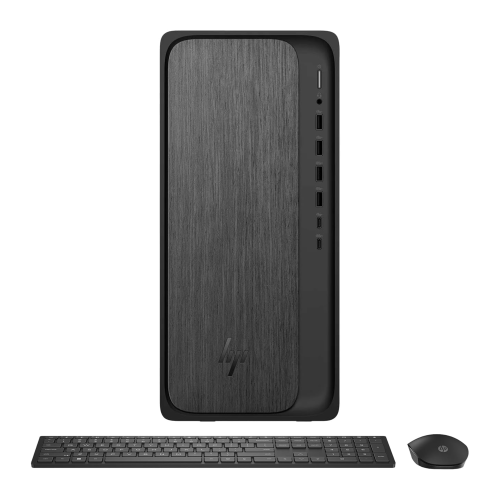
HP Omnidesk Desktop - Amd Ryzen 7 8700G, 64GB Memory, 4Tb SSD, Win 11 Pro + Radeon 780M
About this product
A powerful black desktop featuring AMD Ryzen 7, 4TB SSD, 64GB DDR5, and Radeon 780M graphics.
$3,679.00Your price for this item is $3679SAVE $810 -
7
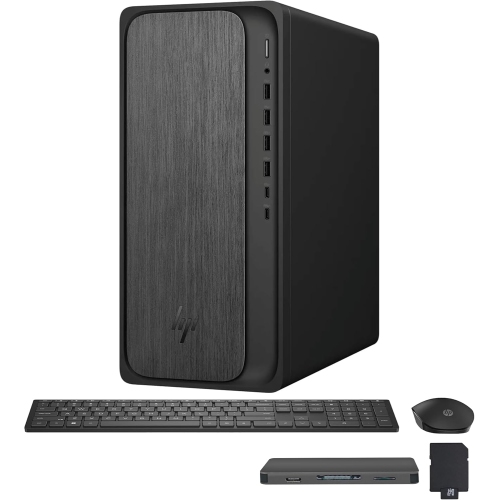
HP Omnidesk Desktop - Amd Ryzen 7 8700G, 64GB Memory, 2Tb SSD, Win 11 + Radeon 780M, Keyboard & Mouse Included
About this product
A powerful black desktop featuring AMD Ryzen 7, 64GB DDR5, 3TB storage, Radeon 780M, and Wi-Fi 6.
$3,349.00Your price for this item is $3349SAVE $1440 -
8
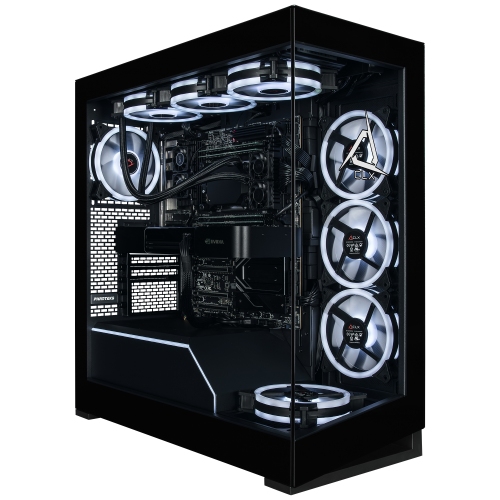
CLX GAMING Clx Horus Creator Workstation- Liquid Cooled Amd Ryzen Threadripper 9970X 4Ghz, 64GB Ddr5 Ecc Reg, Rtx Pro 6000 96GB Gddr7 Ecc Graphics
About this product
A liquid-cooled workstation with 32-core processing, 64GB ECC memory, 96GB graphics, and Windows 11 Pro.
$42,599.99 Your price for this item is $42599.99
FAQ
Look for a multi-core processor, ample RAM, SSD storage and compatibility with your preferred creative software. A dedicated graphics card is worth considering for video workflows that use GPU-accelerated effects and rendering. For music production, also consider quiet cooling, audio interface compatibility and connections for your studio equipment.
A desktop suits a dedicated workspace and typically offers more options for upgrading components and connecting internal drives. A laptop is convenient for editing on location, recording away from your studio or moving between workspaces. Your choice should reflect where you work and which peripherals you need to connect.
Both support a wide range of creative workflows, so start with your software requirements. Some editing applications and digital audio workstations are exclusive to one operating system, while others support both. Check compatibility for your plug-ins, audio interface drivers and collaboration tools before choosing a computer.
USB-A and USB-C ports are useful for connecting controllers, audio interfaces and external storage. Thunderbolt may be required by certain audio interfaces, docks or drives. HDMI or DisplayPort connections support external displays, while Ethernet offers a wired option for accessing shared project files. Check the supported standards as well as the connector types.
An SSD is a common choice for the operating system, creative applications and active projects. Additional internal or external drives can help organize video footage, audio recordings and sample libraries. Keep separate backups of project files and source media, and check your software’s guidance for scratch disks, cache locations and library storage.
Top selling and popular products
Discover more categories related to Best Computers for Video Editing and Music Production

Some products may be subject to Environmental Handling Fees (EHF) depending on your province. Learn more about EHFs.