Best Laptops for Music Production

Bring your sound to life with the best laptops for music production, ranked based on user review ratings. Whether you’re recording vocals, arranging tracks, or mixing your next release, explore options for your creative workflow. Look for a powerful processor, ample RAM, and fast SSD storage to help keep demanding audio projects running smoothly.

Read More

What to look for in laptops for music production

1. Processor Performance

Choose a laptop with strong single-core and multi-core performance to handle your digital audio workstation (DAW), virtual instruments and effects. Effective cooling helps maintain performance during longer sessions, while quieter fans can reduce unwanted noise when recording nearby.

2. Memory and Storage

Aim for at least 16 GB of RAM for typical projects, or 32 GB or more for large sample libraries and complex arrangements. An SSD with 512 GB or more provides fast access to software and files, though extensive audio libraries may require additional internal or external storage.

3. Software and Audio Compatibility

Check that your operating system and processor support your DAW, plug-ins and audio interface drivers. Reliable drivers and suitable audio buffer settings help you record and monitor with low latency.

4. Ports and Portability

Look for ports that match your audio interface, MIDI controllers and external drives, checking USB or Thunderbolt specifications rather than connector shape alone. Balance screen size and weight with battery life for mobile sessions, keeping in mind that demanding projects can drain the battery faster.
Citrus catapult arrow
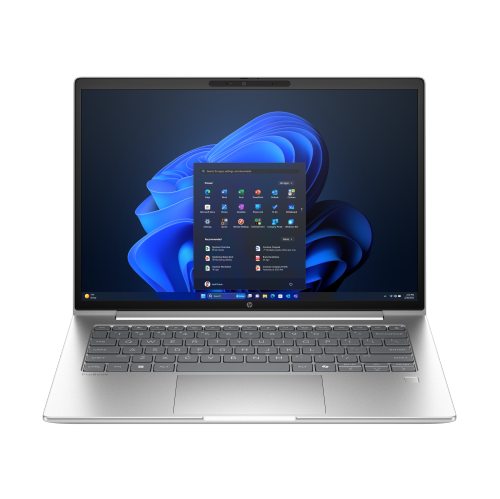
  1. 1

    About this product

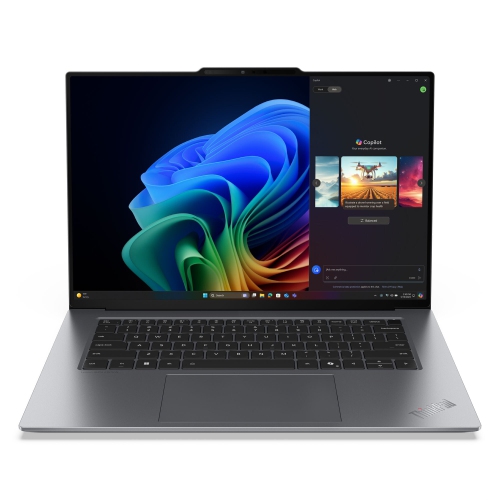
    A sleek Pike Silver laptop featuring a WUXGA IPS display, Intel Core Ultra 7, and 32GB RAM.

    (7)
    $2,354.99
    SAVE $411
    Your price for this item is $2354.99
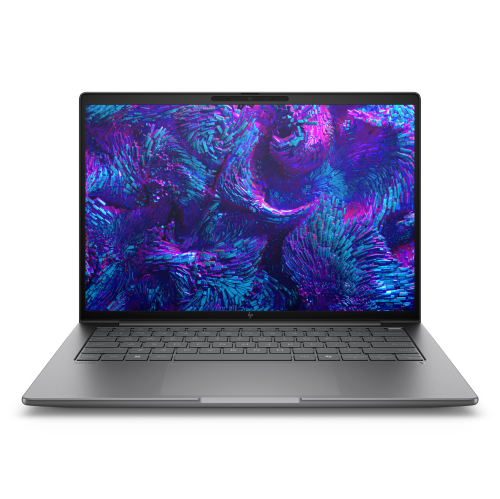
  2. 2

    About this product

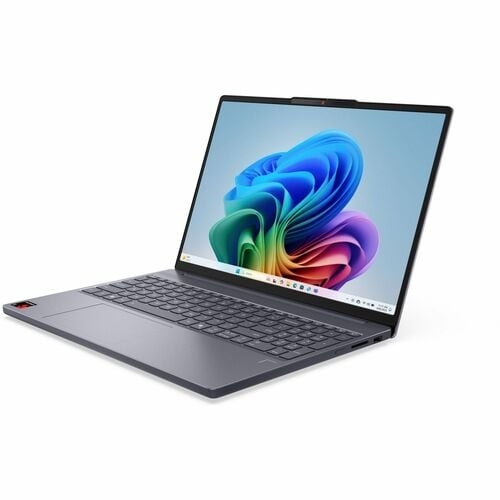
    A powerful silver mobile workstation featuring Intel Core Ultra 7, 32GB RAM, 1TB SSD, and WQXGA display.

    (2)
    $3,089.99
    SAVE $1910
    Your price for this item is $3089.99
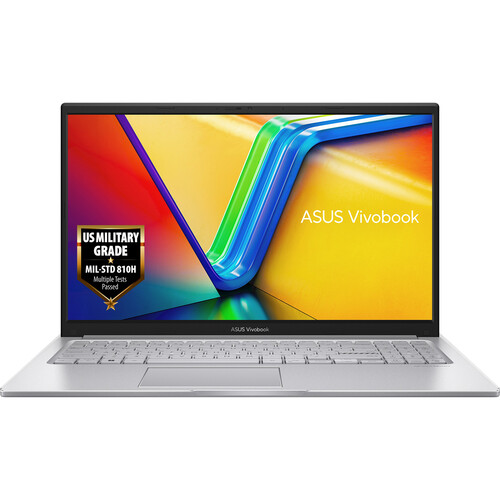
  3. 3

    About this product

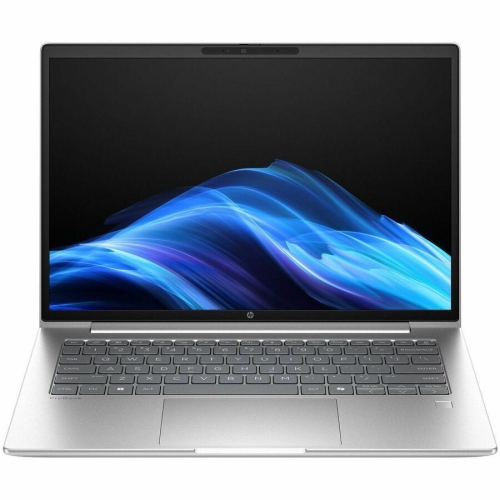
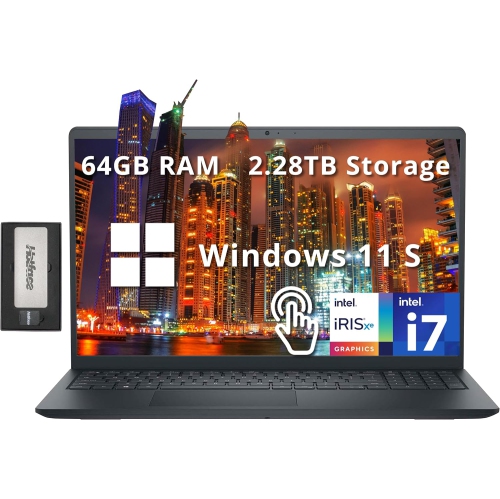
    A powerful laptop featuring a 15.6" FHD touchscreen, Intel Core i7, 40GB RAM, and 4TB SSD.

    (1)
    $2,166.39
    SAVE $391
    Your price for this item is $2166.39
  4. 4

    About this product

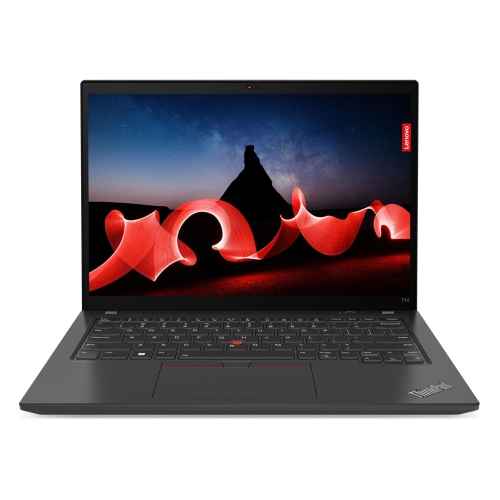
    A powerful grey laptop featuring the M1 chip, 256GB SSD, 8GB RAM, and Touch Bar.

    What customers like

    • Comfortable and responsive keyboard
    • Sleek and durable build quality
    • High-quality vibrant display
    • Powerful and fast M1 chip performance
    • Excellent battery life
    (6,034)
    $1,500.00 Your price for this item is $1500
  5. 5

    About this product

    A refurbished grey laptop featuring an Intel Core i5 processor, 256GB SSD, 8GB RAM, and Touch Bar.

    What customers like

    • High-quality Retina display
    • Sleek and compact design
    • Long battery life
    • Fast and reliable performance
    • Convenient Touch Bar and Touch ID
    (1,765)
    $699.77
    SAVE $299
    Your price for this item is $699.77
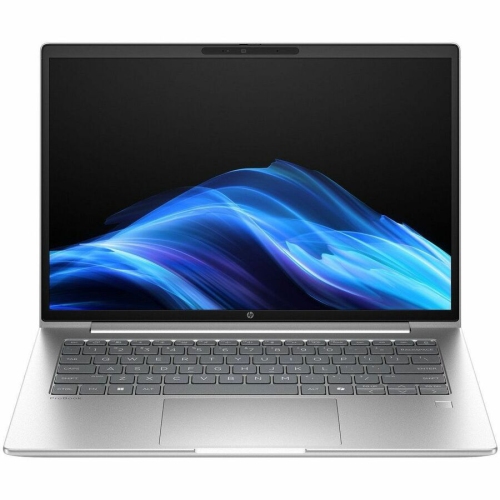
  6. 6

    About this product

    A powerful Glacier Silver touchscreen notebook featuring AMD Ryzen AI 7, 32GB RAM, and 1TB SSD.

    (7)
    $3,106.99
    SAVE $542
    Your price for this item is $3106.99
  7. 7

    About this product

    A high-performance laptop featuring a 15.3" 120Hz display, Intel Core Ultra 7, 32GB RAM, and 1TB SSD.

    What customers like

    • Lightweight and slim design
    • Long-lasting battery life
    • Fast and powerful performance
    • Vibrant and sharp display
    • Quiet and cool operation
    (50)
    $3,479.00
    SAVE $340
    Your price for this item is $3479
  8. 8

    About this product

    A sleek grey touchscreen laptop featuring Snapdragon X1 processor, 16GB RAM, 512GB SSD, and Windows 11 Pro.

    What customers like

    • Good value for the price
    • Lightweight and slim design
    • Long-lasting battery life
    • Easy setup with useful ports and touchscreen
    • Responsive performance with ample RAM and storage
    (40)
    $1,463.99
    SAVE $271
    Your price for this item is $1463.99
  9. 9

    About this product

    A powerful glacier silver touchscreen notebook with AMD Ryzen AI 7, 32GB RAM, and Windows 11 Pro.

    (7)
    $2,295.99
    SAVE $400
    Your price for this item is $2295.99

Best Laptops for Music Production

The best laptops for music production balance processing power, memory, fast storage, and dependable audio connectivity with the way a musician actually works. A songwriter capturing vocals and guitar has different demands from a composer building an orchestral arrangement or a producer layering synthesizers, drum samples, and effects. In each case, the laptop serves as the centre of a digital audio workstation, often called a DAW, where performances become tracks that can be edited, arranged, mixed, and exported. A capable processor helps keep those sessions responsive as the arrangement grows. Strong single-core performance matters for demanding instruments and effects chains, while multi-core performance helps distribute work across tracks when the software supports it. Processor specifications alone do not tell the whole story: sustained performance, audio drivers, software compatibility, and the complexity of a session all influence the result. For many music production workflows, 16GB of RAM is a practical starting point, while 32GB or more provides additional room for large sample libraries, layered virtual instruments, and several applications running together. Smaller recording projects can require less memory, but extra capacity becomes useful when a simple piano sketch develops into a full arrangement. A solid-state drive keeps project loading, file searches, and sample access responsive. A 512GB drive can suit a modest collection of sessions and software, while 1TB or more leaves greater room for recorded audio and expanding sound libraries. Multitrack recordings can accumulate quickly, particularly when several takes are kept for later editing. Internal storage capacity is therefore worth considering alongside support for fast external drives and a separate backup destination. For creators working with dense arrangements and demanding instruments, powerful laptops for music production offer a related focus on computing capability. The most suitable configuration is one that supports the complete session, from the first recorded idea to the final mix, with enough capacity for the projects likely to follow.

For recording musicians, responsiveness is about more than how quickly an application opens. Audio latency is the delay between playing or singing and hearing the signal through the computer, and it can affect the feel of a performance. A smaller audio buffer can reduce that delay, but it also gives the processor less time to complete its work. A larger buffer allows more processing time during mixing, when immediate monitoring is less important. Low-latency performance depends on the laptop, the audio interface, its drivers, and the session settings together; a fast processor cannot guarantee a trouble-free recording setup on its own. Compatibility with the intended DAW, plug-ins, and interface is especially important for anyone bringing existing studio equipment into a new setup. Some software requires a particular operating system or processor architecture, and older plug-ins may need updates or may not run on a newer system. Connections deserve similar attention. USB-C describes a connector shape, not a guarantee of data speed, display support, or charging capability, so the specifications of each port matter. A typical desktop session might need connections for an audio interface, a MIDI keyboard, an external sample drive, and a larger monitor at the same time. Enough suitable ports can simplify that arrangement and reduce reliance on adapters. Wired headphones connected to an audio interface are generally better suited to live monitoring than wireless headphones, which can introduce additional delay. Laptop speakers are useful for casual playback, but they are not a substitute for monitoring equipment when judging bass balance or subtle mix changes. Fan noise also matters when an open microphone shares the desk with the computer. A fanless design removes fan noise, though its ability to sustain demanding workloads varies by design. A well-managed active cooling system can support longer processing tasks, with audible fan behaviour depending on the workload. For a vocalist recording a quiet passage or a guitarist capturing finger movement on strings, that acoustic detail can be as relevant as benchmark performance.

Everyday usability helps distinguish a laptop that runs music software from one that fits comfortably into a creative routine. A larger display gives a mixing console, arrangement timeline, and plug-in controls more breathing room, making it easier to compare tracks without constantly opening and closing windows. A smaller, lighter laptop is easier to carry between a home desk, rehearsal space, classroom, and studio. Screen resolution and interface scaling matter alongside size, since tiny labels can become tiring during detailed editing. A clear display, comfortable keyboard, and precise trackpad support hours of naming takes, adjusting automation, and moving through a session. An external monitor can expand a compact laptop’s workspace at a fixed desk, provided the laptop supports the intended display connection and resolution. Battery life is useful for sketching melodies away from an outlet, but recording software, bright screens, and connected equipment can shorten runtime compared with lighter tasks. Plugged-in operation often makes more sense for extended sessions, particularly when an interface or controller draws power from the computer. Build quality matters for musicians who travel with their setup: a rigid chassis, sturdy hinges, and securely fitted ports help a laptop tolerate regular handling. Metal and well-made plastic housings can both be suitable, with durability depending on the overall construction rather than the material alone. A padded sleeve, careful cable handling, and clear ventilation openings help protect the computer through regular use. Routine backups protect the work itself, including original recordings, project files, and any samples needed to reopen a session later. Memory and storage are not upgradeable in every laptop, so the initial configuration can determine how comfortably it handles future projects. These considerations apply to beginners assembling a first recording space, students completing composition assignments, performers preparing live sets, and experienced producers moving between studios. A laptop can also be a thoughtful gift for a musician when their software requirements and connection needs are known. Across those uses, the strongest fit combines dependable performance with a practical physical design, leaving more attention for a vocal take, a drum pattern, or the small mix adjustment that brings a song into focus.
Read More

FAQ

Some products may be subject to Environmental Handling Fees (EHF) depending on your province. Learn more about EHFs.