HP Laptops for Music Production
HP Laptop for Music Production offers the performance and reliability needed to bring your musical ideas to life. Whether you’re recording tracks, mixing audio, or editing sounds, these laptops are designed to keep up with demanding creative workflows. Explore a range of options that support seamless music creation, from home studios to on-the-go sessions. Find the right HP Laptop for Music Production and take your sound projects to the next level.
Sort
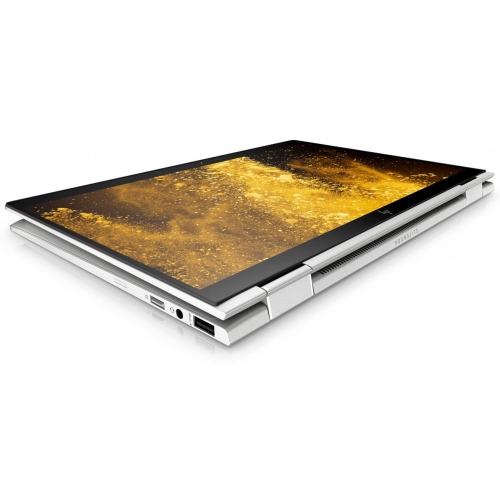
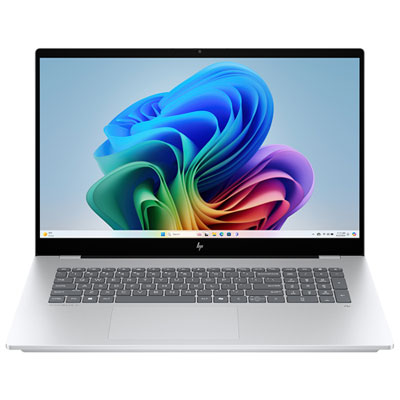


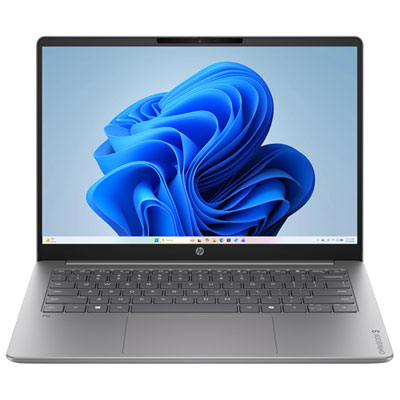

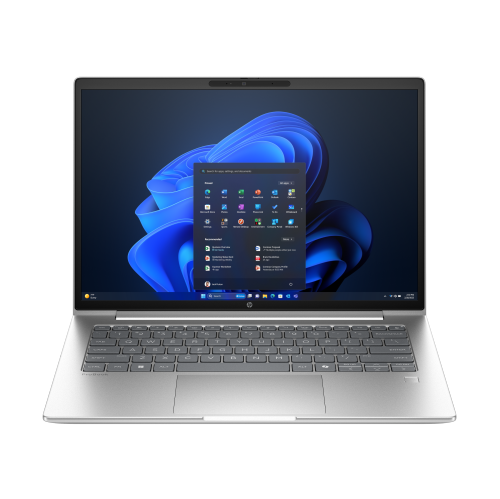
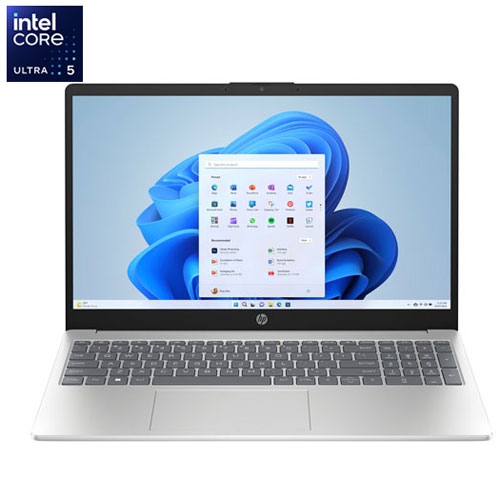
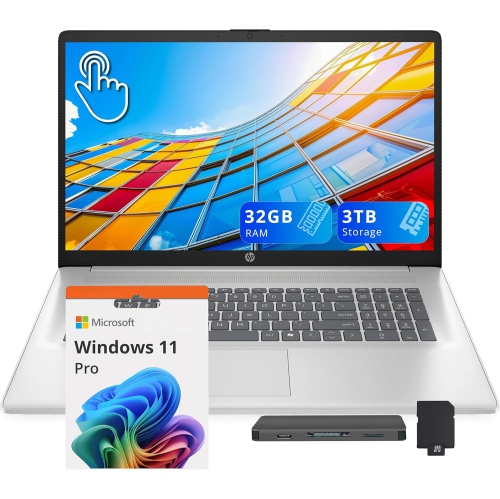
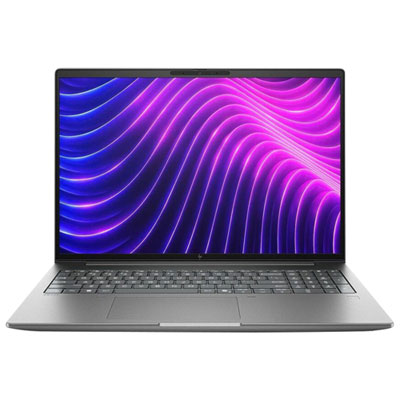

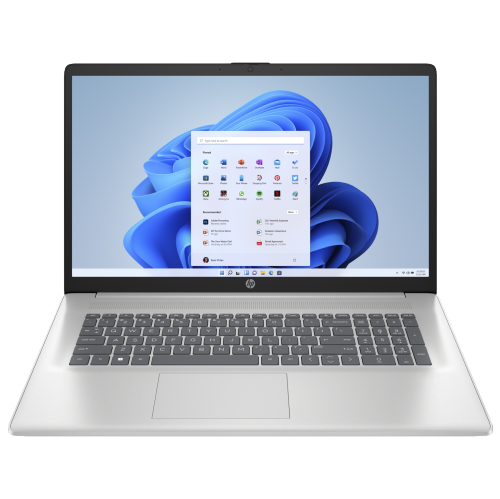
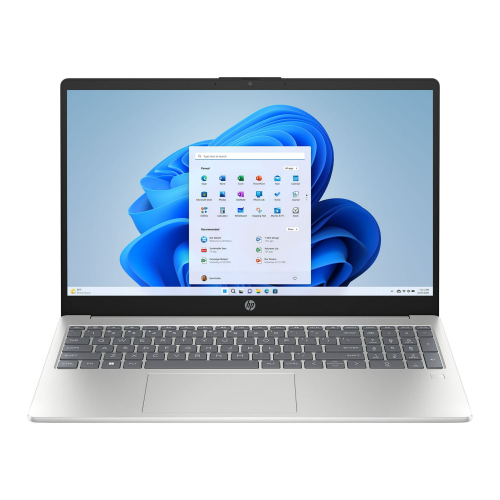
What your music projects need from a laptop
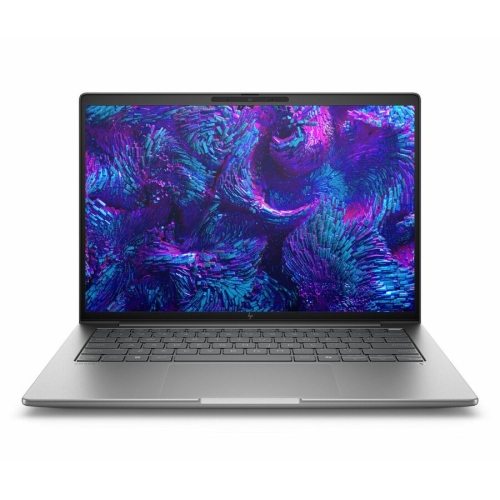
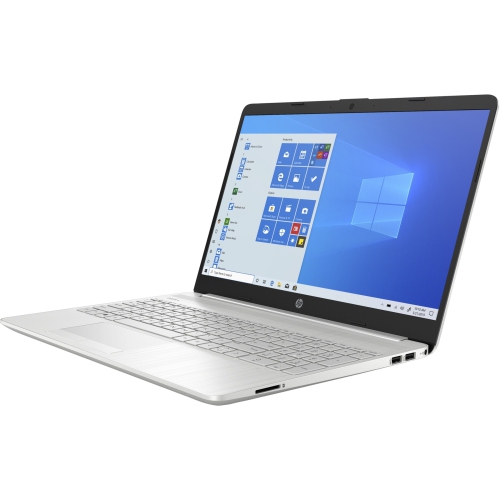
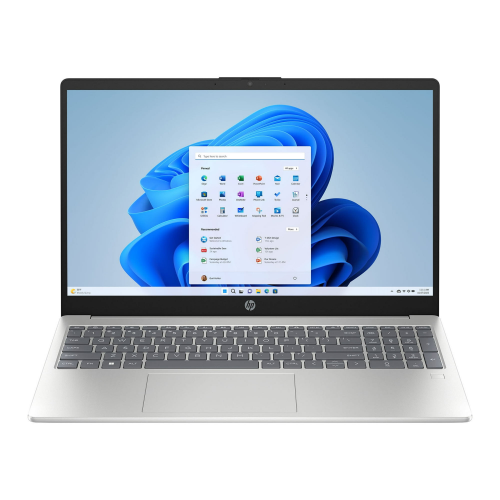
Laptops for music production bring recording, arranging, editing, and mixing into a portable setup, whether the project starts with a vocal melody, a drum pattern, or a full instrumental arrangement. The most useful specifications depend on how that music takes shape. Recording a singer over a handful of backing tracks places different demands on a computer than composing with large sample libraries and dozens of virtual instruments. A modern multi-core processor with strong single-core performance is an important foundation: individual audio processing chains can depend heavily on one core, while additional cores help handle multiple tracks, instruments, and effects. Processor names and core counts alone do not tell the whole story, since cooling, power settings, and the recording software also affect performance during a long session. For memory, 16GB of RAM is a practical starting point for many smaller projects, while 32GB or more provides greater flexibility for layered synthesizers, detailed sampled instruments, and larger arrangements. Software requirements still matter, particularly when several demanding applications run together. Fast solid-state storage helps projects open promptly and supports sample streaming, although it cannot compensate for insufficient memory or an overloaded processor. A 512GB SSD can accommodate a focused setup, but 1TB or more leaves more room for recording software, instrument libraries, and growing collections of audio files. Multitrack recordings accumulate quickly, especially when alternate takes remain in the project. Storage and memory expansion vary between laptops, so published upgrade specifications are worth checking rather than assuming either component can be replaced later. For audio-only work, processor capability, RAM, storage, and reliable cooling generally deserve more attention than a powerful dedicated graphics processor. Additional graphics performance becomes more relevant when music projects also involve video editing, animation, or other visually demanding work. A balanced configuration supports the whole creative process, from capturing a rough idea before it disappears to reopening a detailed mix for final adjustments.
Reliable recording also depends on how the laptop connects to the rest of the studio. An external audio interface provides suitable connections for microphones, instruments, headphones, and monitor speakers, with capabilities that vary by interface. Its supported operating systems, drivers, and connection requirements should match the computer. USB-A, USB-C, and Thunderbolt connections can serve different studio setups, but the shape of a port does not establish its speed or supported features. A compatible connection matters more than simply choosing the newest connector, and many audio interfaces work well without the highest available transfer speeds. Enough ports for an interface, MIDI keyboard, external drive, and charging can make a small workspace easier to manage. A dock or hub may help, although some interfaces work best connected directly to the laptop according to their manufacturer’s instructions. Low-latency performance is especially important when playing a virtual piano or recording a vocal while listening through software effects. Smaller audio buffer settings can reduce monitoring delay, but they also increase the processing demand and may cause clicks or dropouts if the system cannot keep up. Larger buffers are often suitable for mixing, when immediate response to a live performance is less important. Where available, an interface’s direct monitoring function offers another way to hear an input with minimal delay, though the monitoring path may not include the effects running in the recording software. Stable drivers and compatible plug-ins are part of this picture; powerful hardware alone does not guarantee uninterrupted audio. Wired headphones are usually better suited to recording than wireless listening connections that introduce noticeable delay. Built-in speakers remain useful for casual playback and checking how a mix translates, while suitable headphones or external monitors make detailed listening easier. Fan noise matters too: a microphone recording a quiet acoustic guitar may capture a nearby laptop more readily than a microphone placed close to a loud amplifier. Cooling design, microphone placement, and a little distance between the recording position and the computer can all influence the result.
Screen layout, portability, and construction affect how comfortable a laptop feels after several hours of editing. A larger display can show more of the arrangement, mixer, and plug-in controls at once, while a smaller laptop is easier to carry between a practice room, classroom, and shared studio. Resolution, display scaling, brightness, and viewing angles all influence readability; a high-resolution screen is most helpful when track names and controls remain comfortably sized. External display support can provide a more spacious desktop setup without requiring a large laptop for every trip. Keyboard feel and a responsive touchpad also matter when trimming takes, naming tracks, and navigating shortcuts. For regular travel, chassis rigidity, hinge quality, and a padded carrying sleeve deserve attention alongside weight. Metal and composite housings vary in construction, so material alone does not establish durability. A firm, clear work surface helps keep ventilation openings unobstructed, and gentle cleaning with a soft, dry cloth helps keep the keyboard and screen tidy. Battery-life figures may reflect lighter tasks than a recording session with active instruments and effects; access to power is useful for extended work, especially when connected equipment also draws power from the laptop. Software compatibility is equally practical. The operating system needs to support the chosen recording application, plug-in formats, interface drivers, and any older tools that remain essential to existing sessions. For shoppers considering different configurations, Best Laptops for Music Production offers a broader selection for different recording needs. Music students, songwriters, beat makers, and experienced producers may all use these computers differently, but each benefits from dependable project storage and regular backups. An external working drive can add capacity, yet important recordings still need a separate backup copy. Together, these details help a laptop fit the practical rhythm of making music: connecting familiar equipment, opening sessions reliably, and keeping the next recording within reach.
Reliable recording also depends on how the laptop connects to the rest of the studio. An external audio interface provides suitable connections for microphones, instruments, headphones, and monitor speakers, with capabilities that vary by interface. Its supported operating systems, drivers, and connection requirements should match the computer. USB-A, USB-C, and Thunderbolt connections can serve different studio setups, but the shape of a port does not establish its speed or supported features. A compatible connection matters more than simply choosing the newest connector, and many audio interfaces work well without the highest available transfer speeds. Enough ports for an interface, MIDI keyboard, external drive, and charging can make a small workspace easier to manage. A dock or hub may help, although some interfaces work best connected directly to the laptop according to their manufacturer’s instructions. Low-latency performance is especially important when playing a virtual piano or recording a vocal while listening through software effects. Smaller audio buffer settings can reduce monitoring delay, but they also increase the processing demand and may cause clicks or dropouts if the system cannot keep up. Larger buffers are often suitable for mixing, when immediate response to a live performance is less important. Where available, an interface’s direct monitoring function offers another way to hear an input with minimal delay, though the monitoring path may not include the effects running in the recording software. Stable drivers and compatible plug-ins are part of this picture; powerful hardware alone does not guarantee uninterrupted audio. Wired headphones are usually better suited to recording than wireless listening connections that introduce noticeable delay. Built-in speakers remain useful for casual playback and checking how a mix translates, while suitable headphones or external monitors make detailed listening easier. Fan noise matters too: a microphone recording a quiet acoustic guitar may capture a nearby laptop more readily than a microphone placed close to a loud amplifier. Cooling design, microphone placement, and a little distance between the recording position and the computer can all influence the result.
Screen layout, portability, and construction affect how comfortable a laptop feels after several hours of editing. A larger display can show more of the arrangement, mixer, and plug-in controls at once, while a smaller laptop is easier to carry between a practice room, classroom, and shared studio. Resolution, display scaling, brightness, and viewing angles all influence readability; a high-resolution screen is most helpful when track names and controls remain comfortably sized. External display support can provide a more spacious desktop setup without requiring a large laptop for every trip. Keyboard feel and a responsive touchpad also matter when trimming takes, naming tracks, and navigating shortcuts. For regular travel, chassis rigidity, hinge quality, and a padded carrying sleeve deserve attention alongside weight. Metal and composite housings vary in construction, so material alone does not establish durability. A firm, clear work surface helps keep ventilation openings unobstructed, and gentle cleaning with a soft, dry cloth helps keep the keyboard and screen tidy. Battery-life figures may reflect lighter tasks than a recording session with active instruments and effects; access to power is useful for extended work, especially when connected equipment also draws power from the laptop. Software compatibility is equally practical. The operating system needs to support the chosen recording application, plug-in formats, interface drivers, and any older tools that remain essential to existing sessions. For shoppers considering different configurations, Best Laptops for Music Production offers a broader selection for different recording needs. Music students, songwriters, beat makers, and experienced producers may all use these computers differently, but each benefits from dependable project storage and regular backups. An external working drive can add capacity, yet important recordings still need a separate backup copy. Together, these details help a laptop fit the practical rhythm of making music: connecting familiar equipment, opening sessions reliably, and keeping the next recording within reach.
Top selling and popular products
-
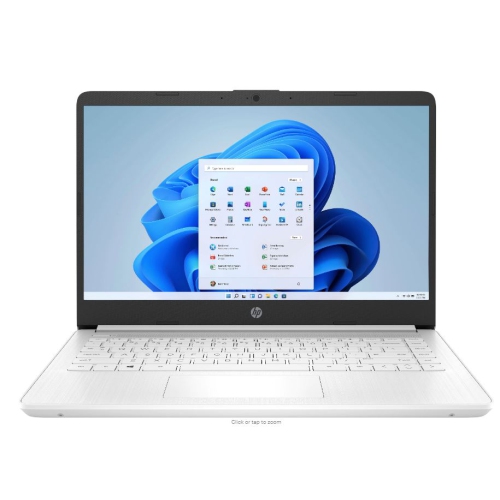 Your price for this item is $449
-
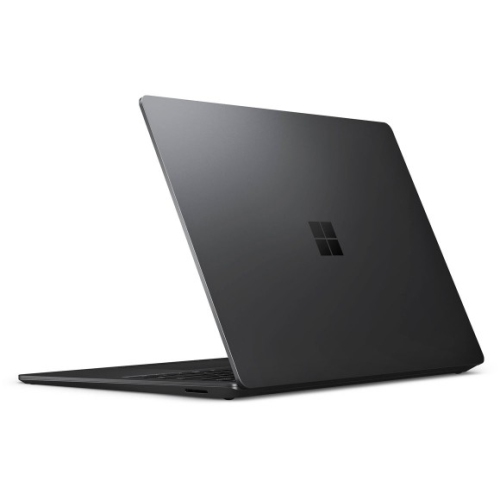 Your price for this item is $3099
-
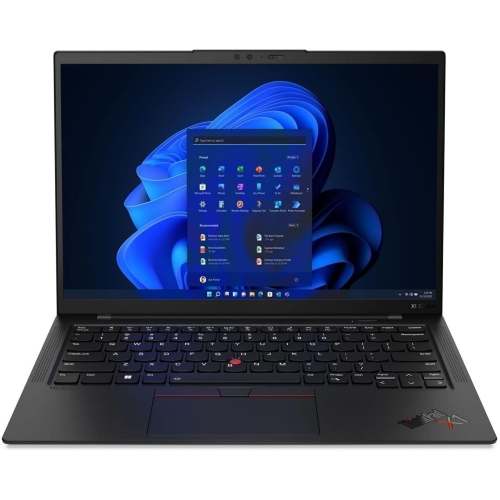 Your price for this item is $429.99
-
 Your price for this item is $1800.68
-
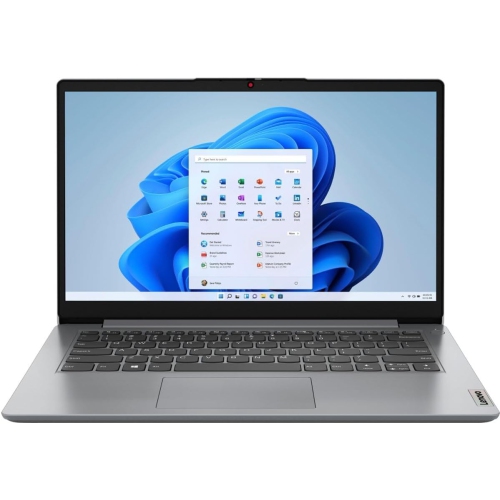 Your price for this item is $664.05
-
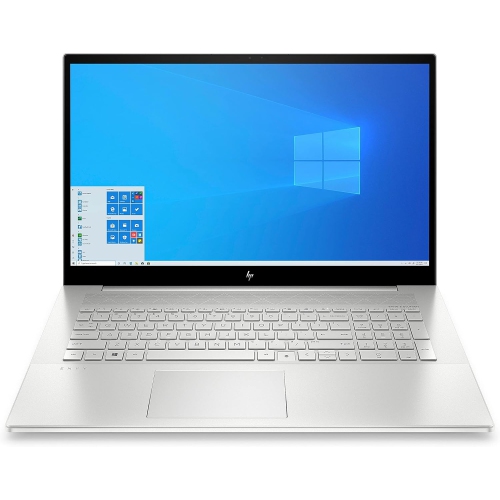 Your price for this item is $869.99
-
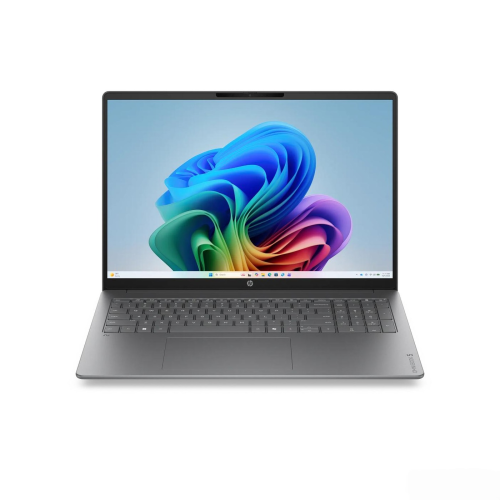 Your price for this item is $2960.48
-
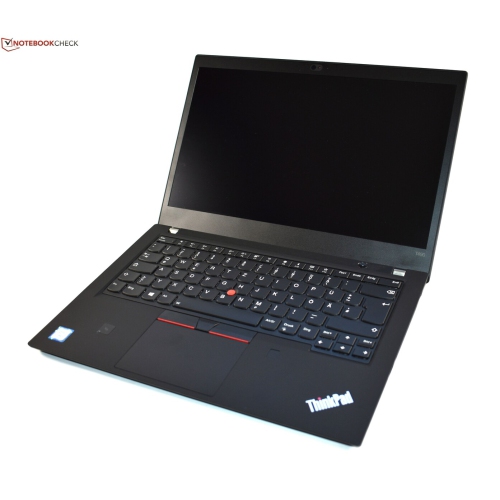 Your price for this item is $479.68
Discover more categories related to HP Laptops for Music Production
Top Collections:
Pokemon Centers, Pokémon 30th Celebration Cards, Best Budget Office Chairs, Kindle Devices, Best Cameras for Sports Photography, Canon G7X Cameras, Best Black Friday Deals On Electronics, Best Laptops for Writers, iPhone 15 Apple, Jackery Power Stations
Some products may be subject to Environmental Handling Fees
(EHF) depending on your province.
Learn more about EHFs.