Best Powered Usb Hub
The best powered USB hubs make it easy to connect more devices while providing a dedicated power source for compatible accessories. Whether you need extra ports for external drives, keyboards, or other peripherals, compare options with the connections and transfer speeds that suit your setup. Explore the options below, ranked by user review ratings, to find the right fit for your workspace.
What to look for in powered USB hubs
1. Port Selection
2. Data Transfer Speeds
3. Power Supply and Charging
4. Compatibility and Design
-
1

STARTECH 4 Port USB Hub - USB 3.0 - USB A to 3X USB A And 1X USB C
About this product
A compact USB 3.0 hub adding three USB-A and one USB-C port for fast, versatile connectivity.
(8)$57.99Your price for this item is $57.99SAVE $10 -
2
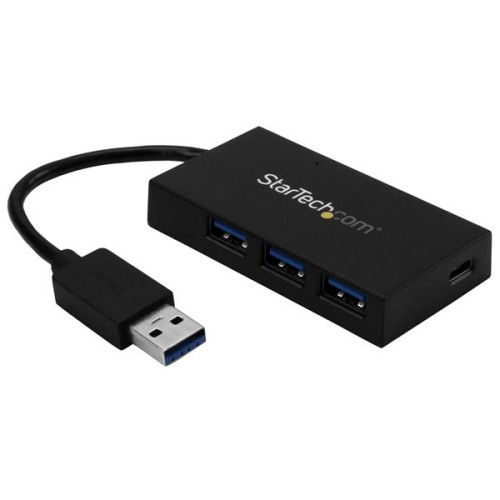
STARTECH 4 Port USB 3.0 Hub - USB-A to USB A & USB C - Incl Power Adapt
About this product
A compact USB 3.0 hub that adds USB-A and USB-C ports with fast charging and optional power adapter.
(5)$73.99Your price for this item is $73.99SAVE $12 -
3
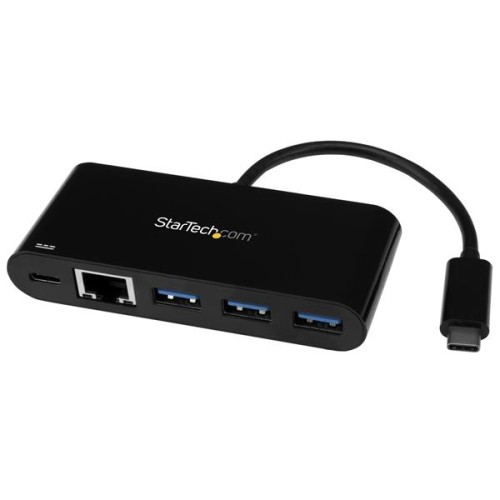
STARTECH USB-C to GBe Adapter With 3-Port USB 3.0 Hub W/ Power Delivery
About this product
A versatile adapter offering Gigabit Ethernet, three USB 3.0 ports, and USB-C power delivery support.
(1)$84.99Your price for this item is $84.99SAVE $14 -
4
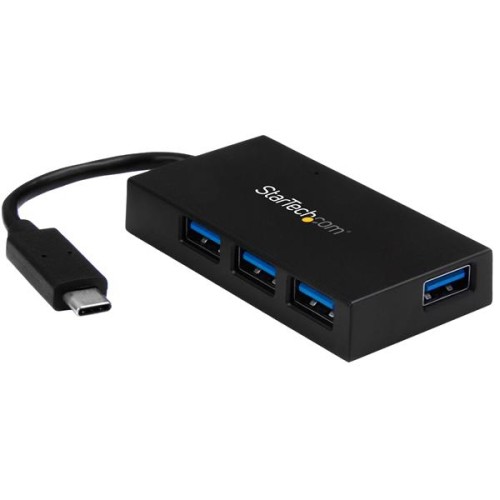
STARTECH 4 Port USB C Hub - C to 4X A - USB 3.0 Hub With Power Adapter
About this product
A compact USB-C hub that adds four USB-A 3.0 ports and includes a power adapter for fast charging.
(1)$69.99Your price for this item is $69.99SAVE $12 -
5
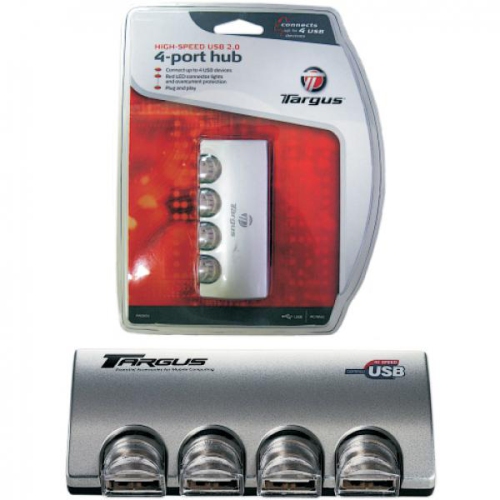
TARGUS High-Speed 4-Port USB 2.0 Hub - Powered
About this product
A powered hub offering four high-speed USB 2.0 ports for convenient device connectivity.
$13.87Your price for this item is $13.87SAVE $9 -
6
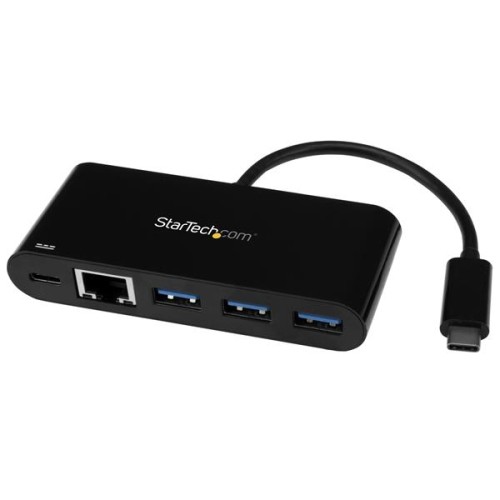
STARTECH 3 Port USB C Hub W/ GBe & Pd 2.0 - USB-C to 3X A - USB 3.0 Hub
About this product
A versatile USB-C hub that adds three USB-A 3.0 ports and Gigabit Ethernet with Power Delivery support.
$91.99Your price for this item is $91.99SAVE $16 -
7
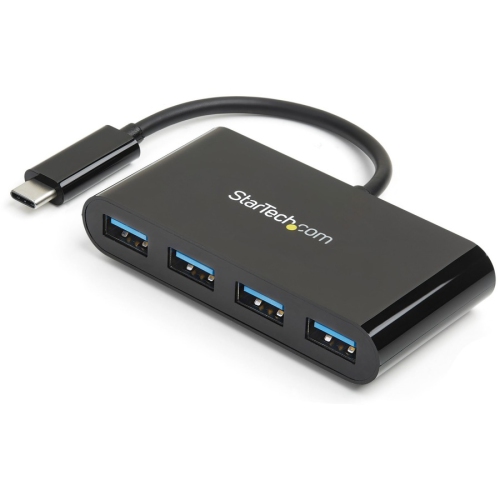
STARTECH 4 Port USB C Hub - USB-C to 4X A - USB 3.0 Hub - Bus Powered
About this product
A compact, bus-powered hub that adds four USB-A 3.0 ports to your device via USB-C connection.
$57.99Your price for this item is $57.99SAVE $10 -
8
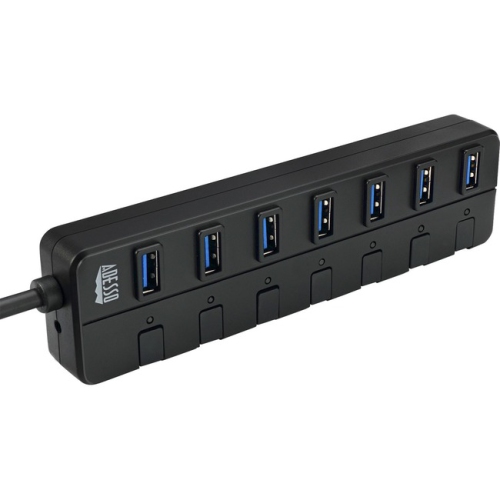
ADESSO Auh-3070P 7-Ports USB 3.0 Hub With 5V2A Power Adaptor (Auh-3070P)
About this product
A versatile USB 3.0 hub offering seven ports and a 5V2A power adaptor for PC and Mac.
$54.99Your price for this item is $54.99SAVE $9 -
9
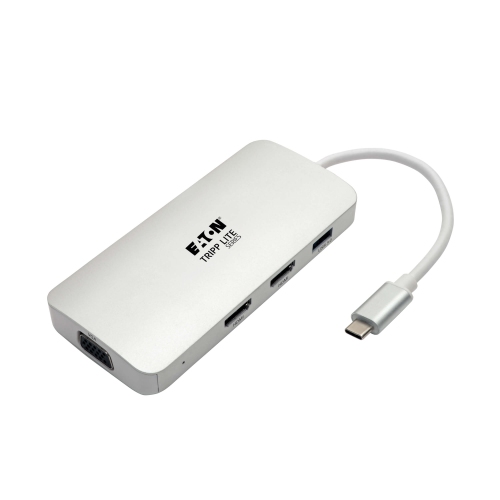
TRIPP LITE USB C Docking Station W/USB Hub, 2X HDMI, VGA, Pd Charging 1080P, USB Type C, USB-C, USB Type-C
About this product
A versatile USB-C docking station offering dual HDMI, VGA, USB hub, and 60W Power Delivery charging.
$57.99Your price for this item is $57.99SAVE $10 -
10
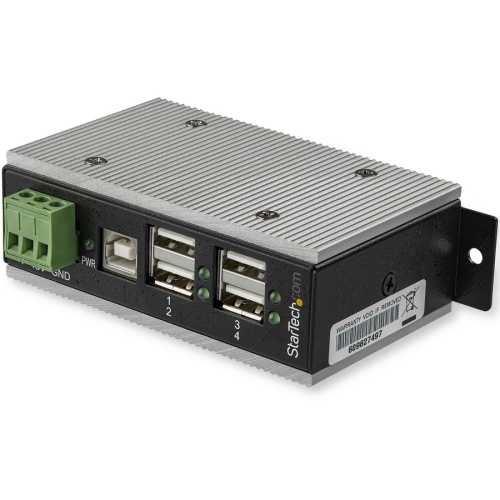
STARTECH 4-Port Industrial USB 2.0 Hub With Esd Protection & 350W Surge Protection - Wall Mountable (Hb20A4Ame) Hb20A4Ame
About this product
A rugged metal USB 2.0 hub offering four ports, 15kV ESD, and 350W surge protection.
(2)$309.30 Your price for this item is $309.30
FAQ
A powered USB hub adds USB ports to a computer and uses an external power adapter rather than relying solely on power from the computer’s USB port. It connects to the computer for data transfer and plugs into an electrical outlet for power.
Consider the number of ports, the mix of USB-A and USB-C connections, supported USB data standards, and whether you need dedicated charging ports. Other features include individual port switches, activity indicators, and a detachable host cable.
USB-A and USB-C describe connector types. USB-A has a rectangular connector that fits in one orientation, while USB-C has a reversible connector. A hub may offer either type or a combination of both. The connector type alone does not specify data transfer capabilities, charging support, or video support.
Laptop charging requires a hub that explicitly supports power delivery to the host computer, along with a compatible laptop, cable, and power source. An external power adapter does not automatically mean a hub can charge a laptop; some adapters supply power only to connected USB devices.
Basic powered USB hubs generally use drivers already included with current operating systems. Models with additional features, such as Ethernet or display connections, may require separate software or drivers. Check the hub’s operating system requirements and setup documentation before connecting it.
Top selling and popular products
Discover more categories related to Best Powered Usb Hub


Some products may be subject to Environmental Handling Fees (EHF) depending on your province. Learn more about EHFs.