Powered USB Hub
A powered USB hub is the ideal solution for expanding connectivity and keeping multiple devices charged and ready to use. Whether you need to connect additional peripherals to your computer or streamline your workstation, these versatile hubs help manage cables and simplify setup. Explore a wide selection of powered USB hub options designed to suit home offices, gaming setups, and professional workspaces, making it easy to stay organized and efficient.
Sort
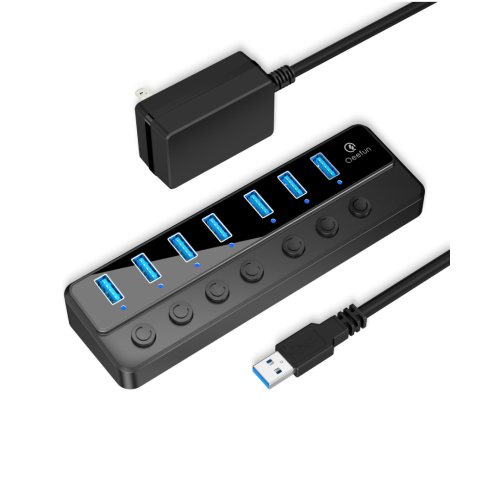
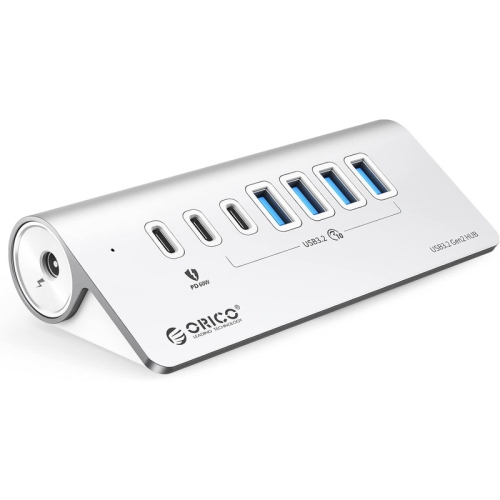
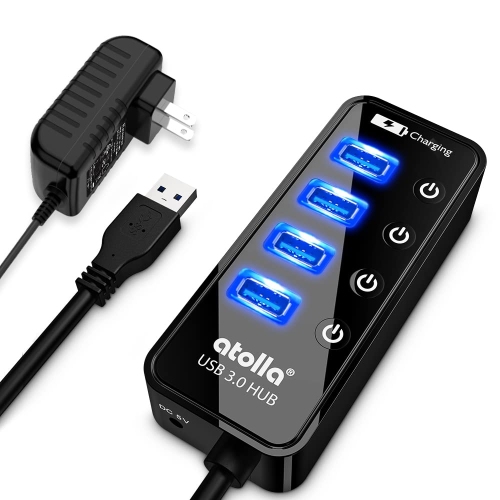
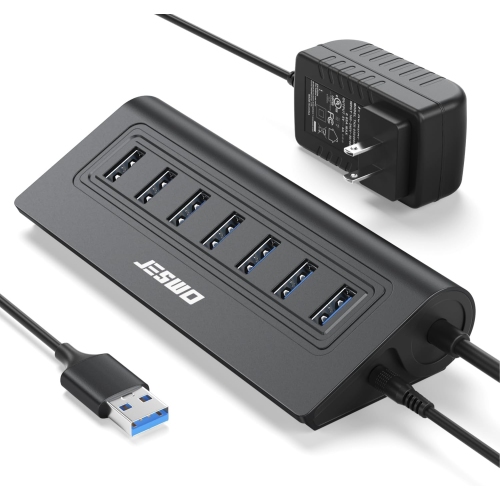
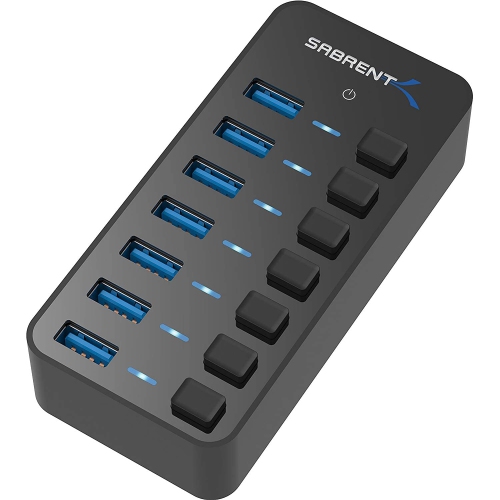
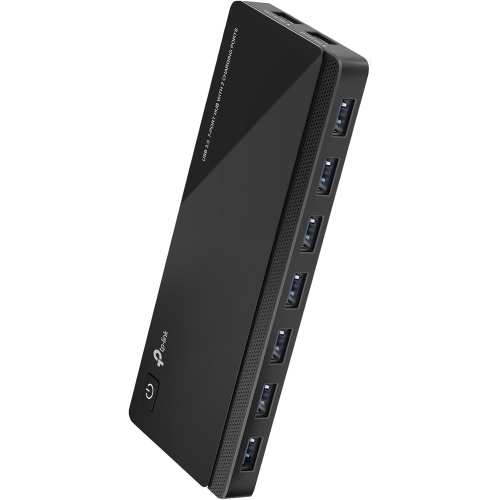
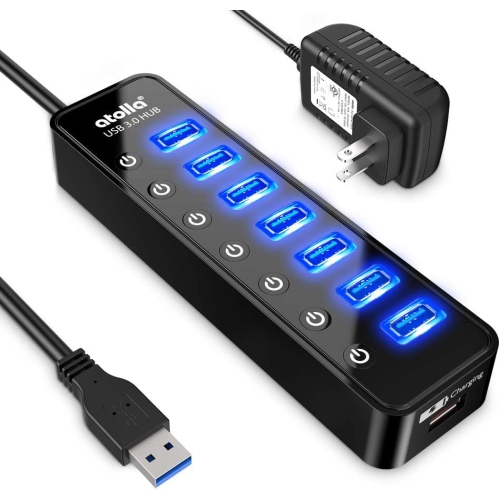
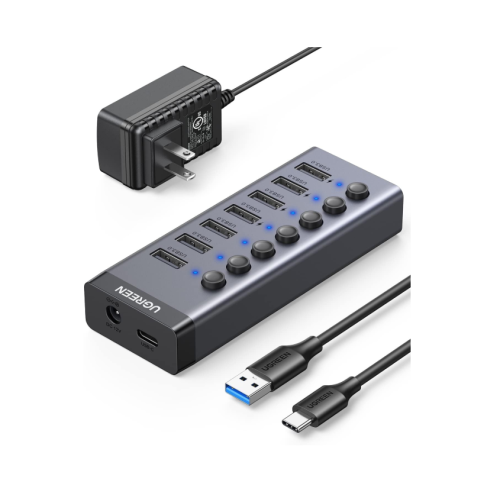

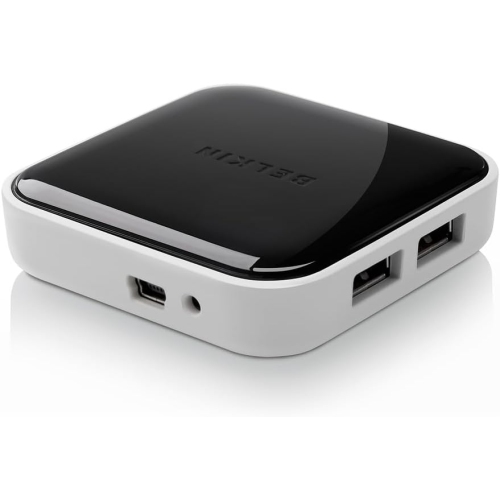
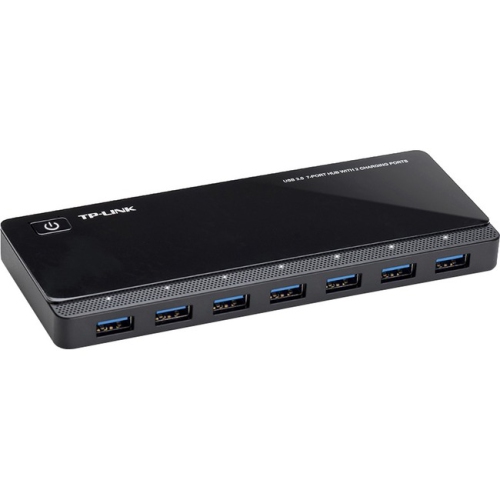

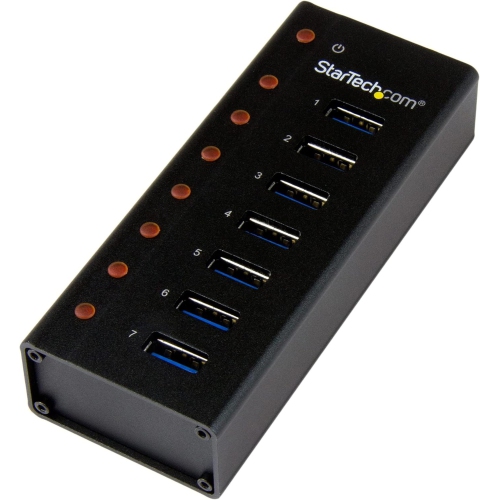
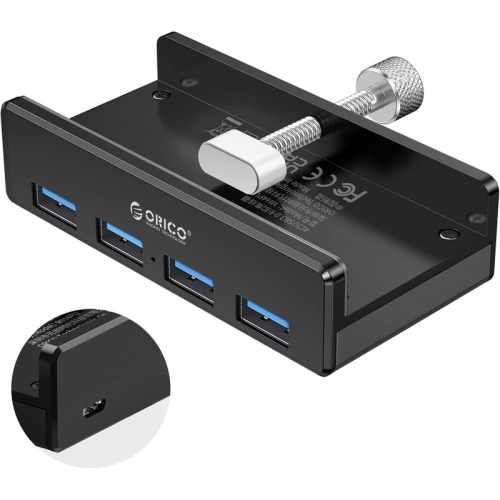

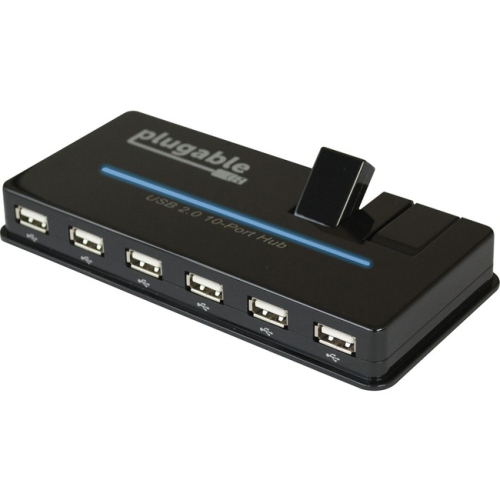
How external power supports a desk full of devices
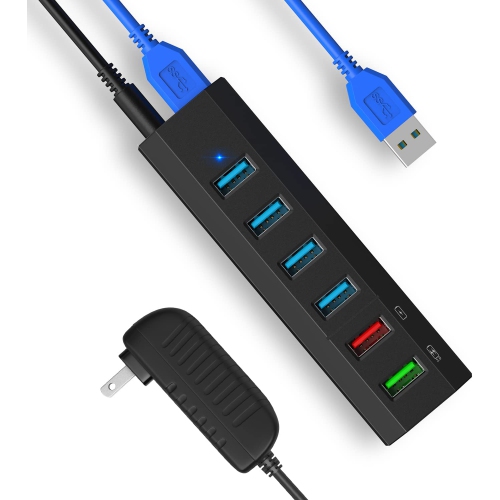
A powered USB hub uses an external power adapter to supply electricity to its USB ports while connecting multiple peripherals to a computer through one upstream connection. Unlike a bus-powered hub, which draws its operating power from the computer’s USB port, an externally powered hub has a separate power source for connected devices. This makes powered USB hubs useful for workstations with several accessories, particularly when portable hard drives, audio interfaces, webcams, and other peripherals compete for the power available from a single computer port. Adequate external power can help reduce disconnects caused by insufficient power, although dependable operation still depends on the hub’s specifications, cables, and connected equipment. On a home office desk, a hub can bring a keyboard, mouse, printer, and external storage into one accessible place instead of leaving cables stretched around the back of a computer. For photographers, it can provide connections for a card reader and backup drive; for musicians, it can accommodate compatible recording accessories alongside everyday peripherals. The distinction between supplying power and transferring data matters: some ports handle both, while dedicated charging ports may supply electricity without providing a data connection. A phone connected to a charging-only port, for example, may recharge without appearing on the computer for file transfers. Charging speed depends on the port’s supported output, the device, and the cable rather than simply whether the hub has a wall adapter. A powered hub also does not automatically charge a laptop. Laptop charging requires explicit support for a suitable power-delivery standard and sufficient wattage, and some hub designs reserve their adapter’s output for downstream accessories only. Individual port limits and the total power budget determine how much equipment a hub can support at once. Devices supplied with their own required adapters generally still need those adapters, even when their USB data cables connect through a powered hub.
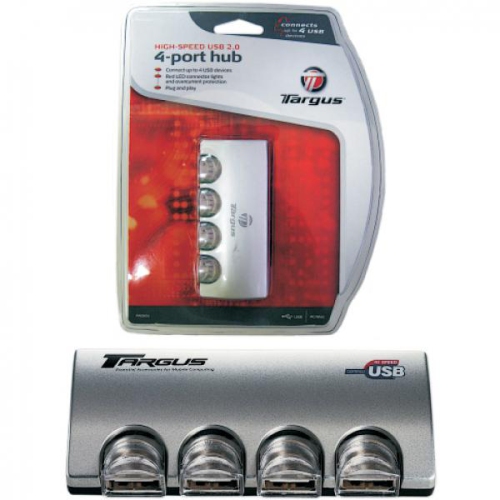
Connection types and transfer speeds shape how a powered USB hub fits into an existing setup. USB-A ports accommodate many familiar keyboards, mice, flash drives, and printer cables, while USB-C ports use a smaller, reversible connector. Connector shape alone does not establish speed, charging capability, or video support, so the specifications for both the computer-facing connection and the accessory ports matter. A hub rated for 5Gbps, for instance, has a theoretical data-transfer ceiling that differs from actual file-copy speeds, which also depend on the computer, storage device, cable, and other connected peripherals. All devices on a hub share its upstream connection; adding ports does not multiply the bandwidth available from the computer. This distinction becomes noticeable when copying large photo libraries between drives while another device is transferring files. For a keyboard and mouse, bandwidth is usually a much smaller concern than convenient placement and reliable connections. Many USB connections support older devices at the speed supported by the slower components, but cable and connector compatibility still need attention. A USB-C port should not be assumed to support a monitor, and an externally powered USB hub is not necessarily a docking station with display, network, or laptop-charging functions. Within the broader Best USB Hub category, external power is an important distinction for desks that need dependable peripheral power as well as extra connections. Port count is only part of the fit. Closely spaced sockets can become awkward when a wide flash drive blocks the neighbouring port, while ports arranged along more than one edge can make bulky connectors easier to accommodate. A longer upstream cable may reach a desktop tower beneath a desk, whereas a shorter cable can keep a laptop workspace tidier. The power adapter’s cable also needs a practical route to an outlet. Behaviour during computer sleep or shutdown varies by design: some hubs keep charging connected devices, while others stop supplying power or require a particular setting.
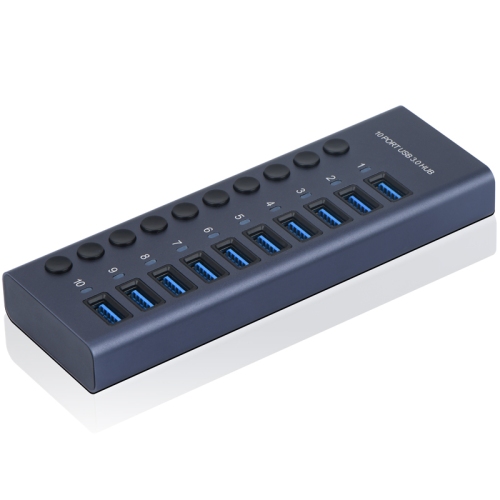
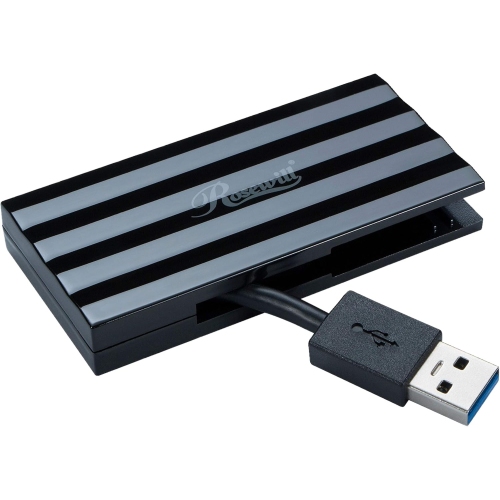
Build quality and everyday handling influence how comfortably a powered USB hub becomes part of a workspace. Housings are commonly made from plastic or metal, with each offering different advantages in weight, finish, and portability. An aluminium housing can help distribute heat, while a lightweight plastic enclosure may be convenient in a laptop bag. Neither material alone guarantees durability; secure sockets, well-supported cable connections, and a stable base are equally relevant when accessories are plugged in frequently. Rubber feet can help stop a desktop hub from sliding as a cable is removed, and a weighted design can suit a permanent workstation. Status lights make it easier to see whether power is present, although their brightness and placement may matter beside a bedroom desk or recording area. Individual port switches can be useful for turning off an idle accessory without unplugging its cable, but storage devices should still be safely ejected through the computer before their power is interrupted. Protection features such as overcurrent protection are worth checking in the specifications rather than assuming that every externally powered model includes them. The supplied adapter should match the hub’s requirements and be suitable for use in Canada; an unrelated adapter with a similar-looking plug is not necessarily compatible. Routine care is straightforward: keep the hub dry, leave any ventilation openings unobstructed, and remove dust from the exterior with a soft, dry cloth after disconnecting power. Avoid pulling cables at sharp angles or leaving heavy cable bundles hanging from individual sockets. A shared family computer, a student’s study space, or a small creative workstation can all benefit from connections that are easy to reach and clearly organized. As a practical gift, a powered USB hub is most useful when its host connector, port mix, cable reach, and power capabilities match the recipient’s computer and the accessories used every day.
Top selling and popular products
-
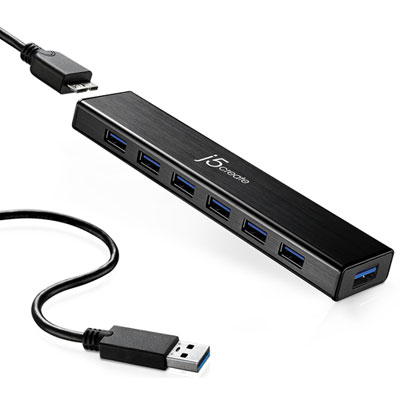 Your price for this item is $49.99
-
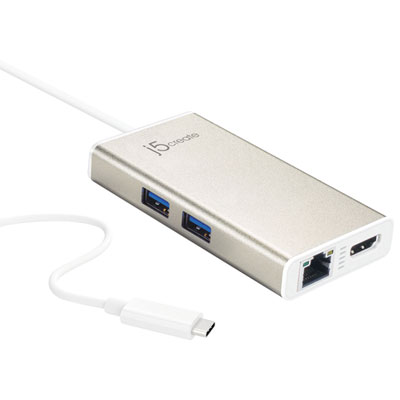 Your price for this item is $65.99
-
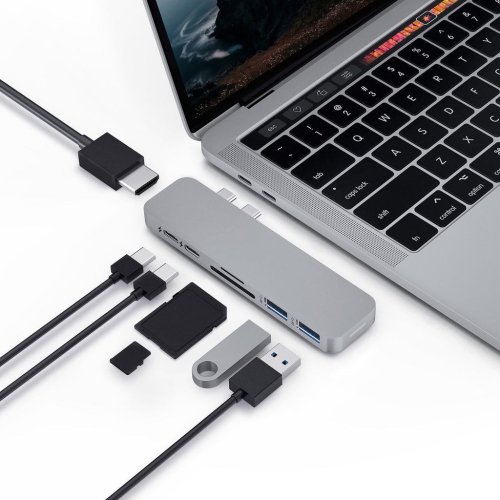 Your price for this item is $19.98
-
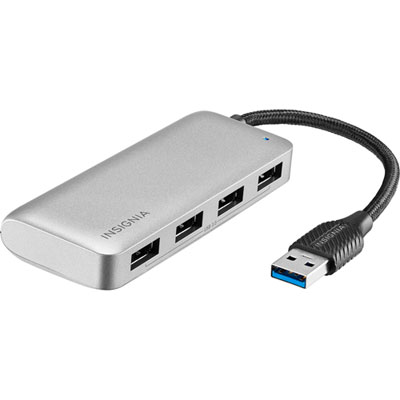 Your price for this item is $29.99
-
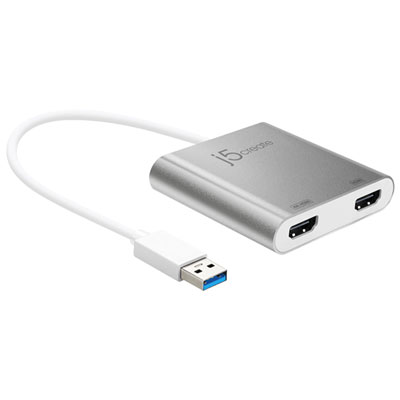 Your price for this item is $99.99
-
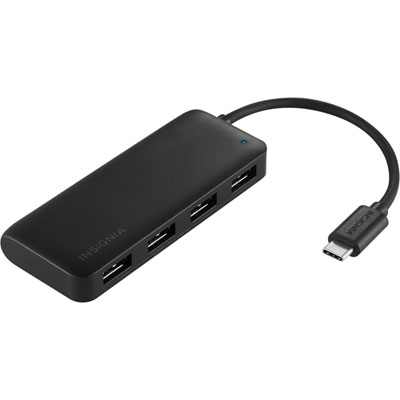 Your price for this item is $19.99
-
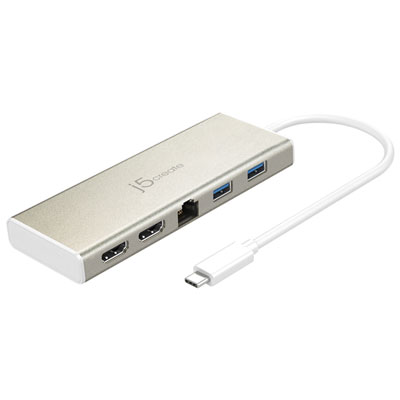 Your price for this item is $104.99
-
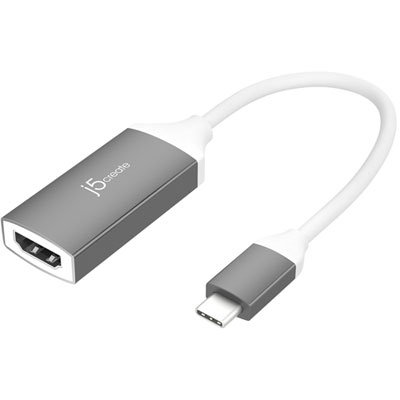 Your price for this item is $39.99
Discover more categories related to Powered USB Hub
Top Collections:
Best Black Friday Deals This Year, Best Black Friday Deals On Electronics, Kindle Devices, Pokemon Centers, Best Black Friday Deals On Apple Products, Best Cameras for Sports Photography, Dyson Airwrap, Pokémon 30th Celebration Cards, Apple iPhone 17 Pro, Canon G7X Cameras
Some products may be subject to Environmental Handling Fees
(EHF) depending on your province.
Learn more about EHFs.