Best USB Hub for Laptop
Connect more of what you need with the best USB hubs for laptops, ranked by user review ratings. Whether you’re adding a keyboard and mouse, transferring files from external storage, or connecting other accessories, a USB hub can help expand your laptop’s available ports. Compare port types, connection speeds, and power options to find a hub that fits your laptop and everyday setup.
What to look for in USB hubs for laptops
1. Laptop Compatibility
2. Port Selection
3. Data Transfer Speed
4. Power and Portability
-
1
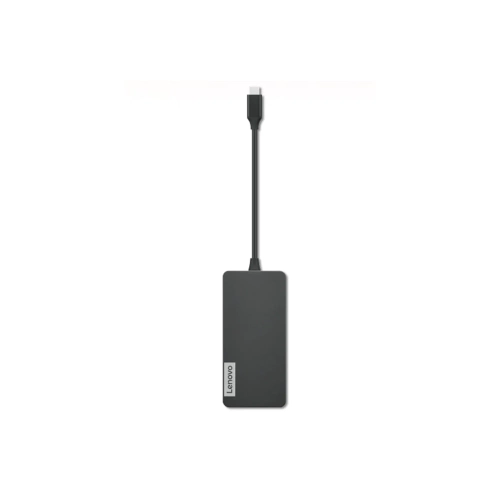
LENOVO USB-C 7-In-1 Hub
About this product
A versatile USB-C hub offering seven ports for expanded connectivity with laptops and tablets.
What customers like
(227)$169.68 Your price for this item is $169.68 -
2

STARTECH.COM 4-Port USB-C Hub 10 GBps - 3X USB-A & 1X USB-C - Powered (Hb31C3A1Cs)
About this product
A powered USB-C hub offering three USB-A ports, one USB-C port, and 10Gbps transfer speeds.
(1)$105.60 Your price for this item is $105.60 -
3

STARTECH.COM 4 -Port USB-C Hub 10GBps - 3X USB-A & 1X USB-C (Hb31C3A1Cb)
About this product
An aluminum USB-C hub offering three USB-A ports, one USB-C port, and 10Gbps SuperSpeed data transfer.
$82.37Your price for this item is $82.37SAVE $8 -
4

STARTECH.COM 4-Port USB-C Hub With Power Delivery - 10GBps - 3X USB-A & 1X USB-C (Hb31C3A1Cpd3)
About this product
A portable USB-C hub offering three USB-A ports, one USB-C port, and 100W power delivery passthrough.
$125.68 Your price for this item is $125.68 -
5

STARTECH.COM 4 -Port USB-C Hub 10GBps - 2X USB-A & 2X USB-C (Hb31C2A2Cb)
About this product
A portable USB-C hub offering two USB-A and two USB-C ports with 10Gbps SuperSpeed data transfer.
(2)$88.37Your price for this item is $88.37SAVE $8 -
6
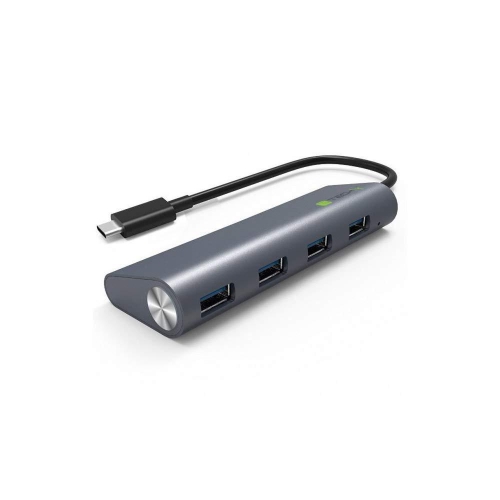
TECHLY New USB-C 3.1 Superspeed 4 Port Type A Hub
About this product
A USB-C 3.1 hub offering four superspeed Type-A ports for efficient device connectivity.
$53.68 Your price for this item is $53.68 -
7
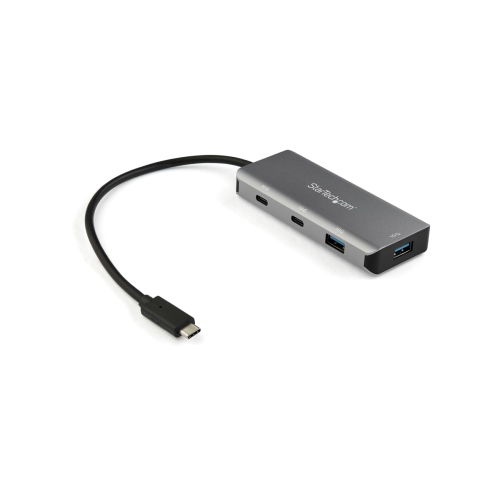
STARTECH USB-C Hub - 4Port - USBc & A (Hb31C2A2Cb)
About this product
A compact hub that adds two USB-C and two USB-A ports with 10Gbps data transfer speeds.
(2)$80.99Your price for this item is $80.99SAVE $14 -
8
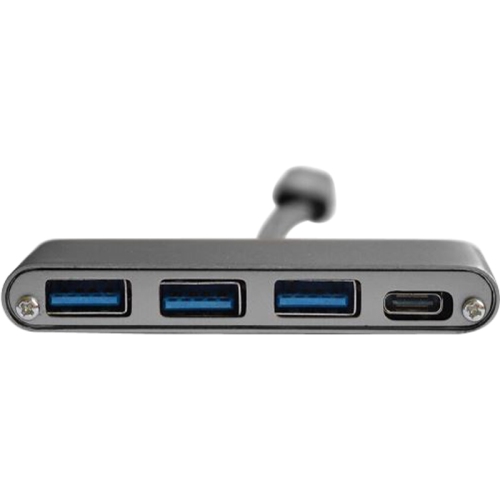
N/A Mmnox UHC01GL USB 3.0 Four Port Hub
About this product
A compact USB 3.0 hub offering four ports for efficient connectivity of multiple devices.
$24.99 Your price for this item is $24.99 -
9
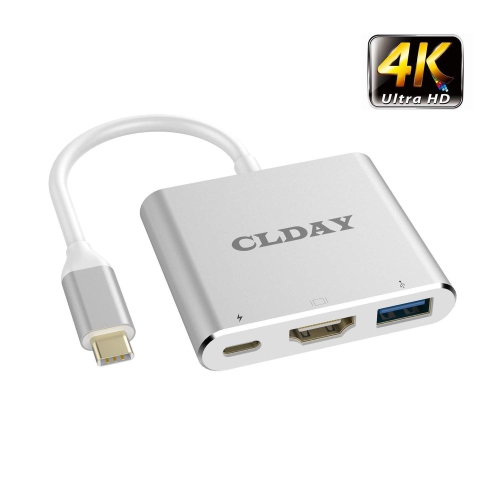
HLD 4K USB Type-C (Thunderbolt 3 Compatible) Multiport Hub, 3-In-1 With HDMI Port USB 3.0 Port And USB-C Fast Charging Port
About this product
A versatile 3-in-1 hub offering 4K HDMI, USB 3.0, and USB-C fast charging compatibility.
$45.96Your price for this item is $45.96SAVE $9 -
10
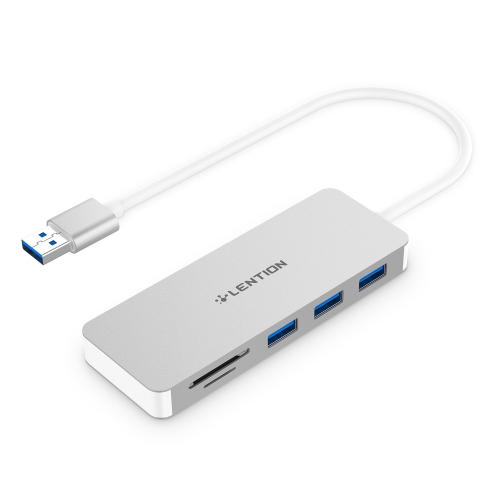
HLD 3-Port USB 3.0 Data Hub With Sd/micro Sd Card Reader, Multiport USB Adapter Compatible for Macbook Air/pro (Before 2016)
About this product
A versatile multiport USB 3.0 hub with SD and micro SD card reader for older MacBook models.
$48.96Your price for this item is $48.96SAVE $10
FAQ
Match the hub’s host connector to your laptop’s USB-A or USB-C port, then check which connections your accessories need. Common options include USB ports, HDMI, Ethernet and memory card readers. Also check operating system compatibility and whether any features require driver installation.
USB-A and USB-C describe connector types. USB-A hubs typically connect through a rectangular port, while USB-C hubs use an oval, reversible connector. Some USB-C hubs also offer video output and charging pass-through, but these features depend on both the hub and your laptop’s port specifications.
Some hubs include HDMI or DisplayPort connections for an external monitor. Many USB-C models require a laptop port that supports DisplayPort Alt Mode or a compatible Thunderbolt connection. Other hubs use USB graphics technology that may require software. Check the hub’s video requirements against your laptop’s specifications.
USB Power Delivery pass-through lets a compatible USB-C hub accept power from a charger and pass it to a connected laptop. The laptop must support charging through that USB-C port. Check the hub’s listed power input and laptop power output, as the hub may reserve part of the incoming power for its own operation.
A USB hub generally adds connections for peripherals, while a docking station often combines peripheral ports, display connections, networking and laptop charging in one desktop setup. The terms can overlap, so compare the listed ports, power requirements and laptop compatibility rather than relying on the name alone.
Top selling and popular products
Discover more categories related to Best USB Hub for Laptop

Some products may be subject to Environmental Handling Fees (EHF) depending on your province. Learn more about EHFs.