Best Video Editing Laptops Under $1500

Find the best video editing laptops under $1500, ranked by user review ratings to help you compare options with confidence. Whether you’re trimming clips, creating social content, or working on longer projects, look for a capable processor, ample RAM, and fast SSD storage to keep your workflow moving—all within your budget.

Read More

What to look for in video editing laptops under $1500

1. Processor and Graphics

Look for a recent multi-core processor to help with video playback, rendering, and exports. A dedicated graphics card can accelerate supported effects and encoding tasks, but its benefits depend on your editing software.

2. Memory and Upgrade Options

Aim for at least 16GB of RAM for everyday video editing, or 32GB for more demanding projects if your budget allows. Check whether the memory is upgradeable, as some laptops have soldered RAM that cannot be expanded.

3. Storage and Connectivity

Choose an SSD with at least 512GB of capacity for applications and active projects, keeping in mind that video files can fill it quickly. Fast USB ports, an SD card reader, and an external monitor connection can make transferring footage and setting up your workspace easier.

4. Display Quality

Look for a Full HD or higher-resolution display with good brightness and wide viewing angles. Coverage close to 100% of the sRGB colour gamut is useful for general editing, while colour-critical work may benefit from a calibrated external monitor.
Citrus catapult arrow
  1. 1

    About this product

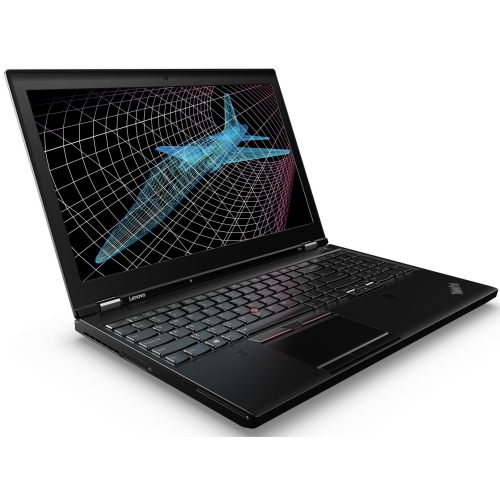
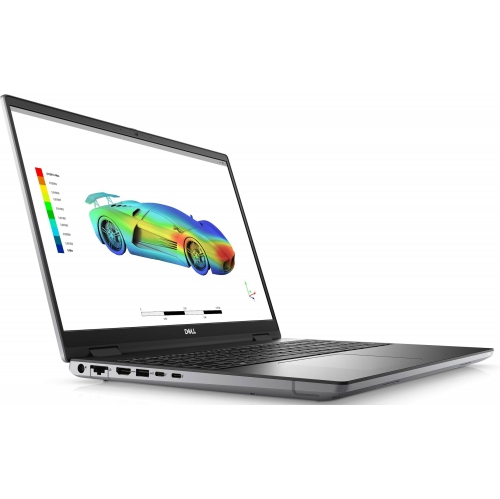
    A powerful workstation laptop featuring an Intel Core i7, Nvidia Quadro graphics, and 32GB RAM.

    $999.00 Your price for this item is $999
  2. 2

    About this product

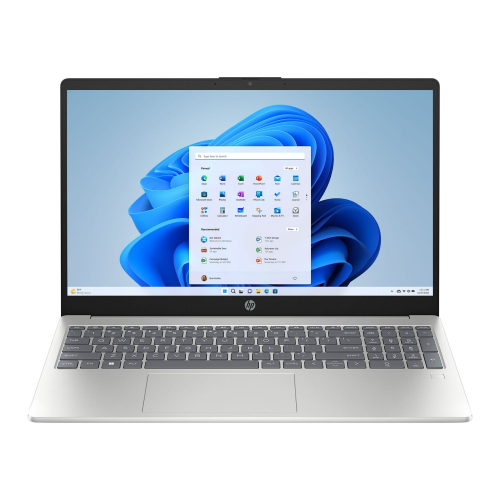
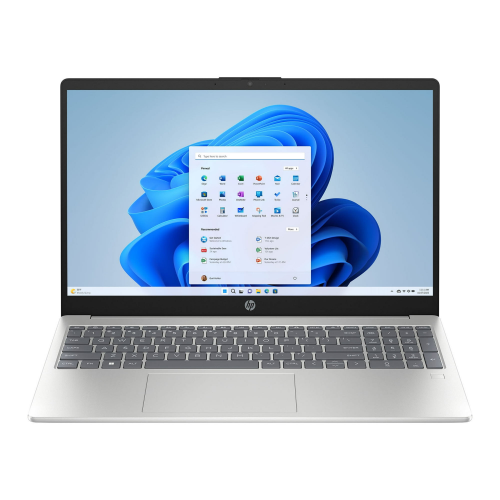
    A powerful touchscreen laptop featuring a 10-core i7 processor, 16GB RAM, 1TB SSD, and Iris Xe graphics.

    $1,299.76
    SAVE $400
    Your price for this item is $1299.76
  3. 3

    About this product

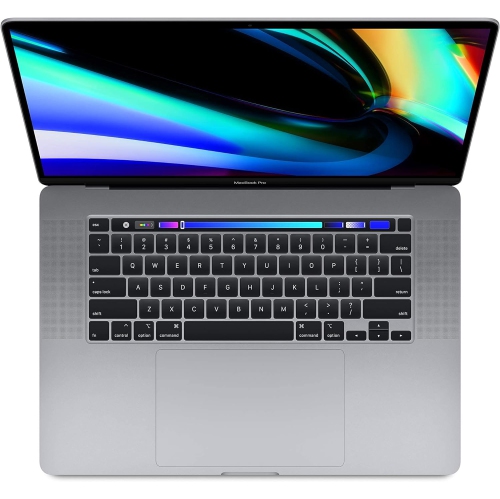
    A powerful grey laptop featuring the M1 chip, 256GB SSD, 8GB RAM, and Touch Bar.

    What customers like

    • Comfortable and responsive keyboard
    • Sleek and durable build quality
    • High-quality vibrant display
    • Powerful and fast M1 chip performance
    • Excellent battery life
    (6,034)
    $1,500.00 Your price for this item is $1500
  4. 4

    About this product

    A refurbished grey laptop featuring a Touch Bar, Intel Core i5 processor, 128GB SSD, and 8GB RAM.

    What customers like

    • High-quality Retina display
    • Seamless integration with Apple ecosystem
    • Excellent battery life
    • Fast performance and quick boot-up
    • Lightweight and portable design
    (2,492)
    $699.77
    SAVE $300
    Your price for this item is $699.77
  5. 5

    About this product

    A refurbished grey laptop featuring an Intel Core i5 processor, 256GB SSD, 8GB RAM, and Touch Bar.

    What customers like

    • High-quality Retina display
    • Sleek and compact design
    • Long battery life
    • Fast and reliable performance
    • Convenient Touch Bar and Touch ID
    (1,765)
    $699.77
    SAVE $299
    Your price for this item is $699.77
  6. 6

    About this product

    A powerful gray laptop featuring an Intel Core i9, 32GB RAM, 512GB SSD, and Radeon Pro 5300M.

    $849.77
    SAVE $449
    Your price for this item is $849.77
  7. 7

    About this product

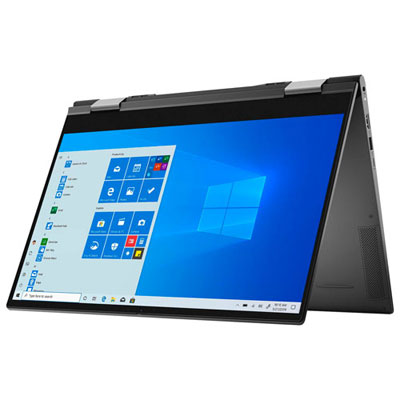
    A versatile black 2-in-1 laptop with 4K touchscreen, Intel Core i7, 16GB RAM, and 1TB SSD.

    (2)
    $1,299.97 Your price for this item is $1299.97
  8. 8

    About this product

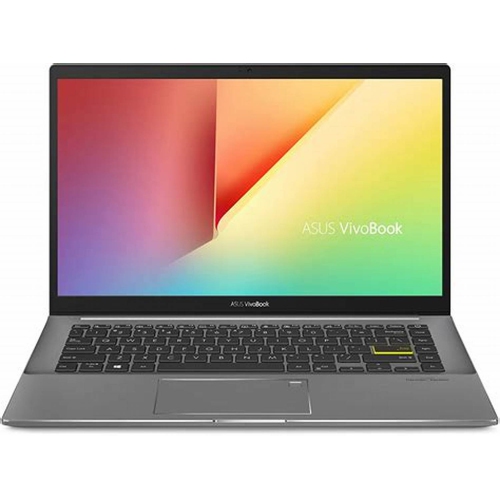
    A powerful ASUS laptop with a 16" Full HD display, Intel Core i5 processor, and 512GB SSD.

    $699.99
    SAVE $600
    Your price for this item is $699.99
  9. 9

    About this product

    A powerful touchscreen laptop featuring a 10-core Intel i7 processor, 16GB RAM, and 1TB SSD.

    $1,230.85
    SAVE $400
    Your price for this item is $1230.85
  10. 10

    About this product

    A refurbished laptop featuring an Intel Core i7, 32GB RAM, 1TB NVMe, and NVIDIA Quadro graphics.

    $850.00
    SAVE $150
    Your price for this item is $850

Why editing performance depends on more than processor power

The best laptops for video editing balance processing power, capable graphics, sufficient memory, and a display that makes footage easy to assess. For a student assembling a short documentary, a small-business owner producing product demonstrations, or a creator turning hours of footage into a polished tutorial, that balance matters more than any single specification. A recent multi-core processor helps with tasks such as decoding footage, generating previews, and exporting finished projects, although performance also depends on the editing application and video format. Graphics acceleration can make supported effects, colour adjustments, and timeline playback more responsive. A dedicated graphics processor is useful for demanding projects, but capable integrated graphics with hardware support for the source footage can also suit lighter editing. For many 1080p projects, 16GB of RAM provides a practical starting point; 32GB offers more room for complex 4K timelines, multiple camera angles, and working with several applications open. Neither amount guarantees uninterrupted playback, since compression, effects, storage speed, and cooling all influence the experience. A laptop used to trim family videos has different demands from one handling layered graphics and lengthy interviews. Even two 4K files can place very different loads on the same machine, depending on their codec, bit depth, and frame rate. Hardware decoding support for those files can matter as much as headline processor specifications. Editing with proxies—smaller working copies linked to the original footage—can make high-resolution projects more manageable without reducing the quality of the final export when the originals are used. For coursework, freelance assignments, and personal storytelling, a well-matched laptop keeps everyday tasks comfortable: scrubbing through a clip to find a fleeting expression, lining up narration with a scene, or checking a transition before sharing the finished piece. Compatibility with the intended editing software, its supported operating systems, and any required plug-ins is part of that fit, particularly when projects move between classmates, clients, or collaborators.

The screen is both a workspace and a reference for creative decisions, so resolution, colour reproduction, brightness, and physical size all deserve attention. A high-resolution display helps keep text and interface details clear, while a taller screen can leave more room for a preview window above the timeline. A 14-inch laptop is easier to carry between a classroom and a shared workspace, whereas a 16-inch model generally gives clips, audio tracks, and tool panels more breathing room. Wide colour coverage is useful, but it is not the same as colour accuracy: a panel covering close to 100% of sRGB can suit web-focused work, while broader DCI-P3 coverage may benefit projects using that colour space. Factory calibration and independent display measurements provide useful context beyond a vivid-looking showroom image. Consistent colour management matters too, especially when skin tones need to look natural across scenes filmed under different lighting. A matte finish can reduce distracting reflections, while a glossy screen may require more careful positioning around windows and overhead lights. At a desk, support for an external monitor makes it possible to separate the preview from the editing controls. Storage also shapes daily comfort. A solid-state drive helps applications launch quickly and gives media files a responsive workspace; a 512GB drive can fill quickly once source footage, project caches, and exports accumulate, while 1TB provides more working room. External SSDs can hold active projects when the laptop’s ports and the drive support suitable transfer speeds. Connector shape alone does not establish performance, since USB-C ports can differ in data speed, display support, and charging capability. A memory card reader can simplify importing camera footage, and an HDMI connection can make reviewing a cut on a larger screen more convenient. Headphone connectivity is useful for checking dialogue, background noise, and audio transitions without relying only on built-in speakers. Separate backups remain important because an active project drive, whether internal or external, is not a substitute for another copy of irreplaceable footage.

Portability is about more than the weight printed on a specification sheet. The charger, an external drive, headphones, and any adapters all become part of the bag, and a laptop that feels comfortable on a desk may be less convenient during a daily commute. Aluminium chassis can feel rigid and substantial, while well-built plastic designs may offer a lighter carry; hinge stability, keyboard support, and overall construction matter alongside the material itself. A padded sleeve helps protect the lid and corners during travel, and keeping drinks away from the keyboard reduces an avoidable risk to both the computer and unfinished work. Long exports place sustained demands on the processor and graphics hardware, making cooling design especially relevant to video editing. Fans may become audible during these tasks, and maximum performance often requires the supplied power adapter rather than battery operation. Battery-life figures based on light browsing do not represent hours of rendering or effects-heavy editing. A firm, flat surface leaves ventilation openings unobstructed, while routine cleaning according to the manufacturer’s directions helps keep dust from accumulating around vents. Serviceability can also influence long-term usefulness: some laptops allow memory or storage upgrades, while others have soldered memory or limited internal expansion. Comfortable keys and a precise touchpad make a difference when naming dozens of clips or placing a cut exactly where a speaker pauses, though an external mouse can make detailed timeline work easier. For lighter projects and simpler workflows, the Best Laptops for Video Editing Under $1000 collection offers another relevant point of comparison. As a gift for a film student, aspiring creator, or family archivist, a video editing laptop is most useful when its software compatibility, screen size, and carrying weight suit the recipient’s routine. The strongest fit supports the whole process, from importing the first clips and organizing folders to refining sound, checking colour, and exporting a finished video, without sacrificing the everyday comfort that makes creative work easier to return to.
Read More

FAQ

Some products may be subject to Environmental Handling Fees (EHF) depending on your province. Learn more about EHFs.