Bluetooth Backlit Keyboards
Enhance your typing experience with a Bluetooth backlit keyboard, designed to bring convenience and style to your workspace. Whether you're working late into the night or simply prefer a well-lit keyboard, these sleek and modern keyboards offer the perfect solution for increased productivity and comfort. Say goodbye to struggling to see the keys in dim lighting and hello to a more efficient typing experience. Discover the perfect Bluetooth backlit keyboard that suits your needs and preferences here.
Sort
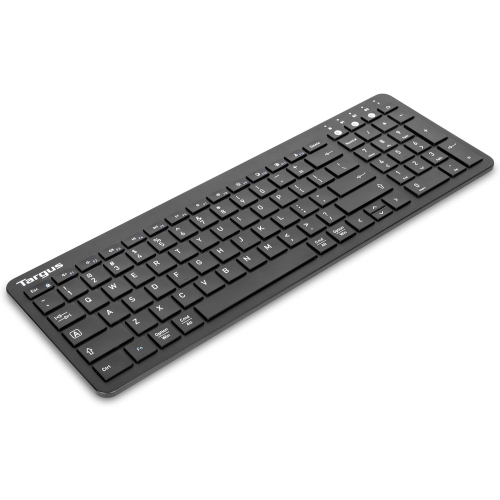
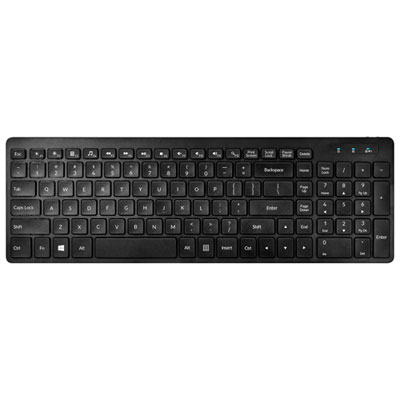
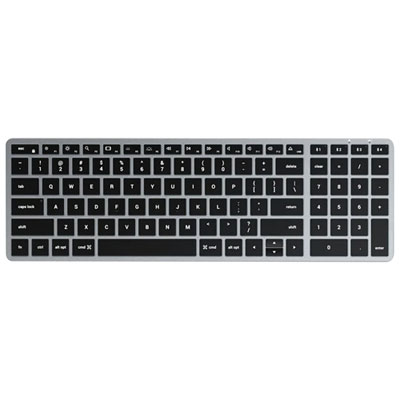
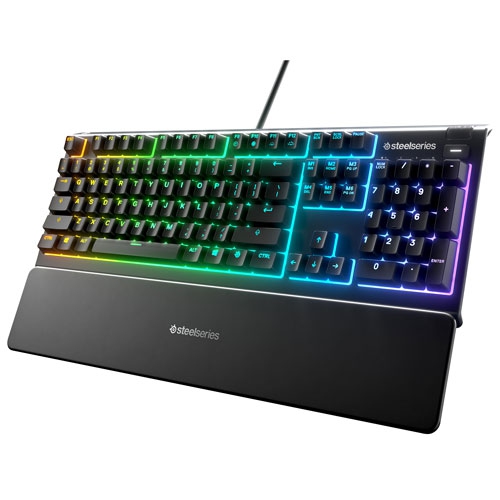
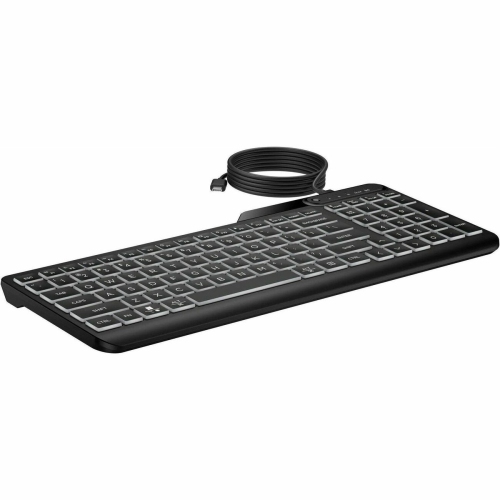
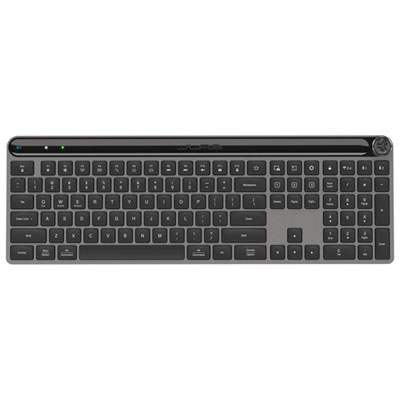

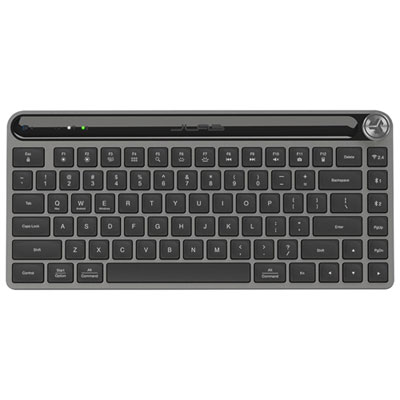
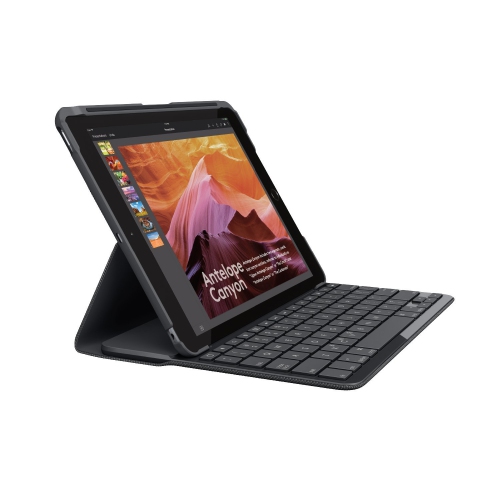
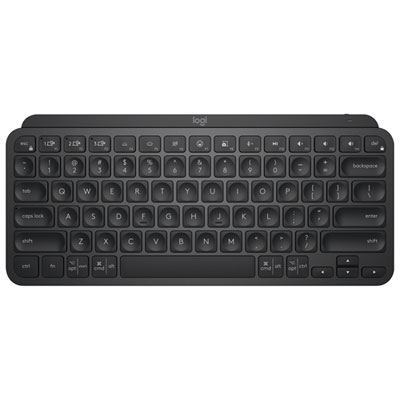
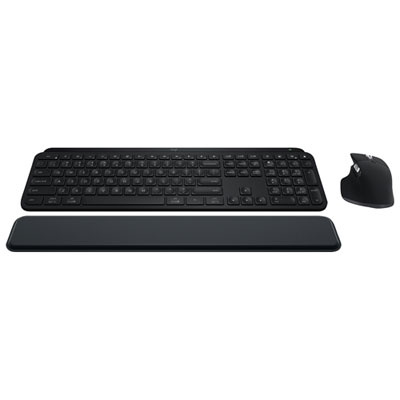
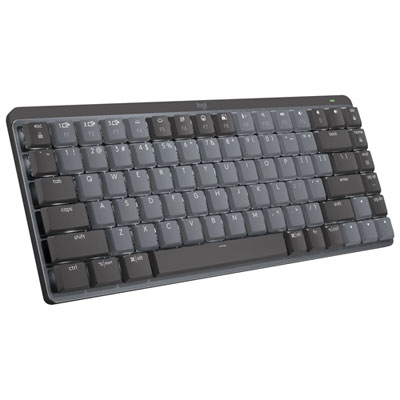
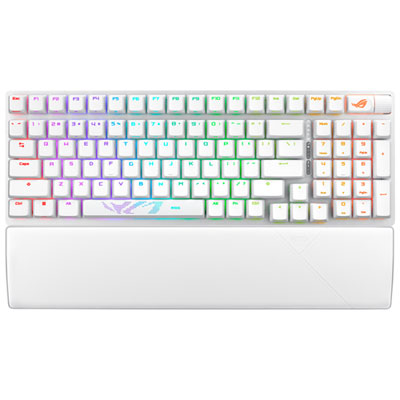
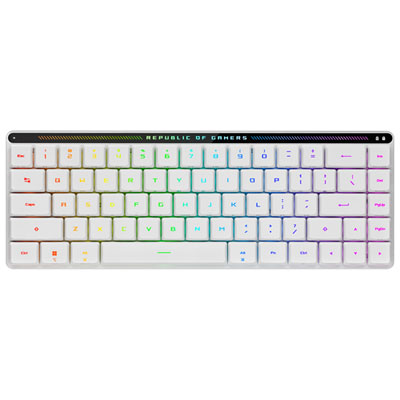
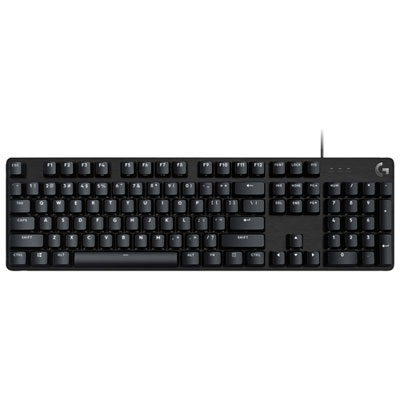
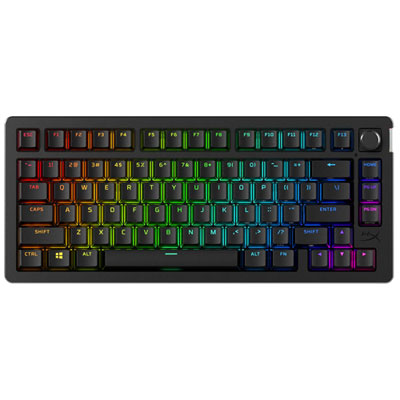
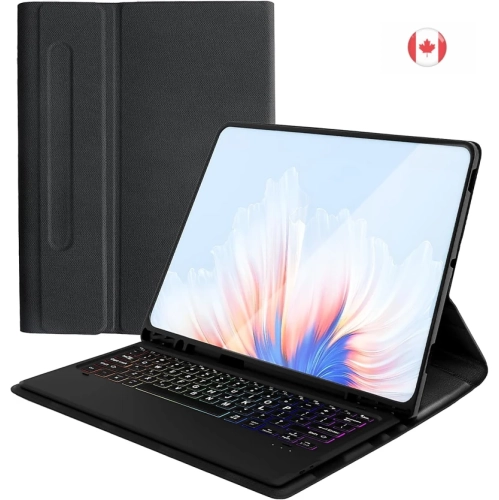
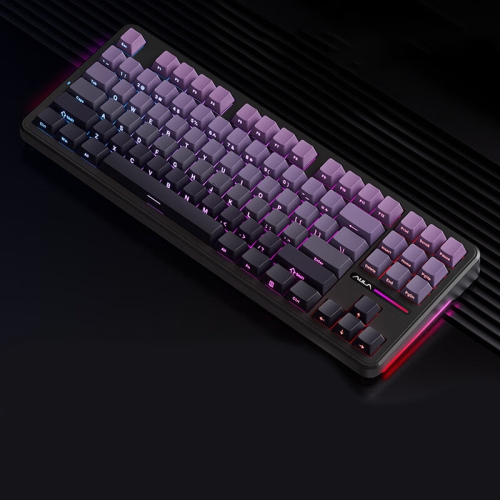
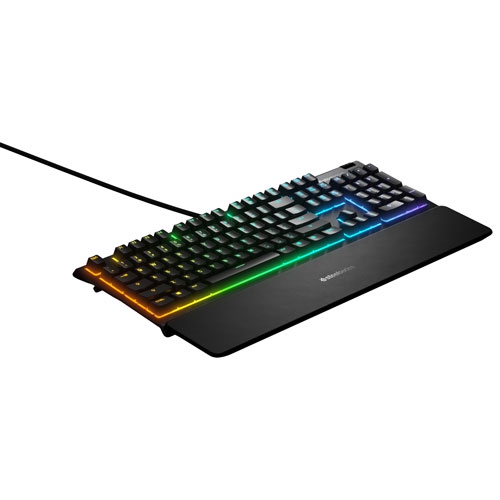
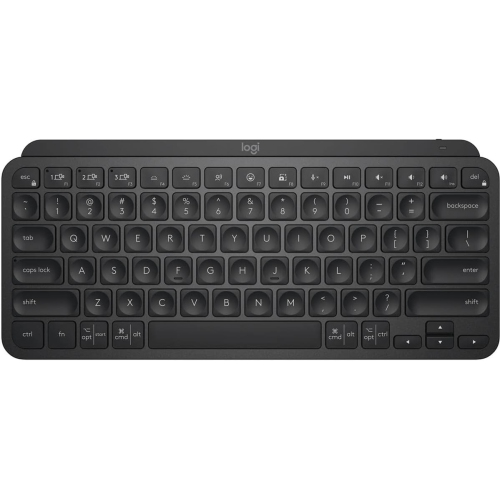
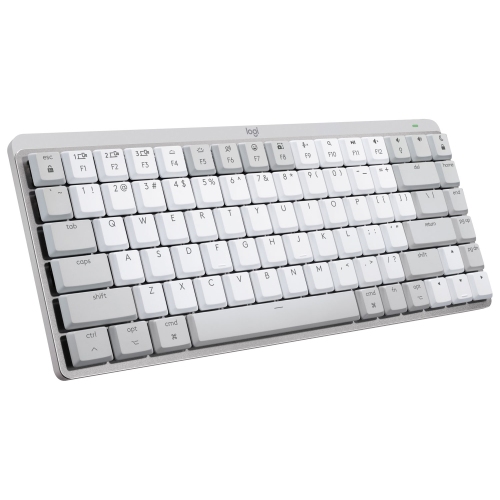
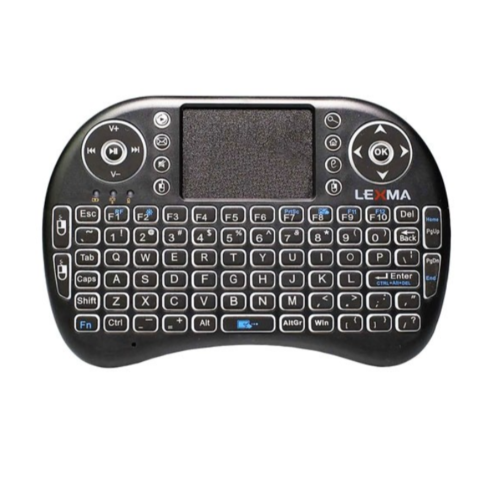
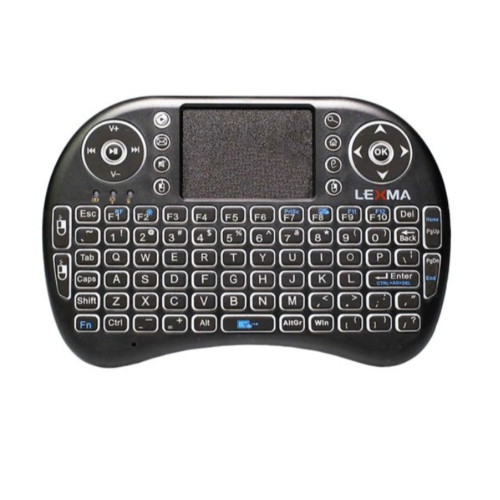
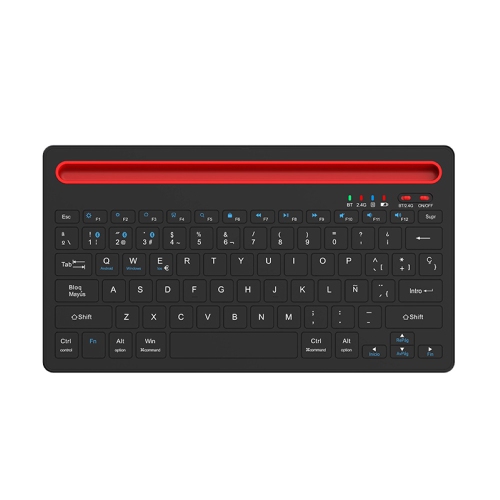
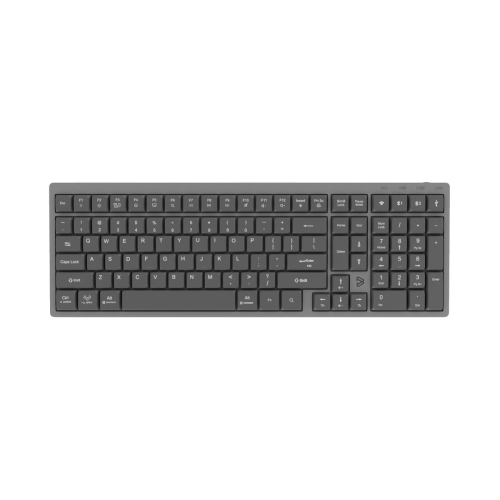
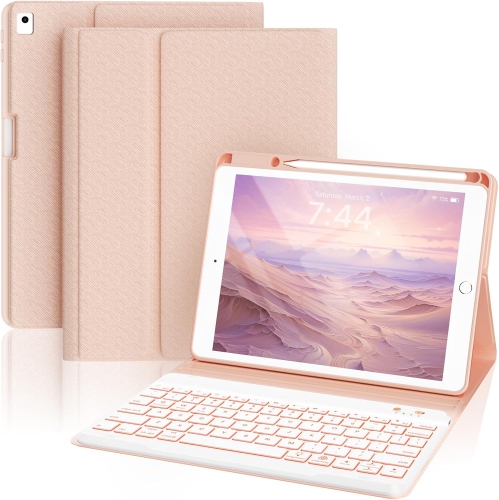
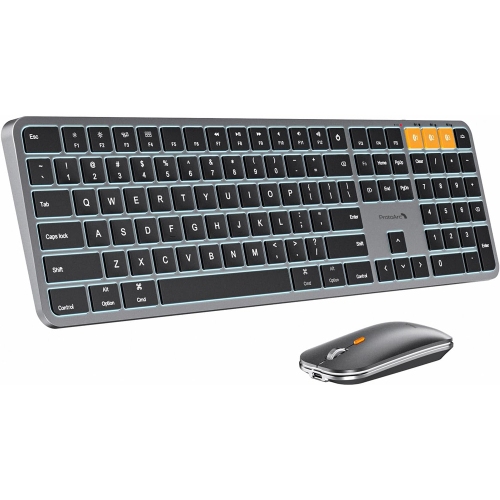
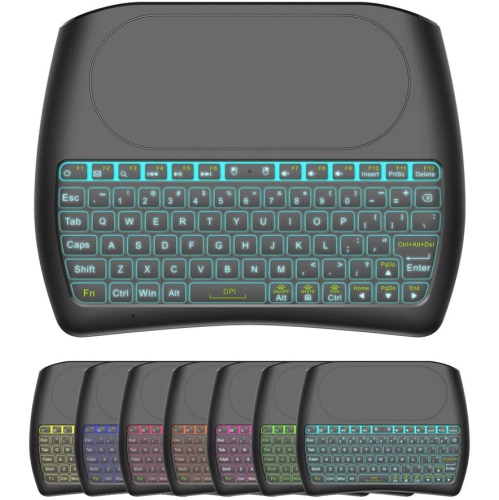
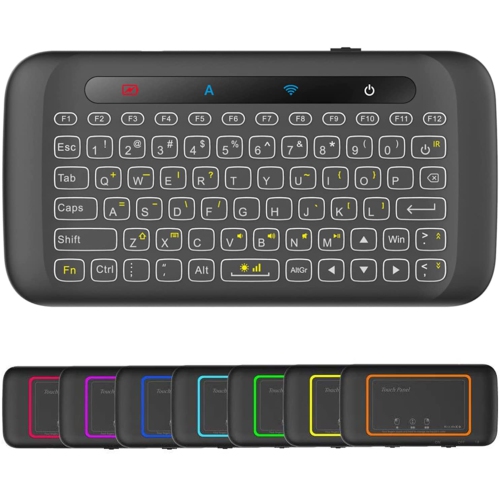
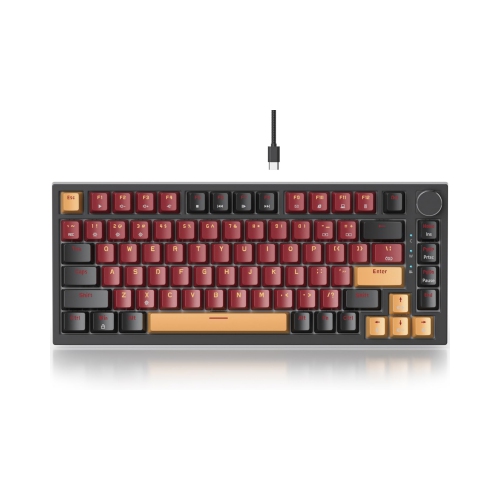
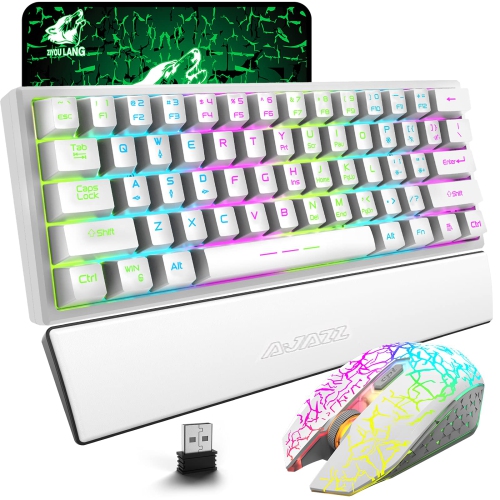

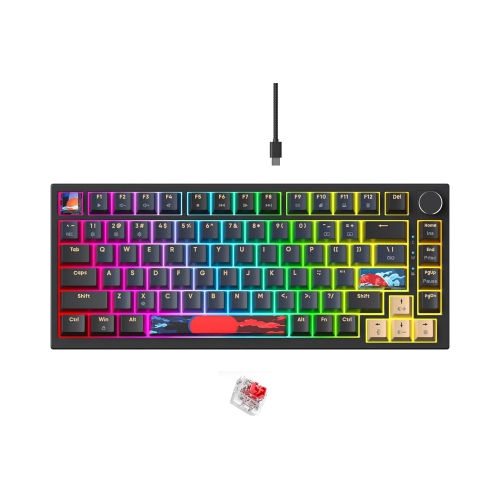
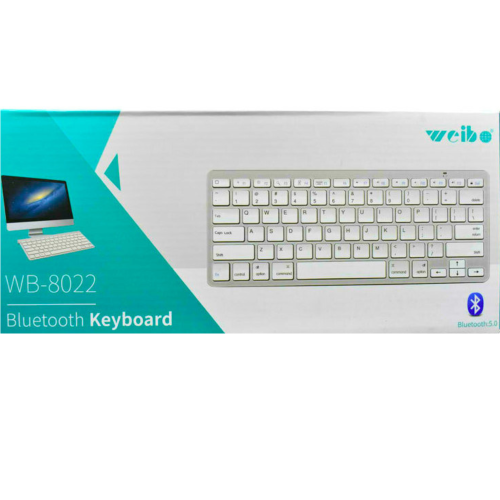





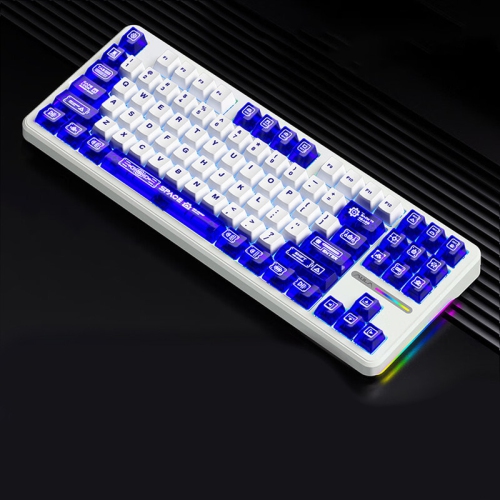
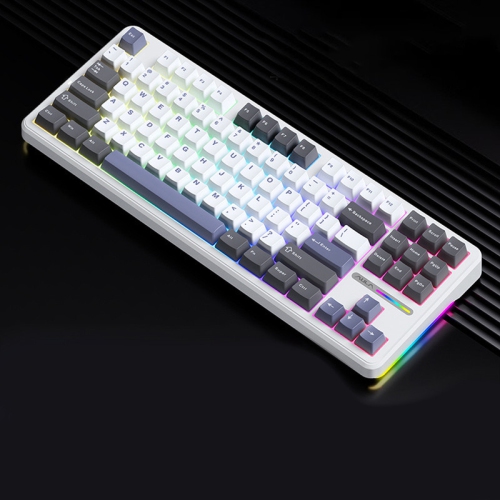
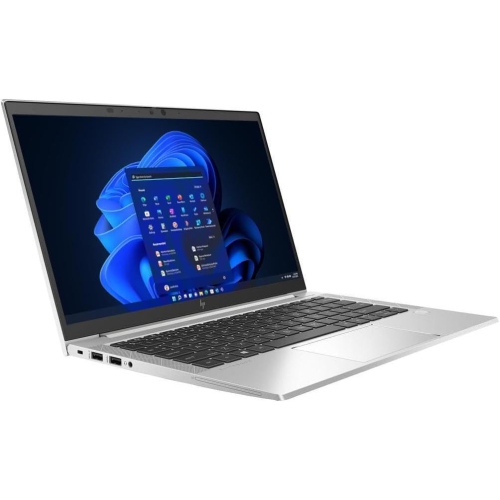
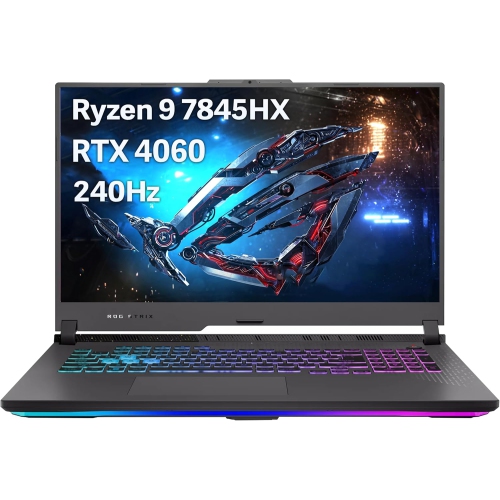
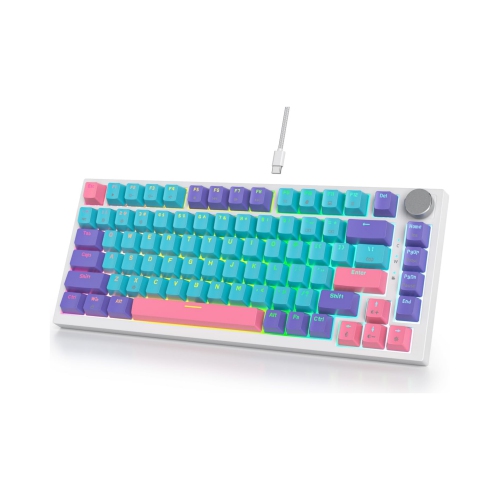
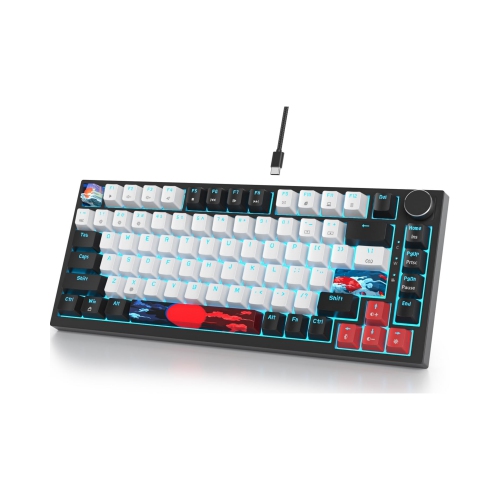
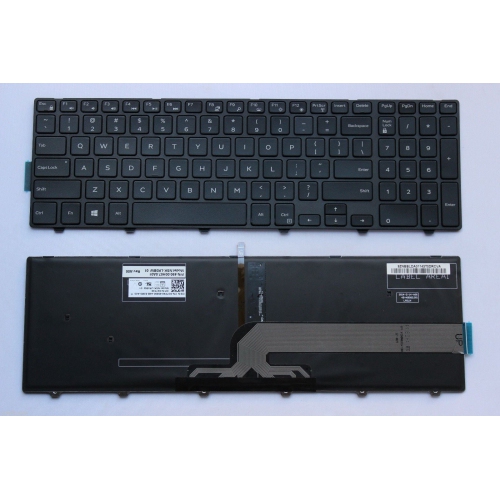
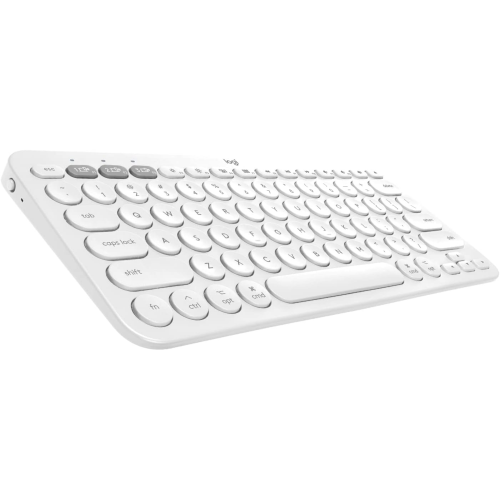
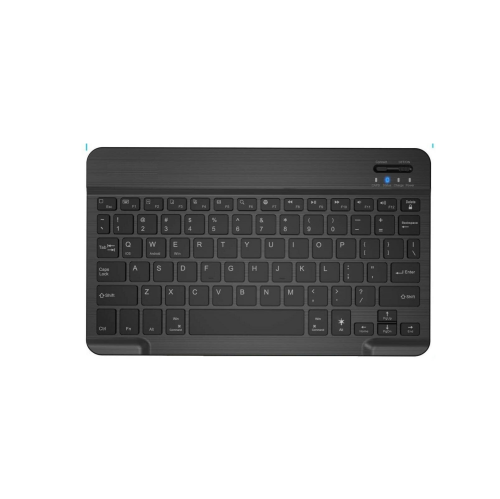
How wireless lighting, layout, switches, and battery life compare
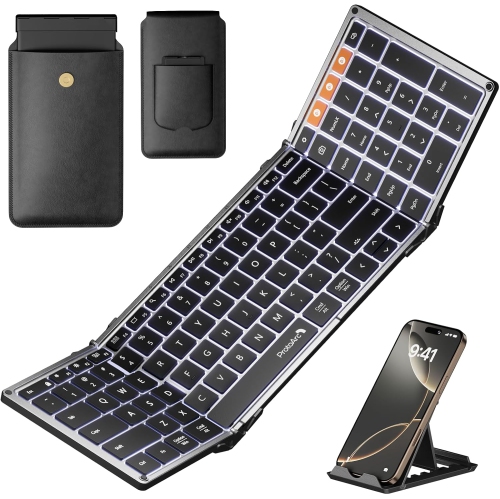
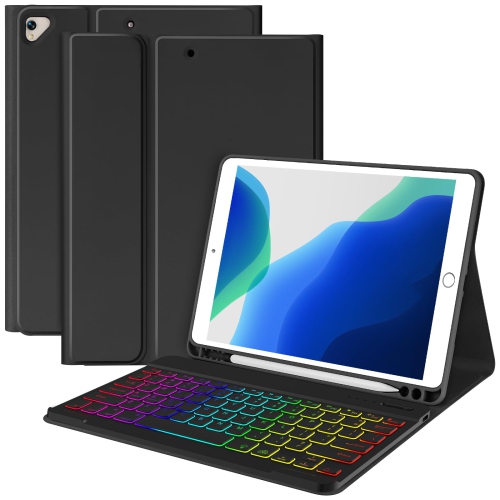
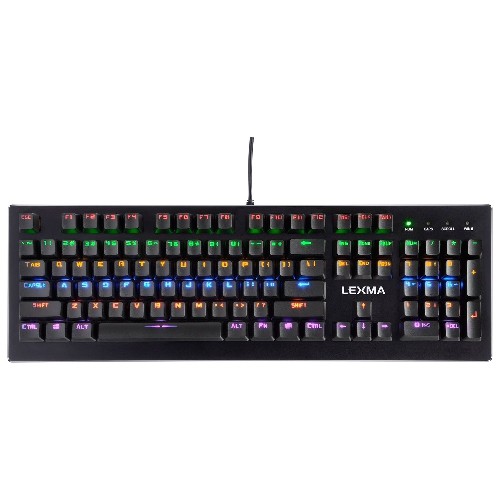
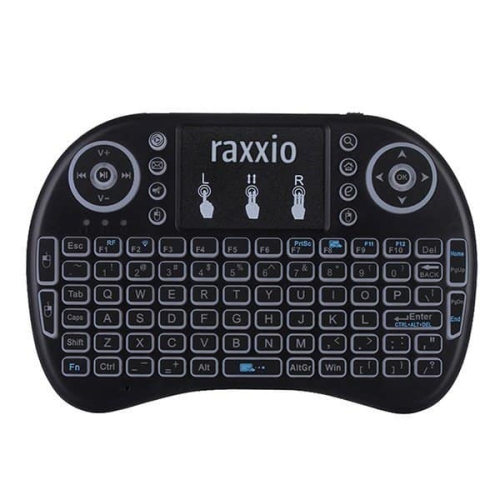
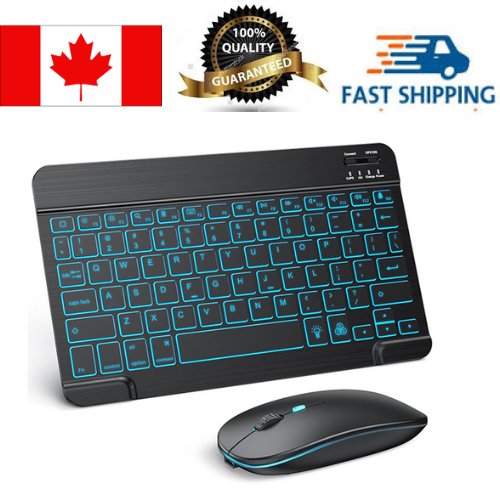
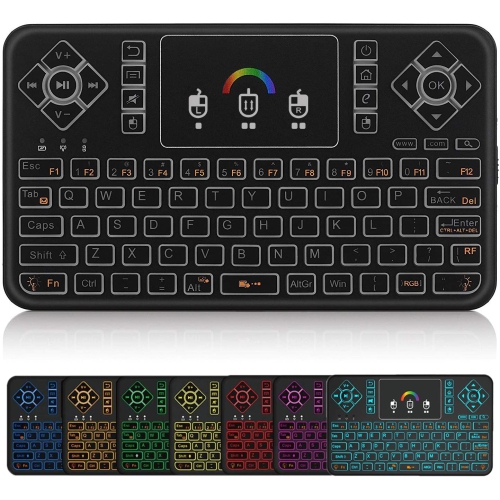
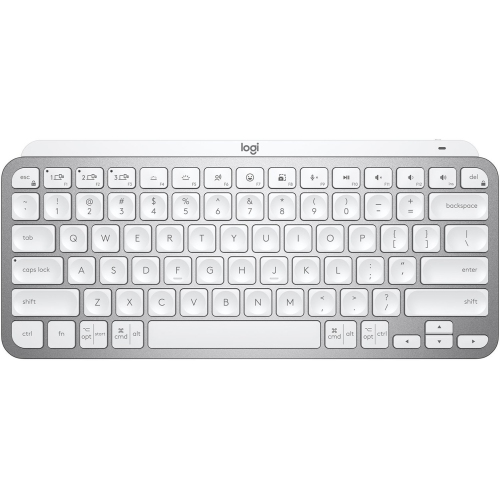
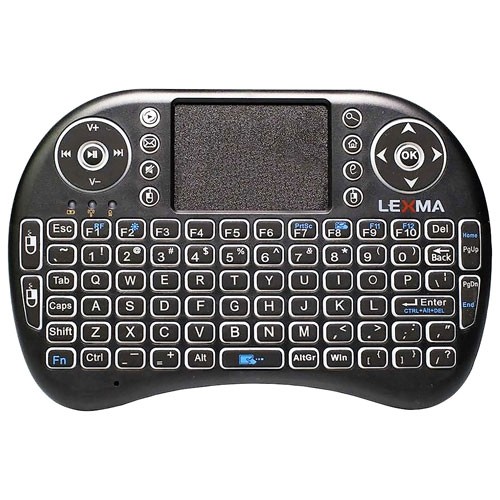
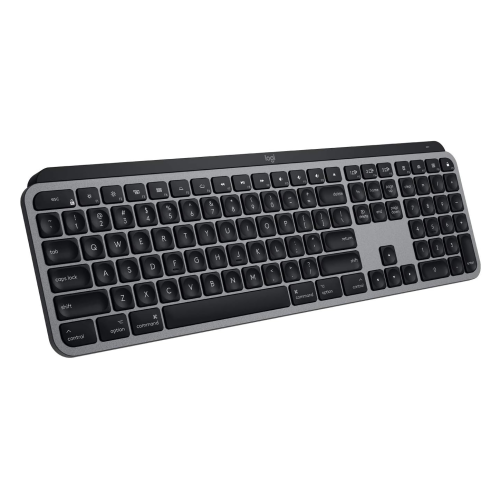
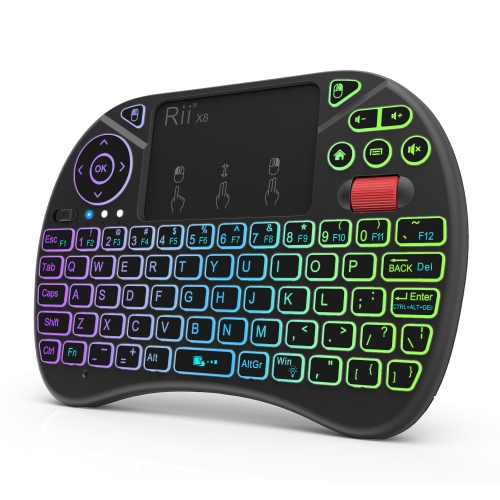
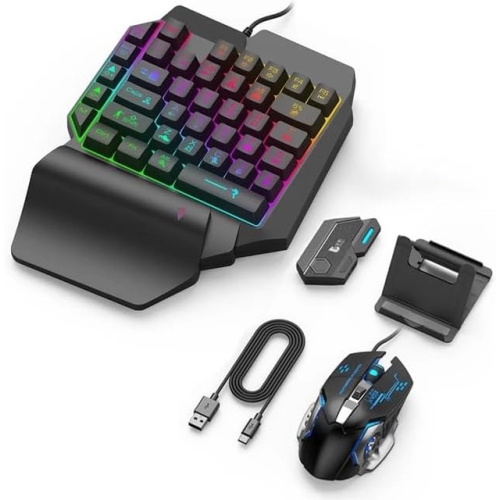
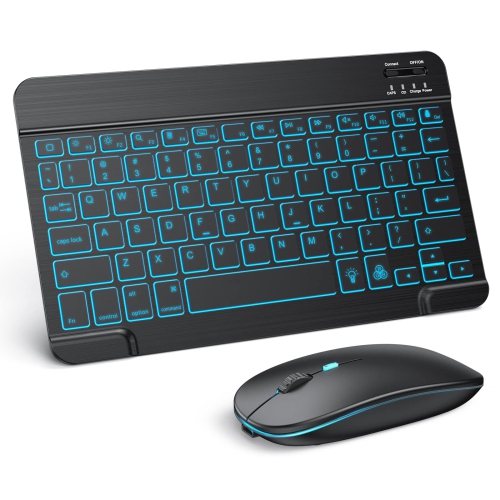
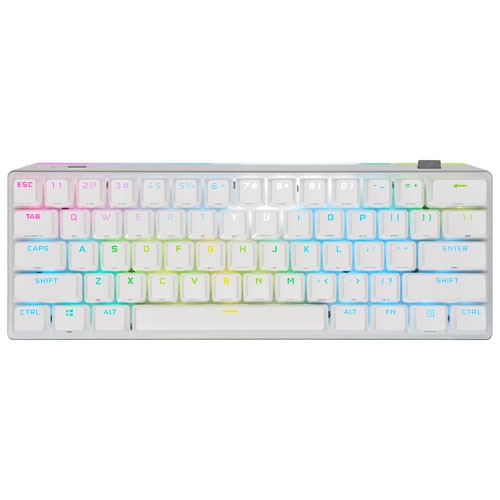
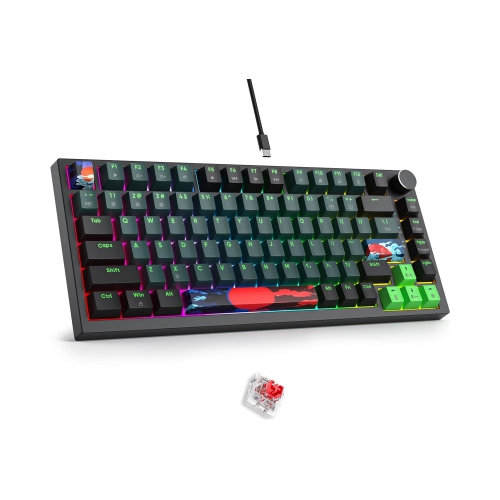
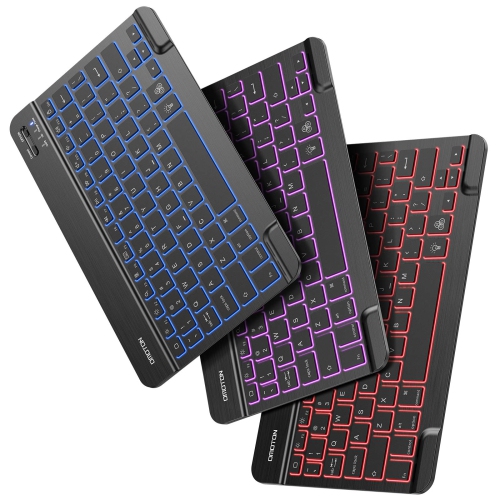
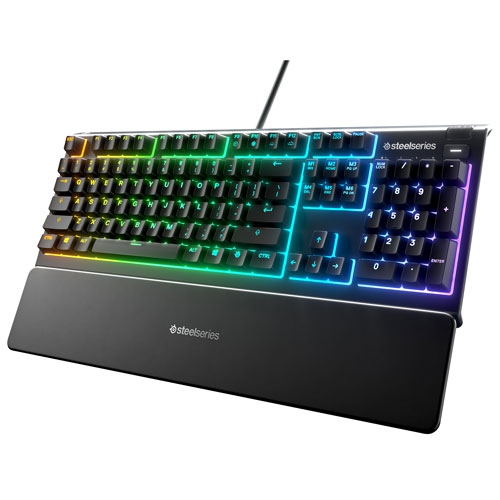
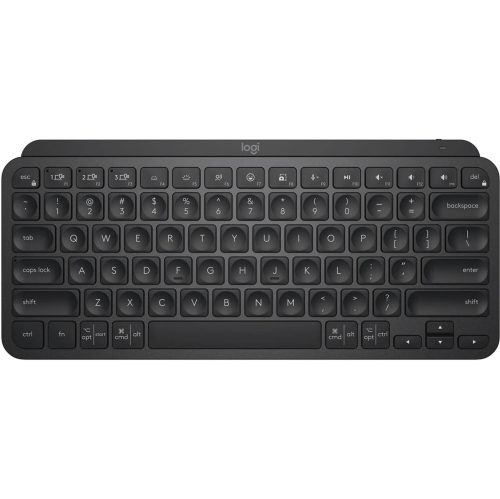
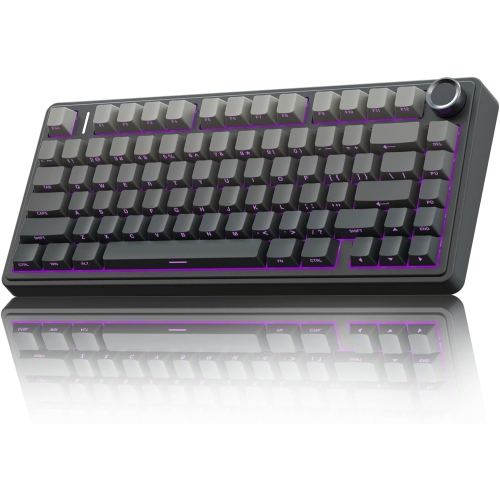
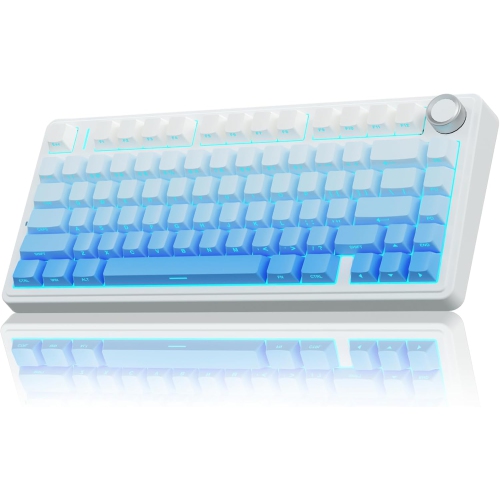
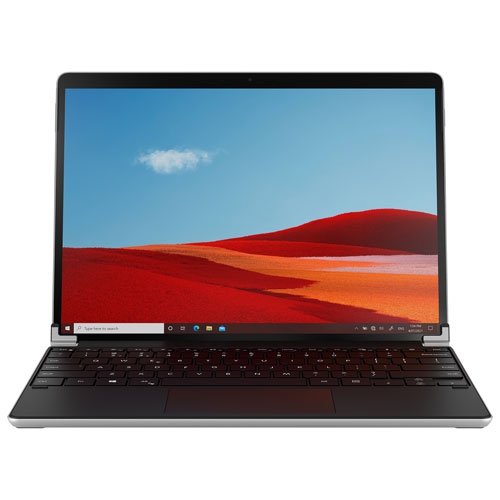
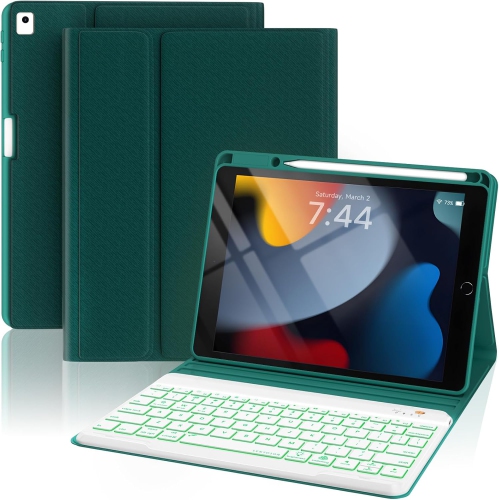
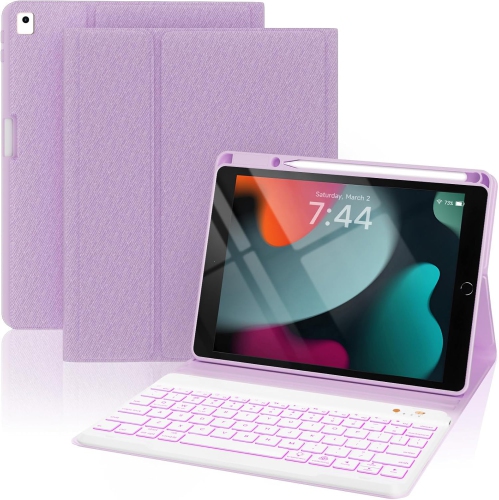
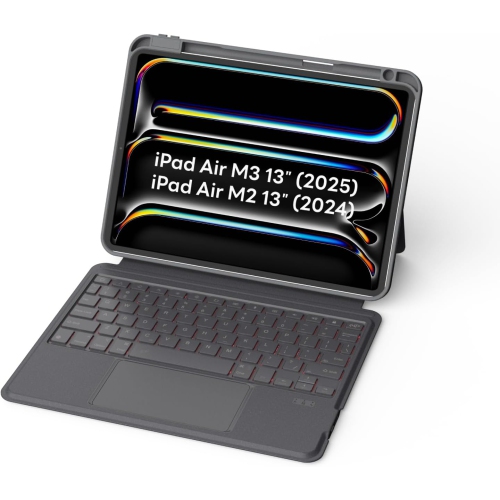
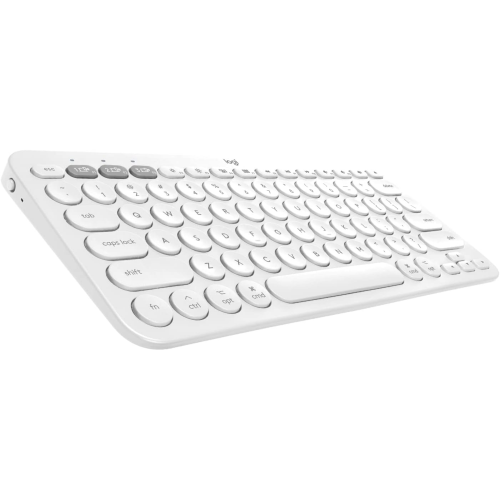
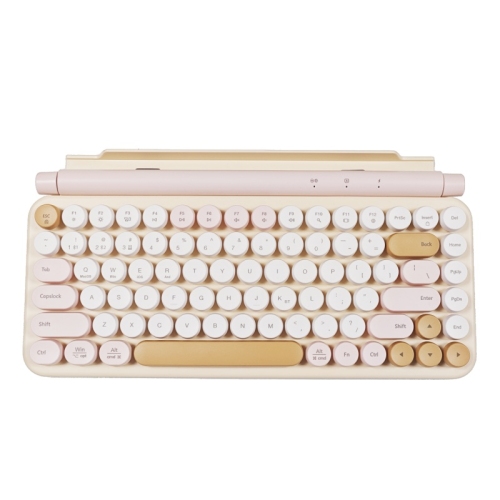
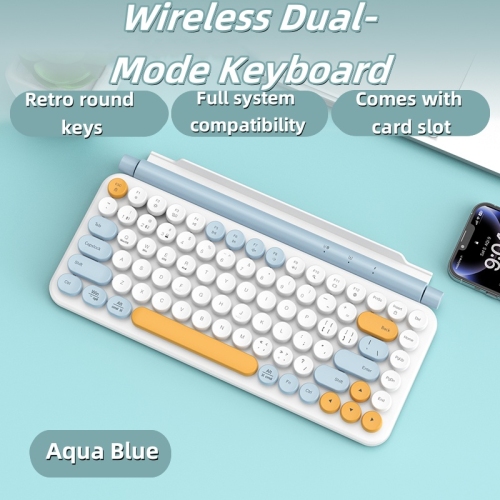
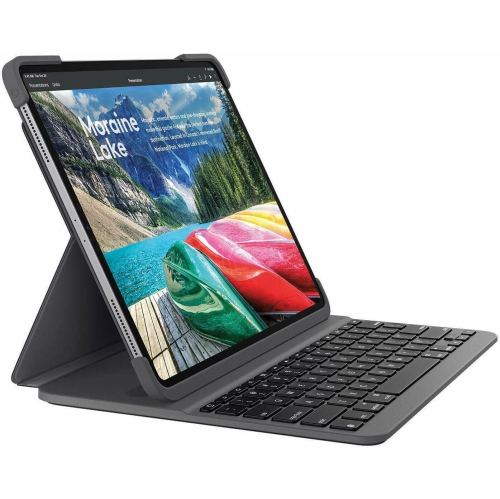
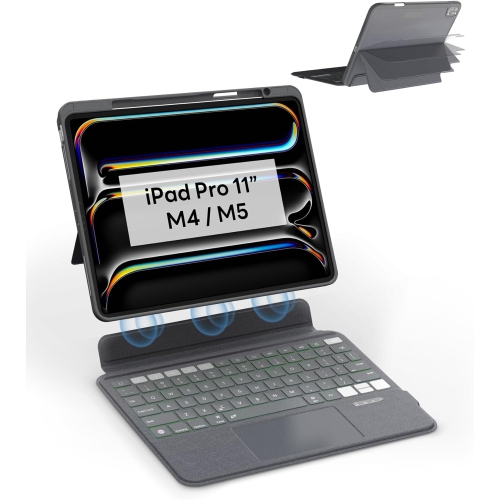
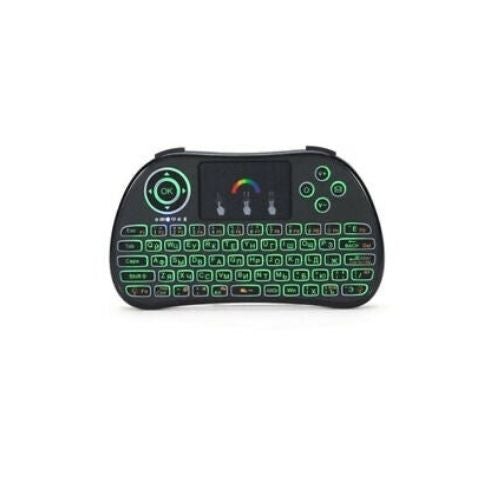
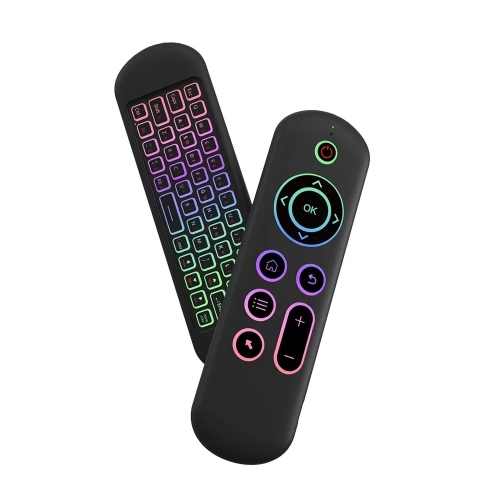
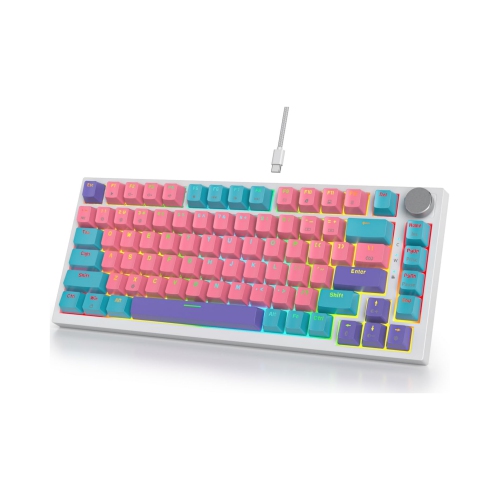
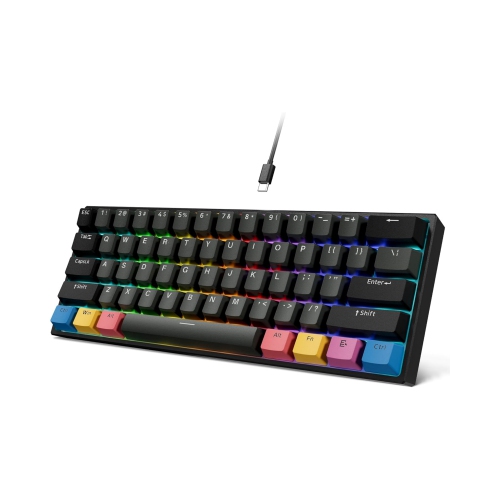
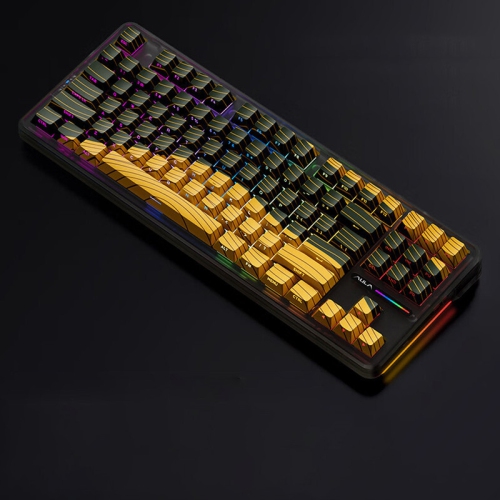
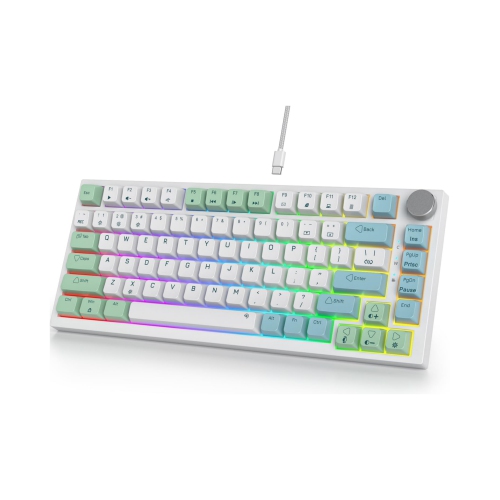
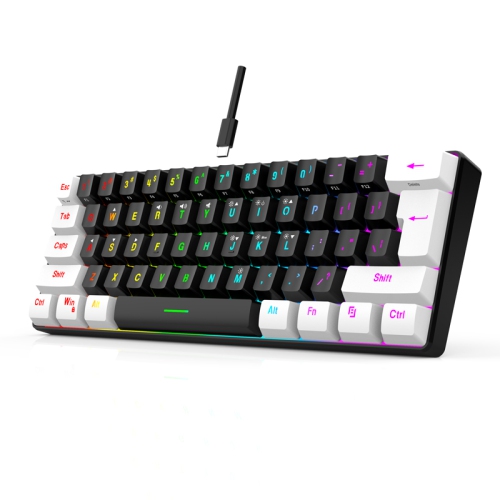
Bluetooth backlit keyboards bring together two practical features for everyday typing: wireless connectivity and illuminated keys. Instead of keeping your computer desk tied to a cable, you can pair a keyboard with a laptop, tablet, phone, or compatible smart device and keep your workspace looking clear and comfortable. The backlight is especially useful when the room is dim, whether you are finishing a report after the household has settled down, answering messages from the sofa, or working near a window during the shorter days of the year. Some keyboards use a simple white glow, while others offer adjustable brightness, multiple colours, or customizable lighting zones. A soft, even light can make letter legends easier to see without filling the room with glare, and adjustable controls let you reduce the brightness when you are typing late at night. If you are comparing different keyboard styles, browsing Backlit Keyboards can help you see the range of sizes, layouts, and lighting options available. Bluetooth backlit keyboards are a natural fit for people who move between a home office and other rooms, students who use both a tablet and a laptop, and anyone who prefers a clean desk without a separate receiver taking up a USB port. They can also be a thoughtful gift for a remote worker, university student, frequent traveller, or family member who enjoys writing, gaming, browsing, or keeping a digital journal. A compact model can slide into a backpack beside a tablet, while a full-size keyboard may feel more familiar for long typing sessions, spreadsheets, and general office work.
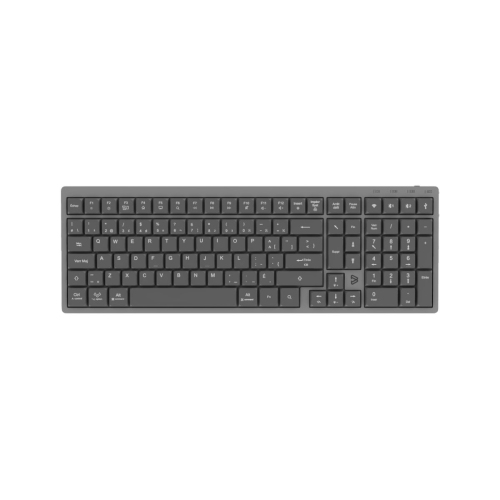
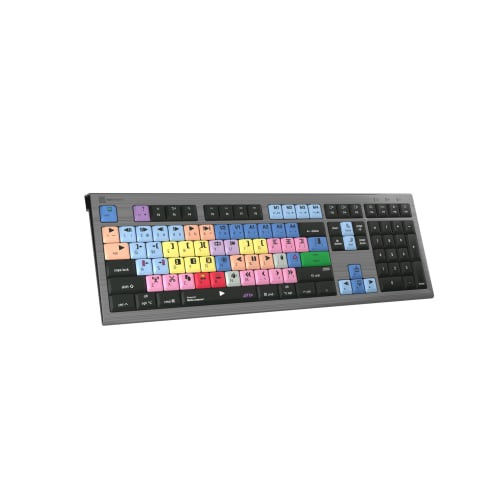
Size and key layout are among the first details to consider. Full-size keyboards typically include a dedicated numeric keypad, making them useful for invoices, budgeting, data entry, and anyone who frequently enters numbers. Tenkeyless designs leave out the number pad to create more room for a mouse, while compact and portable keyboards reduce the footprint even further for small desks or travel bags. Look closely at the layout if you regularly use shortcut keys, arrow keys, function controls, or a French-language configuration. A keyboard should feel natural under your hands, with a comfortable spacing and a layout that matches the way you work. Key switch type also changes the experience. Mechanical switches may provide a distinct tactile bump, a pronounced click, or a smoother and quieter press depending on the design. They can appeal to writers and gamers who appreciate responsive feedback, although louder switches may not suit a shared office or a quiet living room. Membrane and low-profile keyboards generally offer a softer, quieter feel and may be comfortable for family spaces, study areas, or video calls where background noise matters. Many models include shortcut controls for volume, media playback, screen brightness, or calculator access, reducing the need to reach for a mouse. For gaming, look for features such as responsive key registration, anti-ghosting, programmable controls, and lighting that can be adjusted to suit the game or room. For everyday productivity, a comfortable wrist position, stable construction, and clearly visible legends may matter more than elaborate lighting effects.
Bluetooth pairing is another important part of the decision. Some keyboards can remember two, three, or even four devices and let you switch between them with a dedicated button or key combination. This is handy when a single keyboard serves a work laptop, personal computer, tablet, and phone throughout the day. Before buying, confirm that the keyboard supports the operating systems and Bluetooth versions used by your devices, and check whether any advanced functions require companion software. Wireless keyboards may use rechargeable batteries or replaceable batteries. Backlighting draws more power, so battery life can vary considerably depending on brightness, lighting effects, connection settings, and daily use. A keyboard with a battery indicator can make it easier to plan a recharge, while a USB charging connection allows you to keep working after connecting a suitable cable. Turning the backlight down or off when it is not needed can extend the time between charges, particularly during long workdays or travel. It is also worth considering whether the keyboard can be used while charging, how quickly it wakes from sleep, and whether its connection remains steady in your workspace. For a seasonal home-office refresh during the cooler months, a wireless backlit keyboard can make a desk in a den, bedroom, or shared living area feel more adaptable. Place it with a laptop stand or monitor for a more comfortable setup, keep the keyboard at a height that allows relaxed shoulders, and choose lighting that makes the keys easy to read without straining your eyes. With the right size, switch feel, connection options, and battery features, a Bluetooth backlit keyboard can become a dependable part of work, study, entertainment, and everyday communication.
Size and key layout are among the first details to consider. Full-size keyboards typically include a dedicated numeric keypad, making them useful for invoices, budgeting, data entry, and anyone who frequently enters numbers. Tenkeyless designs leave out the number pad to create more room for a mouse, while compact and portable keyboards reduce the footprint even further for small desks or travel bags. Look closely at the layout if you regularly use shortcut keys, arrow keys, function controls, or a French-language configuration. A keyboard should feel natural under your hands, with a comfortable spacing and a layout that matches the way you work. Key switch type also changes the experience. Mechanical switches may provide a distinct tactile bump, a pronounced click, or a smoother and quieter press depending on the design. They can appeal to writers and gamers who appreciate responsive feedback, although louder switches may not suit a shared office or a quiet living room. Membrane and low-profile keyboards generally offer a softer, quieter feel and may be comfortable for family spaces, study areas, or video calls where background noise matters. Many models include shortcut controls for volume, media playback, screen brightness, or calculator access, reducing the need to reach for a mouse. For gaming, look for features such as responsive key registration, anti-ghosting, programmable controls, and lighting that can be adjusted to suit the game or room. For everyday productivity, a comfortable wrist position, stable construction, and clearly visible legends may matter more than elaborate lighting effects.
Bluetooth pairing is another important part of the decision. Some keyboards can remember two, three, or even four devices and let you switch between them with a dedicated button or key combination. This is handy when a single keyboard serves a work laptop, personal computer, tablet, and phone throughout the day. Before buying, confirm that the keyboard supports the operating systems and Bluetooth versions used by your devices, and check whether any advanced functions require companion software. Wireless keyboards may use rechargeable batteries or replaceable batteries. Backlighting draws more power, so battery life can vary considerably depending on brightness, lighting effects, connection settings, and daily use. A keyboard with a battery indicator can make it easier to plan a recharge, while a USB charging connection allows you to keep working after connecting a suitable cable. Turning the backlight down or off when it is not needed can extend the time between charges, particularly during long workdays or travel. It is also worth considering whether the keyboard can be used while charging, how quickly it wakes from sleep, and whether its connection remains steady in your workspace. For a seasonal home-office refresh during the cooler months, a wireless backlit keyboard can make a desk in a den, bedroom, or shared living area feel more adaptable. Place it with a laptop stand or monitor for a more comfortable setup, keep the keyboard at a height that allows relaxed shoulders, and choose lighting that makes the keys easy to read without straining your eyes. With the right size, switch feel, connection options, and battery features, a Bluetooth backlit keyboard can become a dependable part of work, study, entertainment, and everyday communication.
Top selling and popular products
-
 Your price for this item is $39.98
 -
 Your price for this item is $49.72
 -
 Your price for this item is $159
 -
 Your price for this item is $219.99
 -
 Your price for this item is $199.99
 -
 Your price for this item is $44.99
 -
 Your price for this item is $22.68
 -
 Your price for this item is $169.99
Discover more categories related to Bluetooth Backlit Keyboards

Top Collections:
Pokemon Centers, Kindle Devices, Best Budget Office Chairs, Apple iPhones 16, Best Laptops for Writers, iPhone 15 Apple, Canon G7X Cameras, Refurbished Apple Laptops, Alarm Clock, Motorola Razr Phones
Some products may be subject to Environmental Handling Fees
(EHF) depending on your province.
Learn more about EHFs.