Full Size Bluetooth Keyboards
Upgrade your workspace and enhance your typing experience with a Full Size Bluetooth Keyboard. Designed to provide comfort and convenience, these keyboards are perfect for home offices, professional workstations, or any setup where productivity matters. Enjoy seamless wireless connectivity and a spacious layout that makes multitasking effortless. Browse a wide selection of Full Size Bluetooth Keyboards to find the perfect fit for your needs.
Sort
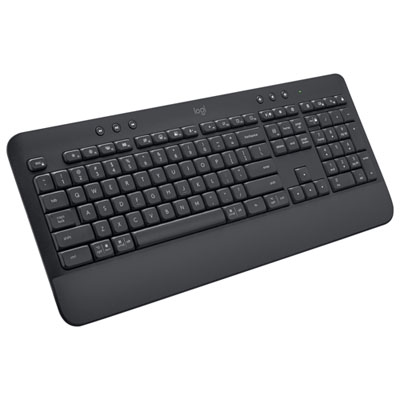
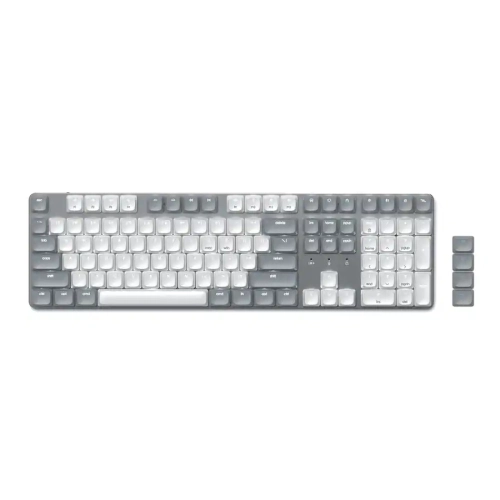
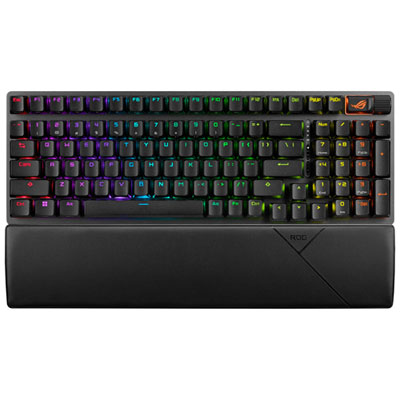
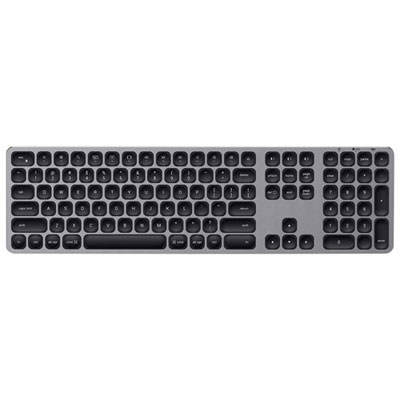
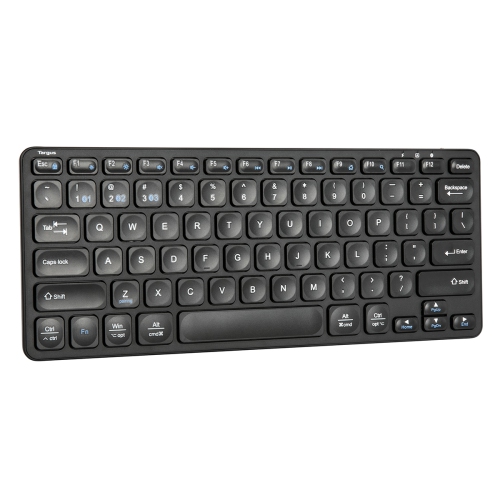
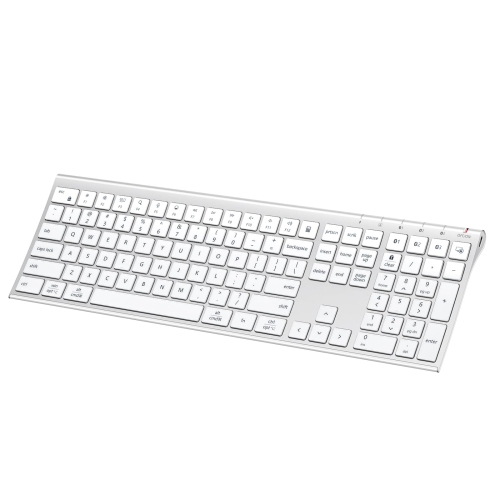
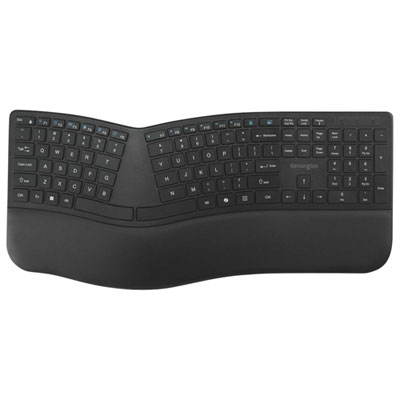
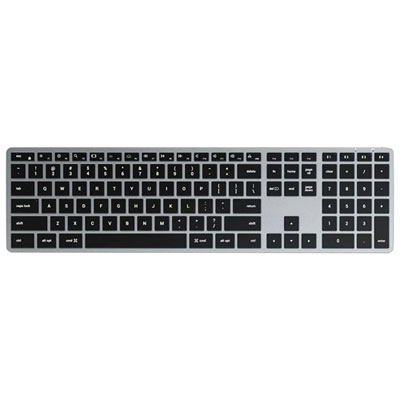
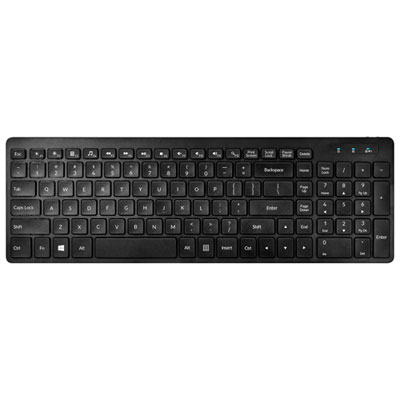
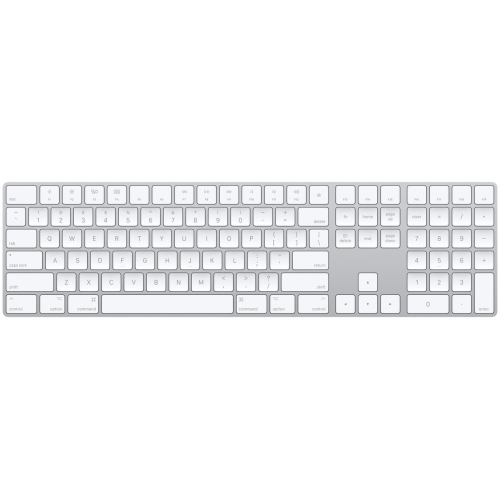
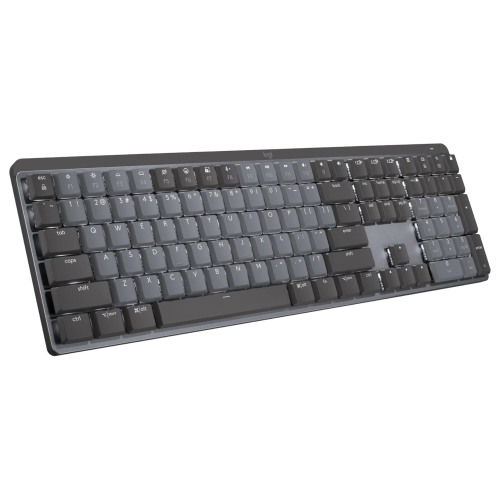
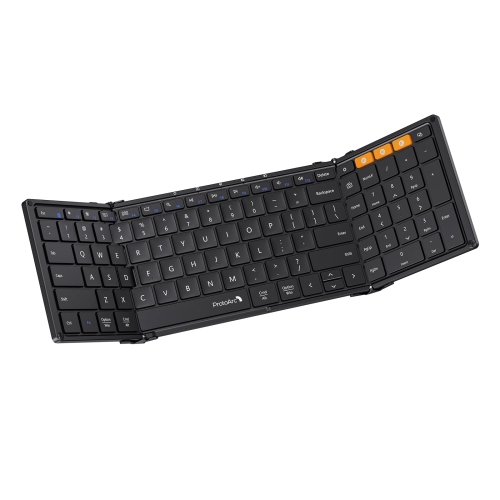
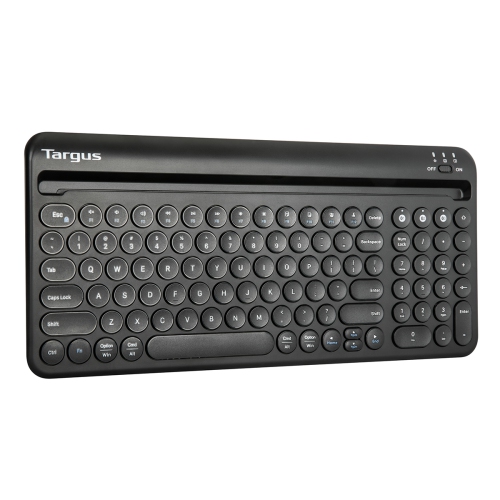
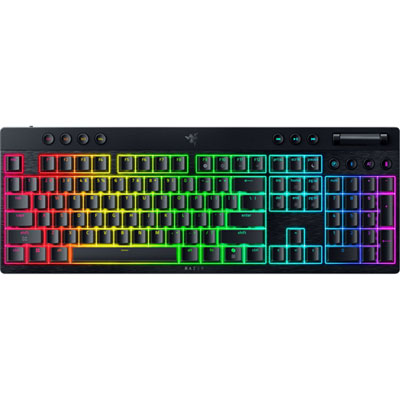
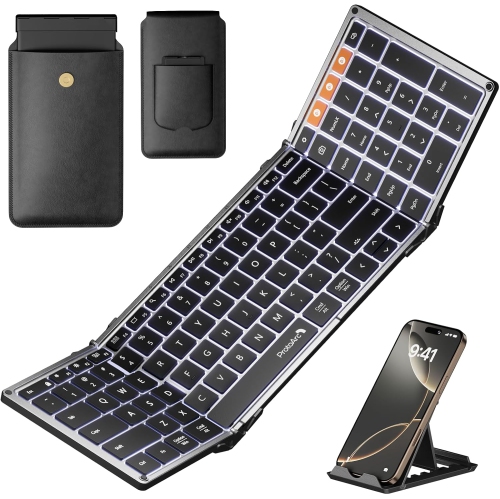
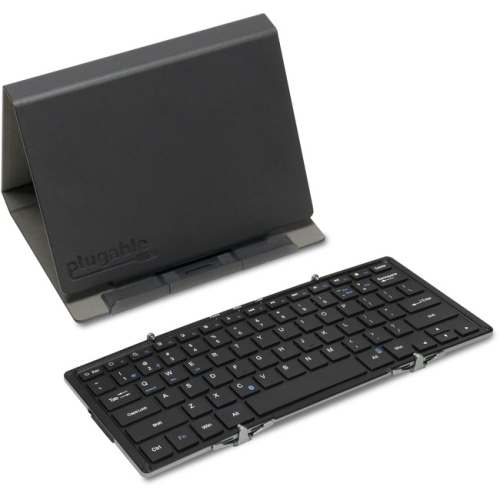
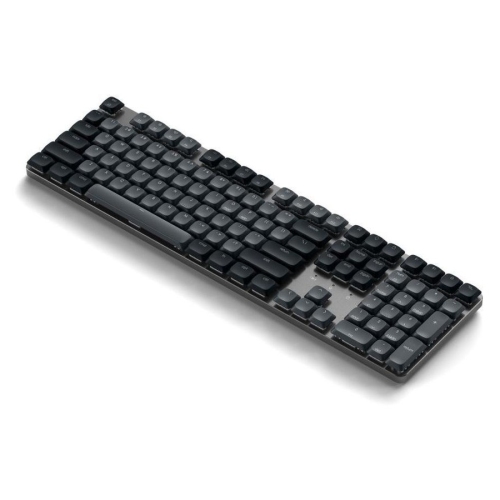
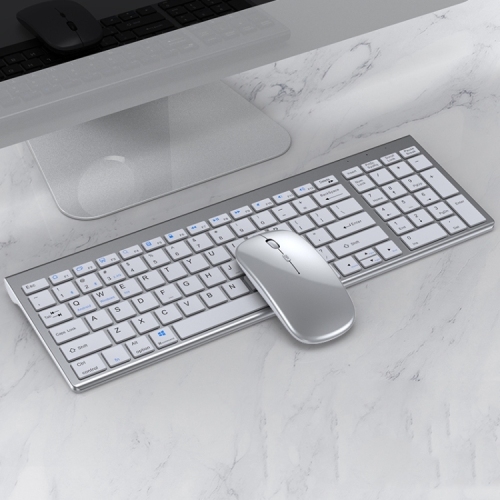
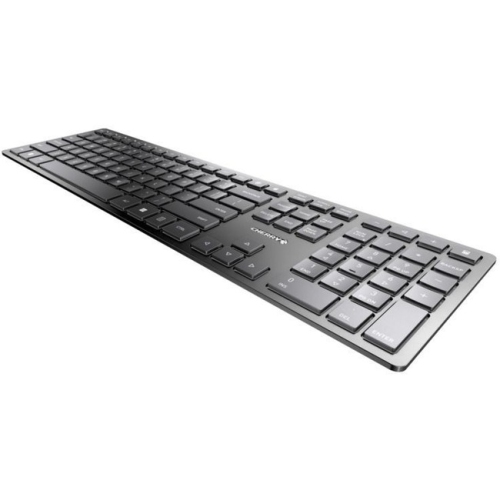
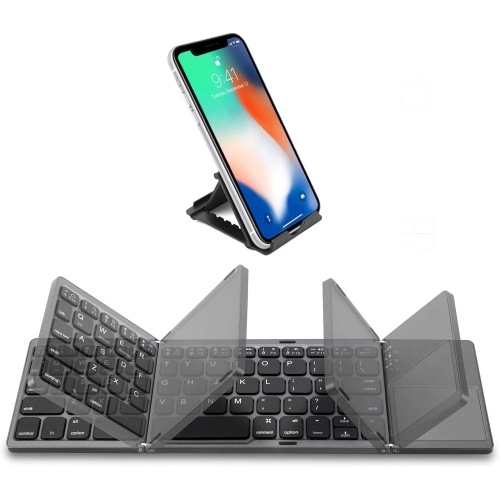
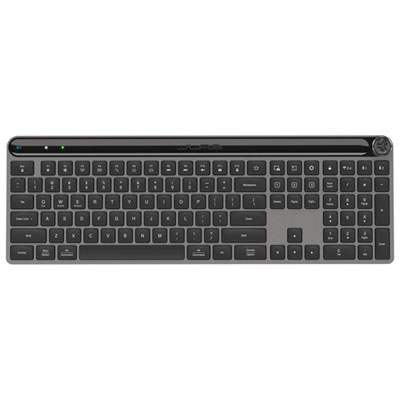
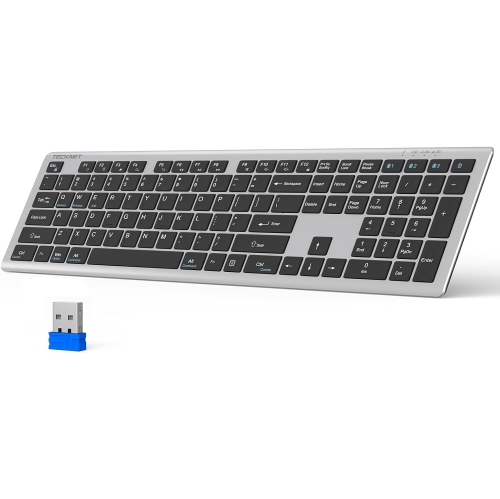
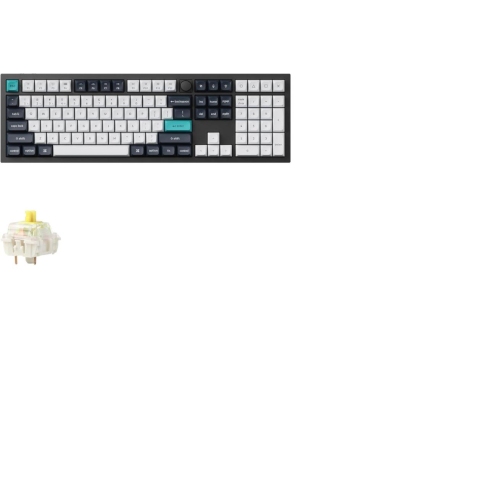
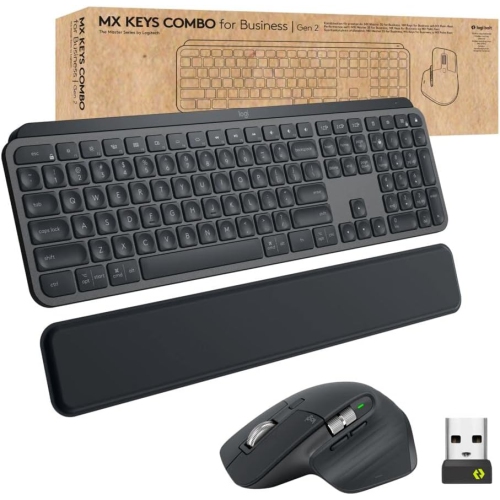
A full typing layout that leaves USB ports free
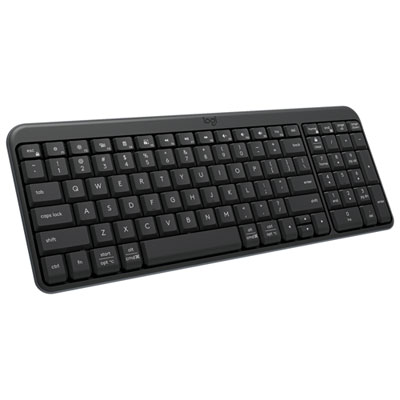
Full-size Bluetooth keyboards combine a complete typing layout with wireless connectivity, making them a practical choice for everyday computer work, number-heavy tasks, and a dedicated desk setup. A typical full-size layout includes the main letter keys, a function row, separate arrow and navigation keys, and a dedicated number pad on the right. That number pad is especially useful when entering expenses, updating a spreadsheet, recording measurements, or working through calculations without repeatedly reaching across the top row. Separate Home, End, Page Up, and Page Down keys also make it easier to move through lengthy documents, although their placement varies by layout. Bluetooth connects the keyboard to a compatible computer, tablet, or other supported device without requiring a dedicated USB receiver, leaving ports free for accessories such as external storage or a webcam. Some keyboards support pairing with multiple devices and include buttons or shortcuts for switching between them. This can suit a workspace where a desktop handles spreadsheets while a tablet sits nearby for messages or notes. Multi-device support is not universal, and the number of stored connections differs between keyboards. Operating system compatibility matters, too: basic typing may work across several systems, while media controls, shortcut keys, and customization software may have narrower support. Key legends can favour one operating system or show alternate commands for more than one. For anyone typing in both English and French, the physical key layout and the language layout selected on the connected device deserve attention, since printed characters do not always match the active input settings. Full-size Bluetooth keyboards are particularly well suited to students, home office users, administrators, and anyone who prefers familiar key spacing and dedicated controls. They can also make a thoughtful gift for someone setting up a study area or replacing a cramped laptop typing position, provided the recipient’s device compatibility, preferred layout, and desk space are known. Their appeal lies in keeping frequently used keys within reach while reducing the cable running across the work surface.
Typing feel is one of the biggest differences between full-size Bluetooth keyboards, even when their layouts look similar. Low-profile scissor-switch designs generally offer short key travel and a relatively crisp press, which may feel familiar to laptop users. Membrane designs often have a softer, cushioned response, while mechanical designs use individual switches that can feel smooth, provide a tactile bump, or produce an audible click. These categories offer a starting point rather than a guarantee: sound and feel also depend on the keycaps, case construction, stabilizers, and the surface beneath the keyboard. In a shared office or a room used for video calls, a quieter key action can be more suitable than a pronounced click. Someone who spends hours drafting reports may care more about consistent resistance and stable keys, particularly on the space bar and other wider keys. Keycap shape, spacing, and surface texture influence how confidently fingers settle into position. Clearly printed legends and optional backlighting can improve visibility, though lighting features add to battery use. Materials also affect the experience. Plastic housings can keep weight manageable, while metal top plates or frames may provide a more rigid feel. Neither material alone determines durability; a sturdy case, dependable key mechanisms, secure feet, and legible markings all contribute to daily usability. Desk fit deserves just as much attention as the keys themselves. A full-size keyboard takes up more width than a layout without a number pad, and that extra width can push a mouse farther to the side. Enough room for both accessories helps keep frequently used controls comfortably accessible. A low front edge, adjustable feet, or a compatible palm rest may suit different preferences, but a steeper angle is not automatically more comfortable. For a narrower work surface or a setup that travels frequently, Compact Bluetooth Keyboards offer an alternative with a smaller footprint. Full-size layouts remain useful where regular number entry and separate navigation controls take priority over saving space.
Power, connection options, and routine care round out the practical differences between full-size Bluetooth keyboards. Some use replaceable batteries, while others have a built-in rechargeable battery and charge through a cable. Stated battery life depends on conditions such as daily typing time, backlighting brightness, sleep settings, and device switching, so it is best understood alongside the manufacturer’s test assumptions. A charging port does not necessarily support wired typing; keyboards that offer a true wired mode specify it separately. Likewise, a keyboard described as wireless may use Bluetooth, a USB receiver, or both, and these connection methods are not interchangeable. Bluetooth is convenient for compatible devices with limited ports, while an optional receiver or wired mode can provide another connection choice where supported. For fast-paced gaming, latency, key rollover, and connection stability warrant closer attention than they might for email or document work. Some keyboards are designed mainly for productivity rather than rapid simultaneous inputs. Everyday features can be equally valuable: accessible volume controls, a clear battery indicator, and easy-to-find device switching buttons help keep small interruptions from breaking concentration. In a shared household, distinct pairing controls can make moving between a study computer and another supported device more straightforward. For long-term care, switch the keyboard off before cleaning, disconnect any cable, and follow its care instructions. A soft brush can lift loose debris from between keys, while a lightly dampened, lint-free cloth can clean suitable exterior surfaces without soaking them. Liquid should never be sprayed directly onto the keyboard, and keycaps should only be removed when the manufacturer permits it. Any spill-resistant claim has limits and should not be treated as waterproofing. Keeping drinks away from the key area and protecting the keyboard from heavy objects during transport can help prevent avoidable damage. A well-matched full-size Bluetooth keyboard brings together comfortable typing, useful number-entry controls, reliable device support, and manageable upkeep, whether its daily workload involves assignment drafts, household records, detailed worksheets, or a steady stream of correspondence.
Typing feel is one of the biggest differences between full-size Bluetooth keyboards, even when their layouts look similar. Low-profile scissor-switch designs generally offer short key travel and a relatively crisp press, which may feel familiar to laptop users. Membrane designs often have a softer, cushioned response, while mechanical designs use individual switches that can feel smooth, provide a tactile bump, or produce an audible click. These categories offer a starting point rather than a guarantee: sound and feel also depend on the keycaps, case construction, stabilizers, and the surface beneath the keyboard. In a shared office or a room used for video calls, a quieter key action can be more suitable than a pronounced click. Someone who spends hours drafting reports may care more about consistent resistance and stable keys, particularly on the space bar and other wider keys. Keycap shape, spacing, and surface texture influence how confidently fingers settle into position. Clearly printed legends and optional backlighting can improve visibility, though lighting features add to battery use. Materials also affect the experience. Plastic housings can keep weight manageable, while metal top plates or frames may provide a more rigid feel. Neither material alone determines durability; a sturdy case, dependable key mechanisms, secure feet, and legible markings all contribute to daily usability. Desk fit deserves just as much attention as the keys themselves. A full-size keyboard takes up more width than a layout without a number pad, and that extra width can push a mouse farther to the side. Enough room for both accessories helps keep frequently used controls comfortably accessible. A low front edge, adjustable feet, or a compatible palm rest may suit different preferences, but a steeper angle is not automatically more comfortable. For a narrower work surface or a setup that travels frequently, Compact Bluetooth Keyboards offer an alternative with a smaller footprint. Full-size layouts remain useful where regular number entry and separate navigation controls take priority over saving space.
Power, connection options, and routine care round out the practical differences between full-size Bluetooth keyboards. Some use replaceable batteries, while others have a built-in rechargeable battery and charge through a cable. Stated battery life depends on conditions such as daily typing time, backlighting brightness, sleep settings, and device switching, so it is best understood alongside the manufacturer’s test assumptions. A charging port does not necessarily support wired typing; keyboards that offer a true wired mode specify it separately. Likewise, a keyboard described as wireless may use Bluetooth, a USB receiver, or both, and these connection methods are not interchangeable. Bluetooth is convenient for compatible devices with limited ports, while an optional receiver or wired mode can provide another connection choice where supported. For fast-paced gaming, latency, key rollover, and connection stability warrant closer attention than they might for email or document work. Some keyboards are designed mainly for productivity rather than rapid simultaneous inputs. Everyday features can be equally valuable: accessible volume controls, a clear battery indicator, and easy-to-find device switching buttons help keep small interruptions from breaking concentration. In a shared household, distinct pairing controls can make moving between a study computer and another supported device more straightforward. For long-term care, switch the keyboard off before cleaning, disconnect any cable, and follow its care instructions. A soft brush can lift loose debris from between keys, while a lightly dampened, lint-free cloth can clean suitable exterior surfaces without soaking them. Liquid should never be sprayed directly onto the keyboard, and keycaps should only be removed when the manufacturer permits it. Any spill-resistant claim has limits and should not be treated as waterproofing. Keeping drinks away from the key area and protecting the keyboard from heavy objects during transport can help prevent avoidable damage. A well-matched full-size Bluetooth keyboard brings together comfortable typing, useful number-entry controls, reliable device support, and manageable upkeep, whether its daily workload involves assignment drafts, household records, detailed worksheets, or a steady stream of correspondence.
Top selling and popular products
-
 Your price for this item is $39.99
 -
 Your price for this item is $49.72
 -
 Your price for this item is $159
 -
 Your price for this item is $219.99
 -
 Your price for this item is $189.99
 -
 Your price for this item is $44.99
 -
 Your price for this item is $29.99
 -
 Your price for this item is $159.99
Discover more categories related to Full Size Bluetooth Keyboards

Top Collections:
Pokemon Centers, Best Cameras for Sports Photography, Kindle Devices, Samsung Galaxy Phones, Canon G7X Cameras, Pokémon 30th Celebration Cards, Refurbished Apple Laptops, iPhone 15 Apple, Laptops for Students, Budget Smartphones
Some products may be subject to Environmental Handling Fees
(EHF) depending on your province.
Learn more about EHFs.