Bluetooth Mice for Tablet
Enhance your tablet experience with a bluetooth mouse for tablet, designed to offer smooth navigation and improved control wherever you go. Whether you're working on projects, browsing the web, or enjoying your favorite apps, a bluetooth mouse can provide added convenience and flexibility. Find a variety of styles and designs to suit your needs and make using your tablet even more efficient and enjoyable. Explore options that pair seamlessly with your device for effortless connectivity and greater productivity.
Sort
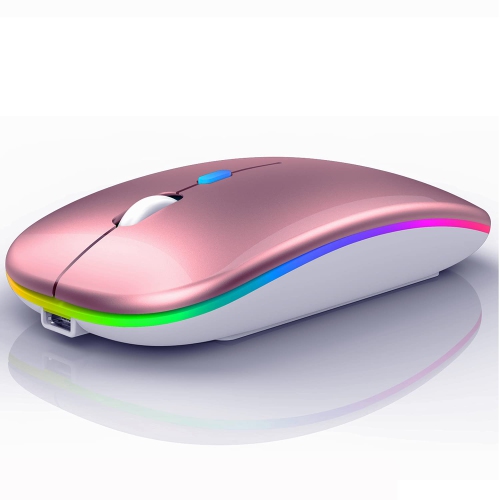




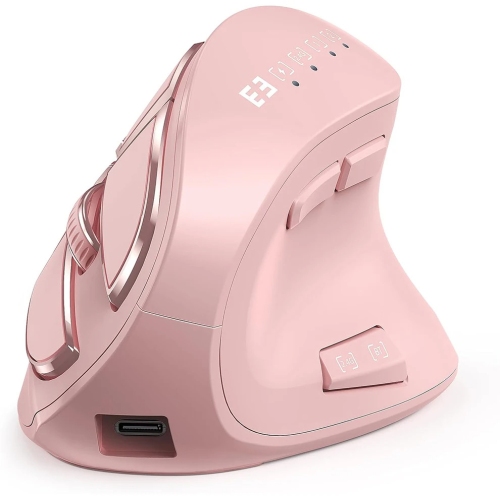



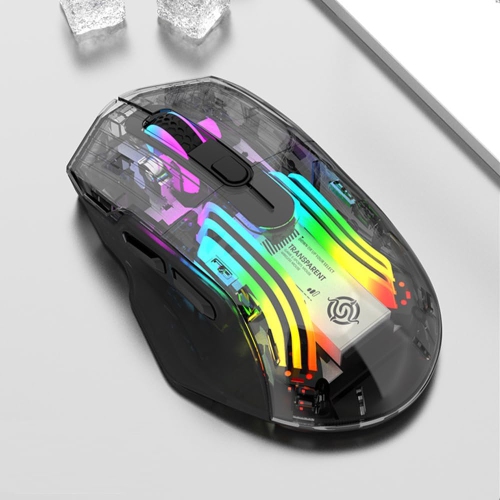
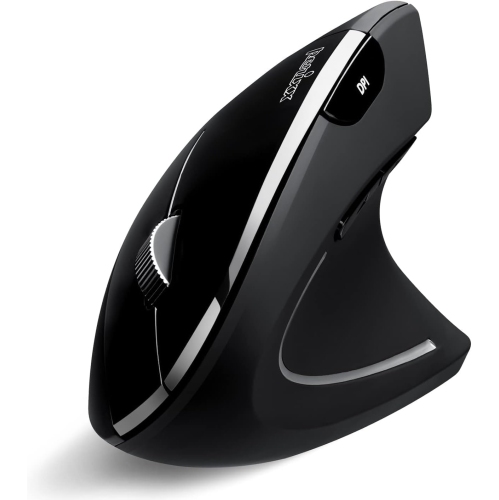


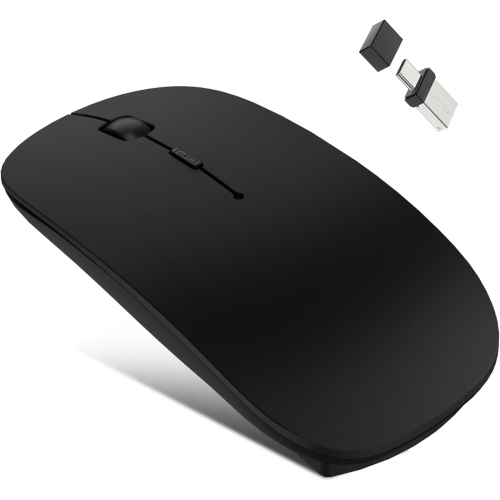
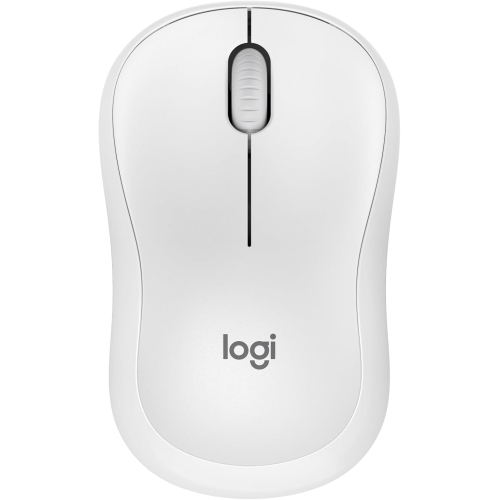

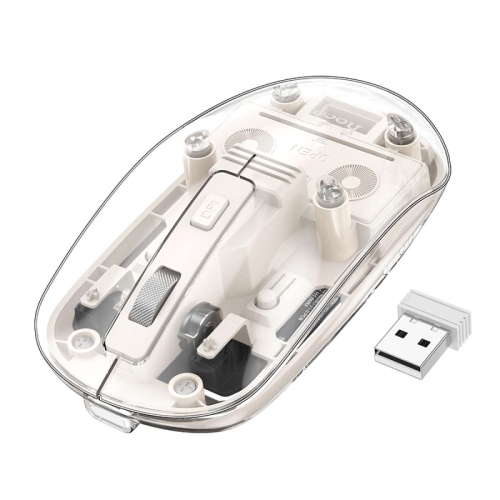
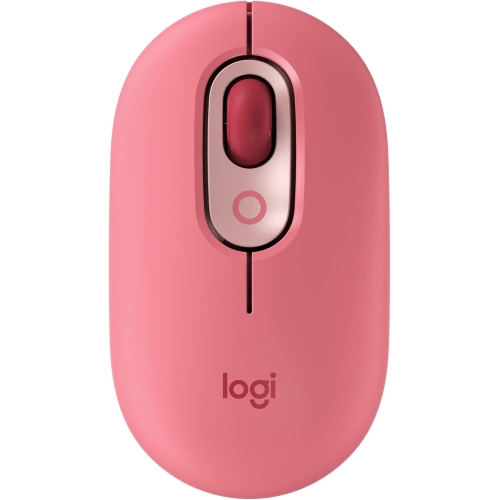
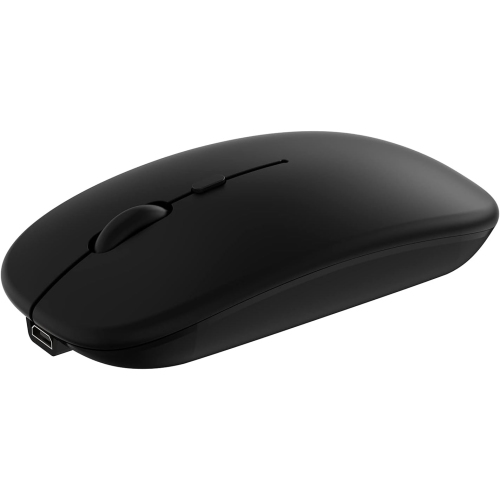
There’s more to tablet mouse compatibility than pairing
Bluetooth mice for tablets provide wireless pointer control for compatible tablets, making it easier to select text, move between documents, and work with spreadsheets without relying entirely on the touchscreen. They connect through the tablet’s built-in Bluetooth rather than a separate USB receiver, leaving a charging or accessory port free. A mouse described only as wireless is not necessarily a Bluetooth mouse; some wireless designs require a receiver, while others offer both connection methods. The right match depends on the tablet’s operating system, supported Bluetooth connections, and the way individual apps handle a pointer. Basic clicking and scrolling may work even when extra buttons, gesture controls, or custom shortcuts do not, so compatibility matters beyond the ability to pair. Some tablets display a conventional arrow, while others use a pointer that changes appearance around on-screen controls. Scrolling direction, pointer speed, and secondary-click behaviour may also depend on the tablet’s settings. For everyday work, a stable connection and predictable tracking are often more useful than a long list of functions that the tablet cannot use. A student reviewing lecture notes, a consultant updating a presentation, or someone managing household paperwork can benefit from keeping one hand on a mouse while the tablet rests on a stand. Pairing a mouse with a separate keyboard can also make a compact tablet setup more comfortable for longer writing sessions, particularly when highlighting passages or placing a cursor within a paragraph. Touch remains useful for gestures and quick taps, so a mouse complements the screen rather than replacing every touch interaction. Work or school tablets may have restrictions on accessory pairing or software installation, which can affect the features accessible to the user. A suitable mouse should fit the actual tasks and supported controls of the tablet, whether the setup is used at a kitchen table, a library desk, or a small workspace at home.
Shape and size make a noticeable difference when a mouse becomes part of a daily tablet routine. A slim, lightweight design slips easily into an accessory pouch, but a very flat shell may offer less palm support during extended use. A fuller shape can feel more settled in the hand, although it takes up more room beside a tablet in a compact bag. Hand size, finger reach, and grip style are more useful considerations than simply choosing the smallest mouse. Someone who rests their palm across the shell may prefer a different profile from someone who guides the mouse mainly with their fingertips. Symmetrical shapes can suit either hand, but the placement of side buttons may still favour right-handed use. Hard plastic shells are common, with smooth finishes that wipe clean easily and textured grips that offer a firmer hold. Rubberized sections can feel comfortable, though these surfaces need gentle cleaning and protection from abrasive materials. Solid construction, secure battery covers, and buttons that respond consistently are practical durability details, especially for a mouse carried between home, school, and work. Quiet-click designs can be helpful in a shared study space or during a video call, although scroll wheels and other controls may still make sound. Tracking also depends on the surface beneath the mouse. A matte desk or mouse pad generally provides a more predictable surface than reflective glass, unless the sensor is specifically designed for it. Adjustable sensitivity, where supported, can help balance quick movement across the screen with careful selection of small cells or text. For detailed drawing or handwriting, a compatible stylus may remain the better tool; a mouse is particularly useful for navigation, editing, and repeated selections. A protective pouch or separate bag compartment helps prevent keys, chargers, and other accessories from rubbing against the shell or pressing the buttons in transit.
Battery type and device-switching features can shape how conveniently a Bluetooth mouse fits into tablet use. Rechargeable designs need access to a suitable charging cable, while replaceable-battery designs require the correct battery size and a secure compartment. Battery life varies with usage, connection behaviour, and power-saving settings, so runtime claims are most helpful when considered alongside the intended routine. Automatic sleep can reduce battery use between sessions, while a physical power switch is useful before packing the mouse away. A low-battery indicator can provide a warning before a meeting or study session, though the way battery status appears may differ between tablets. Charging connections also deserve attention: a mouse that charges by cable does not necessarily support a wired data connection, and use while charging depends on its design. For people moving between a tablet and a computer, multi-device pairing can reduce repeated setup. The number of saved connections and the method for switching between them vary, and this feature usually means controlling one selected device at a time rather than several at once. For a setup that includes a tablet and a compatible laptop, Bluetooth Mice for Samsung Chromebook may also be relevant, with support checked separately for each device. Routine care is straightforward: switch the mouse off before cleaning, remove loose debris around the sensor and scroll wheel, and follow the manufacturer’s directions for wiping the shell. Avoid spraying liquid directly onto openings or soaking textured grips. A clear tracking surface and careful storage help keep everyday operation consistent. As a gift for a student, frequent traveller, or someone building a more flexible home workspace, a tablet mouse is most useful when its size, controls, and connection options suit the recipient’s existing setup. Including a suitable mouse pad or storage pouch can make it easier to carry and use without adding much bulk to a tablet bag.
Shape and size make a noticeable difference when a mouse becomes part of a daily tablet routine. A slim, lightweight design slips easily into an accessory pouch, but a very flat shell may offer less palm support during extended use. A fuller shape can feel more settled in the hand, although it takes up more room beside a tablet in a compact bag. Hand size, finger reach, and grip style are more useful considerations than simply choosing the smallest mouse. Someone who rests their palm across the shell may prefer a different profile from someone who guides the mouse mainly with their fingertips. Symmetrical shapes can suit either hand, but the placement of side buttons may still favour right-handed use. Hard plastic shells are common, with smooth finishes that wipe clean easily and textured grips that offer a firmer hold. Rubberized sections can feel comfortable, though these surfaces need gentle cleaning and protection from abrasive materials. Solid construction, secure battery covers, and buttons that respond consistently are practical durability details, especially for a mouse carried between home, school, and work. Quiet-click designs can be helpful in a shared study space or during a video call, although scroll wheels and other controls may still make sound. Tracking also depends on the surface beneath the mouse. A matte desk or mouse pad generally provides a more predictable surface than reflective glass, unless the sensor is specifically designed for it. Adjustable sensitivity, where supported, can help balance quick movement across the screen with careful selection of small cells or text. For detailed drawing or handwriting, a compatible stylus may remain the better tool; a mouse is particularly useful for navigation, editing, and repeated selections. A protective pouch or separate bag compartment helps prevent keys, chargers, and other accessories from rubbing against the shell or pressing the buttons in transit.
Battery type and device-switching features can shape how conveniently a Bluetooth mouse fits into tablet use. Rechargeable designs need access to a suitable charging cable, while replaceable-battery designs require the correct battery size and a secure compartment. Battery life varies with usage, connection behaviour, and power-saving settings, so runtime claims are most helpful when considered alongside the intended routine. Automatic sleep can reduce battery use between sessions, while a physical power switch is useful before packing the mouse away. A low-battery indicator can provide a warning before a meeting or study session, though the way battery status appears may differ between tablets. Charging connections also deserve attention: a mouse that charges by cable does not necessarily support a wired data connection, and use while charging depends on its design. For people moving between a tablet and a computer, multi-device pairing can reduce repeated setup. The number of saved connections and the method for switching between them vary, and this feature usually means controlling one selected device at a time rather than several at once. For a setup that includes a tablet and a compatible laptop, Bluetooth Mice for Samsung Chromebook may also be relevant, with support checked separately for each device. Routine care is straightforward: switch the mouse off before cleaning, remove loose debris around the sensor and scroll wheel, and follow the manufacturer’s directions for wiping the shell. Avoid spraying liquid directly onto openings or soaking textured grips. A clear tracking surface and careful storage help keep everyday operation consistent. As a gift for a student, frequent traveller, or someone building a more flexible home workspace, a tablet mouse is most useful when its size, controls, and connection options suit the recipient’s existing setup. Including a suitable mouse pad or storage pouch can make it easier to carry and use without adding much bulk to a tablet bag.
Top selling and popular products
-
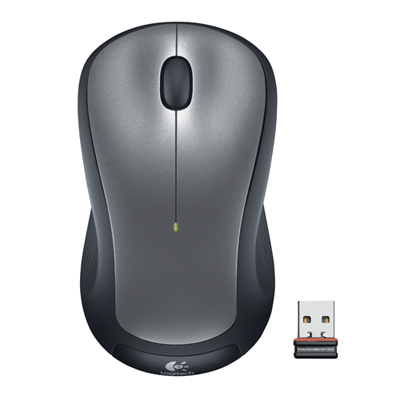 Your price for this item is $29.99
-
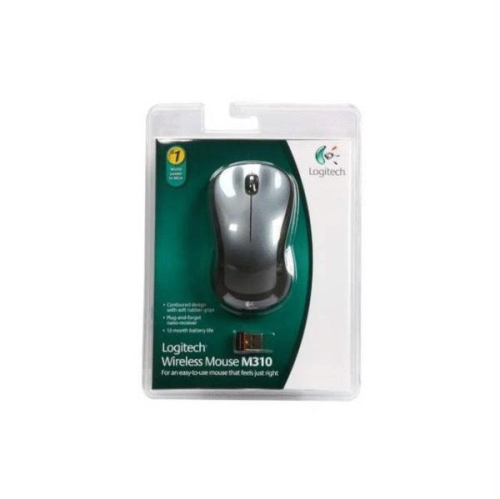 Your price for this item is $50.44
-
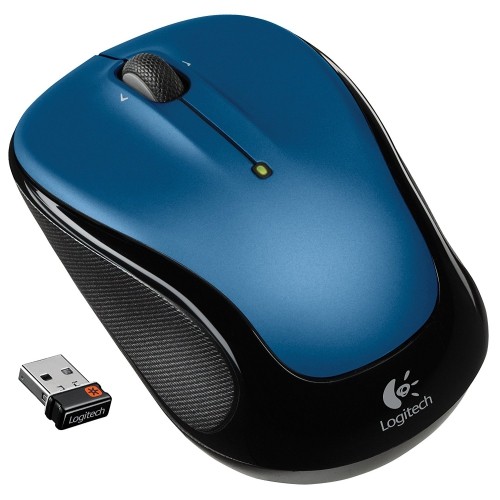 Your price for this item is $39.99
-
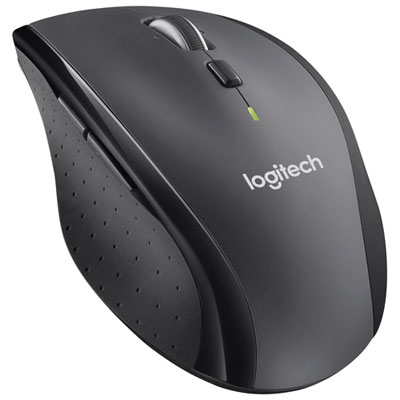 Your price for this item is $49.99
-
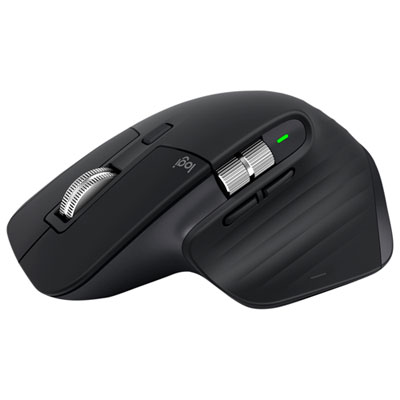 Your price for this item is $159.97
-
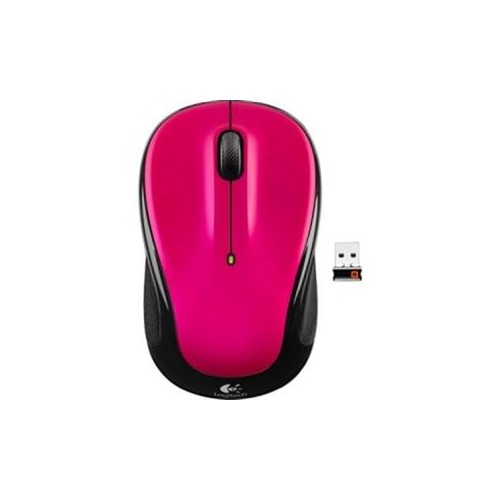 Your price for this item is $64.68
-
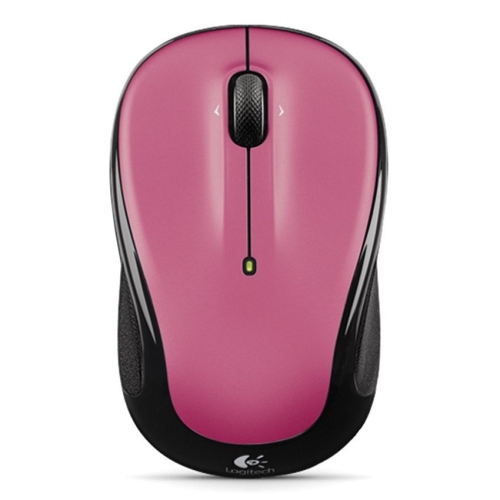 Your price for this item is $48.68
-
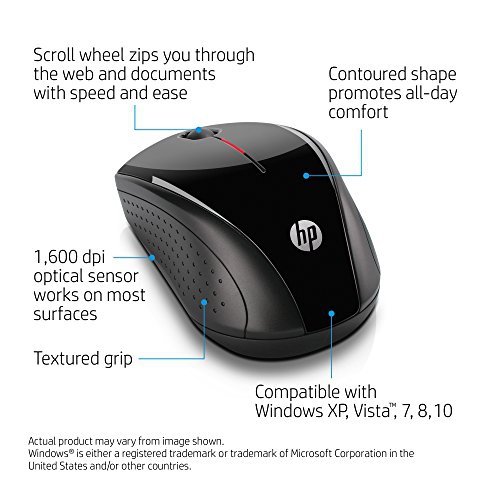 Your price for this item is $31
Discover more categories related to Bluetooth Mice for Tablet
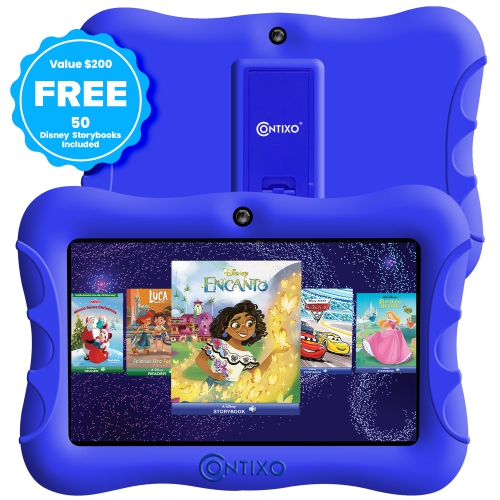
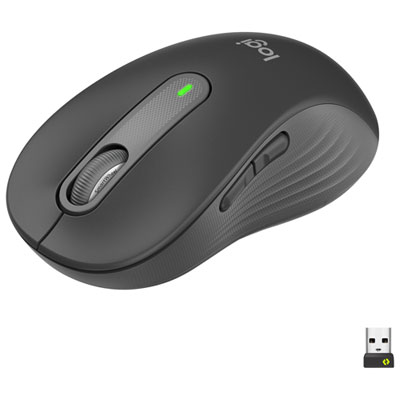
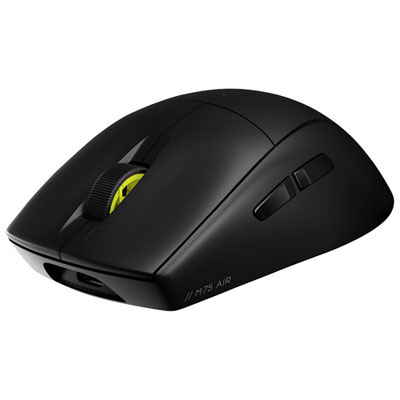
Top Collections:
Best Black Friday Deals This Year, Best Black Friday Deals On Electronics, Kindle Devices, Pokemon Centers, Best Black Friday Deals On Apple Products, Best Cameras for Sports Photography, Dyson Airwrap, Pokémon 30th Celebration Cards, Apple iPhone 17 Pro, Canon G7X Cameras
Some products may be subject to Environmental Handling Fees
(EHF) depending on your province.
Learn more about EHFs.